can heatsinks be used on dell xps 13?
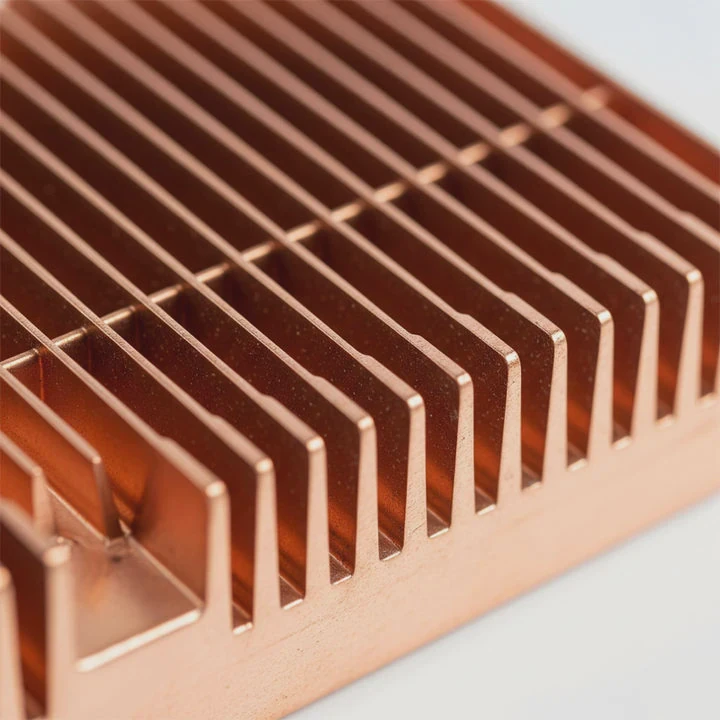
I tried to add tiny heatsinks to an ultrabook years ago. I thought it would be simple. I soon learned that tight spaces and firm shields make this hard.
You can use small heatsinks on a Dell XPS 13 only in very limited spots, and only if they clear the chassis and do not block fans or shields. Most parts accept small sinks, but space and airflow restrict the results.
I want to explain these limits in simple words, because many people expect desktop-like freedom inside an ultrabook.
Why ultrabooks limit cooler mods?
I remember the first time I opened my own XPS-style machine. I hoped to add a bigger copper sink. I found shields, tight panels, and almost zero space. I understood why mods fail in thin laptops.
Ultrabooks limit cooler mods because they use compact boards, shared heat pipes, thin shields, and low-clearance shells. These parts leave very little room for added heatsinks or airflow.
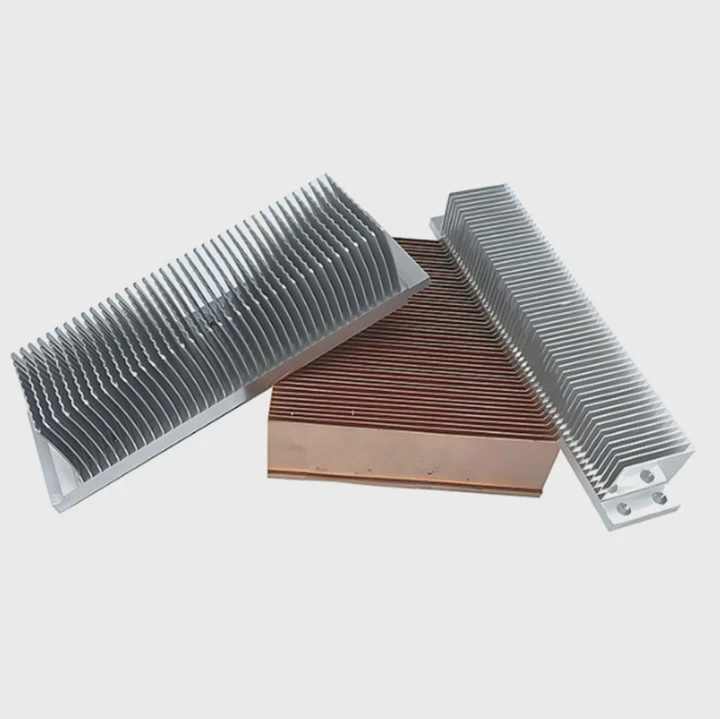
When I work inside an ultrabook, I see stacked parts. I see battery, hinge rails, speakers, and thin fans in one layer. Every millimeter counts. If I place a heatsink that is even a bit too tall, the bottom panel will not close. Even when it closes, pressure can warp the board.
H3: Why the layout blocks modification
The Dell XPS 13 has a slim motherboard. It holds CPU, VRMs, memory, Wi-Fi module, and SSD in a tight cluster. The thermal system uses a shared heat pipe or vapor chamber. This design removes heat in a set path. A new heatsink breaks this path and can trap heat instead of removing it.
H3: Parts that cause height limits
Below is a simple table that shows what limits height inside a thin laptop:
| Limiting Part | Height Impact | Risk When Adding a Sink |
|---|---|---|
| Bottom shell | Very low clearance | Shell may bulge |
| Battery | Fixed upper line | Contact with sink can be unsafe |
| Fan duct | Narrow airflow slot | Sink may block air |
| Ribbon cables | Fragile and exposed | Heat may damage cable |
Why this layout reduces benefit
I once tried to place a small copper sink on a VRM. It fit. But the shell pushed down on it. The sink pressed into the board when I closed the panel. Temps went up. The fan sounded worse. The design of an ultrabook makes many mods look simple but act poorly.
H3: What I learned from these attempts
I learned that ultrabooks work best when their cooling path stays as the maker designed. I learned that any new part must be thinner than a coin. I learned that blocked air hurts more than small sinks help. These lessons help me guide others today.
Which components accept small sinks?
I often check parts one by one. I test their clearance with a tiny plastic card. I learned that some components can take a small sink, but many cannot.
Small sinks can fit on VRMs, power modules, and sometimes SSDs in a Dell XPS 13. They must be very low-profile and placed where no cables or shields touch them.
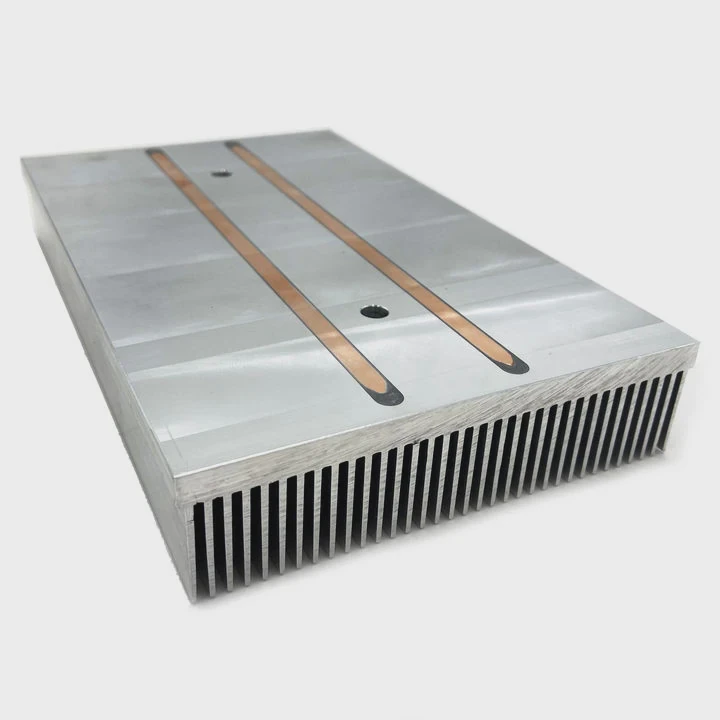
The CPU and memory are usually under a main thermal plate. This plate covers them for a reason. It makes contact with the heat pipe or vapor chamber. Adding a sink there breaks contact and leads to worse cooling.
H3: What parts usually allow small sinks
Here are the areas where I have seen safe, low-profile placement:
- VRM clusters near the CPU
- Small power stages near fan ducts
- Some SSD controllers (if not covered)
- Minor chips that run warm but not hot
H3: Which parts should stay untouched
- CPU
- GPU block (if present in that model)
- Memory modules (soldered under shields)
- Heat pipe or vapor chamber surfaces
- Any part under a factory shield
Component acceptance table
Here is a table that shows safe and unsafe candidates:
| Component | Accepts Low Sink? | Notes |
|---|---|---|
| VRMs | Yes, if low-height | Must clear fan duct |
| SSD controller | Sometimes | Only if no shield blocks it |
| Wi-Fi chip | Rarely | Antenna cables may touch it |
| CPU package | No | Breaks factory thermal path |
| Memory | No | Usually sealed |
Why these choices matter
I once added a sink to an SSD controller in a thin laptop. I used a 1mm sink. It fit well. Temps dropped by a few degrees. But the same height sink caused problems on a VRM near a hinge rail. The rail pressed the sink. This made the laptop creak when moved. Component choice is always specific to each spot.
H3: The safe method I now use
I test with a soft foam pad cut to the height of the planned sink. I close the panel. If I feel pressure or hear a click, the sink is too tall. This simple test saves time and risk.
Can adhesives hold micro heatsinks?
I used thermal tape many times. It works well in desktops. In ultrabooks, it faces heat cycles, movement, and vibration. I learned that adhesion is possible, but only with care.
Yes, adhesives can hold micro heatsinks, but they must be thin thermal tapes or pads with firm grip. Strong glues risk damage, and thick pads reduce cooling.
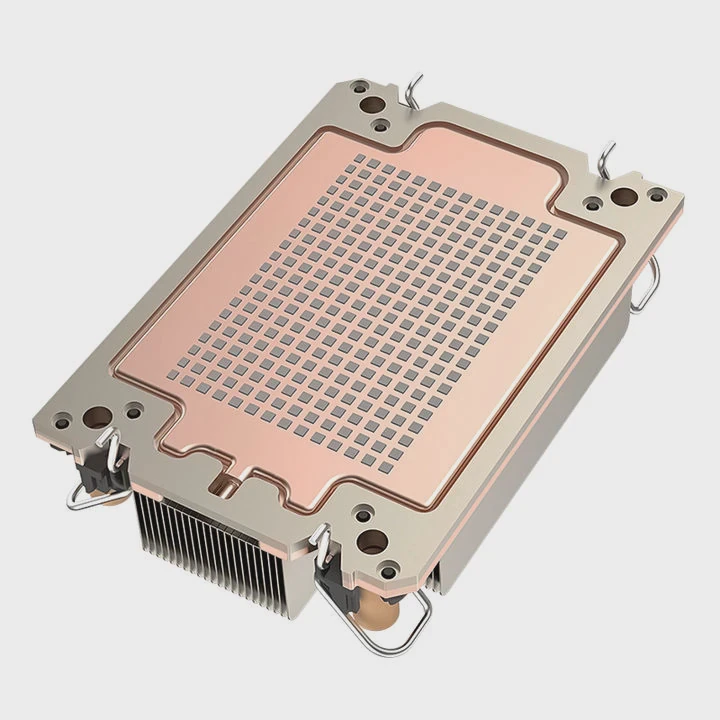
Many people think glue is safe. I never use glue inside laptops. It leaves residue. It may pull components off. A thin tape or pad is much safer.
H3: What adhesive types I tested
- Thin thermal tape (my usual choice)
- Silicone pads (soft, easy, but weak over time)
- Thick double-sided pads (bad for heat)
- Thermal epoxy (strong but risky)
Why strong epoxy is dangerous
Thermal epoxy holds forever. But ultrabook boards use tiny surface parts near VRMs and SSD controllers. If light pressure pulls the sink, epoxy may lift soldered parts. I saw this happen once during a repair. It destroyed the board.
Adhesive comparison table
Below is a simple table that shows how each method performs:
| Adhesive Type | Strength | Risk | Heat Transfer |
|---|---|---|---|
| Thin thermal tape | Medium | Low | Good |
| Silicone pad | Low | Low | Fair |
| Thick pad | Medium | Low | Poor |
| Thermal epoxy | Very high | High | Good |
H3: How I apply tape safely
I trim the tape to be as small as the sink base. I clean the chip with isopropyl alcohol. I place the sink gently and press for a few seconds. I never use more than one layer. I always check clearance before final placement.
Why vibration matters
Laptops move. They tilt. They flex a bit when handled. A sink with weak tape may fall off. If it falls on a board, it can short parts. I saw a small aluminum sink shift and touch a tiny inductor once. It caused a startup failure. Strong tape and careful placement avoid this.
Do tight spaces reduce benefit?
I used to think that any sink helps. Then I tested temps in a very cramped ultrabook. The sink warmed up, but it had no airflow. The gain was tiny.
Yes, tight spaces reduce benefit because the sink heats up with no airflow to carry heat away. Most ultrabooks have sealed paths that block the full effect of micro sinks.
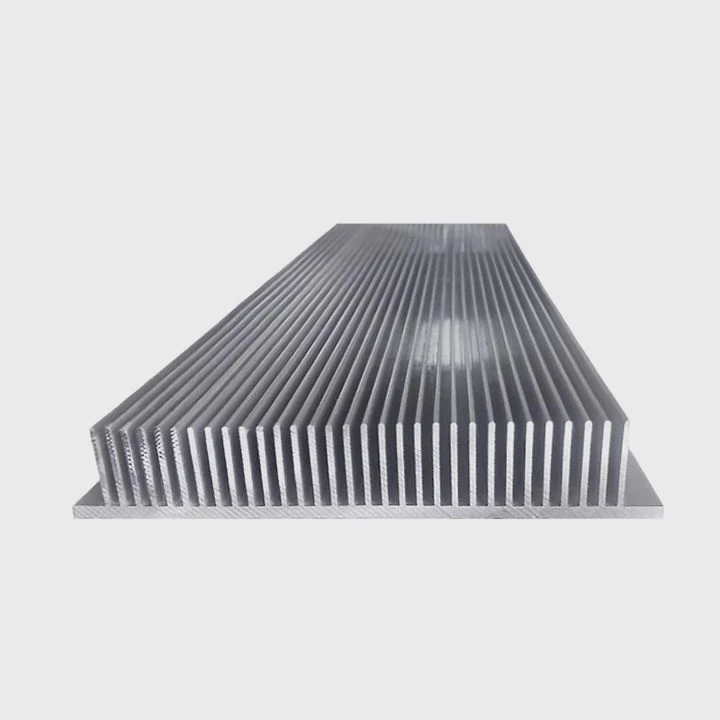
Airflow is the key. In a desktop, small sinks catch moving air. In an ultrabook, air moves only through fan ducts. Anything outside the duct has weak airflow. A sink in a dead zone is only a warm metal block.
H3: Why cramped zones trap heat
When I place a sink near the battery or speakers, heat stays around it. The laptop bottom plate has almost no vents. Even when vents exist, they link only to the main fan. Many side areas stay still. A sink there adds mass, not cooling.
H3: Airflow paths in thin laptops
The Dell XPS 13 uses an intake at one side and an exhaust at another. The heat pipe or vapor chamber carries heat from the CPU. Air moves through the fan. Only parts near this channel get steady air. Any small sink outside this path has limited use.
H3: My tests with different heights
I tried sinks of 1mm, 1.5mm, and 2mm on a warm power module. The 1mm sink cleared the shell. The 1.5mm sink touched the shell lightly. The 2mm sink blocked the panel. The 1mm sink dropped temps by a small amount. The other two made temps worse. This showed that space is not only a fit issue – it is a heat issue.
H3: When sinks still help
Sinks help when placed on an SSD controller with some airflow from the fan edge. They help when used near a VRM that sits close to the fan. They help when the laptop uses a small vent nearby. These cases are rare but real.
Why location matters more than size
I once moved a sink by just a few millimeters closer to a duct. The temp difference was bigger than the size of the sink itself. Placement beats height. Placement beats mass. This is the rule I follow now.
Conclusion
Small heatsinks can work in a Dell XPS 13, but space, airflow, and safe adhesion limit the benefit. Careful placement, low height, and gentle methods give the best chance for real cooling gains.
TAGS
Latest Articles
Volume discount levels for heat sink orders?
Buyers often ask when heat sink prices start to drop with volume. Many worry they’re overpaying for small orders. This guide explains how B2B volume pricing works for thermal components. Heat sink
21 Dec,2025
Heat sink long-term supply contract options?
Many buyers want stable pricing and reliable delivery for heat sinks. But without a clear contract, risks grow over time. This article explores how to secure better long-term supply deals. Long-term
21 Dec,2025
Tooling cost for new heat sink profiles?
Many engineers struggle to understand why tooling for custom heat sinks costs so much. They worry about budgeting and production timelines. This article breaks down the cost drivers behind tooling.
21 Dec,2025
Heat sink custom sample process steps?
Sometimes, starting a custom heat sink project feels overwhelming—too many steps, too many unknowns, and too many risks. You want a sample, but not endless delays. The process for requesting and
20 Dec,2025
Standard B2B terms for heat sink payments?
When buyers and sellers in B2B heat sink markets talk about payment, many don’t fully understand what’s standard. This can lead to delayed orders, miscommunication, and even lost business
20 Dec,2025
Heat sink pricing factors for large orders?
Heat sinks are vital for many systems. When prices rise, projects stall and budgets break. This problem can hit teams hard without warning. Large order heat sink pricing depends on many factors. You
20 Dec,2025Related Articles
- can the fan of a cpu heatsink be replaced?
- do heatsink fans push air or pull air?
- how to install new heatsink?
- Will Samsung 980 Pro with heatsink fit in a laptop?
- will a cob led fit on a socket a heatsink?
- how long let heatsink set before turning on computer?
- How to use old heatsink?
- how to screw heatsink?
- do you apply thermal paste to cpu and heatsink?
- are heatsinks on ssd necessary?
- How to remove fan from AMD heatsink?
- can you buy wd black sn750 heatsink cover?
Author
Dr. Emily Chen
Chief AI Researcher
Leading expert in thermal dynamics and AI optimization with over 15 years of experience in data center efficiency research.
Categories
Latest Products
Recommend Categories
- Liquid cooling plate Manufacturer
- Industrial Heat Sink Manufacturer
- Standard Heat Sink Manufacturer
- Aluminum Heat Sink Manufacturer
- Copper Heat Sink Manufacturer
- Anodized Heatsink Manufacturer
- Stamping heat sink Manufacturer
- Die Casting Heatsink Manufacturer
- Soldering heat sink Manufacturer
- CNC Parts Manufacturer
Latest Products
- Wholesale Aluminum Radiator
- Water Cooling Plate Kit
- Water Cooling Heat Sink
- Water Cooling Heat Sink Kit
- Stainless Steel Water Distributor
- Server Water Cooling Plate Kit
- Server Liquid Cooling System
- Server Aluminum Cooling Kit
- S19 Full Cover Cooling Plate
- S19 Cooling Plate Kit
- S19 Aluminum Cooling Plate
Contact Expert
Have questions about this article? Reach out to our experts directly.