Do Graphics Cards Have Options for Liquid Cooling?
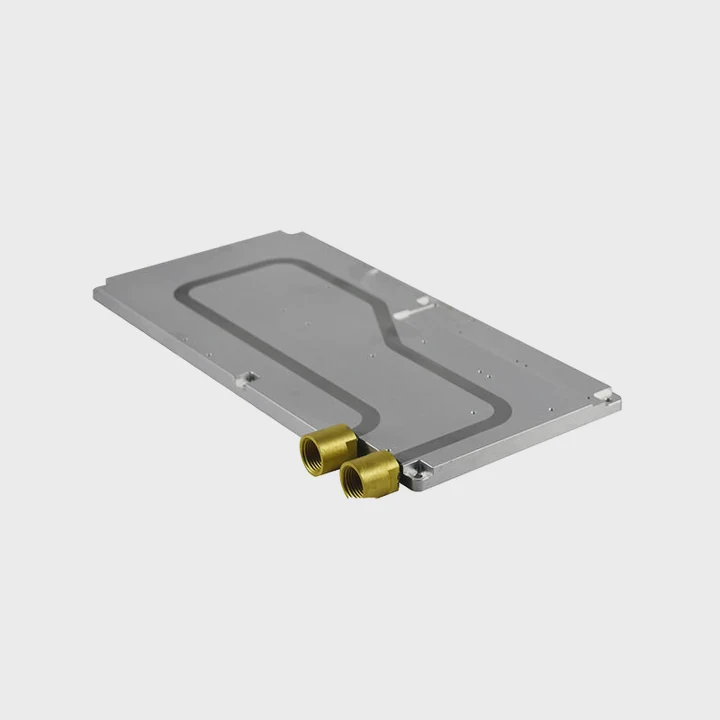
The question of whether graphics cards have options for liquid cooling has become increasingly relevant in today’s world of high-performance gaming and computing. As technology advances, GPUs demand more power and generate more heat, pushing cooling solutions to evolve.
Yes, graphics cards do have options for liquid cooling, either as built-in solutions or through aftermarket systems. The need for efficient cooling solutions is rising due to the increasing heat output from GPUs, making liquid cooling an attractive option for gamers and professionals alike.
Liquid cooling systems are often favored because they can manage high heat loads more effectively than traditional air coolers. But how exactly does this work? And is it worth the investment? Let’s explore the answers in more detail.
How Does Liquid Cooling Benefit Graphics Cards?
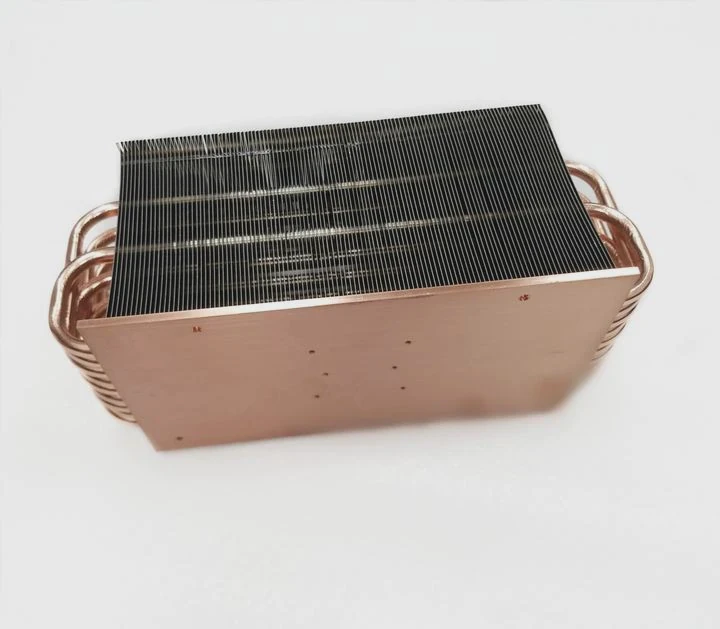
Liquid cooling offers several advantages over traditional air cooling methods, particularly when it comes to handling the high thermal output of modern GPUs. In essence, liquid cooling systems provide more efficient heat dissipation, lower temperatures, and quieter operation, which can improve GPU performance and longevity.
Better Thermal Management
One of the primary benefits of liquid cooling is its superior thermal management. Unlike air, liquid has a much higher heat capacity, meaning it can absorb and transfer heat away from the GPU more efficiently. This makes liquid cooling systems ideal for high-performance GPUs that generate significant amounts of heat during gaming or heavy workloads.
Lower Temperatures and Thermal Throttling
In high-performance tasks, GPUs can quickly reach high temperatures, often resulting in thermal throttling. Thermal throttling is when the GPU reduces its clock speed to prevent overheating, which can lead to reduced performance. Liquid cooling can prevent this by keeping the GPU temperatures consistently lower, allowing the card to perform at its optimal capacity without interruptions.
Quieter Operation
One major issue with traditional air cooling is the noise. High-performance air coolers often require large fans that spin at high speeds, creating noise, especially when the GPU is under load. Liquid cooling systems tend to operate much quieter, as the main sound comes from the pump rather than the fans. This can be particularly important for users who prefer a quieter gaming or working environment.
Enhanced Overclocking Potential
Another benefit of liquid cooling is the potential for overclocking. Overclocking involves pushing the GPU beyond its factory-set limits to achieve higher performance. Liquid cooling allows for better heat dissipation, making it easier to maintain lower temperatures during overclocking. This makes it a popular choice among enthusiasts who want to squeeze every ounce of performance from their hardware.
What Are the Benefits of Liquid Cooling for GPUs?
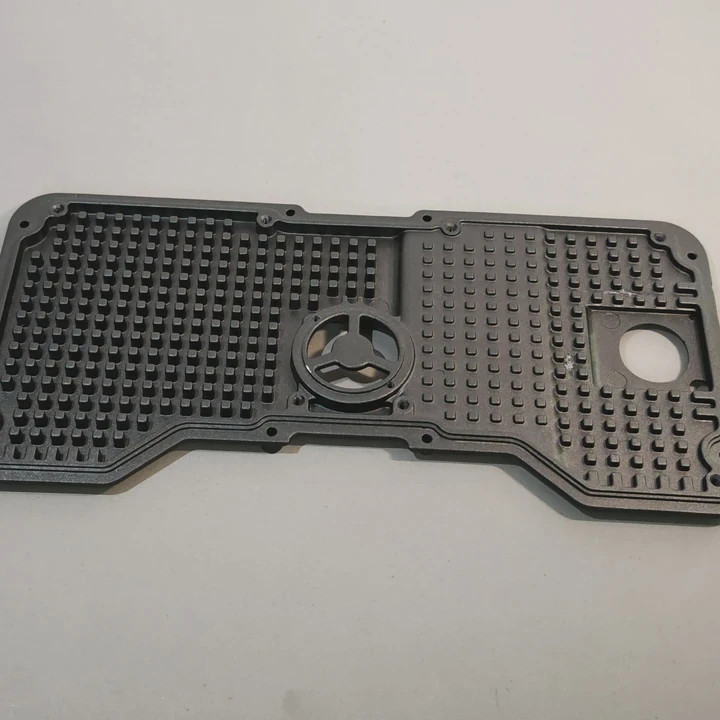
Liquid cooling for GPUs offers multiple benefits that enhance performance, noise reduction, and system longevity. The main advantage of liquid cooling is its ability to maintain lower temperatures, preventing overheating and thermal throttling while offering a quieter computing experience.
More Efficient Cooling
Liquid cooling is far more efficient at transferring heat away from components compared to air. As GPUs become more powerful, the heat they produce also increases. Liquid cooling is able to absorb more heat and transport it away through tubes connected to radiators or heat exchangers. This keeps the temperature low, enabling the GPU to run at higher speeds without overheating.
Less Noise, Better User Experience
Another major advantage is the reduction in noise. Traditional air cooling systems often use large, high-speed fans that can be noisy, especially under load. Liquid cooling systems operate more quietly because the pump and radiator fans typically run at a lower speed compared to air cooler fans, making them an ideal choice for users looking to reduce noise in their setup.
Longer Lifespan of Components
Keeping your GPU cool is essential for its longevity. Prolonged exposure to high temperatures can lead to wear and tear on internal components, potentially reducing the lifespan of the GPU. Liquid cooling helps maintain lower temperatures, thus extending the longevity of the GPU and other nearby components in the system.
Improved Aesthetics
Liquid cooling setups, especially custom loops, can also improve the aesthetics of your PC. Many users opt for liquid cooling because it allows for sleek, visually appealing designs. With features like RGB lighting, clear tubing, and even custom reservoirs, a liquid-cooled PC can be a work of art.
How to Install Liquid Cooling for a Graphics Card?
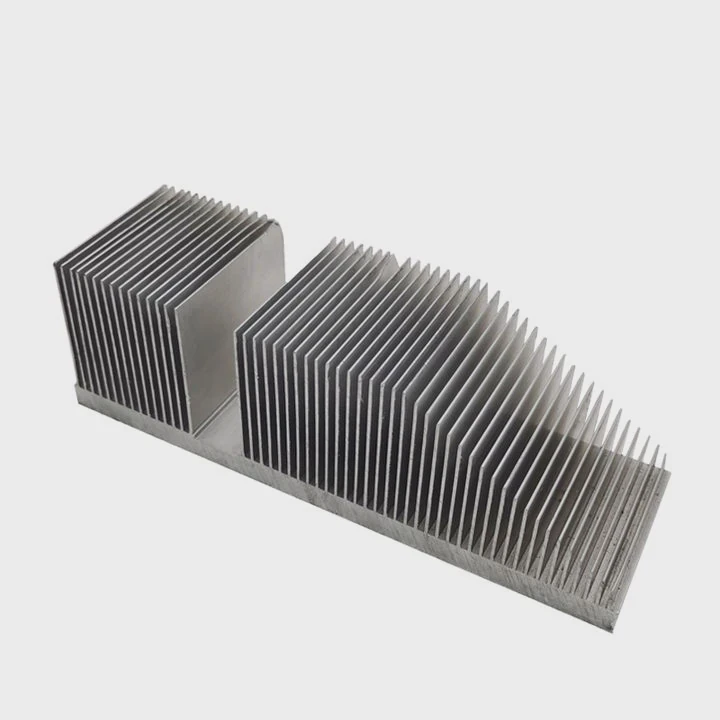
The process of installing liquid cooling for a GPU can be complex, but it’s manageable with some careful planning and the right tools. Whether you’re opting for an All-In-One (AIO) solution or a custom loop, installing liquid cooling can significantly improve your GPU’s performance and reduce its operating temperature.
Step 1: Choosing the Right Liquid Cooling System
Before beginning installation, it’s essential to choose the right cooling system. AIO coolers are the easiest to install because they come pre-assembled and require minimal setup. Custom water cooling loops, on the other hand, offer more flexibility and performance but require more effort to install and maintain.
Step 2: Disassembling the GPU
If you are opting for a custom water block, you will need to remove the stock cooling solution from your GPU. Start by carefully unscrewing the cooler and removing it. Make sure to clean off any old thermal paste before applying a fresh layer to the GPU die.
Step 3: Installing the Water Block
Install the water block onto the GPU. Make sure it is aligned correctly and make good contact with the chip for optimal thermal transfer. Secure the water block in place using screws or fasteners.
Step 4: Connecting the Cooling Loop
If you’re setting up a custom water loop, you’ll need to connect the water block to the radiator and pump. Install the radiator in your case, ideally in a position that allows for the best airflow. Attach the tubing to the water block, pump, and radiator, ensuring that the connections are tight and secure.
Step 5: Filling and Testing the System
Once the loop is set up, fill the system with coolant and run the pump to circulate the fluid. This will help you spot any leaks before you power up the system. Once you’ve checked for leaks, boot up the system and monitor the GPU temperatures to ensure everything is running smoothly.
Step 6: Connecting the System to Power
Connect the pump and radiator fans to the motherboard or power supply. Once everything is powered on, make sure to check the temperatures using software to verify that the cooling system is working correctly.
What Are the Future Trends in Liquid Cooling for Graphics Cards?
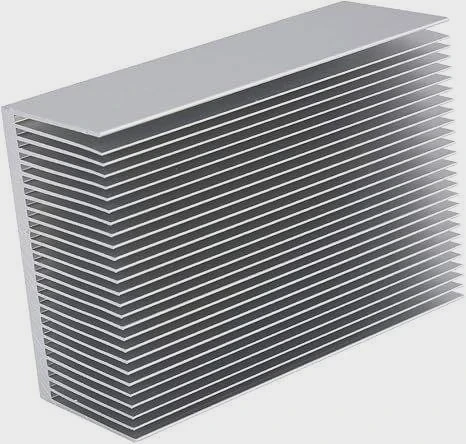
As the demand for more powerful GPUs grows, liquid cooling systems are evolving to keep up with the increasing heat output. The future of liquid cooling in graphics cards will likely involve more efficient, compact, and smarter cooling solutions.
Integrated Cooling Systems
One trend we are likely to see is the integration of liquid cooling solutions for both CPUs and GPUs into one unified system. This would simplify the installation process and improve overall system cooling. Instead of installing separate cooling solutions for each component, users may have a single liquid cooling system that handles both components.
Smaller and More Efficient Cooling Solutions
As PC cases continue to shrink in size, liquid cooling systems will become more compact. Advances in cooling technology will allow manufacturers to design smaller, more efficient radiators and pumps that fit in tight spaces while still delivering excellent cooling performance.
Smarter Cooling Solutions
We may also see the development of smarter cooling systems. These systems could monitor temperature levels in real-time and adjust fan speeds or pump speeds accordingly. With the use of AI, liquid cooling solutions could become more efficient by adapting to different workloads automatically.
Sustainable and Eco-Friendly Coolants
Another emerging trend is the use of more sustainable and eco-friendly coolants. As the technology advances, we may see the use of bio-based coolants or other environmentally friendly alternatives to traditional liquid coolants. This would reduce the environmental impact of liquid cooling systems without sacrificing performance.
Conclusion
Liquid cooling for GPUs offers substantial benefits in terms of performance, noise reduction, and lifespan extension. As the technology progresses, we can expect even more advanced and efficient cooling solutions, making liquid cooling a standard for high-performance computing.
TAGS
Latest Articles

Volume discount levels for heat sink orders?
Buyers often ask when heat sink prices start to drop with volume. Many worry they’re overpaying for small orders. This guide explains how B2B volume pricing works for thermal components. Heat sink
21 Dec,2025
Heat sink long-term supply contract options?
Many buyers want stable pricing and reliable delivery for heat sinks. But without a clear contract, risks grow over time. This article explores how to secure better long-term supply deals. Long-term
21 Dec,2025
Tooling cost for new heat sink profiles?
Many engineers struggle to understand why tooling for custom heat sinks costs so much. They worry about budgeting and production timelines. This article breaks down the cost drivers behind tooling.
21 Dec,2025
Heat sink custom sample process steps?
Sometimes, starting a custom heat sink project feels overwhelming—too many steps, too many unknowns, and too many risks. You want a sample, but not endless delays. The process for requesting and
20 Dec,2025
Standard B2B terms for heat sink payments?
When buyers and sellers in B2B heat sink markets talk about payment, many don’t fully understand what’s standard. This can lead to delayed orders, miscommunication, and even lost business
20 Dec,2025
Heat sink pricing factors for large orders?
Heat sinks are vital for many systems. When prices rise, projects stall and budgets break. This problem can hit teams hard without warning. Large order heat sink pricing depends on many factors. You
20 Dec,2025Related Articles
- Does the 3080 Need Liquid Cooling?
- Heat Sink Manufacturer in Maldives
- Heat Sink Manufacturer in Malawi
- Heat Sink Manufacturer in Luxembourg
- Heat Sink Manufacturer in Liechtenstein
- Heat Sink Manufacturer in Liberia
- Are Liquid Cooled Computers Quieter?
- How to Fix a Heat Sink on a 3D Printer Nozzle?
- Heat Sink Manufacturer in Mali
- Heat Sink Manufacturer in Malta
- Heat Sink Manufacturer in Marshall Islands
- Heat Sink Manufacturer in Mauritania
Author
Dr. Emily Chen
Chief AI Researcher
Leading expert in thermal dynamics and AI optimization with over 15 years of experience in data center efficiency research.
Categories
Latest Products

M.2 Heatpipe Heatsink With Dual Fans For Pc Case
19 Mar,2026

Heavy-Duty Aluminum Heat Sink Custom
19 Mar,2026

Oem Skived Fin Heatsink Aluminum Radiator For Plants
19 Mar,2026

Water Cooled Cnc Aluminum Heat Sink For Medical
19 Mar,2026

High Density 6000 Series Aluminum Heat Sink Profile
19 Mar,2026

High-Density Extruded Aluminum & Bonded-Fin Heat Sink Profile
19 Mar,2026
Recommend Categories
- Liquid cooling plate Manufacturer
- Industrial Heat Sink Manufacturer
- Standard Heat Sink Manufacturer
- Aluminum Heat Sink Manufacturer
- Copper Heat Sink Manufacturer
- Anodized Heatsink Manufacturer
- Stamping heat sink Manufacturer
- Die Casting Heatsink Manufacturer
- Soldering heat sink Manufacturer
- CNC Parts Manufacturer
Latest Products
- M.2 Heatpipe Heatsink With Dual Fans For Pc Case
- Heavy-Duty Aluminum Heat Sink Custom
- Oem Skived Fin Heatsink Aluminum Radiator For Plants
- Water Cooled Cnc Aluminum Heat Sink For Medical
- High Density 6000 Series Aluminum Heat Sink Profile
- High-Density Extruded Aluminum & Bonded-Fin Heat Sink Profile
- Dongguan Cnc Aluminum Heat Sink For Led & Brass Parts
- Wholesale Cnc Aluminum Heat Sink - Custom Extruded
- Led Cnc Round Heat Sink With Screw Holes
- Copper Pin-Fin Heat-Sink Large-Area For Photoled Cooling
- Telecom Heatsink Zipper Fin Wcopper Tubes Oem
Contact Expert
Have questions about this article? Reach out to our experts directly.