Are liquid-cooled computers quieter?
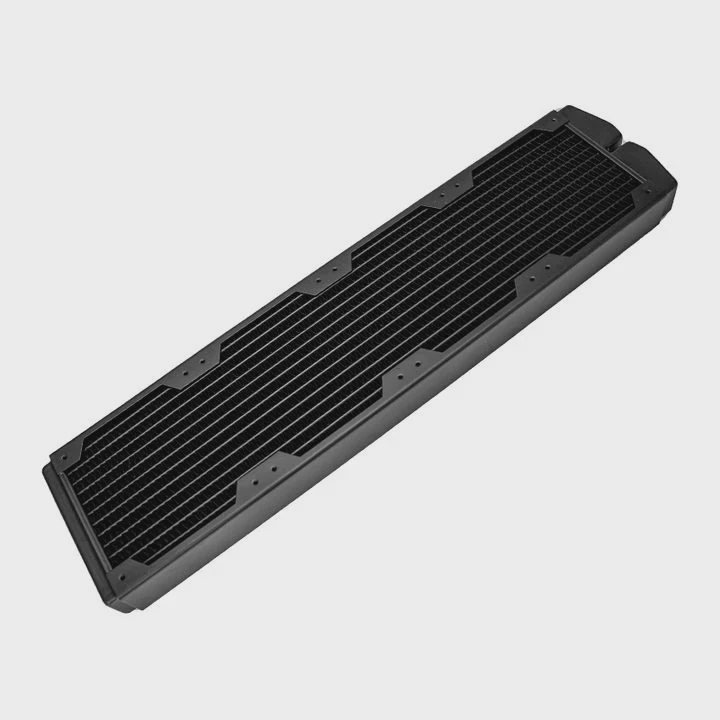
Sometimes the PC is powerful, but the noise ruins the experience. Fans spin up, the case vibrates, and the room gets loud. That is why many people ask if liquid cooling can make a PC quieter.
Yes, liquid-cooled computers can be quieter because the system spreads heat more efficiently, so fans do not need to spin as fast or as often to remove heat.
This is not automatic. A liquid-cooled PC can also be loud if it is not designed well. So let me walk through why liquid cooling helps, what parts matter, and how to build for silence.
What makes liquid cooling quieter than air?
When a CPU or GPU gets hot, the cooling system must move heat out fast. Air coolers do it with a single big fan close to the source. That fan often has to run fast and loud.
Liquid cooling is quieter because the heat is moved away from the CPU to a larger radiator, where bigger and slower fans can cool it with less noise.
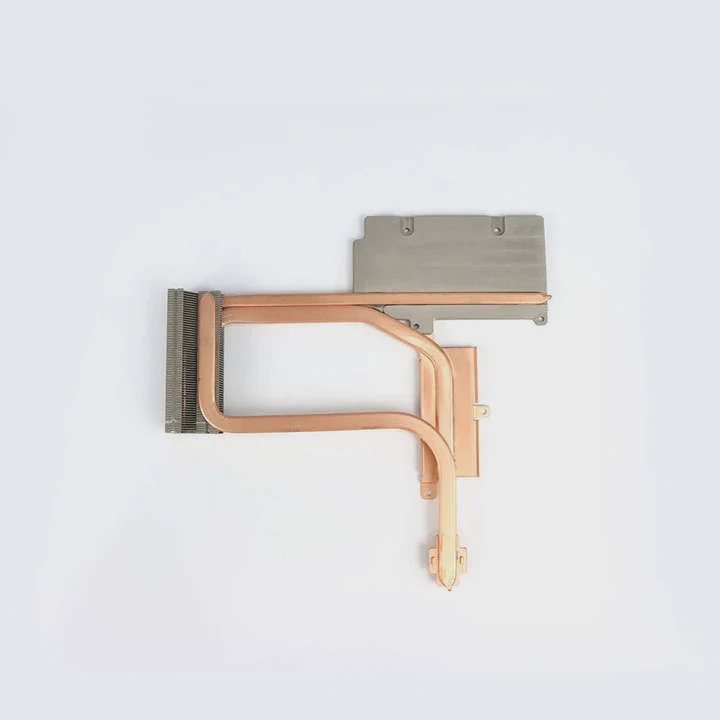
Liquid works like this: the pump sends coolant through the block, the coolant absorbs heat, and then goes to the radiator. This separation of heat source and heat removal is what makes silence possible. You are no longer forced to cool right at the CPU socket with a small fan. You can cool at the front or top of the case, with large fans and a lot of surface area.
Why relocation reduces noise
| Design choice | Noise effect | Reason |
|---|---|---|
| Radiator on front/top | Lower fan RPM | More space and airflow |
| 120mm fan at high speed | Louder | Smaller fan = higher pitch |
| 240/360mm radiator with 140mm fans | Quieter | Bigger fans, lower speed |
| Pump decoupled from case | Less vibration | No chassis resonance |
The biggest noise difference comes from fan speed. Air coolers often push fans to 1500–2000 RPM to handle spikes. A good liquid cooler can stay under 1000 RPM most of the time. Human ears notice pitch first, so slower, larger fans sound softer.
I noticed this most clearly when I changed from a tower air cooler to a 280mm AIO. Under gaming load, the temps dropped only a bit, but the sound dropped a lot. Instead of a sharp “whoosh,” it became a soft airflow sound.
What are the acoustic advantages?
Cooling is about watts. Acoustics is about how those watts are removed. With liquid cooling, the system has more flexibility, so sound can be controlled better.
The acoustic advantages of liquid cooling include lower fan speeds, lower-pitched airflow noise, reduced hotspot ramping, and fewer sudden RPM spikes during load.
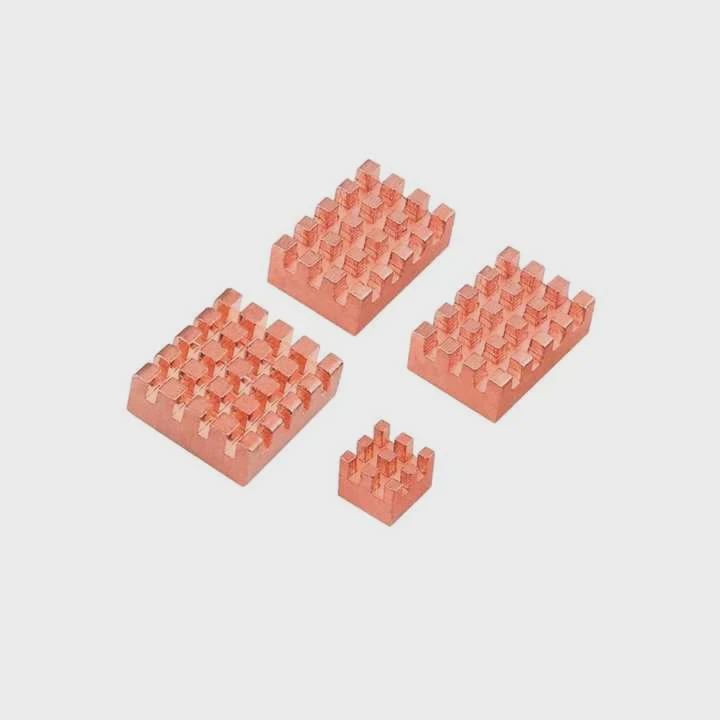
Liquid cooling smooths out temperature changes. Air coolers react directly to CPU temp. When the CPU jumps, the fan jumps. That creates sudden noise bursts. Liquid systems have more thermal mass, so temperature rises slower, and fans can use gentler curves.
Key acoustic advantages in detail
| Advantage | What it means in practice | Result |
|---|---|---|
| Thermal buffering | Coolant absorbs heat over time | Fans ramp slowly, not suddenly |
| Larger radiators | More fin area to dump heat | Lower fan RPM |
| Remote cooling | Noise moved away from user | Quieter at the desk |
| Directional airflow | Less turbulence | Cleaner sound profile |
How this feels in real use
When I run a heavy game or export a video, a liquid-cooled system does not suddenly roar. It ramps up slowly. The sound is more “air moving” and less “fan screaming.” That makes long sessions more comfortable.
Also, when you place the radiator at the front or top, you can tune airflow to be laminar and not chaotic. Chaotic airflow causes whistling and vibration. Liquid cooling gives you freedom to fix that.
And because the CPU stays cooler, the GPU sometimes stays cooler too, since the case air is not as hot. That means the GPU fans can stay at lower speeds, which is another indirect acoustic win.
How to design a silent liquid-cooled PC?
A liquid cooler is not automatically silent. You must choose the right parts, mount them well, and set smart fan curves.
To design a silent liquid-cooled PC, use a large radiator, low-RPM fans, a quiet pump, vibration isolation, and custom fan curves that prioritize low noise over lowest temperature.

Let’s build this step by step.
1. Choose oversized cooling
Pick a 240mm or 280mm radiator at minimum. If the case allows, go 360mm. Oversizing cooling is the easiest way to stay quiet because you do not need to run fans fast.
2. Use quality fans
Pick fans designed for radiators (high static pressure) but tuned for low noise. Many brands offer 800–1200 RPM optimized fans. Avoid running them at 100% unless benchmarking.
3. Control the pump
Some pumps can be loud at full speed. Set the pump to a fixed, moderate RPM. Constant low hum is better than a pump that ramps.
4. Balance case airflow
Make sure the case has at least one rear exhaust fan. If the radiator is front intake, balance it with a top or rear exhaust so air does not sit in the case and heat up.
5. Use fan curves
Set custom curves in BIOS or software. Let the first 50–60°C range run at very low fan speed. Only ramp up past that. This matches real workloads better than default aggressive curves.
Example of a quiet fan curve
| CPU temp (°C) | Fan speed (%) | Note |
|---|---|---|
| 30–45 | 25% | Near silent |
| 45–60 | 35% | Light load |
| 60–70 | 50% | Gaming |
| 70–80 | 65% | Heavy rendering |
| 80+ | 80–100% | Safety zone |
6. Avoid noise paths
Do not hard-mount the pump to a thin panel. Use rubber mounts. Do not let tubing press on the case. Keep cables clear of fans.
When all of this is set, the PC will stay quiet during normal use and will only get noticeable under synthetic stress. That is the goal: silence when you work, acceptable noise only when you really push it.
What are the innovations in noise reduction tech?
Cooling vendors know people want quiet systems, not just low temperatures. So a lot of new features are about sound, not only cooling.
Recent innovations in PC noise reduction focus on smarter fan control, better pump design, improved radiator fin geometry, and materials that reduce vibration and airflow noise.
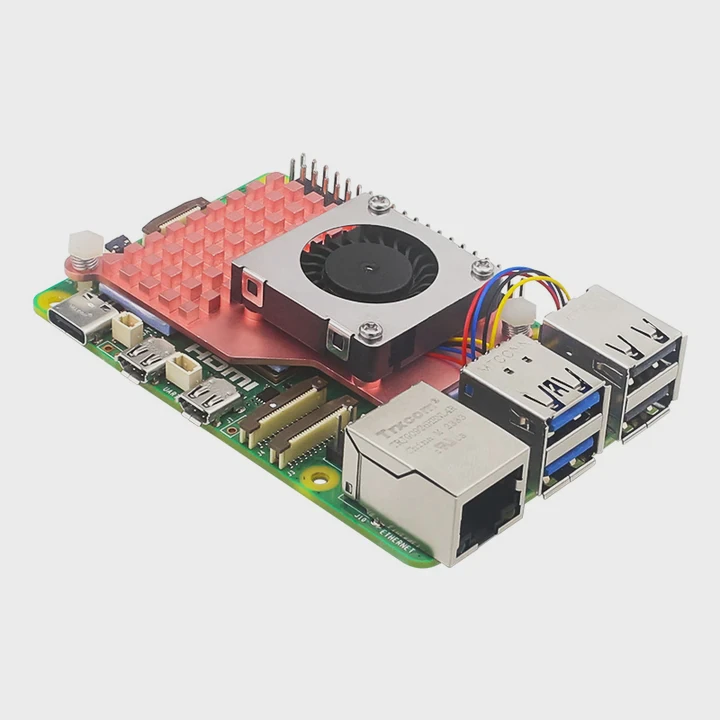
1. Smarter control algorithms
Modern motherboards and AIO software can link fan speed to coolant temperature instead of CPU temperature. Coolant temp changes slowly, so fans stay stable. This alone removes a lot of noise spikes.
2. 0 RPM and semi-passive modes
Some liquid coolers now let the radiator fans stop completely when the system is idle. The pump still runs slowly, but the PC feels fanless. This is great for office or studio work.
3. Improved pump housings
Pumps are being redesigned with quieter impellers, better bearings, and rubber isolation frames. This reduces the faint buzzing that older AIOs had.
4. Radiator fin redesign
By changing fin spacing and edge shape, manufacturers can reduce whistling noise from air turbulence. You get the same cooling at lower perceived noise.
5. Case-level acoustic design
Some cases now include sound-damping panels, airflow guides, and radiator brackets that reduce vibration. When paired with liquid cooling, these cases can stay under 25 dB in normal tasks.
Innovation overview
| Innovation | Noise benefit | Where it appears |
|---|---|---|
| Coolant-based fan curves | Stops rapid fan ramping | Premium AIOs, modern BIOS |
| Pump decoupling | Less vibration and hum | Higher-end liquid coolers |
| Semi-passive radiator fans | Silent at idle | Gaming and creator PCs |
| Low-turbulence fin design | Softer airflow sound | Newer radiators |
What I like most is that these features finally focus on user experience. A system that is “cool but loud” is not good anymore. People want “cool and quiet.” These innovations make liquid cooling not just powerful, but pleasant.
Conclusion
Liquid cooling can make a PC much quieter, but only when the system is designed for silence: large radiator, slow fans, stable pump, and good airflow. New control features and better hardware are making this easier every year. So if you want performance without the fan roar, liquid cooling is one of the best paths.
TAGS
Latest Articles

Volume discount levels for heat sink orders?
Buyers often ask when heat sink prices start to drop with volume. Many worry they’re overpaying for small orders. This guide explains how B2B volume pricing works for thermal components. Heat sink
21 Dec,2025
Heat sink long-term supply contract options?
Many buyers want stable pricing and reliable delivery for heat sinks. But without a clear contract, risks grow over time. This article explores how to secure better long-term supply deals. Long-term
21 Dec,2025
Tooling cost for new heat sink profiles?
Many engineers struggle to understand why tooling for custom heat sinks costs so much. They worry about budgeting and production timelines. This article breaks down the cost drivers behind tooling.
21 Dec,2025
Heat sink custom sample process steps?
Sometimes, starting a custom heat sink project feels overwhelming—too many steps, too many unknowns, and too many risks. You want a sample, but not endless delays. The process for requesting and
20 Dec,2025
Standard B2B terms for heat sink payments?
When buyers and sellers in B2B heat sink markets talk about payment, many don’t fully understand what’s standard. This can lead to delayed orders, miscommunication, and even lost business
20 Dec,2025
Heat sink pricing factors for large orders?
Heat sinks are vital for many systems. When prices rise, projects stall and budgets break. This problem can hit teams hard without warning. Large order heat sink pricing depends on many factors. You
20 Dec,2025Related Articles
- Is liquid cooling good?
- What is the difference between air cooling and liquid cooling?
- Is 120mm Liquid Cooling Enough?
- How Does a Liquid-Cooled Computer Work?
- What happens to a liquid when it cools?
- How to know if liquid cooling is working?
- Is a 120mm liquid cooler enough?
- Is AIO liquid cooling worth it?
- Why is liquid cooling better than air?
- Is liquid cooler necessary?
- Does i9 Need Liquid Cooling?
- What happens when liquid is cooled?
Author
Dr. Emily Chen
Chief AI Researcher
Leading expert in thermal dynamics and AI optimization with over 15 years of experience in data center efficiency research.
Categories
Latest Products






Recommend Categories
- Liquid cooling plate Manufacturer
- Industrial Heat Sink Manufacturer
- Standard Heat Sink Manufacturer
- Aluminum Heat Sink Manufacturer
- Copper Heat Sink Manufacturer
- Anodized Heatsink Manufacturer
- Stamping heat sink Manufacturer
- Die Casting Heatsink Manufacturer
- Soldering heat sink Manufacturer
- CNC Parts Manufacturer
Latest Products
- Wholesale Aluminum Radiator
- Water Cooling Plate Kit
- Water Cooling Heat Sink
- Water Cooling Heat Sink Kit
- Stainless Steel Water Distributor
- Server Water Cooling Plate Kit
- Server Liquid Cooling System
- Server Aluminum Cooling Kit
- S19 Full Cover Cooling Plate
- S19 Cooling Plate Kit
- S19 Aluminum Cooling Plate
Contact Expert
Have questions about this article? Reach out to our experts directly.