Is liquid cooler worth it?
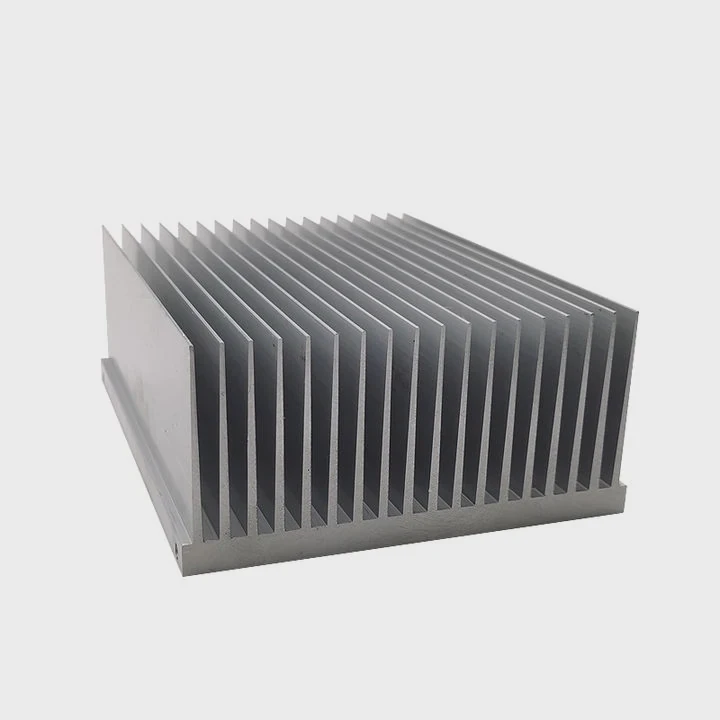
A computer running at full speed can turn into a tiny furnace. Heat is the silent enemy of performance and stability. But is liquid cooling really the answer?
A liquid cooler is worth it when performance, noise reduction, and long-term stability are your top priorities. It offers superior heat transfer compared to air cooling, especially for gaming PCs and workstations.
If you are unsure whether to upgrade, understanding how liquid cooling works and its benefits will help you make a smart choice that fits your needs.
What is a liquid cooler?
When CPUs and GPUs get hot, they need a way to move that heat away fast. Air cooling uses fans and heatsinks. Liquid cooling takes it further by circulating coolant through tubes to a radiator that dissipates heat efficiently.
A liquid cooler is a thermal system that transfers heat from a component to a radiator through liquid circulation, providing more efficient heat removal than air-based systems.
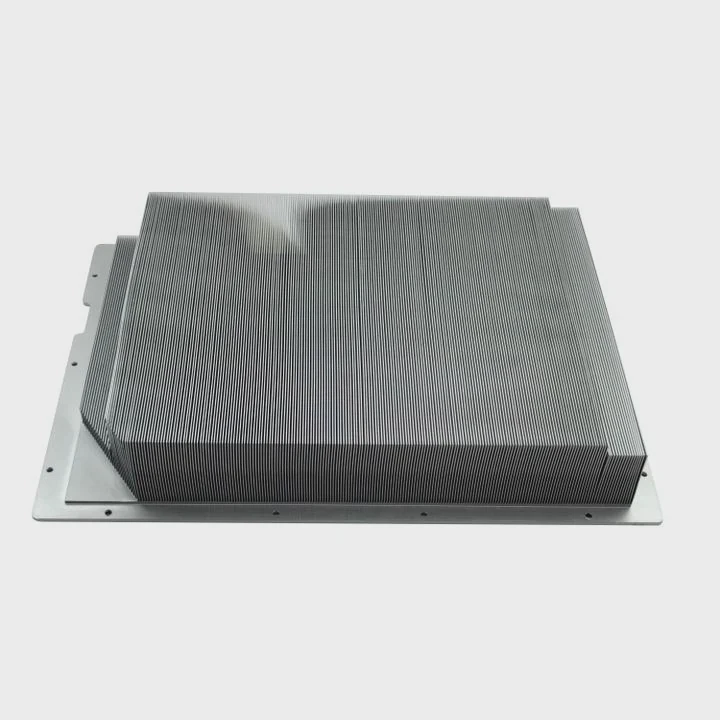
Liquid coolers use a simple but effective loop. The pump moves coolant through the cold plate, which sits directly on top of the CPU or GPU. The liquid absorbs heat and moves it to the radiator, where fans blow air to release that heat. Then the cooled liquid flows back, repeating the process.
Main Components of a Liquid Cooler
| Component | Function |
|---|---|
| Pump | Circulates coolant throughout the loop |
| Cold Plate | Transfers heat from CPU/GPU to the liquid |
| Radiator | Releases heat into the air |
| Fans | Push air through the radiator fins |
| Tubing | Connects all parts for coolant flow |
Liquid coolers come in two main types: All-in-One (AIO) and Custom Loops.
- AIO Coolers are pre-assembled and sealed, offering a balance between performance and ease of installation.
- Custom Loops allow users to design and build their own system, often combining CPU and GPU cooling for maximum performance and visual appeal.
For most users, AIO coolers are enough. They are easy to install, low maintenance, and efficient. Custom loops, on the other hand, are for enthusiasts who love to control every detail and push performance to the limit.
What advantages does it offer over air cooling?
The difference between air and liquid cooling is like comparing a handheld fan to an air conditioner. Both move heat, but the scale and efficiency are different.
Liquid cooling provides better heat transfer, lower noise, and improved thermal stability, making it ideal for overclocked systems or quiet work environments.
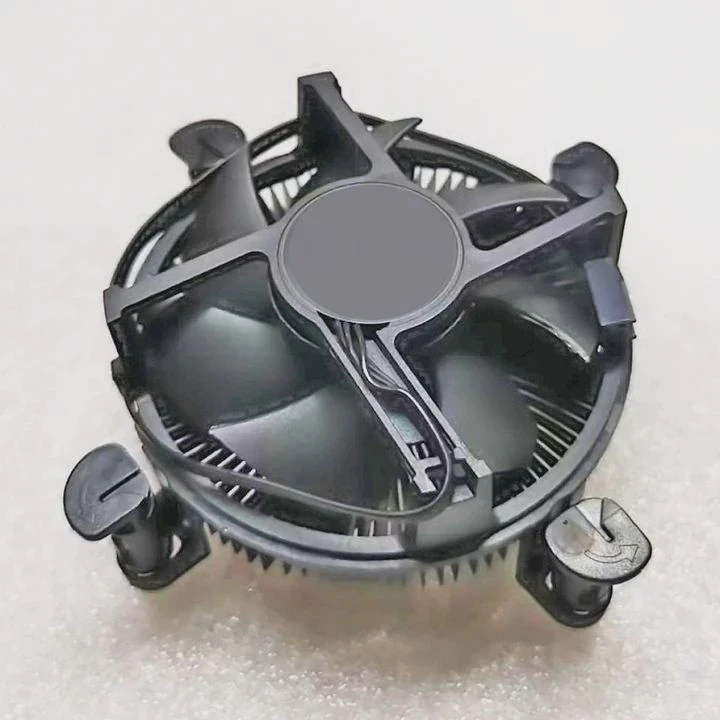
Let’s break down the main advantages in a simple way.
Cooling Performance
Liquid has a much higher heat capacity than air. This means it can absorb and move more heat before its temperature rises. For modern CPUs and GPUs that generate massive heat loads, liquid cooling prevents thermal throttling and keeps performance stable.
Noise Levels
Air coolers rely on fans to move air. As components heat up, fans spin faster, getting louder. Liquid coolers can maintain lower fan speeds because the liquid carries heat away more efficiently. The result is a quieter system even under load.
Space and Aesthetics
A large air cooler can block memory slots and make your PC interior look crowded. In contrast, a liquid cooler moves the bulky radiator to a more convenient spot, leaving a clean and modern look inside your case.
Consistent Thermal Performance
When an air cooler runs for hours, heat can build up around the CPU area. Liquid cooling spreads that heat over a larger surface—the radiator—maintaining steady temperatures even during long gaming or rendering sessions.
Comparison Table: Air vs. Liquid Cooling
| Feature | Air Cooling | Liquid Cooling |
|---|---|---|
| Heat Transfer | Moderate | Excellent |
| Noise | Louder at high load | Quieter overall |
| Space Usage | Large near CPU | Distributed |
| Maintenance | Very low | Low to moderate |
| Aesthetics | Bulky | Sleek and modern |
Still, liquid cooling isn’t magic. It costs more and can be complex to install. But for users who demand performance or silence, it’s often worth every penny.
How to determine if it fits your needs?
Buying a liquid cooler is not only about chasing better numbers. It’s about matching the solution to your actual needs.
You should consider liquid cooling if your PC runs hot, you plan to overclock, or you need a quiet and clean build for work or gaming.
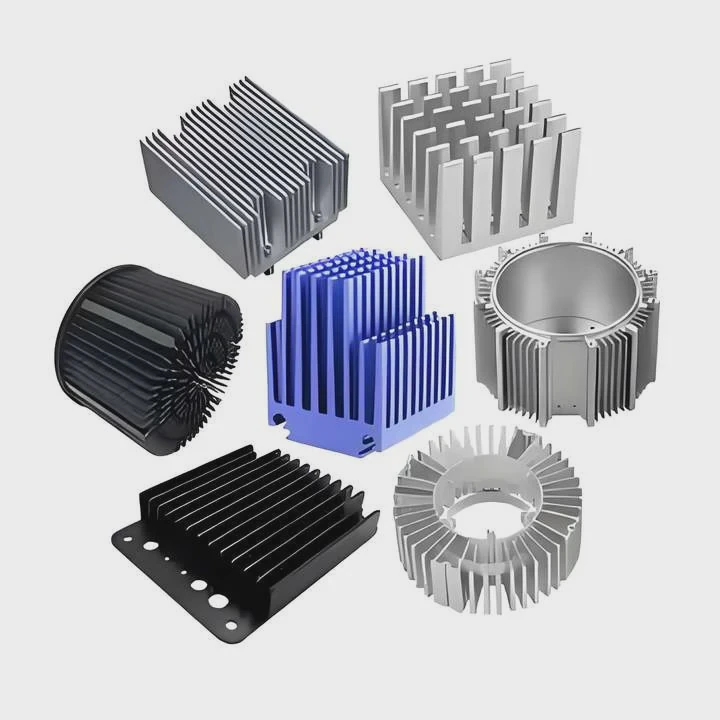
Step 1: Check Your System’s Heat Load
If your CPU or GPU regularly reaches high temperatures or throttles during tasks, your current cooling may not be enough. Liquid cooling can stabilize temperatures and improve longevity.
Step 2: Think About Noise and Environment
Do you work in a quiet room, studio, or shared office? AIO liquid coolers often produce less noise than large tower air coolers. This makes them ideal for creators and professionals.
Step 3: Look at Your Case Space
Before buying, check the dimensions of your PC case. Ensure it supports the radiator size you plan to install—120mm, 240mm, 280mm, or even 360mm. The more radiator surface area, the better the cooling.
Step 4: Evaluate Maintenance and Budget
Liquid coolers are reliable today, but they still require a bit more care than air coolers. Custom loops need regular checks for leaks and coolant replacement. AIO systems are nearly maintenance-free.
Step 5: Match It to Your Usage
| User Type | Recommendation |
|---|---|
| Casual office or web user | Air cooling is enough |
| Gamer or content creator | AIO liquid cooler |
| Overclocking enthusiast | Custom liquid loop |
| Silent PC lover | Liquid cooler with large radiator |
When I first built my workstation, I used a premium air cooler. It worked fine until I started editing 4K videos and rendering for hours. The noise became annoying, and temperatures rose fast. After switching to a 240mm AIO liquid cooler, my CPU stayed 20°C cooler, and I could barely hear the fans. That was the turning point for me.
What are the innovations in cooler design?
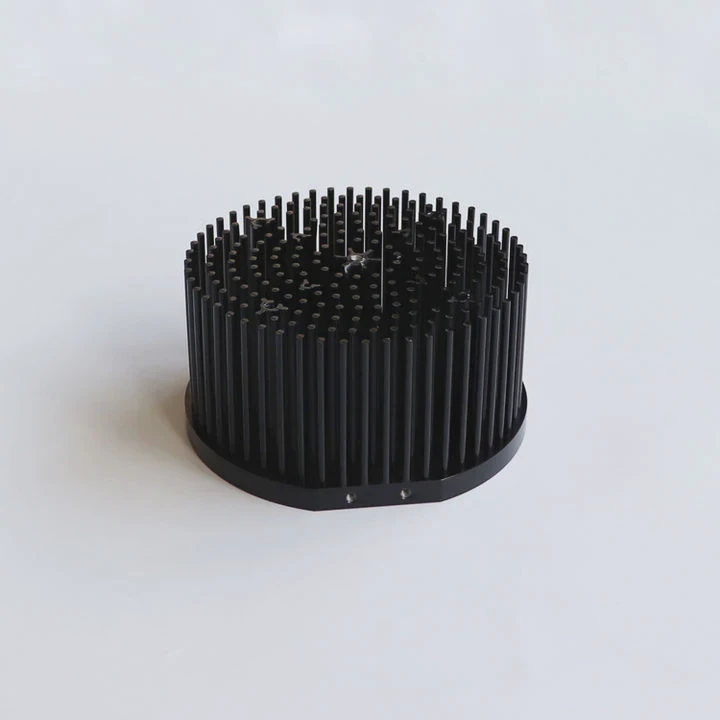
Cooling technology has evolved far beyond simple fans and metal fins. Manufacturers now mix engineering with design to reach new levels of performance and aesthetics.
Modern coolers use AI control, advanced materials, and hybrid heat transfer technologies to improve cooling efficiency, reliability, and design flexibility.
1. Advanced Materials
Traditional copper and aluminum are still key materials, but now many coolers use vapor chambers, microchannels, and graphene coatings to boost thermal conductivity. Vapor chambers, for example, spread heat more evenly across the cold plate, reducing hot spots.
2. Smart and Adaptive Cooling
Today’s AIO systems can adjust pump and fan speeds based on real-time temperature data. Some even integrate with motherboard software for AI-assisted control, balancing performance and noise automatically.
3. Improved Pump Design
Modern pumps use ceramic bearings and magnetic levitation to reduce friction and extend lifespan. These upgrades make them quieter and more reliable, even after thousands of hours of operation.
4. Modular and Aesthetic Design
Manufacturers now offer ARGB lighting, customizable covers, and transparent tubing. These designs make coolers not just functional but visually striking. Builders can showcase their systems with coordinated lighting and color themes.
5. Hybrid Cooling Systems
Hybrid systems combine liquid cooling for the CPU and air cooling for memory or VRMs. This balanced approach offers high efficiency without the complexity of a full custom loop.
6. Eco-Friendly Coolants
New non-conductive and biodegradable coolants are replacing traditional glycol-based liquids. They are safer for users and the environment, reducing risks in case of leaks.
Future Outlook
As processors get smaller and more powerful, heat management becomes even more critical. Expect to see more integrated cooling solutions where liquid channels are built directly into PCBs or cases. These “embedded coolers” could revolutionize both performance and design flexibility.
Conclusion
Liquid cooling is more than just a visual upgrade. It’s a smart, efficient way to manage modern heat challenges. Whether you’re chasing quiet operation, higher performance, or long-term reliability, a well-chosen liquid cooler can transform your computing experience.
TAGS
Latest Articles

Volume discount levels for heat sink orders?
Buyers often ask when heat sink prices start to drop with volume. Many worry they’re overpaying for small orders. This guide explains how B2B volume pricing works for thermal components. Heat sink
21 Dec,2025
Heat sink long-term supply contract options?
Many buyers want stable pricing and reliable delivery for heat sinks. But without a clear contract, risks grow over time. This article explores how to secure better long-term supply deals. Long-term
21 Dec,2025
Tooling cost for new heat sink profiles?
Many engineers struggle to understand why tooling for custom heat sinks costs so much. They worry about budgeting and production timelines. This article breaks down the cost drivers behind tooling.
21 Dec,2025
Heat sink custom sample process steps?
Sometimes, starting a custom heat sink project feels overwhelming—too many steps, too many unknowns, and too many risks. You want a sample, but not endless delays. The process for requesting and
20 Dec,2025
Standard B2B terms for heat sink payments?
When buyers and sellers in B2B heat sink markets talk about payment, many don’t fully understand what’s standard. This can lead to delayed orders, miscommunication, and even lost business
20 Dec,2025
Heat sink pricing factors for large orders?
Heat sinks are vital for many systems. When prices rise, projects stall and budgets break. This problem can hit teams hard without warning. Large order heat sink pricing depends on many factors. You
20 Dec,2025Related Articles
- Heat Sink Manufacturer in Algeria
- Heat Sink Manufacturer in Ukraine
- Heat Sink Manufacturer in Greece
- Heat Sink Manufacturer in Kuwait
- Heat Sink Manufacturers in Qatar
- Heat Sink Manufacturers in New Zealand
- Do I Need Liquid Cooling for 9800X3D?
- How to replace a liquid cooling system?
- How to change liquid in liquid cooling?
- Why does a gas change to a liquid on cooling?
- Is liquid cooling bad?
- Does the Xbox One X have liquid cooling?
Author
Dr. Emily Chen
Chief AI Researcher
Leading expert in thermal dynamics and AI optimization with over 15 years of experience in data center efficiency research.
Categories
Latest Products






Recommend Categories
- Liquid cooling plate Manufacturer
- Industrial Heat Sink Manufacturer
- Standard Heat Sink Manufacturer
- Aluminum Heat Sink Manufacturer
- Copper Heat Sink Manufacturer
- Anodized Heatsink Manufacturer
- Stamping heat sink Manufacturer
- Die Casting Heatsink Manufacturer
- Soldering heat sink Manufacturer
- CNC Parts Manufacturer
Latest Products
- Wholesale Aluminum Radiator
- Water Cooling Plate Kit
- Water Cooling Heat Sink
- Water Cooling Heat Sink Kit
- Stainless Steel Water Distributor
- Server Water Cooling Plate Kit
- Server Liquid Cooling System
- Server Aluminum Cooling Kit
- S19 Full Cover Cooling Plate
- S19 Cooling Plate Kit
- S19 Aluminum Cooling Plate
Contact Expert
Have questions about this article? Reach out to our experts directly.