What is Liquid Cooling for CPU?
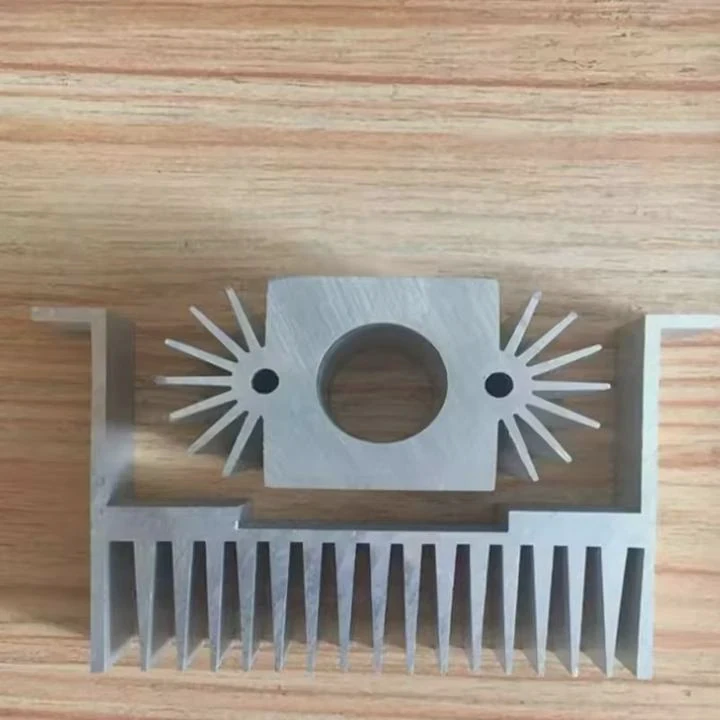
As CPUs become more powerful, so does the need for effective cooling solutions. Liquid cooling for CPUs is gaining popularity, especially among gamers and professionals who require the best thermal performance. Let’s dive into what liquid cooling is and how it benefits your system.
Liquid cooling for CPUs is a system that uses a liquid coolant to dissipate heat from the CPU. This advanced cooling method offers superior performance compared to traditional air cooling, especially in high-performance systems.
With higher clock speeds and multiple cores, modern CPUs generate significant heat. Liquid cooling helps maintain optimal temperatures to prevent overheating and ensure stable performance, especially under heavy load conditions like gaming or video editing.
How Does CPU Liquid Cooling Function?
How does liquid cooling actually work for a CPU? Let’s explore the process.
CPU liquid cooling works by circulating coolant through a closed loop that absorbs heat from the CPU and releases it elsewhere, typically through a radiator.
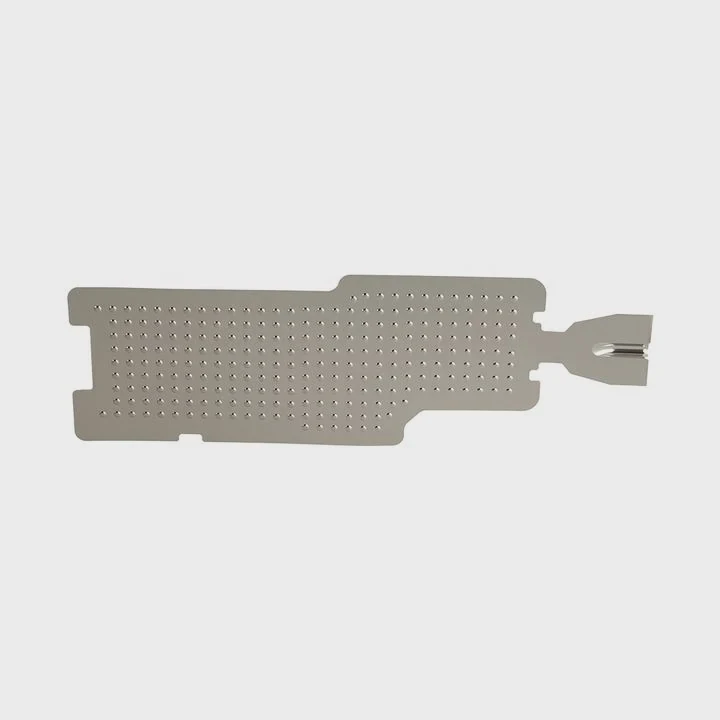
The system typically includes a few essential components:
- Water Block: This is attached directly to the CPU. The water block absorbs the heat from the processor and transfers it into the coolant.
- Pump: The pump circulates the coolant through the system.
- Radiator: Once the coolant absorbs heat, it travels to the radiator, where fans blow air across it to dissipate the heat.
- Tubing and Reservoir: The tubing connects all components, and the reservoir stores coolant to ensure proper flow and prevent air bubbles from forming in the system.
Cooling Cycle:
- The pump circulates the coolant from the water block to the radiator.
- As the coolant absorbs heat from the CPU, it carries this heat away to the radiator.
- In the radiator, fans blow air through the fins to help dissipate the heat into the surrounding environment.
- The cooled coolant is then cycled back to the water block to repeat the process.
The liquid used in most systems is a specially formulated coolant, often a mixture of water and additives, designed to prevent corrosion and reduce friction in the system.
| Component | Function |
|---|---|
| Water Block | Absorbs heat from the CPU |
| Pump | Circulates coolant through the system |
| Radiator | Dissipates heat via airflow |
| Tubing and Reservoir | Transfers and stores coolant |
What Are Its Advantages Over Air Cooling?
What makes liquid cooling better than air cooling for CPUs? Here’s why it might be the right choice for your system.
Liquid cooling offers superior heat dissipation, quieter operation, and better overclocking potential compared to traditional air cooling solutions.
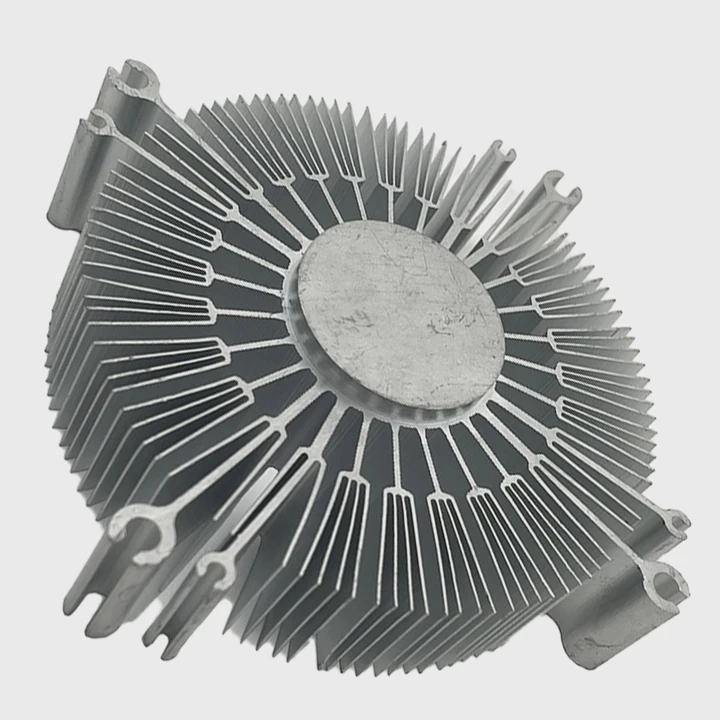
1. Better Heat Dissipation
Liquid cooling systems generally offer better heat dissipation than air coolers. Liquid has a higher thermal capacity than air, meaning it can absorb more heat and transfer it away from the CPU more efficiently. This makes liquid cooling ideal for high-performance systems, where air cooling may not be enough to keep the temperature in check.
2. Quieter Operation
Air coolers rely on fans to move air through heat sinks, which can become noisy, especially in high-performance or overclocked systems. Liquid coolers, on the other hand, often have larger, slower fans that run more quietly. The pump, while it may make some noise, is generally much quieter than the spinning fans of an air cooler.
3. Better Overclocking Potential
When overclocking a CPU, the temperature increases significantly, which can lead to thermal throttling (where the CPU reduces performance to prevent overheating). Liquid cooling can handle the increased heat more effectively than air cooling, providing a more stable environment for overclocking and ensuring the CPU performs at its best.
4. Smaller Footprint
Liquid coolers can be more compact compared to bulky air coolers, which can be especially beneficial in smaller PC cases or when more space is needed for other components like RAM or GPUs.
| Advantage | Liquid Cooling | Air Cooling |
|---|---|---|
| Heat Dissipation | Superior heat transfer, better cooling capacity | Less efficient, limited by air’s thermal conductivity |
| Noise Level | Quieter, especially in high-performance systems | Can be noisy, especially under load |
| Overclocking Potential | Better stability and performance during overclocking | Limited by heat dissipation capabilities |
| Space Efficiency | More compact, especially in smaller cases | Larger heatsinks may take up more space |
How to Install and Maintain It?
Installing and maintaining a liquid cooling system for your CPU is essential to ensure optimal performance and longevity. Here’s how you can do it.
Proper installation and regular maintenance ensure that your liquid cooling system functions efficiently, prevents leaks, and extends the life of your components.
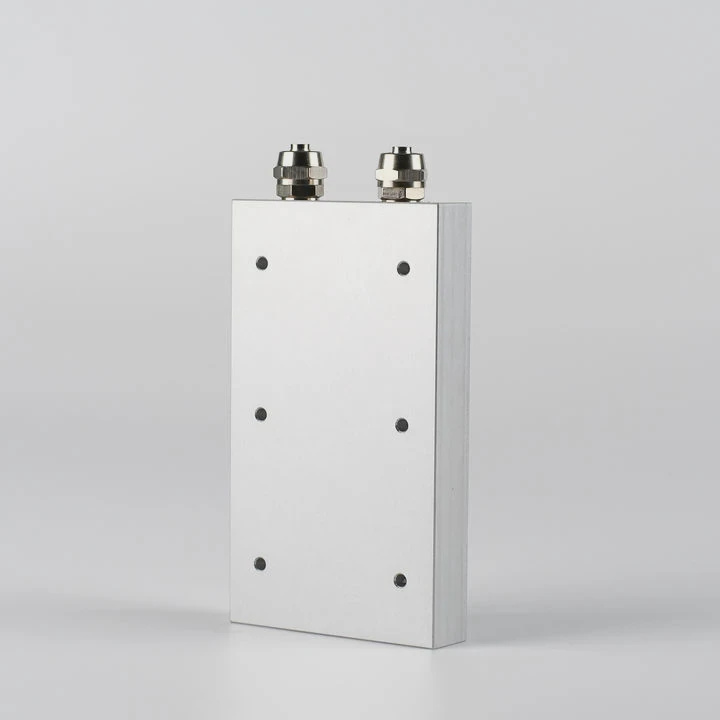
Installation Steps:
Mounting the Water Block:
The first step is to securely attach the water block to the CPU. Apply a small amount of thermal paste to the CPU, then position the water block on top, ensuring that it aligns with the mounting holes or brackets provided by the cooler.Attaching the Pump and Radiator:
Once the water block is in place, connect the tubing to the pump and the radiator. Mount the radiator in an appropriate location in your case, usually at the top or front, depending on your case’s configuration. Ensure that the pump is correctly positioned and securely connected to the water block.Connecting the Power:
Connect the pump and fans to your motherboard or PSU for power. Make sure to use the appropriate fan headers or connectors to control the pump and fan speeds.Filling the Reservoir:
If your cooler uses a reservoir, ensure that it’s filled with the recommended coolant. Some systems come pre-filled, while others may require you to add coolant manually.
Maintenance Tips:
Check for Leaks:
Periodically check the connections, tubing, and water block for any signs of leakage. Small leaks can lead to serious damage to your components.Monitor Coolant Levels:
Over time, coolant levels may drop, especially if the system has been in use for a long period. Keep an eye on the reservoir and top it off as necessary to ensure proper circulation.Clean the Radiator and Fans:
Dust and debris can accumulate on the radiator and fans, reducing cooling efficiency. Clean them regularly using compressed air to maintain optimal airflow.Replace Coolant:
Depending on the manufacturer’s recommendation, you may need to replace the coolant every 1–2 years. Use the recommended coolant and follow the instructions for replacing it.
| Maintenance Task | Frequency | Importance |
|---|---|---|
| Check for Leaks | Every 3-6 months | Prevents damage to components |
| Monitor Coolant Levels | Every 1-2 months | Ensures proper coolant circulation |
| Clean Radiator/Fans | Every 3-6 months | Maintains cooling efficiency |
| Replace Coolant | Every 1-2 years | Prevents buildup and ensures efficient cooling |
What Are the Innovations in CPU Thermal Design?
As CPUs continue to evolve and become more powerful, so do cooling solutions. Let’s explore the latest innovations in CPU thermal design.
Recent innovations in thermal design focus on improving cooling efficiency, reducing size, and increasing compatibility for various applications.
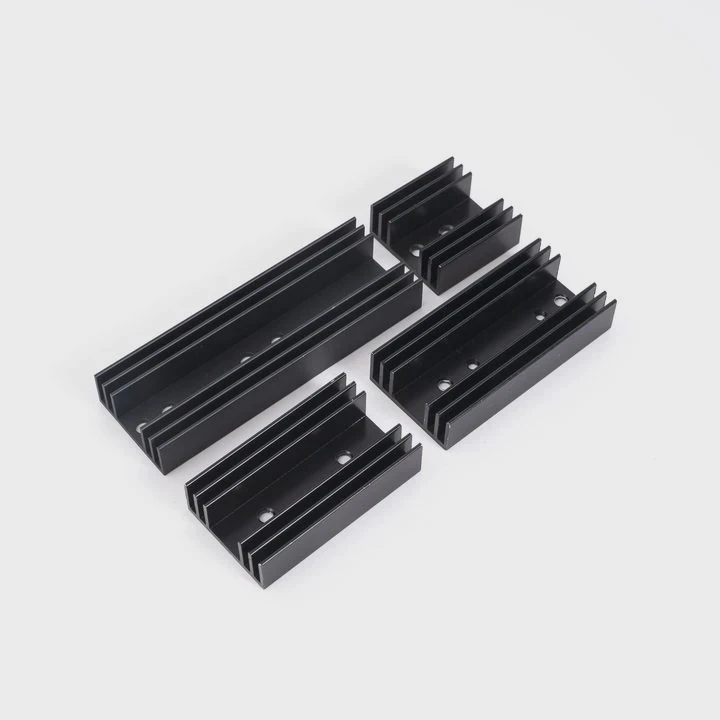
1. Vapor Chambers
Vapor chambers are becoming increasingly common in high-end liquid cooling solutions. These are flat heat pipes that can transfer heat more effectively across the surface of the CPU, improving heat dissipation compared to traditional heat pipes or simple water blocks.
2. Advanced Thermal Paste
The thermal paste used between the CPU and cooler is crucial for thermal conductivity. Newer thermal pastes, such as those containing diamond particles or graphene, offer improved heat transfer and longer-lasting performance compared to traditional pastes.
3. Integrated Cooling Solutions
Some manufacturers are integrating cooling solutions directly into the motherboard, creating all-in-one systems where the liquid cooling loop is already built into the motherboard. These systems can simplify installation and improve overall cooling performance, as they are designed to work seamlessly together.
4. Smarter Cooling Systems
Recent developments in smart cooling systems involve sensors that automatically adjust pump speeds and fan control based on temperature readings. These systems optimize cooling performance in real-time, ensuring that the CPU stays within a safe temperature range under varying workloads.
| Innovation | Description | Benefits |
|---|---|---|
| Vapor Chambers | Flat heat pipes for better heat transfer | More efficient cooling, better thermal dissipation |
| Advanced Thermal Paste | Use of materials like diamond and graphene | Improved thermal conductivity and longevity |
| Integrated Cooling Systems | Built-in cooling loops in motherboards | Simplifies installation, optimized performance |
| Smarter Cooling Systems | Real-time adjustments based on temperature | Better efficiency and reduced noise |
Conclusion
Liquid cooling for CPUs offers superior performance, quieter operation, and better thermal management compared to air cooling systems. With proper installation and maintenance, a liquid cooling system can ensure stable performance, even under heavy loads, while contributing to the longevity of your components.
Word Count: 1586
TAGS
Latest Articles

Volume discount levels for heat sink orders?
Buyers often ask when heat sink prices start to drop with volume. Many worry they’re overpaying for small orders. This guide explains how B2B volume pricing works for thermal components. Heat sink
21 Dec,2025
Heat sink long-term supply contract options?
Many buyers want stable pricing and reliable delivery for heat sinks. But without a clear contract, risks grow over time. This article explores how to secure better long-term supply deals. Long-term
21 Dec,2025
Tooling cost for new heat sink profiles?
Many engineers struggle to understand why tooling for custom heat sinks costs so much. They worry about budgeting and production timelines. This article breaks down the cost drivers behind tooling.
21 Dec,2025
Heat sink custom sample process steps?
Sometimes, starting a custom heat sink project feels overwhelming—too many steps, too many unknowns, and too many risks. You want a sample, but not endless delays. The process for requesting and
20 Dec,2025
Standard B2B terms for heat sink payments?
When buyers and sellers in B2B heat sink markets talk about payment, many don’t fully understand what’s standard. This can lead to delayed orders, miscommunication, and even lost business
20 Dec,2025
Heat sink pricing factors for large orders?
Heat sinks are vital for many systems. When prices rise, projects stall and budgets break. This problem can hit teams hard without warning. Large order heat sink pricing depends on many factors. You
20 Dec,2025Related Articles
- Do You Need to Add Water to Liquid Cooling?
- How Does Liquid Cooling Work in Phones?
- What is Liquid Cooling in Data Centers?
- How to Connect Liquid Cooling to a Motherboard?
- How Does Liquid Cooling Work in Bikes?
- Does RTX 3080 Need Liquid Cooling?
- Heat Sink Manufacturer in Hungary
- Heat Sink Manufacturer in Morocco
- Heat Sink Manufacturer in Ecuador
- Heat Sink Manufacturer in Puerto Rico
- Heat Sink Manufacturer in Kenya
- Heat Sink Manufacturer in Ghana
Author
Dr. Emily Chen
Chief AI Researcher
Leading expert in thermal dynamics and AI optimization with over 15 years of experience in data center efficiency research.
Categories
Latest Products






Recommend Categories
- Liquid cooling plate Manufacturer
- Industrial Heat Sink Manufacturer
- Standard Heat Sink Manufacturer
- Aluminum Heat Sink Manufacturer
- Copper Heat Sink Manufacturer
- Anodized Heatsink Manufacturer
- Stamping heat sink Manufacturer
- Die Casting Heatsink Manufacturer
- Soldering heat sink Manufacturer
- CNC Parts Manufacturer
Latest Products
- Wholesale Aluminum Radiator
- Water Cooling Plate Kit
- Water Cooling Heat Sink
- Water Cooling Heat Sink Kit
- Stainless Steel Water Distributor
- Server Water Cooling Plate Kit
- Server Liquid Cooling System
- Server Aluminum Cooling Kit
- S19 Full Cover Cooling Plate
- S19 Cooling Plate Kit
- S19 Aluminum Cooling Plate
Contact Expert
Have questions about this article? Reach out to our experts directly.