How to Connect Liquid Cooling to a Motherboard?
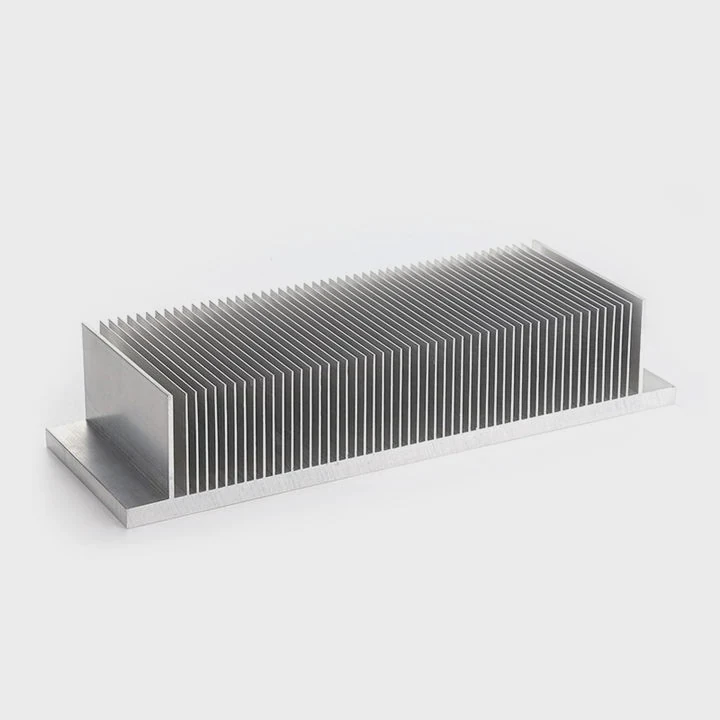
Setting up a liquid cooling system for your computer can be intimidating, but it’s essential for optimal performance, especially in high-performance gaming or workstation PCs. So, how do you connect liquid cooling to your motherboard properly?
Connecting a liquid cooling system to a motherboard requires understanding the right headers and cables. Proper installation ensures that the cooler operates efficiently, providing better cooling for the CPU and other components.
The process is straightforward if you follow the proper steps and understand how the motherboard interfaces with the cooling system. Let’s walk through how to do it correctly.
What Motherboard Headers Are Used?
What headers on your motherboard are involved in connecting a liquid cooling system?
Most modern motherboards have specific headers designed for connecting liquid cooling systems, including CPU fan headers, pump headers, and sometimes additional fan headers.
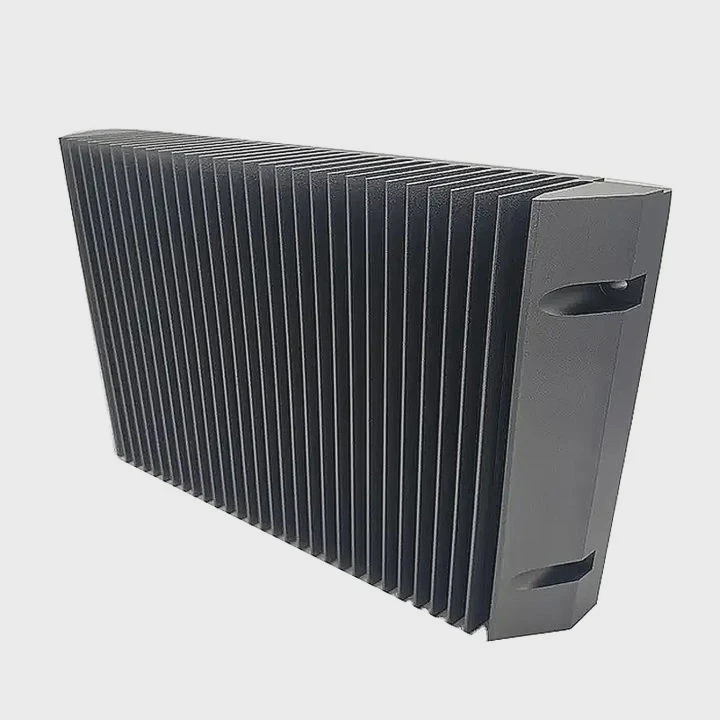
Here are the key headers typically found on motherboards for liquid cooling:
1. CPU_FAN Header:
This header is used to connect the main CPU fan, which is often part of the liquid cooling setup. It allows the motherboard to monitor and control the fan speed based on the CPU temperature. Many liquid cooling systems include a fan that connects to this header.
2. CPU_OPT Header:
In some cases, this header is used to connect a secondary fan in the liquid cooling system or an additional pump fan. This header is also controlled by the motherboard to adjust the fan speed based on thermal requirements.
3. PUMP Header:
A dedicated pump header is found on many modern motherboards, especially for high-end cooling solutions. The pump header powers the pump inside the liquid cooler, ensuring that the coolant circulates efficiently. The pump often requires a constant 12V supply to maintain optimal flow.
4. CHA_FAN Headers:
Some liquid cooling systems come with additional fans that you may want to connect to the chassis fan headers (CHA_FAN). These fans typically assist with airflow and cooling in addition to the CPU cooling system.
5. ARGB or RGB Headers:
For aesthetic purposes, many liquid coolers come with RGB or ARGB lighting. These can be connected to the motherboard’s 5V or 12V RGB headers to customize the lighting effects.
Understanding the function of these headers ensures that each part of your liquid cooling system is connected properly to the motherboard.
What Benefits Come from Proper Connection?
Why is it so important to properly connect your liquid cooling system to the motherboard?
Proper connection of the liquid cooling system ensures that all components function optimally, maintaining proper airflow, cooling performance, and system stability.
1. Optimal Cooling Performance:
By connecting the pump and fans to the correct motherboard headers, you ensure that your liquid cooler operates as intended. This means efficient circulation of coolant and consistent fan speeds, which help prevent overheating during high loads.
2. System Stability:
A properly connected liquid cooling system allows the motherboard to regulate cooling based on the temperature readings from the CPU and other components. Without proper connections, the cooler may not work efficiently, leading to overheating and potential system instability.
3. Fan Control:
Motherboard fan headers allow you to control the speed of the cooling fans based on temperature. This dynamic control ensures that the fans only run as fast as needed, reducing noise when the system is not under heavy load and ramping up when cooling is necessary.
4. Preventing Component Damage:
Overheating can cause long-term damage to critical components like the CPU and motherboard. By ensuring that the liquid cooling system is connected properly, you mitigate the risk of temperature spikes that could lead to thermal throttling or permanent damage.
5. Ease of Monitoring:
By connecting to the motherboard, the liquid cooling system can be monitored through software provided by the motherboard manufacturer. This allows you to track temperatures and adjust settings to optimize performance and prevent overheating.
How to Wire the Cooler Safely?
What’s the best way to wire your liquid cooling system to ensure safety and reliability?
Wiring the cooler correctly involves ensuring all cables are properly secured, the cooler is connected to the appropriate headers, and the power supply is sufficient to handle the system.
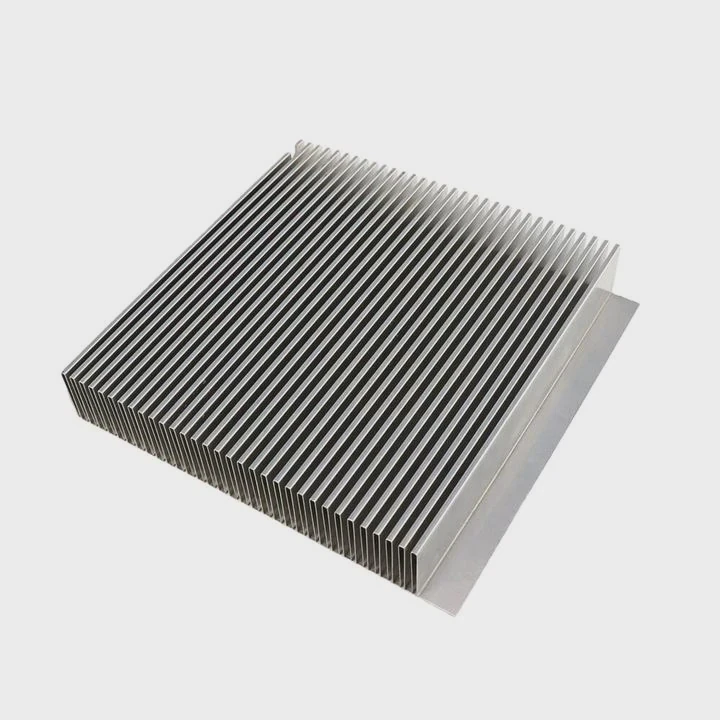
Here are the key steps to safely wire your liquid cooler:
1. Turn Off the Power:
Before starting any installation, make sure the PC is powered off, and the power supply is disconnected from the outlet to avoid electrical shock.
2. Install the Pump:
Connect the pump’s power cable to the dedicated PUMP header on your motherboard. If your motherboard doesn’t have a pump header, use the CPU_FAN or CPU_OPT header.
3. Connect the Fans:
Plug the fan cables into the appropriate motherboard headers. Use CPU_FAN for the primary cooling fan, and CPU_OPT or CHA_FAN for any additional fans. If the cooler uses multiple fans, ensure that each fan is properly connected to a corresponding header or a fan splitter.
4. Secure Cables:
Route the cables in a way that doesn’t obstruct airflow or fan blades. Use cable ties or Velcro straps to keep cables tidy and secure. Make sure that the coolant tubes are not twisted or pinched, as this could restrict coolant flow.
5. Connect RGB (if applicable):
If your cooler has RGB lighting, connect the RGB cables to the motherboard’s RGB or ARGB headers. Follow the manufacturer’s guidelines for proper connection, as RGB headers can vary between systems.
6. Test the System:
Before sealing your case, make sure to test the cooler. Power on your PC and ensure the pump is running and the fans spin up correctly. Use software (like the motherboard’s fan control software) to monitor temperatures and fan speeds.
What Are the Trends in Cooling System Integration?
With the rapid pace of technological advancements, how is cooling system integration evolving in modern PCs?
The integration of cooling systems in computers is becoming more streamlined, with focus on improved performance, aesthetics, and efficiency.
1. All-in-One (AIO) Liquid Coolers:
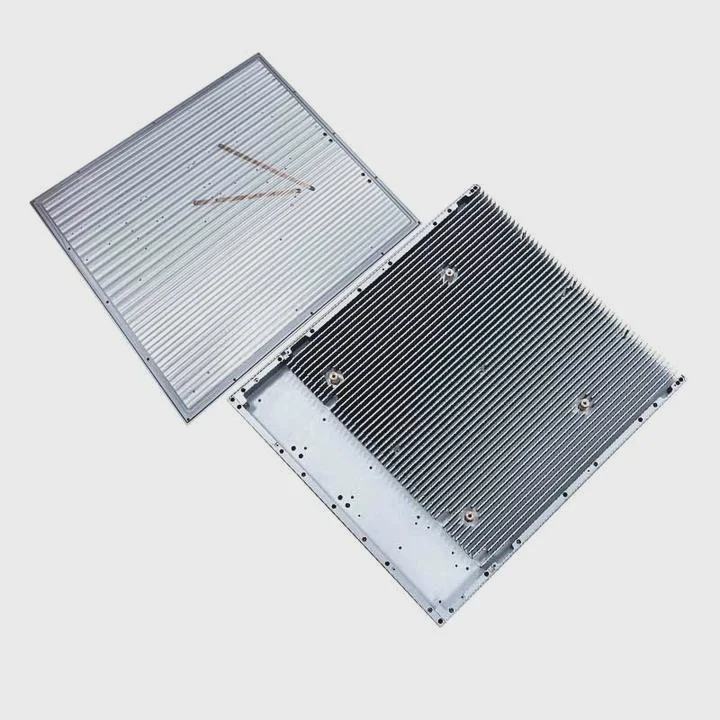
AIO coolers are growing in popularity due to their simplicity and efficiency. These systems combine the pump, radiator, and fans into one unit, making installation easier and more compact. This is a great trend for users who want liquid cooling without the complexity of custom setups.
2. Smart Cooling Systems:
Modern cooling systems are incorporating smart features like AI-powered fan speeds. These systems can adjust cooling performance dynamically based on temperature readings, reducing noise when the system isn’t under heavy load and ramping up cooling when needed.
3. Better Radiator Design:
Radiators are becoming more efficient, with increased surface area and better airflow dynamics. New designs are also focused on making radiators more compact to fit into smaller PC cases without sacrificing cooling performance.
4. RGB and Customizable Aesthetics:
Aesthetics are becoming increasingly important for PC builders, and liquid coolers are being integrated with customizable RGB lighting. More advanced coolers allow users to choose the lighting colors and effects, integrating seamlessly with other RGB components in the case.
5. Hybrid Systems:
Hybrid cooling systems that combine air and liquid cooling are becoming more common. These systems optimize cooling by using liquid cooling for high-heat areas like the CPU and air cooling for the GPU or other components. This hybrid approach provides balanced cooling while reducing overall system noise.
6. Energy Efficiency:
There’s a growing focus on energy-efficient cooling solutions. New cooling systems use low-power pumps and fans that can adjust their speed based on system load, helping to reduce power consumption while maintaining effective cooling.
Conclusion
Properly connecting your liquid cooler to your motherboard is essential for ensuring optimal cooling performance and system stability. By understanding the right headers, wiring the system safely, and staying on top of the latest trends, you can improve the longevity and performance of your PC while maintaining a quieter, more efficient system.
TAGS
Latest Articles

Volume discount levels for heat sink orders?
Buyers often ask when heat sink prices start to drop with volume. Many worry they’re overpaying for small orders. This guide explains how B2B volume pricing works for thermal components. Heat sink
21 Dec,2025
Heat sink long-term supply contract options?
Many buyers want stable pricing and reliable delivery for heat sinks. But without a clear contract, risks grow over time. This article explores how to secure better long-term supply deals. Long-term
21 Dec,2025
Tooling cost for new heat sink profiles?
Many engineers struggle to understand why tooling for custom heat sinks costs so much. They worry about budgeting and production timelines. This article breaks down the cost drivers behind tooling.
21 Dec,2025
Heat sink custom sample process steps?
Sometimes, starting a custom heat sink project feels overwhelming—too many steps, too many unknowns, and too many risks. You want a sample, but not endless delays. The process for requesting and
20 Dec,2025
Standard B2B terms for heat sink payments?
When buyers and sellers in B2B heat sink markets talk about payment, many don’t fully understand what’s standard. This can lead to delayed orders, miscommunication, and even lost business
20 Dec,2025
Heat sink pricing factors for large orders?
Heat sinks are vital for many systems. When prices rise, projects stall and budgets break. This problem can hit teams hard without warning. Large order heat sink pricing depends on many factors. You
20 Dec,2025Related Articles
- How Does Liquid Cooling Work in Bikes?
- Does RTX 3080 Need Liquid Cooling?
- How Tight to Tighten Liquid Cooler on CPU?
- Does Liquid Cooling Evaporate?
- What is Liquid Cooled?
- How Does a Liquid-Cooled Engine Work?
- What is Liquid Cooling in Data Centers?
- How Does Liquid Cooling Work in Phones?
- Do You Need to Add Water to Liquid Cooling?
- What is Liquid Cooling for CPU?
- Heat Sink Manufacturer in Hungary
- Heat Sink Manufacturer in Morocco
Author
Dr. Emily Chen
Chief AI Researcher
Leading expert in thermal dynamics and AI optimization with over 15 years of experience in data center efficiency research.
Categories
Latest Products






Recommend Categories
- Liquid cooling plate Manufacturer
- Industrial Heat Sink Manufacturer
- Standard Heat Sink Manufacturer
- Aluminum Heat Sink Manufacturer
- Copper Heat Sink Manufacturer
- Anodized Heatsink Manufacturer
- Stamping heat sink Manufacturer
- Die Casting Heatsink Manufacturer
- Soldering heat sink Manufacturer
- CNC Parts Manufacturer
Latest Products
- Wholesale Aluminum Radiator
- Water Cooling Plate Kit
- Water Cooling Heat Sink
- Water Cooling Heat Sink Kit
- Stainless Steel Water Distributor
- Server Water Cooling Plate Kit
- Server Liquid Cooling System
- Server Aluminum Cooling Kit
- S19 Full Cover Cooling Plate
- S19 Cooling Plate Kit
- S19 Aluminum Cooling Plate
Contact Expert
Have questions about this article? Reach out to our experts directly.