does 3080 need liquid cooling?
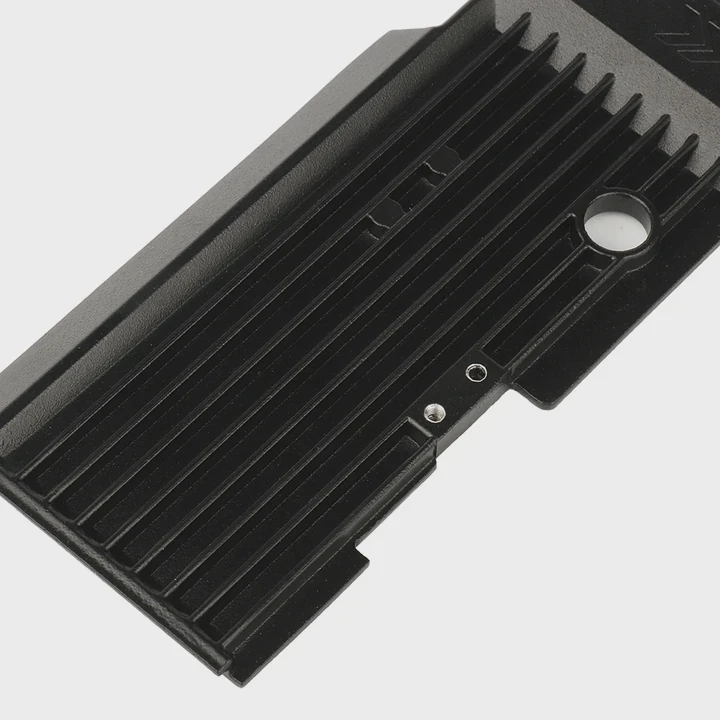
I asked myself this question when I first used a 3080 in a warm room. I saw high temperatures, strong fan noise, and long game sessions that pushed the card hard. I wanted to know if liquid cooling was a real need or only an option.
A 3080 does not strictly need liquid cooling, but it can benefit from it under heavy loads, long gaming sessions, or aggressive overclocking. Air cooling works well for most users, while liquid cooling helps when you want lower temps and more stability.
I want to walk through how the card behaves, why thermals matter, and when liquid cooling makes sense.
How does the 3080 perform with air cooling?
I remember installing my first 3080 with a triple-fan cooler. I expected extreme heat, but I found that most models handled normal loads fine. The fans grew loud at times, but the card stayed at safe temperatures.
The 3080 performs well with air cooling because most models include strong heat sinks, wide fin stacks, and fast fans that keep temperatures within safe limits during gaming or normal workloads.
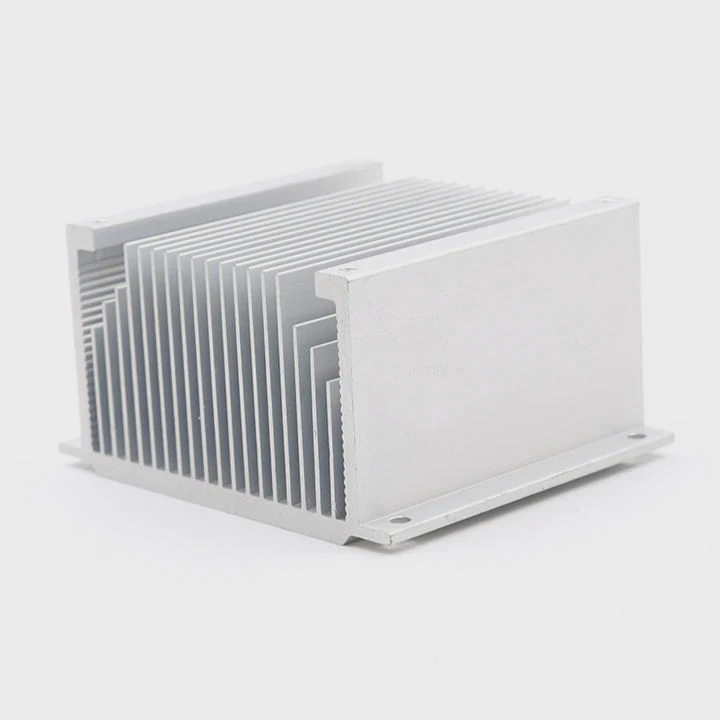
Air cooling works because GPU makers design these coolers with the 3080’s heat output in mind. The card uses a large cooler with multiple heat pipes and big fin arrays. Triple-fan models push a lot of air through the fins. This gives the card enough cooling power for everyday use.
During games, typical temperatures sit around 70–80°C, depending on the case airflow. These numbers are normal and safe for the GPU. Many users run the card for years without any issues.
Air cooling also avoids pumps, tubes, and coolant. It works out of the box and needs only dust cleaning. This makes it simple and reliable.
Some users worry when they see the fans running fast. They hear the noise and assume the cooler is weak. But in most cases, the fans simply react to high heat output. The 3080 can draw a lot of power, so the cooler must work hard.
Table: Air cooling performance overview
| Feature | Result | What It Means |
|---|---|---|
| Load temps | 70–80°C | Safe for normal gaming |
| Noise level | Moderate to high | Fans work hard under load |
| Cooler design | Strong triple-fan | Enough for most users |
| Reliability | High | No pump or liquid issues |
Air cooling offers a balance of power, cost, and simplicity. For most people, this is all they need.
Why consider liquid cooling for overclocking?
I once pushed my 3080 beyond its factory settings. The temps rose fast, and the fans hit their limit. That moment showed me how much heat increases when overclocking. Liquid cooling became a serious option.
Liquid cooling is worth considering for overclocking because lower temperatures give the GPU more headroom, better boost clocks, and more stable voltage behavior during long sessions.
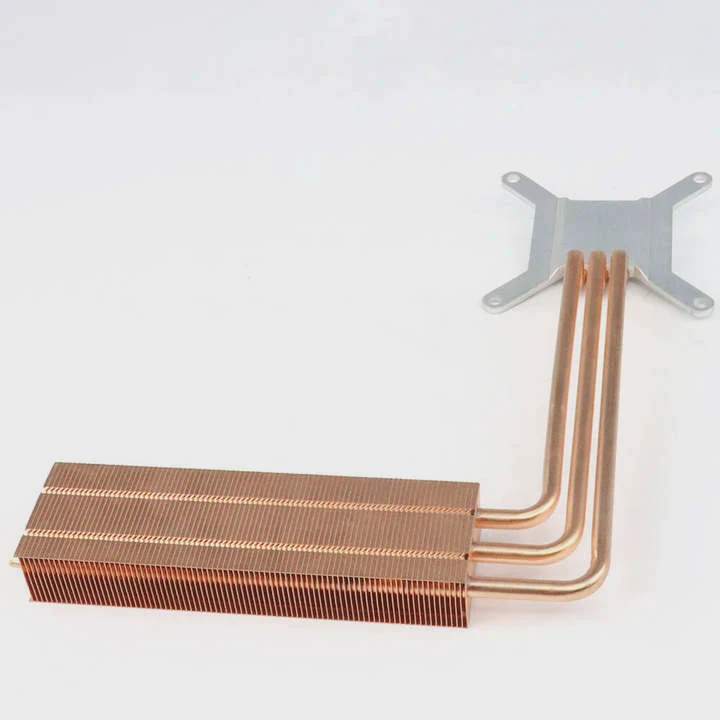
Overclocking raises power draw. More power turns into more heat. Air coolers can handle the default heat, but when the GPU goes beyond factory levels, the cooler begins to struggle. The fans hit higher RPMs, and the temperature creeps higher.
Liquid cooling handles this better, because coolant carries heat away quickly. The large radiator spreads heat over a wider area. With more surface to cool, the GPU stays cooler even when pushed hard.
Some users see gains such as:
- higher sustained boost clocks
- smoother performance in long gaming sessions
- fewer thermal throttle events
- lower fan noise at high load
Liquid cooling helps keep voltage stable. When the GPU gets too warm, voltage behavior becomes unstable, and the card may lower its clocks. Cooling prevents this.
During long workloads like rendering or training models, a liquid-cooled 3080 stays at steady temperatures. This helps the GPU hold high performance without dropping.
Liquid cooling is not required for overclocking, but it widens the safety margin and helps the card stay within healthy temperatures.
Where do thermals peak under heavy loads?
I saw the most extreme temps when playing open-world games or running GPU-bound benchmarks. These tests showed where the 3080 reaches its thermal peak and why cooling matters in those moments.
Thermals peak on the 3080 during long gaming sessions, stress tests, high-resolution workloads, and power-intensive applications that push the GPU close to its maximum power limit.
When the card hits high loads, power draw climbs toward 320–350W or more depending on the model. This power becomes heat. The cooler must work hard to push it away. Cases with poor airflow make this even harder.
High thermals usually appear in:
- 4K gaming
- ray-tracing games
- GPU-intensive benchmarks
- VR workloads
- long renders
- high-refresh-rate gaming
- tasks that use both GPU and memory heavily
Memory modules on the 3080 also get warm. Air coolers must spread heat from the core and the memory at the same time. In some designs, the memory runs hotter than the core.
The backplate also warms up, especially on vertical mounts near glass panels. This traps heat around the GPU.
Liquid cooling lowers these peaks because the radiator moves heat far from the GPU. When the pump flows well and the fans spin evenly, the thermal spikes flatten.
Some system builders place the radiator at the front or top of the case. This gives the GPU a larger cooling space than the built-in air cooler can offer.
The more demanding the workload, the easier it is for the 3080 to reach its thermal limit. Liquid cooling helps by spreading the heat out and keeping the thermal ceiling lower.
Can liquid cooling improve GPU stability?
I once noticed my frame rates dropping during long sessions. The GPU clock speed kept bouncing. After using a liquid-cooled setup, the clock became stable. That experience showed me the link between stability and cooling.
Liquid cooling can improve GPU stability because lower temperatures reduce thermal throttle, keep voltage steady, and help the GPU maintain consistent boost clocks under long or heavy workloads.
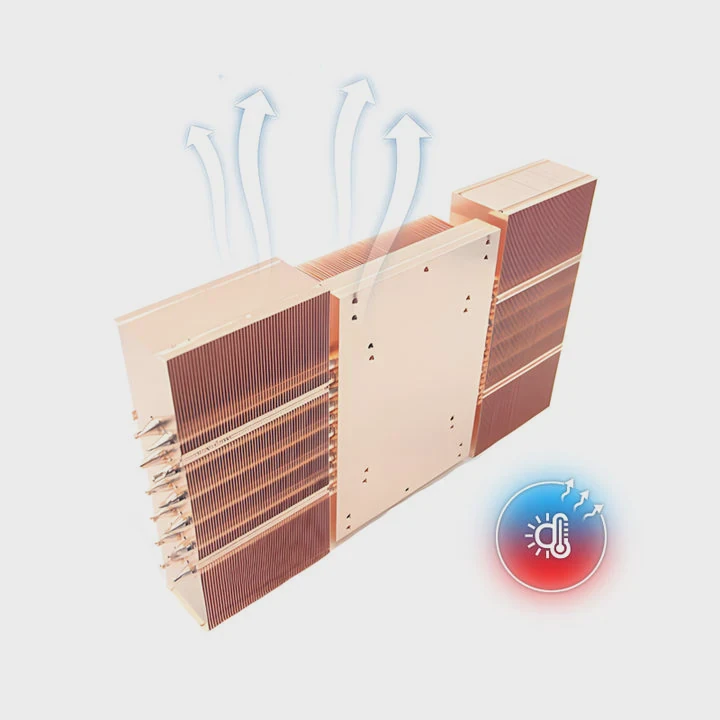
GPU stability depends on temperature, voltage behavior, and cooling quality. When temperatures rise too high, the GPU protects itself by lowering performance. This creates sudden FPS dips or slower rendering performance.
Liquid cooling solves this by lowering temperatures. When the GPU runs cool:
- the core holds higher boost clocks
- voltage stays stable
- the card avoids throttle points
- the frame rate becomes smoother
- long sessions stay consistent
Liquid systems also reduce noise. Fans do not need to work as hard because the radiator spreads heat. A quieter system feels more stable because nothing sounds stressed.
This stability matters most for:
- long gaming sessions
- competitive play
- rendering work
- 3D modeling
- training models
- editing heavy footage
The GPU does not need liquid cooling to stay stable, but the cooler helps create more margin. A stable thermal environment keeps the GPU performing at its peak level.
Table: Stability benefits of liquid cooling
| Factor | Air Cooling | Liquid Cooling |
|---|---|---|
| Boost clock stability | Moderate | Strong |
| Thermal throttle risk | Higher under load | Lower |
| Long-session temp rise | Noticeable | Small |
| Voltage consistency | Good | Better |
Stability is not only about speed. It is about smooth operation over time. Liquid cooling helps deliver that.
Conclusion
A 3080 does not need liquid cooling, but it can benefit from it under heavy loads or long sessions. Air cooling works well for most users. Liquid cooling improves temperatures, stability, and overclocking potential when you want more control over thermals.
TAGS
Latest Articles

Volume discount levels for heat sink orders?
Buyers often ask when heat sink prices start to drop with volume. Many worry they’re overpaying for small orders. This guide explains how B2B volume pricing works for thermal components. Heat sink
21 Dec,2025
Heat sink long-term supply contract options?
Many buyers want stable pricing and reliable delivery for heat sinks. But without a clear contract, risks grow over time. This article explores how to secure better long-term supply deals. Long-term
21 Dec,2025
Tooling cost for new heat sink profiles?
Many engineers struggle to understand why tooling for custom heat sinks costs so much. They worry about budgeting and production timelines. This article breaks down the cost drivers behind tooling.
21 Dec,2025
Heat sink custom sample process steps?
Sometimes, starting a custom heat sink project feels overwhelming—too many steps, too many unknowns, and too many risks. You want a sample, but not endless delays. The process for requesting and
20 Dec,2025
Standard B2B terms for heat sink payments?
When buyers and sellers in B2B heat sink markets talk about payment, many don’t fully understand what’s standard. This can lead to delayed orders, miscommunication, and even lost business
20 Dec,2025
Heat sink pricing factors for large orders?
Heat sinks are vital for many systems. When prices rise, projects stall and budgets break. This problem can hit teams hard without warning. Large order heat sink pricing depends on many factors. You
20 Dec,2025Related Articles
- why liquid cooling is bad?
- how to setup liquid cooling cpu?
- which is better liquid cooling or air?
- a gas changes to a liquid on cooling why?
- Why evaporation leads to cooling of the liquid?
- Where to install liquid cooler?
- are liquid cooled computers better?
- what's the difference between air cooled and liquid cooled?
- where to mount liquid cpu cooler?
- why a liquid cooled system is pressurised?
- Heat Sink Manufacturer in Timor-Leste
- Heat Sink Manufacturer in Togo
Author
Dr. Emily Chen
Chief AI Researcher
Leading expert in thermal dynamics and AI optimization with over 15 years of experience in data center efficiency research.
Categories
Latest Products






Recommend Categories
- Liquid cooling plate Manufacturer
- Industrial Heat Sink Manufacturer
- Standard Heat Sink Manufacturer
- Aluminum Heat Sink Manufacturer
- Copper Heat Sink Manufacturer
- Anodized Heatsink Manufacturer
- Stamping heat sink Manufacturer
- Die Casting Heatsink Manufacturer
- Soldering heat sink Manufacturer
- CNC Parts Manufacturer
Latest Products
- Wholesale Aluminum Radiator
- Water Cooling Plate Kit
- Water Cooling Heat Sink
- Water Cooling Heat Sink Kit
- Stainless Steel Water Distributor
- Server Water Cooling Plate Kit
- Server Liquid Cooling System
- Server Aluminum Cooling Kit
- S19 Full Cover Cooling Plate
- S19 Cooling Plate Kit
- S19 Aluminum Cooling Plate
Contact Expert
Have questions about this article? Reach out to our experts directly.