Are Liquid-Cooled Computers Better?
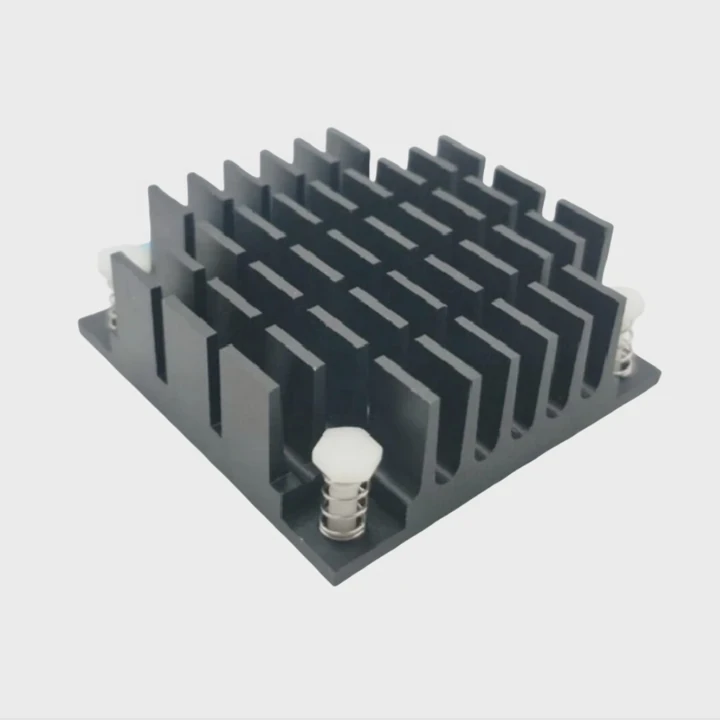
Liquid cooling systems are increasingly popular for high-performance PCs, but are they really better than traditional air cooling? Let’s dive into the pros, cons, and what makes liquid cooling the right choice for certain systems.
Liquid-cooled computers are often considered more efficient than air-cooled systems. But whether they are better depends on your needs. Let’s break down the advantages and maintenance tips to help you decide.
Liquid cooling can provide better performance, quieter operation, and allow for higher overclocking speeds. But it also comes with a higher cost and increased maintenance needs. Understanding when and why liquid cooling is a good choice is key to building an efficient, long-lasting system.
What Defines a Liquid-Cooled Computer?
Ever wondered how liquid-cooled PCs manage to keep your high-performance components cooler than air can? Let’s uncover the magic behind these systems.
Liquid cooling uses a liquid coolant to carry heat away from computer components like the CPU and GPU, improving overall heat dissipation. This allows for more efficient cooling than traditional air cooling systems.
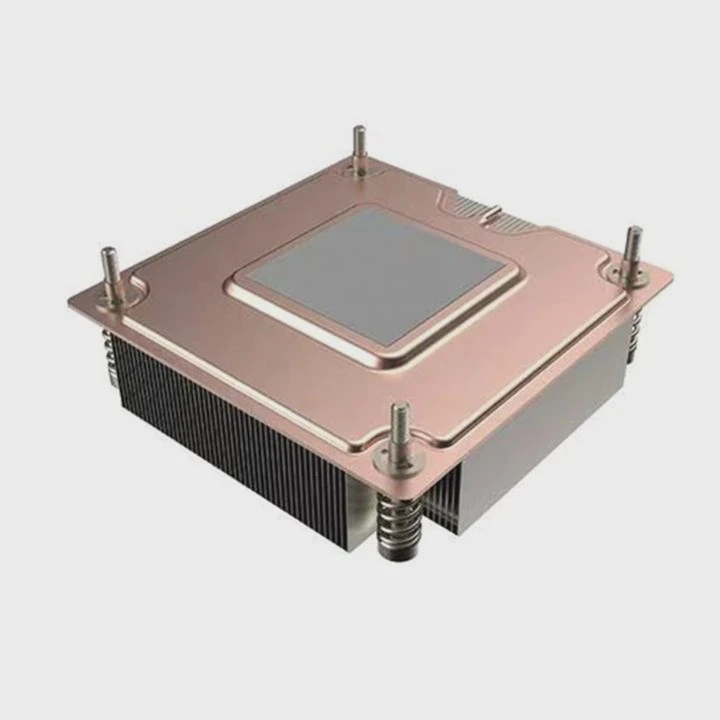
A liquid-cooled computer uses a closed-loop system of tubes, pumps, radiators, and coolant to transfer heat away from components such as the CPU, GPU, and sometimes even memory or storage devices. Unlike traditional air coolers that use fans to dissipate heat through heat sinks, liquid coolers circulate coolant through water blocks that absorb heat directly from the component.
How it Works:
In liquid cooling systems, liquid is pumped through tubes that connect to water blocks attached to heat-producing components. The liquid absorbs the heat and is pumped through a radiator, where fans blow air over it to dissipate the heat into the environment. The cooled liquid is then cycled back into the system. This cycle helps to maintain a consistent temperature and prevents overheating.
| Component | Function |
|---|---|
| Water Block | Absorbs heat from the component |
| Radiator | Dissipates heat via airflow |
| Pump | Moves coolant through the system |
| Reservoir | Stores coolant and helps maintain pressure |
In comparison to air cooling, liquid systems can remove heat more efficiently. Water can absorb more heat and transfer it better than air, especially when it’s exposed to a larger surface area (the radiator). This is especially useful for gaming PCs or workstations that experience sustained loads.
Benefits of Liquid Cooling:
Better Heat Dissipation:
Liquid cooling systems tend to offer superior heat dissipation. Water or coolant has a higher heat capacity than air, meaning it can absorb more heat before needing to be cooled down.Quieter Operation:
Liquid cooling systems are often quieter than air coolers because they require fewer fans. The fans that come with radiators can be larger and run at slower speeds, reducing noise.Improved Overclocking Potential:
Liquid coolers are ideal for users looking to overclock their systems. Overclocking pushes components beyond their normal limits, which generates more heat. Liquid cooling can handle this heat better than air cooling, allowing for more stable overclocking.Space-Saving and Aesthetic:
Liquid cooling systems can often be more compact compared to large air coolers, which makes them a good choice for smaller cases. Plus, many liquid cooling setups come with sleek designs and RGB lighting that appeals to enthusiasts who want a visually striking build.
What Are Its Advantages Over Air-Cooled PCs?
Is a liquid-cooled PC always better than a traditional air-cooled one? Let’s break down the reasons why you might choose liquid cooling over air cooling.
Liquid cooling offers superior cooling efficiency, reduced noise, and higher overclocking potential compared to air-cooled systems. However, it also requires more maintenance and is generally more expensive.

The primary advantage of liquid cooling is its efficiency. Liquid has a higher thermal conductivity than air, meaning it can absorb and transfer more heat away from components. This is particularly beneficial for high-end gaming PCs, workstations, or servers that generate a lot of heat.
Another big advantage is noise reduction. Traditional air coolers rely on smaller fans that spin at higher speeds, which can be noisy, especially in high-performance systems. Liquid cooling systems, on the other hand, tend to use larger fans or even fewer fans, which run at lower speeds. This reduces noise significantly while still maintaining optimal cooling.
When it comes to overclocking, liquid cooling excels. Overclocking increases the clock speed of your components beyond their rated specifications, resulting in increased performance—but also increased heat. With better heat dissipation, liquid coolers can maintain a lower temperature, allowing you to overclock for longer periods without thermal throttling.
While air coolers are simpler and often cheaper, liquid coolers are the go-to for enthusiasts who want maximum performance. However, liquid systems are typically more complex to install, costlier, and require regular maintenance.
| Factor | Liquid Cooling | Air Cooling |
|---|---|---|
| Cooling Efficiency | Superior heat dissipation | Adequate, but less efficient |
| Noise | Quieter operation | Can be louder due to fans |
| Overclocking | Better for high-performance | May struggle with high overclocking |
| Maintenance | Requires more upkeep | Generally low maintenance |
When Should You Consider Liquid Cooling?
Liquid cooling is often recommended when you’re building a high-performance PC that will be overclocked or used for tasks that generate a lot of heat, like gaming or 3D rendering. For general use, air cooling is often sufficient.
How to Maintain a Liquid-Cooled PC Efficiently?
Maintaining your liquid-cooled PC is important for ensuring optimal performance and longevity. But how do you keep the system running smoothly?
Liquid cooling systems require regular maintenance to keep the coolant levels and system performance at their best. Proper care can extend the lifespan of your components.
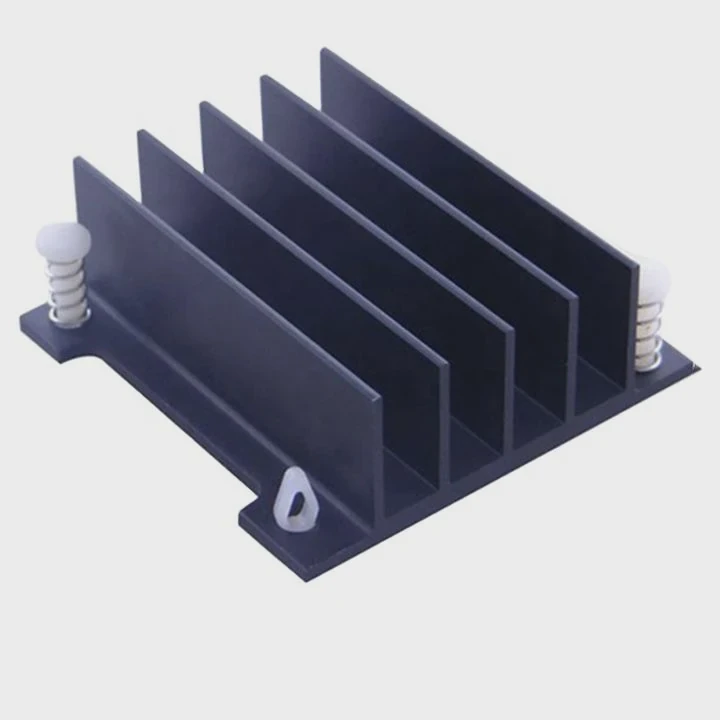
Proper maintenance of a liquid-cooled system starts with checking the coolant levels. Over time, the coolant can evaporate or degrade, affecting its efficiency. It’s essential to check the levels regularly and top them off as needed. If the coolant has changed color or looks contaminated, it might be time for a full coolant change.
Another key maintenance task is cleaning the system. Dust and debris can clog the radiator or water blocks, reducing the system’s cooling ability. Regularly clean the fans and radiator with compressed air, being careful not to damage any components.
The pump is another critical component to monitor. If the pump fails, the entire cooling system will stop working. Listen for unusual sounds coming from the pump, and if you notice any decrease in performance, it could be time to replace it.
Also, inspect the tubing for any signs of wear or leaks. Over time, tubing can degrade, which can lead to leaks. Make sure the tubing is still flexible and free from cracks or holes. Replacing old tubing can help prevent failures.
| Maintenance Task | Frequency | Importance |
|---|---|---|
| Check coolant levels | Every 3-6 months | Ensures efficient heat transfer |
| Clean radiator/fans | Every 3-6 months | Prevents dust build-up, ensures airflow |
| Inspect pump | Every 3-6 months | Prevents pump failure |
| Check tubing | Every 6 months | Prevents leaks and blockages |
If you’re using a custom water loop, replacing the coolant every 12 months is recommended to avoid debris build-up. Keep in mind that these systems also require periodic testing to ensure that all components are working correctly and that temperatures are stable.
What Are the Advancements in PC Cooling?
PC cooling technology is always advancing, from better liquid coolants to more efficient radiators. What are the latest trends in PC cooling?
Advancements in PC cooling systems have led to better performance, quieter operation, and more user-friendly setups. New technologies continue to push the boundaries of how efficiently we can cool high-performance components.
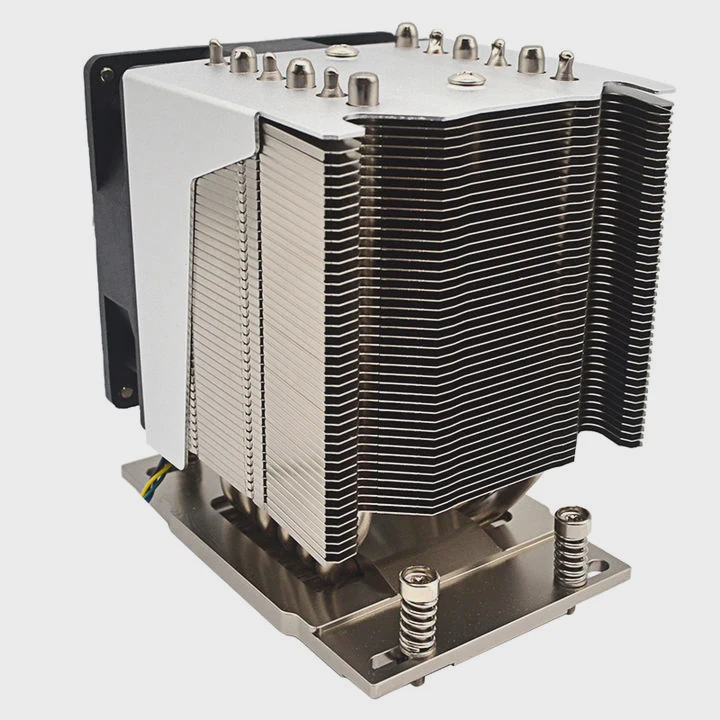
One major advancement in liquid cooling is the development of All-in-One (AIO) cooling solutions. AIOs integrate the pump, water block, and radiator into one unit, making installation simpler and more efficient. These closed-loop systems provide the cooling benefits of custom loops but without the complexity and potential for leaks.
Another significant development is the improvement in coolant fluids. Newer coolants are designed to last longer, provide better thermal conductivity, and resist breakdown over time. Some modern coolants even have anti-corrosive properties to protect the system from damage.
Heat pipe and vapor chamber technology have also made their way into both air and liquid cooling systems. These technologies work by transferring heat away from the component to the radiator or fins more efficiently, improving overall cooling.
Smart cooling is another trend to watch. New systems now include sensors and software that adjust fan speeds, pump speeds, and liquid flow based on the temperatures of various components. These intelligent systems can optimize cooling automatically, making the system quieter and more efficient.
| Technology | Description | Benefits |
|---|---|---|
| AIO Liquid Coolers | Pre-assembled liquid cooling units with pump, block, and radiator | Easy to install, efficient cooling |
| Improved Coolants | Longer-lasting, more conductive liquids | Better heat transfer, longer lifespan |
| Heat Pipes/Vapor Chambers | Enhance heat dissipation from components | Faster cooling, more compact designs |
| Smart Cooling Systems | Automated systems with sensors and controls | Optimizes cooling, reduces noise |
Conclusion
Liquid cooling systems provide superior cooling, quieter performance, and better overclocking potential compared to air cooling. While more complex and expensive, they are ideal for high-performance systems that need extra cooling power.
Word Count: 1562
TAGS
Latest Articles

Volume discount levels for heat sink orders?
Buyers often ask when heat sink prices start to drop with volume. Many worry they’re overpaying for small orders. This guide explains how B2B volume pricing works for thermal components. Heat sink
21 Dec,2025
Heat sink long-term supply contract options?
Many buyers want stable pricing and reliable delivery for heat sinks. But without a clear contract, risks grow over time. This article explores how to secure better long-term supply deals. Long-term
21 Dec,2025
Tooling cost for new heat sink profiles?
Many engineers struggle to understand why tooling for custom heat sinks costs so much. They worry about budgeting and production timelines. This article breaks down the cost drivers behind tooling.
21 Dec,2025
Heat sink custom sample process steps?
Sometimes, starting a custom heat sink project feels overwhelming—too many steps, too many unknowns, and too many risks. You want a sample, but not endless delays. The process for requesting and
20 Dec,2025
Standard B2B terms for heat sink payments?
When buyers and sellers in B2B heat sink markets talk about payment, many don’t fully understand what’s standard. This can lead to delayed orders, miscommunication, and even lost business
20 Dec,2025
Heat sink pricing factors for large orders?
Heat sinks are vital for many systems. When prices rise, projects stall and budgets break. This problem can hit teams hard without warning. Large order heat sink pricing depends on many factors. You
20 Dec,2025Related Articles
- What is Liquid Cooling System in Mobile Devices?
- Is the Royal Enfield Super Meteor 650 Liquid Cooled?
- What Is a Liquid Cooling System for a Computer?
- Does RTX 3090 need liquid cooling?
- Why does a liquid cool down when it evaporates?
- How to transition from air to liquid cooling?
- What is Mobile Liquid Cooling?
- Why is a Liquid-Cooled System Pressurized?
- How to Screw in a Processor Liquid Cooler?
- Is Alienware Liquid Cooling Worth It?
- Which Phone Has a Liquid Cooling System?
- How to Check a Liquid Cooling System?
Author
Dr. Emily Chen
Chief AI Researcher
Leading expert in thermal dynamics and AI optimization with over 15 years of experience in data center efficiency research.
Categories
Latest Products






Recommend Categories
- Liquid cooling plate Manufacturer
- Industrial Heat Sink Manufacturer
- Standard Heat Sink Manufacturer
- Aluminum Heat Sink Manufacturer
- Copper Heat Sink Manufacturer
- Anodized Heatsink Manufacturer
- Stamping heat sink Manufacturer
- Die Casting Heatsink Manufacturer
- Soldering heat sink Manufacturer
- CNC Parts Manufacturer
Latest Products
- Wholesale Aluminum Radiator
- Water Cooling Plate Kit
- Water Cooling Heat Sink
- Water Cooling Heat Sink Kit
- Stainless Steel Water Distributor
- Server Water Cooling Plate Kit
- Server Liquid Cooling System
- Server Aluminum Cooling Kit
- S19 Full Cover Cooling Plate
- S19 Cooling Plate Kit
- S19 Aluminum Cooling Plate
Contact Expert
Have questions about this article? Reach out to our experts directly.