How does liquid CPU cooling work?
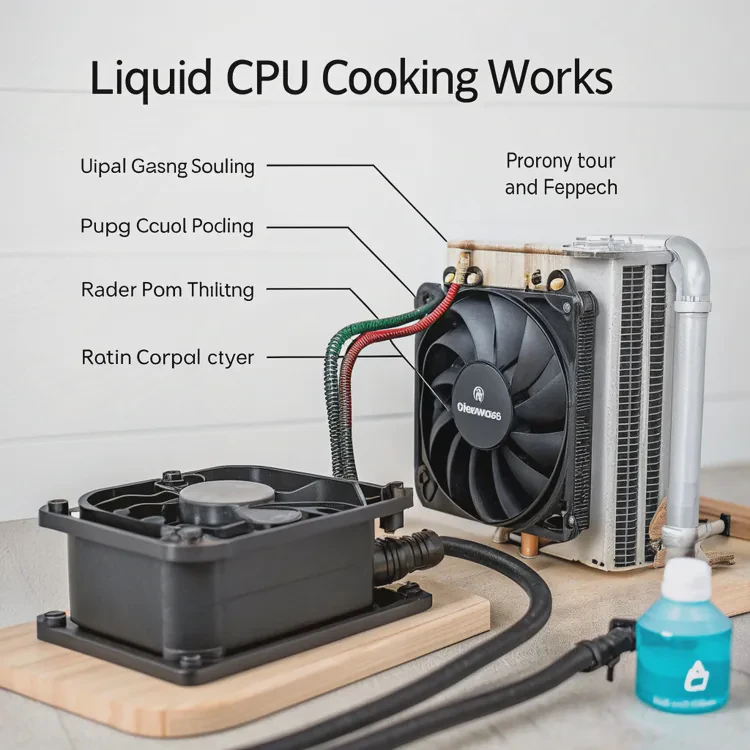
Modern processors are more powerful than ever — and with great power comes great heat. High-performance CPUs need efficient cooling to maintain stability, performance, and longevity. While air cooling works for most systems, liquid CPU cooling provides a more advanced and reliable way to manage heat.
Liquid CPU cooling works by circulating coolant through a closed loop that absorbs heat from the processor and releases it through a radiator, keeping the CPU temperature stable and performance consistent.
In this article, we’ll explore what liquid CPU cooling is, its advantages, how to use it effectively, and the innovations shaping the next generation of cooling systems.
What is liquid CPU cooling?
Liquid CPU cooling is a system that uses fluid to remove heat from your computer’s processor more efficiently than air. Instead of relying solely on metal heatsinks and fans, it uses a combination of coolant, pump, and radiator to transfer heat.
Liquid CPU cooling is a closed-loop system where coolant absorbs heat from the CPU through a cold plate and transfers it to a radiator, which expels the heat into the air using fans.
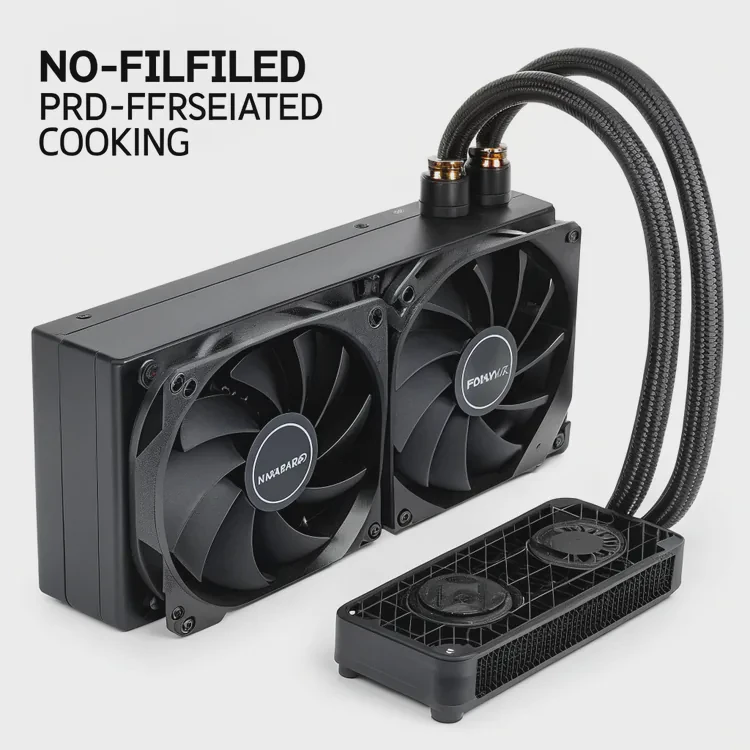
Main Components of a Liquid Cooling System
| Component | Function |
|---|---|
| Cold Plate | Sits on top of the CPU and transfers heat into the coolant |
| Pump | Circulates the coolant through the loop |
| Tubing | Connects the cold plate to the radiator |
| Radiator | Disperses heat into the air |
| Fans | Move air across the radiator fins for better heat removal |
| Coolant | The fluid that carries heat through the loop |
How It Works Step-by-Step
- The cold plate sits directly on the CPU surface.
- The thermal paste between them ensures maximum contact and heat transfer.
- The pump moves liquid coolant from the cold plate through the tubes to the radiator.
- Inside the radiator, fans push air across thin metal fins, expelling the heat.
- The now-cooled liquid flows back to the CPU, repeating the cycle continuously.
This closed system operates in silence and keeps CPUs cooler than traditional air cooling, especially under heavy workloads.
Types of Liquid CPU Coolers
- AIO (All-In-One): Pre-filled and sealed systems that require no maintenance.
- Custom Loop: Fully customizable systems with replaceable parts and higher cooling capacity.
While AIOs are easy to install, custom loops offer more flexibility for enthusiasts and professionals.
What advantages does it bring?
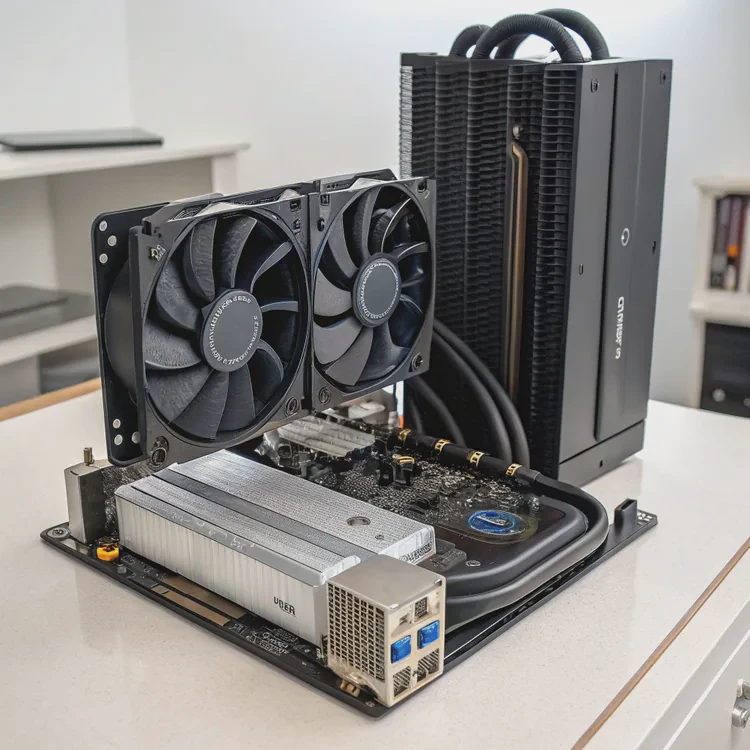
Liquid CPU cooling offers several clear benefits over air cooling — from improved thermal efficiency to quieter operation and better system aesthetics.
The main advantages of liquid CPU cooling are higher performance, lower noise, greater stability, and longer component lifespan.
Let’s take a closer look at these benefits.
1. Superior Heat Dissipation
Liquid has a higher heat capacity and conductivity than air, allowing it to absorb and transport heat much faster.
This means your CPU stays cooler, even during demanding tasks like gaming, rendering, or simulations.
A good liquid cooler can keep temperatures 20–30°C lower than a comparable air cooler under full load.
2. Quieter Operation
Air coolers rely on large, high-speed fans to move heat away, which creates more noise.
Liquid cooling uses slower, larger fans and a small pump, resulting in near-silent performance.
3. Stable Performance Under Load
Liquid coolers maintain consistent temperatures, preventing thermal throttling — a condition where the CPU reduces speed to avoid overheating.
This stability ensures the processor performs at its full potential for longer periods.
4. Better Overclocking Potential
If you’re an enthusiast who enjoys pushing your CPU beyond factory limits, liquid cooling provides the thermal headroom necessary for safe overclocking.
5. Space Efficiency and Aesthetics
Radiators can be mounted away from the CPU socket, freeing up space around the motherboard and improving airflow.
Many modern liquid coolers also feature sleek designs and customizable RGB lighting, adding visual appeal.
6. Longer Component Lifespan
Keeping your CPU and nearby components cooler reduces long-term thermal stress, extending their usable life.
Air vs. Liquid Cooling Comparison
| Feature | Air Cooling | Liquid Cooling |
|---|---|---|
| Cooling Efficiency | Moderate | High |
| Noise Level | Louder | Quieter |
| Thermal Stability | Variable | Consistent |
| Overclocking | Limited | Excellent |
| Aesthetics | Simple | Modern, customizable |
| Space Use | Bulky near CPU | Flexible |
| Maintenance | Minimal | Occasional (custom loops) |
For anyone seeking top performance, quiet operation, and a clean design, liquid CPU cooling is a smart upgrade.
How to use it effectively?
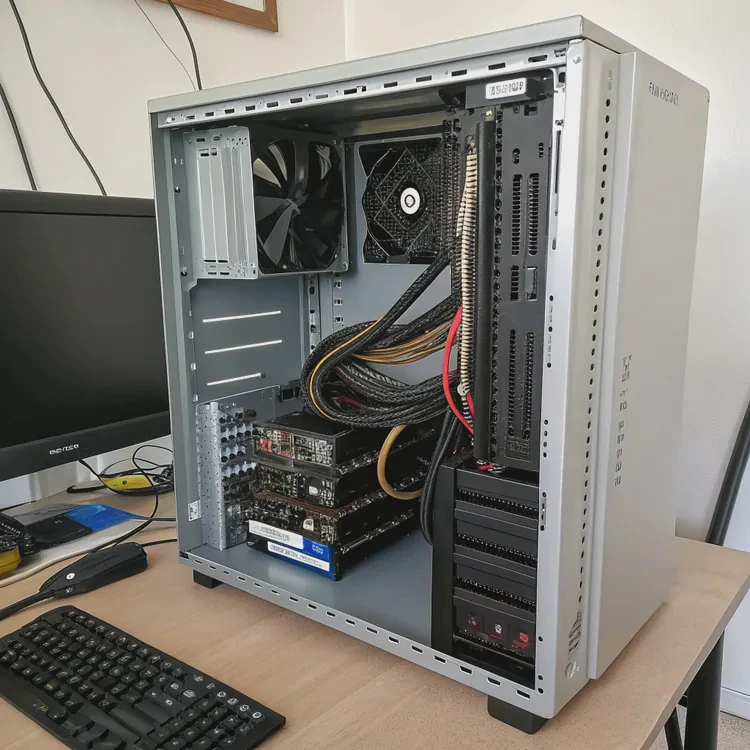
Installing a liquid CPU cooler correctly ensures maximum performance and safety. A poor setup can lead to trapped air, leaks, or inefficient cooling.
To use liquid CPU cooling effectively, mount the radiator correctly, apply thermal paste properly, ensure stable airflow, and monitor coolant performance regularly.
Step 1: Choose the Right Cooler
Select a cooler compatible with your CPU socket (Intel or AMD) and your case size.
For high-end CPUs or overclocking, opt for a 240mm, 280mm, or 360mm radiator for optimal heat dissipation.
Step 2: Proper Mounting Orientation
The radiator’s placement is crucial.
- Top mount: Best for exhausting hot air.
- Front mount: Best for intake cooling efficiency.
- Rear mount: Ideal for compact cases.
Always position the pump below the top of the radiator to prevent air bubbles from entering the pump.
Step 3: Apply Thermal Paste Correctly
Use a pea-sized amount in the center of the CPU.
Too much or too little paste reduces heat transfer efficiency.
When you attach the pump block, it will spread the paste evenly.
Step 4: Manage Airflow Direction
Ensure fans on the radiator push or pull air in a balanced direction.
- Intake: Draws cool air into the case.
- Exhaust: Removes hot air from the system.
Balanced airflow maintains lower internal temperatures.
Step 5: Connect Cables and Power
- Pump cable → PUMP_FAN or CPU_FAN header
- Radiator fans → FAN headers or controller
- RGB cables → ARGB or RGB headers
Use cable ties to organize wiring neatly and improve case airflow.
Step 6: Monitor and Test Performance
After installation:
- Boot the PC and monitor CPU temps using software like HWMonitor, NZXT CAM, or MSI Afterburner.
- Idle temperatures should stay around 30–35°C, and full load should remain below 70°C.
If you hear gurgling sounds or see erratic temps, check for trapped air or loose fittings.
Step 7: Perform Light Maintenance
AIO coolers need very little attention, but it’s good practice to:
- Clean the radiator fins every 3–6 months.
- Check fan and pump operation periodically.
- Ensure no visible leaks or discoloration in tubes.
Custom loops, on the other hand, require periodic coolant replacement every 12–24 months.
Example Temperature Comparison
| Load Type | Air Cooler | Liquid Cooler |
|---|---|---|
| Idle | 40°C | 30°C |
| Gaming | 85°C | 60°C |
| Rendering | 95°C | 65°C |
Proper setup and routine checks keep your CPU cool, quiet, and efficient.
What are the innovations in CPU cooling?
The field of CPU cooling is rapidly evolving, with new technologies aiming to increase efficiency, simplify installation, and reduce maintenance.
Innovations in CPU cooling include magnetic pumps, AI thermal control, vapor chamber designs, two-phase cooling, and eco-friendly long-life coolants.
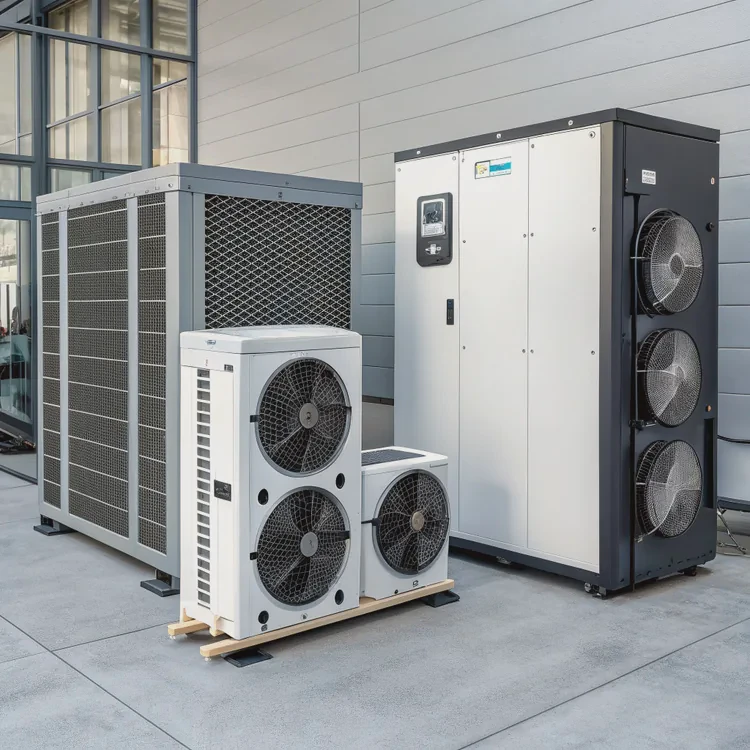
Here are the most exciting developments transforming CPU cooling systems.
1. Magnetic Levitation (MagLev) Pumps and Fans
MagLev pumps use magnetic bearings instead of mechanical ones, eliminating friction and noise.
This not only reduces wear but also extends pump lifespan beyond 10 years of continuous use.
2. AI-Controlled Cooling Systems
AI-driven coolers monitor CPU load, temperature, and ambient conditions in real time.
They automatically adjust pump and fan speeds for optimal cooling while minimizing noise.
3. Vapor Chamber and Two-Phase Cooling
Next-gen CPU coolers are adopting vapor chamber or two-phase technology.
These systems use liquid evaporation and condensation cycles to transfer heat more efficiently than standard liquid loops.
4. Compact and Modular Designs
Manufacturers are introducing modular coolers where users can replace pumps, radiators, or fans individually.
Compact versions now fit into small form-factor cases without compromising performance.
5. Smart Monitoring and Predictive Maintenance
New coolers come with built-in sensors that track coolant temperature, pump speed, and flow rate.
Some even send alerts when maintenance is needed, preventing overheating or failure.
6. Eco-Friendly and Long-Life Coolants
Future cooling systems will use biodegradable, non-toxic coolants that last up to five years without refilling.
These sustainable fluids maintain performance while reducing environmental impact.
7. Hybrid Cooling Systems
Combining air, liquid, and phase-change elements, hybrid systems provide maximum flexibility and efficiency.
They automatically switch modes depending on system load and temperature.
Innovation Summary Table
| Innovation | Description | Benefit |
|---|---|---|
| MagLev Pumps | Magnetic bearings, no friction | Longer life, quieter operation |
| AI Cooling | Automatic fan and pump adjustment | Smart and silent |
| Vapor Chamber Design | Two-phase heat transfer | Higher efficiency |
| Modular Components | Replaceable units | Easier maintenance |
| Predictive Sensors | Real-time diagnostics | Prevents overheating |
| Eco Coolants | Long-life, non-toxic fluids | Sustainability |
| Hybrid Systems | Multi-mode cooling | Adaptive performance |
The Future of CPU Cooling
The next generation of CPU coolers will be smarter, quieter, and more sustainable.
With AI control, long-life coolants, and frictionless pumps, users can expect years of reliable cooling with minimal maintenance.
Conclusion
Liquid CPU cooling provides powerful, quiet, and consistent thermal management for modern processors. It works by circulating coolant through a closed loop that absorbs and releases heat efficiently. With innovations like AI-controlled pumps, vapor chamber systems, and eco-friendly coolants, liquid cooling is evolving into a smarter, longer-lasting, and virtually maintenance-free solution — keeping CPUs cool and performance at its peak for years to come.
TAGS
Latest Articles

Volume discount levels for heat sink orders?
Buyers often ask when heat sink prices start to drop with volume. Many worry they’re overpaying for small orders. This guide explains how B2B volume pricing works for thermal components. Heat sink
21 Dec,2025
Heat sink long-term supply contract options?
Many buyers want stable pricing and reliable delivery for heat sinks. But without a clear contract, risks grow over time. This article explores how to secure better long-term supply deals. Long-term
21 Dec,2025
Tooling cost for new heat sink profiles?
Many engineers struggle to understand why tooling for custom heat sinks costs so much. They worry about budgeting and production timelines. This article breaks down the cost drivers behind tooling.
21 Dec,2025
Heat sink custom sample process steps?
Sometimes, starting a custom heat sink project feels overwhelming—too many steps, too many unknowns, and too many risks. You want a sample, but not endless delays. The process for requesting and
20 Dec,2025
Standard B2B terms for heat sink payments?
When buyers and sellers in B2B heat sink markets talk about payment, many don’t fully understand what’s standard. This can lead to delayed orders, miscommunication, and even lost business
20 Dec,2025
Heat sink pricing factors for large orders?
Heat sinks are vital for many systems. When prices rise, projects stall and budgets break. This problem can hit teams hard without warning. Large order heat sink pricing depends on many factors. You
20 Dec,2025Related Articles
- Does liquid cooling need to be refilled?
- How long does a liquid cooler last?
- How to install liquid cooler?
- How long does liquid cooling last?
- How to install CPU liquid cooler?
- What is a liquid cooler?
- Heat Sink Manufacturer in El Salvador
- Heat Sink Manufacturer in Equatorial Guinea
- Heat Sink Manufacturer in Eritrea
- Heat Sink Manufacturer in Eswatini
- Heat Sink Manufacturer in Fiji
- Heat Sink Manufacturer in Gabon
Author
Dr. Emily Chen
Chief AI Researcher
Leading expert in thermal dynamics and AI optimization with over 15 years of experience in data center efficiency research.
Categories
Latest Products






Recommend Categories
- Liquid cooling plate Manufacturer
- Industrial Heat Sink Manufacturer
- Standard Heat Sink Manufacturer
- Aluminum Heat Sink Manufacturer
- Copper Heat Sink Manufacturer
- Anodized Heatsink Manufacturer
- Stamping heat sink Manufacturer
- Die Casting Heatsink Manufacturer
- Soldering heat sink Manufacturer
- CNC Parts Manufacturer
Latest Products
- Wholesale Aluminum Radiator
- Water Cooling Plate Kit
- Water Cooling Heat Sink
- Water Cooling Heat Sink Kit
- Stainless Steel Water Distributor
- Server Water Cooling Plate Kit
- Server Liquid Cooling System
- Server Aluminum Cooling Kit
- S19 Full Cover Cooling Plate
- S19 Cooling Plate Kit
- S19 Aluminum Cooling Plate
Contact Expert
Have questions about this article? Reach out to our experts directly.