How long does liquid cooling last?
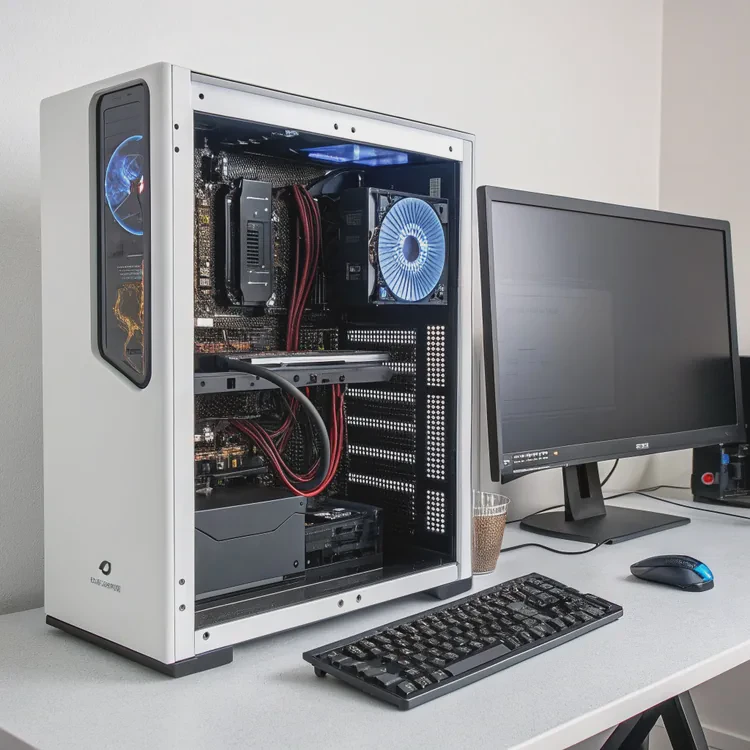
A well-built computer depends on proper cooling. Without it, performance drops and components degrade faster. Liquid cooling systems solve heat problems efficiently — but one common question remains: how long do they last?
A typical liquid cooling system lasts between 5 to 7 years for AIO (All-In-One) coolers and over 10 years for custom loops if properly maintained. Lifespan depends on coolant quality, pump design, and maintenance frequency.
Let’s look at how long these systems really last, why durability matters, how to extend their life, and what new trends are improving cooling longevity.
What is the lifespan of a liquid cooling system?
Liquid cooling systems are designed for durability, but like any mechanical system, their components wear down over time.
The lifespan of a liquid cooling system depends on its type: AIO coolers last around 5–7 years, while custom loops can last 8–10 years or more with proper care.
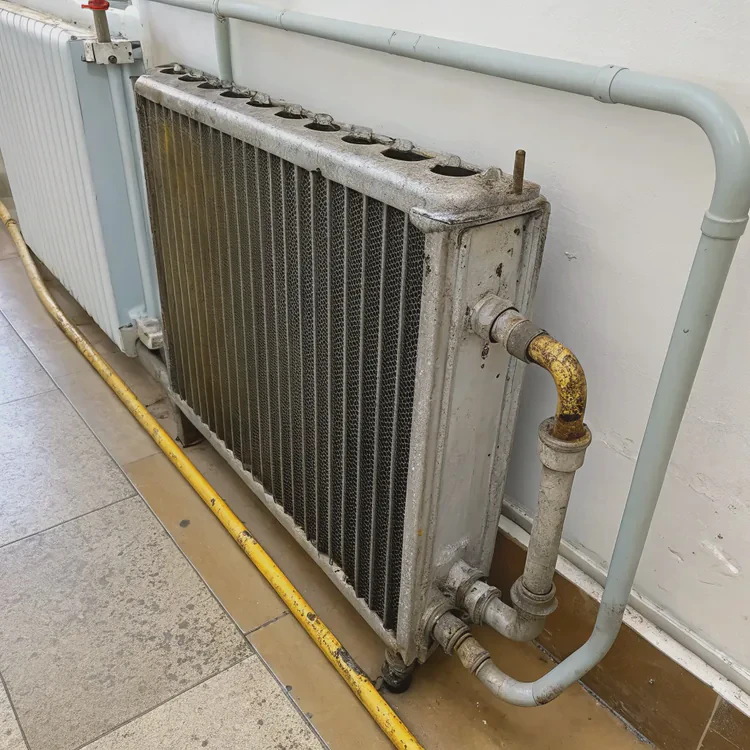
Here’s how each type performs over time:
1. AIO (All-In-One) Liquid Coolers
AIO systems are factory-sealed and require almost no maintenance. The coolant is pre-filled, and the unit is designed to run continuously for years.
- Average lifespan: 5–7 years
- Primary wear points: pump bearings, seals, and coolant evaporation over time
High-quality AIOs from reputable brands can even last up to a decade if used under stable temperatures and clean environments.
2. Custom Liquid Cooling Loops
Custom loops use separate pumps, reservoirs, and tubing. They are open systems designed for advanced users who want maximum control and cooling performance.
- Average lifespan: 8–10 years or longer
- Primary wear points: tubing discoloration, coolant contamination, or pump failure
Unlike AIOs, custom loops allow component replacement. If you maintain the loop regularly — by changing coolant and cleaning — the system can last indefinitely.
Component Lifespan Breakdown
| Component | Typical Lifespan | Notes |
|---|---|---|
| Pump | 5–8 years | Core moving part, most prone to wear |
| Radiator | 10+ years | Metal structure lasts long if kept clean |
| Tubing | 3–6 years | Can yellow or harden with age |
| Coolant | 1–2 years | Needs periodic replacement |
| Fans | 4–7 years | Replaceable; affects noise and airflow |
Key Factors That Affect Lifespan
- Coolant Quality: Poor-quality coolant can corrode metal and clog microchannels.
- Pump Speed and Load: Running the pump too fast increases wear.
- Operating Temperature: High ambient heat reduces component longevity.
- Dust Accumulation: Dust buildup on radiators and fans affects airflow and temperature stability.
- Usage Hours: Systems running 24⁄7 wear out faster than casual gaming PCs.
By managing these factors, your liquid cooling system can last far beyond its rated lifespan.
What benefits come from a long-lasting cooler?
A durable liquid cooler is more than just a cost-saving investment — it directly improves system performance, reliability, and total ownership experience.
The benefits of a long-lasting cooler include stable thermal performance, quieter operation, cost efficiency, and reduced maintenance downtime.
Let’s explore why longevity matters.
1. Consistent Thermal Performance
A long-lasting cooler maintains consistent temperatures over years of use. This ensures your CPU or GPU runs at optimal speeds without thermal throttling, improving productivity and gaming stability.
2. Lower Total Cost of Ownership
High-quality liquid coolers may cost more upfront but pay off in the long term. A durable cooler eliminates the need for frequent replacements and reduces the risk of heat-related component failure.
3. Reduced Maintenance Effort
Longer-lasting systems with corrosion-resistant materials and sealed designs require less attention. You won’t need to replace coolant or parts frequently, making ownership easier.
4. Quieter and More Reliable Operation
A healthy pump and fan system runs smoother and quieter. Over time, low vibration and stable speed mean fewer mechanical failures and less noise buildup.
5. Better Component Longevity
Stable cooling protects sensitive CPU and GPU components from constant temperature spikes. This reduces wear on transistors, solder joints, and motherboard VRMs.
6. Improved System Value and Reusability
If your cooler remains in good condition, you can reuse it in future PC builds — reducing waste and upgrading costs.
Benefit Overview Table
| Benefit | Description |
|---|---|
| Stable Performance | Maintains temperature consistency |
| Cost Efficiency | Fewer replacements and repairs |
| Low Maintenance | Minimal upkeep needed |
| Quiet Operation | Smooth pump and fan function |
| Extended Hardware Life | Less thermal stress |
| Reusability | Can move to new systems |
A reliable, long-lasting liquid cooler turns into a long-term investment that enhances both performance and peace of mind.
How to extend liquid cooling life?
Even the best coolers degrade over time, but with the right habits and maintenance, you can significantly extend their lifespan.
To make your liquid cooling system last longer, keep it clean, control temperatures, replace coolant periodically, and operate the pump and fans efficiently.
Here’s a breakdown of the best practices.
1. Keep the System Clean
Dust can block radiator fins and reduce cooling efficiency. Clean the radiator, fans, and case vents every 3–6 months using compressed air or a soft brush.
2. Maintain Stable Operating Temperatures
Keep your PC in a well-ventilated area. Avoid placing it near walls or heat sources. Stable ambient temperatures prevent coolant from expanding or evaporating prematurely.
3. Replace Coolant Periodically (Custom Loops)
If you’re using a custom loop, replace the coolant every 12–24 months. Over time, additives in the fluid break down and lose their anti-corrosion properties.
4. Inspect for Leaks or Corrosion
Check tubing connections, pump housing, and fittings for any signs of leakage, rust, or discoloration. Catching issues early prevents major damage.
5. Adjust Pump and Fan Speeds
Use your motherboard BIOS or software to set pump and fan speeds dynamically. Running at medium speeds during normal use reduces noise and extends bearing life.
6. Avoid Frequent Disassembly
Opening the loop unnecessarily can introduce air bubbles or contaminants. Only disassemble when cleaning or upgrading components.
7. Use High-Quality Components
When choosing parts for a custom loop, invest in corrosion-resistant materials like copper or nickel-plated blocks, and use reliable pumps with magnetic or ceramic bearings.
Example Maintenance Schedule
| Task | Frequency | Notes |
|---|---|---|
| Clean radiator and fans | Every 3–6 months | Use compressed air |
| Check for leaks | Every 6 months | Look around tubing and fittings |
| Replace coolant (custom loop) | Every 12–24 months | Use manufacturer-approved fluids |
| Inspect pump noise and vibration | Annually | Replace if grinding or rattling |
| Full system check | Every 2 years | Ensure all components function smoothly |
With consistent care, your liquid cooling system can perform like new even after years of continuous use.
What trends focus on cooling durability?
Manufacturers are constantly improving cooling systems to make them last longer, run quieter, and require less maintenance.
The latest trends in cooling durability include advanced materials, magnetic pumps, self-cleaning radiators, AI control systems, and eco-friendly coolants.
Let’s explore the innovations driving this evolution.
1. Magnetic Levitation Pumps and Fans
MagLev technology eliminates friction in pump and fan bearings, drastically reducing mechanical wear and extending lifespan. These components can operate quietly for over 10 years without degradation.
2. Corrosion-Resistant and Sealed Materials
New coolers use nickel-plated copper, anodized aluminum, and EPDM rubber tubing, all of which resist corrosion and oxidation. Sealed systems prevent coolant evaporation for long-term stability.
3. Smart AI Monitoring
Modern coolers include sensors and AI-driven control software that automatically adjust fan and pump speeds. These systems prevent overheating, reduce stress, and log performance data to predict maintenance needs.
4. Self-Cleaning Radiator Coatings
Some manufacturers are testing hydrophobic coatings that repel dust and liquid, reducing buildup on radiator fins. This keeps airflow consistent and extends cooling efficiency over time.
5. Long-Life Coolants
Next-generation coolants contain anti-corrosion, anti-fungal, and anti-evaporation additives, allowing them to last up to 5 years before replacement. Many are also biodegradable and non-toxic.
6. Modular and Upgradable Components
Future AIOs and custom loops are being designed with replaceable parts. Instead of discarding the whole unit, users can swap out pumps, tubes, or fans to restore performance.
7. Vibration Dampening and Noise Reduction
Manufacturers are using rubber mounts and shock-absorbing brackets to reduce mechanical vibration, protecting pumps and radiators from micro-damage over time.
Cooling Durability Trend Summary
| Innovation | Description | Benefit |
|---|---|---|
| MagLev Pumps/Fans | Frictionless bearings | Longer lifespan, quieter operation |
| Corrosion-Resistant Materials | Nickel-plated copper, EPDM tubing | Prevents rust and leaks |
| AI Monitoring | Smart thermal management | Predictive maintenance |
| Self-Cleaning Coatings | Hydrophobic radiator surfaces | Consistent performance |
| Long-Life Coolants | Enhanced chemical stability | Extended service intervals |
| Modular Parts | Replaceable components | Sustainable design |
| Noise Dampening | Shock-absorbing mounts | Less vibration, longer life |
These advances focus on reliability, sustainability, and simplicity — making liquid coolers tougher, smarter, and easier to maintain.
Conclusion
A quality liquid cooling system can last 5–10 years or more when properly maintained. Regular cleaning, stable temperatures, and high-quality materials keep it running smoothly. With modern trends like magnetic pumps, AI control, and corrosion-resistant materials, the future of liquid cooling is moving toward longer-lasting, quieter, and maintenance-free systems that protect both performance and investment.
TAGS
Latest Articles

Volume discount levels for heat sink orders?
Buyers often ask when heat sink prices start to drop with volume. Many worry they’re overpaying for small orders. This guide explains how B2B volume pricing works for thermal components. Heat sink
21 Dec,2025
Heat sink long-term supply contract options?
Many buyers want stable pricing and reliable delivery for heat sinks. But without a clear contract, risks grow over time. This article explores how to secure better long-term supply deals. Long-term
21 Dec,2025
Tooling cost for new heat sink profiles?
Many engineers struggle to understand why tooling for custom heat sinks costs so much. They worry about budgeting and production timelines. This article breaks down the cost drivers behind tooling.
21 Dec,2025
Heat sink custom sample process steps?
Sometimes, starting a custom heat sink project feels overwhelming—too many steps, too many unknowns, and too many risks. You want a sample, but not endless delays. The process for requesting and
20 Dec,2025
Standard B2B terms for heat sink payments?
When buyers and sellers in B2B heat sink markets talk about payment, many don’t fully understand what’s standard. This can lead to delayed orders, miscommunication, and even lost business
20 Dec,2025
Heat sink pricing factors for large orders?
Heat sinks are vital for many systems. When prices rise, projects stall and budgets break. This problem can hit teams hard without warning. Large order heat sink pricing depends on many factors. You
20 Dec,2025Related Articles
- How to install CPU liquid cooler?
- What is a liquid cooler?
- How to install liquid cooling on CPU?
- How to install a liquid cooler?
- How does a liquid CPU cooler work?
- How to install liquid cooling?
- How to install liquid cooler?
- How long does a liquid cooler last?
- Does liquid cooling need to be refilled?
- How does liquid CPU cooling work?
- Heat Sink Manufacturer in El Salvador
- Heat Sink Manufacturer in Equatorial Guinea
Author
Dr. Emily Chen
Chief AI Researcher
Leading expert in thermal dynamics and AI optimization with over 15 years of experience in data center efficiency research.
Categories
Latest Products






Recommend Categories
- Liquid cooling plate Manufacturer
- Industrial Heat Sink Manufacturer
- Standard Heat Sink Manufacturer
- Aluminum Heat Sink Manufacturer
- Copper Heat Sink Manufacturer
- Anodized Heatsink Manufacturer
- Stamping heat sink Manufacturer
- Die Casting Heatsink Manufacturer
- Soldering heat sink Manufacturer
- CNC Parts Manufacturer
Latest Products
- Wholesale Aluminum Radiator
- Water Cooling Plate Kit
- Water Cooling Heat Sink
- Water Cooling Heat Sink Kit
- Stainless Steel Water Distributor
- Server Water Cooling Plate Kit
- Server Liquid Cooling System
- Server Aluminum Cooling Kit
- S19 Full Cover Cooling Plate
- S19 Cooling Plate Kit
- S19 Aluminum Cooling Plate
Contact Expert
Have questions about this article? Reach out to our experts directly.