What is a liquid cooler?
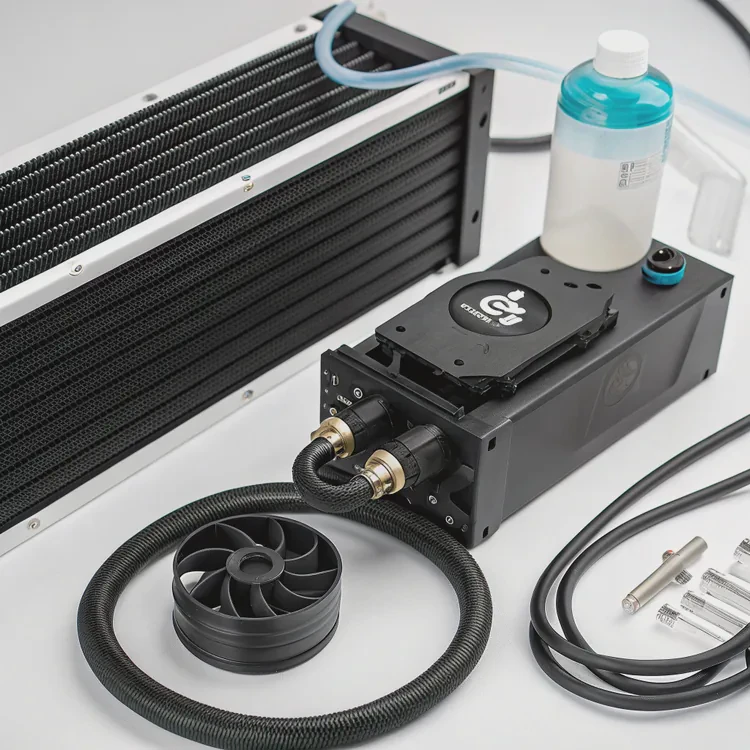
As processors, graphics cards, and electronic devices grow more powerful, managing heat has become a crucial challenge. Excessive heat reduces performance and shortens component life. To handle this, many users and engineers now turn to liquid cooling — a highly efficient method for transferring heat away from sensitive components.
A liquid cooler is a closed-loop cooling system that uses circulating coolant to absorb and remove heat from a heat source such as a CPU or GPU, keeping devices stable, quiet, and efficient.
It’s an advanced alternative to traditional air cooling and is increasingly used in computers, vehicles, and industrial electronics. Let’s explore how it works, why it’s better, how to choose one, and what the future holds for this technology.
How does a liquid cooler work?
Air cooling depends on moving air across metal fins to dissipate heat, but air is a poor conductor. Liquid coolers use fluid — a far better heat carrier — to transfer heat away more effectively.
A liquid cooler works by circulating coolant through a closed loop where it absorbs heat from the component and releases it through a radiator.
Here’s a simple breakdown of how it functions step by step.
1. Heat Absorption
A cold plate or pump block is attached directly to the heat source, such as a CPU. Thermal paste fills any microscopic gaps between surfaces to ensure full contact. As the component generates heat, the cold plate absorbs it.
2. Coolant Circulation
Inside the cold plate are small channels filled with liquid coolant. A pump moves the heated coolant through tubes toward a radiator, maintaining constant flow in the system.
3. Heat Dissipation
The radiator is equipped with thin metal fins and fans. As the warm coolant passes through, the radiator releases heat into the surrounding air. The fans improve airflow and help cool the liquid quickly.
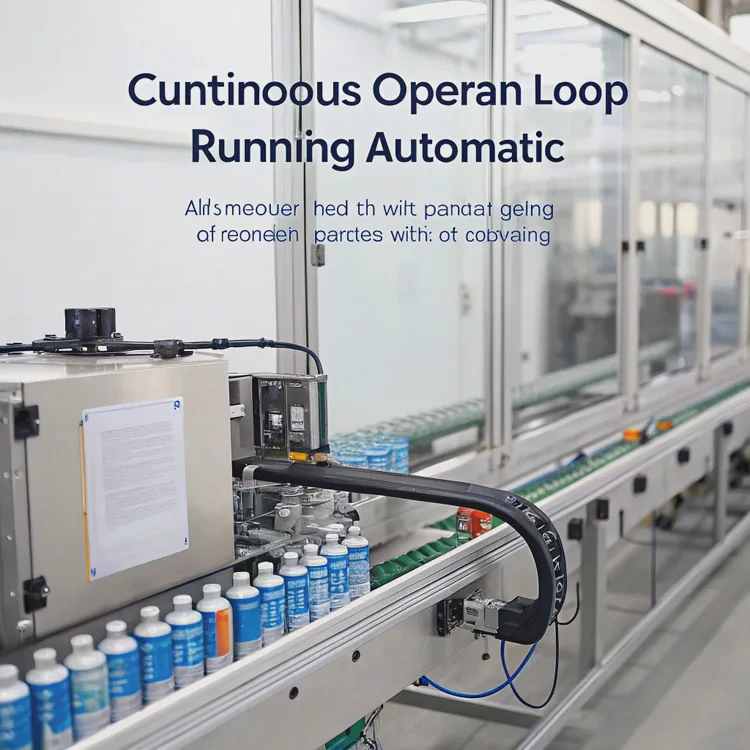
4. Continuous Loop
Once the liquid cools down, it flows back to the cold plate to repeat the cycle. The loop operates continuously and automatically while your system runs.
Main Components Overview
| Component | Function |
|---|---|
| Cold Plate | Absorbs heat from the CPU or GPU |
| Pump | Circulates coolant through the loop |
| Tubes | Carry coolant between the cold plate and radiator |
| Radiator | Releases heat into the air |
| Fans | Push air through the radiator fins |
| Coolant | Transfers heat within the system |
Why It Works Better Than Air
Water or coolant has a much higher heat capacity than air — it can hold and transport more energy before increasing in temperature. This makes it ideal for maintaining low, consistent operating temperatures even during intense workloads.
What are its advantages over air cooling?
Air cooling is simple, affordable, and effective for most systems. But when performance and silence are priorities, liquid cooling offers clear advantages.
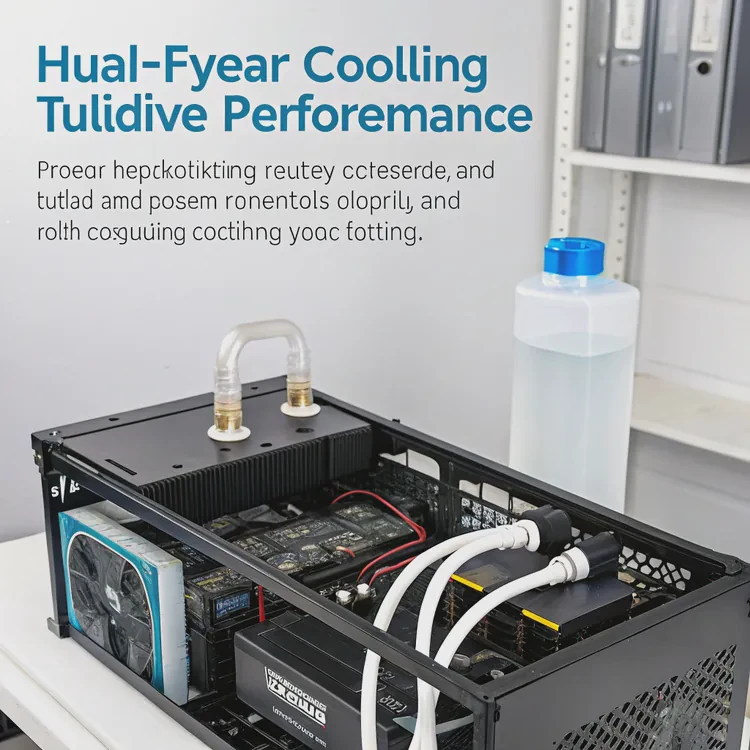
The advantages of a liquid cooler over air cooling include higher heat transfer efficiency, quieter operation, smaller space usage, and better long-term reliability.
Let’s look at these benefits in detail.
1. Superior Thermal Performance
Liquid moves heat faster and more evenly than air. It keeps CPUs, GPUs, and power electronics cooler, especially under high loads. This leads to stable performance without thermal throttling.
In most tests, liquid cooling maintains CPU temperatures 15–25°C lower than air cooling under full load.
2. Quieter Operation
Because liquid coolers rely on a pump and larger fans that spin slower, they produce less noise compared to the high-RPM fans used in air coolers. This creates a quieter and more comfortable environment.
3. Space Efficiency
Liquid coolers use thin tubing and small cold plates instead of bulky heatsinks. This opens up space around the CPU socket and memory modules, making system layout cleaner and more flexible.
4. Improved Longevity and Stability
Lower temperatures mean less wear on components. Liquid cooling reduces thermal cycling, which can degrade materials over time. As a result, systems remain reliable for longer.
5. Better Overclocking Potential
For enthusiasts, liquid cooling allows higher overclocking limits because it keeps processors from overheating when operating beyond their stock settings.
6. Modern Aesthetics
Liquid cooling systems have sleek designs, customizable lighting, and clear tubing options. They give PCs a high-end, professional look.
Comparison Table: Air Cooling vs Liquid Cooling
| Feature | Air Cooling | Liquid Cooling |
|---|---|---|
| Heat Transfer Efficiency | Moderate | High |
| Noise Level | Higher | Lower |
| Space Usage | Bulky | Compact |
| Cooling Stability | Variable | Consistent |
| Overclocking Support | Limited | Excellent |
| Aesthetic Appeal | Basic | Modern |
| Longevity | Average | Longer |
While air cooling is simple and cost-effective, liquid cooling is the preferred choice for users who need strong performance, quiet operation, and long-term reliability.
How to choose the right liquid cooler?
Not all liquid coolers are created equal. Choosing the right one depends on your system’s power requirements, case size, and performance goals.
To choose the right liquid cooler, consider your CPU’s power output, case compatibility, radiator size, noise level, and design preferences.
Here’s how to make a smart decision.
1. Match the Cooler to Your CPU’s TDP
TDP (Thermal Design Power) is the maximum heat your CPU generates under load. Choose a cooler that can handle more than your CPU’s TDP rating to ensure reliable performance.
| CPU TDP | Recommended Radiator Size |
|---|---|
| Up to 95W | 120mm or 140mm |
| 95W–150W | 240mm or 280mm |
| Above 150W | 360mm or larger |
2. Check Case Compatibility
Ensure your case has mounting points and enough clearance for the radiator. Front-mounted radiators often provide better cooling, while top-mounted ones exhaust heat more effectively.
3. Consider Noise and Pump Quality
Look for coolers with magnetic levitation or fluid dynamic bearings for quieter fans. A high-quality pump ensures steady flow and long life without vibration noise.
4. Decide Between AIO and Custom Loop
- AIO (All-In-One): Sealed, maintenance-free, and easy to install. Great for most users.
- Custom Loop: Fully customizable and more powerful, but requires experience and periodic maintenance.
5. Pay Attention to Aesthetics
If you want a clean and modern look, consider RGB lighting or transparent tubing options. Many coolers also sync with motherboard lighting systems for unified color control.
6. Read Performance Reviews
Before purchasing, check real-world temperature and noise tests from reliable reviewers. Performance can vary between models even at the same radiator size.
7. Budget Consideration
Liquid coolers range from \(80 for simple AIO units to over \)400 for custom loops. Choose one that balances performance and price according to your needs.
By following these points, you can select a cooler that matches both your performance goals and your build design.
What are the future developments in liquid coolers?
The liquid cooling industry is evolving quickly to meet rising performance and environmental demands.
Future developments in liquid coolers focus on smarter control systems, two-phase cooling technology, microchannel designs, modular construction, and eco-friendly materials.
Let’s explore what’s next in CPU and GPU cooling technology.
1. Two-Phase Cooling Systems
Next-generation coolers use phase-change fluids that evaporate when heated and condense when cooled. This two-phase process dramatically improves efficiency and requires less pump power.
2. Microchannel and Nanostructured Cold Plates
Manufacturers are designing microchannel cold plates that increase surface area for faster heat absorption. Some use nanostructured coatings to improve thermal conductivity even further.
3. Smart Control and AI Integration
New coolers come with AI controllers and IoT connectivity that automatically adjust pump speed and fan curves based on real-time thermal data. These systems balance cooling performance with energy efficiency.
4. Modular and Tool-Free Designs
Future AIO coolers will feature modular parts — allowing users to replace pumps, fans, or radiators individually. Tool-free mounts will make installation faster and safer for all skill levels.
5. Magnetic Levitation (MagLev) Pumps and Fans
MagLev technology eliminates mechanical friction in bearings, reducing noise and wear. This makes systems more durable and nearly silent.
6. Eco-Friendly Coolants and Materials
Companies are adopting non-toxic, biodegradable coolants and recyclable metals to create sustainable cooling solutions. This shift supports both safety and environmental goals.
7. Integrated Cooling Loops for CPU and GPU
Hybrid coolers are being developed to manage both CPU and GPU heat in a single, shared loop — simplifying system design and improving efficiency.
Innovation Summary Table
| Innovation | Description | Benefit |
|---|---|---|
| Two-Phase Cooling | Vapor-liquid cycle for higher efficiency | Superior heat removal |
| Microchannel Plates | Fine fluid channels for faster heat transfer | Compact design |
| AI Smart Control | Automated performance adjustment | Energy-efficient cooling |
| Modular Kits | Swappable parts and tool-free setup | Easy installation |
| MagLev Fans & Pumps | Frictionless operation | Quieter and longer life |
| Eco Coolants | Safe, biodegradable fluids | Sustainability |
| Combined Loops | Shared CPU/GPU cooling | Simplified systems |
The Future Outlook
Liquid coolers are moving toward smarter, quieter, and greener operation. AI-driven systems, modular components, and eco-friendly materials will redefine how we cool modern electronics — from gaming PCs to electric vehicles.
Conclusion
A liquid cooler uses coolant to transfer heat more efficiently than air, keeping CPUs and GPUs stable, cool, and quiet. It offers higher performance, better aesthetics, and longer lifespan compared to air cooling. As technology advances, expect even smarter, modular, and sustainable liquid cooling systems that redefine the balance between power, silence, and efficiency.
TAGS
Latest Articles

Volume discount levels for heat sink orders?
Buyers often ask when heat sink prices start to drop with volume. Many worry they’re overpaying for small orders. This guide explains how B2B volume pricing works for thermal components. Heat sink
21 Dec,2025
Heat sink long-term supply contract options?
Many buyers want stable pricing and reliable delivery for heat sinks. But without a clear contract, risks grow over time. This article explores how to secure better long-term supply deals. Long-term
21 Dec,2025
Tooling cost for new heat sink profiles?
Many engineers struggle to understand why tooling for custom heat sinks costs so much. They worry about budgeting and production timelines. This article breaks down the cost drivers behind tooling.
21 Dec,2025
Heat sink custom sample process steps?
Sometimes, starting a custom heat sink project feels overwhelming—too many steps, too many unknowns, and too many risks. You want a sample, but not endless delays. The process for requesting and
20 Dec,2025
Standard B2B terms for heat sink payments?
When buyers and sellers in B2B heat sink markets talk about payment, many don’t fully understand what’s standard. This can lead to delayed orders, miscommunication, and even lost business
20 Dec,2025
Heat sink pricing factors for large orders?
Heat sinks are vital for many systems. When prices rise, projects stall and budgets break. This problem can hit teams hard without warning. Large order heat sink pricing depends on many factors. You
20 Dec,2025Related Articles
- How to install liquid cooling on CPU?
- How to install a liquid cooler?
- How does a liquid CPU cooler work?
- How to install liquid cooling?
- How to install liquid CPU cooler?
- How to install a single liquid cooler CPU?
- How to install CPU liquid cooler?
- How long does liquid cooling last?
- How to install liquid cooler?
- How long does a liquid cooler last?
- Does liquid cooling need to be refilled?
- How does liquid CPU cooling work?
Author
Dr. Emily Chen
Chief AI Researcher
Leading expert in thermal dynamics and AI optimization with over 15 years of experience in data center efficiency research.
Categories
Latest Products






Recommend Categories
- Liquid cooling plate Manufacturer
- Industrial Heat Sink Manufacturer
- Standard Heat Sink Manufacturer
- Aluminum Heat Sink Manufacturer
- Copper Heat Sink Manufacturer
- Anodized Heatsink Manufacturer
- Stamping heat sink Manufacturer
- Die Casting Heatsink Manufacturer
- Soldering heat sink Manufacturer
- CNC Parts Manufacturer
Latest Products
- Wholesale Aluminum Radiator
- Water Cooling Plate Kit
- Water Cooling Heat Sink
- Water Cooling Heat Sink Kit
- Stainless Steel Water Distributor
- Server Water Cooling Plate Kit
- Server Liquid Cooling System
- Server Aluminum Cooling Kit
- S19 Full Cover Cooling Plate
- S19 Cooling Plate Kit
- S19 Aluminum Cooling Plate
Contact Expert
Have questions about this article? Reach out to our experts directly.