Does liquid cooling need to be refilled?
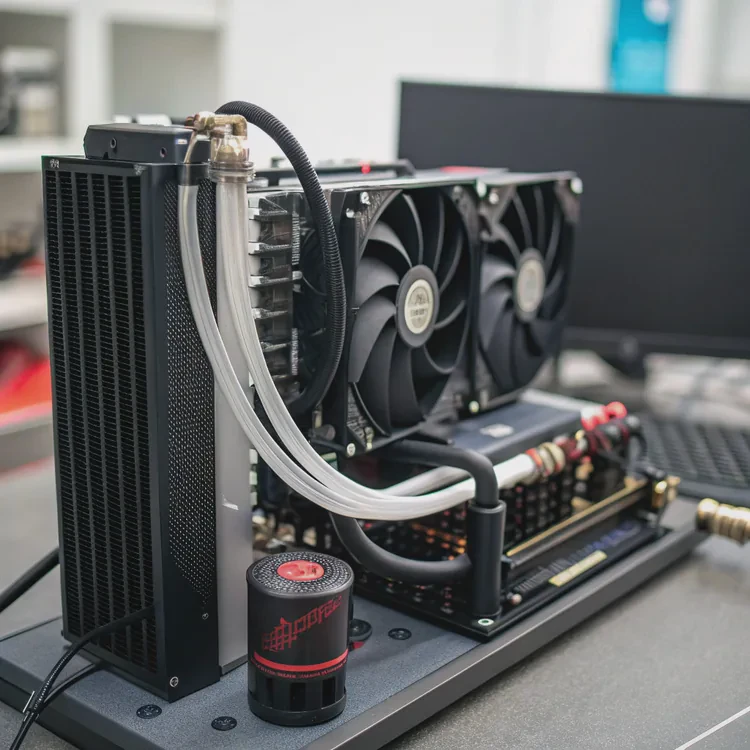
Liquid cooling systems are popular for their power and silence, but one question often comes up: do they need refilling? The answer depends on the type of system you use. While some liquid coolers are sealed and maintenance-free, others require periodic refills to maintain performance and safety.
Most All-In-One (AIO) liquid coolers do not need to be refilled because they are factory-sealed systems. Custom liquid cooling loops, however, require coolant replacement or refilling every 12–24 months to prevent degradation, leaks, or reduced cooling efficiency.
Let’s explore how coolant works, why refilling is necessary in certain setups, how to do it safely, and what trends are making modern cooling systems virtually maintenance-free.
What is cooling liquid or coolant?
Coolant — also called thermal fluid or liquid cooling medium — is the lifeblood of any liquid cooling system. It moves heat away from the CPU or GPU and carries it to the radiator, where it’s released into the air.
Coolant is a heat-transfer fluid made of distilled water mixed with additives that prevent corrosion, biological growth, and evaporation.
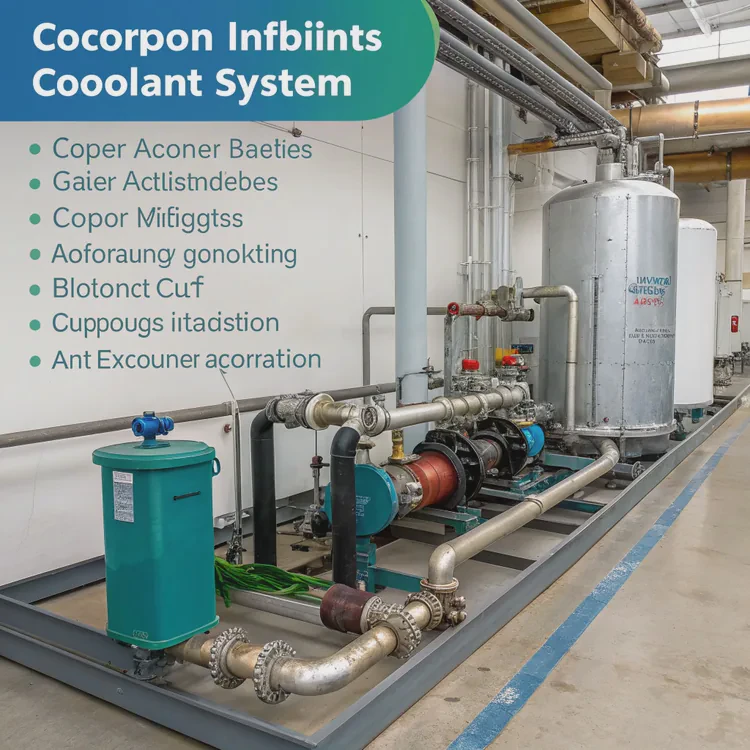
The Role of Coolant
- Heat Transfer: Coolant absorbs thermal energy from components and transports it efficiently through the system.
- Lubrication: It helps keep the pump running smoothly by reducing internal friction.
- Protection: Additives protect metal surfaces from oxidation, corrosion, and bacterial buildup.
- Stability: Maintains consistent thermal performance even under heavy loads.
Common Coolant Types
| Coolant Type | Description | Typical Use |
|---|---|---|
| Distilled Water | Pure water with high heat capacity | Base for most coolants |
| Premixed Coolant | Water with additives for corrosion resistance | Common in AIO coolers |
| Glycol-Based Coolant | Includes ethylene or propylene glycol | Prevents freezing, used in cold climates |
| Dielectric Coolant | Non-conductive fluid | Used in industrial and immersion systems |
Additives Found in Coolants
- Corrosion inhibitors – protect metals like copper and aluminum.
- Biocides – prevent algae and mold growth.
- Anti-evaporation agents – reduce liquid loss over time.
- Color dyes – for visual customization in custom loops.
Coolant quality plays a major role in how long your cooling system lasts and how efficiently it performs.
Why refill a liquid cooling system?
Even though liquid cooling systems are built to last, coolant can degrade over time due to heat, oxygen exposure, and material breakdown.
Refilling or replacing coolant ensures consistent performance, prevents corrosion, and extends the lifespan of the entire cooling system.
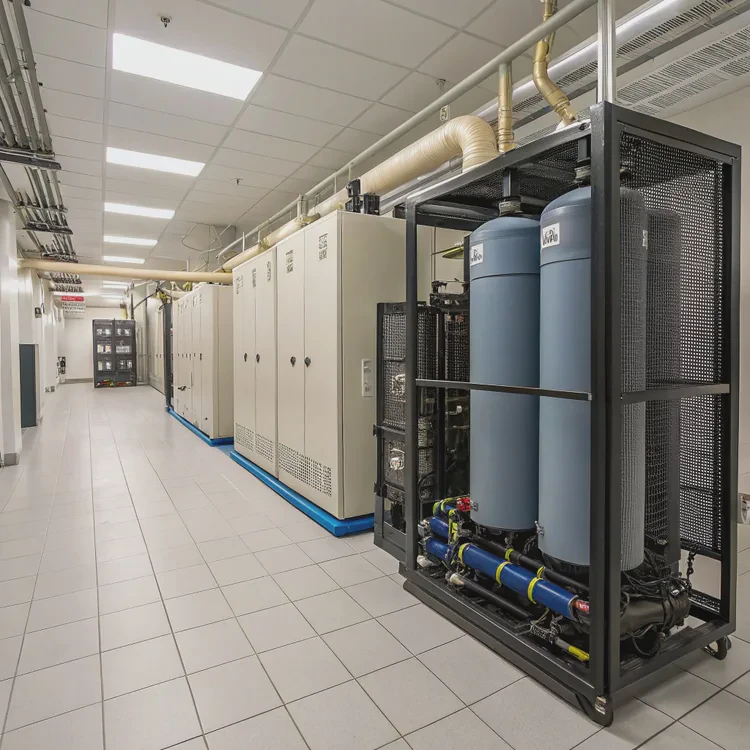
Here are the main reasons refilling is necessary for custom and semi-open loops.
1. Coolant Evaporation
Over months or years, tiny amounts of liquid escape through seals or tubing pores. This lowers coolant levels and reduces heat transfer efficiency.
When levels drop too low, air can enter the loop, causing gurgling noises or pump failure.
2. Chemical Degradation
High operating temperatures cause additives in the coolant to break down. When corrosion inhibitors or biocides weaken, oxidation or algae growth can occur inside the tubing and radiator.
3. Contamination and Buildup
Particles from metal corrosion, dust, or leftover manufacturing residue can accumulate in the loop. This clogs microchannels and slows flow, reducing cooling performance.
4. Discoloration or Clouding
If coolant turns dark, cloudy, or develops residue, it’s a clear sign that it needs to be replaced. Contaminated liquid not only looks bad but can also damage internal surfaces.
5. Maintaining System Health
Regular refilling prevents pump strain and ensures consistent cooling pressure. A full, clean system operates more quietly and efficiently.
When to Refill
| Cooler Type | Refill Frequency | Notes |
|---|---|---|
| AIO (All-In-One) | Not required | Factory sealed; cannot be opened safely |
| Semi-Custom AIO | Every 2–3 years | Has refill ports for maintenance |
| Custom Loop | Every 12–24 months | Replace coolant completely |
| Industrial/Server Loop | Every 6–12 months | Depends on continuous use |
If you have a custom liquid cooling loop, refilling is part of regular maintenance, similar to changing oil in a car.
How to safely refill liquid cooling?
Refilling a liquid cooler is straightforward, but it requires precision and cleanliness to avoid air bubbles, spills, or contamination.
To safely refill a liquid cooling system, drain old coolant, flush the system with distilled water, refill with new coolant, and bleed air bubbles before powering on.
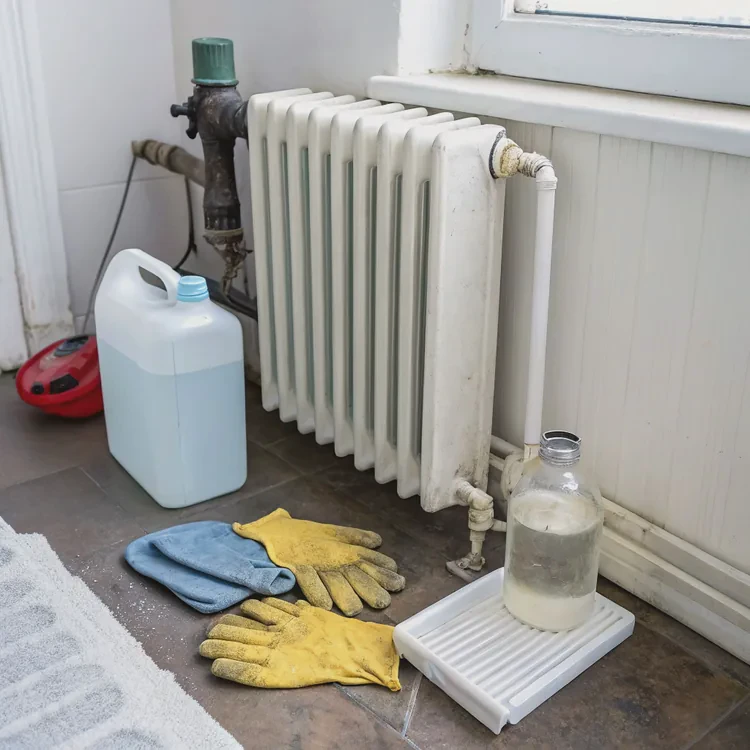
Here’s a detailed step-by-step process.
Step 1: Power Down and Prepare
- Turn off your PC and unplug it from the power source.
- Place the case on a flat, clean surface with good lighting.
- Have paper towels, gloves, and a small funnel ready.
For safety, discharge any remaining electricity by holding the power button for a few seconds after unplugging.
Step 2: Drain the System
Locate the drain port at the bottom of the loop or near the pump.
Place a container underneath and slowly open the valve or fitting.
Let all the old coolant drain out. Dispose of it safely — never pour it down the sink.
If your system doesn’t have a drain port, you may need to disconnect the lowest tube carefully.
Step 3: Flush with Distilled Water
Fill the loop with distilled water and run the pump briefly (with external power) to clean out residues.
Drain the water completely. Repeat this once or twice for a clean system.
Step 4: Refill with New Coolant
Use a small funnel to pour new coolant into the fill port or reservoir.
Add slowly to prevent air pockets.
Stop when the reservoir is about 90–95% full.
Step 5: Bleed Air from the System
Tilt and gently shake the case to release trapped air bubbles.
Turn on the pump for short intervals to circulate liquid until no bubbles appear in the tubes.
Step 6: Seal and Test
Close all fittings securely. Reconnect power and boot the PC.
Monitor temperatures for at least 15 minutes — they should remain stable.
If temperatures are unusually high or you hear sloshing, shut down and check for trapped air.
Safety Tips
- Always use distilled water or approved coolant — never tap water.
- Avoid overfilling; leave space for thermal expansion.
- Use gloves to protect skin from additives.
- Keep coolant away from electrical components.
A proper refill restores full cooling efficiency and prevents premature pump wear.
Example Coolant Replacement Schedule
| Task | Frequency | Purpose |
|---|---|---|
| Drain and Flush | Every 12–24 months | Remove debris and residue |
| Replace Coolant | Every 12–24 months | Renew additives and prevent corrosion |
| Inspect Tubing | Every 6 months | Check for discoloration or leaks |
| Monitor Temperatures | Monthly | Detect cooling issues early |
With proper refills, a custom liquid cooling loop can last over a decade.
What are the trends in maintenance-free cooling?
Manufacturers are constantly innovating to reduce or eliminate the need for manual refills. The goal: smarter, longer-lasting, and maintenance-free systems.
Trends in maintenance-free cooling include sealed systems, magnetic pumps, smart fluid monitoring, vapor-phase cooling, and eco-friendly long-life coolants.
Here’s how technology is evolving toward zero-maintenance systems.
1. Fully Sealed AIO Systems
Modern AIO coolers are permanently sealed at the factory. They use high-pressure compression fittings and non-permeable EPDM tubing, preventing coolant loss for up to 10 years.
2. Magnetic Levitation (MagLev) Pumps
New pumps use magnetic bearings instead of traditional ball bearings. This design eliminates friction, reducing wear and extending operational life well beyond 50,000 hours.
3. Smart Coolant Level Sensors
Future coolers will integrate digital sensors that track coolant flow, temperature, and pressure in real time. Software alerts users before coolant degradation or pump failure occurs.
4. Two-Phase Cooling Systems
Some next-generation designs use phase-change fluids that evaporate and condense continuously, removing heat more efficiently without moving parts. These are already appearing in data centers and high-end servers.
5. Self-Healing and Anti-Leak Materials
Manufacturers are developing elastomeric seals and nano-coatings that automatically seal micro-leaks, making future coolers even safer and longer-lasting.
6. Long-Life Eco-Friendly Coolants
Coolant chemistry is improving with biodegradable, non-toxic fluids that last up to 5 years without refilling. They resist evaporation, corrosion, and biological growth while being environmentally safe.
7. Integrated Radiator-Pump Units
Some new AIOs merge the radiator and pump into one compact unit with internal circulation chambers. This reduces the number of joints and potential leak points.
8. Predictive AI Maintenance
AI-powered coolers are on the horizon. These systems analyze temperature trends, detect flow changes, and predict when maintenance may be required — long before problems appear.
Innovation Summary Table
| Innovation | Description | Benefit |
|---|---|---|
| Sealed AIO Systems | No refill or leakage | Maintenance-free operation |
| MagLev Pumps | Frictionless rotation | Longer lifespan, lower noise |
| Coolant Sensors | Real-time monitoring | Prevents overheating |
| Two-Phase Cooling | Vapor-liquid cycle | Ultra-efficient heat removal |
| Self-Healing Materials | Seal minor leaks automatically | Improved safety |
| Eco Coolants | Long-life, non-toxic fluids | Sustainability |
| AI Diagnostics | Predicts issues early | Zero downtime |
Looking Ahead
The next generation of coolers will run longer, smarter, and cleaner — with minimal or no user intervention. For most users, this means liquid cooling will soon become as worry-free as traditional air cooling, combining performance with peace of mind.
Conclusion
Most liquid coolers don’t need refilling — especially sealed AIO units designed for maintenance-free operation. Custom loops, however, require periodic coolant replacement to keep the system healthy. By using quality coolant, refilling safely, and following best practices, you can extend cooling performance for years. With innovations like MagLev pumps, eco-friendly fluids, and AI diagnostics, the future of liquid cooling promises long life and zero maintenance without compromising performance.
TAGS
Latest Articles

Volume discount levels for heat sink orders?
Buyers often ask when heat sink prices start to drop with volume. Many worry they’re overpaying for small orders. This guide explains how B2B volume pricing works for thermal components. Heat sink
21 Dec,2025
Heat sink long-term supply contract options?
Many buyers want stable pricing and reliable delivery for heat sinks. But without a clear contract, risks grow over time. This article explores how to secure better long-term supply deals. Long-term
21 Dec,2025
Tooling cost for new heat sink profiles?
Many engineers struggle to understand why tooling for custom heat sinks costs so much. They worry about budgeting and production timelines. This article breaks down the cost drivers behind tooling.
21 Dec,2025
Heat sink custom sample process steps?
Sometimes, starting a custom heat sink project feels overwhelming—too many steps, too many unknowns, and too many risks. You want a sample, but not endless delays. The process for requesting and
20 Dec,2025
Standard B2B terms for heat sink payments?
When buyers and sellers in B2B heat sink markets talk about payment, many don’t fully understand what’s standard. This can lead to delayed orders, miscommunication, and even lost business
20 Dec,2025
Heat sink pricing factors for large orders?
Heat sinks are vital for many systems. When prices rise, projects stall and budgets break. This problem can hit teams hard without warning. Large order heat sink pricing depends on many factors. You
20 Dec,2025Related Articles
- How long does a liquid cooler last?
- How to install liquid cooler?
- How long does liquid cooling last?
- How to install CPU liquid cooler?
- What is a liquid cooler?
- How to install liquid cooling on CPU?
- How does liquid CPU cooling work?
- Heat Sink Manufacturer in El Salvador
- Heat Sink Manufacturer in Equatorial Guinea
- Heat Sink Manufacturer in Eritrea
- Heat Sink Manufacturer in Eswatini
- Heat Sink Manufacturer in Fiji
Author
Dr. Emily Chen
Chief AI Researcher
Leading expert in thermal dynamics and AI optimization with over 15 years of experience in data center efficiency research.
Categories
Latest Products






Recommend Categories
- Liquid cooling plate Manufacturer
- Industrial Heat Sink Manufacturer
- Standard Heat Sink Manufacturer
- Aluminum Heat Sink Manufacturer
- Copper Heat Sink Manufacturer
- Anodized Heatsink Manufacturer
- Stamping heat sink Manufacturer
- Die Casting Heatsink Manufacturer
- Soldering heat sink Manufacturer
- CNC Parts Manufacturer
Latest Products
- Wholesale Aluminum Radiator
- Water Cooling Plate Kit
- Water Cooling Heat Sink
- Water Cooling Heat Sink Kit
- Stainless Steel Water Distributor
- Server Water Cooling Plate Kit
- Server Liquid Cooling System
- Server Aluminum Cooling Kit
- S19 Full Cover Cooling Plate
- S19 Cooling Plate Kit
- S19 Aluminum Cooling Plate
Contact Expert
Have questions about this article? Reach out to our experts directly.