How to check liquid cooling system?
When your PC runs hot or sounds louder than usual, your liquid cooling system might be the reason. Many people ignore early warning signs until performance drops.
To check a liquid cooling system, inspect for leaks, monitor pump operation, verify fan speed, and track CPU/GPU temperatures during idle and load conditions.
Ignoring your cooling system can lead to hardware failure. Let’s see how to properly check, maintain, and troubleshoot your liquid cooling setup for best performance.
What are the signs that your liquid cooling system is working properly?
When your system runs quietly and temperatures stay low, it feels perfect. But how can you be sure the cooler is doing its job?
A liquid cooling system works properly when the pump runs smoothly, fans spin steadily, coolant stays at stable temperature, and CPU/GPU readings stay within safe limits.
A properly functioning cooling system should show consistent temperature behavior and quiet operation. Sudden heat spikes, noises, or bubbles often signal trouble. Let’s look at the indicators in detail.
Key signs of a healthy cooling system
| Sign | Description |
|---|---|
| Stable temperatures | CPU and GPU temperatures remain constant during operation, typically under 80°C under heavy load |
| Smooth pump noise | The pump emits a soft hum without rattling or gurgling sounds |
| Active fan movement | Radiator fans adjust speed smoothly without sudden stops |
| Clear coolant flow | In custom loops, coolant appears clean and moves freely through tubes |
| Responsive monitoring data | Software tools show consistent flow rate and pump RPM |
How to interpret performance
If temperatures stay consistent after hours of use, your system is likely well balanced. Small fluctuations are normal, but large jumps suggest pump or flow issues.
I often check my CPU temperature using monitoring tools like HWMonitor or NZXT CAM. A stable reading under load confirms good thermal transfer and pump operation.
If your fans ramp up loudly for no reason, check for dust buildup or clogged radiator fins. These simple checks can save you from overheating or damage.
How do you troubleshoot a malfunctioning liquid cooling system?
It’s frustrating when your PC suddenly overheats or shuts down. You might think the cooler failed completely, but often it’s just a simple issue.
To troubleshoot a malfunctioning liquid cooling system, inspect for leaks, ensure pump power connection, check fan orientation, and clean radiator dust or air bubbles.
Liquid cooling systems can fail due to mechanical, electrical, or thermal problems. Understanding symptoms helps you identify the cause quickly.
Common problems and solutions
| Symptom | Possible Cause | Solution |
|---|---|---|
| High CPU temperature | Loose pump mount or poor paste contact | Reseat cooler and reapply thermal paste |
| Pump not running | Unplugged or faulty power connector | Reconnect to AIO_PUMP or SATA power |
| Gurgling noise | Air trapped in loop | Tilt case to move air into radiator |
| Fan not spinning | Unconnected or faulty fan header | Check header or replace fan |
| Coolant discoloration | Contamination or algae growth | Drain and refill with new coolant |
Step-by-step troubleshooting guide
- Check power connections – Make sure the pump cable is plugged into the correct header.
- Observe the pump – Touch the pump body gently to feel vibration; if none, it may not be working.
- Monitor temperatures – Use software to compare idle and load temperatures. A steep rise indicates poor flow.
- Inspect for leaks – Look for wet spots, residue, or discoloration around fittings.
- Reapply thermal paste – If you removed the pump, always clean and reapply paste before reinstalling.
- Clean radiator and fans – Dust buildup can block airflow. Use compressed air or a soft brush.
My experience
Once, my system suddenly hit 95°C during gaming. I feared my CPU was dying. After checking, I found the pump cable was loose. Reconnecting it fixed the problem instantly. This taught me that small connection issues can mimic major cooling failures.
Regular checks every few months can prevent most liquid cooling problems before they become critical.
What tools are needed to check a liquid cooling system?
You do not need expensive diagnostic equipment to maintain a liquid cooling system. A few simple tools can help you test everything effectively.
To check a liquid cooling system, you need a Phillips screwdriver, thermal monitoring software, flashlight, temperature probe, and an anti-static wrist strap for safety.
Having the right tools makes inspection easier, especially when testing pump flow or radiator blockage. Clean tools also prevent accidental contamination inside the loop.
Essential tools list
| Tool | Purpose |
|---|---|
| Phillips screwdriver | Used to remove case panels and secure cooler parts |
| Thermal monitoring software | Measures CPU/GPU temperature and pump speed |
| Flashlight | Helps check for leaks or air bubbles |
| Temperature probe | Confirms coolant and ambient temperature |
| Anti-static wrist strap | Protects electronic components from static discharge |
| Compressed air | Cleans dust from radiator fins and fans |
| Paper towels or wipes | Absorb small coolant spills during inspection |
Optional advanced tools
- Flow meter – Measures the exact coolant flow rate for custom loops.
- Leak tester – Pressurizes the loop to check for air leaks before filling.
- Infrared thermometer – Scans surface temperature of radiator and pump.
I keep a small toolkit beside my PC workspace. It helps me perform quick checks before major issues arise. Cleanliness and patience are as important as tools themselves.
Safety tips
Always turn off and unplug the system before touching any liquid cooling component. Even small electric currents can damage sensitive parts or cause shocks when coolant leaks.
If you’re using a custom loop, never open fittings without draining the coolant first. Use paper towels around joints when testing for leaks. They change color quickly when wet, making small leaks easy to spot.
How do you ensure proper installation of monitoring tools?
Monitoring your liquid cooling system is not just about software; it’s about setting it up correctly so you can catch early warning signs.
To ensure proper monitoring, install compatible software, calibrate sensors, check pump RPM headers, and run stress tests to verify data accuracy.
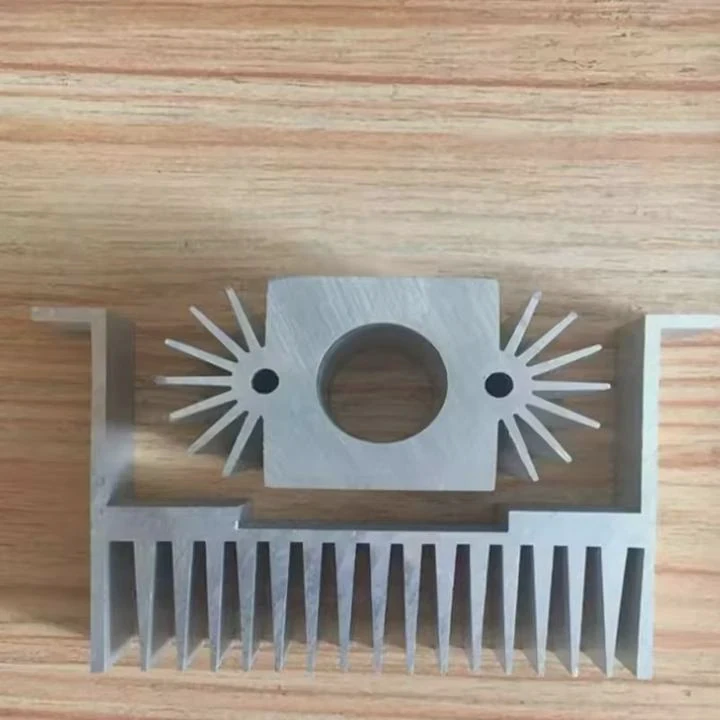
Monitoring ensures you always know your system’s health. If temperatures change suddenly, you can act before damage occurs.
Best monitoring tools
| Software | Features |
|---|---|
| HWMonitor | Monitors temperature, voltage, and fan speeds |
| NZXT CAM | Offers pump control and real-time graphs |
| Corsair iCUE | Integrates lighting, fan, and pump control |
| AIDA64 | Provides in-depth stress testing and sensor data |
| OpenHardwareMonitor | Open-source and lightweight option |
Setting up monitoring correctly
- Connect all sensors properly – Pump RPM should be on a dedicated header.
- Use consistent software – Avoid multiple programs reading the same sensors; it can cause errors.
- Create custom alerts – Set notifications for high temperature or low flow.
- Test under load – Run stress tests to see if data changes respond correctly.
- Save logs – Regular logs help you track long-term cooling efficiency.
I once used two different monitoring tools simultaneously, and they reported different temperatures. Later I learned some software conflicts when accessing the same sensors. Now, I stick to one reliable tool for accuracy.
Monitoring is a continuous process. Once you set it up, reviewing data weekly keeps your cooling system safe and efficient.
What are the future trends in liquid cooling system monitoring?
Technology is changing how we manage cooling systems. New solutions make monitoring more precise and user-friendly.
Future trends in liquid cooling system monitoring include smart sensors, AI-driven diagnostics, predictive maintenance, and cloud-based performance tracking.
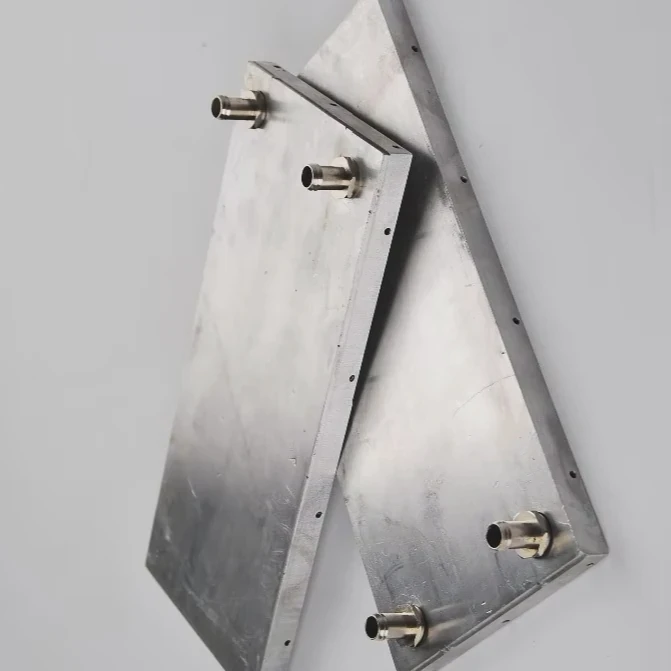
As CPUs and GPUs grow more powerful, heat management becomes critical. The next generation of cooling systems focuses on intelligence and sustainability.
Innovations shaping the future
- Smart sensor integration – Future systems will include multiple micro-sensors inside pumps and radiators to detect flow rate, temperature, and pressure in real-time.
- AI-based diagnostics – Artificial intelligence will analyze patterns and predict failures before they happen.
- Cloud monitoring – Users will be able to track system performance remotely from any device.
- Wireless data transmission – Bluetooth or Wi-Fi-enabled pumps will send live data to mobile apps.
- Predictive maintenance – Systems will alert users when coolant needs replacement or when pump performance drops.
Sustainability and materials
Manufacturers are exploring eco-friendly coolant formulations and recyclable components. Transparent tubing made from renewable materials is becoming more popular.
We may soon see self-cleaning radiators using micro-vibration or hydrophobic coatings to prevent dust buildup. This reduces maintenance and improves cooling consistency.
AI-driven control systems will also help balance noise versus temperature, automatically adjusting fan curves based on real-time analysis of user habits.
Long-term impact
These innovations will extend cooler lifespan and improve system reliability. They also reduce downtime for gamers, engineers, and designers who rely on powerful hardware daily.
Future liquid cooling systems will no longer be passive components but intelligent guardians of performance — monitoring, adapting, and optimizing without user input.
Conclusion
Checking your liquid cooling system regularly ensures it runs efficiently and quietly. Always watch for stable temperatures, clean radiators, and working pumps. With the right tools, consistent monitoring, and awareness of new trends, you can keep your system healthy for years to come.
TAGS
Latest Articles

Volume discount levels for heat sink orders?
Buyers often ask when heat sink prices start to drop with volume. Many worry they’re overpaying for small orders. This guide explains how B2B volume pricing works for thermal components. Heat sink
21 Dec,2025
Heat sink long-term supply contract options?
Many buyers want stable pricing and reliable delivery for heat sinks. But without a clear contract, risks grow over time. This article explores how to secure better long-term supply deals. Long-term
21 Dec,2025
Tooling cost for new heat sink profiles?
Many engineers struggle to understand why tooling for custom heat sinks costs so much. They worry about budgeting and production timelines. This article breaks down the cost drivers behind tooling.
21 Dec,2025
Heat sink custom sample process steps?
Sometimes, starting a custom heat sink project feels overwhelming—too many steps, too many unknowns, and too many risks. You want a sample, but not endless delays. The process for requesting and
20 Dec,2025
Standard B2B terms for heat sink payments?
When buyers and sellers in B2B heat sink markets talk about payment, many don’t fully understand what’s standard. This can lead to delayed orders, miscommunication, and even lost business
20 Dec,2025
Heat sink pricing factors for large orders?
Heat sinks are vital for many systems. When prices rise, projects stall and budgets break. This problem can hit teams hard without warning. Large order heat sink pricing depends on many factors. You
20 Dec,2025Related Articles
- How does liquid cooling work in a motorcycle?
- How liquid cooling system works?
- How is coolant circulated in a liquid cooled eTorque system?
- How does liquid cooled engine work?
- How does a liquid cooled computer work?
- How to liquid cool GPU?
- Does Xbox One X have liquid cooling?
- Heat Sink Manufacturer in Haiti
- Heat Sink Manufacturer in Iceland
- Heat Sink Manufacturer in Kazakhstan
- Heat Sink Manufacturer in Kyrgyzstan
- Heat Sink Manufacturer in Laos
Author
Dr. Emily Chen
Chief AI Researcher
Leading expert in thermal dynamics and AI optimization with over 15 years of experience in data center efficiency research.
Categories
Latest Products






Recommend Categories
- Liquid cooling plate Manufacturer
- Industrial Heat Sink Manufacturer
- Standard Heat Sink Manufacturer
- Aluminum Heat Sink Manufacturer
- Copper Heat Sink Manufacturer
- Anodized Heatsink Manufacturer
- Stamping heat sink Manufacturer
- Die Casting Heatsink Manufacturer
- Soldering heat sink Manufacturer
- CNC Parts Manufacturer
Latest Products
- Wholesale Aluminum Radiator
- Water Cooling Plate Kit
- Water Cooling Heat Sink
- Water Cooling Heat Sink Kit
- Stainless Steel Water Distributor
- Server Water Cooling Plate Kit
- Server Liquid Cooling System
- Server Aluminum Cooling Kit
- S19 Full Cover Cooling Plate
- S19 Cooling Plate Kit
- S19 Aluminum Cooling Plate
Contact Expert
Have questions about this article? Reach out to our experts directly.