How to liquid cool GPU?
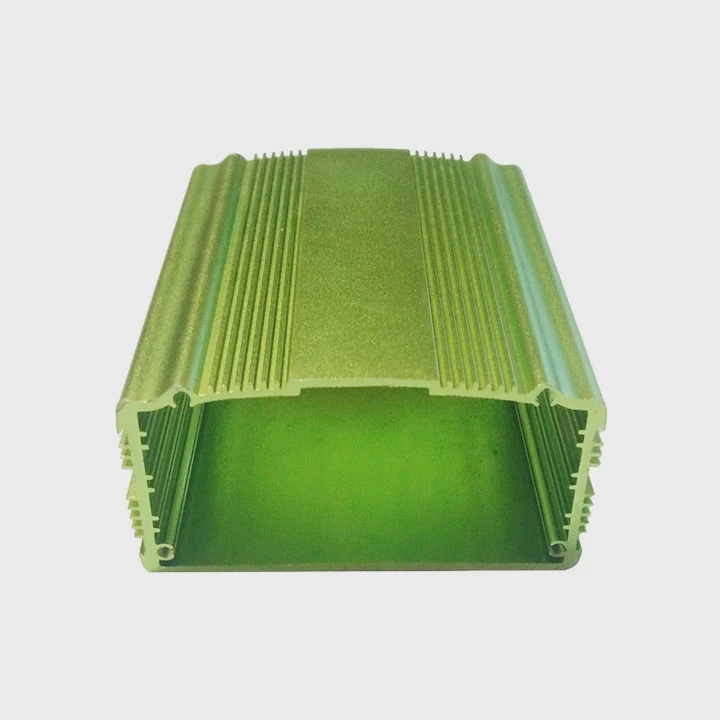
When a GPU runs hot, performance drops fast. The fans get louder, the frames drop, and the system feels unstable.
You can liquid cool a GPU by replacing or supplementing its air cooler with a water block, radiator, pump, and reservoir that circulate coolant to remove heat efficiently.
Once the system is installed and sealed, your GPU runs cooler, quieter, and more consistently — even during heavy workloads or gaming.
What are the steps to liquid cool a GPU?
When air cooling can’t keep up, liquid cooling steps in. It’s a more advanced but much more effective way to control GPU temperatures.
To liquid cool a GPU, you must install a compatible water block, connect it to a pump and radiator, fill the system with coolant, and ensure there are no leaks before powering up.
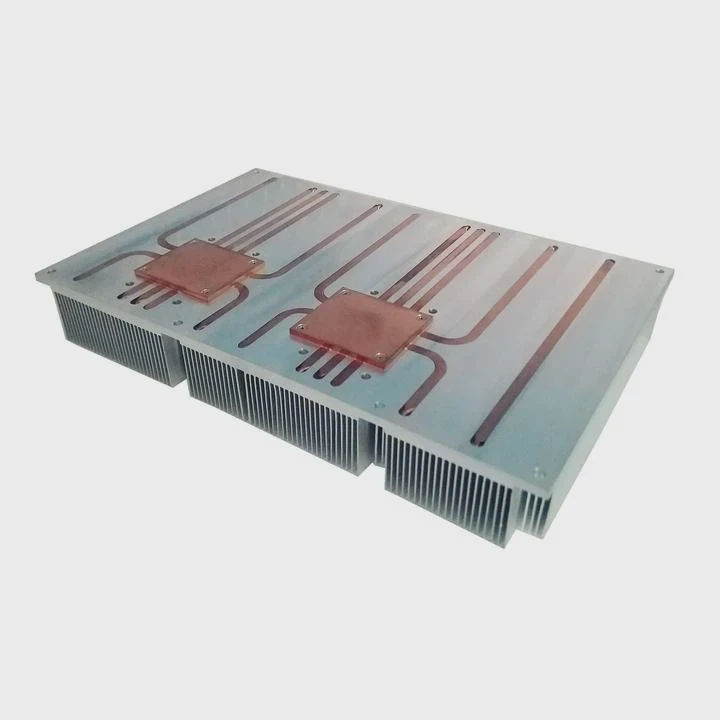
The process involves several key parts working together:
| Component | Function |
|---|---|
| Water Block | Absorbs heat directly from the GPU |
| Pump | Moves coolant through the system |
| Radiator | Dissipates heat into the air |
| Reservoir | Holds excess coolant and helps with air removal |
| Tubing | Connects all parts of the cooling loop |
| Coolant | Transfers heat efficiently between components |
Step 1: Prepare your workspace
Before touching the GPU, shut down your PC, unplug it, and ground yourself. You’ll need a clean, static-free area with enough light and space to work comfortably.
Step 2: Remove the existing GPU cooler
Detach the GPU from your system. Unscrew and carefully remove the stock air cooler, fans, and heatsink. Make sure to disconnect all cables and thermal pads gently. Clean the GPU chip with isopropyl alcohol until the surface is spotless.
Step 3: Install the water block
Align the new water block with the GPU’s die and memory modules. Apply a small amount of thermal paste on the GPU chip, then place the block carefully. Secure it using the included screws, tightening them evenly in a cross pattern.
Step 4: Connect the cooling loop
Now it’s time to connect your tubing to the inlet and outlet ports of the block. Plan the loop so that coolant flows from the pump → GPU → radiator → reservoir → back to pump. This ensures the best flow direction and heat dissipation.
Step 5: Fill and bleed the system
Add coolant to the reservoir and turn on the pump (without powering the PC) to let the liquid circulate. Continue adding coolant until all air bubbles are gone. This bleeding process may take a few minutes but is crucial for stable performance.
Step 6: Test for leaks
Run the system for several hours using only the pump and power supply jumper. Check all fittings and tubes for leaks. Wipe any signs of moisture immediately. Once confirmed safe, reconnect everything and power up your PC.
Step 7: Monitor the temperature
Use GPU monitoring software like MSI Afterburner or HWMonitor to track temperatures. A properly cooled GPU should idle around 30–35°C and stay under 55°C under load, depending on your setup.
What are the benefits of liquid cooling for a GPU?
Every gamer and designer dreams of stable, cool, and silent performance. That’s exactly what liquid cooling offers.
Liquid cooling keeps your GPU cooler, quieter, and more consistent under load while extending its lifespan and enabling higher overclocking potential.
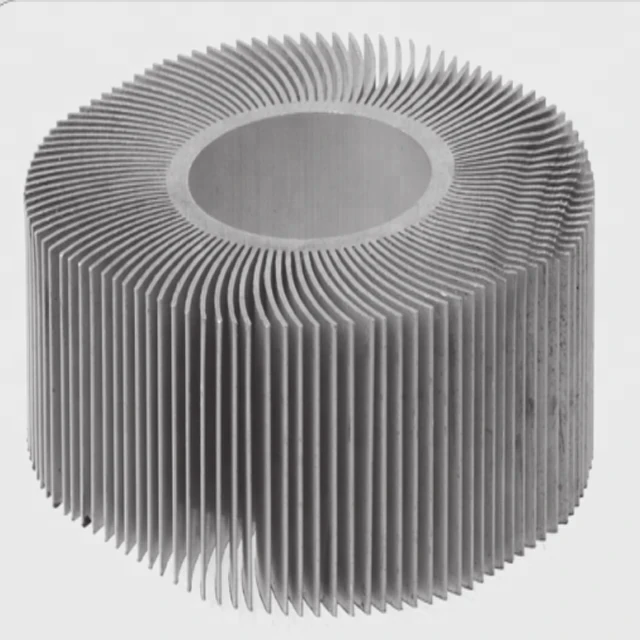
Main performance advantages
| Benefit | Description |
|---|---|
| Lower Temperatures | Keeps GPU under 60°C even during intensive tasks |
| Quieter Operation | Eliminates loud fan noise |
| Higher Overclock Potential | Allows stable boosts with lower thermal throttling |
| Extended Lifespan | Reduces wear on electronic components |
| Cleaner Aesthetics | Creates a modern, organized system look |
Real experience and performance gain
When I first switched my workstation GPU to liquid cooling, the difference was night and day. The average load temperature dropped from 82°C to 51°C, and the fan noise disappeared completely. I could even push the GPU core frequency 150 MHz higher without instability.
Thermal and noise comparison
| Cooling Type | Load Temperature | Noise Level | Overclock Stability |
|---|---|---|---|
| Air Cooling | 80–85°C | High | Moderate |
| Liquid Cooling | 45–55°C | Very Low | Excellent |
This level of stability isn’t just for gamers. For 3D artists, engineers, and video editors, keeping a GPU cool means smoother rendering, fewer crashes, and longer hardware life.
Why lower temperature matters
Every 10°C reduction in GPU temperature can double component lifespan. Lower heat also means less strain on power delivery systems and capacitors. In other words, liquid cooling doesn’t just improve performance—it protects your investment.
How do you install a liquid cooler on a GPU?
This is the step that most people find challenging, but it’s very doable with patience and the right tools.
To install a liquid cooler on a GPU, disassemble the air cooler, attach a compatible water block, connect tubing to the radiator and pump, fill with coolant, and bleed the system of air.
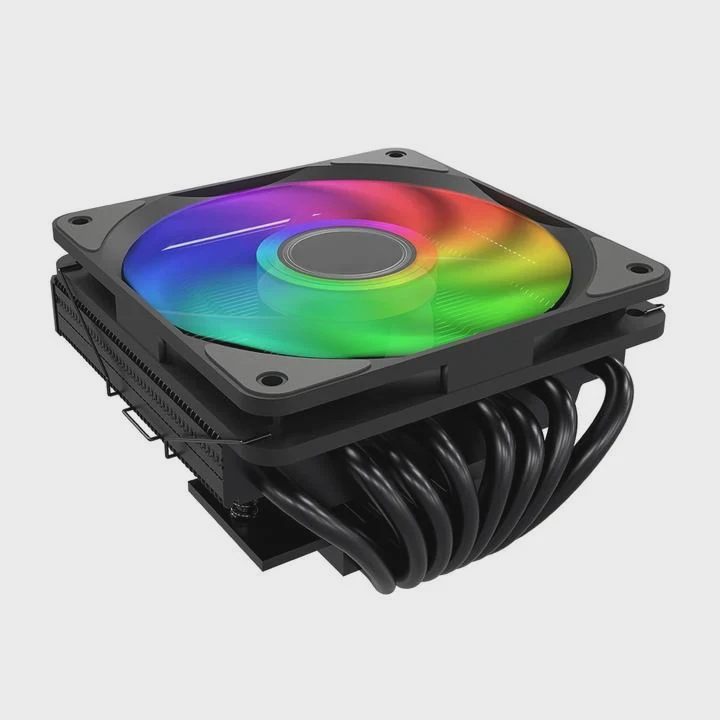
Tools and parts needed
Before you begin, make sure you have everything prepared:
| Item | Purpose |
|---|---|
| Screwdrivers | Remove and secure GPU cooler parts |
| Thermal Paste | Ensure proper heat transfer to the water block |
| Water Block | Replace air cooler for direct liquid contact |
| Pump & Radiator | Circulate and cool the liquid |
| Tubing and Fittings | Connect all parts together |
| Coolant | Transfers heat through the loop |
| Leak Tester | Ensures tight and safe system |
Installation process
1. Preparation
Disconnect all power cables and remove your GPU from the system. Use an anti-static wrist strap if possible.
2. Remove old cooler
Take off the original heatsink and fans. Clean off the thermal paste and old pads carefully.
3. Mount the water block
Place new thermal pads on VRAM and MOSFETs. Apply a small dot of thermal paste on the GPU chip. Align and secure the block gently.
4. Connect fittings and tubing
Use soft tubing for flexibility. Make sure fittings are tight but not overtightened. Route the tubes in a way that avoids sharp bends.
5. Fill and run the system
Add coolant slowly and run the pump for a few minutes. Refill as needed until bubbles are gone. Use clear tubing to monitor the flow visually.
6. Leak test and verify
Test for at least 12 hours with only the pump running. If there’s no moisture or drop in coolant level, reconnect the GPU and enjoy the results.
Maintenance tips
- Flush the coolant every 12 months to avoid buildup
- Inspect tubing for discoloration or leaks
- Use distilled water or branded coolant for safety
- Keep radiator fins dust-free for maximum airflow
My story
The first time I installed a liquid cooler, I made a mistake by using too much thermal paste. It blocked contact with the water block surface and caused uneven cooling. After reapplying a thin layer, the results were perfect: stable temps at 50°C under gaming load and near-silent operation.
What are the future trends in GPU liquid cooling?
Technology is moving fast, and cooling solutions are becoming smarter and more integrated.
The future of GPU liquid cooling is heading toward modular designs, AI temperature control, and eco-friendly coolants with higher efficiency and lower maintenance needs.
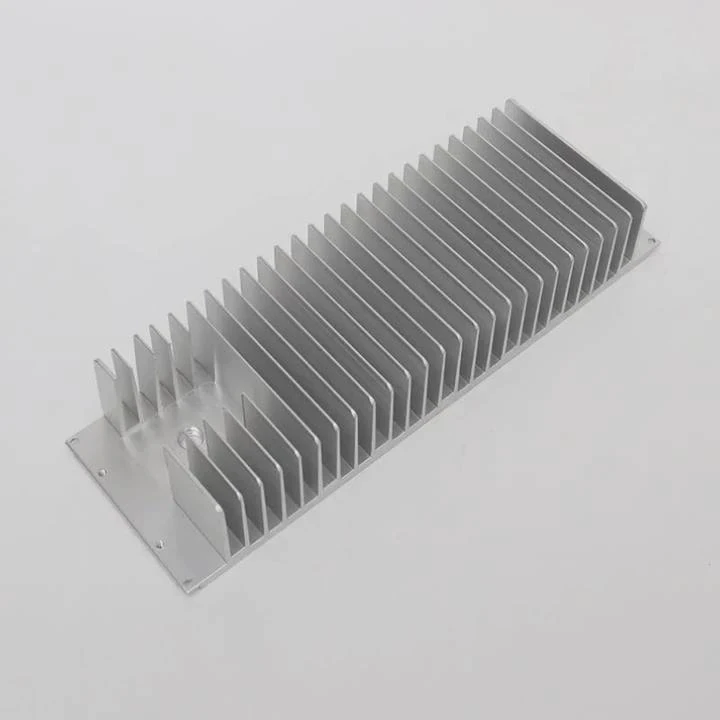
1. Modular and all-in-one systems
Manufacturers are now designing plug-and-play GPU liquid cooling kits that combine the water block, pump, and radiator into a single compact unit. These systems require no custom tubing or advanced setup, making them ideal for beginners and small builds.
Examples include:
- AIO GPU coolers like NZXT Kraken G12 or Corsair Hydro X series
- Pre-filled GPU blocks from EKWB and Alphacool
These solutions reduce complexity while maintaining high performance.
2. AI-based temperature management
Next-generation GPUs will include smart sensors that predict heat buildup. The cooling system will adjust pump and fan speeds dynamically to maintain an optimal balance between performance and noise. Some setups already integrate with GPU software like ASUS GPU Tweak or Corsair iCUE for real-time adjustments.
3. Eco-friendly and phase-change coolants
Traditional coolants can degrade or evaporate over time. The industry is now shifting toward non-toxic, biodegradable liquids with higher thermal conductivity. Phase-change materials are also being tested to store and release heat more efficiently.
4. Integration with CPU cooling loops
Future PC designs are moving toward shared cooling systems, where the GPU and CPU use the same loop. This improves efficiency, reduces tubing complexity, and simplifies maintenance.
Some high-end gaming laptops and compact PCs already use this type of unified liquid cooling, combining compact radiators and vapor chambers.
5. Enhanced aesthetics and RGB integration
Modern users don’t just want performance—they want style. New blocks and reservoirs now feature addressable RGB lighting and transparent covers to showcase the coolant flow. Custom loops have become both functional and artistic.
6. Long-term vision
In the future, GPU cooling might use microchannel cold plates made from advanced materials like graphene or copper composites. These offer faster heat transfer and lower weight. Combined with smart AI controls, liquid cooling will become not just efficient but nearly maintenance-free.
Conclusion
Liquid cooling a GPU is more than a performance upgrade—it’s a complete transformation. It lowers temperature, reduces noise, and boosts lifespan. With careful setup and attention to detail, you can build a silent, stable, and visually stunning system that keeps your GPU cool for years to come.
TAGS
Latest Articles

Volume discount levels for heat sink orders?
Buyers often ask when heat sink prices start to drop with volume. Many worry they’re overpaying for small orders. This guide explains how B2B volume pricing works for thermal components. Heat sink
21 Dec,2025
Heat sink long-term supply contract options?
Many buyers want stable pricing and reliable delivery for heat sinks. But without a clear contract, risks grow over time. This article explores how to secure better long-term supply deals. Long-term
21 Dec,2025
Tooling cost for new heat sink profiles?
Many engineers struggle to understand why tooling for custom heat sinks costs so much. They worry about budgeting and production timelines. This article breaks down the cost drivers behind tooling.
21 Dec,2025
Heat sink custom sample process steps?
Sometimes, starting a custom heat sink project feels overwhelming—too many steps, too many unknowns, and too many risks. You want a sample, but not endless delays. The process for requesting and
20 Dec,2025
Standard B2B terms for heat sink payments?
When buyers and sellers in B2B heat sink markets talk about payment, many don’t fully understand what’s standard. This can lead to delayed orders, miscommunication, and even lost business
20 Dec,2025
Heat sink pricing factors for large orders?
Heat sinks are vital for many systems. When prices rise, projects stall and budgets break. This problem can hit teams hard without warning. Large order heat sink pricing depends on many factors. You
20 Dec,2025Related Articles
- How to make an air cooled engine liquid cooled?
- How to replace liquid cooling system?
- How to screw in processor liquid cooler?
- How to set up liquid cooling for your CPU?
- How to take care of liquid cooling?
- Is air cooled better than liquid?
- How does a liquid cooled computer work?
- How does liquid cooled engine work?
- How is coolant circulated in a liquid cooled eTorque system?
- How liquid cooling system works?
- How does liquid cooling work in a motorcycle?
- How to check liquid cooling system?
Author
Dr. Emily Chen
Chief AI Researcher
Leading expert in thermal dynamics and AI optimization with over 15 years of experience in data center efficiency research.
Categories
Latest Products






Recommend Categories
- Liquid cooling plate Manufacturer
- Industrial Heat Sink Manufacturer
- Standard Heat Sink Manufacturer
- Aluminum Heat Sink Manufacturer
- Copper Heat Sink Manufacturer
- Anodized Heatsink Manufacturer
- Stamping heat sink Manufacturer
- Die Casting Heatsink Manufacturer
- Soldering heat sink Manufacturer
- CNC Parts Manufacturer
Latest Products
- Wholesale Aluminum Radiator
- Water Cooling Plate Kit
- Water Cooling Heat Sink
- Water Cooling Heat Sink Kit
- Stainless Steel Water Distributor
- Server Water Cooling Plate Kit
- Server Liquid Cooling System
- Server Aluminum Cooling Kit
- S19 Full Cover Cooling Plate
- S19 Cooling Plate Kit
- S19 Aluminum Cooling Plate
Contact Expert
Have questions about this article? Reach out to our experts directly.