How Does a Liquid-Cooled Computer Work?
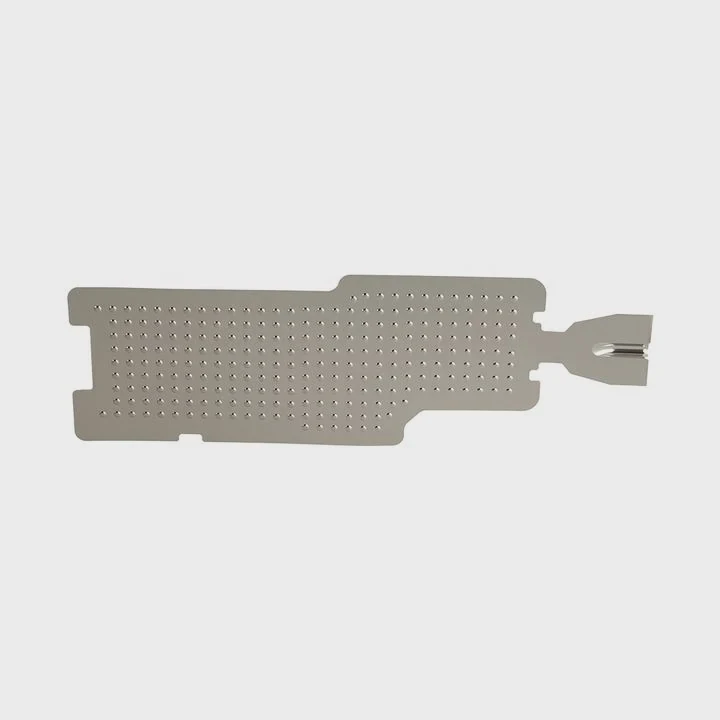
When your computer starts running hot, fans can only do so much. Heat slows your system, shortens its lifespan, and causes crashes. Liquid cooling solves that.
A liquid-cooled computer works by using a closed loop of coolant to transfer heat away from the CPU or GPU to a radiator, where it is cooled by fans before cycling back.
This method keeps your computer cooler, quieter, and more stable. It is especially effective for gaming, rendering, or overclocking where heat control is critical.
What Components Make Up a Liquid Cooling System?
When I built my first liquid-cooled system, I realized it’s like a car’s cooling system—every part plays a role. Each component moves heat in a simple but effective way.
A liquid cooling system includes a water block, pump, tubes, radiator, reservoir, coolant, and fans. Together they form a loop that continuously removes heat from the CPU or GPU.
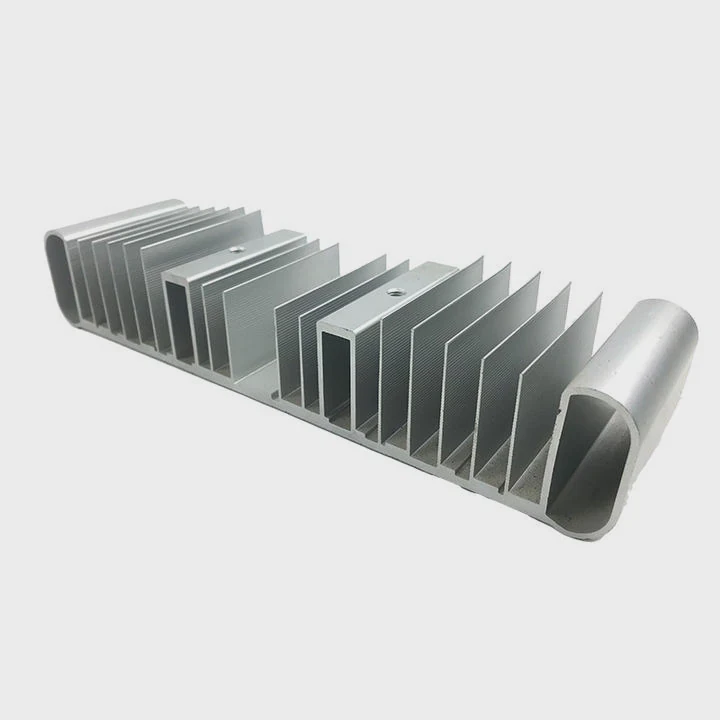
The heart of the system is the water block, which sits directly on the CPU or GPU. It absorbs heat from the chip through a metal plate—usually copper or nickel-plated copper.
The pump pushes coolant through the tubes. The radiator acts like a car’s radiator, releasing heat into the air through its fins and fans.
A reservoir stores extra coolant and makes filling easier. Some AIO (All-In-One) systems combine the pump, block, and reservoir in one compact unit.
Key Components Overview
| Component | Function |
|---|---|
| Water Block | Transfers heat from CPU/GPU to coolant |
| Pump | Circulates coolant through the system |
| Radiator | Releases heat into surrounding air |
| Tubes | Connect components for coolant flow |
| Reservoir | Holds extra coolant and eases bleeding |
| Fans | Move air through the radiator for heat removal |
When these parts work together, the coolant absorbs heat efficiently, maintaining low temperatures even during long workloads. A good liquid cooling system balances flow rate, radiator size, and fan speed for quiet and stable operation.
What Are Its Efficiency Advantages?
At first, I doubted that liquid cooling could be so much better than air. But when I tried it on a high-power workstation, the difference was clear—lower noise, lower temperature, and more room for performance.
Liquid cooling offers higher thermal efficiency than air cooling because liquid absorbs and moves heat faster. It allows CPUs and GPUs to run at higher speeds without thermal throttling.
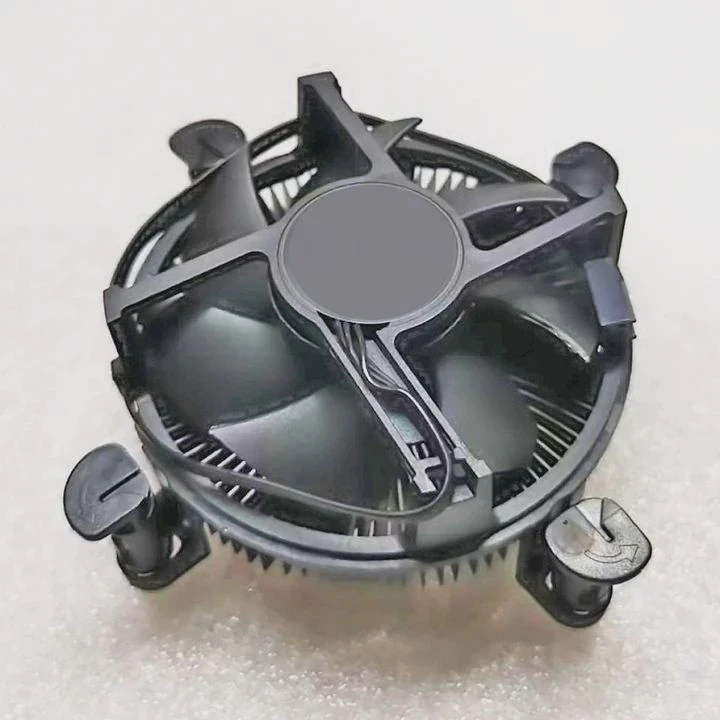
Liquid has a much higher heat capacity than air. This means it can move more energy with less volume and lower temperature rise. As a result, components stay cooler and the system runs quieter.
Air coolers depend on fans pushing air through metal fins. That process becomes inefficient at high heat loads. Liquid coolers, however, move heat directly from the source to the radiator.
Efficiency Comparison Table
| Feature | Air Cooling | Liquid Cooling |
|---|---|---|
| Heat Transfer Speed | Moderate | Very High |
| Noise Level | Louder under load | Quieter overall |
| Overclocking Potential | Limited | Excellent |
| Space Efficiency | Bulkier | More flexible layout |
| Temperature Stability | Fluctuates | More consistent |
Because liquid cooling systems can manage more heat, they are perfect for tasks like 3D rendering, gaming, and AI computing. They also make it possible to overclock CPUs safely without reaching dangerous temperatures.
One thing I love is the noise reduction. Fans don’t need to spin as fast, so the system remains quiet even during heavy work. For users who value silence and power, liquid cooling provides the best of both worlds.
How to Install and Maintain It?
Many people avoid liquid cooling because they think installation is complex. The truth is, with clear steps and a bit of care, it’s easier than it looks.
To install a liquid cooling system, mount the radiator, attach the water block to the CPU, connect the tubes, fill the loop with coolant, and check for leaks before powering on.
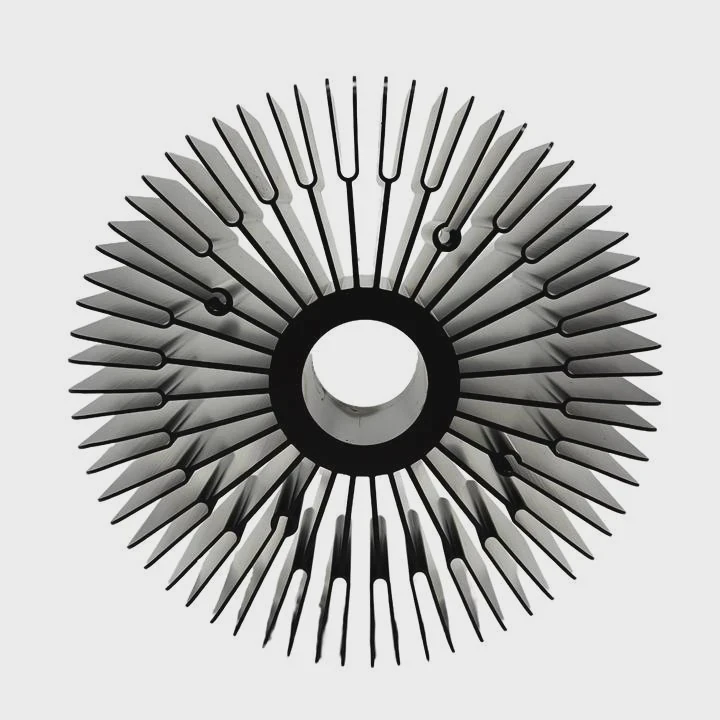
Before starting, plan the loop layout. The pump should always be lower than the reservoir to avoid air bubbles. Secure the radiator where airflow is good—top or front of the case works best. Attach fans to blow air out of the radiator.
When mounting the CPU block, apply thermal paste evenly for good contact. Tighten screws gently in a cross pattern to avoid pressure imbalance. Connect the pump to a power header or SATA cable as instructed by the manufacturer.
Once everything is connected, fill the loop slowly with coolant. I usually tilt the case slightly to release trapped air. Then I run the pump alone for 20–30 minutes to check for leaks. If all is good, power up the system.
Maintenance Tips
| Task | Frequency | Purpose |
|---|---|---|
| Clean Radiator and Fans | Every 3 months | Remove dust for better airflow |
| Check Tubing and Fittings | Every 6 months | Prevent leaks |
| Replace Coolant | Every 12–18 months | Keep performance consistent |
| Inspect Pump Noise | Every 6 months | Detect early signs of wear |
Proper care extends the lifespan of your cooler. I’ve had systems running for over five years with no issues, just by sticking to this routine. Even closed-loop AIO coolers benefit from dust cleaning and temperature checks.
What Are the Innovations in PC Liquid Cooling?
The liquid cooling market is evolving fast. Manufacturers are creating smarter, more reliable, and more aesthetic designs every year.
Modern liquid cooling systems use smart sensors, improved materials, and maintenance-free technology for higher performance, longer lifespan, and easier installation.
One major trend is maintenance-free AIO coolers. They use sealed loops with anti-evaporation coolant and durable rubber tubes that prevent leakage. These systems can run for years without refilling.
Another innovation is software-controlled smart cooling. Some pumps now include digital sensors that track temperature, pump speed, and flow rate, sending live data to PC monitoring apps. This helps users fine-tune cooling performance with a few clicks.
Latest Innovations
| Innovation | Benefit |
|---|---|
| Sealed AIO Systems | No need for refills or bleeding |
| Smart Control Software | Real-time monitoring and adjustment |
| RGB and Design Integration | Enhanced aesthetics |
| Ceramic Pump Bearings | Longer life and lower noise |
| Anti-Corrosion Coatings | Extended system durability |
There is also a rise in custom hardline loops, which use acrylic or PETG tubing bent into elegant shapes. These are popular among enthusiasts for both performance and visual appeal.
Another exciting area is modular liquid cooling, where users can easily swap or expand parts. This makes future upgrades simple and cost-effective. Companies now design radiators and blocks that fit multiple socket types, extending their use across generations of CPUs and GPUs.
Looking forward, hybrid systems that combine liquid and phase-change cooling are emerging. These push the limits of temperature control, enabling extreme overclocking without the noise of large fans.
Conclusion
A liquid-cooled computer works by efficiently transferring heat away from components using coolant loops. With smart designs, improved materials, and regular care, it delivers superior cooling, longer hardware life, and quieter operation for both enthusiasts and professionals.
TAGS
Latest Articles

Volume discount levels for heat sink orders?
Buyers often ask when heat sink prices start to drop with volume. Many worry they’re overpaying for small orders. This guide explains how B2B volume pricing works for thermal components. Heat sink
21 Dec,2025
Heat sink long-term supply contract options?
Many buyers want stable pricing and reliable delivery for heat sinks. But without a clear contract, risks grow over time. This article explores how to secure better long-term supply deals. Long-term
21 Dec,2025
Tooling cost for new heat sink profiles?
Many engineers struggle to understand why tooling for custom heat sinks costs so much. They worry about budgeting and production timelines. This article breaks down the cost drivers behind tooling.
21 Dec,2025
Heat sink custom sample process steps?
Sometimes, starting a custom heat sink project feels overwhelming—too many steps, too many unknowns, and too many risks. You want a sample, but not endless delays. The process for requesting and
20 Dec,2025
Standard B2B terms for heat sink payments?
When buyers and sellers in B2B heat sink markets talk about payment, many don’t fully understand what’s standard. This can lead to delayed orders, miscommunication, and even lost business
20 Dec,2025
Heat sink pricing factors for large orders?
Heat sinks are vital for many systems. When prices rise, projects stall and budgets break. This problem can hit teams hard without warning. Large order heat sink pricing depends on many factors. You
20 Dec,2025Related Articles
- What happens to a liquid when it cools?
- How to know if liquid cooling is working?
- Is liquid cooling high maintenance?
- How to use liquid cooling?
- How to change liquid cooling?
- Is liquid cooling better for CPU?
- Is 120mm Liquid Cooling Enough?
- What is the difference between air cooling and liquid cooling?
- Is liquid cooling good?
- Are liquid-cooled computers quieter?
- Is a 120mm liquid cooler enough?
- Is AIO liquid cooling worth it?
Author
Dr. Emily Chen
Chief AI Researcher
Leading expert in thermal dynamics and AI optimization with over 15 years of experience in data center efficiency research.
Categories
Latest Products






Recommend Categories
- Liquid cooling plate Manufacturer
- Industrial Heat Sink Manufacturer
- Standard Heat Sink Manufacturer
- Aluminum Heat Sink Manufacturer
- Copper Heat Sink Manufacturer
- Anodized Heatsink Manufacturer
- Stamping heat sink Manufacturer
- Die Casting Heatsink Manufacturer
- Soldering heat sink Manufacturer
- CNC Parts Manufacturer
Latest Products
- Wholesale Aluminum Radiator
- Water Cooling Plate Kit
- Water Cooling Heat Sink
- Water Cooling Heat Sink Kit
- Stainless Steel Water Distributor
- Server Water Cooling Plate Kit
- Server Liquid Cooling System
- Server Aluminum Cooling Kit
- S19 Full Cover Cooling Plate
- S19 Cooling Plate Kit
- S19 Aluminum Cooling Plate
Contact Expert
Have questions about this article? Reach out to our experts directly.