What’s better, liquid cooling or fan?
When I first built my own PC, I had to choose between a traditional fan cooler and a modern liquid cooling system. It seemed like a simple decision, but it turned out to be one of the most important ones for performance and noise control.
Liquid cooling and fan cooling both serve the same purpose — to remove heat from computer components — but they use very different methods to achieve it. Choosing between them depends on your system’s needs, your environment, and your personal preferences.
This topic has become even more relevant as computers grow more powerful and compact. Let’s look at how each method works, their strengths and weaknesses, and how to choose the one that fits your PC setup best.
What defines liquid and fan cooling?
Every electronic system produces heat. To prevent overheating, that heat must be moved away from the critical parts. Over the years, two main solutions have evolved: air (fan) cooling and liquid cooling.
Liquid cooling uses a fluid to absorb and transfer heat, while fan (air) cooling relies on air movement across metal surfaces to dissipate heat.
Let’s break down how both systems work.
1. Fan (Air) Cooling
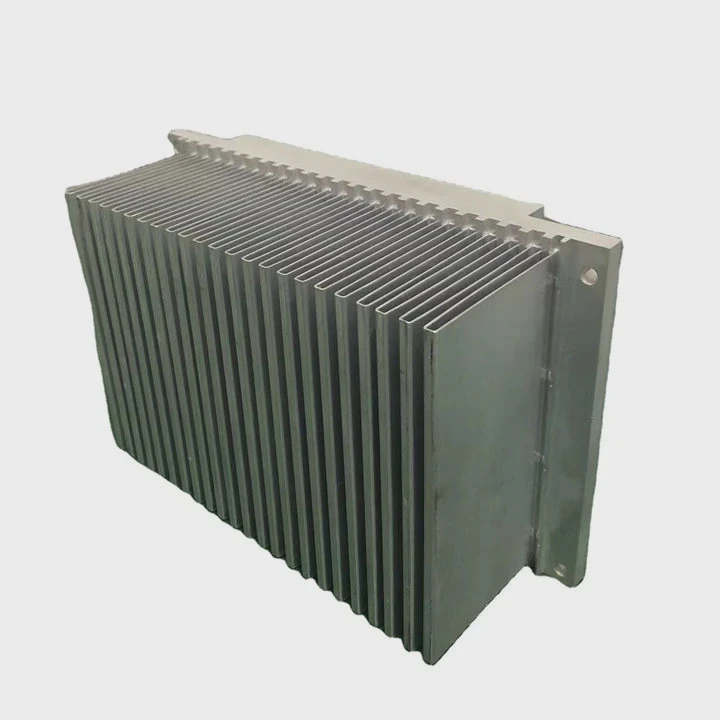
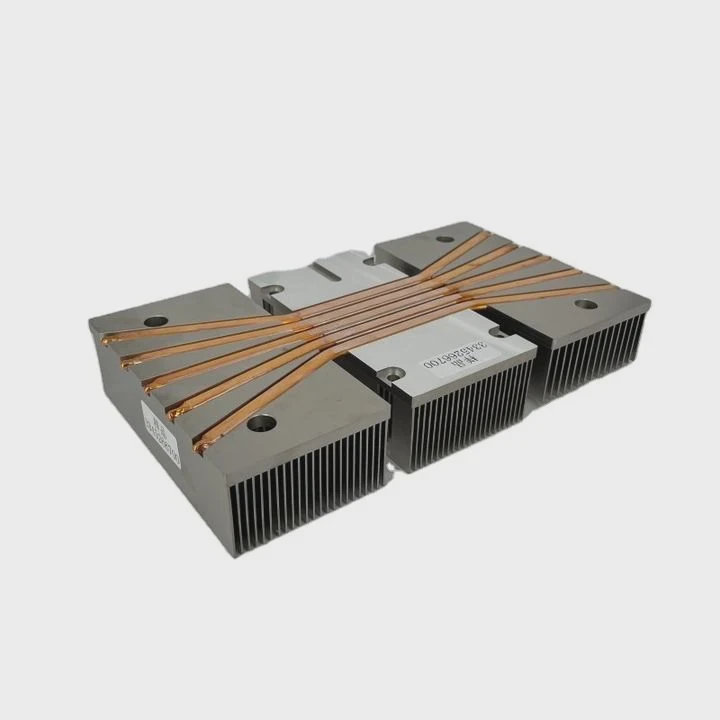
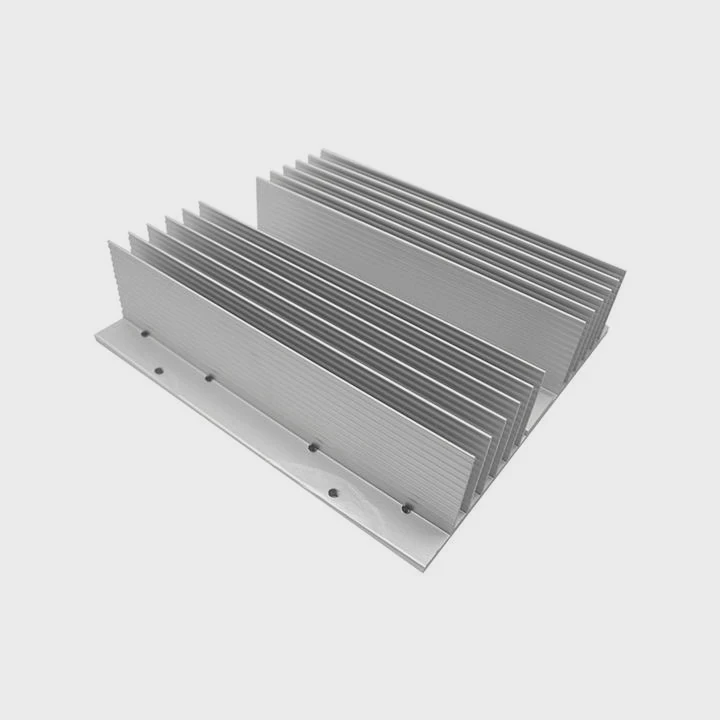
Air cooling uses a heatsink made of metal (usually aluminum or copper) placed directly on the CPU or GPU. A fan blows air through the heatsink fins, carrying away the heat.
It’s simple, cost-effective, and has been used for decades. The performance depends on fan speed, heatsink design, and airflow inside the case.
2. Liquid Cooling
Liquid cooling replaces air with a liquid coolant that circulates through a closed loop. The coolant absorbs heat from the CPU or GPU block, moves through tubes, and releases the heat through a radiator with fans.
This design allows more efficient heat transfer, especially for high-power systems. Modern liquid coolers come as AIO (All-in-One) systems or custom loops that you can build from scratch.
Basic System Comparison
| Feature | Fan (Air) Cooling | Liquid Cooling |
|---|---|---|
| Heat Transfer Medium | Air | Liquid |
| Components | Heatsink + Fan | Pump, Radiator, Tubes, Coolant |
| Setup Complexity | Simple | Moderate to Complex |
| Maintenance | Very Low | Occasional Checkups |
| Cooling Capacity | Moderate | High |
In my builds, I’ve noticed that while air cooling is easier to maintain, liquid systems handle temperature spikes much better — especially during heavy loads like gaming or rendering.
What are their strengths and weaknesses?
I’ve used both systems for years, and each one has clear pros and cons depending on the use case. Understanding them helps make the right choice.
Air cooling is simple, reliable, and affordable, while liquid cooling offers better thermal performance, quieter operation, and a cleaner design — but at higher cost and complexity.
Strengths of Fan (Air) Cooling
- Simplicity – It’s easy to install and requires little knowledge. Most systems work right out of the box.
- Low Cost – Even high-end air coolers are usually cheaper than AIO liquid coolers.
- Reliability – Fewer moving parts mean fewer chances of leaks or pump failures.
- Maintenance-Free – You only need to clean dust occasionally from the fan and heatsink.
Weaknesses of Fan (Air) Cooling
- Limited Performance – Air can only carry so much heat. For high-power CPUs or GPUs, it may not be enough.
- More Noise – As temperatures rise, fans spin faster, producing more noise.
- Bulky Design – Large heatsinks can block RAM slots or make small cases cramped.
- Less Efficient in Hot Environments – Since air coolers depend on ambient air, they struggle in rooms with high temperatures.
Strengths of Liquid Cooling
- Superior Thermal Efficiency – Liquids absorb and move heat faster than air.
- Quieter Operation – Pumps and radiator fans usually run at lower speeds.
- Better Overclocking Potential – Lower temperatures allow CPUs and GPUs to run faster safely.
- Modern Aesthetic – Clean tubes, RGB lighting, and sleek blocks give a professional look.
- Flexible Layout – You can place radiators where airflow is optimal.
Weaknesses of Liquid Cooling
- Higher Cost – Pumps, radiators, and coolant add to the price.
- Complex Installation – Especially in custom loops, setup can be time-consuming.
- Risk of Leaks – Though rare, coolant leaks can damage hardware.
- Limited Lifespan – Pumps and seals wear out over years, requiring replacement.
Comparison Table: Strengths and Weaknesses
| Factor | Fan Cooling | Liquid Cooling |
|---|---|---|
| Cost | Affordable | Expensive |
| Noise | Louder | Quieter |
| Installation | Easy | Moderate–Hard |
| Maintenance | Minimal | Occasional |
| Performance | Good | Excellent |
| Lifespan | Long | Pump-dependent |
| Aesthetic | Basic | Sleek and Modern |
When I compare both systems in real builds, liquid cooling consistently keeps my components around 10°C–15°C cooler during stress tests. However, I still rely on air cooling for budget or secondary setups where simplicity matters more than performance.
How to decide which suits your PC?
Choosing between air and liquid cooling isn’t about what’s “best overall” — it’s about what’s best for your situation.
Choose liquid cooling if you need maximum thermal control, overclocking ability, and low noise; choose air cooling if you want simplicity, reliability, and low cost.
Here’s how I guide others when helping them decide:
1. Check Your CPU Power
High-performance CPUs like Intel i9 or AMD Ryzen 9 generate a lot of heat. Liquid cooling handles that heat better, especially during gaming or rendering.
For entry-level CPUs, good air coolers are enough.
2. Consider Your Case Size
Small form factor cases often have limited airflow and space. A compact AIO (120mm or 240mm) fits better. For large towers, air coolers can still work great.
3. Evaluate Noise Tolerance
If you want a silent setup, liquid cooling wins. The pump and radiator fans produce steady, low noise compared to multiple high-speed air fans.
4. Look at Maintenance Effort
If you don’t like opening your PC often, air cooling is more suitable. Liquid coolers need periodic checks to ensure no air bubbles or leaks.
5. Compare Costs and Lifespan
Air coolers last many years with little attention. Liquid coolers might need replacement after 3–5 years, depending on pump quality.
Quick Decision Matrix
| User Type | Recommended Cooling | Reason |
|---|---|---|
| Budget PC Builder | Air Cooler | Cheaper and simple |
| Gamer | AIO 240mm Liquid | Better performance, lower noise |
| Content Creator | AIO 280–360mm Liquid | Handles heavy workloads |
| Small Form Factor | Compact AIO | Saves space |
| Office/Everyday Use | Air Cooler | Reliable and quiet enough |
| Overclocker | Custom Liquid Loop | Maximum cooling potential |
From my personal experience, I use liquid cooling for my workstation because I run simulations for hours. But for my travel PC, I stick with a good air cooler — light, simple, and worry-free.
What are the efficiency trends in cooling?
Cooling systems have evolved faster than ever in the last decade. I’ve seen fan designs change from simple metal blades to aerodynamic, silent models. Likewise, liquid cooling has advanced with new pumps, smart sensors, and better materials.
The latest efficiency trends in cooling focus on smarter fan control, AI-assisted thermal management, high-conductivity materials, hybrid systems, and eco-friendly cooling fluids.
1. Smarter Fan Design
Manufacturers are improving blade shapes for higher airflow with less noise. Modern fans use fluid dynamic bearings, which reduce vibration and extend lifespan.
2. AI-Based Thermal Control
Some motherboards now include AI systems that adjust fan and pump speeds automatically based on workload and temperature data. This optimizes both cooling and energy consumption.
3. Hybrid Cooling Systems
We’re seeing combinations of air and liquid systems. For example, some GPUs use both heat pipes and microchannel liquid loops for maximum efficiency in compact designs.
4. New Thermal Materials
Graphene and phase-change materials are being used in heatsinks and vapor chambers. They conduct heat faster than traditional aluminum or copper.
5. Eco-Friendly and Non-Conductive Coolants
Coolant technology is also advancing. New formulations are biodegradable, non-toxic, and electrically safe, reducing risks if leaks occur.
6. Improved Pump and Radiator Designs
Newer pumps use magnetic levitation, reducing wear and noise. Radiators now come with higher fin densities and better surface coatings to improve heat exchange.
Comparison Table of Efficiency Trends
| Trend | Description | Benefit |
|---|---|---|
| AI Fan Control | Adjusts speed automatically | Saves power, reduces noise |
| Hybrid Cooling | Mixes air and liquid | Compact and efficient |
| Graphene Materials | Advanced heat conductivity | Faster cooling |
| Eco Coolants | Non-toxic, safe | Environmental protection |
| Magnetic Pumps | Less friction | Longer lifespan |
In my recent builds, I’ve noticed that modern AIO systems are smarter and quieter than ever. Fan cooling hasn’t disappeared — it’s evolving too. With better aerodynamics and intelligent control, even air coolers are becoming surprisingly efficient.
Conclusion
There is no one-size-fits-all answer. Fan cooling wins for simplicity, reliability, and budget. Liquid cooling excels in performance, silence, and design. The right choice depends on your goals, your system, and how much time you’re willing to invest in setup and maintenance. Both technologies are improving fast — and whichever you choose, your PC will run cooler and better than ever.
TAGS
Latest Articles

Volume discount levels for heat sink orders?
Buyers often ask when heat sink prices start to drop with volume. Many worry they’re overpaying for small orders. This guide explains how B2B volume pricing works for thermal components. Heat sink
21 Dec,2025
Heat sink long-term supply contract options?
Many buyers want stable pricing and reliable delivery for heat sinks. But without a clear contract, risks grow over time. This article explores how to secure better long-term supply deals. Long-term
21 Dec,2025
Tooling cost for new heat sink profiles?
Many engineers struggle to understand why tooling for custom heat sinks costs so much. They worry about budgeting and production timelines. This article breaks down the cost drivers behind tooling.
21 Dec,2025
Heat sink custom sample process steps?
Sometimes, starting a custom heat sink project feels overwhelming—too many steps, too many unknowns, and too many risks. You want a sample, but not endless delays. The process for requesting and
20 Dec,2025
Standard B2B terms for heat sink payments?
When buyers and sellers in B2B heat sink markets talk about payment, many don’t fully understand what’s standard. This can lead to delayed orders, miscommunication, and even lost business
20 Dec,2025
Heat sink pricing factors for large orders?
Heat sinks are vital for many systems. When prices rise, projects stall and budgets break. This problem can hit teams hard without warning. Large order heat sink pricing depends on many factors. You
20 Dec,2025Related Articles
- How often to replace liquid cooling?
- What liquid is used for immersion cooling?
- Is liquid cooling or air cooling better?
- What happens when liquid is cooled?
- Does i9 Need Liquid Cooling?
- Is liquid cooler necessary?
- What is in a liquid CPU cooler?
- What is direct liquid cooling?
- What Is Super-Cooled Liquid?
- Heat Sink Manufacturers in Turkey
- Heat Sink Manufacturers in Netherlands
- Heat Sink Manufacturers in Saudi Arabia
Author
Dr. Emily Chen
Chief AI Researcher
Leading expert in thermal dynamics and AI optimization with over 15 years of experience in data center efficiency research.
Categories
Latest Products






Recommend Categories
- Liquid cooling plate Manufacturer
- Industrial Heat Sink Manufacturer
- Standard Heat Sink Manufacturer
- Aluminum Heat Sink Manufacturer
- Copper Heat Sink Manufacturer
- Anodized Heatsink Manufacturer
- Stamping heat sink Manufacturer
- Die Casting Heatsink Manufacturer
- Soldering heat sink Manufacturer
- CNC Parts Manufacturer
Latest Products
- Wholesale Aluminum Radiator
- Water Cooling Plate Kit
- Water Cooling Heat Sink
- Water Cooling Heat Sink Kit
- Stainless Steel Water Distributor
- Server Water Cooling Plate Kit
- Server Liquid Cooling System
- Server Aluminum Cooling Kit
- S19 Full Cover Cooling Plate
- S19 Cooling Plate Kit
- S19 Aluminum Cooling Plate
Contact Expert
Have questions about this article? Reach out to our experts directly.