How often to replace liquid cooling?
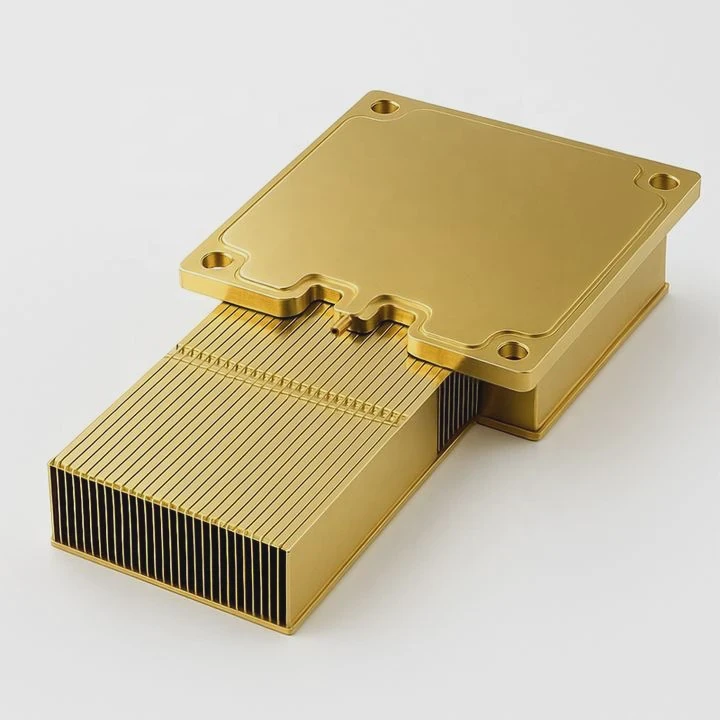
Many users forget that liquid cooling systems require regular maintenance. Over time, coolant degrades and loses efficiency, which affects system performance.
You should replace liquid cooling every 12 to 24 months to maintain stable temperatures and prevent corrosion or blockages.
Replacing liquid cooling is not only about fresh coolant—it also helps extend hardware life and ensures smooth operation for years.
What affects the lifespan of liquid cooling?
Different factors influence how long a liquid cooling system can run efficiently. The coolant, materials, environment, and usage all play key roles.
The lifespan of liquid cooling depends on coolant quality, operating temperature, material compatibility, and maintenance habits.
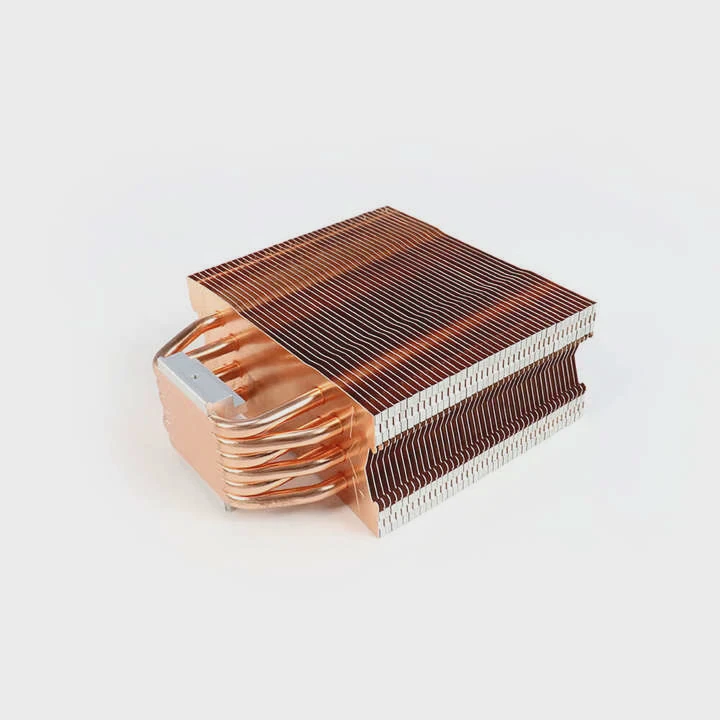
Key factors that impact lifespan
| Factor | Description | Impact |
|---|---|---|
| Coolant quality | Low-grade or old coolant breaks down faster | Causes corrosion and leaks |
| Material compatibility | Copper, aluminum, or nickel can react if mixed | Shortens component life |
| Operating temperature | High heat speeds up chemical breakdown | Reduces coolant stability |
| Maintenance frequency | Regular checks prevent buildup | Extends system life |
| Environment | Dust, humidity, or heat exposure | Increases corrosion risk |
Coolant degradation
Most coolants contain glycol and additives that prevent corrosion. However, these additives lose strength over time. After a year or two, the liquid can turn cloudy, develop algae, or form residue. This restricts flow and raises CPU or GPU temperatures.
Corrosion and electrochemical reaction
Mixing metals like aluminum and copper in the same loop can cause galvanic corrosion. Over months, you may see discoloration or particles in the coolant. It’s one of the main reasons why systems lose performance early.
My personal observation
I once opened a two-year-old workstation cooler and found a thin layer of green corrosion inside the radiator. The coolant had lost its protective additives, and the flow rate was half of normal. After replacing it, the temperatures dropped by 10°C, proving how maintenance directly affects efficiency.
What are the benefits of timely replacement?
Replacing liquid cooling on time brings more than just lower temperatures—it prevents hardware failure and keeps the system looking new.
Timely replacement of liquid cooling improves heat transfer, prevents leaks, and extends both system and component lifespan.
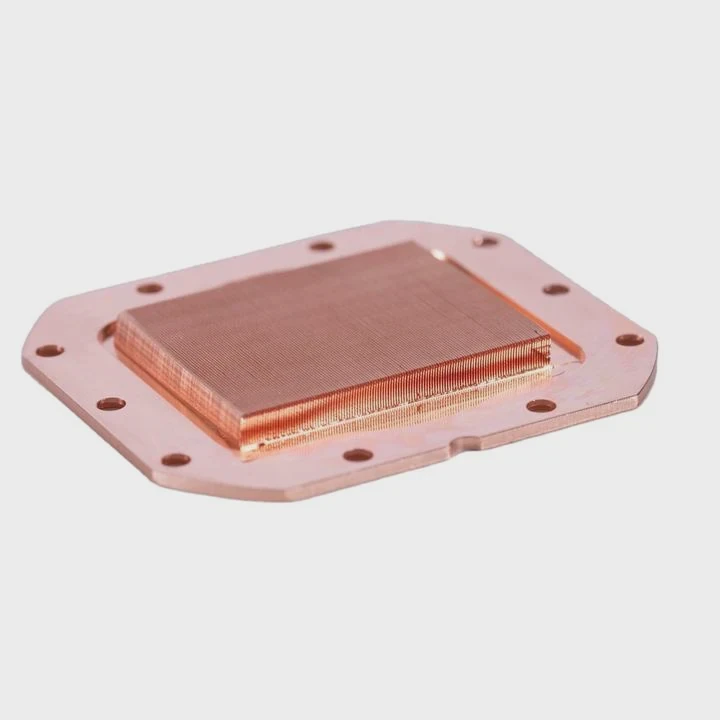
Enhanced thermal efficiency
Fresh coolant has better viscosity and thermal conductivity. This allows heat to move faster from CPU or GPU to the radiator, reducing the chance of throttling. The pump also works less, which saves power.
Preventing corrosion and blockages
New coolant restores anti-corrosion protection. It also helps remove old deposits from tubes or fittings. This keeps flow consistent and ensures even cooling across the system.
Longer component life
Clean and stable cooling keeps temperatures low, which extends the lifespan of CPUs, GPUs, and pumps. Electronics that stay under 70°C last significantly longer than those that run near 90°C.
Cost and performance comparison
| Replacement Timing | Performance Level | Maintenance Cost | Risk of Failure |
|---|---|---|---|
| Every 12–18 months | High | Low | Minimal |
| Every 24–36 months | Medium | Medium | Moderate |
| After 3+ years | Low | High | High |
Personal insight
In one of my client’s production servers, delayed coolant change caused micro-leaks at pump seals. Replacing the coolant earlier could have saved several components. Since then, we’ve implemented a two-year maintenance cycle, and uptime has improved dramatically.
How to replace coolant safely?
Changing liquid cooling fluid is easy if you follow the right steps. The goal is to remove old coolant, clean the loop, and refill it safely without damaging parts.
To replace coolant safely, power off the system, drain the old fluid, clean the loop with distilled water, and refill it with new coolant while checking for leaks.
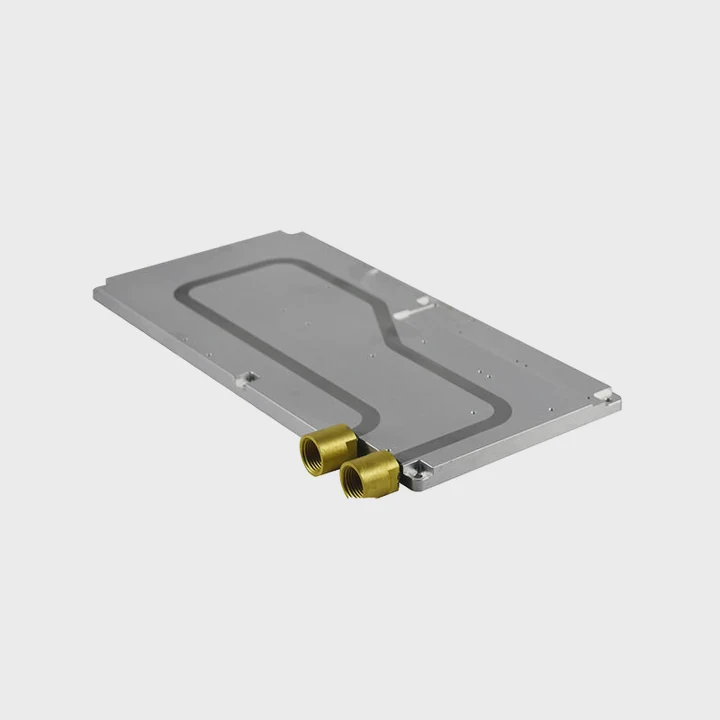
Step-by-step guide
Step 1: Power off and prepare
Unplug all power sources. Move the system to a dry workspace and place towels or paper under it. Prepare a container for old coolant.
Step 2: Drain the old coolant
Locate the lowest point in the loop, usually near the pump or radiator, and open the drain valve. Let all liquid flow out completely. Tilting the system helps release trapped fluid.
Step 3: Flush and clean
Use distilled water to flush the loop. If buildup is heavy, mix distilled water with vinegar for cleaning. Then rinse again with clean water to remove all residue.
Step 4: Inspect and replace parts
Check tubing and fittings for cracks or discoloration. Replace any damaged O-rings or seals. Clean dust from radiators and fans.
Step 5: Refill with new coolant
Pour new coolant slowly through a funnel into the reservoir. Avoid air bubbles. Use a transparent tube if possible to watch the flow.
Step 6: Bleed air and test
Run the pump for a few minutes without turning on the CPU. Tap the tubing gently to release trapped air. Once the loop is bubble-free, reconnect everything and test system temperature.
Important safety tips
- Always wear gloves to avoid skin contact with coolant.
- Never use tap water—it leaves mineral deposits.
- Dispose of old coolant responsibly; do not pour it down drains.
- If the coolant color changes or smells unusual, replace it immediately.
Example from experience
Once, a customer used tap water as a quick refill. Within three months, corrosion appeared in the copper block, turning the coolant green. After cleaning and switching to proper liquid, the problem never returned. Clean tools and correct fluid are the keys to safe maintenance.
What are the maintenance trends in cooling systems?
Cooling technology continues to evolve with smarter materials and automation. The focus now is on predictive maintenance, modular systems, and sustainable coolants.
Modern maintenance trends include smart monitoring sensors, self-cleaning loops, eco-friendly coolants, and modular maintenance kits.
Smart sensors and IoT integration
Today’s liquid cooling systems often include flow meters, temperature sensors, and leak detectors. These connect to software dashboards, allowing users to track coolant health in real time. Some industrial setups even use AI algorithms to predict when a system needs cleaning or replacement.
Self-cleaning and magnetic filtration
New designs use micro-filters and magnetic traps that capture debris and metallic particles automatically. This helps maintain clean circulation and extends coolant life up to 30%.
Eco-friendly and long-life coolants
Manufacturers are moving away from glycol-based liquids toward biodegradable, non-toxic coolants. These are safe for both users and the environment. Some new fluids also feature nanoparticles that improve thermal conductivity.
Modular cooling systems
Maintenance no longer means full disassembly. Modular systems allow quick part replacement—like swapping pumps or radiators—without draining the whole loop. This is common in data centers, EV cooling, and aerospace modules where downtime must stay minimal.
Predictive maintenance and automation
AI-based systems analyze sensor data and alert users before performance drops. Predictive maintenance reduces manual checks and avoids sudden failures. For large-scale systems, this saves hours of work every month.
| Trend | Description | Key Benefit |
|---|---|---|
| Smart Sensors | Monitor flow, pressure, and temperature | Real-time data |
| Magnetic Filters | Trap metal debris | Cleaner coolant |
| Eco Coolants | Non-toxic, biodegradable liquids | Safe and durable |
| Modular Design | Easy replacement without draining | Faster service |
| Predictive Maintenance | AI-driven alerts | Zero downtime |
Industry direction
In manufacturing and energy systems, modular liquid cooling with smart sensors is becoming the norm. Companies aim to reduce maintenance cycles and increase thermal stability.
Even consumer AIO coolers now offer USB monitoring ports that report flow rate, temperature, and RPM.
Personal observation
When I started working with cooling systems years ago, maintenance was manual—checking temperatures and replacing coolant by guesswork. Now, I can monitor dozens of systems remotely with automatic alerts. This shift toward smart maintenance saves time and improves reliability across all industries.
Conclusion
Liquid cooling replacement should happen every 12–24 months for optimal performance. Lifespan depends on coolant quality, temperature, and maintenance habits. Regular and safe replacement prevents corrosion, reduces failure risk, and ensures long-term efficiency. With the rise of smart sensors and modular systems, cooling maintenance is becoming easier, cleaner, and more reliable than ever.
TAGS
Latest Articles

Volume discount levels for heat sink orders?
Buyers often ask when heat sink prices start to drop with volume. Many worry they’re overpaying for small orders. This guide explains how B2B volume pricing works for thermal components. Heat sink
21 Dec,2025
Heat sink long-term supply contract options?
Many buyers want stable pricing and reliable delivery for heat sinks. But without a clear contract, risks grow over time. This article explores how to secure better long-term supply deals. Long-term
21 Dec,2025
Tooling cost for new heat sink profiles?
Many engineers struggle to understand why tooling for custom heat sinks costs so much. They worry about budgeting and production timelines. This article breaks down the cost drivers behind tooling.
21 Dec,2025
Heat sink custom sample process steps?
Sometimes, starting a custom heat sink project feels overwhelming—too many steps, too many unknowns, and too many risks. You want a sample, but not endless delays. The process for requesting and
20 Dec,2025
Standard B2B terms for heat sink payments?
When buyers and sellers in B2B heat sink markets talk about payment, many don’t fully understand what’s standard. This can lead to delayed orders, miscommunication, and even lost business
20 Dec,2025
Heat sink pricing factors for large orders?
Heat sinks are vital for many systems. When prices rise, projects stall and budgets break. This problem can hit teams hard without warning. Large order heat sink pricing depends on many factors. You
20 Dec,2025Related Articles
- What liquid is used for immersion cooling?
- Is liquid cooling or air cooling better?
- What happens when liquid is cooled?
- Does i9 Need Liquid Cooling?
- Is liquid cooler necessary?
- Why is liquid cooling better than air?
- What’s better, liquid cooling or fan?
- What is in a liquid CPU cooler?
- What is direct liquid cooling?
- What Is Super-Cooled Liquid?
- Heat Sink Manufacturers in Turkey
- Heat Sink Manufacturers in Netherlands
Author
Dr. Emily Chen
Chief AI Researcher
Leading expert in thermal dynamics and AI optimization with over 15 years of experience in data center efficiency research.
Categories
Latest Products






Recommend Categories
- Liquid cooling plate Manufacturer
- Industrial Heat Sink Manufacturer
- Standard Heat Sink Manufacturer
- Aluminum Heat Sink Manufacturer
- Copper Heat Sink Manufacturer
- Anodized Heatsink Manufacturer
- Stamping heat sink Manufacturer
- Die Casting Heatsink Manufacturer
- Soldering heat sink Manufacturer
- CNC Parts Manufacturer
Latest Products
- Wholesale Aluminum Radiator
- Water Cooling Plate Kit
- Water Cooling Heat Sink
- Water Cooling Heat Sink Kit
- Stainless Steel Water Distributor
- Server Water Cooling Plate Kit
- Server Liquid Cooling System
- Server Aluminum Cooling Kit
- S19 Full Cover Cooling Plate
- S19 Cooling Plate Kit
- S19 Aluminum Cooling Plate
Contact Expert
Have questions about this article? Reach out to our experts directly.