do graphics card have options for liquid cooling?
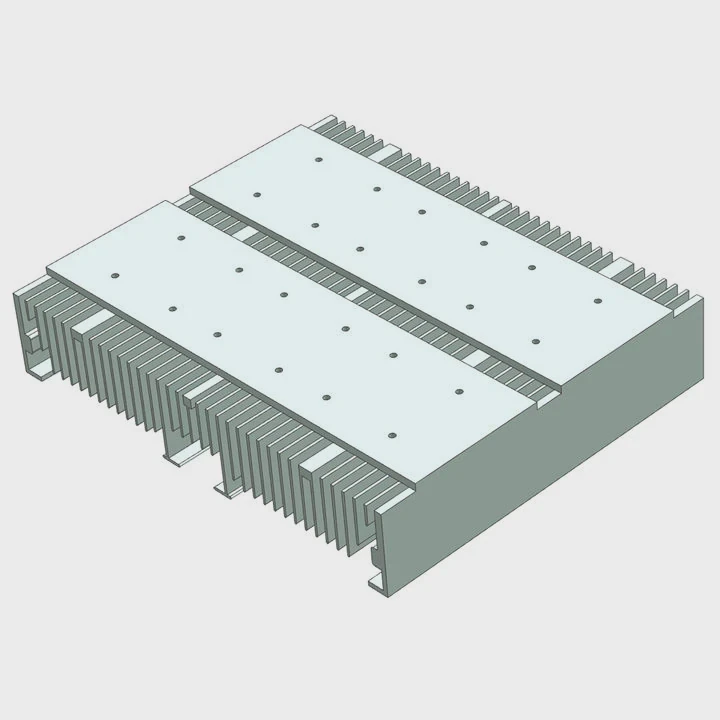
I remember the first time I held a large GPU and felt how hot it ran during a long gaming session. That moment made me wonder if liquid cooling could help control the heat better.
Most graphics cards support liquid cooling through aftermarket water blocks, hybrid coolers, or full custom loops, allowing the GPU to run cooler, quieter, and often with more stable performance.
I want to show how every option works in simple steps, so you can decide which cooling method fits your build and your goals.
How do GPUs support aftermarket water blocks?
When I installed my first GPU water block, I felt nervous because I had to remove the entire stock cooler. I feared I would break something. But later I learned the process is clear when I follow the right plan.
GPUs support aftermarket water blocks through full-cover blocks designed for specific models; these blocks replace the stock cooler and cool the GPU core, memory, and VRM with direct contact plates and a liquid pathway.
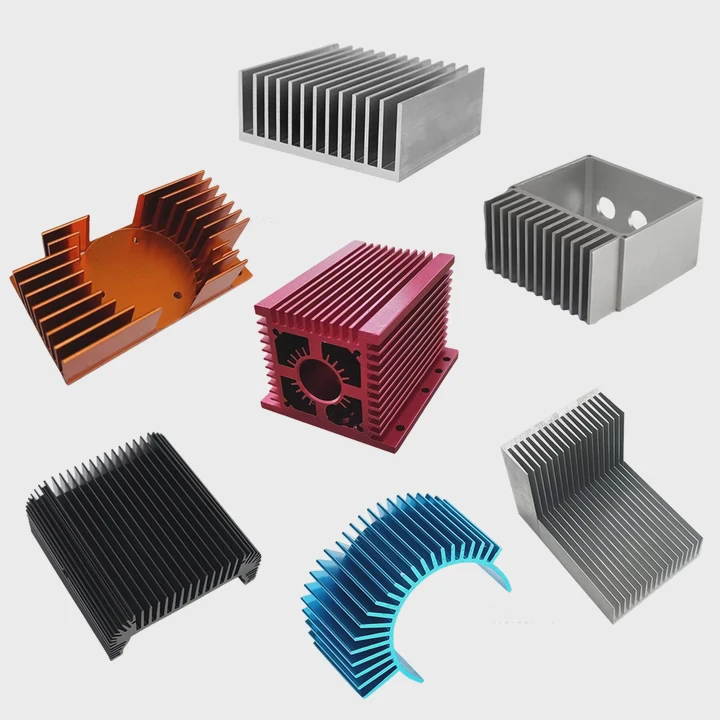
Water blocks come in many shapes, but most follow similar designs. They attach to the PCB with thermal pads and screws.
Main types of GPU water blocks
| Block Type | What It Covers | Notes |
|---|---|---|
| Full-cover block | GPU core, VRAM, VRM | Best cooling performance |
| Core-only block | GPU core only | Needs extra VRAM/VRM cooling |
| Universal block | Fits many GPUs | Less coverage |
How a full-cover block works
1. GPU cold plate
The block sits on the GPU die and handles most of the heat.
2. Memory cooling
Pads connect the block to the VRAM chips.
3. VRM cooling
A metal plate or channel removes heat from power stages.
4. Flow channels
Liquid moves through microfins to absorb heat fast.
Compatibility matters
Before buying a block, I always check:
- Exact GPU model
- PCB revision
- Block manufacturer compatibility list
One mistake can make the block useless, so I double-check this step.
My short story
The first block I bought did not fit because my GPU had a different PCB revision. I learned to read the fine print before ordering. Since then, I never skip compatibility checks.
Helpful steps when installing a block
- Remove stock cooler
- Clean old thermal paste
- Place thermal pads on VRAM and VRM
- Apply new paste on GPU die
- Mount the block
- Connect it to the liquid loop
I take these steps slow because GPU PCBs have many small components.
Why choose liquid cooling for high-end GPUs?
I still remember how loud my high-end GPU became during heavy gaming. Heat pushed the fans to full speed. That was the moment I started looking for liquid cooling options.
Liquid cooling is chosen for high-end GPUs because it lowers temperatures, cuts noise, improves stability, and helps the card maintain higher clock speeds under long loads.
High-end GPUs draw a lot of power. More power means more heat. Air coolers work well but reach their limit fast.
Key reasons people choose liquid cooling
1. Lower temperature
Liquid removes heat faster than air. This keeps the GPU steady.
2. Less noise
Big fans spin fast on air-cooled GPUs. Liquid cooling moves heat to a radiator so the fans spin slower.
3. Better performance
A cooler GPU stays at higher boost clocks for a longer time.
4. Better case airflow
Moving heat to a radiator reduces hot air inside the case.
Table: Air cooling vs liquid cooling
| Feature | Air Cooling | Liquid Cooling |
|---|---|---|
| Noise | Medium to high | Low |
| Temperature | Higher | Lower |
| Overclocking | Limited | Higher potential |
| Space usage | Thick heatsink | Radiator needed |
| Maintenance | Low | Medium |
When liquid cooling makes the biggest difference
- 4K gaming
- Long creative workloads
- Small cases with poor airflow
- Overclocked systems
- Multi-GPU setups
My own experience
Once I switched my high-end GPU to a water block, the temperature dropped by more than 20°C. The GPU stayed quiet even during long rendering sessions. That change convinced me to use liquid cooling on almost every high-power build since then.
Where do hybrid GPU coolers fit in builds?
The first time I saw a hybrid GPU cooler, I felt it was the best middle option because it used both liquid and air. It looked simple and powerful at the same time.
Hybrid GPU coolers fit in builds as mid-level solutions that combine an AIO-style liquid loop for the GPU core with a small air cooler for VRAM and VRM, offering easier installation than full water blocks.
Hybrid coolers are popular because they do not require a full custom loop.
How a hybrid cooler works
1. The GPU core uses liquid
A small pump block sits on the GPU die.
2. VRAM and VRM use air
A fan on the shroud cools memory and power stages.
3. Radiator handles heat
The liquid moves to a radiator just like a CPU AIO.
Why hybrid coolers are simpler
- No custom tubing
- No separate reservoir
- No long installation process
- Lower risk of leaks
They sit between air cooling and full water cooling.
Where hybrid coolers fit best
| Build Type | Why Hybrid Works |
|---|---|
| Mid-tower PC | Good airflow and easy mounting |
| Gaming system | Lower noise and strong cooling |
| No custom loop | No need for fittings or tubing |
| Beginner liquid setup | Easy learning path |
When hybrids may be a better choice
- When the case has only one free radiator space
- When you want better cooling without a full loop
- When the GPU VRAM runs cool enough with air
My short insight
I once built a compact gaming PC where a full water block was too much work. A hybrid cooler gave the GPU strong cooling without the complexity of a full loop. It was the perfect balance.
Can liquid cooling boost overclocking headroom?
I used to think GPU overclocking was always limited by silicon. Later I learned it is often limited by heat. When I lowered temperatures on my card, I saw the clock speeds rise.
Liquid cooling boosts overclocking headroom by lowering GPU core temperature, improving voltage stability, and reducing thermal throttle, allowing the GPU to sustain higher clocks under heavy loads.
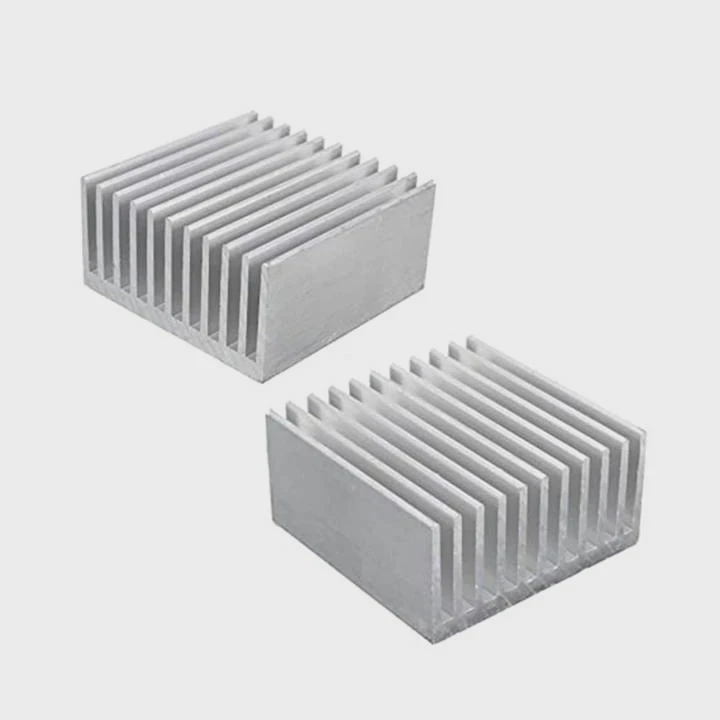
Temperature plays a central role in how far a GPU can go.
Why cooling affects overclocking
1. Boost algorithms
Modern GPUs raise clocks when they stay cool.
2. Voltage control
Lower temperatures allow the GPU to draw more stable power.
3. Thermal throttle
When the GPU gets too hot, it cuts speed. Liquid cooling prevents this.
4. VRM stability
Liquid blocks cool the VRM area which helps deliver clean power.
What liquid cooling changes
| Overclocking Factor | Air Cooling | Liquid Cooling |
|---|---|---|
| GPU temp | High | Low |
| Boost stability | Medium | High |
| Voltage tolerance | Lower | Higher |
| Thermal throttle | Likely | Rare |
| Max core clock | Lower | Higher |
Practical gains
- Higher sustained boost clocks
- More stable FPS in games
- More headroom for fine tuning
- Slightly better VRAM overclocks (with full-cover blocks)
Real experience
Once I installed a water block on my GPU, I gained an extra 150 MHz on the core and kept stable clocks even during long games. The GPU stopped bouncing between frequencies and stayed smooth.
Safe reminder
Even with liquid cooling, every GPU has a natural limit. Cooling helps push that limit, but it cannot change the chip quality. I always increase clocks slowly and monitor temperature.
Conclusion
GPUs support many liquid cooling options, from full-cover water blocks to hybrid coolers. Liquid cooling helps high-end cards run cooler, quieter, and more stable, while also boosting overclocking potential. With the right setup, a GPU can stay strong and smooth even under long heavy loads.
TAGS
Latest Articles

Volume discount levels for heat sink orders?
Buyers often ask when heat sink prices start to drop with volume. Many worry they’re overpaying for small orders. This guide explains how B2B volume pricing works for thermal components. Heat sink
21 Dec,2025
Heat sink long-term supply contract options?
Many buyers want stable pricing and reliable delivery for heat sinks. But without a clear contract, risks grow over time. This article explores how to secure better long-term supply deals. Long-term
21 Dec,2025
Tooling cost for new heat sink profiles?
Many engineers struggle to understand why tooling for custom heat sinks costs so much. They worry about budgeting and production timelines. This article breaks down the cost drivers behind tooling.
21 Dec,2025
Heat sink custom sample process steps?
Sometimes, starting a custom heat sink project feels overwhelming—too many steps, too many unknowns, and too many risks. You want a sample, but not endless delays. The process for requesting and
20 Dec,2025
Standard B2B terms for heat sink payments?
When buyers and sellers in B2B heat sink markets talk about payment, many don’t fully understand what’s standard. This can lead to delayed orders, miscommunication, and even lost business
20 Dec,2025
Heat sink pricing factors for large orders?
Heat sinks are vital for many systems. When prices rise, projects stall and budgets break. This problem can hit teams hard without warning. Large order heat sink pricing depends on many factors. You
20 Dec,2025Related Articles
- how to connect liquid cooling to motherboard?
- how to install a aio liquid cooler?
- how liquid cooling works in bike?
- heat sink manufacturer in Venezuela
- heat sink manufacturer in Vatican City
- heat sink manufacturer in Uzbekistan
- How to change cooling liquid car?
- What's better liquid cooled or air cooled?
- How to instal liquid cooling?
- What's better liquid cooling or fan?
- Is liquid cooling worth it PC?
- Do AIO cooler ever run out of liquid?
Author
Dr. Emily Chen
Chief AI Researcher
Leading expert in thermal dynamics and AI optimization with over 15 years of experience in data center efficiency research.
Categories
Latest Products






Recommend Categories
- Liquid cooling plate Manufacturer
- Industrial Heat Sink Manufacturer
- Standard Heat Sink Manufacturer
- Aluminum Heat Sink Manufacturer
- Copper Heat Sink Manufacturer
- Anodized Heatsink Manufacturer
- Stamping heat sink Manufacturer
- Die Casting Heatsink Manufacturer
- Soldering heat sink Manufacturer
- CNC Parts Manufacturer
Latest Products
- Wholesale Aluminum Radiator
- Water Cooling Plate Kit
- Water Cooling Heat Sink
- Water Cooling Heat Sink Kit
- Stainless Steel Water Distributor
- Server Water Cooling Plate Kit
- Server Liquid Cooling System
- Server Aluminum Cooling Kit
- S19 Full Cover Cooling Plate
- S19 Cooling Plate Kit
- S19 Aluminum Cooling Plate
Contact Expert
Have questions about this article? Reach out to our experts directly.