How to instal liquid cooling?
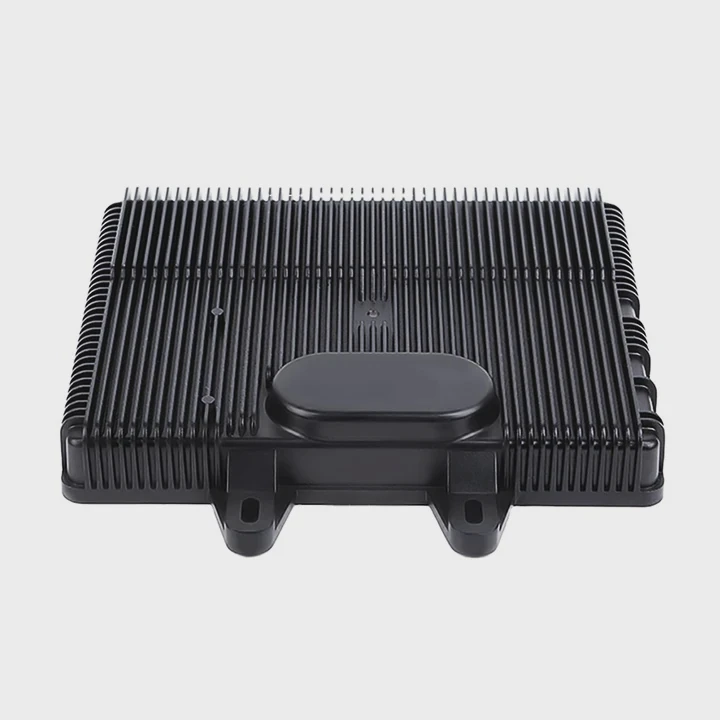
I asked myself this question the first time I upgraded a hot-running system, and many beginners feel the same fear when they see pumps, tubes, and radiators.
You can install liquid cooling by preparing the parts, placing the radiator, securing the pump, routing tubes, and filling coolant carefully. A clear and slow setup keeps the system safe and stable.
I want to show you the steps I follow every time I build a liquid-cooled system, even when I help friends with their own machines.
What parts are needed for liquid cooling?
Many people worry because liquid cooling looks complex, but confusion often comes from not knowing the parts.
You need a radiator, pump, tubes, reservoir, fittings, coolant, and mounting hardware. These basic parts create a closed loop that moves heat safely away from the device.
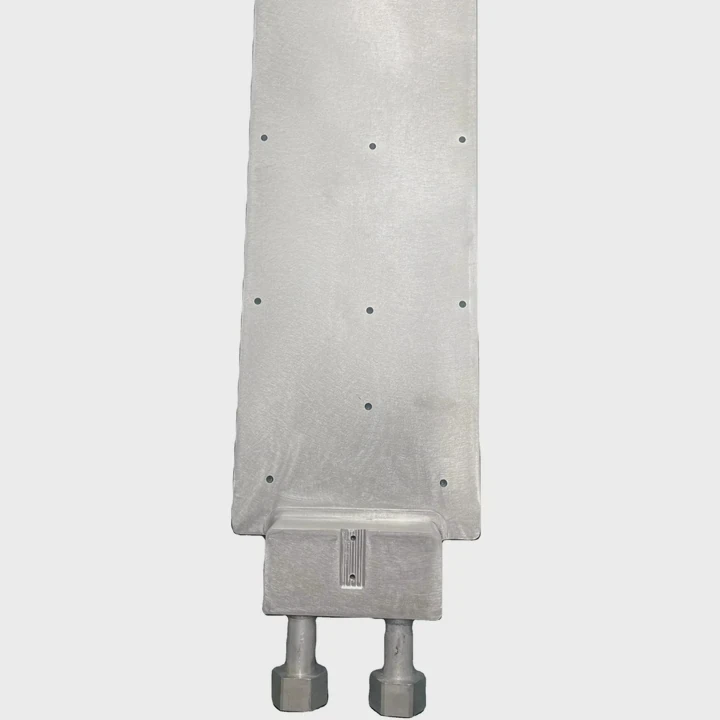
When I build a liquid cooling setup, I start by laying all parts on a clean table. I check them one by one. When everything is clear, the installation becomes simple. I want you to understand each part and why it matters.
Radiator
The radiator releases heat into the air. It uses fins and fans to move heat away from the coolant. When the radiator is large, it cools better. When space is small, I pick a slim model with strong fans.
Pump
The pump moves coolant through the loop. It must run smoothly and quietly. I test the pump before installing it. I hold it in my hand and feel if it vibrates or makes noise. A weak pump creates poor flow.
Tubes
Tubes carry coolant between parts. They must bend without kinking. I choose tubes that match the fittings. I cut them cleanly with a sharp tool so they seal well.
Reservoir
The reservoir holds extra coolant and helps remove air bubbles. I place it in a spot where I can fill coolant easily. A good reservoir makes bleeding simple.
Coolant
Coolant moves heat and prevents corrosion. Some coolants come ready to use. Some need mixing. I shake the bottle and check the color. A clean, stable coolant keeps the loop safe.
Fittings
Fittings lock tubes in place. They stop leaks. I tighten them by hand first, then give a small turn with a tool. Too much force can damage them.
Table of required parts
| Part | Purpose |
|---|---|
| Radiator | Removes heat |
| Pump | Moves coolant |
| Tubes | Carry liquid |
| Reservoir | Stores extra coolant |
| Coolant | Transfers heat |
| Fittings | Seal tube ends |
With these parts ready, the installation becomes smooth and predictable.
How do you mount the radiator correctly?
Many people struggle with radiator placement because there are many mounting options.
You mount a radiator by choosing a strong location, aligning fan airflow, securing screws evenly, and ensuring tubes reach the pump without stress. A stable mount keeps cooling strong.
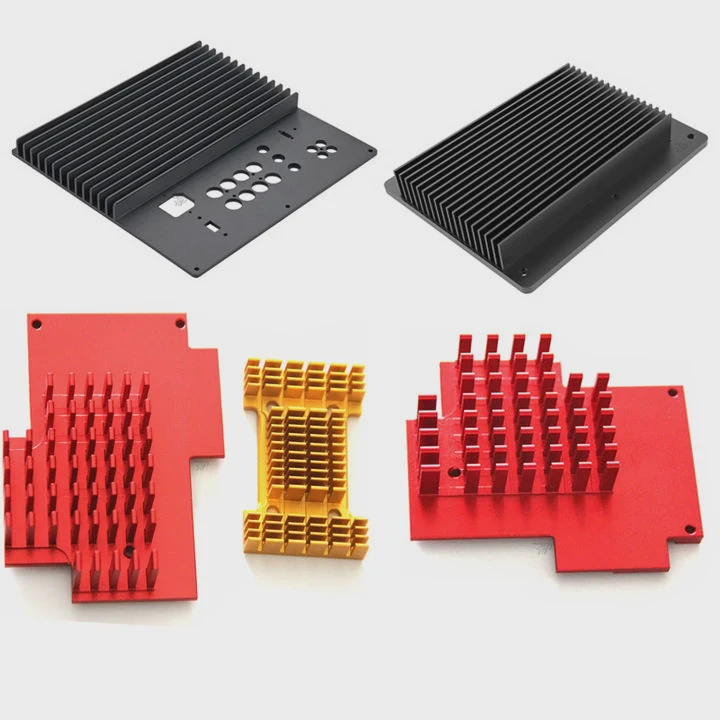
When I mount a radiator, I take my time. A poorly mounted radiator can cause leaks, noise, or high temperatures. I look at airflow direction, screw holes, and tube reach. These small points matter a lot.
Find the right spot
The radiator can sit on the top, front, or bottom. I pick the place with the best airflow. If the air moves from front to back, I choose the front. If the air moves from bottom to top, I choose the top.
Check tube length
Before I mount the radiator, I hold it close to the case and check if tubes reach the pump without bending too hard. If the tubes stretch or twist, I move the radiator to a new spot.
Match fan direction
Fans should pull cool air through the radiator or push cool air into it. I look at the arrows on the fan frame. They show airflow direction. I keep all fans working in the same direction for smooth flow.
Tighten screws slowly
I place the radiator in position and tighten each screw a little at a time. I move in a cross pattern. This keeps pressure even. If I tighten one screw too much, the radiator can twist.
Avoid blocked airflow
I check that no cables, covers, or plastic parts block the fans. Even a small blockage reduces cooling. I keep the air path clean.
Why good mounting matters
A strong mount reduces vibration. It keeps coolant flowing smoothly. It also helps the pump stay quiet because the loop stays stable.
With a well-mounted radiator, the entire system becomes easier to finish.
Why is pump orientation important?
Many beginners overlook pump direction, but the pump is the heart of the system.
Pump orientation matters because the pump must stay below the reservoir and avoid trapping air. A pump with trapped air makes noise, reduces flow, and can fail early.
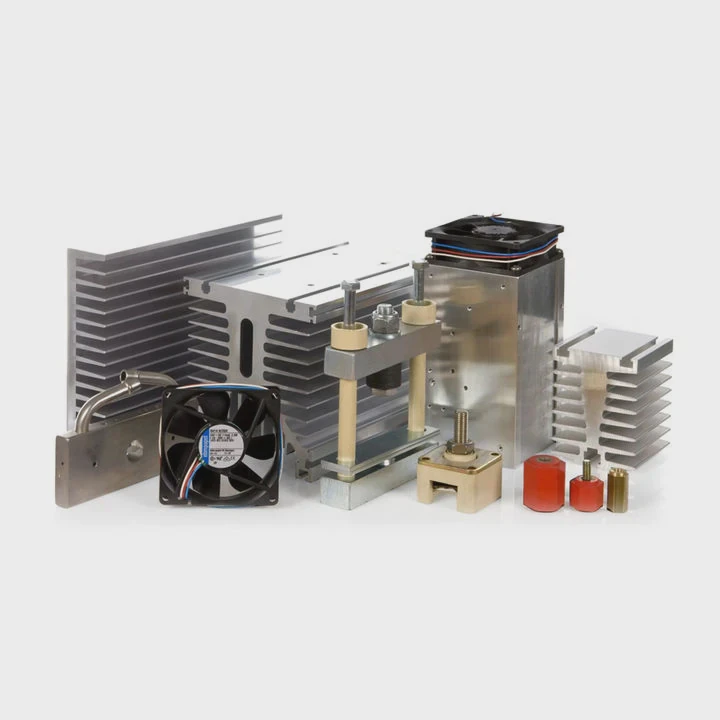
When I install a pump, I always think about gravity, flow path, and bubble movement. A small mistake here creates big problems later. I want to show you how I handle this step.
Keep the pump lower than the reservoir
Coolant flows down into the pump when the reservoir sits higher. This helps the pump stay full. When the pump sits higher, air goes into it. That creates noise and weak flow. I always keep the pump low.
Avoid upside-down pumps
A pump must stay upright so its internal parts stay lubricated. If the pump sits upside-down or sideways, air collects inside. This makes the pump work harder, and it might fail early.
Keep tubes smooth
Tubes should enter and exit the pump without sharp bends. Sharp bends create resistance. Smooth flow keeps the pump happy. I adjust tube length until everything fits naturally.
Prime the pump
Before I power the pump, I fill the reservoir until coolant reaches the pump. I tilt the case slowly to help bubbles escape. Then I run the pump for a short time. If the pump sounds dry, I stop it and add more coolant.
Watch for vibration
A pump that shakes too much may have air inside. I touch the pump with my hand. If it vibrates too much, I bleed air again.
Table: Pump orientation mistakes
| Mistake | Result |
|---|---|
| Pump above reservoir | Air enters pump |
| Pump sideways | Lubrication fails |
| Sharp tube bends | Weak flow |
| Not priming pump | Pump damage |
When the pump sits right and stays full of coolant, the whole loop becomes stable and quiet.
Can beginners install liquid cooling safely?
Many beginners feel scared because liquid cooling feels advanced.
Beginners can install liquid cooling safely by working slowly, checking each part, running a leak test, and following simple steps. A careful pace makes the system safe even for first-time builders.
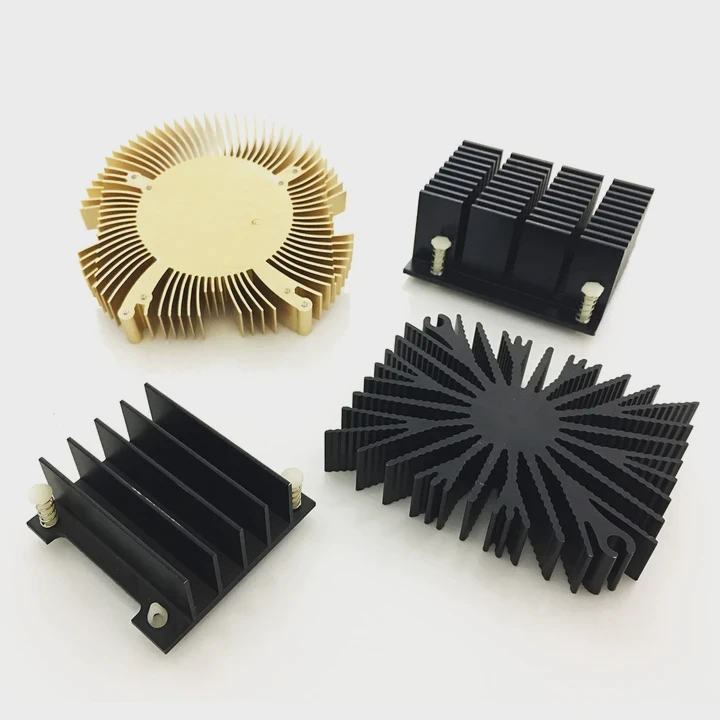
I helped many first-time builders install liquid cooling. They all felt nervous at the start, but they succeeded because they worked slowly and asked simple questions. I want you to see how beginners can stay safe and confident.
Work slowly and avoid rushing
Liquid cooling is not hard, but it needs patience. I never rush. I check each part. I tighten each fitting slowly. When I move slowly, I do not make mistakes.
Follow a clear order
The order I follow is simple:
- Mount radiator
- Set pump position
- Install reservoir
- Measure tube lengths
- Install tubes
- Tighten fittings
- Fill coolant
- Bleed air
- Test for leaks
This order keeps everything smooth.
Leak test
A leak test is the most important step. Before powering the device, I run the pump alone for several minutes. I place paper towels around fittings. If any drop appears, the paper shows it. This test protects the system from damage.
Check airflow and cable paths
Good airflow keeps the radiator cool. Good cable management keeps tubes free and clean. Beginners often forget this part. I check that nothing touches the fans or tubes.
Keep a towel nearby
I always keep a towel next to me. If I spill a drop, I wipe it fast. This keeps the workspace clean and stress-free.
Ask for help when needed
Even experienced builders ask questions. If a beginner feels unsure, it is safe to pause, check a picture, or ask someone who has done it before.
Beginners can install liquid cooling safely when they follow a slow and clear method. Confidence grows with each step.
Conclusion
Liquid cooling becomes easy when you know the parts, mount the radiator well, set the pump in the right direction, and follow simple steps with patience. A calm and steady process keeps the system safe and gives strong cooling for a long time.
TAGS
Latest Articles

Volume discount levels for heat sink orders?
Buyers often ask when heat sink prices start to drop with volume. Many worry they’re overpaying for small orders. This guide explains how B2B volume pricing works for thermal components. Heat sink
21 Dec,2025
Heat sink long-term supply contract options?
Many buyers want stable pricing and reliable delivery for heat sinks. But without a clear contract, risks grow over time. This article explores how to secure better long-term supply deals. Long-term
21 Dec,2025
Tooling cost for new heat sink profiles?
Many engineers struggle to understand why tooling for custom heat sinks costs so much. They worry about budgeting and production timelines. This article breaks down the cost drivers behind tooling.
21 Dec,2025
Heat sink custom sample process steps?
Sometimes, starting a custom heat sink project feels overwhelming—too many steps, too many unknowns, and too many risks. You want a sample, but not endless delays. The process for requesting and
20 Dec,2025
Standard B2B terms for heat sink payments?
When buyers and sellers in B2B heat sink markets talk about payment, many don’t fully understand what’s standard. This can lead to delayed orders, miscommunication, and even lost business
20 Dec,2025
Heat sink pricing factors for large orders?
Heat sinks are vital for many systems. When prices rise, projects stall and budgets break. This problem can hit teams hard without warning. Large order heat sink pricing depends on many factors. You
20 Dec,2025Related Articles
- What's better liquid cooled or air cooled?
- How to change cooling liquid car?
- do graphics card have options for liquid cooling?
- how to connect liquid cooling to motherboard?
- how to install a aio liquid cooler?
- how liquid cooling works in bike?
- What's better liquid cooling or fan?
- Is liquid cooling worth it PC?
- Do AIO cooler ever run out of liquid?
- Which phone have liquid cooling system?
- Does the Google Pixel 9 have a vapor chamber?
- What is a vapor chamber in a phone?
Author
Dr. Emily Chen
Chief AI Researcher
Leading expert in thermal dynamics and AI optimization with over 15 years of experience in data center efficiency research.
Categories
Latest Products






Recommend Categories
- Liquid cooling plate Manufacturer
- Industrial Heat Sink Manufacturer
- Standard Heat Sink Manufacturer
- Aluminum Heat Sink Manufacturer
- Copper Heat Sink Manufacturer
- Anodized Heatsink Manufacturer
- Stamping heat sink Manufacturer
- Die Casting Heatsink Manufacturer
- Soldering heat sink Manufacturer
- CNC Parts Manufacturer
Latest Products
- Wholesale Aluminum Radiator
- Water Cooling Plate Kit
- Water Cooling Heat Sink
- Water Cooling Heat Sink Kit
- Stainless Steel Water Distributor
- Server Water Cooling Plate Kit
- Server Liquid Cooling System
- Server Aluminum Cooling Kit
- S19 Full Cover Cooling Plate
- S19 Cooling Plate Kit
- S19 Aluminum Cooling Plate
Contact Expert
Have questions about this article? Reach out to our experts directly.