Is liquid cooling worth it PC?
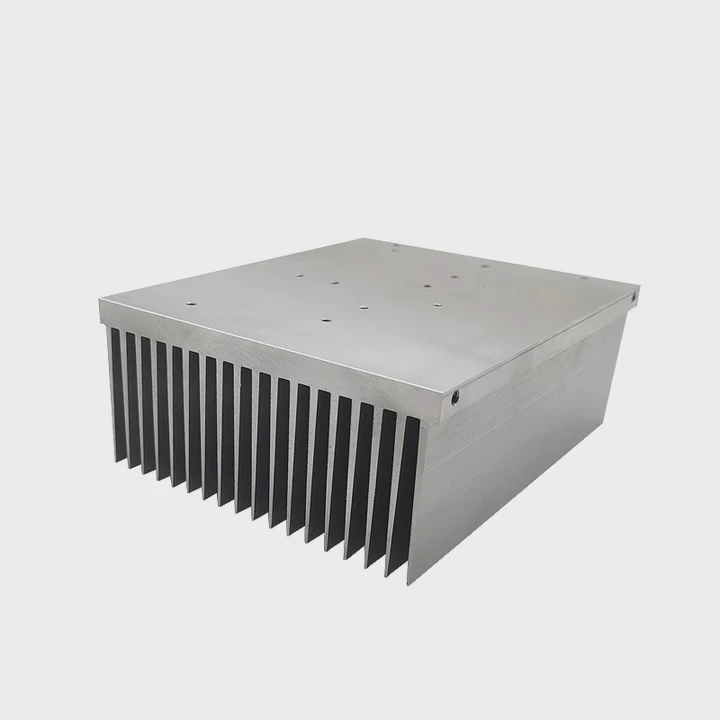
I asked myself this question many years ago when I built my first hot-running PC, and I still hear it from many users who want performance without stress.
Liquid cooling is worth it when you need lower temperatures, quieter operation, and stable performance under heavy workloads. It offers better cooling and comfort than many air coolers.
I want to walk you through the gains, reasons, and use cases so you can make the best decision for your PC.
What gains does PC liquid cooling offer?
Many PC users wonder what real, clear gains liquid cooling brings compared to traditional fans.
Liquid cooling offers lower temperatures, more stable performance, quieter results at high load, and better handling of strong heat spikes. These gains help the PC run smoother and last longer.
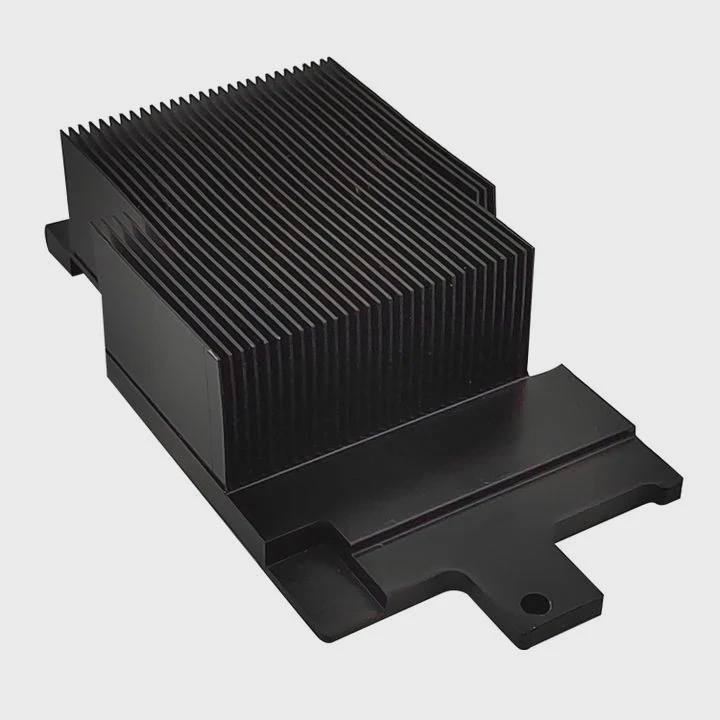
When I talk about gains, I do not speak in theory. I have used liquid cooling in many of my own PCs, and I saw clear changes every time. The gains appear in cooling strength, system stability, and even everyday comfort. Here is how I break down the real benefits.
Lower temperatures under load
Liquid cooling moves heat faster than air because coolant absorbs and transports heat more effectively. When the CPU or GPU runs heavy tasks such as rendering or gaming, temperatures stay more stable. I often saw drops of 10–20°C when I switched from a mid-range air cooler to liquid cooling. Lower heat improves long-term health of the hardware.
Better performance stability
Heat causes performance drops. When temperatures get too high, the CPU or GPU slows down. This is called throttling. With liquid cooling, temperature stays lower, so the parts keep their full speed for longer. I noticed smoother frame rates and faster processing times in many workloads.
More control over heat spikes
Some tasks create fast heat spikes. Liquid cooling spreads heat over the radiator and coolant quickly, so spikes feel softer. Air cooling responds slower, and this can cause sudden jumps in temperature. A stable loop prevents these jumps.
Cleaner layout and flexibility
Liquid cooling opens more layout options. The radiator can mount in different positions, and tubes free the space around the CPU. This makes the PC easier to work on and easier to design.
Table of liquid cooling gains
| Gain | Description |
|---|---|
| Lower temperatures | Keeps CPU and GPU cooler |
| Stable performance | Reduces throttling |
| Quieter load | Fans spin slower |
| Better spike control | Smooth heat absorption |
| Flexible layout | More space inside the case |
Liquid cooling brings real value when cooling strength and system stability matter to you.
How does liquid cooling reduce noise?
Many users think liquid cooling only helps with temperature, but noise reduction is one of its biggest strengths.
Liquid cooling reduces noise by spreading heat across a large radiator, allowing fans to spin slower while still removing heat efficiently. Slow fans make far less sound than fast ones.
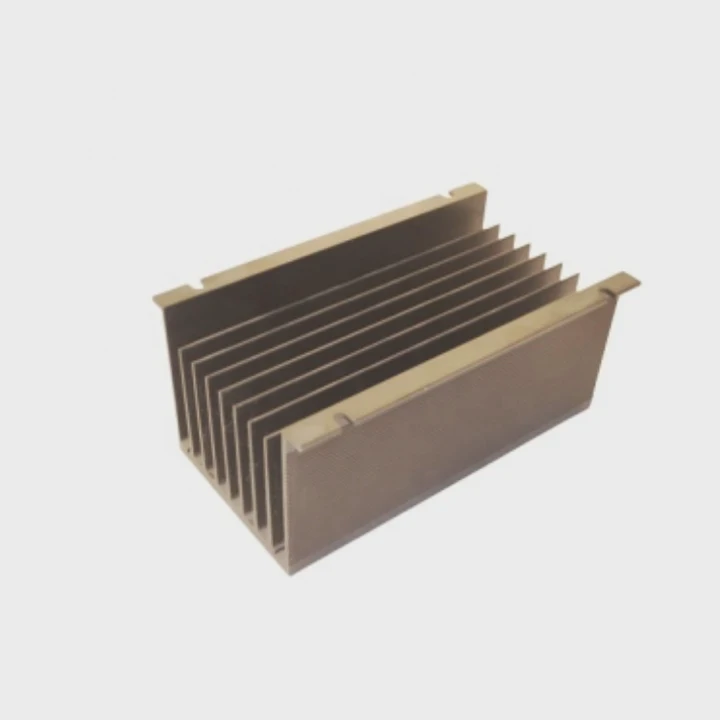
Noise always mattered to me because I worked in small rooms and late at night. I used many fan setups that became loud during high-load tasks. Liquid cooling changed that in a clear and simple way. The way the system moves heat allows fans to rest at lower speeds, and the entire PC feels calm even when working hard.
Radiator surface area reduces fan effort
A radiator has a much larger surface area than a traditional heat sink. Because the surface is larger, it releases heat faster. Fans do not need to spin quickly to cool the radiator. Slow fans make far less noise.
Pump noise is low and steady
A good pump makes a soft, steady hum. This sound stays constant and does not jump suddenly like fan noise. My first liquid-cooled PC felt calmer because I did not hear the up-and-down fan changes.
Smooth cooling curve avoids sudden bursts
Fan-only systems often jump from low to high speed when the temperature rises fast. Liquid cooling reacts slower because coolant absorbs heat over time. This prevents sudden bursts of fan noise.
Cooler components need less airflow
Lower temperatures mean you do not need aggressive airflow. When the system stays cool, you can run case fans at lower speeds as well. The whole PC becomes quieter.
When noise reduction is most noticeable
Noise reduction is strongest during gaming, video editing, 3D rendering, and other heat-heavy tasks. During idle or light use, both air and liquid cooling stay quiet.
Liquid cooling reduces noise because it lowers the need for high fan speeds. This simple advantage alone makes it worth it for many users.
Why do gamers invest in liquid cooling?
Gamers often spend money on cooling upgrades, and many people ask me why they choose liquid cooling when air cooling still works.
Gamers invest in liquid cooling for lower temperatures, quieter gaming sessions, higher sustained performance, and cleaner custom PC builds. These benefits improve gameplay and long-term comfort.
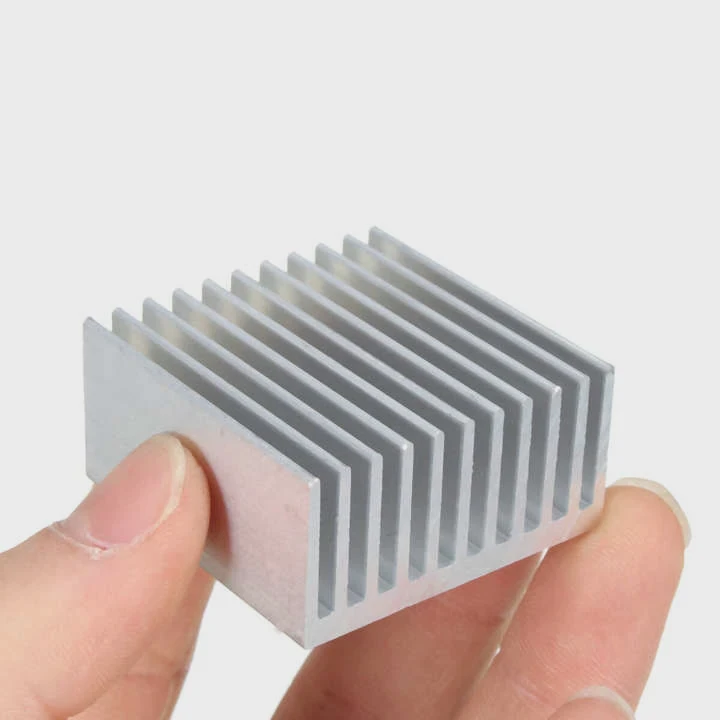
When I look at gaming setups today, liquid cooling shows up more often. Gamers want speed, silence, and style. Liquid cooling gives all three, and I explain why it matters for their experience.
Higher sustained frame rates
Games push CPUs and GPUs hard. Heat builds fast. When the parts get hot, they slow down. This reduces frame rates. Liquid cooling keeps the temperature low, so the GPU and CPU keep their boost clocks longer. This gives smoother gameplay.
Lower fan noise during gaming
Gaming creates a lot of heat, and fan systems often become loud. Liquid cooling spreads heat wide, so the fans on the radiator spin slower. Many gamers notice a big difference in loud titles or long sessions.
Support for overclocking
Gamers who want extra performance often overclock their CPU or GPU. Overclocking increases heat. Liquid cooling handles the extra thermal load much better than standard air coolers. This allows safe and stable overclocking.
Larger aesthetic appeal
Many gamers enjoy customizing their PC. Liquid cooling creates a clean, modern look. Tubes, pumps, and radiators add style. RGB lighting also blends well with liquid loops.
Suitable for high-end GPUs
Modern GPUs produce much more heat than older ones. Air coolers struggle at times. Liquid cooling setups can even cool both CPU and GPU at once, which many gamers appreciate.
Gamers invest in liquid cooling because it gives them speed, silence, and a better gaming experience overall.
Can budget PCs benefit from liquid cooling?
Many people think liquid cooling is only for high-end systems, but this is not always true.
Budget PCs can benefit from liquid cooling when they need quiet operation, strong cooling in compact cases, or support for moderate heat loads. But air cooling is usually enough for simple tasks.
When I help first-time builders or budget users, I do not always recommend liquid cooling. The value depends on the needs, not the price of the system. Still, there are cases where budget builds gain something from it.
Compact budget builds
Small cases trap heat easily. Fans may not get enough airflow. A small liquid cooling setup can move heat out of tight spaces and keep the CPU cool. This helps low-cost PCs stay healthy.
Silent budget builds
Some users want very quiet machines for school, office work, or late-night use. Liquid cooling can keep noise low. Even a basic 120mm or 240mm unit often makes less sound than a budget air cooler.
Moderate gaming on a budget
Some lower-priced CPUs still run warm under gaming loads. Liquid cooling helps keep performance stable. It also prevents small heat spikes that can cause stuttering.
When liquid cooling is not needed for budget builds
If the PC only handles web browsing, simple office work, or streaming, a basic air cooler works fine. Liquid cooling becomes unnecessary in those cases.
Table: Liquid cooling value in budget PCs
| Situation | Is Liquid Cooling Worth It? |
|---|---|
| Small case with poor airflow | Yes |
| Quiet operation required | Yes |
| Moderate gaming | Sometimes |
| Light office work | No |
| Web browsing only | No |
Budget PCs can benefit from liquid cooling, but the value depends on needs, not on system price.
Conclusion
Liquid cooling is worth it when you want lower temperatures, quiet performance, stable speeds, and long-term reliability. When you match the cooling method to your workload and goals, your PC stays cool, fast, and comfortable to use.
TAGS
Latest Articles

Volume discount levels for heat sink orders?
Buyers often ask when heat sink prices start to drop with volume. Many worry they’re overpaying for small orders. This guide explains how B2B volume pricing works for thermal components. Heat sink
21 Dec,2025
Heat sink long-term supply contract options?
Many buyers want stable pricing and reliable delivery for heat sinks. But without a clear contract, risks grow over time. This article explores how to secure better long-term supply deals. Long-term
21 Dec,2025
Tooling cost for new heat sink profiles?
Many engineers struggle to understand why tooling for custom heat sinks costs so much. They worry about budgeting and production timelines. This article breaks down the cost drivers behind tooling.
21 Dec,2025
Heat sink custom sample process steps?
Sometimes, starting a custom heat sink project feels overwhelming—too many steps, too many unknowns, and too many risks. You want a sample, but not endless delays. The process for requesting and
20 Dec,2025
Standard B2B terms for heat sink payments?
When buyers and sellers in B2B heat sink markets talk about payment, many don’t fully understand what’s standard. This can lead to delayed orders, miscommunication, and even lost business
20 Dec,2025
Heat sink pricing factors for large orders?
Heat sinks are vital for many systems. When prices rise, projects stall and budgets break. This problem can hit teams hard without warning. Large order heat sink pricing depends on many factors. You
20 Dec,2025Related Articles
- What's better liquid cooling or fan?
- How to instal liquid cooling?
- What's better liquid cooled or air cooled?
- How to change cooling liquid car?
- do graphics card have options for liquid cooling?
- how to connect liquid cooling to motherboard?
- Do AIO cooler ever run out of liquid?
- Which phone have liquid cooling system?
- Does the Google Pixel 9 have a vapor chamber?
- What is a vapor chamber in a phone?
- What is vapor chamber cooling phone?
- What is a vapor chamber?
Author
Dr. Emily Chen
Chief AI Researcher
Leading expert in thermal dynamics and AI optimization with over 15 years of experience in data center efficiency research.
Categories
Latest Products






Recommend Categories
- Liquid cooling plate Manufacturer
- Industrial Heat Sink Manufacturer
- Standard Heat Sink Manufacturer
- Aluminum Heat Sink Manufacturer
- Copper Heat Sink Manufacturer
- Anodized Heatsink Manufacturer
- Stamping heat sink Manufacturer
- Die Casting Heatsink Manufacturer
- Soldering heat sink Manufacturer
- CNC Parts Manufacturer
Latest Products
- Wholesale Aluminum Radiator
- Water Cooling Plate Kit
- Water Cooling Heat Sink
- Water Cooling Heat Sink Kit
- Stainless Steel Water Distributor
- Server Water Cooling Plate Kit
- Server Liquid Cooling System
- Server Aluminum Cooling Kit
- S19 Full Cover Cooling Plate
- S19 Cooling Plate Kit
- S19 Aluminum Cooling Plate
Contact Expert
Have questions about this article? Reach out to our experts directly.