How to install liquid cooling on CPU?
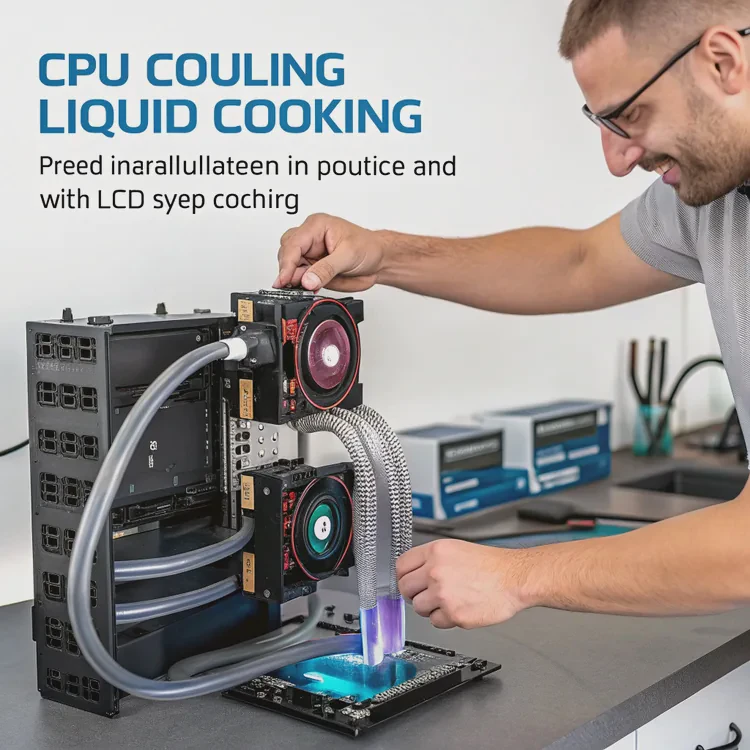
Modern CPUs are more powerful than ever — but that power generates heat. Too much heat can slow performance, shorten component life, and cause instability. The best way to handle it? Liquid cooling.
Installing liquid cooling on a CPU involves mounting a pump and radiator system that circulates coolant through a closed loop, drawing heat away from the processor and releasing it into the air.
In this guide, you’ll learn what CPU liquid cooling is, why it’s beneficial, how to install it properly, and what innovations are shaping the next generation of cooling designs.
What is CPU liquid cooling?
Air coolers use fans and heatsinks to push heat away, but they rely on air — which isn’t a great heat conductor. Liquid cooling, however, uses a more efficient medium: coolant.
CPU liquid cooling is a closed-loop system that transfers heat from the processor to a radiator using circulating liquid coolant, keeping the CPU at a stable temperature.
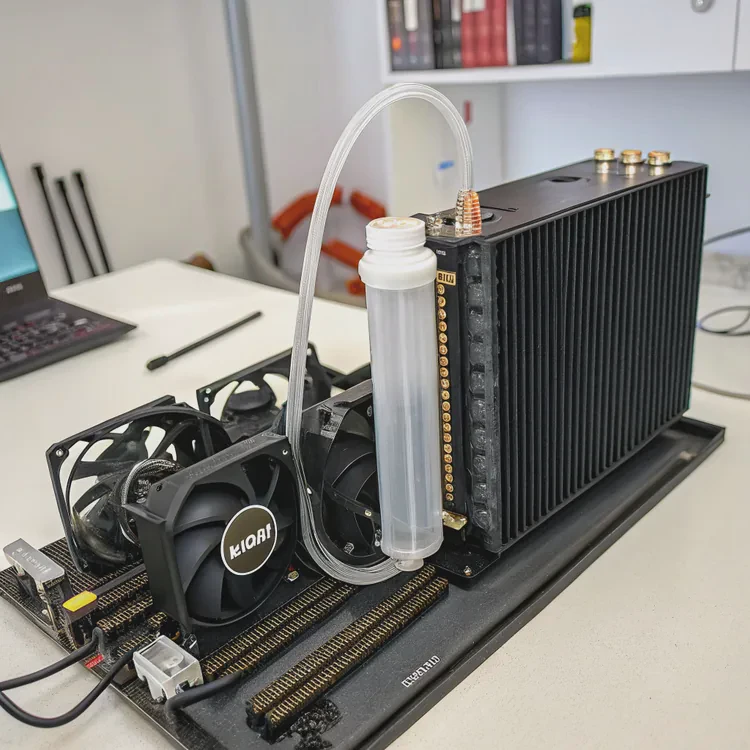
Here’s how it works:
- A cold plate or pump block sits on top of the CPU.
- The coolant absorbs heat as it passes through microchannels inside the block.
- The pump pushes the warm coolant through tubes to the radiator.
- The radiator and its fans release the heat into the air.
- The cooled liquid then returns to the cold plate, and the cycle repeats.
Key Components Overview
| Component | Function |
|---|---|
| Cold Plate | Absorbs heat from the CPU |
| Pump | Circulates coolant through the system |
| Tubes | Connects cold plate and radiator |
| Radiator | Releases heat from coolant into the air |
| Fans | Move air across the radiator fins |
| Coolant | Liquid that carries heat through the loop |
This loop runs continuously, keeping the CPU at a much lower temperature than air cooling systems can achieve.
There are two main types:
- AIO (All-In-One): Pre-filled, sealed, and easy to install — ideal for most users.
- Custom Loop: Fully customizable with separate parts — for enthusiasts seeking maximum performance and aesthetics.
What benefits does CPU cooling bring?
The main goal of CPU cooling is temperature control — but liquid systems do much more than just keep things cool.
CPU liquid cooling provides better thermal performance, quieter operation, stable overclocking, and a cleaner system layout compared to traditional air coolers.
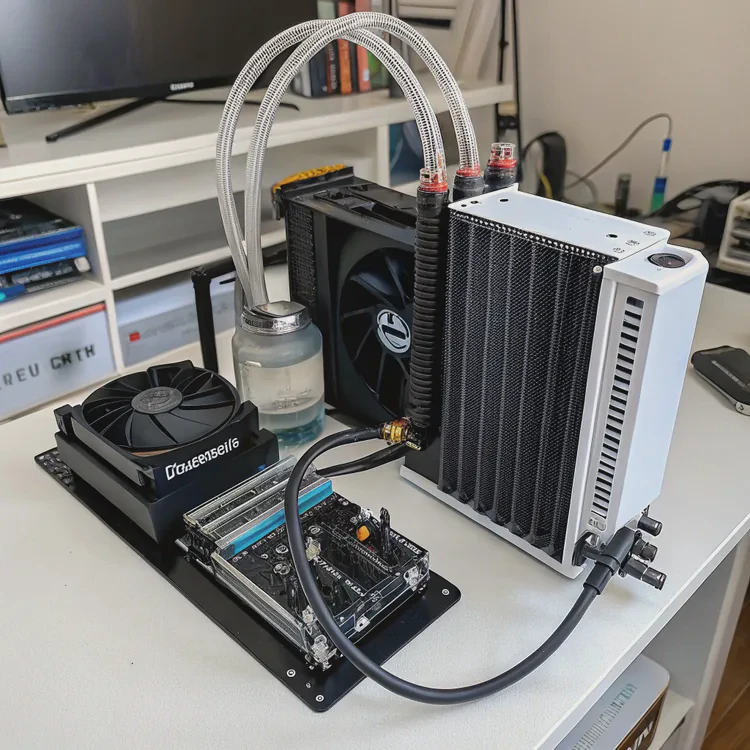
Here’s a closer look at its major advantages.
1. Superior Thermal Efficiency
Liquid transfers heat about 25 times faster than air. That means even under heavy load, a liquid-cooled CPU stays significantly cooler. Lower temperatures improve performance and system reliability.
In stress tests, liquid cooling often keeps CPUs 20–30°C cooler than high-end air coolers.
2. Quieter Operation
Because liquid cooling uses large, low-speed fans and a small pump, it generates far less noise than bulky air coolers. This is ideal for quiet workspaces or recording setups.
3. Stable Overclocking Performance
Liquid cooling gives users the thermal headroom to push CPUs beyond stock speeds. Overclocked processors stay stable longer and perform better without hitting temperature limits.
4. Compact Design and Clean Aesthetics
The pump block is smaller than an air cooler’s heatsink, freeing up space around the CPU socket. Flexible tubes allow creative routing for a clean and professional build.
5. Extended Component Lifespan
By keeping the CPU cooler, you reduce wear and tear from heat cycles. This extends the lifespan of both the CPU and nearby components like the VRMs and memory modules.
6. Energy Efficiency
With better cooling, fans can run slower, using less energy while maintaining performance. This helps reduce total power consumption.
Comparison Table: Air vs Liquid Cooling
| Feature | Air Cooling | Liquid Cooling |
|---|---|---|
| Heat Transfer | Moderate | High |
| Noise Level | Louder | Quieter |
| Space Use | Bulky | Flexible |
| Cooling Consistency | Variable | Stable |
| Overclocking Support | Limited | Excellent |
| Aesthetic Appeal | Basic | Sleek and modern |
In short, CPU liquid cooling delivers better performance, longer component life, and quieter operation — all in a more efficient and elegant package.
How to install CPU liquid cooling properly?
Installing liquid cooling can seem technical, but with a bit of patience and planning, it’s straightforward.
To install CPU liquid cooling correctly, mount the radiator, attach the pump block to the CPU, connect tubing and cables, and test for proper function and temperature stability.
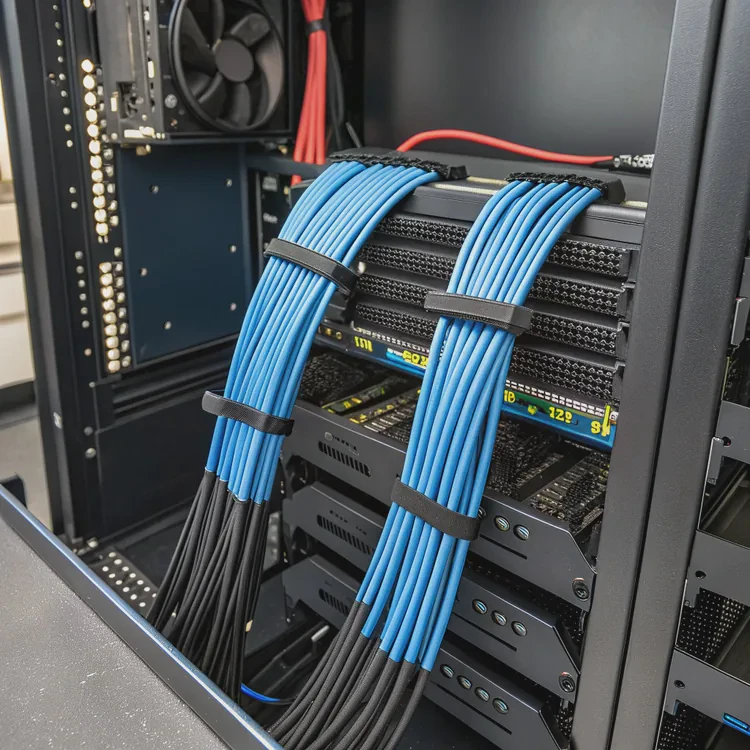
Follow these steps carefully for a safe and efficient setup.
Step 1: Prepare the Workspace
Turn off your PC and unplug all cables. Remove both side panels from your case. Place your system on a stable, clean surface with good lighting.
Check that your case supports the size of your radiator (120mm, 240mm, 360mm, etc.) before proceeding.
Step 2: Mount the Radiator and Fans
Decide where to mount the radiator:
- Top mount: Best for exhausting hot air out.
- Front mount: Pulls cool air in for maximum CPU cooling.
- Rear mount: Suitable for smaller systems.
If fans aren’t pre-installed, attach them to the radiator first. Follow airflow arrows printed on the fan frames to ensure proper direction.
Secure the radiator to the case using the provided screws. Make sure the tubing isn’t twisted or stretched.
Step 3: Apply Thermal Paste
If your cooler doesn’t have pre-applied thermal paste, apply a pea-sized amount in the center of the CPU. This ensures optimal contact between the CPU surface and the cold plate.
Step 4: Mount the Pump Block
Attach the correct bracket and backplate for your CPU socket (Intel or AMD). Align the pump block over the CPU and secure it evenly by tightening screws in a cross pattern.
Avoid overtightening to prevent damaging the CPU or motherboard.
Step 5: Connect Pump and Fan Cables
Plug the pump power cable into the CPU_FAN or PUMP_FAN header on the motherboard.
Connect the radiator fans to FAN headers or a dedicated controller.
If your cooler has RGB lighting, connect it to the ARGB or RGB header.
Ensure all connections are tight and properly routed to avoid blocking airflow.
Step 6: Cable Management
Use zip ties or cable sleeves to organize cables neatly. Keep them away from fans or moving components. Clean cable routing improves airflow and aesthetics.
Step 7: Power On and Test
Reconnect power and turn on your PC. Enter BIOS or open hardware monitoring software to check CPU temperature.
At idle, temperatures should range between 25–35°C. Under heavy load, they should stay below 70°C.
Example Temperature Comparison
| Condition | Air Cooler | Liquid Cooler |
|---|---|---|
| Idle | 40°C | 30°C |
| Gaming | 85°C | 60°C |
| Rendering | 95°C | 65°C |
If temperatures are stable and the pump emits a faint hum, the installation was successful.
Troubleshooting Tips
- If CPU temps are too high, ensure the pump is powered and properly seated.
- Reapply thermal paste if you suspect poor contact.
- Check radiator fans for proper orientation and speed.
Installing CPU liquid cooling properly ensures both maximum performance and quiet, safe operation.
What future CPU cooling designs are coming?
Technology is evolving, and cooling systems are evolving with it. Modern CPUs require smarter and more efficient solutions that go beyond traditional designs.
Next-generation CPU cooling focuses on smart control, two-phase systems, microchannel designs, magnetic components, and eco-friendly materials.
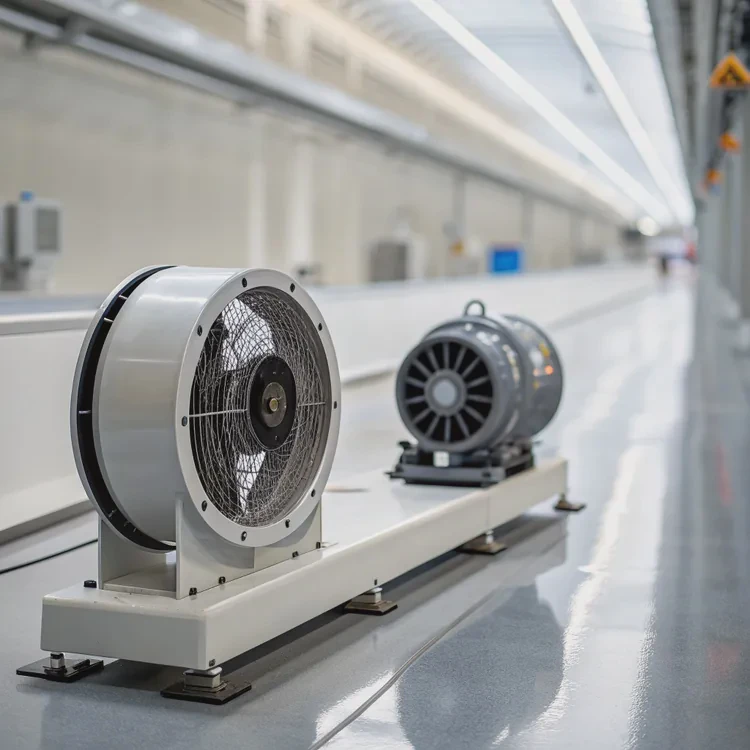
Here’s what’s shaping the next wave of CPU coolers.
1. Two-Phase Cooling Systems
Future systems are adopting phase-change fluids that evaporate and condense within the loop. This two-phase process allows for extreme heat transfer with minimal energy use — ideal for data centers and compact PCs.
2. Microchannel and 3D Cold Plates
Manufacturers are developing microchannel and 3D-printed cold plates with ultra-fine channels to increase surface area and improve thermal performance while reducing size and weight.
3. Smart Control and AI Monitoring
AI-based controllers will automatically adjust fan and pump speeds based on real-time thermal data. These systems learn your usage patterns to optimize efficiency and minimize noise.
4. Magnetic Levitation Pumps and Fans
MagLev technology eliminates mechanical friction, resulting in quieter operation and longer lifespan. This innovation also improves energy efficiency and reliability.
5. Modular and Tool-Free Mounting
Future AIO coolers are trending toward modular parts — allowing users to replace pumps, fans, or radiators easily without special tools. This simplifies maintenance and extends cooler lifespan.
6. Eco-Friendly Coolants and Materials
Sustainability is driving the adoption of non-toxic, biodegradable coolants and recyclable aluminum radiators. These reduce environmental impact while maintaining performance.
7. Integrated CPU-GPU Cooling Systems
Next-gen systems will combine CPU and GPU cooling into a single shared loop, improving overall system efficiency and simplifying design for compact builds.
Innovation Summary Table
| Innovation | Description | Benefit |
|---|---|---|
| Two-Phase Cooling | Uses vapor-liquid cycles for extreme efficiency | Maximum cooling |
| Microchannel Cold Plates | Fine fluid channels increase surface contact | Compact, powerful |
| AI Smart Control | Automated performance optimization | Quieter operation |
| MagLev Pumps & Fans | Friction-free operation | Longer lifespan |
| Modular Design | Swappable parts | Easier upgrades |
| Eco Coolants | Safe, biodegradable fluids | Sustainable design |
| Integrated Loops | Combined CPU/GPU cooling | Simplified systems |
The Future Outlook
The next generation of CPU liquid coolers will merge performance, intelligence, and sustainability. With self-adjusting AI controls, cleaner installations, and recyclable materials, cooling will become not just efficient but also environmentally responsible.
Conclusion
Installing liquid cooling on a CPU provides better heat control, quieter operation, and higher performance than air cooling. With correct installation and maintenance, it ensures long-term stability and efficiency. As technology advances, smart, modular, and eco-friendly coolers will define the future — making high-end cooling simpler, safer, and more sustainable.
TAGS
Latest Articles

Volume discount levels for heat sink orders?
Buyers often ask when heat sink prices start to drop with volume. Many worry they’re overpaying for small orders. This guide explains how B2B volume pricing works for thermal components. Heat sink
21 Dec,2025
Heat sink long-term supply contract options?
Many buyers want stable pricing and reliable delivery for heat sinks. But without a clear contract, risks grow over time. This article explores how to secure better long-term supply deals. Long-term
21 Dec,2025
Tooling cost for new heat sink profiles?
Many engineers struggle to understand why tooling for custom heat sinks costs so much. They worry about budgeting and production timelines. This article breaks down the cost drivers behind tooling.
21 Dec,2025
Heat sink custom sample process steps?
Sometimes, starting a custom heat sink project feels overwhelming—too many steps, too many unknowns, and too many risks. You want a sample, but not endless delays. The process for requesting and
20 Dec,2025
Standard B2B terms for heat sink payments?
When buyers and sellers in B2B heat sink markets talk about payment, many don’t fully understand what’s standard. This can lead to delayed orders, miscommunication, and even lost business
20 Dec,2025
Heat sink pricing factors for large orders?
Heat sinks are vital for many systems. When prices rise, projects stall and budgets break. This problem can hit teams hard without warning. Large order heat sink pricing depends on many factors. You
20 Dec,2025Related Articles
- How to install a liquid cooler?
- How does a liquid CPU cooler work?
- How to install liquid cooling?
- How to install liquid CPU cooler?
- How to install a single liquid cooler CPU?
- Is liquid cooling better?
- What is a liquid cooler?
- How to install CPU liquid cooler?
- How long does liquid cooling last?
- How to install liquid cooler?
- How long does a liquid cooler last?
- Does liquid cooling need to be refilled?
Author
Dr. Emily Chen
Chief AI Researcher
Leading expert in thermal dynamics and AI optimization with over 15 years of experience in data center efficiency research.
Categories
Latest Products






Recommend Categories
- Liquid cooling plate Manufacturer
- Industrial Heat Sink Manufacturer
- Standard Heat Sink Manufacturer
- Aluminum Heat Sink Manufacturer
- Copper Heat Sink Manufacturer
- Anodized Heatsink Manufacturer
- Stamping heat sink Manufacturer
- Die Casting Heatsink Manufacturer
- Soldering heat sink Manufacturer
- CNC Parts Manufacturer
Latest Products
- Wholesale Aluminum Radiator
- Water Cooling Plate Kit
- Water Cooling Heat Sink
- Water Cooling Heat Sink Kit
- Stainless Steel Water Distributor
- Server Water Cooling Plate Kit
- Server Liquid Cooling System
- Server Aluminum Cooling Kit
- S19 Full Cover Cooling Plate
- S19 Cooling Plate Kit
- S19 Aluminum Cooling Plate
Contact Expert
Have questions about this article? Reach out to our experts directly.