What is a liquid CPU cooler?
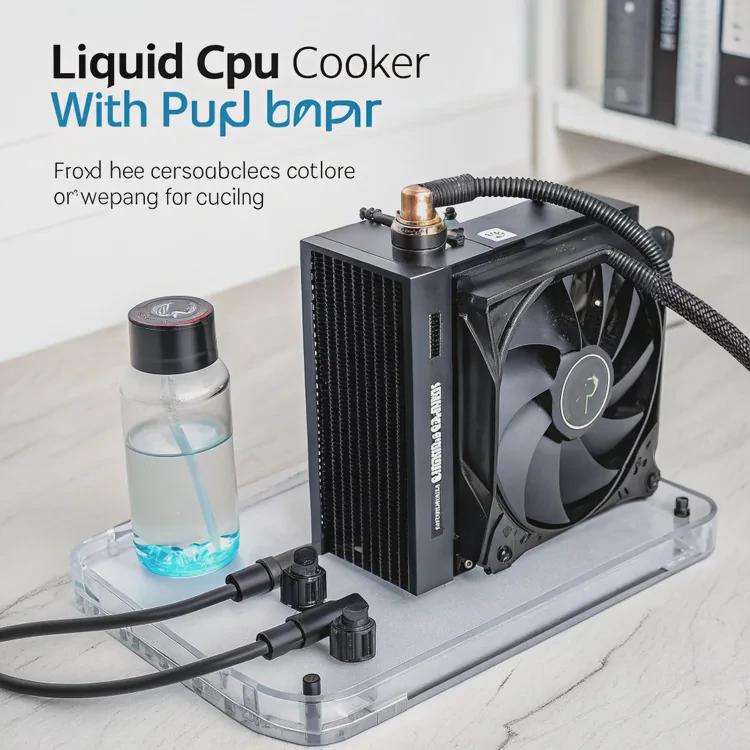
When computers run at high speeds, they produce a lot of heat. Too much heat can reduce efficiency and damage components. A liquid CPU cooler offers a modern and efficient way to handle this heat.
A liquid CPU cooler is a cooling system that uses liquid coolant to transfer heat away from the CPU faster and more quietly than traditional air coolers.
This method works by circulating coolant through a series of components that absorb and release heat. It provides better thermal control and lower noise, especially for powerful processors or overclocked systems. In the following sections, I will explain how it works, what benefits it brings, how to install and maintain it, and what new trends are shaping CPU cooling today.
How does a liquid CPU cooler function?
Every liquid CPU cooler follows the same basic principle — it moves heat away from the CPU using a circulating fluid. While the process sounds simple, it involves precise engineering and thermal dynamics.
A liquid CPU cooler functions by circulating coolant through a water block, radiator, and pump system to absorb and dissipate heat efficiently.
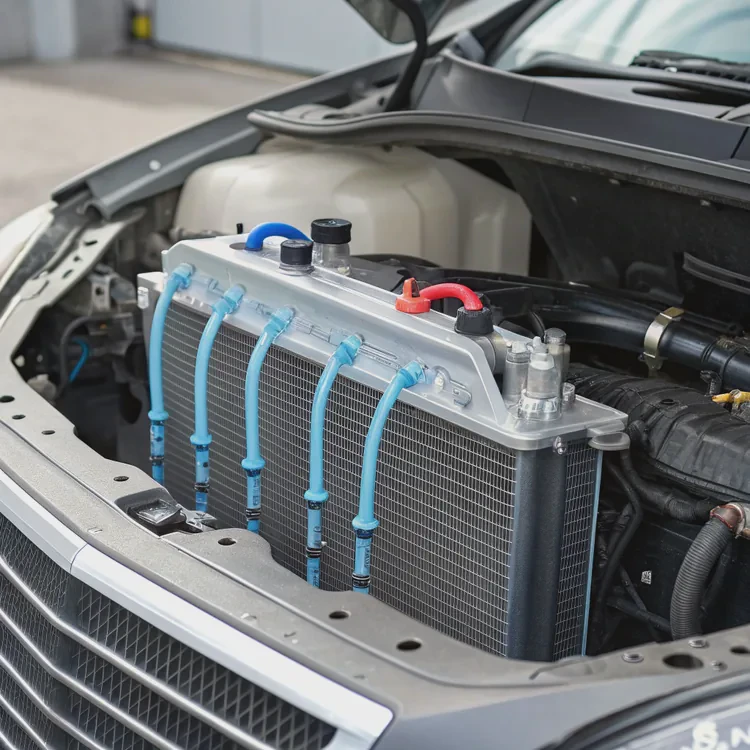
Here’s a closer look at the key components and how they interact:
| Component | Description |
|---|---|
| Water Block | A metal plate that attaches to the CPU surface and transfers heat to the coolant. |
| Pump | Circulates coolant throughout the loop. |
| Radiator | Releases heat from the coolant into the air. |
| Fans | Push air through the radiator to enhance heat dissipation. |
| Tubes | Carry coolant between the block and radiator. |
Step-by-step working process
- Heat absorption: The water block, usually made from copper or aluminum, sits on top of the CPU. A thin layer of thermal paste ensures good contact between the CPU and block surface.
- Coolant circulation: The pump pushes coolant into the block, where it absorbs heat from the CPU.
- Heat transfer: The heated coolant moves through tubes to the radiator.
- Cooling phase: Fans blow air across the radiator fins, cooling down the liquid.
- Cycle repeat: The cooled liquid returns to the water block to repeat the process.
Types of liquid CPU coolers
| Type | Description | Maintenance |
|---|---|---|
| AIO (All-in-One) | Pre-sealed unit with integrated pump, radiator, and tubes. Easy to install. | Low maintenance. |
| Custom Loop | Fully modular, allows custom parts and designs. | Requires regular checks and coolant replacement. |
The AIO type is popular among most PC builders because it combines performance and convenience. Custom loops, on the other hand, are preferred by enthusiasts who want maximum performance and aesthetic flexibility.
What benefits does it offer?
I first moved to liquid cooling after facing thermal throttling during video rendering. The CPU was fast, but air cooling couldn’t keep up. After installing an AIO liquid cooler, I noticed immediate improvements — not just in temperature, but also in performance and noise levels.
Liquid CPU coolers offer better temperature control, quieter operation, and improved performance, making them ideal for high-performance or overclocked systems.
Major advantages
| Benefit | Description |
|---|---|
| Higher Efficiency | Transfers heat faster than air, keeping CPU cooler. |
| Reduced Noise | Fans run slower since coolant carries most of the heat. |
| Stable Performance | Prevents thermal throttling during heavy tasks. |
| Improved Aesthetics | Clean design, RGB lighting, and compact layout. |
| Longer Lifespan | Maintains safe temperatures, extending component durability. |
Real-world performance impact
When the CPU stays cooler, it performs better. Heat is the main factor that limits processor speed. Most CPUs automatically lower their frequency to prevent overheating. With liquid cooling, the CPU can sustain its boost speeds longer.
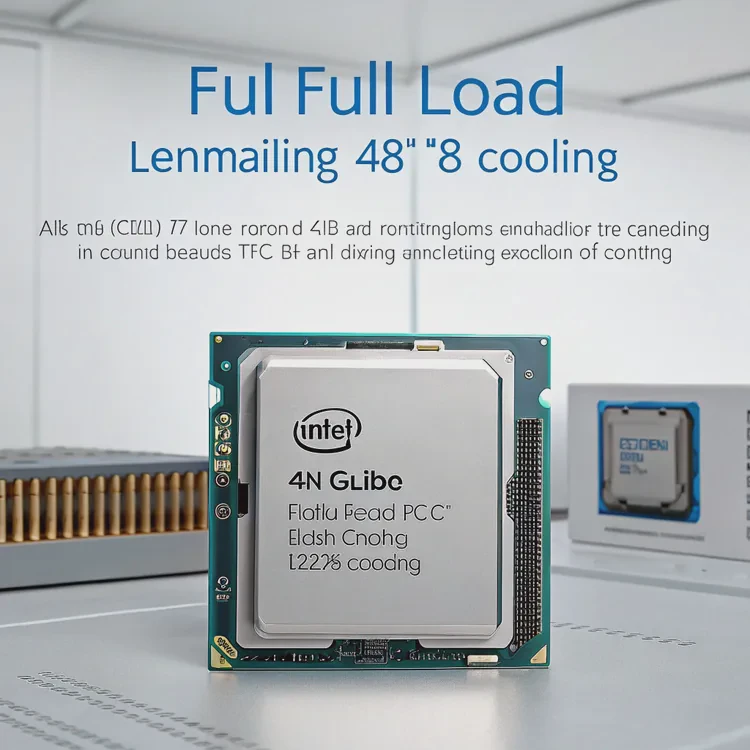
For instance, on an Intel i7 processor running at 4.8GHz, air cooling keeps the temperature around 85°C during full load, while liquid cooling reduces it to about 65°C. That 20°C difference can maintain higher speeds, which means faster rendering, gaming, and computation.
Noise reduction
Noise is another factor often overlooked. Air coolers rely on multiple high-speed fans to dissipate heat, producing loud airflow noise. A liquid cooler can use fewer fans at lower speeds. The coolant absorbs and transports heat silently, making the system much quieter — perfect for studios or offices where silence matters.
How to install and maintain it?
Installing a liquid CPU cooler looks complicated, but it’s quite manageable with patience and attention to detail. The key is to follow the correct sequence and ensure firm but gentle mounting. Maintenance is equally important for long-term reliability.
To install a liquid CPU cooler, mount the radiator, attach the water block to the CPU, and connect the pump and fan cables. For maintenance, check coolant condition and clean dust regularly.

Installation steps
- Prepare the case
Make sure your PC case supports the radiator size (120mm, 240mm, 360mm).
- Attach the backplate
Install the mounting backplate on the motherboard if required.
- Apply thermal paste
Add a small amount of thermal paste on the CPU surface.
- Mount the water block
Align it carefully and tighten screws evenly to ensure proper contact.
- Install the radiator
Mount it to the case (top, front, or side) with fans attached.
- Connect the pump and fans
Plug the pump cable into the CPU_FAN or dedicated PUMP header. Connect fans to the motherboard or controller.
- Cable management
Arrange cables neatly to improve airflow and appearance.
Maintenance guide
| Task | Frequency | Notes |
|---|---|---|
| Clean radiator and fans | Every 3 months | Use compressed air to remove dust. |
| Check for leaks | Every 6 months | Look for signs of moisture or residue. |
| Coolant replacement | Every 12 months (custom loops only) | Drain and refill with fresh coolant. |
| Monitor pump speed | Regularly | Keep pump above minimum RPM for safe circulation. |
Extra tips for better performance
Choose radiator placement carefully
A top-mounted radiator exhausts warm air effectively, while a front-mounted one brings cooler air in. The best choice depends on your case airflow direction.
Avoid trapped air bubbles
Tilt and move the case slightly after installation to help air escape from the radiator. Air pockets can reduce cooling efficiency and create unwanted noise.
Use quality thermal paste
A good paste fills microscopic gaps between the CPU and cooler, improving heat transfer.
Watch your temperatures
Use software like HWInfo, AIDA64, or Corsair iCUE to monitor CPU and coolant temperatures. Ideal CPU temps are between 30–45°C at idle and 60–75°C under load.
My personal tip
During one of my builds, I discovered that tightening the water block unevenly caused a 10°C temperature difference. After reattaching it carefully with even pressure, the temperature dropped instantly. Small steps like this can make a big difference in long-term stability.
What trends drive CPU cooling evolution?
The CPU cooling industry is advancing fast. Modern processors pack more cores and higher power densities, demanding better heat management solutions. To meet this need, manufacturers are introducing smarter, greener, and more powerful liquid cooling systems.
The latest CPU cooling trends include AI-based control, new cooling materials, and sustainable designs that deliver higher efficiency and reliability.

1. Smarter cooling systems
Modern AIOs now include built-in microcontrollers that monitor coolant temperature, flow rate, and pump speed. They adjust automatically for performance or quiet operation. Some systems even integrate with PC monitoring software for full control.
2. Advanced coolants
New coolants use nanofluids — liquids enhanced with microscopic particles that improve heat transfer. These are more stable and less prone to corrosion or evaporation. Many brands now focus on eco-friendly fluids that are biodegradable and non-toxic.
3. Hybrid cooling technologies
Manufacturers are combining liquid and phase-change cooling systems. These use refrigerant-like fluids that can change from liquid to vapor and back, absorbing more heat per cycle. It’s similar to how air conditioners work, but on a smaller scale.
4. Compact and modular designs
As small form-factor PCs become popular, AIO coolers are becoming more compact without losing power. Modular systems allow users to expand or replace parts easily — such as adding a GPU block or upgrading to a larger radiator.
5. Sustainable production
Many brands are reducing their environmental impact by using recyclable aluminum and eco-safe fluids. Efficient manufacturing methods and energy-saving pumps are also becoming standard.
Industry trend summary
| Trend | Description |
|---|---|
| AI Cooling Control | Automatically adjusts pump and fan speeds based on system load. |
| Nanofluid Coolants | Improves thermal efficiency and corrosion resistance. |
| Hybrid Systems | Combine liquid and vapor cooling for greater capacity. |
| Compact AIO Designs | Fit in smaller PC cases without losing efficiency. |
| Eco Manufacturing | Focus on recyclability and low power consumption. |
Looking forward
Future CPU coolers will be smarter, quieter, and more adaptive. AI-driven controls will learn user behavior, adjusting performance automatically for gaming, rendering, or idle use. Meanwhile, advances in materials and sustainability will make cooling both powerful and planet-friendly.
Conclusion
Liquid CPU coolers have changed the way we manage heat in computers. They combine high performance, quiet operation, and modern design. With better materials, AI automation, and sustainable manufacturing, the next generation of CPU coolers will make computing faster, cooler, and greener.
TAGS
Latest Articles

Volume discount levels for heat sink orders?
Buyers often ask when heat sink prices start to drop with volume. Many worry they’re overpaying for small orders. This guide explains how B2B volume pricing works for thermal components. Heat sink
21 Dec,2025
Heat sink long-term supply contract options?
Many buyers want stable pricing and reliable delivery for heat sinks. But without a clear contract, risks grow over time. This article explores how to secure better long-term supply deals. Long-term
21 Dec,2025
Tooling cost for new heat sink profiles?
Many engineers struggle to understand why tooling for custom heat sinks costs so much. They worry about budgeting and production timelines. This article breaks down the cost drivers behind tooling.
21 Dec,2025
Heat sink custom sample process steps?
Sometimes, starting a custom heat sink project feels overwhelming—too many steps, too many unknowns, and too many risks. You want a sample, but not endless delays. The process for requesting and
20 Dec,2025
Standard B2B terms for heat sink payments?
When buyers and sellers in B2B heat sink markets talk about payment, many don’t fully understand what’s standard. This can lead to delayed orders, miscommunication, and even lost business
20 Dec,2025
Heat sink pricing factors for large orders?
Heat sinks are vital for many systems. When prices rise, projects stall and budgets break. This problem can hit teams hard without warning. Large order heat sink pricing depends on many factors. You
20 Dec,2025Related Articles
- How does liquid cooling work CPU?
- Heat Sink Manufacturer in Guyana
- Heat Sink Manufacturer in Guinea-Bissau
- Heat Sink Manufacturer in Guinea
- Heat Sink Manufacturer in Georgia
- Heat Sink Manufacturer in Gambia
- How to install a liquid CPU cooler?
- How to liquid cool a GPU?
- How does liquid CPU cooler work?
- Is liquid cooling better than air?
- Does liquid cooler need thermal paste?
- Is liquid cooler better than air cooler?
Author
Dr. Emily Chen
Chief AI Researcher
Leading expert in thermal dynamics and AI optimization with over 15 years of experience in data center efficiency research.
Categories
Latest Products






Recommend Categories
- Liquid cooling plate Manufacturer
- Industrial Heat Sink Manufacturer
- Standard Heat Sink Manufacturer
- Aluminum Heat Sink Manufacturer
- Copper Heat Sink Manufacturer
- Anodized Heatsink Manufacturer
- Stamping heat sink Manufacturer
- Die Casting Heatsink Manufacturer
- Soldering heat sink Manufacturer
- CNC Parts Manufacturer
Latest Products
- Wholesale Aluminum Radiator
- Water Cooling Plate Kit
- Water Cooling Heat Sink
- Water Cooling Heat Sink Kit
- Stainless Steel Water Distributor
- Server Water Cooling Plate Kit
- Server Liquid Cooling System
- Server Aluminum Cooling Kit
- S19 Full Cover Cooling Plate
- S19 Cooling Plate Kit
- S19 Aluminum Cooling Plate
Contact Expert
Have questions about this article? Reach out to our experts directly.