Does liquid cooler need thermal paste?
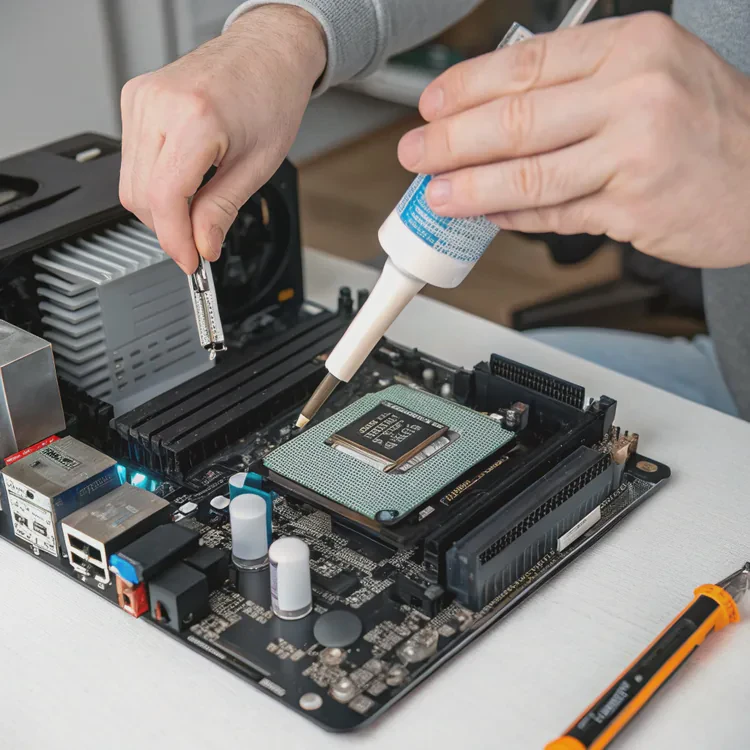
When I first installed a liquid cooler, I made a simple mistake — I forgot to apply thermal paste. The system powered on, but temperatures skyrocketed within seconds. That experience taught me an essential rule: no matter how advanced your cooler is, thermal paste is still necessary.
Yes, liquid coolers need thermal paste to create a smooth thermal interface between the CPU and the water block, ensuring efficient heat transfer.
Without it, even the most expensive cooler can’t perform properly. Let’s look at what thermal paste is, why it matters, how to apply it correctly, and what new technologies are shaping its evolution.
What is thermal paste?
Every CPU and cooler has microscopic imperfections on its surfaces. When the two are pressed together, tiny air gaps form — and air is a poor heat conductor. This is where thermal paste comes in.
Thermal paste is a conductive compound that fills the gaps between the CPU’s surface and the cooler, improving heat transfer efficiency.
Composition and types
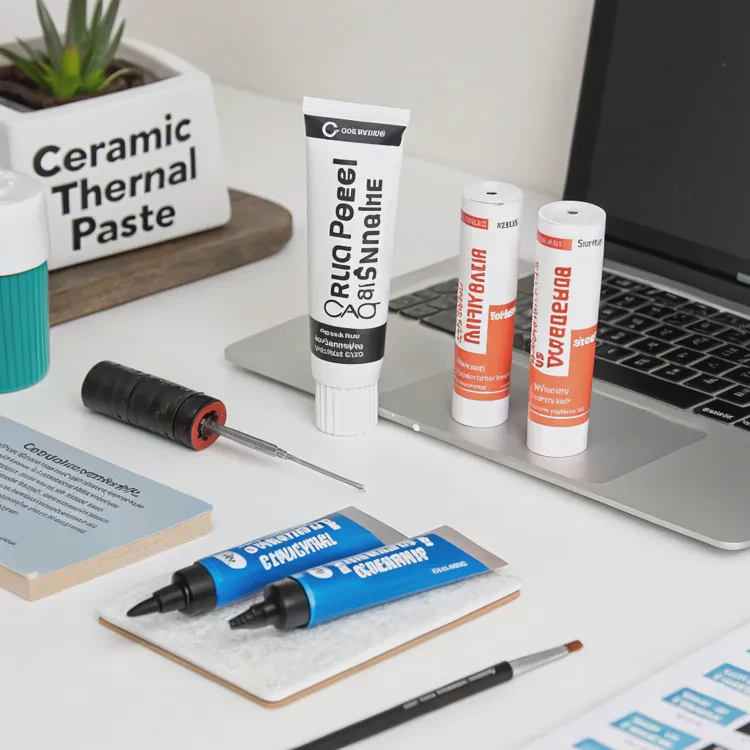
Most thermal pastes include materials that conduct heat efficiently. The key ingredients vary depending on the brand and performance level.
| Type | Composition | Conductivity Level | Notes |
|---|---|---|---|
| Metal-based | Silver, aluminum, or liquid metal | Very high | Best performance, requires careful use |
| Ceramic-based | Ceramic particles in silicone | Medium | Safe and non-conductive |
| Carbon-based | Graphite or carbon particles | High | Stable and long-lasting |
| Silicone-based | Silicone with zinc oxide | Basic | Budget-friendly option |
Each type has its pros and cons. Metal-based pastes transfer heat best but can be electrically conductive, so they must be applied carefully. Ceramic and carbon types are safer and easier for beginners.
Common names for thermal paste
- Thermal compound
- Thermal grease
- CPU paste
- TIM (Thermal Interface Material)
Regardless of the name, their purpose is the same: to bridge microscopic gaps for better heat flow between the CPU and cooler.
Why is thermal paste important for coolers?
When I tested a CPU without thermal paste, the temperature reached 100°C within seconds. The system throttled immediately and nearly shut down. With thermal paste applied, the same CPU stayed at a stable 60°C. That’s how critical this tiny layer is.
Thermal paste is essential because it reduces thermal resistance, allowing heat to move efficiently from the CPU to the cooler’s water block.
What happens without thermal paste
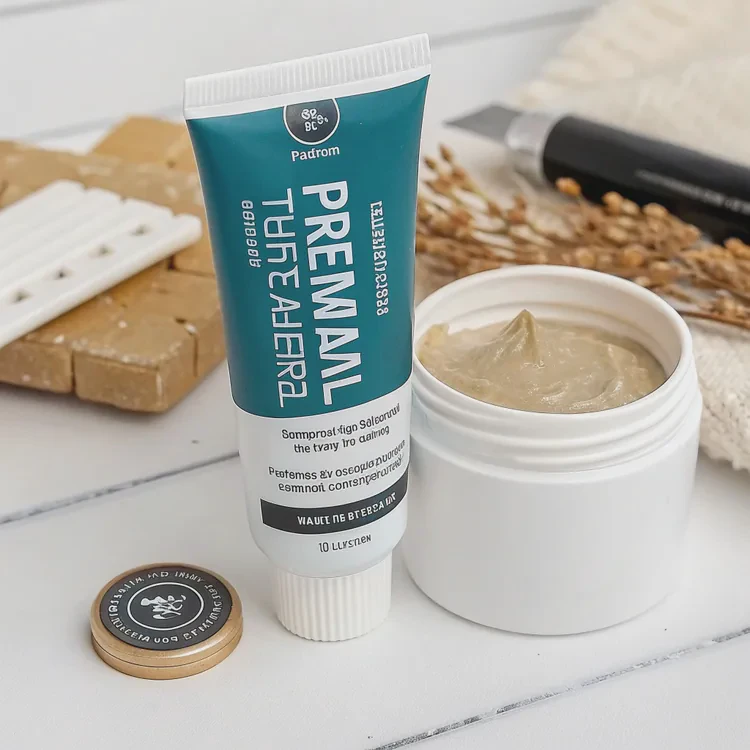
Without thermal paste, air pockets between the CPU and the cooler block prevent proper heat transfer. Air is a terrible conductor, so heat builds up quickly, causing:
- Overheating
- Thermal throttling (CPU slows down automatically)
- Shortened CPU lifespan
- System instability or shutdown
Why it’s important for liquid coolers
Liquid coolers are designed for high-performance CPUs, so efficient heat transfer is even more critical. The water block can only absorb heat that reaches it effectively — and thermal paste ensures that energy moves quickly from the CPU into the liquid loop.
Key benefits of using quality thermal paste
| Benefit | Description |
|---|---|
| Better Heat Conductivity | Reduces temperature spikes under heavy load. |
| Stable Performance | Prevents throttling and maintains clock speeds. |
| Longer CPU Lifespan | Keeps components at safe operating temperatures. |
| Reliability Over Time | Premium pastes last longer without drying out. |
Thermal paste might be inexpensive, but it plays one of the most vital roles in any cooling system.
How to apply thermal paste for liquid coolers?
I’ve seen many new builders worry about applying too much or too little paste. The truth is, it’s simple once you understand how it works. The goal is even coverage — enough to fill the microscopic gaps but not so much that it spills over the sides.
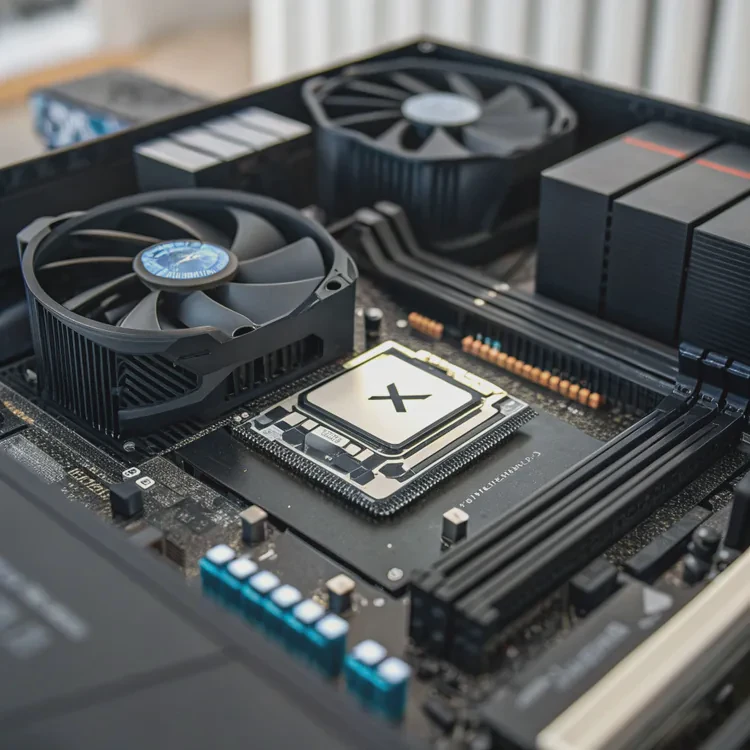
To apply thermal paste for liquid coolers, place a small pea-sized drop in the center of the CPU, then mount the water block evenly to spread it out.
Step-by-step guide
1. Clean the surface
Use isopropyl alcohol (at least 90%) and a lint-free cloth to remove old paste from both the CPU and cooler. Any leftover residue reduces thermal performance.
2. Apply a small amount of paste
A small pea-sized drop (about 4–5mm) in the center of the CPU is usually perfect. You don’t need to spread it manually — the pressure from the cooler will do it for you.
3. Mount the water block
Align the cooler carefully over the CPU, then lower it straight down. Tighten the screws evenly in a cross pattern. This ensures even pressure and spreads the paste uniformly across the CPU surface.
4. Check coverage (optional)
If you want to test coverage, you can remove the cooler after mounting once and inspect the spread. It should cover most of the CPU’s surface without overflowing.
5. Avoid common mistakes
- Don’t use too much paste — it can act as an insulator.
- Don’t reuse old paste — always clean and reapply.
- Avoid spreading manually unless you’re experienced.
Recommended application patterns
| Pattern | Description | Best For |
|---|---|---|
| Pea-sized dot | A single drop in the center. | Most CPUs and liquid coolers. |
| X pattern | Four thin lines in an “X” shape. | Larger CPUs (e.g., Threadripper). |
| Thin line | A line across the center of the CPU. | Rectangular CPU dies (Intel). |
How often to replace thermal paste
Thermal paste can last several years depending on the formula and usage. Replace it when:
- Temperatures increase significantly over time.
- You remove and remount the cooler.
- The paste has dried or cracked.
Typically, you should reapply every 2–3 years for best performance.
My personal tip
I once experimented by applying too much paste — almost a full tube. It didn’t short-circuit the system, but temperatures were worse than before because the thick layer trapped heat. That experience taught me: less is more, as long as coverage is even.
What are the latest thermal interface trends?
Thermal interface materials (TIMs) have improved drastically in recent years. As CPUs and GPUs become more powerful, cooling efficiency depends on better contact materials that can transfer heat faster than ever before.
Modern trends in thermal paste technology focus on higher conductivity, longer lifespan, and eco-friendly or solid-state alternatives.
1. Liquid metal compounds
Liquid metal is the most advanced thermal interface available today. Made from a mix of gallium and indium, it conducts heat far better than traditional pastes. However, it’s also electrically conductive and can damage components if spilled, so it’s recommended for experienced users.
2. Graphene-based pastes
Graphene is one of the most thermally conductive materials known. New graphene-based pastes combine its efficiency with the safety of non-conductive compounds, offering strong performance without the risks of liquid metal.
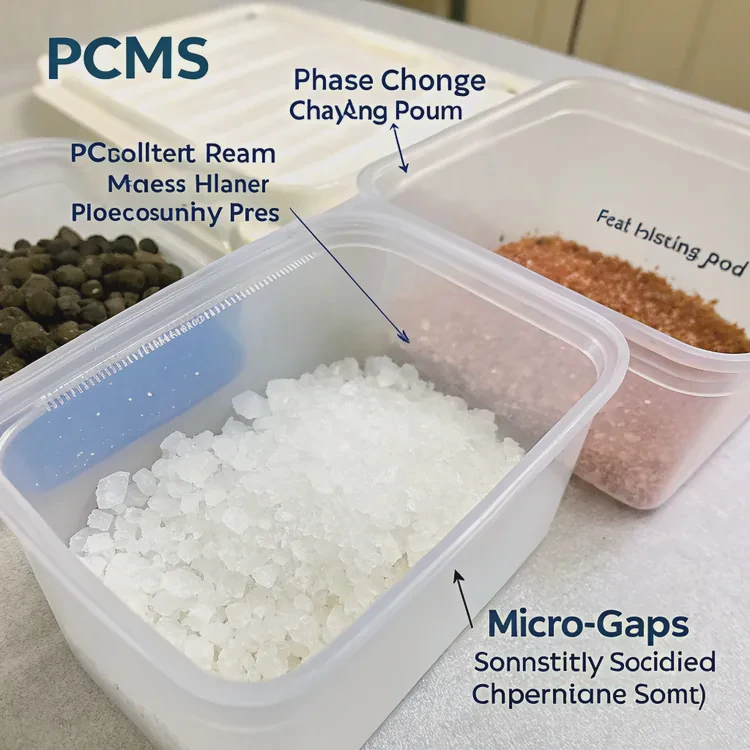
3. Phase-change materials (PCMs)
PCMs solidify at room temperature and melt slightly when heated, filling micro gaps automatically. They don’t dry out like traditional pastes and can last up to 10 years — making them ideal for long-term builds.
4. Nano-structured materials
Some modern compounds use nano-aluminum, diamond dust, or ceramic nanoparticles to achieve extremely fine and consistent particle distribution. This increases heat transfer efficiency and reduces thermal resistance.
5. Eco-friendly and non-toxic pastes
As sustainability becomes a focus, manufacturers are developing biodegradable, non-toxic thermal compounds that perform just as well while reducing environmental impact.
Thermal interface trend summary
| Trend | Description |
|---|---|
| Liquid Metal | Highest performance, but requires careful handling. |
| Graphene-Based | Combines high conductivity with safety. |
| Phase-Change Materials | Long-lasting, self-adjusting interface. |
| Nano-Thermal Compounds | Improved consistency and efficiency. |
| Eco-Friendly Pastes | Sustainable, non-toxic materials. |
Future outlook
In the next generation of cooling, solid-state thermal interfaces may replace paste entirely. These materials will require no reapplication and can dynamically adjust their conductivity based on heat levels. Combined with AI-controlled cooling systems, they could make manual maintenance almost unnecessary.
Conclusion
Yes — liquid coolers need thermal paste. It may be small, but it’s the key to transferring heat efficiently from your CPU to the cooler. Applying it correctly ensures stable temperatures, quiet performance, and long component life. With innovations like graphene and phase-change materials, the future of thermal interfaces promises better performance, durability, and environmental safety for every build.
TAGS
Latest Articles

Volume discount levels for heat sink orders?
Buyers often ask when heat sink prices start to drop with volume. Many worry they’re overpaying for small orders. This guide explains how B2B volume pricing works for thermal components. Heat sink
21 Dec,2025
Heat sink long-term supply contract options?
Many buyers want stable pricing and reliable delivery for heat sinks. But without a clear contract, risks grow over time. This article explores how to secure better long-term supply deals. Long-term
21 Dec,2025
Tooling cost for new heat sink profiles?
Many engineers struggle to understand why tooling for custom heat sinks costs so much. They worry about budgeting and production timelines. This article breaks down the cost drivers behind tooling.
21 Dec,2025
Heat sink custom sample process steps?
Sometimes, starting a custom heat sink project feels overwhelming—too many steps, too many unknowns, and too many risks. You want a sample, but not endless delays. The process for requesting and
20 Dec,2025
Standard B2B terms for heat sink payments?
When buyers and sellers in B2B heat sink markets talk about payment, many don’t fully understand what’s standard. This can lead to delayed orders, miscommunication, and even lost business
20 Dec,2025
Heat sink pricing factors for large orders?
Heat sinks are vital for many systems. When prices rise, projects stall and budgets break. This problem can hit teams hard without warning. Large order heat sink pricing depends on many factors. You
20 Dec,2025Related Articles
- Is liquid cooling better than air?
- How does liquid CPU cooler work?
- How to liquid cool a GPU?
- How to install a liquid CPU cooler?
- What is a liquid CPU cooler?
- How does liquid cooling work CPU?
- Is liquid cooler better than air cooler?
- Does stirring cool down liquid?
- Does liquid cooling need thermal paste?
- Is liquid cooling more expensive?
- How to change water cooling liquid?
- Where to put liquid cooling radiator?
Author
Dr. Emily Chen
Chief AI Researcher
Leading expert in thermal dynamics and AI optimization with over 15 years of experience in data center efficiency research.
Categories
Latest Products






Recommend Categories
- Liquid cooling plate Manufacturer
- Industrial Heat Sink Manufacturer
- Standard Heat Sink Manufacturer
- Aluminum Heat Sink Manufacturer
- Copper Heat Sink Manufacturer
- Anodized Heatsink Manufacturer
- Stamping heat sink Manufacturer
- Die Casting Heatsink Manufacturer
- Soldering heat sink Manufacturer
- CNC Parts Manufacturer
Latest Products
- Wholesale Aluminum Radiator
- Water Cooling Plate Kit
- Water Cooling Heat Sink
- Water Cooling Heat Sink Kit
- Stainless Steel Water Distributor
- Server Water Cooling Plate Kit
- Server Liquid Cooling System
- Server Aluminum Cooling Kit
- S19 Full Cover Cooling Plate
- S19 Cooling Plate Kit
- S19 Aluminum Cooling Plate
Contact Expert
Have questions about this article? Reach out to our experts directly.