How to liquid cool a GPU?
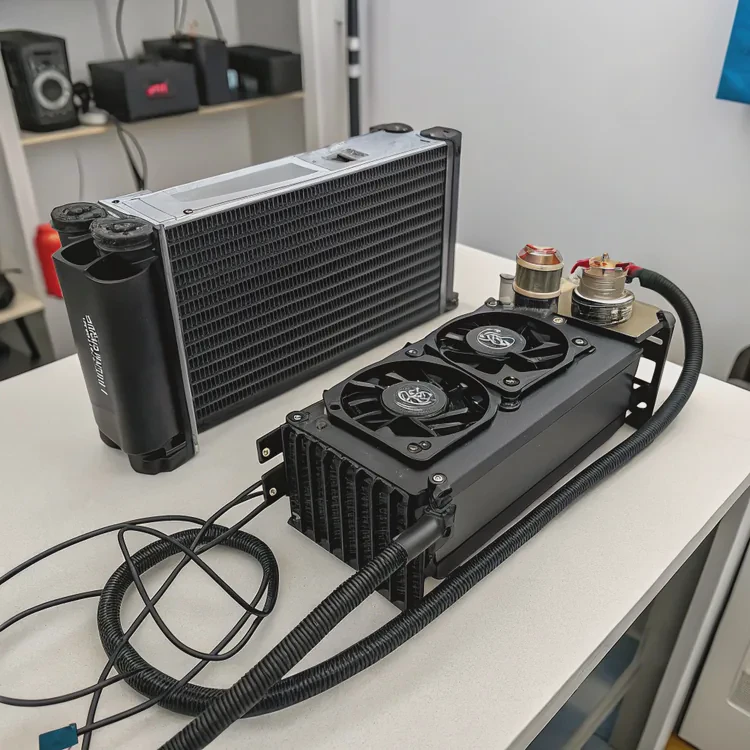
When I started pushing my graphics card for 3D rendering and gaming, I noticed one big problem — heat. The GPU fan roared like a jet engine, and temperatures reached dangerous levels. That’s when I switched to liquid cooling — a quieter, cooler, and more efficient way to handle GPU heat.
GPU liquid cooling uses circulating coolant to transfer heat away from the graphics card faster and more quietly than air cooling, improving both performance and lifespan.
In this guide, I’ll explain what GPU liquid cooling is, its benefits, how to install it step-by-step, and what new trends are shaping the future of GPU cooling.
What is GPU liquid cooling?
A GPU, or graphics processing unit, performs complex visual computations for gaming, design, and scientific work. It generates massive heat when under heavy load. Traditional air coolers rely on multiple fans and large heatsinks, but liquid cooling offers a more advanced and efficient alternative.
GPU liquid cooling is a method that uses a water block, pump, radiator, and coolant to remove heat from the graphics card efficiently.
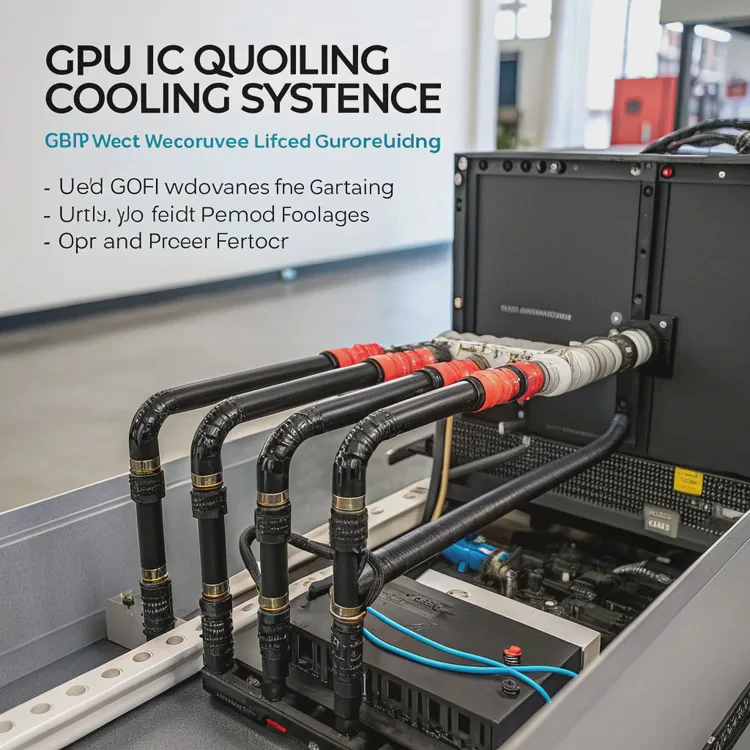
Key components and their roles
| Component | Function |
|---|---|
| GPU Water Block | Attached to the GPU, absorbs heat from the chip and VRAM. |
| Pump | Circulates coolant through the loop. |
| Radiator | Releases heat from the coolant into the air. |
| Fans | Move air across the radiator to cool the fluid. |
| Tubes | Carry coolant between components. |
How it works
- The GPU produces heat during operation.
- The water block absorbs heat from the GPU core and surrounding components.
- The pump moves hot coolant through tubes to the radiator.
- Fans blow air across the radiator fins, releasing heat.
- Cooled liquid flows back to the GPU block, repeating the process.
This closed-loop system ensures steady and efficient heat removal. Whether you’re gaming, rendering, or mining, GPU liquid cooling keeps performance stable and noise low.
Types of GPU liquid cooling
| Type | Description | Maintenance |
|---|---|---|
| AIO (All-in-One) | Sealed pre-built units, easy to install. | Minimal maintenance. |
| Custom Loop | Modular system with separate components. | Regular fluid checks required. |
Custom loops offer more flexibility and power but require more setup effort. AIO units are great for most users who want plug-and-play performance.
What are the benefits of liquid cooling a GPU?
The first time I liquid-cooled my GPU, I noticed temperatures drop instantly. The graphics card stayed quiet even during intense workloads. That was when I realized — liquid cooling isn’t just about looks; it’s about sustained performance and reliability.
Liquid cooling a GPU improves temperature control, reduces noise, enables higher performance, and extends the GPU’s lifespan.
Key benefits
| Benefit | Description |
|---|---|
| Lower Temperatures | Liquid transfers heat faster than air, keeping GPU cooler. |
| Higher Performance | Reduces thermal throttling during gaming or rendering. |
| Quieter Operation | Fans spin slower because liquid absorbs most of the heat. |
| Better Overclocking | Stable temperatures allow safe overclocking for extra FPS. |
| Longer Lifespan | Reduces wear on GPU components caused by high heat. |
Real-world performance gains
A high-end GPU like the NVIDIA RTX 4090 can easily reach 80–85°C under air cooling. After liquid cooling, temperatures often drop to 55–60°C. This difference prevents throttling, allowing the GPU to maintain peak clock speeds consistently.
That stability means higher and more predictable performance in long gaming or rendering sessions. In my own setup, I gained an average of 8–10% higher sustained performance after liquid cooling, especially in workloads that pushed GPU power limits.
Acoustic improvement
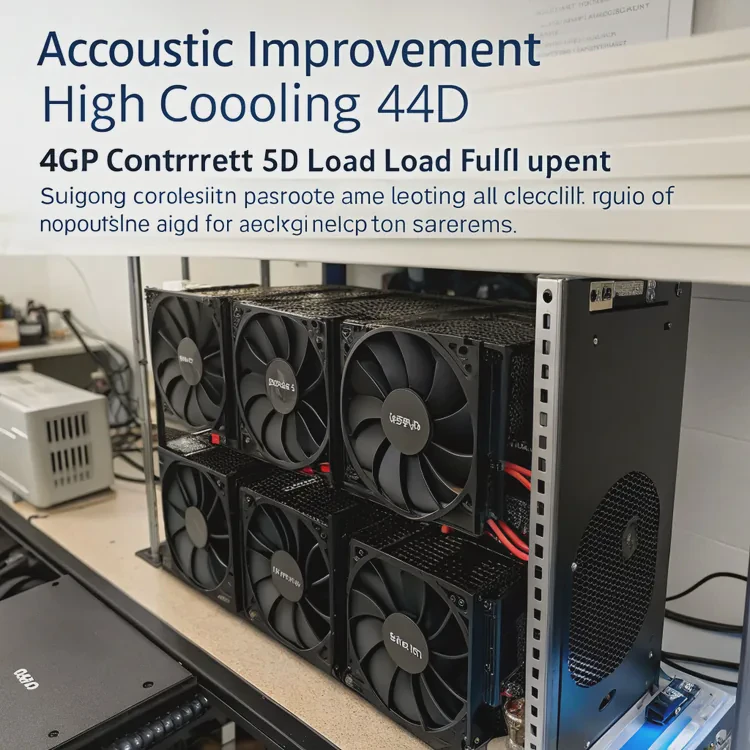
Air coolers often require multiple high-speed fans. Under load, the noise can exceed 40–45 dB. With liquid cooling, even during full GPU utilization, noise stays around 25–30 dB. This creates a quiet workspace, ideal for creative or professional environments.
Visual and structural advantages
Liquid-cooled GPUs look sleek. Transparent tubing, coolant colors, and RGB lighting turn a standard PC into a showcase. More importantly, removing bulky air coolers frees up space, improving airflow across the system.
How to install liquid cooling on a GPU?
Installing GPU liquid cooling can seem challenging, but with patience and planning, it’s very achievable. I’ve installed both AIO and custom loops, and the process follows a clear structure.
To install GPU liquid cooling, attach a compatible water block to the GPU, mount the radiator and fans, connect tubes and pump cables, and test for leaks before full use.
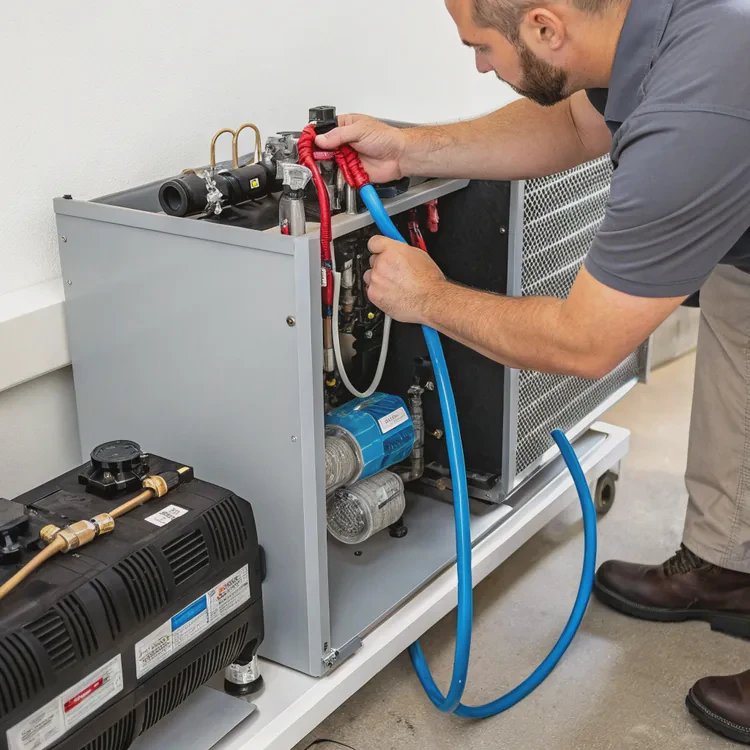
Step-by-step installation guide
1. Prepare your workspace
- Turn off and unplug your PC.
- Ground yourself to prevent static damage.
- Gather tools: screwdrivers, thermal paste, and soft cloths.
2. Remove the existing air cooler
Unscrew and detach the stock GPU cooler. Clean the GPU die and VRAM surface with isopropyl alcohol. Be gentle — the GPU core is delicate.
3. Apply thermal pads and paste
Attach thermal pads on VRAM and power modules as per the water block’s instruction. Add a small drop of thermal paste on the GPU chip.
4. Mount the water block
Align the water block with screw holes on the GPU PCB. Tighten screws gradually in a cross pattern for even pressure. Make sure all pads make contact with components.
5. Install the radiator and fans
Choose the radiator location — usually front, top, or bottom of the case.
- For AIO setups, mount the radiator and fans directly.
- For custom loops, connect the radiator to the pump and reservoir first.
Ensure airflow direction pushes air out of the case efficiently.
6. Connect the tubes and pump
Attach tubes securely using compression fittings. For AIO systems, connect the pump’s power cable to the AIO_PUMP header on the motherboard. Make sure cables are routed cleanly.
7. Fill and test (custom loop only)
For custom systems, fill the loop with coolant. Run the pump using an external power supply for leak testing. Let it circulate for 24 hours before powering up the full system.
8. Monitor performance
After installation, power up and check:
- GPU temperature: 30–45°C idle, 55–65°C under load.
- Pump operation: steady vibration.
- Fan speed: consistent airflow, low noise.
If you see leaks or unstable temperatures, shut down immediately and check all fittings.
Maintenance guide
| Task | Frequency | Description |
|---|---|---|
| Clean radiator and fans | Every 3 months | Remove dust buildup with compressed air. |
| Inspect fittings | Every 6 months | Check for leaks or loose connections. |
| Replace coolant | Every 12–18 months (custom loops only) | Keeps fluid clean and efficient. |
| Monitor performance | Regularly | Track GPU temperature trends with software. |
Installation insight
During my first build, I over-tightened the water block screws. This caused uneven contact and higher temperatures. I later loosened and retightened evenly, and the issue vanished. Precision matters more than force.
What are the trends in GPU cooling technology?
GPU cooling is advancing rapidly. As modern graphics cards grow more powerful, cooling technology must evolve to handle higher power densities efficiently.
The latest trends in GPU cooling focus on hybrid solutions, AI-based control, compact radiators, and sustainable coolant materials that improve both performance and convenience.
1. Hybrid cooling systems
Manufacturers are now combining liquid and vapor chamber technologies. Vapor chambers quickly spread heat across the GPU surface, while the liquid loop removes it efficiently. This hybrid design delivers better cooling without needing large radiators.
2. Smart AI-based control
New GPU coolers include smart controllers that monitor temperature, coolant flow, and fan speed in real-time. AI algorithms adjust cooling dynamically based on GPU workload, maintaining balance between performance and silence.
3. Compact AIO GPU designs
As small form-factor PCs gain popularity, brands are launching compact GPU AIO coolers with shorter tubes and slimmer radiators. They offer high performance even in mini-ITX builds.
4. Eco-friendly coolant materials
Modern coolants now use non-toxic, biodegradable fluids that resist corrosion and algae growth. This reduces environmental impact while maintaining strong thermal conductivity.
5. Modular and expandable loops
Some manufacturers are introducing modular systems that let users add GPU blocks into existing CPU cooling loops easily. Quick-disconnect fittings simplify expansion and maintenance.
Industry trend summary
| Trend | Description |
|---|---|
| Hybrid Cooling | Combines liquid and vapor chamber technologies. |
| AI Thermal Control | Adjusts pump and fan speeds automatically. |
| Compact AIOs | Fits small cases while keeping high performance. |
| Eco Coolants | Environmentally safe and corrosion-resistant fluids. |
| Modular Loops | Enables easy GPU and CPU loop integration. |
Looking forward
The next generation of GPU cooling may even include phase-change systems — using refrigerant-like fluids that change from liquid to gas to absorb more heat. This could push cooling capacity beyond current limits, keeping GPUs efficient as power demands continue to rise.
Conclusion
Liquid cooling a GPU transforms performance and reliability. It keeps temperatures low, noise quiet, and visuals clean. With smarter AI control, hybrid cooling designs, and sustainable materials, the future of GPU cooling promises even higher efficiency and easier installation for all kinds of users.
TAGS
Latest Articles

Volume discount levels for heat sink orders?
Buyers often ask when heat sink prices start to drop with volume. Many worry they’re overpaying for small orders. This guide explains how B2B volume pricing works for thermal components. Heat sink
21 Dec,2025
Heat sink long-term supply contract options?
Many buyers want stable pricing and reliable delivery for heat sinks. But without a clear contract, risks grow over time. This article explores how to secure better long-term supply deals. Long-term
21 Dec,2025
Tooling cost for new heat sink profiles?
Many engineers struggle to understand why tooling for custom heat sinks costs so much. They worry about budgeting and production timelines. This article breaks down the cost drivers behind tooling.
21 Dec,2025
Heat sink custom sample process steps?
Sometimes, starting a custom heat sink project feels overwhelming—too many steps, too many unknowns, and too many risks. You want a sample, but not endless delays. The process for requesting and
20 Dec,2025
Standard B2B terms for heat sink payments?
When buyers and sellers in B2B heat sink markets talk about payment, many don’t fully understand what’s standard. This can lead to delayed orders, miscommunication, and even lost business
20 Dec,2025
Heat sink pricing factors for large orders?
Heat sinks are vital for many systems. When prices rise, projects stall and budgets break. This problem can hit teams hard without warning. Large order heat sink pricing depends on many factors. You
20 Dec,2025Related Articles
- How to install a liquid CPU cooler?
- What is a liquid CPU cooler?
- How does liquid cooling work CPU?
- Heat Sink Manufacturer in Guyana
- Heat Sink Manufacturer in Guinea-Bissau
- Heat Sink Manufacturer in Guinea
- How does liquid CPU cooler work?
- Is liquid cooling better than air?
- Does liquid cooler need thermal paste?
- Is liquid cooler better than air cooler?
- Does stirring cool down liquid?
- Does liquid cooling need thermal paste?
Author
Dr. Emily Chen
Chief AI Researcher
Leading expert in thermal dynamics and AI optimization with over 15 years of experience in data center efficiency research.
Categories
Latest Products






Recommend Categories
- Liquid cooling plate Manufacturer
- Industrial Heat Sink Manufacturer
- Standard Heat Sink Manufacturer
- Aluminum Heat Sink Manufacturer
- Copper Heat Sink Manufacturer
- Anodized Heatsink Manufacturer
- Stamping heat sink Manufacturer
- Die Casting Heatsink Manufacturer
- Soldering heat sink Manufacturer
- CNC Parts Manufacturer
Latest Products
- Wholesale Aluminum Radiator
- Water Cooling Plate Kit
- Water Cooling Heat Sink
- Water Cooling Heat Sink Kit
- Stainless Steel Water Distributor
- Server Water Cooling Plate Kit
- Server Liquid Cooling System
- Server Aluminum Cooling Kit
- S19 Full Cover Cooling Plate
- S19 Cooling Plate Kit
- S19 Aluminum Cooling Plate
Contact Expert
Have questions about this article? Reach out to our experts directly.