How to install a liquid CPU cooler?
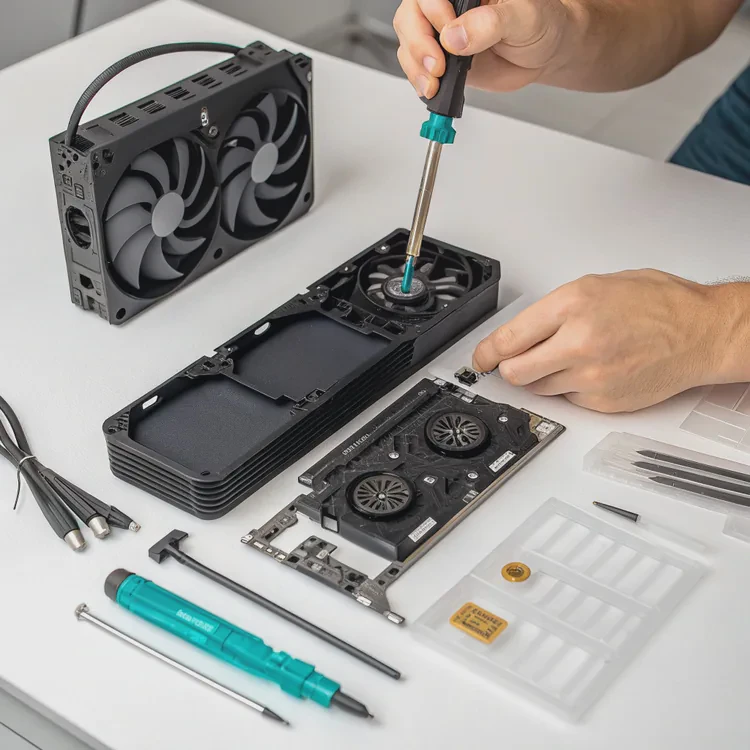
When I first built my PC, I struggled with heat issues. The CPU ran hot even with a premium air cooler. That’s when I discovered liquid CPU coolers — quiet, efficient, and surprisingly easy to install.
A liquid CPU cooler is a cooling system that uses liquid coolant to remove heat from the CPU more effectively than air cooling, helping your system perform better and run quieter.
In this guide, I’ll explain what a liquid CPU cooler is, why it’s worth installing, how to set it up step by step, and what new trends are shaping the future of CPU cooling installations.
What is a liquid CPU cooler?
Every CPU produces heat as it works. Traditional air coolers use metal heatsinks and fans to blow heat away, but liquid cooling takes a more advanced approach.
A liquid CPU cooler is a system that transfers heat from the processor to a radiator through circulating coolant, allowing faster heat dissipation and lower temperatures.
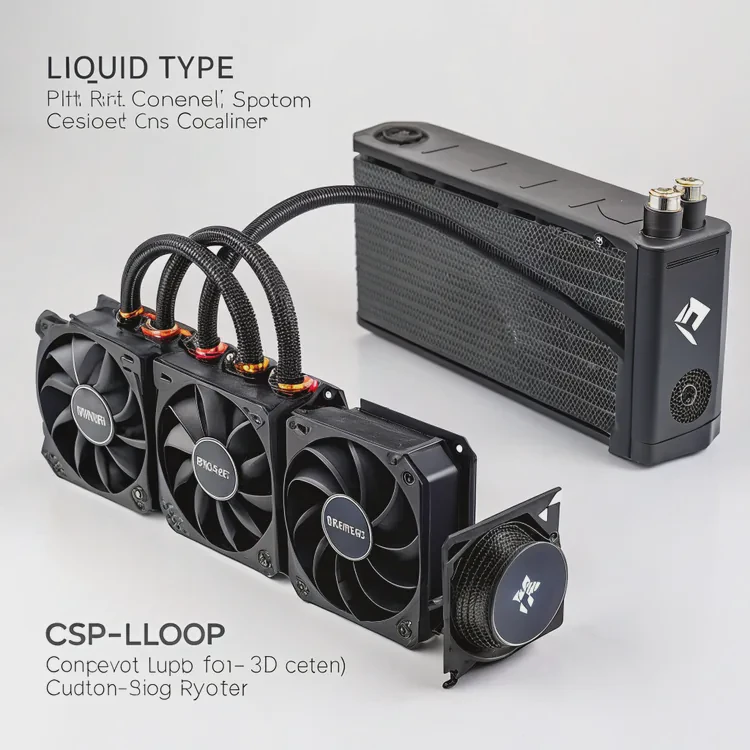
Core components and their functions
| Component | Description |
|---|---|
| Water Block | Attached to the CPU, it absorbs heat through direct contact. |
| Pump | Moves the coolant through the system continuously. |
| Radiator | Disperses heat from the coolant into the air. |
| Fans | Help push air through the radiator fins for better cooling. |
| Tubes | Connect the block and radiator, circulating coolant. |
How it works
- The CPU generates heat during operation.
- The water block, mounted on the CPU, absorbs that heat.
- The pump circulates liquid coolant through the system.
- The hot coolant travels to the radiator.
- Fans blow air through the radiator, cooling the liquid.
- The cooled liquid returns to the CPU block to repeat the process.
This closed-loop design maintains steady temperatures even during heavy workloads, like gaming, rendering, or video editing.
Two main types of liquid CPU coolers
| Type | Description | Maintenance |
|---|---|---|
| AIO (All-in-One) | Pre-assembled system with pump, radiator, and tubes sealed. | Minimal maintenance. |
| Custom Loop | Built manually with separate parts for extreme cooling performance. | Regular coolant replacement needed. |
AIO coolers are ideal for most users because they combine performance with convenience. Custom loops, on the other hand, are great for enthusiasts who want full control over design and cooling efficiency.
What are the benefits of installing it?
When I upgraded from air cooling to liquid cooling, my CPU ran cooler, quieter, and looked cleaner inside the case. The difference was clear — performance stayed stable even during long workloads.
Installing a liquid CPU cooler improves performance, reduces noise, and increases CPU lifespan by keeping temperatures consistently low.
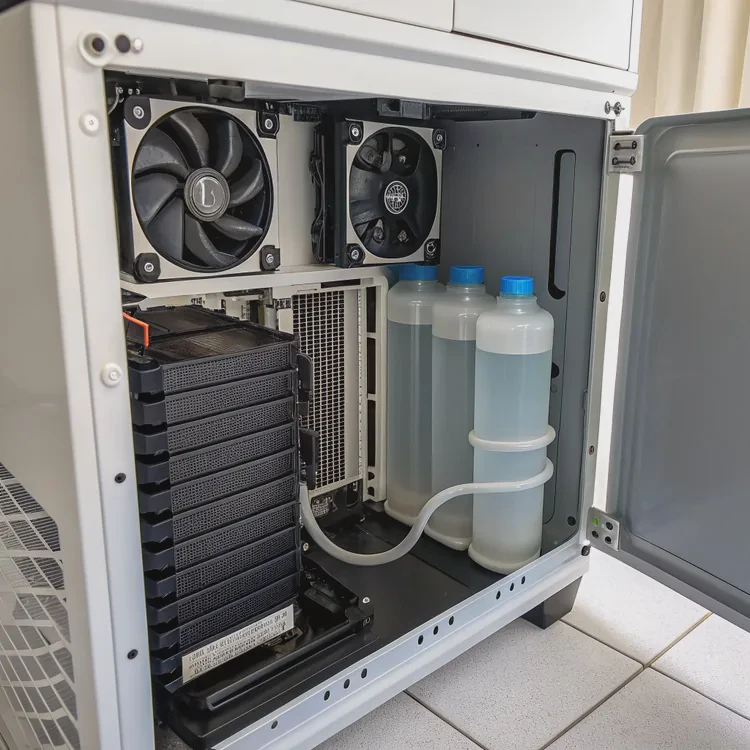
Key benefits
| Benefit | Explanation |
|---|---|
| Better Cooling Performance | Transfers heat more efficiently than air cooling. |
| Reduced Noise | Requires fewer fans running at lower speeds. |
| Improved Overclocking | Keeps CPU stable under higher voltage and clock speeds. |
| Cleaner Look | Slim design enhances PC aesthetics and airflow. |
| Longer Component Life | Reduces heat stress on the CPU and surrounding parts. |
Real performance results
For example, on a high-end CPU like the AMD Ryzen 9 7950X, air cooling can reach 85°C under load. With a liquid cooler, the same CPU might run around 65°C. That 20°C difference keeps the CPU from throttling — when performance drops due to excessive heat.
Lower temperatures also mean quieter operation. Because the liquid system moves heat efficiently, fans don’t have to spin as fast, which reduces noise dramatically.
Aesthetic and practical advantages
Liquid coolers also open up case space. Without a bulky air tower, you get a cleaner build, visible components, and customizable lighting effects. This makes it popular not only among gamers but also among professionals who value performance and presentation.
How to install it step by step?
Installing a liquid CPU cooler might seem intimidating at first, but once you understand the process, it’s straightforward. I’ll walk you through a typical installation of an AIO cooler, which most users prefer.
To install a liquid CPU cooler, mount the radiator and fans, attach the water block to the CPU, connect power cables, and ensure correct airflow for efficient cooling.
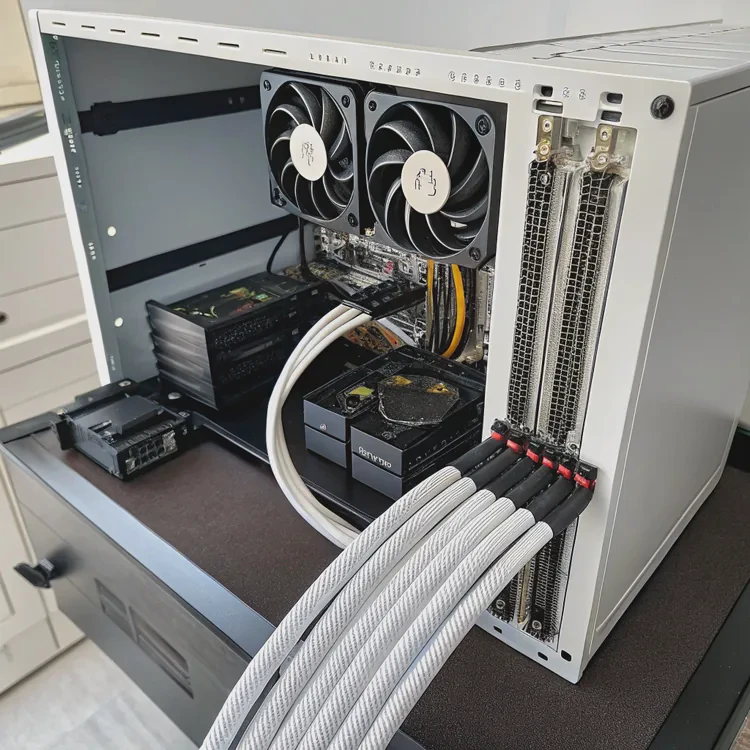
Step-by-step installation guide
1. Prepare your workspace
Unplug your PC and ground yourself to prevent static discharge. Make sure your case has space for the radiator (120mm, 240mm, or 360mm).
2. Install the radiator and fans
Decide where to mount the radiator — typically at the top or front of the case.
- Top mount: Ideal for exhausting hot air.
- Front mount: Brings in cooler air from outside.
Attach the fans to the radiator, ensuring airflow direction matches your cooling strategy. Use the arrows on the fan frame as a guide.
3. Apply thermal paste
Clean the CPU surface with alcohol wipes. Apply a pea-sized drop of thermal paste in the center. This helps transfer heat efficiently between the CPU and water block.
4. Mount the water block
Place the block evenly on the CPU, align it with mounting holes, and tighten screws gradually in a cross pattern. This ensures even pressure and contact.
5. Connect the pump and fans
- Connect the pump cable to the motherboard’s CPU_PUMP header.
- Connect fans to the CPU_FAN header or a dedicated controller.
- Some AIO coolers have USB connectors for software control; attach them if available.
6. Manage cables
Neatly route cables behind the motherboard tray. This not only looks better but also improves airflow inside the case.
7. Power on and check operation
After installation, turn on your PC and check:
- Pump is running (you can feel slight vibration).
- Fans spin smoothly.
- Temperatures stay within 30–40°C at idle.
If the temperature rises quickly, power off immediately to check mounting pressure and pump connection.
Maintenance tips
| Task | Frequency | Description |
|---|---|---|
| Clean radiator and fans | Every 3 months | Remove dust with compressed air. |
| Inspect cables and fittings | Every 6 months | Ensure no leaks or loose parts. |
| Replace coolant | Every 12 months (custom loops only) | Prevents corrosion and debris buildup. |
| Monitor performance | Always | Use software like HWMonitor or AIDA64. |
My installation insight
Once, I noticed a buzzing noise after installation. It turned out to be air trapped in the pump. I tilted the case gently to move air bubbles out, and the sound disappeared. Simple checks like this can save you from long-term issues.
What are the new trends in CPU cooling installation?
As CPU performance increases, cooling technology must evolve. Newer liquid cooling systems are becoming smarter, easier to install, and more eco-friendly.
The latest trends in CPU cooling installation focus on intelligent control, compact design, and sustainability, making installation faster and more efficient.
1. Tool-less mounting systems
Modern AIOs now come with universal brackets and magnetic mounts that make installation easier. You no longer need multiple screws or backplates. These designs reduce setup time and minimize user error.
2. Smart pump control
New pumps feature built-in microchips that adjust speed automatically. They balance cooling performance and noise, reacting instantly to CPU temperature changes. Some even sync with PC software to fine-tune operation.
3. Compact designs for small cases
Mini PCs and compact builds are gaining popularity. Manufacturers now produce thin radiators and flexible tubing for tight spaces, maintaining strong cooling even in smaller systems.
4. Modular AIO designs
Some AIO coolers now include modular components — for example, detachable tubes or expandable loops. This allows users to add GPU blocks or upgrade radiators later without replacing the entire system.
5. Eco-friendly materials
Sustainability is influencing cooling design too. Companies are introducing coolants made from biodegradable compounds and radiators built with recyclable aluminum. These reduce environmental impact while maintaining performance.
Industry trend summary
| Trend | Description |
|---|---|
| Magnetic Mounting | Simplifies installation with quick-snap brackets. |
| AI-Controlled Pumps | Automatically regulate speed for temperature and noise. |
| Compact Radiators | Designed for mini-ITX and small form-factor builds. |
| Modular AIOs | Allow easy expansion and maintenance. |
| Eco Coolants | Non-toxic, biodegradable fluids for sustainable use. |
Looking ahead
The future of CPU cooling installation is about speed and intelligence. Soon, coolers may come with pre-calibrated AI that adapts automatically once connected. No manual setup, no guesswork — just efficient cooling from the moment you power on.
Conclusion
Installing a liquid CPU cooler is one of the best upgrades for your computer. It delivers better temperatures, quieter operation, and longer hardware life. With modern designs, smarter pumps, and eco-friendly materials, the installation process is becoming simpler, cleaner, and more efficient for everyone.
TAGS
Latest Articles

Volume discount levels for heat sink orders?
Buyers often ask when heat sink prices start to drop with volume. Many worry they’re overpaying for small orders. This guide explains how B2B volume pricing works for thermal components. Heat sink
21 Dec,2025
Heat sink long-term supply contract options?
Many buyers want stable pricing and reliable delivery for heat sinks. But without a clear contract, risks grow over time. This article explores how to secure better long-term supply deals. Long-term
21 Dec,2025
Tooling cost for new heat sink profiles?
Many engineers struggle to understand why tooling for custom heat sinks costs so much. They worry about budgeting and production timelines. This article breaks down the cost drivers behind tooling.
21 Dec,2025
Heat sink custom sample process steps?
Sometimes, starting a custom heat sink project feels overwhelming—too many steps, too many unknowns, and too many risks. You want a sample, but not endless delays. The process for requesting and
20 Dec,2025
Standard B2B terms for heat sink payments?
When buyers and sellers in B2B heat sink markets talk about payment, many don’t fully understand what’s standard. This can lead to delayed orders, miscommunication, and even lost business
20 Dec,2025
Heat sink pricing factors for large orders?
Heat sinks are vital for many systems. When prices rise, projects stall and budgets break. This problem can hit teams hard without warning. Large order heat sink pricing depends on many factors. You
20 Dec,2025Related Articles
- What is a liquid CPU cooler?
- How does liquid cooling work CPU?
- Heat Sink Manufacturer in Guyana
- Heat Sink Manufacturer in Guinea-Bissau
- Heat Sink Manufacturer in Guinea
- Heat Sink Manufacturer in Georgia
- How to liquid cool a GPU?
- How does liquid CPU cooler work?
- Is liquid cooling better than air?
- Does liquid cooler need thermal paste?
- Is liquid cooler better than air cooler?
- Does stirring cool down liquid?
Author
Dr. Emily Chen
Chief AI Researcher
Leading expert in thermal dynamics and AI optimization with over 15 years of experience in data center efficiency research.
Categories
Latest Products






Recommend Categories
- Liquid cooling plate Manufacturer
- Industrial Heat Sink Manufacturer
- Standard Heat Sink Manufacturer
- Aluminum Heat Sink Manufacturer
- Copper Heat Sink Manufacturer
- Anodized Heatsink Manufacturer
- Stamping heat sink Manufacturer
- Die Casting Heatsink Manufacturer
- Soldering heat sink Manufacturer
- CNC Parts Manufacturer
Latest Products
- Wholesale Aluminum Radiator
- Water Cooling Plate Kit
- Water Cooling Heat Sink
- Water Cooling Heat Sink Kit
- Stainless Steel Water Distributor
- Server Water Cooling Plate Kit
- Server Liquid Cooling System
- Server Aluminum Cooling Kit
- S19 Full Cover Cooling Plate
- S19 Cooling Plate Kit
- S19 Aluminum Cooling Plate
Contact Expert
Have questions about this article? Reach out to our experts directly.