Is liquid cooling better than air?
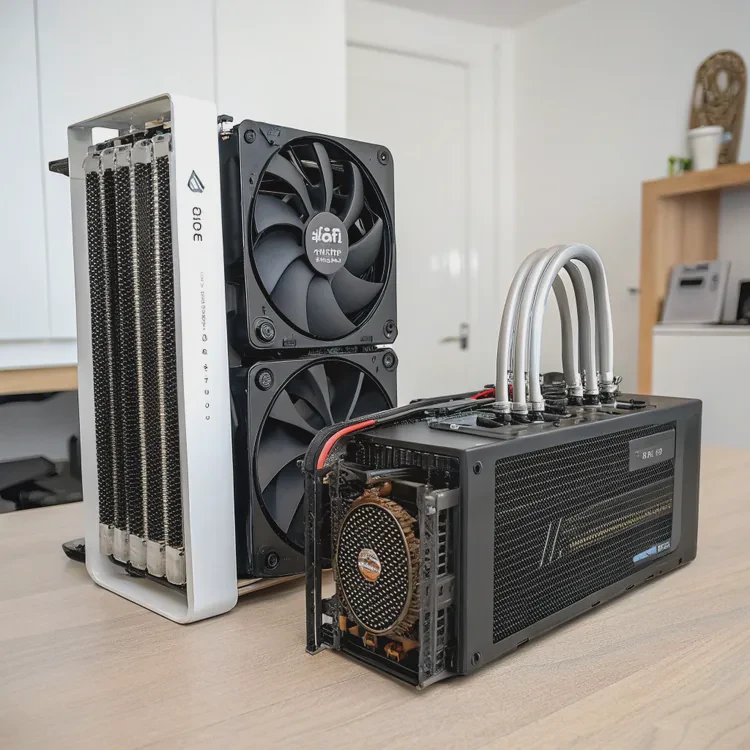
When I first built a high-performance PC, the question that confused me most was this: should I use air cooling or liquid cooling? Both methods have loyal supporters, but they serve different needs. After years of testing both, I’ve learned that the best choice depends on your goals — noise, performance, budget, or design.
Liquid cooling is generally better than air cooling for higher performance and quieter operation, but air cooling is simpler, cheaper, and easier to maintain.
Each system has its strengths. Let’s explore how they differ, what advantages liquid cooling offers, and how to decide which one fits your setup — plus the latest trends changing cooling performance today.
What defines liquid and air cooling?
All computers generate heat as they run. To stay stable, that heat must be removed efficiently. Air and liquid cooling use different approaches to move heat away from the processor or graphics card.
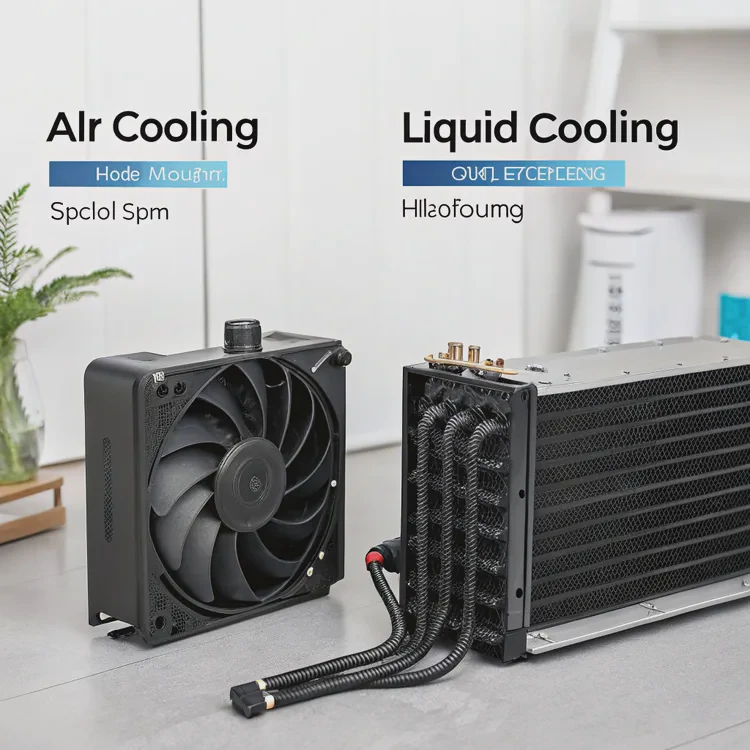
Air cooling relies on fans and metal heatsinks, while liquid cooling uses coolant and radiators to transfer heat faster and more evenly.
The basics of air cooling
Air cooling uses a heatsink made of metal fins attached directly to the CPU. A fan blows air over these fins, dispersing heat into the case, where other fans move it out.
Key parts include:
- Heatsink
- Fan(s)
- Thermal paste
The basics of liquid cooling
Liquid cooling replaces the large heatsink with a water block and a circulating liquid loop. It uses a pump, tubes, and a radiator to transfer heat away from the CPU more effectively.
Key parts include:
- Water block
- Pump
- Radiator
- Fans
- Coolant
Core differences between the two systems
| Feature | Air Cooling | Liquid Cooling |
|---|---|---|
| Heat Transfer Medium | Air | Liquid |
| Cooling Efficiency | Moderate | High |
| Noise Level | Louder (more fan speed) | Quieter (better heat spread) |
| Maintenance | Minimal | Moderate |
| Installation Difficulty | Easy | Medium to complex |
| Aesthetic Design | Basic | Sleek and customizable |
Air cooling is reliable and affordable, but liquid cooling handles heat more efficiently — especially in systems with high-end processors or heavy workloads.
What benefits does liquid cooling offer?
When I switched from air to liquid cooling, I noticed a dramatic change. My CPU temperature dropped by nearly 25°C under load, and fan noise almost disappeared. That’s when I understood why so many professionals prefer liquid cooling.
The main benefits of liquid cooling are better temperature control, lower noise, stable performance, and improved aesthetics.
Key benefits of liquid cooling
| Benefit | Description |
|---|---|
| Superior Heat Dissipation | Liquid transfers heat away faster than air. |
| Stable Performance | Keeps CPU cool during heavy workloads or overclocking. |
| Low Noise Operation | Fans spin slower since the coolant does most of the work. |
| Longer Lifespan | Reduces stress on components caused by heat. |
| Aesthetic Appeal | Clean, modern appearance with optional RGB lighting. |
Real-world performance example
On my Intel i9 system, air cooling kept CPU temperatures around 85°C under heavy load. After switching to a 360mm liquid cooler, temperatures dropped to 60°C, even during rendering. The fan noise also went from a constant hum to near silence.
That 25°C difference means no thermal throttling — the CPU stays at full speed without slowing down to protect itself. For gamers, designers, or engineers, that stability is a major advantage.
Noise advantage
Because liquid cooling spreads heat through the fluid and radiator, it doesn’t rely entirely on high-speed fans. This means less noise — ideal for quiet work environments, studios, or streaming setups where microphones can pick up fan sounds.
Appearance and flexibility
Liquid coolers also make builds look cleaner and more futuristic. Radiators and tubes can be customized, and RGB-lit pumps turn your PC into a centerpiece.
How to choose between air and liquid cooling?
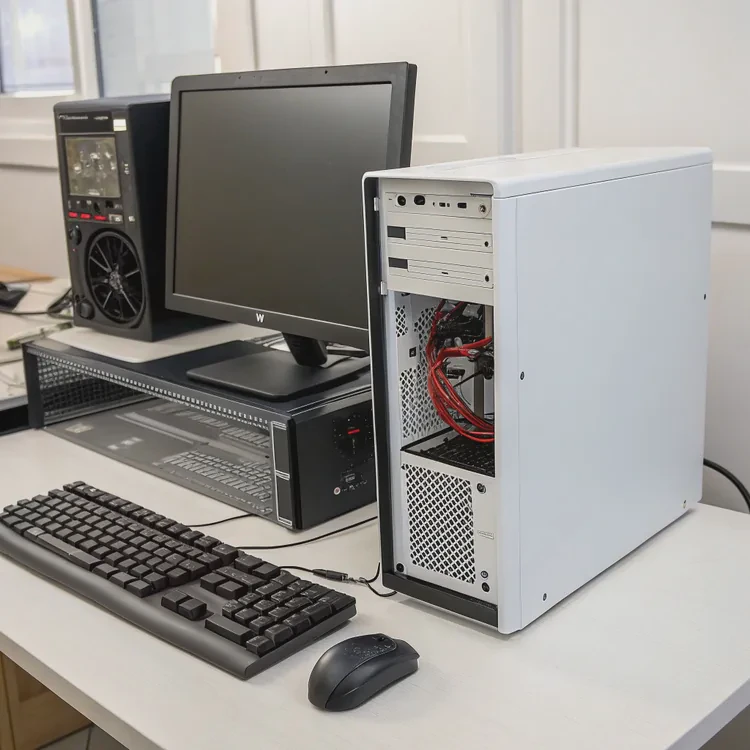
Choosing the right cooling system depends on your budget, performance expectations, and comfort with maintenance. After trying both, I use liquid cooling for high-performance builds and air cooling for simpler systems.
Choose liquid cooling for better performance, noise reduction, and aesthetics. Choose air cooling for lower cost, simplicity, and easier maintenance.
Factors to consider
| Factor | Air Cooling | Liquid Cooling |
|---|---|---|
| Budget | More affordable, \(30–\)100 | Higher cost, \(100–\)300+ |
| Performance Needs | Suitable for mid-level CPUs | Best for high-performance CPUs |
| Noise Level | Louder under load | Quieter operation |
| Maintenance | Almost none | Occasional cleaning or coolant check |
| Installation | Simple, quick | More steps and parts |
| Aesthetics | Functional design | Sleek, modern look |
| Case Size | Compact builds | Needs space for radiator |
When air cooling makes more sense
Air cooling is ideal for:
- Entry-level or mid-range PCs
- Users who prioritize simplicity
- Tight budgets or small form-factor cases
- Systems used for office or light workloads
When liquid cooling is worth it
Liquid cooling is best for:
- Gaming or workstation builds
- Overclocked CPUs or GPUs
- Quiet work environments
- Users who want a clean, stylish setup
My personal rule of thumb
If your CPU’s TDP (thermal design power) is under 100W, a good air cooler is enough. For anything above 125W, especially for overclocking or heavy workloads, liquid cooling is the smarter choice.
What are the trends in cooling performance?
The cooling industry is evolving fast. As processors become more powerful, new technologies are emerging to keep systems cooler, quieter, and smarter than ever.
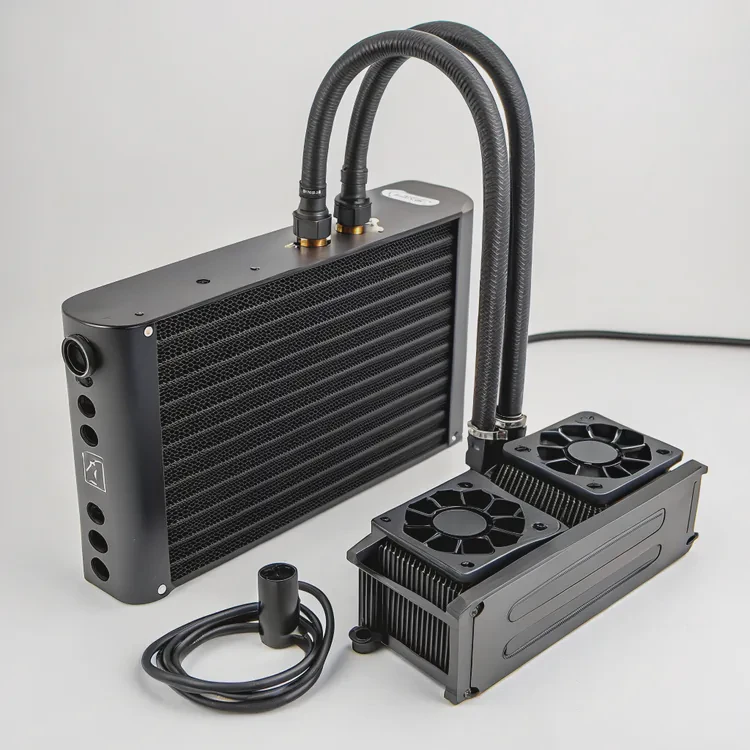
Current cooling trends include AI automation, hybrid cooling systems, advanced materials, and sustainable coolant solutions for better efficiency.
1. Smart AI cooling control
Modern coolers now include integrated sensors and software that automatically adjust fan and pump speeds. AI algorithms predict CPU load changes and optimize cooling before temperature rises, improving both performance and energy use.
2. Hybrid liquid-air cooling
Some systems combine vapor chamber and liquid cooling designs. The vapor chamber spreads heat instantly across the component, while the liquid loop carries it away. This hybrid setup offers unmatched thermal efficiency.
3. Nanofluid and eco coolants
Manufacturers are developing nanofluid coolants — liquids infused with nanoparticles that improve thermal conductivity and reduce corrosion. Many are also biodegradable and non-toxic, making them eco-friendly alternatives to traditional fluids.
4. Compact and modular AIO designs
As small form-factor PCs grow popular, compact AIO (All-in-One) coolers with slim radiators and flexible tubes are being developed. These new designs make liquid cooling possible even in mini-ITX cases.
5. Aesthetic integration and display panels
High-end coolers now include LCD screens on the pump or heatsink. These can display real-time temperatures, fan speeds, or even custom images. Beyond function, they make PC cooling part of the visual experience.
6. Sustainable materials and production
With a global shift toward sustainability, cooling manufacturers are adopting recyclable metals like aluminum and eco-friendly fluids to reduce waste and environmental impact.
Industry trend summary
| Trend | Description |
|---|---|
| AI-Powered Control | Adjusts pump and fan speeds in real time. |
| Hybrid Cooling | Combines liquid and vapor chamber technology. |
| Nanofluid Coolants | Improves heat transfer and reduces corrosion. |
| Compact AIOs | Fits high-performance cooling into smaller cases. |
| Eco-Friendly Designs | Uses recyclable materials and non-toxic fluids. |
Looking ahead
Future cooling systems may integrate phase-change technology, where liquid transforms into vapor to absorb heat — similar to refrigeration. Paired with AI control, this could deliver near-silent, maintenance-free cooling with unmatched efficiency.
Conclusion
Liquid cooling outperforms air cooling in heat management, silence, and aesthetics, especially for demanding systems. However, air cooling remains an excellent choice for simplicity and affordability. With innovations like AI optimization, hybrid systems, and eco coolants, both methods are improving fast — ensuring your next PC stays cool, efficient, and future-ready.
TAGS
Latest Articles

Volume discount levels for heat sink orders?
Buyers often ask when heat sink prices start to drop with volume. Many worry they’re overpaying for small orders. This guide explains how B2B volume pricing works for thermal components. Heat sink
21 Dec,2025
Heat sink long-term supply contract options?
Many buyers want stable pricing and reliable delivery for heat sinks. But without a clear contract, risks grow over time. This article explores how to secure better long-term supply deals. Long-term
21 Dec,2025
Tooling cost for new heat sink profiles?
Many engineers struggle to understand why tooling for custom heat sinks costs so much. They worry about budgeting and production timelines. This article breaks down the cost drivers behind tooling.
21 Dec,2025
Heat sink custom sample process steps?
Sometimes, starting a custom heat sink project feels overwhelming—too many steps, too many unknowns, and too many risks. You want a sample, but not endless delays. The process for requesting and
20 Dec,2025
Standard B2B terms for heat sink payments?
When buyers and sellers in B2B heat sink markets talk about payment, many don’t fully understand what’s standard. This can lead to delayed orders, miscommunication, and even lost business
20 Dec,2025
Heat sink pricing factors for large orders?
Heat sinks are vital for many systems. When prices rise, projects stall and budgets break. This problem can hit teams hard without warning. Large order heat sink pricing depends on many factors. You
20 Dec,2025Related Articles
- How does liquid CPU cooler work?
- How to liquid cool a GPU?
- How to install a liquid CPU cooler?
- What is a liquid CPU cooler?
- How does liquid cooling work CPU?
- Heat Sink Manufacturer in Guyana
- Does liquid cooler need thermal paste?
- Is liquid cooler better than air cooler?
- Does stirring cool down liquid?
- Does liquid cooling need thermal paste?
- Is liquid cooling more expensive?
- How to change water cooling liquid?
Author
Dr. Emily Chen
Chief AI Researcher
Leading expert in thermal dynamics and AI optimization with over 15 years of experience in data center efficiency research.
Categories
Latest Products






Recommend Categories
- Liquid cooling plate Manufacturer
- Industrial Heat Sink Manufacturer
- Standard Heat Sink Manufacturer
- Aluminum Heat Sink Manufacturer
- Copper Heat Sink Manufacturer
- Anodized Heatsink Manufacturer
- Stamping heat sink Manufacturer
- Die Casting Heatsink Manufacturer
- Soldering heat sink Manufacturer
- CNC Parts Manufacturer
Latest Products
- Wholesale Aluminum Radiator
- Water Cooling Plate Kit
- Water Cooling Heat Sink
- Water Cooling Heat Sink Kit
- Stainless Steel Water Distributor
- Server Water Cooling Plate Kit
- Server Liquid Cooling System
- Server Aluminum Cooling Kit
- S19 Full Cover Cooling Plate
- S19 Cooling Plate Kit
- S19 Aluminum Cooling Plate
Contact Expert
Have questions about this article? Reach out to our experts directly.