How does liquid CPU cooler work?
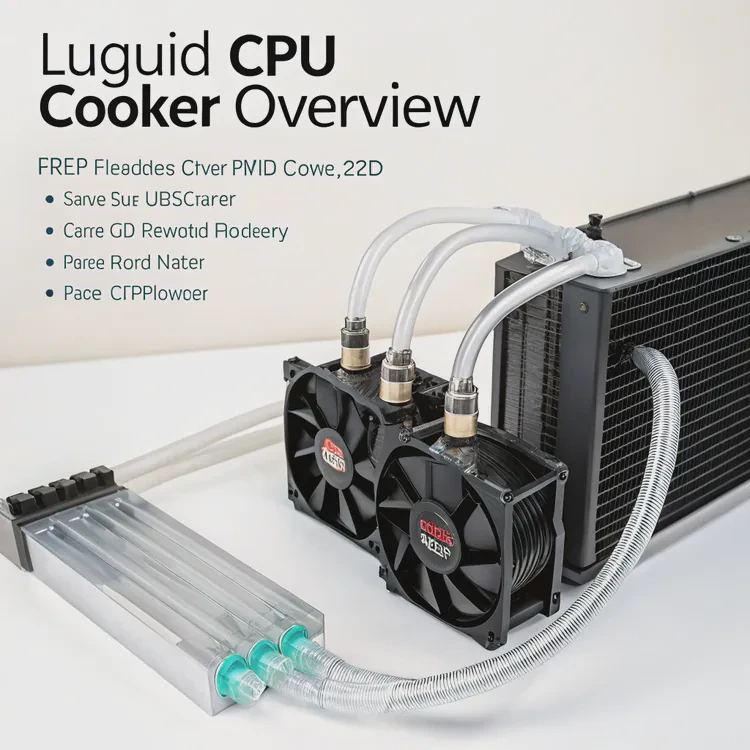
When I first built my workstation, I realized one thing fast — heat is a computer’s worst enemy. CPUs get hotter as performance increases, and traditional air coolers sometimes can’t keep up. That’s where liquid cooling comes in — a quiet, powerful, and efficient solution for controlling CPU temperature.
A liquid CPU cooler works by circulating coolant through a closed loop that absorbs heat from the CPU and releases it through a radiator, keeping temperatures low and performance stable.
This system is smarter and more effective than standard air cooling. It combines engineering precision and silent operation, making it ideal for modern, high-performance systems. Let’s explore what a liquid CPU cooler is, how it works, and the innovations shaping the future of cooling.
What is a liquid CPU cooler?
Every CPU generates heat when it processes data. If not cooled properly, it slows down or even shuts off to prevent damage. A liquid cooler handles that heat more effectively than air coolers by using liquid as the main heat transfer medium.
A liquid CPU cooler is a cooling system that removes heat from the processor using liquid coolant circulated between a water block, pump, and radiator.
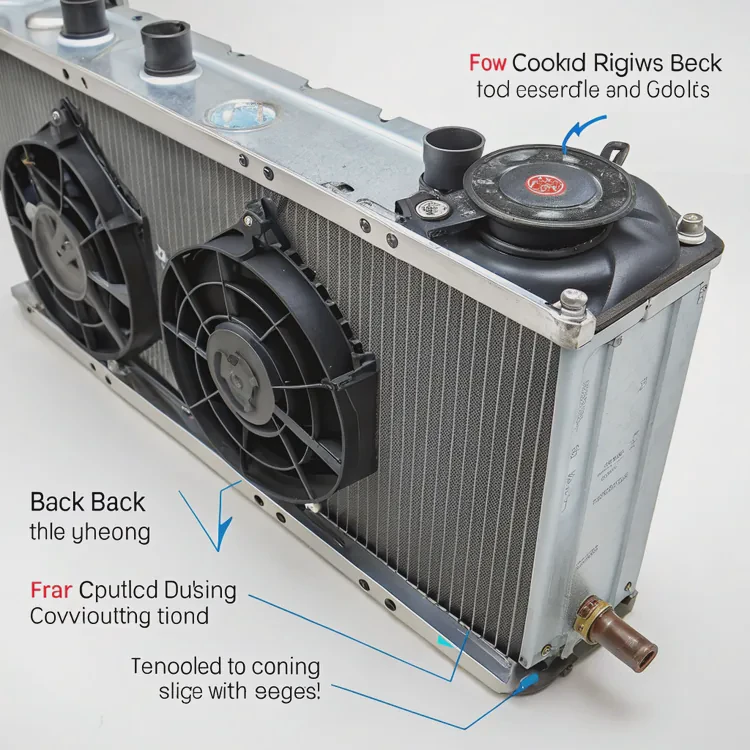
Main components of a liquid CPU cooler
| Component | Function |
|---|---|
| Water Block | Absorbs heat from the CPU surface. |
| Pump | Moves coolant through the loop. |
| Radiator | Releases heat into the air. |
| Fans | Increase airflow across the radiator fins. |
| Tubes | Carry coolant between parts. |
How it works
- Heat absorption: The CPU generates heat during operation. The water block, attached directly to the CPU, absorbs that heat.
- Coolant circulation: The pump moves liquid coolant through the water block.
- Heat transfer: Hot coolant flows to the radiator through flexible tubes.
- Cooling phase: Fans push air across the radiator fins, releasing heat.
- Cycle continuation: The cooled liquid flows back to the block, repeating the cycle continuously.
The loop runs silently, maintaining steady and efficient cooling, even when the CPU handles demanding workloads like rendering, simulation, or gaming.
Types of liquid CPU coolers
| Type | Description | Maintenance |
|---|---|---|
| AIO (All-in-One) | Pre-sealed unit, easy to install and maintain. | Minimal. |
| Custom Loop | Built manually with separate parts, fully customizable. | Requires periodic cleaning and fluid replacement. |
AIO coolers are the most popular choice for mainstream users, offering plug-and-play simplicity. Custom loops appeal to enthusiasts who want maximum control and performance.
What benefits come from liquid cooling CPUs?
I switched from air cooling to liquid cooling after years of using high-performance CPUs that constantly overheated during long video renders. The change was remarkable — quieter operation, lower temperatures, and better performance stability.
Liquid cooling offers better thermal performance, quieter operation, and higher overclocking potential while extending CPU lifespan.
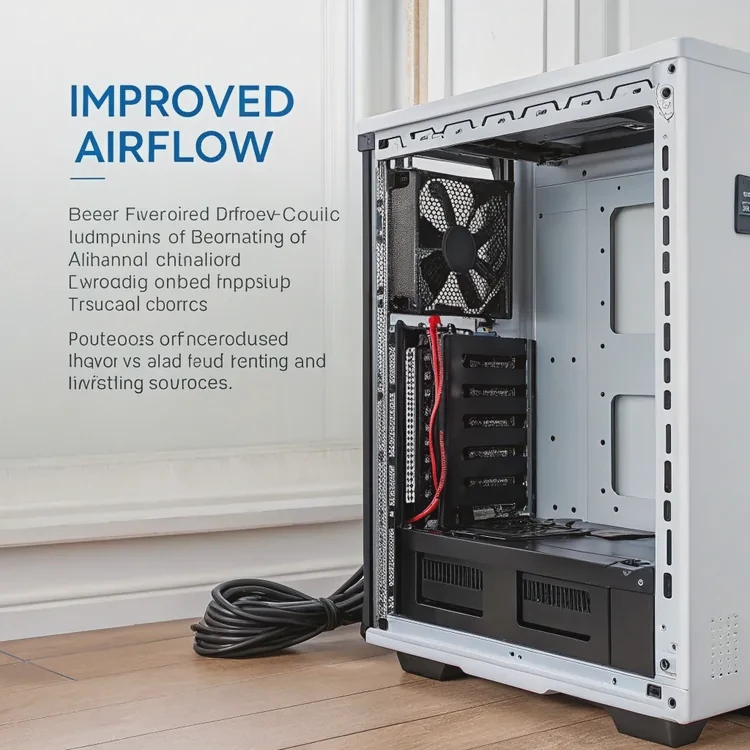
Key benefits
| Benefit | Description |
|---|---|
| Superior Cooling Efficiency | Transfers heat faster than air, keeping CPUs cooler. |
| Quiet Operation | Fewer, slower fans mean less noise. |
| Stable Performance | Prevents throttling under heavy workloads. |
| Longer Component Lifespan | Reduces thermal stress on CPU and motherboard. |
| Aesthetic Design | Sleek look with customizable lighting options. |
Real-world performance difference
When using an air cooler, my CPU reached 85°C under heavy workloads. After switching to liquid cooling, temperatures dropped to around 60°C — a 25°C improvement. That difference allowed the processor to maintain higher turbo speeds longer without throttling.
Liquid cooling also provides a cleaner, more open case layout. With no bulky tower heatsink, airflow improves, which benefits other components like the GPU and VRMs.
Why silence matters
Noise often goes unnoticed until it’s gone. After upgrading to liquid cooling, my workspace became noticeably quieter. The cooling fans didn’t need to spin at high speeds, and the pump operated almost silently. For people who work or create in quiet environments, this is a major quality-of-life improvement.
How to use and maintain a liquid CPU cooler?
Many people think liquid cooling is complex, but modern AIO systems are designed for easy installation and long-term use. With simple maintenance and proper setup, they can last for years without problems.
To use and maintain a liquid CPU cooler, install it correctly with good airflow, monitor pump performance, and clean the radiator and fans regularly to maintain efficiency.
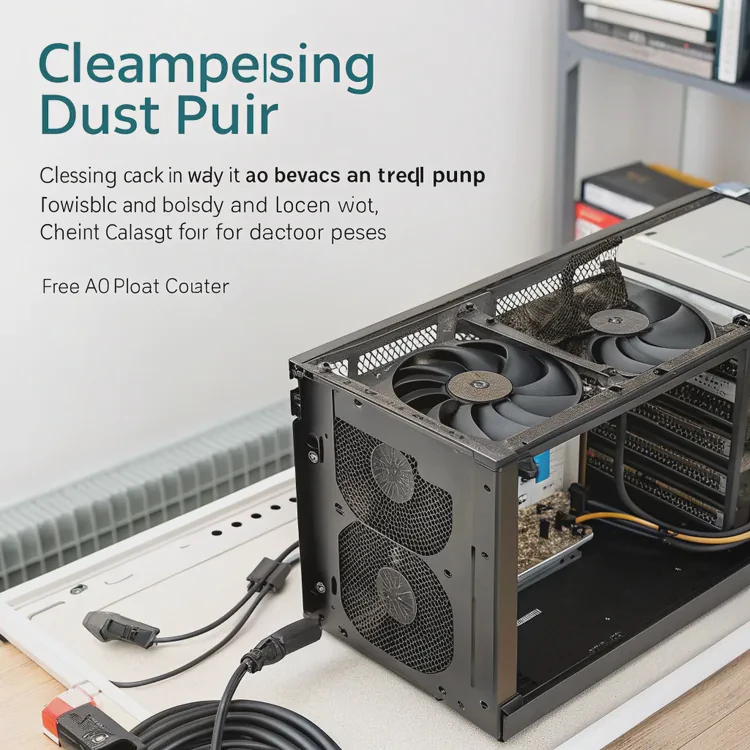
How to install and use
Check compatibility
Make sure your case supports the cooler’s radiator size (120mm, 240mm, or 360mm).Mount the radiator
Choose a mounting location with good airflow — usually the top or front of the case.- Top mount: Best for exhausting warm air.
- Front mount: Brings cool air into the loop.
- Top mount: Best for exhausting warm air.
Install the water block
Clean the CPU surface, apply thermal paste (pea-sized amount), and align the block evenly. Tighten screws in a cross pattern for even pressure.Connect cables
- Plug the pump into the CPU_PUMP header.
- Connect fans to the CPU_FAN header or a controller.
- Some coolers include USB cables for software monitoring.
- Plug the pump into the CPU_PUMP header.
Check operation
After powering on, verify that the pump is running (slight vibration) and the fans spin correctly. Monitor CPU temperature during idle and stress tests.
Maintenance checklist
| Task | Frequency | Description |
|---|---|---|
| Dust Cleaning | Every 3 months | Clean radiator and fans with compressed air. |
| Check Pump Function | Every 6 months | Ensure stable RPM and no abnormal noise. |
| Coolant Replacement (Custom Loops) | Every 12 months | Drain and refill with new coolant. |
| Temperature Monitoring | Always | Use software like HWMonitor or iCUE. |
My personal maintenance tip
I once ignored cleaning the radiator for nearly a year. Dust blocked airflow, and CPU temperatures rose by 10°C. After cleaning it thoroughly, cooling performance returned to normal. Lesson learned — dust can undo all your cooling efficiency if not managed.
How to troubleshoot common issues
1. High temperatures
- Check if the pump is working.
- Reapply thermal paste if necessary.
- Ensure radiator fans are blowing air correctly.
2. Noise or vibration
- Verify fan curve settings in BIOS.
- Inspect for trapped air bubbles in the pump or tubes.
3. Leaks or residue
- Shut down the system immediately.
- Contact the manufacturer for warranty replacement (for AIOs).
Ideal temperature ranges
| Load State | Expected CPU Temperature |
|---|---|
| Idle | 30–45°C |
| Gaming / Light Load | 50–65°C |
| Full Load / Rendering | 65–75°C |
If temperatures exceed these ranges consistently, check the installation, pump speed, or airflow balance.
What innovations are shaping CPU cooling?
Technology never stops evolving, and CPU cooling is no exception. The new generation of liquid coolers combines automation, new materials, and eco-friendly designs that make cooling smarter and more sustainable.
Recent innovations in CPU cooling focus on smart control systems, better heat transfer materials, and compact modular designs for greater efficiency.

1. AI-powered cooling management
Modern liquid coolers now include onboard microcontrollers that automatically adjust pump and fan speeds. These systems monitor CPU load and temperature in real-time, optimizing for performance or silence without manual tuning.
2. Nanofluid coolants
Traditional coolants are being replaced by nanofluids — liquids enhanced with microscopic metal or ceramic particles that increase thermal conductivity. This means faster heat transfer and better corrosion resistance.
3. Modular AIO systems
Manufacturers are creating modular AIO designs that allow users to expand the cooling loop to include GPUs or VRMs without rebuilding the entire system. Quick-connect fittings make upgrades simple.
4. Compact radiators
To meet the needs of small form-factor PCs, slim and high-density radiators are being introduced. These maintain high cooling performance while fitting into tight spaces.
5. Sustainable design
As environmental awareness grows, companies are moving toward eco-friendly coolants made from biodegradable, non-toxic compounds and recyclable radiator materials.
Summary of current trends
| Innovation | Description |
|---|---|
| AI Control Systems | Automatically balance performance and noise. |
| Nanofluid Coolants | Improve heat transfer and reduce corrosion. |
| Modular Loops | Allow CPU and GPU integration in one system. |
| Slim Radiators | Designed for compact PC builds. |
| Eco-Friendly Materials | Promote sustainability without performance loss. |
The future of CPU cooling
The next wave of cooling may blend phase-change technology — where coolant changes from liquid to vapor — with AI algorithms that predict temperature spikes before they occur. This would create a self-learning, self-adjusting system that maximizes cooling efficiency automatically.
Conclusion
Liquid CPU cooling offers a balance of power, silence, and style. It keeps modern processors efficient and reliable, even under heavy load. With smart control systems, advanced materials, and sustainable designs, the next generation of CPU coolers will redefine what “cool” really means in computing.
TAGS
Latest Articles

Volume discount levels for heat sink orders?
Buyers often ask when heat sink prices start to drop with volume. Many worry they’re overpaying for small orders. This guide explains how B2B volume pricing works for thermal components. Heat sink
21 Dec,2025
Heat sink long-term supply contract options?
Many buyers want stable pricing and reliable delivery for heat sinks. But without a clear contract, risks grow over time. This article explores how to secure better long-term supply deals. Long-term
21 Dec,2025
Tooling cost for new heat sink profiles?
Many engineers struggle to understand why tooling for custom heat sinks costs so much. They worry about budgeting and production timelines. This article breaks down the cost drivers behind tooling.
21 Dec,2025
Heat sink custom sample process steps?
Sometimes, starting a custom heat sink project feels overwhelming—too many steps, too many unknowns, and too many risks. You want a sample, but not endless delays. The process for requesting and
20 Dec,2025
Standard B2B terms for heat sink payments?
When buyers and sellers in B2B heat sink markets talk about payment, many don’t fully understand what’s standard. This can lead to delayed orders, miscommunication, and even lost business
20 Dec,2025
Heat sink pricing factors for large orders?
Heat sinks are vital for many systems. When prices rise, projects stall and budgets break. This problem can hit teams hard without warning. Large order heat sink pricing depends on many factors. You
20 Dec,2025Related Articles
- How to liquid cool a GPU?
- How to install a liquid CPU cooler?
- What is a liquid CPU cooler?
- How does liquid cooling work CPU?
- Heat Sink Manufacturer in Guyana
- Heat Sink Manufacturer in Guinea-Bissau
- Is liquid cooling better than air?
- Does liquid cooler need thermal paste?
- Is liquid cooler better than air cooler?
- Does stirring cool down liquid?
- Does liquid cooling need thermal paste?
- Is liquid cooling more expensive?
Author
Dr. Emily Chen
Chief AI Researcher
Leading expert in thermal dynamics and AI optimization with over 15 years of experience in data center efficiency research.
Categories
Latest Products






Recommend Categories
- Liquid cooling plate Manufacturer
- Industrial Heat Sink Manufacturer
- Standard Heat Sink Manufacturer
- Aluminum Heat Sink Manufacturer
- Copper Heat Sink Manufacturer
- Anodized Heatsink Manufacturer
- Stamping heat sink Manufacturer
- Die Casting Heatsink Manufacturer
- Soldering heat sink Manufacturer
- CNC Parts Manufacturer
Latest Products
- Wholesale Aluminum Radiator
- Water Cooling Plate Kit
- Water Cooling Heat Sink
- Water Cooling Heat Sink Kit
- Stainless Steel Water Distributor
- Server Water Cooling Plate Kit
- Server Liquid Cooling System
- Server Aluminum Cooling Kit
- S19 Full Cover Cooling Plate
- S19 Cooling Plate Kit
- S19 Aluminum Cooling Plate
Contact Expert
Have questions about this article? Reach out to our experts directly.