What is liquid cooling CPU?
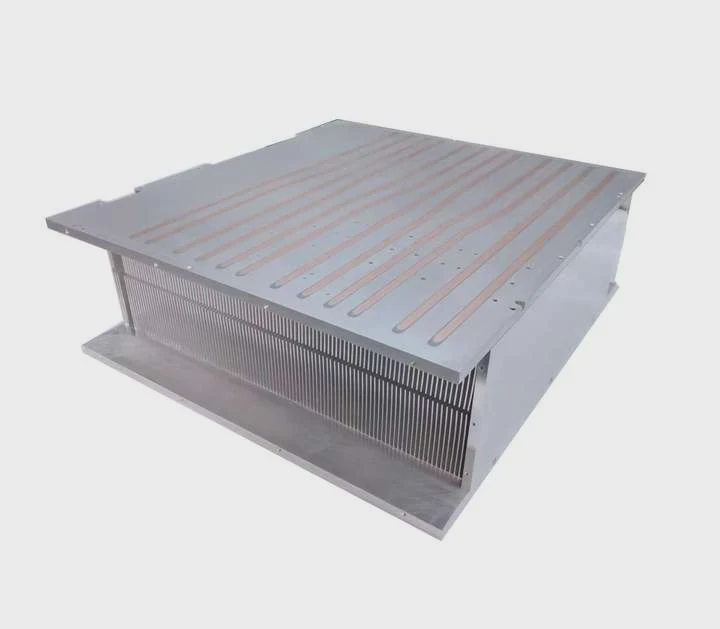
When your computer overheats, it slows down or even shuts off. This is frustrating, especially when gaming or running demanding software. Traditional air coolers sometimes can’t handle the heat.
A liquid cooling CPU system uses fluid instead of air to remove heat from the processor, keeping it cooler and more stable even under heavy workloads.
It works by transferring heat from the CPU to a liquid coolant, which then carries it away to a radiator where it dissipates into the air. This system keeps performance steady and reduces noise, making it a favorite for high-end PC builders and gamers.
How does liquid cooling benefit CPU performance?
Overheating causes CPUs to throttle speed to protect themselves. This means less performance and lower frame rates. When cooling is efficient, the CPU can maintain its maximum frequency longer.
Liquid cooling improves CPU performance by keeping temperatures lower, reducing thermal throttling, and allowing for stable overclocking without excess noise.
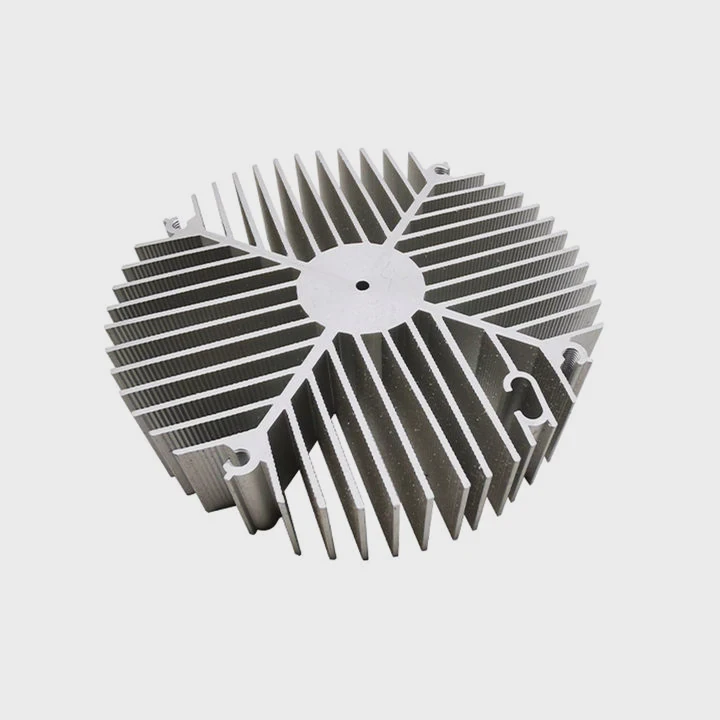
When I first installed a liquid cooling system, I noticed my CPU ran at full turbo speed even during long gaming sessions. Before that, air cooling made the temperature spike quickly. After switching, temperatures dropped by 20°C, and the system became quieter.
Key Benefits Overview
| Benefit | Description |
|---|---|
| Lower temperatures | Coolant transfers heat more efficiently than air |
| Stable performance | Prevents CPU throttling during long workloads |
| Overclocking potential | Allows higher frequency without overheating |
| Reduced noise | Fans spin slower since liquid handles most heat |
| Longer lifespan | Consistent cooling reduces wear on components |
The Science Behind Better Cooling
Liquid cooling uses the principle of thermal conductivity. Liquids have higher heat capacity than air, meaning they absorb more heat before their temperature rises. This property allows a smaller system to remove more heat, making it ideal for compact PCs or those running at high power. A radiator and fan combination then releases that heat into the air efficiently.
What are the components of a liquid cooling CPU system?
A liquid cooling system may look complex at first. But once you understand its parts, it becomes logical and easy to follow.
The main components of a liquid cooling CPU system include a water block, pump, radiator, fan, reservoir, and tubing that connect them.

Each piece plays a role in maintaining the cycle of cooling and heat removal.
Core Components Explained
| Component | Function |
|---|---|
| Water Block | Mounted on the CPU, absorbs heat through a copper or aluminum plate |
| Pump | Moves coolant through the system, ensuring steady flow |
| Radiator | Transfers heat from the liquid to the surrounding air |
| Fan | Attached to the radiator to enhance heat dissipation |
| Reservoir | Stores extra coolant and helps remove air bubbles |
| Tubing | Connects all components and allows coolant to circulate |
How These Parts Work Together
When the CPU heats up, the water block absorbs that heat. The pump then pushes the warm coolant to the radiator, where fans blow air through fins, cooling the liquid before it cycles back to the CPU. The reservoir makes sure there’s always enough coolant, avoiding bubbles or airlocks that could block flow.
This closed-loop cycle repeats continuously. The system’s efficiency depends on pump strength, radiator size, and coolant quality. In high-end setups, dual radiators or larger fans can further enhance performance. For most users, an all-in-one (AIO) liquid cooler combines these components into a single, easy-to-install unit.
How do I install liquid cooling on my CPU?
Installing a liquid cooler might sound intimidating. But with careful steps, even a beginner can do it safely and effectively.
To install liquid cooling on your CPU, mount the water block to the processor, attach the radiator and fans to your case, and connect the power cables to your motherboard.
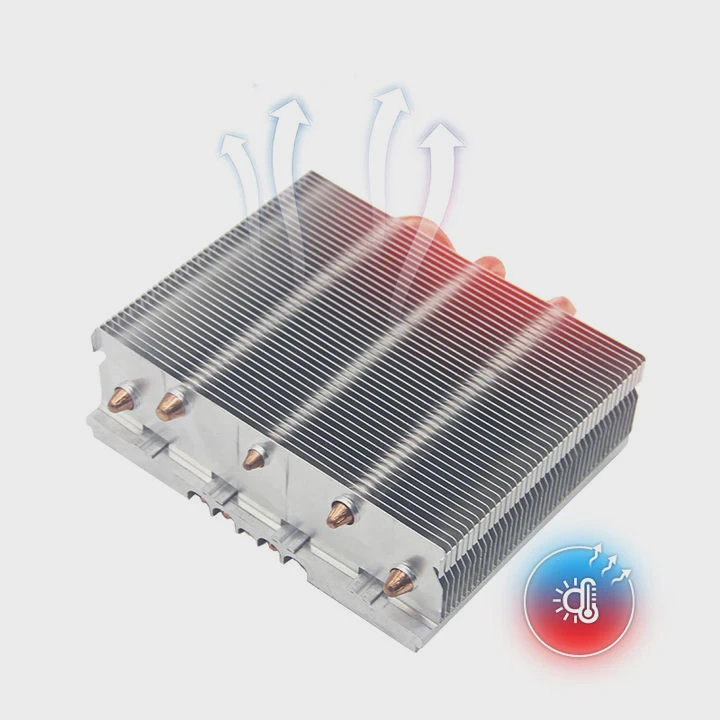
When I installed my first cooler, I followed the manual slowly, ensuring every connection was tight but not forced. After setup, I ran a stress test to check temperatures — the difference was huge.
Step-by-Step Installation Guide
Prepare your workspace
Turn off your PC, unplug it, and remove the side panel. Clear enough space to work comfortably.Attach the mounting bracket
Most coolers include brackets for different CPU sockets (Intel or AMD). Install the correct one behind the motherboard.Apply thermal paste
Put a small pea-sized drop on the center of your CPU. It helps transfer heat to the water block evenly.Install the water block
Place it carefully over the CPU and secure it with screws. Avoid overtightening.Mount the radiator
Attach the radiator inside your case — usually at the top or front. Make sure fans are positioned to push hot air out.Connect tubing and cables
Ensure tubes are not twisted. Plug the pump’s power cable into the CPU_FAN or dedicated PUMP header.Power up and test
Boot your PC, open a hardware monitor tool, and check pump speed and temperature.
Common Mistakes to Avoid
- Overtightening screws: This can damage your CPU or water block.
- Incorrect fan direction: Always push air out, not into the case.
- Skipping air test: Always test for leaks before powering up fully.
- Forgetting BIOS setup: Some motherboards need pump control enabled in BIOS.
After installation, your system will look cleaner and perform better. The liquid cooler’s silent operation will be noticeable right away, especially if you used a noisy air cooler before.
What are the future trends in CPU liquid cooling?
Technology is evolving fast, and so are cooling solutions. As CPUs become more powerful, liquid cooling will play an even bigger role.
Future trends in CPU liquid cooling include smart control systems, eco-friendly coolants, modular designs, and advanced nanomaterial surfaces for better thermal transfer.
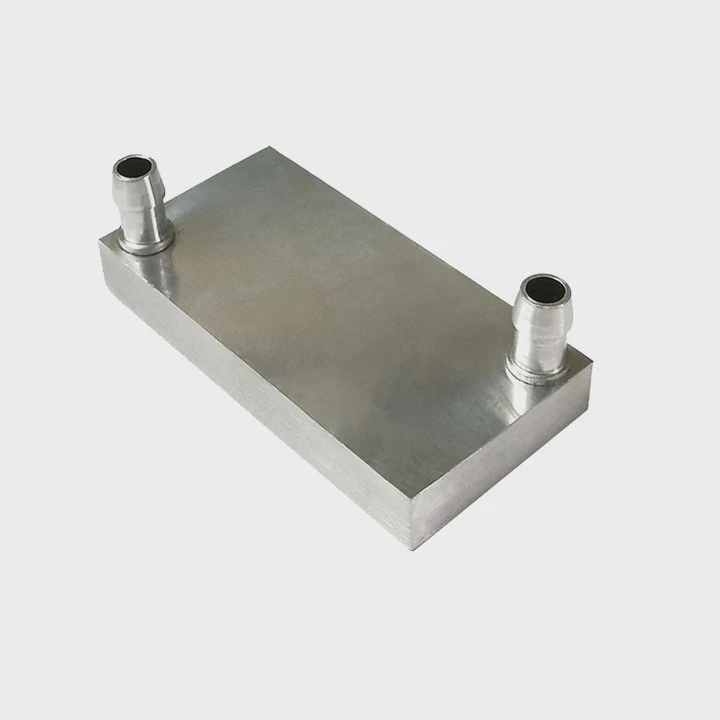
These improvements aim to make systems not only cooler but also smarter, safer, and easier to maintain.
1. Smart Cooling and AI Control
Modern systems are starting to include AI-based temperature regulation. Software can now monitor CPU load and adjust pump speed and fan curves in real-time. This keeps noise low when idle and performance high under stress. Some new motherboards even have sensors that predict temperature spikes before they occur.
2. Eco-Friendly Coolants
Traditional coolants often contain chemicals that are not biodegradable. Future liquid coolers may use non-toxic, recyclable, or plant-based fluids. These offer the same performance but reduce environmental impact. Companies are also researching phase-change materials (PCM) that can absorb and release heat more efficiently.
3. Modular and Maintenance-Free Systems
The next generation of coolers will focus on easy customization. Users will be able to swap radiators or pumps without draining the system. Quick-connect fittings and sealed modular loops will make maintenance simpler for both home users and industrial systems.
4. Nanomaterial and Surface Enhancements
Researchers are exploring graphene-coated surfaces and microchannel structures that can enhance heat transfer in the water block. This innovation could cut CPU temperatures by several degrees while reducing pump power needs.
Future Outlook Comparison
| Trend | Impact |
|---|---|
| Smart AI control | Adaptive performance, lower noise |
| Eco-friendly fluids | Sustainability and safety |
| Modular systems | Easier upgrades, lower maintenance |
| Nanomaterial surfaces | Higher heat transfer, smaller components |
5. Integration with System Design
Manufacturers are also integrating cooling into the case structure itself. Instead of adding a cooler later, future PCs may come with built-in cooling channels or direct liquid-contact frames. This could revolutionize how we think about hardware design.
These innovations are not far off. Some prototypes already exist in gaming laptops and compact desktops. As production scales, these features will become standard, making liquid cooling both mainstream and affordable.
Conclusion
Liquid cooling has moved from niche hobby to mainstream solution. It delivers quiet, efficient performance and enables CPUs to run faster and longer. With upcoming innovations like AI control and sustainable fluids, the future of CPU cooling looks more intelligent, efficient, and eco-friendly.
TAGS
Latest Articles

Volume discount levels for heat sink orders?
Buyers often ask when heat sink prices start to drop with volume. Many worry they’re overpaying for small orders. This guide explains how B2B volume pricing works for thermal components. Heat sink
21 Dec,2025
Heat sink long-term supply contract options?
Many buyers want stable pricing and reliable delivery for heat sinks. But without a clear contract, risks grow over time. This article explores how to secure better long-term supply deals. Long-term
21 Dec,2025
Tooling cost for new heat sink profiles?
Many engineers struggle to understand why tooling for custom heat sinks costs so much. They worry about budgeting and production timelines. This article breaks down the cost drivers behind tooling.
21 Dec,2025
Heat sink custom sample process steps?
Sometimes, starting a custom heat sink project feels overwhelming—too many steps, too many unknowns, and too many risks. You want a sample, but not endless delays. The process for requesting and
20 Dec,2025
Standard B2B terms for heat sink payments?
When buyers and sellers in B2B heat sink markets talk about payment, many don’t fully understand what’s standard. This can lead to delayed orders, miscommunication, and even lost business
20 Dec,2025
Heat sink pricing factors for large orders?
Heat sinks are vital for many systems. When prices rise, projects stall and budgets break. This problem can hit teams hard without warning. Large order heat sink pricing depends on many factors. You
20 Dec,2025Related Articles
- What is Liquid Cooling Data Center?
- What is liquid cooling system in mobile?
- What is super cooled liquid?
- What is the difference between liquid cooled and air cooled?
- What is VC liquid cooling?
- What’s the Difference Between Air Cooled and Liquid Cooled?
- What is inside liquid cooling?
- What is better fan cooled or liquid cooled snowmobile?
- Heat Sink Manufacturer in Uruguay
- Heat Sink Manufacturer in Sri Lanka
- Heat Sink Manufacturer in Nepal
- Heat Sink Manufacturer in Madagascar
Author
Dr. Emily Chen
Chief AI Researcher
Leading expert in thermal dynamics and AI optimization with over 15 years of experience in data center efficiency research.
Categories
Latest Products






Recommend Categories
- Liquid cooling plate Manufacturer
- Industrial Heat Sink Manufacturer
- Standard Heat Sink Manufacturer
- Aluminum Heat Sink Manufacturer
- Copper Heat Sink Manufacturer
- Anodized Heatsink Manufacturer
- Stamping heat sink Manufacturer
- Die Casting Heatsink Manufacturer
- Soldering heat sink Manufacturer
- CNC Parts Manufacturer
Latest Products
- Wholesale Aluminum Radiator
- Water Cooling Plate Kit
- Water Cooling Heat Sink
- Water Cooling Heat Sink Kit
- Stainless Steel Water Distributor
- Server Water Cooling Plate Kit
- Server Liquid Cooling System
- Server Aluminum Cooling Kit
- S19 Full Cover Cooling Plate
- S19 Cooling Plate Kit
- S19 Aluminum Cooling Plate
Contact Expert
Have questions about this article? Reach out to our experts directly.