do laptop ssd need heatsink?
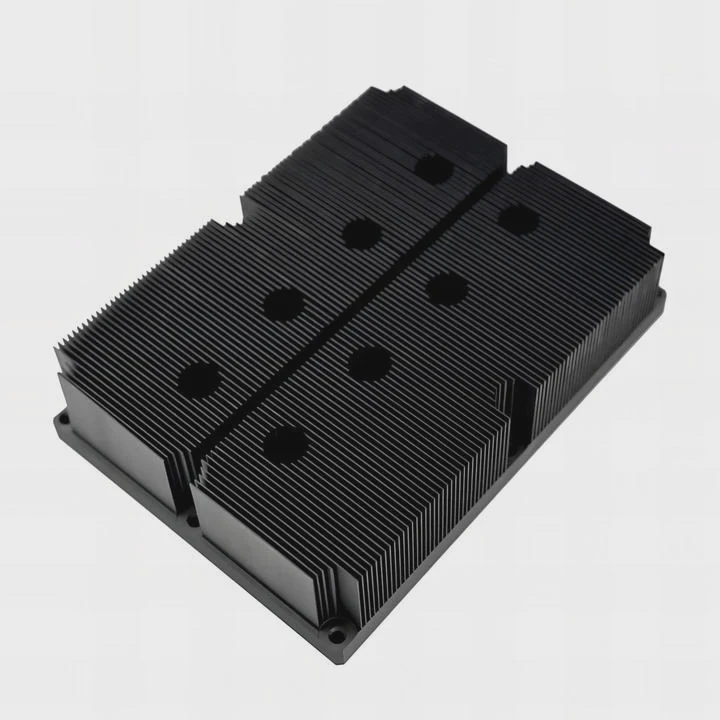
I have seen many laptops slow down without warning, so I know the worry when storage heats up and performance drops during long workloads.
A laptop SSD does not always need a heatsink, but it needs stable temperature control, and in many laptops this comes from pads, low-profile plates, and airflow paths built into the chassis.
I want to show you how laptop limits shape SSD cooling, why space matters, and how small thermal parts keep drives safe.
Why laptops restrict SSD height?
I face this problem often when users try to upgrade their laptops with bigger or taller SSDs.
Laptops restrict SSD height because thin chassis designs leave little room above and below the drive, so any tall heatsink may block covers, touch other parts, or stop proper assembly.
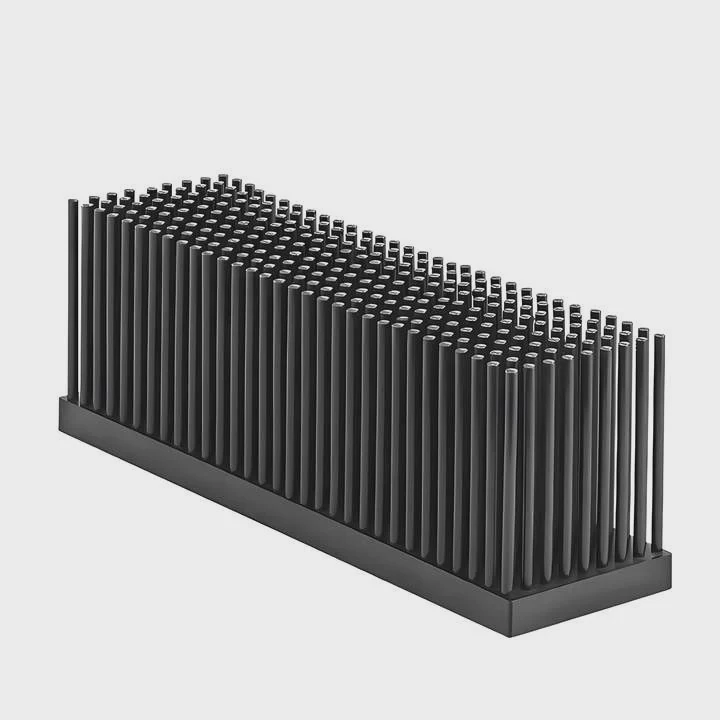
I open many laptops for testing, and I notice most designs follow strict height rules. Some give only a few millimeters of free space above the SSD. Some place the SSD under a metal shield or a flexible cable. When I test drives with tall heatsinks, I often cannot close the back cover. Even if I force it, the pressure bends the SSD or the board. This pressure also creates stress near the connector. I see this often in thin gaming laptops where everything fits tight.
Typical SSD Height Limits I See
| Laptop Type | Free Height Above SSD | What Fits Safely |
|---|---|---|
| Ultra-thin notebook | 0–1 mm | Bare SSD or thin thermal pad |
| Business laptop | 1–2 mm | Thin pad + metal plate |
| Gaming laptop | 2–3 mm | Low-profile heatsink or pad |
Why Height Matters During Real Use
I want to explain this in a simple way. A laptop case is thin. Designers place the SSD under cables, batteries, and shields. When an SSD gets taller, it pushes these parts up. This pressure can crack solder joints on the SSD. It can also bend the mainboard. Once the mainboard bends, other parts lose alignment, and the laptop becomes unstable.
I also learn that a tall heatsink changes how heat travels inside the case. When the heatsink touches the back cover, the heat moves into the cover. This sounds good at first, but the cover may heat too much and warm the battery or the trackpad. I see this in some test units. The heat spreads in the wrong direction, so the laptop becomes uncomfortable to use.
When I check height limits during upgrades, I use simple feeler gauges. I measure the gap and choose a cooling method that fits. A thin thermal pad or a flat plate often works much better than a tall fin heatsink. This approach keeps the SSD cool and keeps the laptop safe.
Which laptop bays cause heat buildup?
I test many laptop models, and some bays trap heat much more than others.
Heat buildup happens most in SSD bays placed near the battery, under palm rests, or inside small pockets with weak airflow and little open area for heat to escape.
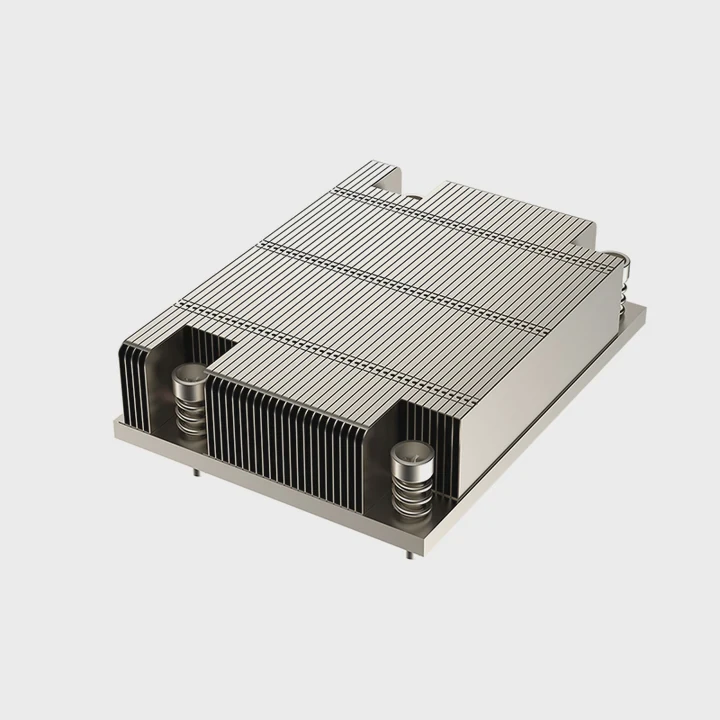
I notice that laptop makers place SSDs wherever space allows. Some bays sit near fans, which helps cooling. Some sit far from fans, which causes heat buildup. I work on models where the SSD sits under a metal shield on top of the battery. This space warms up fast. I also work on models where the SSD sits between the Wi-Fi card and the hinge area with almost no airflow.
Bays That Run Hot in My Tests
| Bay Location | What I See | Heat Impact |
|---|---|---|
| Over battery | Warm baseplate | SSD heats during long tasks |
| Under palm rest | Limited air path | Heat trapped near user area |
| Near hinge | Poor airflow | High idle temps |
Why Some Bays Trap Heat
I break this down in a simple way. Heat moves from the SSD into the bay walls. If the bay has no airflow, the heat stays inside. This makes the SSD hotter during long file transfers. I see many SSDs that stay cool at idle but overheat when copying large files or running heavy workloads. Some bays also sit close to hot components like VRMs or the CPU heatpipe. When these parts heat up, the SSD bay heats too.
I run thermal tests with the back cover open and then closed. With the cover open, many SSDs stay cool. With the cover closed, the temperature rises 10–20°C because the air has nowhere to go. This shows how much the bay traps heat. The material also matters. Bays with metal shields help spread heat if they are not too thick. Bays with plastic walls trap heat because plastic slows heat spread.
When I upgrade laptops, I choose SSDs that run cooler under load. Some SSDs use efficient controllers. Some use lower-power NAND. These parts heat less, so they work better in tight bays. I also add thin thermal pads to move heat from the SSD to the bay wall. This helps because the wall stays cooler than the SSD during load, so it can pull heat away.
Can thermal pads replace sinks?
I often use thermal pads instead of heatsinks in laptops because the space is so limited.
Thermal pads can replace heatsinks in many laptops because they move heat into the chassis parts around the SSD without adding height or blocking the cover.
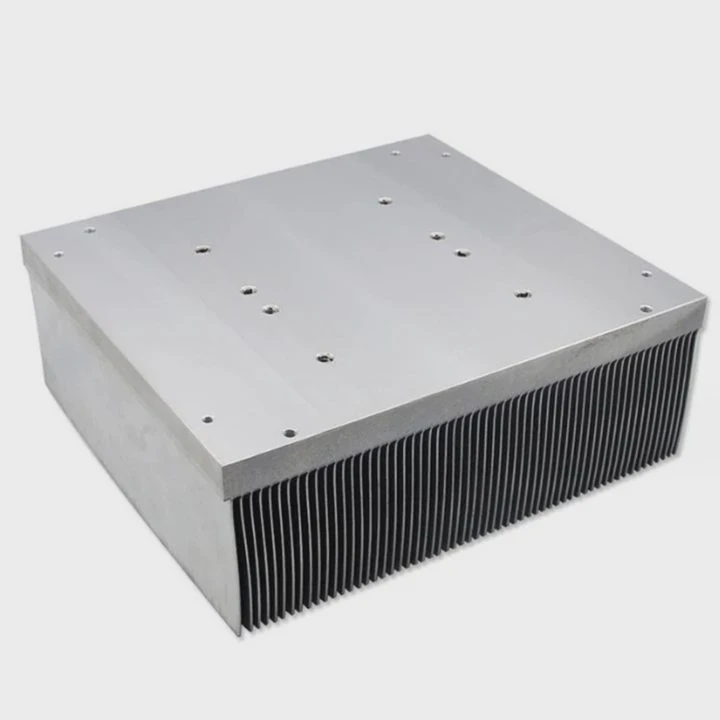
I try many pad types. Some are soft and fit uneven surfaces. Some are firm and hold shape. I notice that a thin pad works well when the SSD sits close to a metal plate. The pad moves heat from the SSD into the plate. The plate then spreads the heat. This method keeps temperatures stable during long tasks.
Types of Pads I Use in Laptops
| Pad Type | What It Does | When I Use It |
|---|---|---|
| Soft silicone pad | Fills gaps | Uneven bay shape |
| Firm graphite pad | Fast heat spread | Small tight bays |
| Ultra-thin pad | Very low height | Ultra-thin laptops |
Why Pads Work Well in Laptops
I explain this in clear steps. A laptop has little room for tall heatsinks. A pad moves heat sideways or upward but does not need space. The pad touches both the SSD and a metal part. The metal part becomes the heatsink. This method uses the laptop’s own body to cool the drive.
Pads also help control hotspots on the SSD. SSD controllers run hotter than NAND chips. A pad spreads heat from the controller to the rest of the drive. When heat spreads evenly, the controller stays cooler. I see this in my tests where a pad lowers controller temperature by 5–10°C during full load.
I also see limits. A pad does not replace a full heatsink in heavy gaming laptops with high-power SSDs. When the SSD runs near its limit for long periods, the pad cannot move heat fast enough. But in most everyday laptops, pads work very well. They lower temperature without adding height. They fit tight spaces. They do not block covers or bend boards.
Pads also stay stable over time. A pad does not vibrate or loosen. It fills small gaps and sticks to the surfaces. When the laptop moves, the pad stays in place. This stability makes pads a simple and reliable cooling tool.
Does airflow inside laptops matter?
I often test laptops with the back cover off, and I see how airflow shapes SSD temperature.
Airflow matters because even small air movement lowers SSD temperature during heavy workloads, while poor airflow causes heat buildup that leads to throttling.
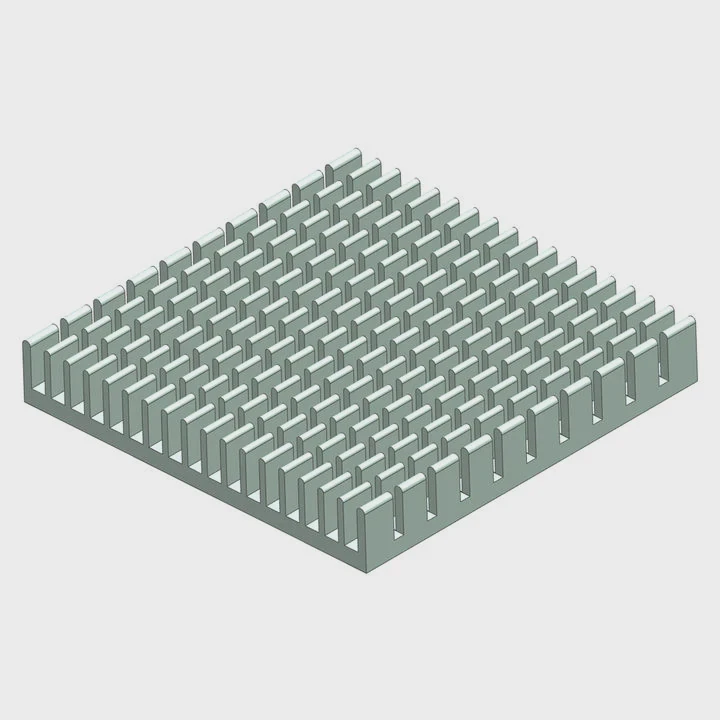
I see big differences across models. Some laptops pull air across the SSD when the fan spins. Some never send air near the SSD at all. I also see designs where the SSD sits next to the main fan but sits behind a shield that blocks airflow. When I remove the shield during tests, the SSD runs cooler by 5–8°C.
What Airflow Patterns I Notice
| Air Pattern | What I See | Result |
|---|---|---|
| Direct airflow | Fan pulls air across SSD | Stable temps under load |
| Indirect airflow | Small drafts reach SSD | Moderate temps |
| No airflow | SSD sits in pocket | Heat builds fast |
How Airflow Shapes SSD Temperature
I want to explain this in a simple way. Air moves heat away from surfaces. When air passes near the SSD, even if it does not touch it directly, it lowers the temperature of the bay wall. When the bay wall stays cooler, the SSD can move heat into it. This keeps the drive cool. When the air does not move, the bay stays warm, and the SSD heats up.
I run airflow tests with smoke. I place small smoke traces near the SSD bay. In some laptops, the smoke moves smoothly toward the fan. In others, the smoke stays still. Still air always means hot SSD. I also notice airflow changes when dust builds up. Dust blocks vents and slows the fans. This raises SSD temperature by several degrees. Regular cleaning helps.
I also check fan profiles. Some laptops keep fans off at low load. When the SSD heats up during a quiet task, the fan stays off. The SSD gets hot even though the CPU stays cool. When I switch to a performance fan profile, the SSD temperature drops. This shows how airflow controls SSD heat even when workload seems light.
I sometimes add a small, thin vent sticker to guide airflow closer to the SSD. This simple change helps in some models. But I always stay careful because guiding air the wrong way can warm other parts. I test each pattern before I decide.
Conclusion
A laptop SSD stays cool when the height fits, the bay avoids trapped heat, pads move heat into metal parts, and airflow keeps the space from warming up. When these parts work together, the SSD stays fast and stable for long use.
TAGS
Latest Articles

Volume discount levels for heat sink orders?
Buyers often ask when heat sink prices start to drop with volume. Many worry they’re overpaying for small orders. This guide explains how B2B volume pricing works for thermal components. Heat sink
21 Dec,2025
Heat sink long-term supply contract options?
Many buyers want stable pricing and reliable delivery for heat sinks. But without a clear contract, risks grow over time. This article explores how to secure better long-term supply deals. Long-term
21 Dec,2025
Tooling cost for new heat sink profiles?
Many engineers struggle to understand why tooling for custom heat sinks costs so much. They worry about budgeting and production timelines. This article breaks down the cost drivers behind tooling.
21 Dec,2025
Heat sink custom sample process steps?
Sometimes, starting a custom heat sink project feels overwhelming—too many steps, too many unknowns, and too many risks. You want a sample, but not endless delays. The process for requesting and
20 Dec,2025
Standard B2B terms for heat sink payments?
When buyers and sellers in B2B heat sink markets talk about payment, many don’t fully understand what’s standard. This can lead to delayed orders, miscommunication, and even lost business
20 Dec,2025
Heat sink pricing factors for large orders?
Heat sinks are vital for many systems. When prices rise, projects stall and budgets break. This problem can hit teams hard without warning. Large order heat sink pricing depends on many factors. You
20 Dec,2025Related Articles
- does the adata xpg sx8200 pro 1tb need a heatsink?
- Where is the heatsink on the motherboard?
- what size are intel cpu heatsink screws?
- will adding aluminum heatsinks to xbox 360 help it reddit?
- how to tighten heatsink?
- Does i3 8100 come with heatsink?
- how do i reuse a heatsink on a cpu?
- how to install heatsink and fan into a cpu?
- can you boot skylake without heatsink?
- how to put heatsink on cpu?
- how to mount a 212 evo heatsink?
- what is a heatsink chipset?
Author
Dr. Emily Chen
Chief AI Researcher
Leading expert in thermal dynamics and AI optimization with over 15 years of experience in data center efficiency research.
Categories
Latest Products

M.2 Heatpipe Heatsink With Dual Fans For Pc Case
19 Mar,2026

Heavy-Duty Aluminum Heat Sink Custom
19 Mar,2026

Oem Skived Fin Heatsink Aluminum Radiator For Plants
19 Mar,2026

Water Cooled Cnc Aluminum Heat Sink For Medical
19 Mar,2026

High Density 6000 Series Aluminum Heat Sink Profile
19 Mar,2026

High-Density Extruded Aluminum & Bonded-Fin Heat Sink Profile
19 Mar,2026
Recommend Categories
- Liquid cooling plate Manufacturer
- Industrial Heat Sink Manufacturer
- Standard Heat Sink Manufacturer
- Aluminum Heat Sink Manufacturer
- Copper Heat Sink Manufacturer
- Anodized Heatsink Manufacturer
- Stamping heat sink Manufacturer
- Die Casting Heatsink Manufacturer
- Soldering heat sink Manufacturer
- CNC Parts Manufacturer
Latest Products
- M.2 Heatpipe Heatsink With Dual Fans For Pc Case
- Heavy-Duty Aluminum Heat Sink Custom
- Oem Skived Fin Heatsink Aluminum Radiator For Plants
- Water Cooled Cnc Aluminum Heat Sink For Medical
- High Density 6000 Series Aluminum Heat Sink Profile
- High-Density Extruded Aluminum & Bonded-Fin Heat Sink Profile
- Dongguan Cnc Aluminum Heat Sink For Led & Brass Parts
- Wholesale Cnc Aluminum Heat Sink - Custom Extruded
- Led Cnc Round Heat Sink With Screw Holes
- Copper Pin-Fin Heat-Sink Large-Area For Photoled Cooling
- Telecom Heatsink Zipper Fin Wcopper Tubes Oem
Contact Expert
Have questions about this article? Reach out to our experts directly.