how to put heatsink on cpu?
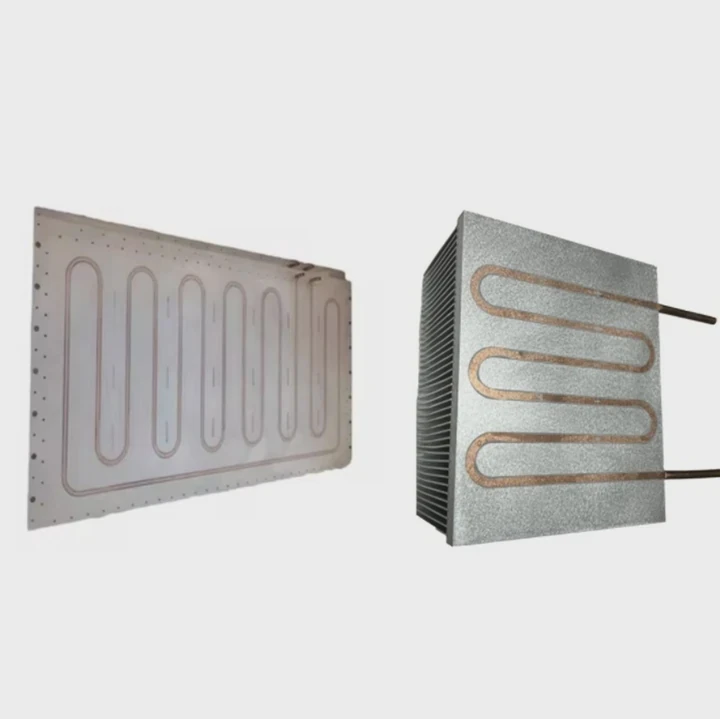
I remember the first time I placed a heatsink on a CPU. My hands shook because I feared bending pins or crushing something delicate. I want this guide to help you stay calm and confident.
You can put a heatsink on a CPU by aligning the notches, lowering the cooler slowly, applying even pressure, and tightening screws in a diagonal pattern for balanced contact.
I will walk you through the simple ideas I follow each time I install a cooler.
Why align notches correctly?
I still recall how confused I was when I looked at the tiny notches on my first CPU socket. I did not know they controlled the whole installation. I learned the hard way that they matter.
You should align the notches correctly because the CPU and heatsink must sit in the exact position to ensure flat contact, stable pressure, and safe thermal transfer.
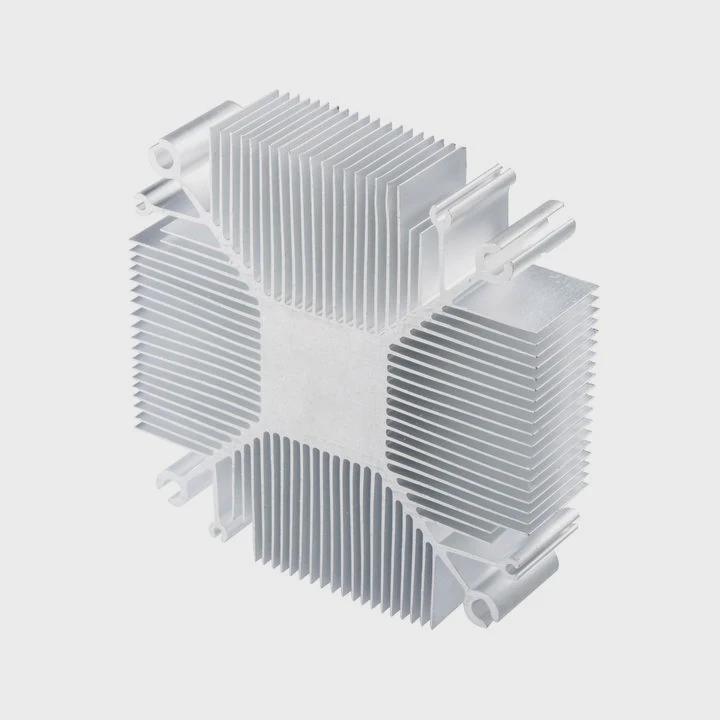
When I place a CPU in the socket, I look at the small golden triangle on the corner. I match it with the mark on the motherboard. This one step ensures the CPU sits flat. When the CPU is flat, the heatsink can make full contact. A wrong angle throws everything off. The cooler will not sit level. The thermal paste will spread in the wrong direction. The CPU may not be clamped fully. These small issues can turn into high temperatures and system instability.
How the notches guide your placement
Here is a simple view of what the notches do:
| Part | Purpose |
|---|---|
| CPU corner mark | Guides alignment |
| Socket notch | Locks CPU in place |
| Heatsink bracket slots | Position cooler evenly |
These pieces work together so the cooler lands in the right position every time.
Why proper alignment matters
Flat surface contact
The CPU must sit perfectly flat to let the heatsink spread heat.
Balanced pressure
The cooler bracket works only when aligned, or pressure becomes uneven.
Safe mounting
A tiny misalignment can tilt the heatsink and harm the CPU surface.
When I follow these ideas, I feel calm. I lower the cooler slowly. I check all sides. When everything lines up, the heatsink sits smooth and steady.
How I align notches in a simple way
I follow a short routine:
- I place the CPU carefully.
- I check the triangle mark.
- I open the cooler bracket.
- I match all slots before lowering.
This keeps the process smooth. I avoid stress, and the cooler fits perfectly each time.
How much pressure ensures contact?
I remember pushing too hard once. I thought more pressure meant better cooling. I was wrong. The cooler shifted, and I had to redo everything from the start.
You need firm, steady pressure—just enough to lower the heatsink onto the paste without sliding—to ensure good contact and even heat transfer.
When I place the heatsink, I press only lightly. I let the screws or the latch handle the force. The thermal paste spreads out under the pressure. When the heatsink sits flat, the paste fills tiny gaps between the surfaces. Too much force can squeeze out too much paste. Too little force leaves air pockets. I aim for gentle pressure that lets the hardware do its work.
How pressure affects performance
Here is a simple table that shows what I have seen:
| Pressure Level | Result |
|---|---|
| Too low | Poor contact, high temperatures |
| Correct | Even paste spread, stable cooling |
| Too high | Paste squeeze-out, surface marks |
This table reminds me to stay balanced.
How I find the right amount of pressure
I place the cooler gently
I lower it straight down without sliding it around.
I hold the cooler steady
I keep one hand on top while the other hand starts the screws.
I let the screws do the work
I never force the heatsink down with brute strength.
The screws control the final pressure. This is why most cooler designs include springs. They stop me from pushing too hard.
How to check pressure without tools
I do a simple test. I try to wiggle the cooler slightly. If it shifts too much, the pressure is low. If it refuses to move at all before tightening, I likely pressed too hard. When it feels firm but not rigid, the pressure is right.
This simple idea helps me avoid mistakes that can affect temperatures later.
Can misalignment scratch IHS?
One time I slid a heatsink across a CPU by mistake. When I lifted it again, I saw small marks on the heat spreader. They did not hurt performance, but they taught me to avoid sliding moves.
A misaligned heatsink can scratch the IHS because metal edges or brackets can scrape the surface when the cooler shifts sideways instead of lowering straight down.
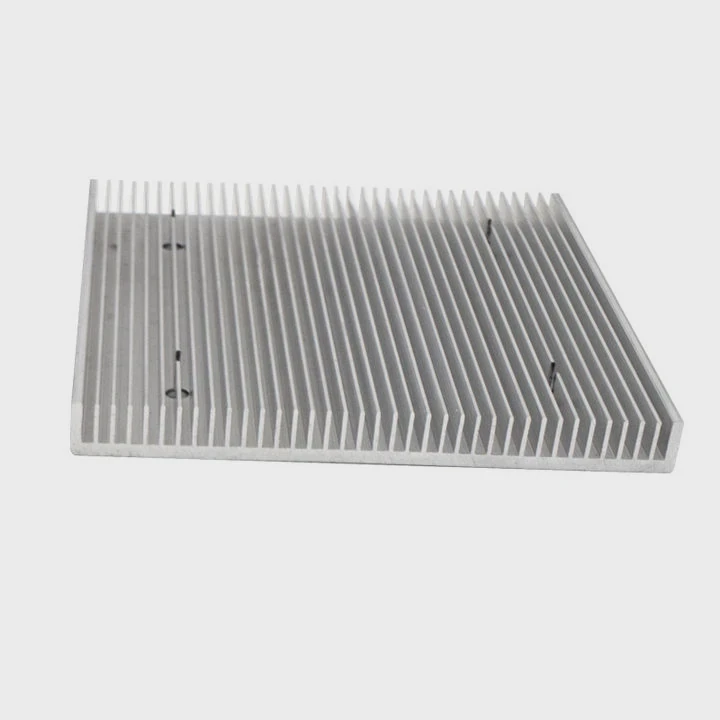
The CPU’s heat spreader is a smooth metal surface. When a heatsink slips across it, the pressure and motion can leave thin marks. Light scratches often do not affect performance. But deeper scratches can create uneven spots that reduce thermal contact. This leads to heat buildup and unstable temperatures.
Why misalignment causes scratches
Here are the simple reasons:
Hard edges
Heatsinks often have sharp corners under the mounting area.
Side pressure
When the cooler tilts, the corner digs into the metal.
Dry surface
If the paste is not spread yet, friction increases.
These factors combine to make scratches more likely.
How to avoid scratching the CPU surface
I follow these steps:
Lower straight down
I never tilt the heatsink onto the CPU.
Do not slide
I avoid moving the cooler around after placing it.
Confirm alignment first
I check the bracket holes and mounting standoffs before lowering.
These habits keep the surface clean and safe.
How to fix small mistakes
If I ever make a minor scratch, I clean the surface gently with isopropyl alcohol. Light scratches do not harm cooling. But if I see deeper grooves, I clean the surface again, apply fresh paste, and mount carefully. The goal is to keep contact smooth.
Why careful placement matters
Scratches look small, but they can cause uneven paste spread. This can form small pockets where heat stays trapped. When I treat the surface gently, the paste spreads better and cooling becomes stable.
Should screws tighten diagonally?
When I tightened screws in the wrong order during one build, the cooler landed crooked. I saw uneven pressure marks on the thermal paste. After that day, I changed my method.
You should tighten screws diagonally because alternating corners apply even pressure, flatten the cooler, and prevent tilt or uneven paste spread.
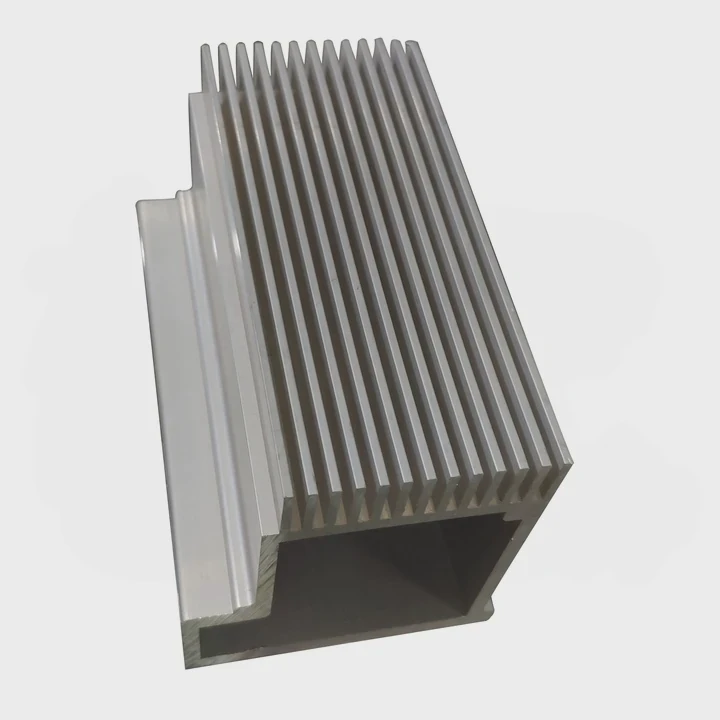
A heatsink sits on the CPU like a flat plate. When I tighten screws on one side first, that side drops down early. This tilts the cooler and squeezes paste unevenly. When I tighten diagonally, the pressure spreads across the surface in a balanced way.
What diagonal tightening does
Here is a simple table that shows the difference:
| Tightening Pattern | Result |
|---|---|
| One side first | Cooler tilts, uneven pressure |
| Diagonal | Even spread, balanced pressure |
| Cross pattern | Most stable alignment |
This shows why diagonal tightening works best.
Why this method protects the CPU
Pressure stays balanced
Both corners get equal force.
Paste spreads evenly
The thermal paste does not collect on one side.
Cooler stays centered
The base sits flat on the IHS.
These points make the cross pattern the safest method.
How I tighten screws step by step
I use a simple pattern:
- I start one screw lightly.
- I start the diagonal screw lightly.
- I switch to the next pair.
- I tighten each screw slowly in rounds.
I never tighten one screw fully before touching the others. I go little by little until all screws are firm.
Small habits that help
I keep one hand on the heatsink while tightening. This stops the cooler from shifting. I also listen to the springs on spring-loaded screws. They help prevent overtightening. When I feel the spring resist, I know to stop.
Why diagonal tightening improves stability
I have seen this pattern improve results in every build. Temperatures drop because the cooler sits flat. Paste spreads evenly. Noise levels often drop too because the fan does not work as hard. This simple habit makes everything better.
Conclusion
Installing a heatsink becomes easy when the notches line up, the pressure stays gentle, the surface stays safe, and the screws tighten diagonally. These simple steps keep the CPU cool, stable, and ready to run smoothly.
TAGS
Latest Articles

Volume discount levels for heat sink orders?
Buyers often ask when heat sink prices start to drop with volume. Many worry they’re overpaying for small orders. This guide explains how B2B volume pricing works for thermal components. Heat sink
21 Dec,2025
Heat sink long-term supply contract options?
Many buyers want stable pricing and reliable delivery for heat sinks. But without a clear contract, risks grow over time. This article explores how to secure better long-term supply deals. Long-term
21 Dec,2025
Tooling cost for new heat sink profiles?
Many engineers struggle to understand why tooling for custom heat sinks costs so much. They worry about budgeting and production timelines. This article breaks down the cost drivers behind tooling.
21 Dec,2025
Heat sink custom sample process steps?
Sometimes, starting a custom heat sink project feels overwhelming—too many steps, too many unknowns, and too many risks. You want a sample, but not endless delays. The process for requesting and
20 Dec,2025
Standard B2B terms for heat sink payments?
When buyers and sellers in B2B heat sink markets talk about payment, many don’t fully understand what’s standard. This can lead to delayed orders, miscommunication, and even lost business
20 Dec,2025
Heat sink pricing factors for large orders?
Heat sinks are vital for many systems. When prices rise, projects stall and budgets break. This problem can hit teams hard without warning. Large order heat sink pricing depends on many factors. You
20 Dec,2025Related Articles
- can you boot skylake without heatsink?
- how to install heatsink and fan into a cpu?
- how do i reuse a heatsink on a cpu?
- do laptop ssd need heatsink?
- does the adata xpg sx8200 pro 1tb need a heatsink?
- Where is the heatsink on the motherboard?
- how to mount a 212 evo heatsink?
- what is a heatsink chipset?
- can extruded aluminum be a heatsink?
- Do you need a heatsink for M.2 SSD?
- how much does intel stock heatsink cost?
- how to take heatsink of 3070 ti strix?
Author
Dr. Emily Chen
Chief AI Researcher
Leading expert in thermal dynamics and AI optimization with over 15 years of experience in data center efficiency research.
Categories
Latest Products

M.2 Heatpipe Heatsink With Dual Fans For Pc Case
19 Mar,2026

Heavy-Duty Aluminum Heat Sink Custom
19 Mar,2026

Oem Skived Fin Heatsink Aluminum Radiator For Plants
19 Mar,2026

Water Cooled Cnc Aluminum Heat Sink For Medical
19 Mar,2026

High Density 6000 Series Aluminum Heat Sink Profile
19 Mar,2026

High-Density Extruded Aluminum & Bonded-Fin Heat Sink Profile
19 Mar,2026
Recommend Categories
- Liquid cooling plate Manufacturer
- Industrial Heat Sink Manufacturer
- Standard Heat Sink Manufacturer
- Aluminum Heat Sink Manufacturer
- Copper Heat Sink Manufacturer
- Anodized Heatsink Manufacturer
- Stamping heat sink Manufacturer
- Die Casting Heatsink Manufacturer
- Soldering heat sink Manufacturer
- CNC Parts Manufacturer
Latest Products
- M.2 Heatpipe Heatsink With Dual Fans For Pc Case
- Heavy-Duty Aluminum Heat Sink Custom
- Oem Skived Fin Heatsink Aluminum Radiator For Plants
- Water Cooled Cnc Aluminum Heat Sink For Medical
- High Density 6000 Series Aluminum Heat Sink Profile
- High-Density Extruded Aluminum & Bonded-Fin Heat Sink Profile
- Dongguan Cnc Aluminum Heat Sink For Led & Brass Parts
- Wholesale Cnc Aluminum Heat Sink - Custom Extruded
- Led Cnc Round Heat Sink With Screw Holes
- Copper Pin-Fin Heat-Sink Large-Area For Photoled Cooling
- Telecom Heatsink Zipper Fin Wcopper Tubes Oem
Contact Expert
Have questions about this article? Reach out to our experts directly.