do m2 ssds need heatsinks?
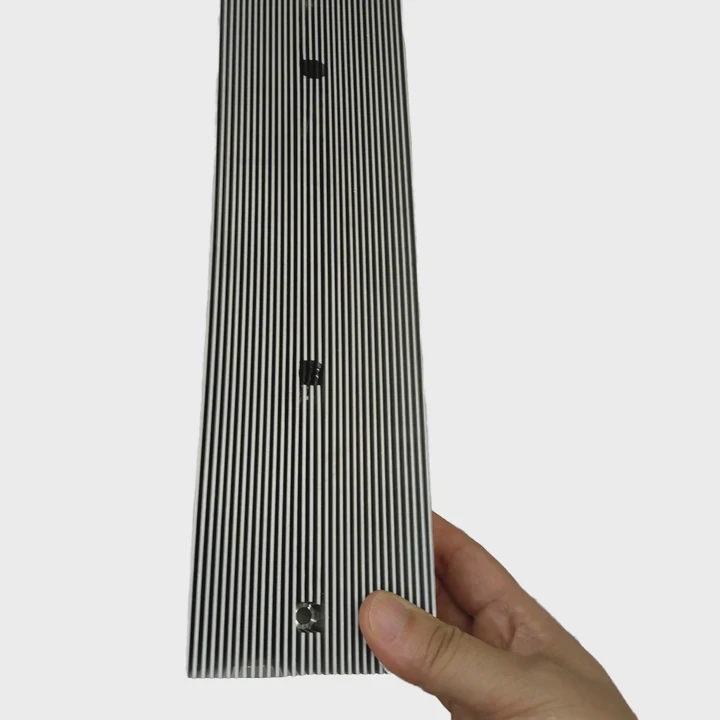
I know many builders feel unsure when they see a thin M.2 SSD turn warm in just a few seconds. They worry the drive will fail or throttle, and they fear they must buy a big heatsink for every system.
Most M.2 SSDs benefit from a heatsink because these slim drives trap heat fast, and a simple metal plate or small block helps them hold stable speed under long loads.
I want to explain the parts that matter, so readers can choose cooling with less stress. I also want to share that I once lost speed on a small NVMe drive during a long file copy because I mounted it under a GPU with no airflow. That mistake taught me to check the drive’s place on the board before I trust the factory plate.
Why thin drives trap heat?
Many people think M.2 SSDs stay cool because they are small. But small parts heat up fast. They have less surface to spread heat. They sit close to the board. They hide under GPUs or Wi-Fi shrouds.
Thin M.2 drives trap heat because their flat shape gives them little room to spread warmth, and the tiny controller chip can push out more heat than the bare board can release.
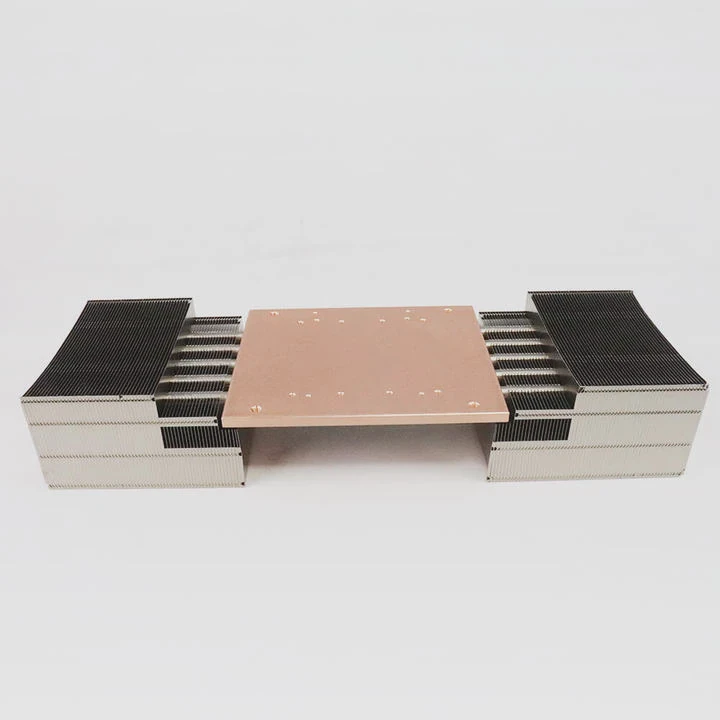
I learned this when I tested a simple 2280 NVMe drive on an open bench. At idle it looked fine. But once I wrote large files, the controller chip jumped in temperature. The heat had nowhere to go. The drive slowed down to protect itself.
What makes the controller hot
The controller is the small brain of the SSD. It handles data moves and error checks. It pulls power and turns it into heat. This chip is often the first to throttle. The NAND chips also warm up, but the controller heats faster.
How size limits cooling
Most M.2 drives follow the 2280 size. The board is thin. The copper layers are thin. There is no large case. The heat builds inside the chip. It spreads across the board, but the board is too small to help much.
How labels add more heat
Some drives use thick label stickers with foam. These labels hide the chips. They add some insulation. They trap heat unless they include a thin metal layer. When the sticker traps heat, the drive runs hotter in long writes.
Simple check for trapped heat
I touch near the controller after a long copy. If it feels very warm, I know the drive needs support. A small heatsink on top helps a lot. Even a thin metal shield can drop the peak temperature by several degrees.
Which slots run hottest?
Many people mount their M.2 drives without checking the slot. But not all slots sit in the same place. Some sit under the GPU. Some sit near VRMs. Some sit in cool areas.
The slots under a GPU or near the top PCIe slot run hottest because the GPU dumps warm air downward and blocks airflow across the drive.
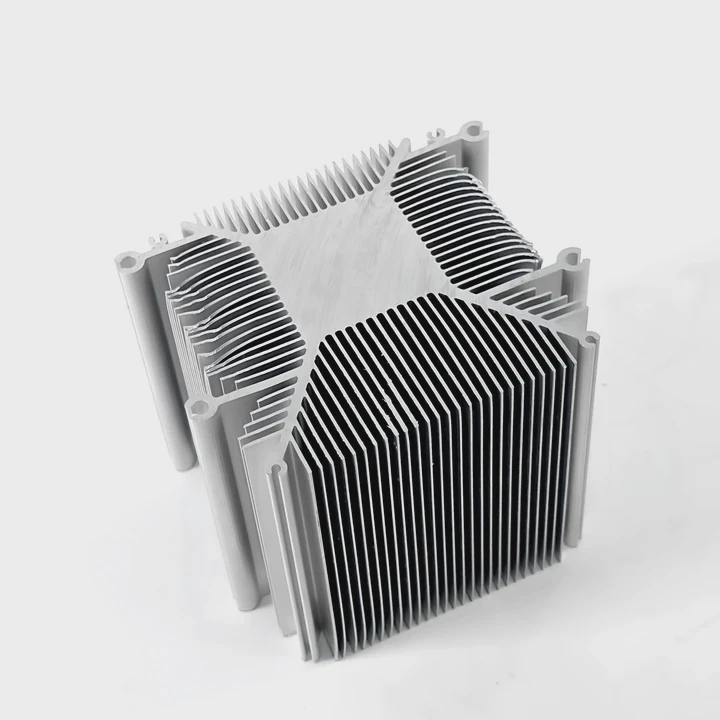
I once used a board with an M.2 slot right under the main GPU. When the GPU ran a benchmark, its hot air hit the SSD. The SSD reached its thermal limit even when I ran a light file copy. That moment taught me to move the drive to a cooler slot.
Common slot positions
Here is a small table that shows the places I meet most often:
| Slot Position | Typical Heat Level | Notes |
|---|---|---|
| Under GPU | High | Warm air blows down |
| Near chipset | Medium | Chipset warm zones |
| Top slot | Medium–High | VRM heat nearby |
| Lower slot | Low | Better airflow |
These positions change across boards. But the idea stays simple. The closer the slot is to a hot part, the hotter the drive will run.
Why the GPU affects SSD heat
The GPU pulls heavy power. It blows warm air in all directions. This warm air moves across the SSD. If the SSD sits right under the card, the heat builds fast. The SSD throttles to protect itself.
Why chipset covers add heat
Some boards put the SSD under a chipset cover. This cover looks nice but holds warm air. The area becomes a warm pocket. The SSD sits in it. The drive heats up even when the load is small.
How I choose the best slot
When I install a drive, I look for a slot with space around it. I avoid the slot under the GPU unless there is no other choice. I also check if the slot has a factory heatsink. If it does, I use it. This small step lowers stress and boosts long-term speed.
Can airflow lower temps?
Many people think only a heatsink fixes hot SSDs. But airflow helps too. A soft breeze across the drive can drop the temperature by several degrees. This is why even a small front fan matters.
Yes, airflow can lower M.2 SSD temperatures because a steady breeze removes warm air around the controller and helps the heatsink or simple metal label work better.
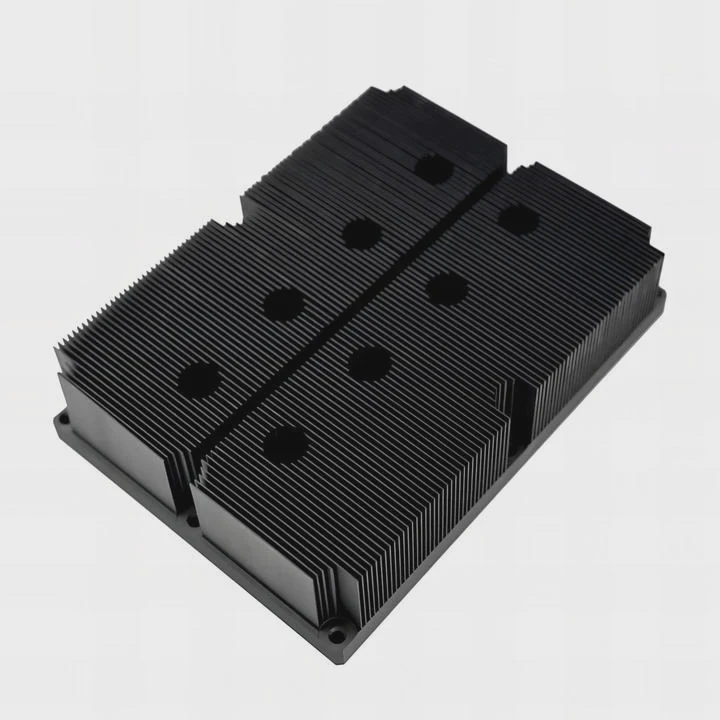
I learned this when I tested a drive on a bench with a small desk fan. The bare drive ran hot during a stress test. Then I moved a gentle airflow across it. The temperature dropped. That simple test showed me how airflow helps even when the drive has no heatsink.
How airflow works
Airflow removes the warm layer that builds around hot chips. The heat moves from the chip to the board, then to the air. If the air stands still, the heat stays trapped. If the air moves, the heat leaves.
How case design changes airflow
Cases with front mesh push cool air across the board. This helps the lower M.2 slots. Cases with tight fronts trap air. This makes the SSD run warmer. I check my case layout before I judge the drive’s heat.
How fans shape air path
A front fan pulls fresh air. A rear fan pushes warm air out. A top fan helps the VRM. Together they make a smooth path. This path moves air across the SSD. Even slow fans help.
When airflow alone is enough
If the drive is a light NVMe model or a SATA M.2 model, airflow may be enough. These drives do not pull high power. They produce less heat. If the controller stays below its limit, no heatsink is needed. But I still watch the sensor values to be safe.
Do heavy writes demand cooling?
Some people think only gaming causes heat. But large file copies, video edits, and backups also push SSDs hard. High-end controllers heat fast during heavy writes. This is where many drives throttle.
Yes, heavy writes demand cooling because the SSD controller pushes large power during long transfers, and without cooling the drive slows down once it reaches its thermal limit.
I saw this when I moved a large project folder to a new SSD. The drive started fast. After a while, the speed dropped. The sensor showed the controller hit its limit. A small heatsink fixed this later.
Why long writes stress the controller
The controller lines up data. It checks errors. It talks to the host. It moves bits across NAND. All this work needs power. Power becomes heat. The controller heats faster than the NAND during long writes.
How SLC cache affects heat
Most NVMe drives use SLC cache. This cache boosts speed. But once the cache fills, the drive works harder to move data to TLC or QLC. This work adds heat. The controller holds this heat until it touches its limit.
How to check heat limits
I use a simple tool to read the SSD temperature. When I copy large files, I watch the value. If the drive reaches a high number, I know it needs support. A small heatsink drops the high point and keeps the speed stable.
Why cooling helps long-term life
Heat ages chips. A cool controller lasts longer. A cooler NAND block keeps data more stable. When I add a simple heatsink, I help the drive keep its speed and extend its life. This small step adds value to the whole system.
Conclusion
M.2 SSDs are fast but thin. They trap heat fast, and their chip layout leaves little room for cooling. A small heatsink, steady airflow, and a good slot choice keep them stable when the workload grows, the GPU heats the board, or the file transfers get long.
TAGS
Latest Articles

Volume discount levels for heat sink orders?
Buyers often ask when heat sink prices start to drop with volume. Many worry they’re overpaying for small orders. This guide explains how B2B volume pricing works for thermal components. Heat sink
21 Dec,2025
Heat sink long-term supply contract options?
Many buyers want stable pricing and reliable delivery for heat sinks. But without a clear contract, risks grow over time. This article explores how to secure better long-term supply deals. Long-term
21 Dec,2025
Tooling cost for new heat sink profiles?
Many engineers struggle to understand why tooling for custom heat sinks costs so much. They worry about budgeting and production timelines. This article breaks down the cost drivers behind tooling.
21 Dec,2025
Heat sink custom sample process steps?
Sometimes, starting a custom heat sink project feels overwhelming—too many steps, too many unknowns, and too many risks. You want a sample, but not endless delays. The process for requesting and
20 Dec,2025
Standard B2B terms for heat sink payments?
When buyers and sellers in B2B heat sink markets talk about payment, many don’t fully understand what’s standard. This can lead to delayed orders, miscommunication, and even lost business
20 Dec,2025
Heat sink pricing factors for large orders?
Heat sinks are vital for many systems. When prices rise, projects stall and budgets break. This problem can hit teams hard without warning. Large order heat sink pricing depends on many factors. You
20 Dec,2025Related Articles
- can computer turn on without heatsink?
- how to mount heatsink?
- can you buy wd black sn750 heatsink cover?
- How to remove fan from AMD heatsink?
- are heatsinks on ssd necessary?
- do you apply thermal paste to cpu and heatsink?
- do heatsinks help vnme ssd?
- Does i3 8100 come with heatsink?
- how to tighten heatsink?
- will adding aluminum heatsinks to xbox 360 help it reddit?
- what size are intel cpu heatsink screws?
- Where is the heatsink on the motherboard?
Author
Dr. Emily Chen
Chief AI Researcher
Leading expert in thermal dynamics and AI optimization with over 15 years of experience in data center efficiency research.
Categories
Latest Products

M.2 Heatpipe Heatsink With Dual Fans For Pc Case
19 Mar,2026

Heavy-Duty Aluminum Heat Sink Custom
19 Mar,2026

Oem Skived Fin Heatsink Aluminum Radiator For Plants
19 Mar,2026

Water Cooled Cnc Aluminum Heat Sink For Medical
19 Mar,2026

High Density 6000 Series Aluminum Heat Sink Profile
19 Mar,2026

High-Density Extruded Aluminum & Bonded-Fin Heat Sink Profile
19 Mar,2026
Recommend Categories
- Liquid cooling plate Manufacturer
- Industrial Heat Sink Manufacturer
- Standard Heat Sink Manufacturer
- Aluminum Heat Sink Manufacturer
- Copper Heat Sink Manufacturer
- Anodized Heatsink Manufacturer
- Stamping heat sink Manufacturer
- Die Casting Heatsink Manufacturer
- Soldering heat sink Manufacturer
- CNC Parts Manufacturer
Latest Products
- M.2 Heatpipe Heatsink With Dual Fans For Pc Case
- Heavy-Duty Aluminum Heat Sink Custom
- Oem Skived Fin Heatsink Aluminum Radiator For Plants
- Water Cooled Cnc Aluminum Heat Sink For Medical
- High Density 6000 Series Aluminum Heat Sink Profile
- High-Density Extruded Aluminum & Bonded-Fin Heat Sink Profile
- Dongguan Cnc Aluminum Heat Sink For Led & Brass Parts
- Wholesale Cnc Aluminum Heat Sink - Custom Extruded
- Led Cnc Round Heat Sink With Screw Holes
- Copper Pin-Fin Heat-Sink Large-Area For Photoled Cooling
- Telecom Heatsink Zipper Fin Wcopper Tubes Oem
Contact Expert
Have questions about this article? Reach out to our experts directly.