do you apply thermal paste to cpu and heatsink?
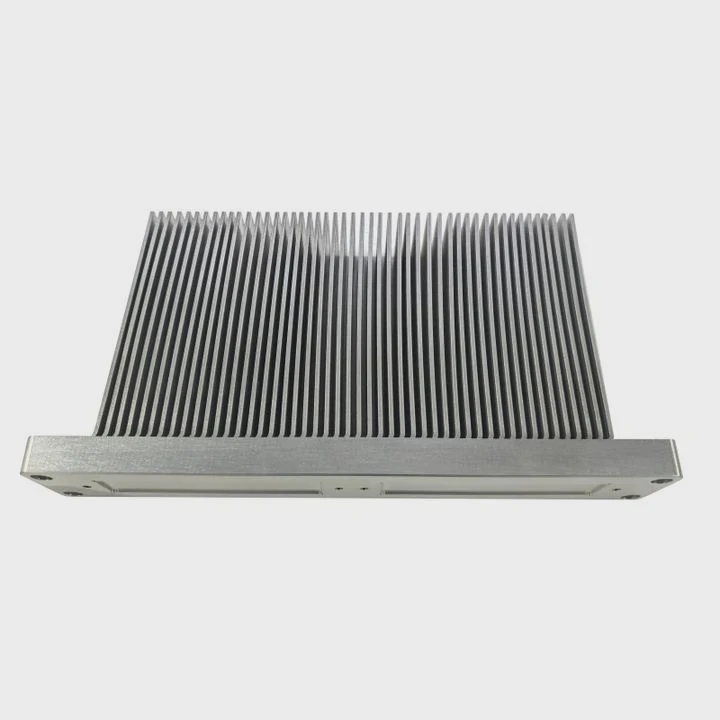
I know many builders feel unsure when they apply thermal paste. They worry about too much paste. They worry about too little. I had the same fear when I built my first system, and that fear pushed me to test many methods.
You only apply thermal paste to one side, because a thin layer is enough to fill gaps. The paste works as a bridge, not as a thick coat. The cooler pressure spreads it into the right shape.
I want to share what I learned from many builds. I want to make this simple and free of stress, even if you are new to PC building.
Why only a thin layer is needed?
Many people think more paste means better cooling. I made this mistake years ago. I used a large blob because I worried about metal contact. Later I understood why the thin layer works best.
You need only a thin layer because the paste fills tiny gaps between metal surfaces. The paste is not meant to act as insulation or padding. Thick paste traps heat, but a thin coat transfers heat fast.
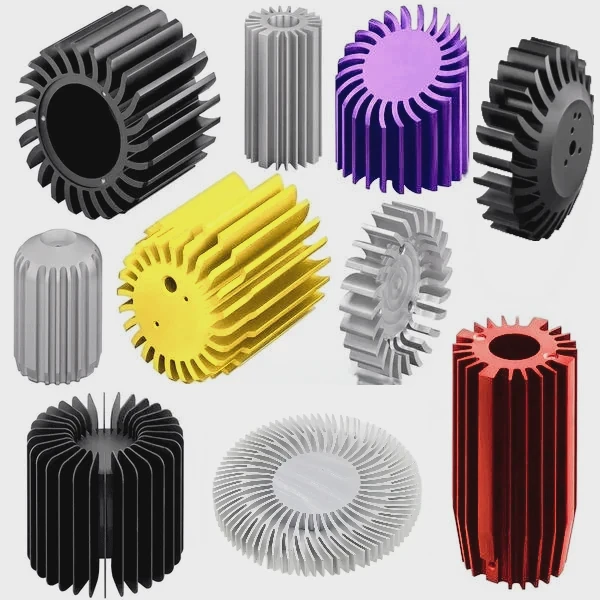
Why the thin layer makes sense
The CPU and the heatsink look smooth. But when you look close, you find small valleys and small bumps. The paste fills these spaces. It creates contact where metal alone cannot meet. But the paste itself is worse at moving heat than metal. So the less paste you use, the better the heat transfer becomes.
What happens when the layer is too thick
A thick layer creates a slow heat path. I saw this in my own tests when I compared thin and thick layers. The thick layer raised the temperature by several degrees. This was not because the paste was bad. It was because heat had to travel through more paste before reaching the cooler.
A simple table to understand thickness
| Layer Type | Result | What I Noticed in Tests |
|---|---|---|
| Very thin and even | Best cooling | Temps stable and low |
| Medium and uneven | Normal but not ideal | Small temp rise |
| Thick and soft | Worse cooling | Temps rise fast |
Why “more paste” feels safe but is wrong
When I started building machines for others, I often wanted to apply extra paste because I feared gaps. I later learned that the pressure from the cooler forces the paste into every space. Extra paste only squeezes out or forms pockets. This taught me to trust the pressure, not the amount.
Why you only apply to one side
Some people ask if they should add paste on the cooler too. This will create a double layer. The pressure will not spread two layers well. When both sides have paste, the layer becomes thick. So I apply paste only on the CPU surface.
How does pressure spread paste?
When I first saw how paste spreads after mounting a cooler, I was surprised. The small dot I placed became a wide circle, even though I did nothing else. The pressure did all the work.
The cooler pressure spreads the paste because the mounting system pushes metal surfaces together. The force pushes the paste outward and creates a thin layer that fits the shape of both surfaces.
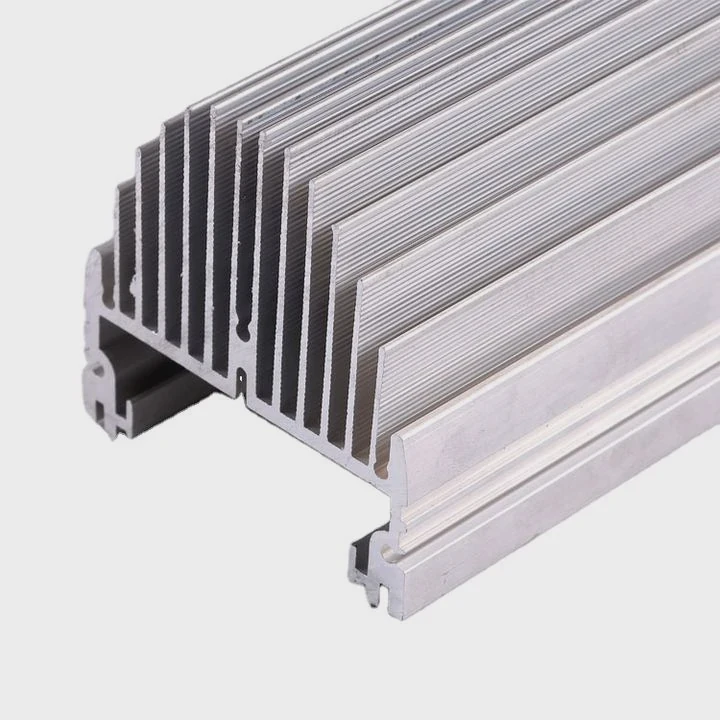
Why pressure does the hard work
Most coolers use strong springs. These springs hold the cooler tight. The tight force squeezes the paste across the surface. This gives a more natural spread than manual smoothing. When I checked many spreads, I found the automatic spread more even than the ones I tried to flatten by hand.
Why even pressure matters
If the screws are not even, the paste will not spread equally. I learned this once when a single screw on my cooler was too loose. The spread pattern showed a thick section on one side and a thin section on the other. This created uneven heat transfer.
How pressure moves paste step by step
I like to explain this in simple steps:
Step 1: You place a small dot or line
This dot holds enough paste to cover the area.
Step 2: The cooler touches the dot
The dot flattens the moment the cooler touches it.
Step 3: Pressure increases
The screws tighten and the paste spreads wide.
Step 4: The final layer becomes very thin
This final layer follows the real shape of the surfaces.
Why spreading by hand is often unnecessary
I tried spreading by hand many times. It took more time. It also created uneven edges. The cooler pressure created a better spread, because it used natural force. Now I let the cooler do the work unless the paste is thick and hard to push.
Why pressure makes the paste reach full contact
Pressure pushes the paste into microscopic gaps. No manual spreading can match this because you cannot reach those gaps by hand. Only real force from the mount can fill them. I keep this in mind for every build.
Can double-coating trap air?
New builders often think two layers are safer. I once thought the same. But double-coating gave me the worst results I ever measured.
Yes, double-coating can trap air. Two layers create pockets that lower heat transfer. Air is a poor conductor, so trapped bubbles raise temperatures and weaken cooling.
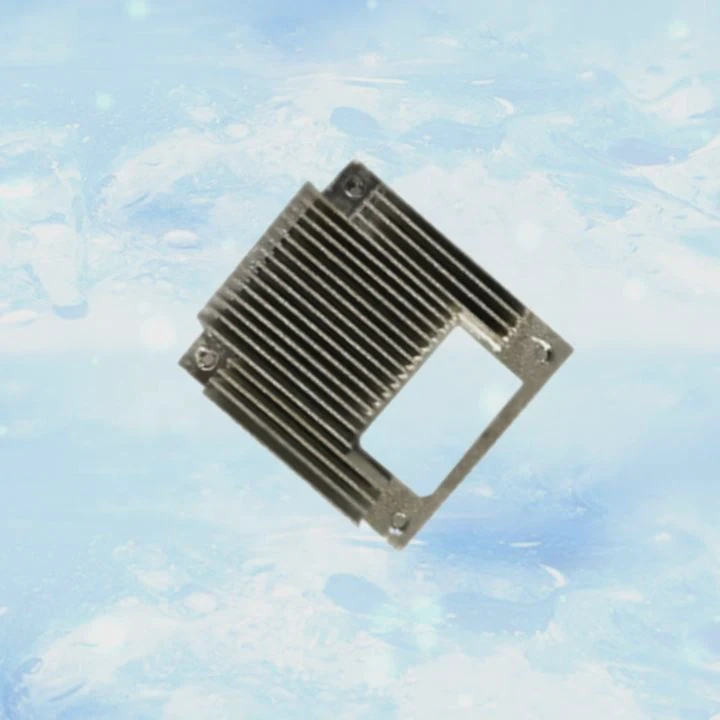
Why air pockets form in double layers
When you put paste on both surfaces, they meet with two soft layers in between. These layers do not compress the same way. The paste may fold over itself. This folding traps tiny pockets. These pockets do not go away even under pressure.
Why trapped air is a big problem
Air blocks heat. Even a small bubble can raise temperatures because heat cannot jump across it. I saw this in a test when I used paste on both the CPU and the cooler. The temperature jumped by 8°C. After I cleaned and reapplied one thin layer, it dropped back.
How double-coating creates uneven thickness
Two layers act like a cushion. A cushion is soft and thick. This makes the layer too thick. When the layer becomes thick, heat moves slower. This is one of the main reasons I never apply paste to both sides.
A table to show the difference
| Application Method | Air Risk | Temperature Result |
|---|---|---|
| Single thin layer | Low | Best performance |
| Thick layer on CPU | Medium | Average performance |
| Paste on CPU + paste on cooler | High | Poor performance |
Why double-coating works against pressure
The cooler pressure tries to flatten the paste. But when you place paste on both surfaces, the total paste amount becomes too much. The pressure cannot push it all out. This leaves pockets. These pockets break the contact between metal and paste. I have seen this pattern many times during spread checks.
Why simple methods work better
The best method is also the simplest. A small dot or a thin line on the CPU. Then let the pressure spread it. This avoids double layers. It avoids folding. It avoids air traps. It keeps the system cool.
Should surfaces be cleaned with IPA?
I clean surfaces every time I replace a cooler or reapply paste. I learned this habit after one bad experience years ago when dust and old paste caused high temperatures.
Yes, you should clean both surfaces with IPA, because dust, oil, and old paste create weak contact. IPA evaporates fast and leaves no residue. Clean surfaces help the paste settle and spread well.
Why cleaning matters
Metal surfaces gather fingerprints, old paste, and dust over time. These create bumps that stop the paste from forming a thin layer. Even a tiny piece of dried paste can raise the cooler. Cleaning removes all these problems.
Why IPA is the best tool
IPA, or isopropyl alcohol, dries fast. It removes oil. It removes paste. It leaves no marks. I tried water once many years ago. It left streaks and dried slowly. It also left minerals behind. So I only use IPA now.
How I clean the surfaces
I follow a simple process:
Step 1: Apply a few drops of IPA on a microfiber cloth
This soft cloth avoids scratches.
Step 2: Wipe the CPU surface slowly
I wipe until the shine becomes clear.
Step 3: Clean the cooler base
I remove old paste completely.
Step 4: Let both surfaces dry
IPA dries fast, usually in seconds.
Why old paste can cause problems
Old paste becomes dry and hard. The hard paste creates tiny bumps. These bumps stop a new layer from forming a proper shape. They also stop pressure from spreading the paste. When I forgot to clean once, the temperatures rose. After cleaning and reapplying, everything returned to normal.
Why clean surfaces need less paste
Clean surfaces make the thin layer work better. The paste spreads wider. It slides easier. It needs less material. This helps keep the final layer thin and effective.
Why I always check before I apply paste
Before applying paste, I always look at the metal. If I see fingerprints or old residue, I clean again. This small step helps me avoid problems later.
Conclusion
A single thin layer on the CPU is all you need. The cooler pressure spreads it into the right shape. Double-coating can trap air, and dirty surfaces weaken contact. Clean metal and proper pressure give the best cooling results.
TAGS
Latest Articles

Volume discount levels for heat sink orders?
Buyers often ask when heat sink prices start to drop with volume. Many worry they’re overpaying for small orders. This guide explains how B2B volume pricing works for thermal components. Heat sink
21 Dec,2025
Heat sink long-term supply contract options?
Many buyers want stable pricing and reliable delivery for heat sinks. But without a clear contract, risks grow over time. This article explores how to secure better long-term supply deals. Long-term
21 Dec,2025
Tooling cost for new heat sink profiles?
Many engineers struggle to understand why tooling for custom heat sinks costs so much. They worry about budgeting and production timelines. This article breaks down the cost drivers behind tooling.
21 Dec,2025
Heat sink custom sample process steps?
Sometimes, starting a custom heat sink project feels overwhelming—too many steps, too many unknowns, and too many risks. You want a sample, but not endless delays. The process for requesting and
20 Dec,2025
Standard B2B terms for heat sink payments?
When buyers and sellers in B2B heat sink markets talk about payment, many don’t fully understand what’s standard. This can lead to delayed orders, miscommunication, and even lost business
20 Dec,2025
Heat sink pricing factors for large orders?
Heat sinks are vital for many systems. When prices rise, projects stall and budgets break. This problem can hit teams hard without warning. Large order heat sink pricing depends on many factors. You
20 Dec,2025Related Articles
- how to screw heatsink?
- How to use old heatsink?
- can heatsinks be used on dell xps 13?
- can the fan of a cpu heatsink be replaced?
- do heatsink fans push air or pull air?
- how to install new heatsink?
- are heatsinks on ssd necessary?
- How to remove fan from AMD heatsink?
- can you buy wd black sn750 heatsink cover?
- how to mount heatsink?
- can computer turn on without heatsink?
- do m2 ssds need heatsinks?
Author
Dr. Emily Chen
Chief AI Researcher
Leading expert in thermal dynamics and AI optimization with over 15 years of experience in data center efficiency research.
Categories
Latest Products

M.2 Heatpipe Heatsink With Dual Fans For Pc Case
19 Mar,2026

Heavy-Duty Aluminum Heat Sink Custom
19 Mar,2026

Oem Skived Fin Heatsink Aluminum Radiator For Plants
19 Mar,2026

Water Cooled Cnc Aluminum Heat Sink For Medical
19 Mar,2026

High Density 6000 Series Aluminum Heat Sink Profile
19 Mar,2026

High-Density Extruded Aluminum & Bonded-Fin Heat Sink Profile
19 Mar,2026
Recommend Categories
- Liquid cooling plate Manufacturer
- Industrial Heat Sink Manufacturer
- Standard Heat Sink Manufacturer
- Aluminum Heat Sink Manufacturer
- Copper Heat Sink Manufacturer
- Anodized Heatsink Manufacturer
- Stamping heat sink Manufacturer
- Die Casting Heatsink Manufacturer
- Soldering heat sink Manufacturer
- CNC Parts Manufacturer
Latest Products
- M.2 Heatpipe Heatsink With Dual Fans For Pc Case
- Heavy-Duty Aluminum Heat Sink Custom
- Oem Skived Fin Heatsink Aluminum Radiator For Plants
- Water Cooled Cnc Aluminum Heat Sink For Medical
- High Density 6000 Series Aluminum Heat Sink Profile
- High-Density Extruded Aluminum & Bonded-Fin Heat Sink Profile
- Dongguan Cnc Aluminum Heat Sink For Led & Brass Parts
- Wholesale Cnc Aluminum Heat Sink - Custom Extruded
- Led Cnc Round Heat Sink With Screw Holes
- Copper Pin-Fin Heat-Sink Large-Area For Photoled Cooling
- Telecom Heatsink Zipper Fin Wcopper Tubes Oem
Contact Expert
Have questions about this article? Reach out to our experts directly.