how to mount heatsink?
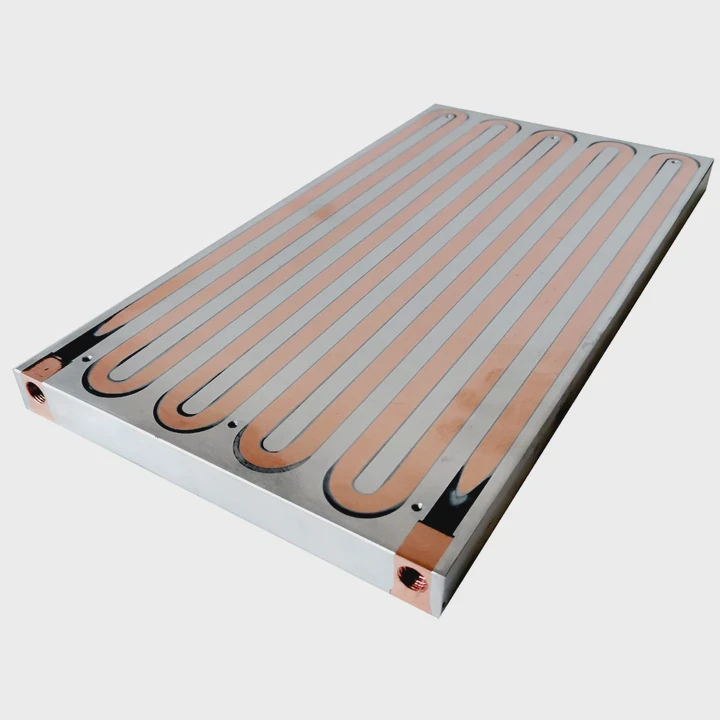
I have mounted many heatsinks in tight spaces, so I know the stress when a small mistake makes the whole system run hot.
To mount a heatsink, I place the bracket, apply paste, align the base, set the pressure, tighten in steps, and confirm even contact so the CPU stays cool and stable.
I want to walk you through each part in a simple way, so you see what really matters and why these steps protect the CPU from long-term damage.
Why align brackets properly?
I have seen many systems fail just because the bracket sits a little off-center.
Bracket alignment matters because proper alignment keeps the heatsink base centered on the CPU, prevents tilt, and lets the paste spread in a clean and even way.
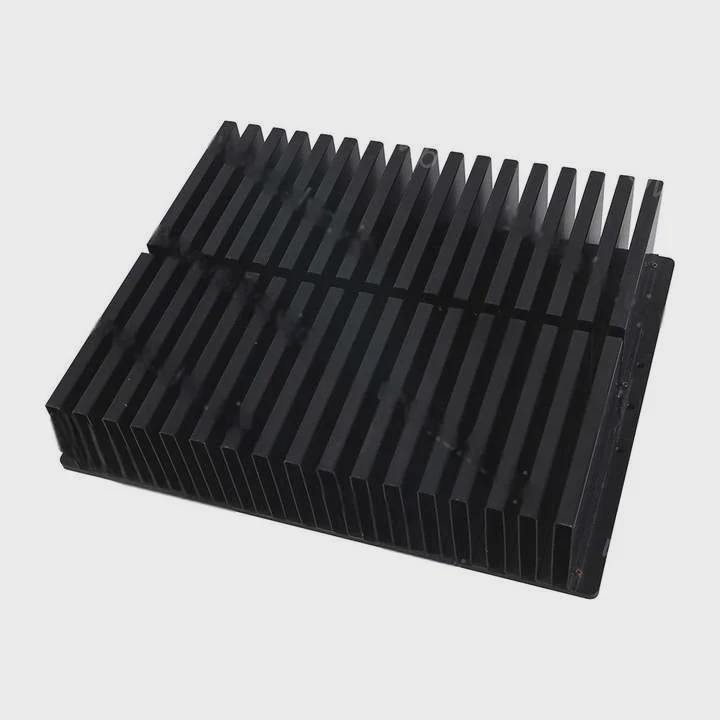
I check bracket alignment first because it decides how the heatsink sits on the CPU. When the bracket is off by even a few millimeters, the base shifts and the paste spreads unevenly. I see this often when the bracket holes do not match the board pattern. I also see it when users rotate the bracket the wrong way. I adjust the bracket by checking the board marks, the screw posts, and the CPU outline.
Common Alignment Errors I See
| Error | What I Notice | System Result |
|---|---|---|
| Bracket flipped | Mount holes misaligned | Base tilts under load |
| Bracket off-center | Edges hang past CPU | Paste piles on one side |
| Wrong standoffs | Height mismatch | Contact breaks over time |
Why Alignment Shapes the Whole Mount
I break this down in a simple way. The CPU sends heat into the heatsink through a flat metal lid. If the bracket shifts, the base no longer sits flat. Even a small tilt creates a tiny air gap on one side. Air slows heat flow. I see hotspots appear right on the high-power side of the CPU when this happens.
When I train new engineers, I show them a simple test. I apply paste, mount the heatsink, remove it, and check the imprint. If the imprint sits off-center, I know the bracket is wrong. This simple check saves many hours of later debugging.
I also learn that alignment affects long-term stability. When the bracket sits straight, the screw pressure stays balanced. When it sits slanted, one screw pulls more than the rest. Over time, this makes the base warp or bend. So I always align the bracket first and check it twice before I move on.
What tension ensures firm contact?
I test different tension levels because I see many devices fail when the pressure is too weak or too strong.
Firm contact happens when the mounting tension keeps the heatsink pressed evenly against the CPU without bending the board or crushing the CPU lid.
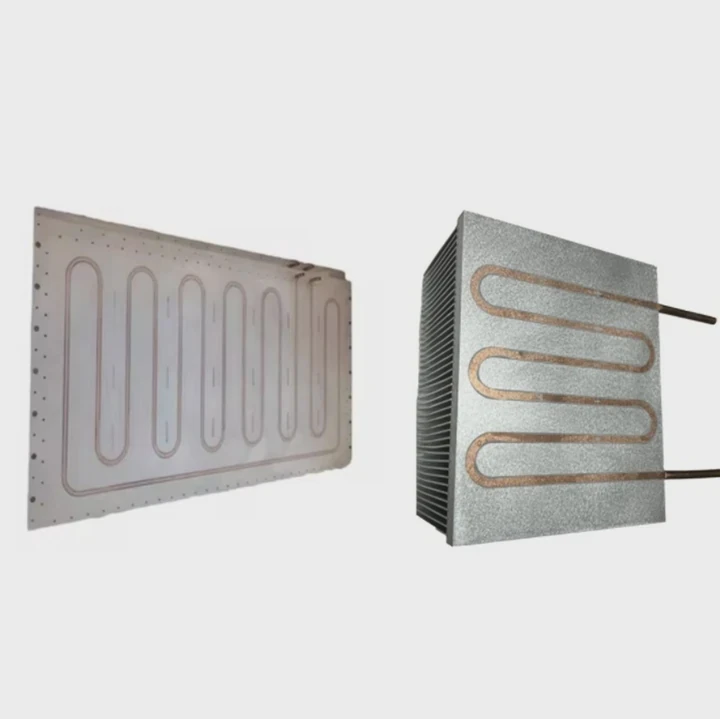
I find that many teams guess the tension. Some turn the screws until they “feel” tight. But CPUs are small and sensitive. Too little pressure creates gaps. Too much pressure causes cracks or warping. I use torque tools when I need exact numbers. I also use springs because springs help keep stable tension even when the system heats and cools.
What I Check When Setting Tension
| Item | What I Look For | Why It Matters |
|---|---|---|
| Screw torque | Even force on each point | Stops tilt |
| Spring height | Correct compression | Maintains long-term pressure |
| Paste squeeze | Medium spread | Shows full contact |
How Tension Controls Contact
I explain this in a simple way. The heatsink base must stay in full touch with the CPU lid. Tension pushes them together. If tension is low, the paste does all the work, but paste alone cannot move heat fast. If tension is high, the metal parts bend and change shape, which reduces contact again.
I also learn that tension must stay stable. When the device heats up, metal expands. When it cools, metal shrinks. If the bracket uses only fixed screws with no springs, the pressure changes with each cycle. I see systems that work fine at first but get worse over weeks because the pressure drops slowly. A spring-based mount fixes this because springs hold force even when dimensions shift.
I test tension by mounting the heatsink, running a short stress test, and then checking the temperature curve. If the curve rises fast at the start, I know the base may not sit flat. If the curve stays stable, the tension is right. These small details make a big difference in real systems.
Can misalignment harm CPUs?
I have replaced many CPUs that died early because the heatsink sat the wrong way.
Misalignment can harm CPUs because uneven pressure, tilting, and poor contact create hotspots, stress the package, and force the chip to run hotter than it was designed to handle.
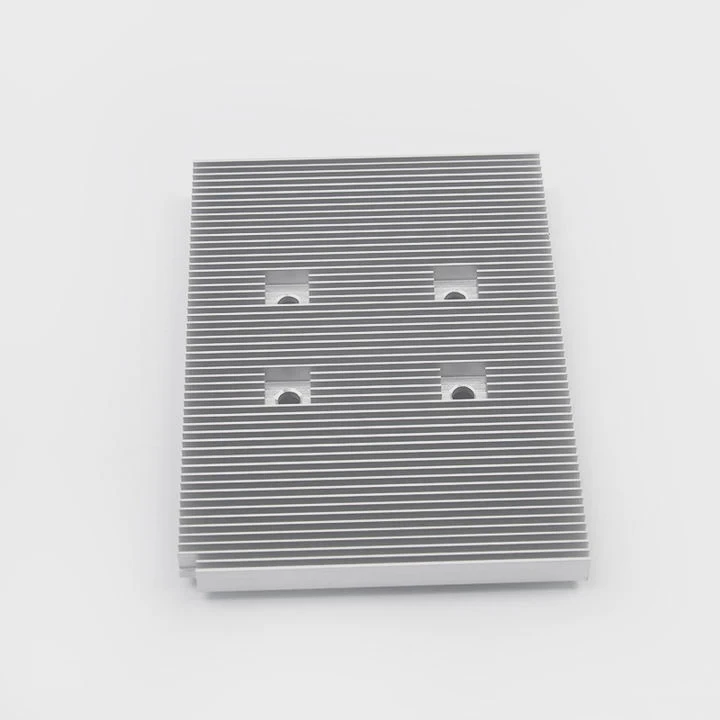
I see misalignment often in systems built in a hurry. When the base sits on the edge of the CPU lid, one side pushes harder. This pressure creates stress on the die under the lid. Modern CPUs are thin and fragile. A small tilt can crack solder or damage bumps under the die. I also see that misalignment traps heat on one side. When one core cluster heats too fast, the chip throttles even when the average temperature looks fine.
What Happens When the Heatsink Is Misaligned
| Problem | What I See | Long-Term Risk |
|---|---|---|
| Tilted pressure | One screw pulls too hard | CPU package cracks |
| Offset base | Heat gathers on one side | Hotspots form under load |
| Uneven paste | Thick paste ridge | Poor heat flow path |
How Misalignment Damages the CPU
I want to explain this with basic logic. A CPU die sits under the lid. It does not like uneven force. When the heatsink base presses harder on one side, the force travels through the lid into the die. Strong force on a small area can damage the structure. Even if the CPU does not break right away, micro-damage forms. After many heat cycles, this damage grows.
I also see that misalignment increases thermal resistance on the side with the gap. When the gap grows, the heat cannot escape fast. This makes one side of the die heat up more. Hotspots make the CPU throttle. If the hotspot rises too fast, the CPU may shut down.
When I check damaged units, I often see a paste pattern that sits far to one side. This tells me the heatsink never sat in the right place. Many users blame the CPU, but the real cause is the mount. So I always align first, check the bracket, and check the imprint. This simple step prevents many failures.
Should screws be tightened diagonally?
I always tighten in a diagonal pattern because it keeps the pressure even across the base.
Screws should be tightened diagonally because the cross pattern spreads pressure evenly, prevents tilt, and lets the paste settle in a balanced way.
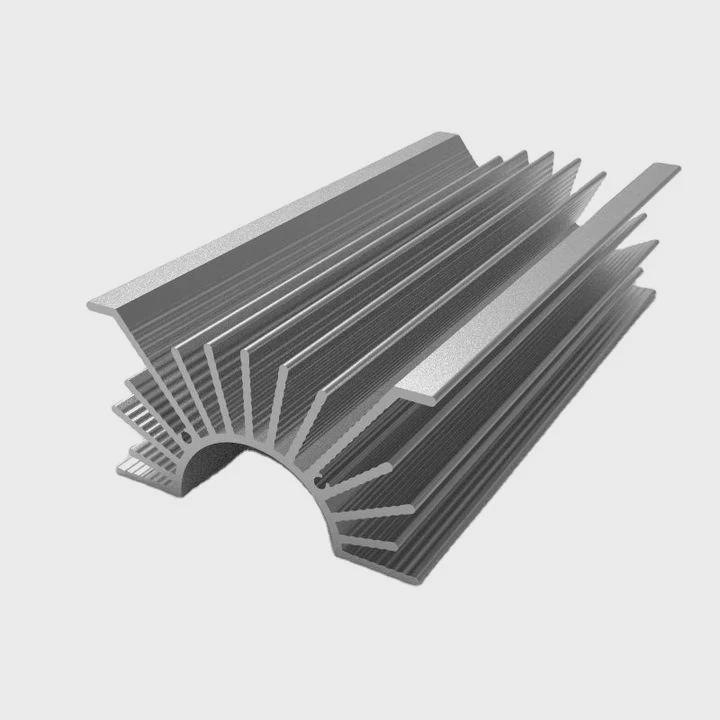
I watch many new users tighten screws in a loop from left to right. This makes the heatsink tilt. When the first screw goes down, the base tilts, and the second screw pulls harder to correct it. By the time all screws are tight, the paste has shifted to one side. When I use a diagonal pattern, the base stays level and the pressure builds in a smooth way.
Why the Diagonal Pattern Matters
| Pattern | What Happens | Result |
|---|---|---|
| Straight pattern | Base lifts on opposite side | Uneven contact |
| Diagonal pattern | Force spreads in balance | Full, even contact |
How the Diagonal Pattern Keeps the Base Flat
I explain this in simple steps. When I tighten the first screw, the base pulls toward that point. If I tighten the screw next to it, the base tilts more. But if I tighten the screw across from it, the force balances out. The base stays level. This helps the paste spread thin and even. Thin paste is good. Thick paste slows heat flow.
I always tighten in small steps. I turn each screw a little, then move to the next diagonal screw. I go around two or three times until the screws stop turning. I do not force them. I let the springs or standoffs limit the pressure. When the process is slow and controlled, the base makes full contact.
I check the imprint when I need to confirm it. A clean round imprint means the diagonal pattern worked. A smeared imprint on one side means the pattern was wrong. I show this to new engineers so they see how big the effect is.
Conclusion
A good heatsink mount comes from proper alignment, the right tension, safe pressure, and a clean diagonal pattern. When each step is done with care, the CPU stays cool, stable, and safe for long use.
TAGS
Latest Articles

Volume discount levels for heat sink orders?
Buyers often ask when heat sink prices start to drop with volume. Many worry they’re overpaying for small orders. This guide explains how B2B volume pricing works for thermal components. Heat sink
21 Dec,2025
Heat sink long-term supply contract options?
Many buyers want stable pricing and reliable delivery for heat sinks. But without a clear contract, risks grow over time. This article explores how to secure better long-term supply deals. Long-term
21 Dec,2025
Tooling cost for new heat sink profiles?
Many engineers struggle to understand why tooling for custom heat sinks costs so much. They worry about budgeting and production timelines. This article breaks down the cost drivers behind tooling.
21 Dec,2025
Heat sink custom sample process steps?
Sometimes, starting a custom heat sink project feels overwhelming—too many steps, too many unknowns, and too many risks. You want a sample, but not endless delays. The process for requesting and
20 Dec,2025
Standard B2B terms for heat sink payments?
When buyers and sellers in B2B heat sink markets talk about payment, many don’t fully understand what’s standard. This can lead to delayed orders, miscommunication, and even lost business
20 Dec,2025
Heat sink pricing factors for large orders?
Heat sinks are vital for many systems. When prices rise, projects stall and budgets break. This problem can hit teams hard without warning. Large order heat sink pricing depends on many factors. You
20 Dec,2025Related Articles
- can you buy wd black sn750 heatsink cover?
- How to remove fan from AMD heatsink?
- are heatsinks on ssd necessary?
- do you apply thermal paste to cpu and heatsink?
- how to screw heatsink?
- How to use old heatsink?
- can computer turn on without heatsink?
- do m2 ssds need heatsinks?
- do heatsinks help vnme ssd?
- Does i3 8100 come with heatsink?
- how to tighten heatsink?
- will adding aluminum heatsinks to xbox 360 help it reddit?
Author
Dr. Emily Chen
Chief AI Researcher
Leading expert in thermal dynamics and AI optimization with over 15 years of experience in data center efficiency research.
Categories
Latest Products

M.2 Heatpipe Heatsink With Dual Fans For Pc Case
19 Mar,2026

Heavy-Duty Aluminum Heat Sink Custom
19 Mar,2026

Oem Skived Fin Heatsink Aluminum Radiator For Plants
19 Mar,2026

Water Cooled Cnc Aluminum Heat Sink For Medical
19 Mar,2026

High Density 6000 Series Aluminum Heat Sink Profile
19 Mar,2026

High-Density Extruded Aluminum & Bonded-Fin Heat Sink Profile
19 Mar,2026
Recommend Categories
- Liquid cooling plate Manufacturer
- Industrial Heat Sink Manufacturer
- Standard Heat Sink Manufacturer
- Aluminum Heat Sink Manufacturer
- Copper Heat Sink Manufacturer
- Anodized Heatsink Manufacturer
- Stamping heat sink Manufacturer
- Die Casting Heatsink Manufacturer
- Soldering heat sink Manufacturer
- CNC Parts Manufacturer
Latest Products
- M.2 Heatpipe Heatsink With Dual Fans For Pc Case
- Heavy-Duty Aluminum Heat Sink Custom
- Oem Skived Fin Heatsink Aluminum Radiator For Plants
- Water Cooled Cnc Aluminum Heat Sink For Medical
- High Density 6000 Series Aluminum Heat Sink Profile
- High-Density Extruded Aluminum & Bonded-Fin Heat Sink Profile
- Dongguan Cnc Aluminum Heat Sink For Led & Brass Parts
- Wholesale Cnc Aluminum Heat Sink - Custom Extruded
- Led Cnc Round Heat Sink With Screw Holes
- Copper Pin-Fin Heat-Sink Large-Area For Photoled Cooling
- Telecom Heatsink Zipper Fin Wcopper Tubes Oem
Contact Expert
Have questions about this article? Reach out to our experts directly.