are heatsinks on ssd necessary?

Many people ask me if SSD heatsinks are really necessary, and the answer often changes with drive type, load, and airflow.
A heatsink is necessary when an SSD runs hot enough to throttle. NVMe drives run hotter because they push high data rates and pack dense controllers. A simple passive sink often keeps temperatures stable.
I want to explain this in a clear way, so you can decide if your SSD truly needs a heatsink.
Why NVMe drives get hotter?
I notice many users feel confused when NVMe SSDs hit high temperatures even during light use.
NVMe drives get hotter because they use fast PCIe lanes, high-speed controllers, dense NAND chips, and small M.2 boards that have little room to spread heat.
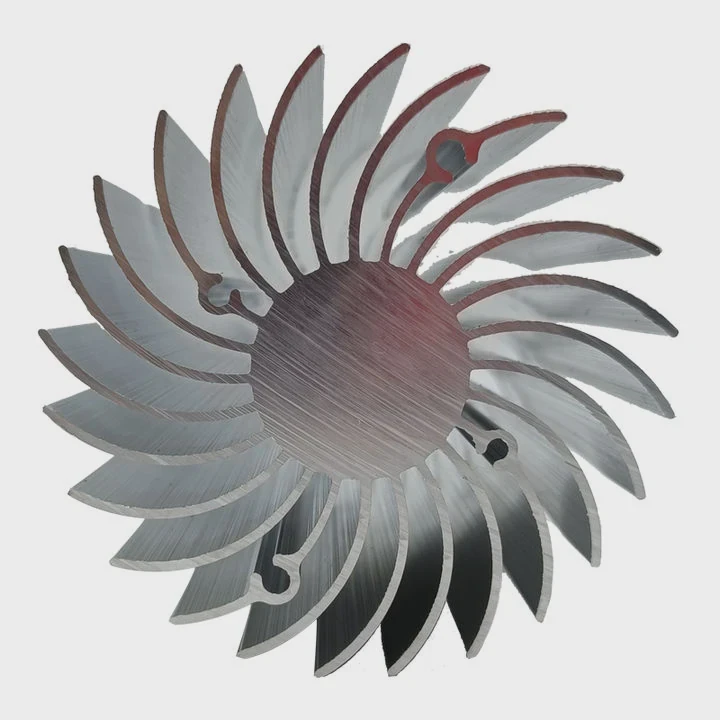
I want to show what really causes this heat so you can judge your own drive.
How NVMe drives push heat
When I look at an NVMe drive, I see a fast controller that handles many tasks every second. This controller sits close to the NAND chips. All parts share a small board. Heat builds up in this small area. The board has no fan, and airflow is often weak.
The controller can hit high power draw when it moves large files. Even idle firmware tasks create heat. PCIe 4.0 and PCIe 5.0 drives run even hotter because they move data faster.
Key heat sources table
| Part | Why It Gets Hot | Effect on SSD |
|---|---|---|
| Controller | High-speed processing | Main cause of high temps |
| NAND Flash | Dense memory cells | Warms under heavy writes |
| DRAM Cache | Fast access memory | Adds heat during bursts |
| Voltage Regulators | Power control | Heat spikes under load |
Why small size increases heat
The M.2 stick holds everything on a slim board. It has no space for a big copper area. Heat collects fast. Because the board sits flat on the motherboard, most heat moves into the board and air above. If airflow is weak, heat stays.
My own setup
I once tested a PCIe 4.0 SSD without a heatsink. It reached 75°C during a long copy test. After I added a small aluminium sink, the temperature dropped by almost 15°C. This small change improved stability a lot.
Which workloads stress SSD temps?
Many people think only large files stress an SSD. But many small tasks also generate heat.
Heavy workloads like large file transfers, game loading, software installs, and database tasks push SSD temperatures higher. Long write cycles stress the controller and NAND the most.
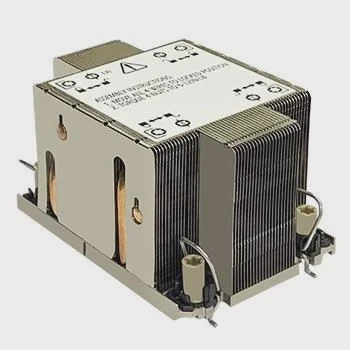
I want to explain common tasks that heat an SSD so you can see if your own work style needs cooling.
Workloads that raise heat
When I run a long file copy, the controller stays busy. This keeps temperature rising. Game loading also stresses drives because the game reads many blocks in a short time. Software installs write data in bursts, and each burst warms the drive.
Typical workload table
| Task Type | Heat Level | Notes |
|---|---|---|
| Large file copy | High | Long sustained writes |
| Game loading | Medium | Fast read bursts |
| Video editing | High | Mixed read/write |
| Database tasks | Very high | Random access stresses controller |
| Light browsing | Low | Short idle cycles |
Why writes stress more than reads
When I write data, the drive must handle program cycles and error correction. These tasks create heat. Reads are easier, but still warm the controller when they come in big bursts.
How long sessions matter
A short high load may not overheat the drive. But a long gaming session or a 4K editing job keeps the controller active for hours. This long activity pushes the temperature up. Many drives have firmware that cuts speed when they reach a limit.
My real result
In one test, my SSD reached 82°C during a 300GB file write. The speed dropped by more than half. After I added a passive sink, the same test ran at full speed without throttling.
Can motherboard shields replace sinks?
Many new motherboards include shiny metal shields over the M.2 slots.
Motherboard shields can replace a heatsink when they use real thermal pads and have good contact, but some shields are mostly cosmetic and offer weak cooling.
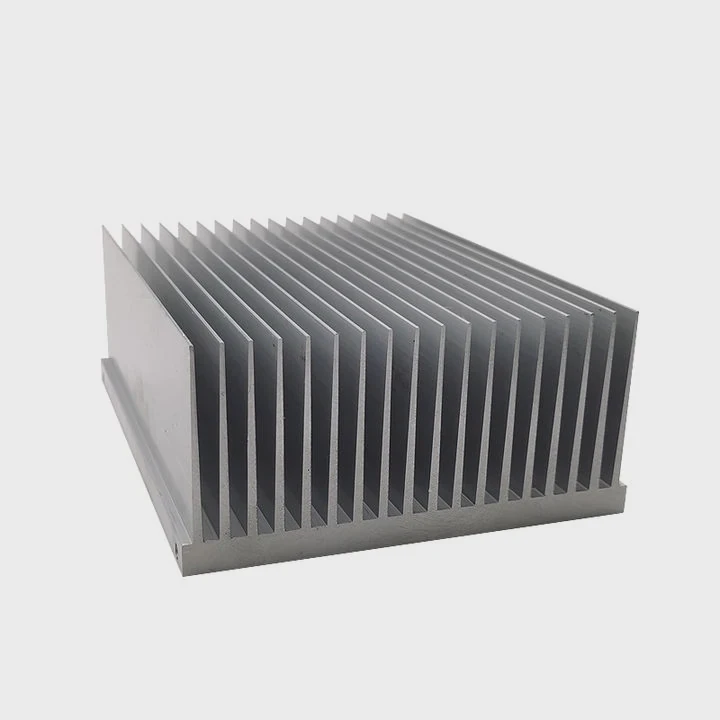
I want to show where these shields help and where they fail.
What good shields do
A good shield covers the SSD with a metal plate. A thermal pad fills the gap. When heat flows into the plate, it spreads out and cools faster. If the board has airflow near the shield, heat leaves even faster.
Key shield performance table
| Shield Type | Cooling Quality | Common Issue |
|---|---|---|
| Thick metal | Good | Needs full contact |
| Thin metal | Medium | Small heat capacity |
| Decorative cover | Poor | Weak contact and airflow |
Where shields fall short
Some shields use thin aluminium with no airflow openings. These shields trap warm air. A few boards include plastic covers that look like sinks but have almost no cooling effect. If contact between pad and drive is weak, heat cannot move well.
Why airflow still matters
Even the best shield needs moving air. If the drive sits under a GPU, heat gets trapped. In this case, even a strong shield becomes weak. I often point a small fan at this zone when I test drives.
My findings
One motherboard shield cooled my SSD better than a standalone sink because the metal plate was large and thick. But on another board, the shield did nothing. It looked cool, but it barely touched the drive. A proper sink worked much better.
Do passive sinks prevent throttling?
Many people hope that a simple passive sink can stop throttling completely.
A passive heatsink can prevent throttling when the SSD has enough airflow, a good thermal pad, and moderate workloads. Very heavy loads or hot cases may still cause throttling.
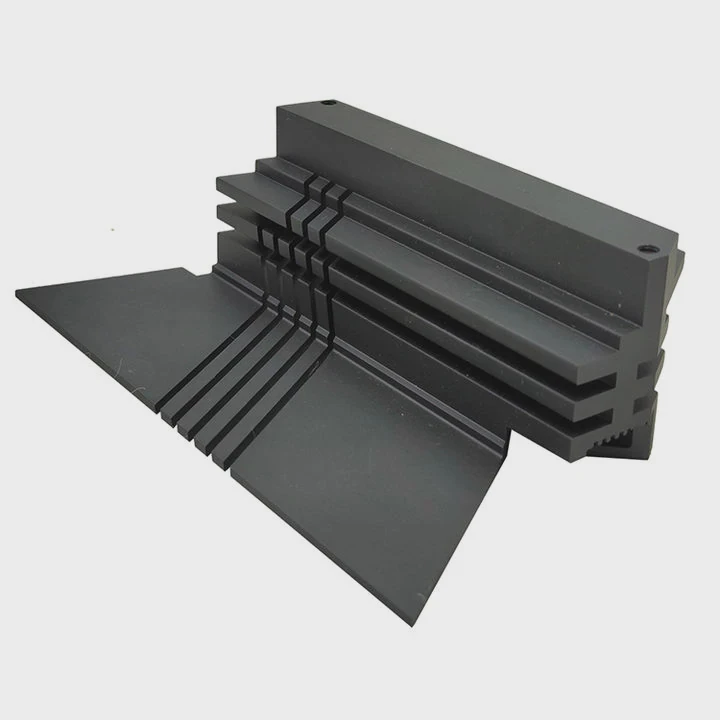
I want to explain where passive sinks help and where they have limits.
How passive sinks reduce heat
A passive sink adds mass. This mass absorbs heat from the SSD. Fins increase surface area. Air moves around the fins and carries heat away. This works well in cases with steady airflow.
Passive sink performance notes
When I use passive sinks, I check the pad size. The pad must cover the controller. A pad that is too thick slows heat transfer. A thin, high-quality pad gives better results.
Passive cooling table
| Condition | Passive Sink Result | Notes |
|---|---|---|
| Normal airflow | Very good | No fan needed |
| Weak airflow | Medium | Heat builds slowly |
| Zero airflow | Poor | Heat stays in sink |
| Very heavy load | Mixed | May still throttle |
Why passive sinks sometimes fail
If the SSD sits behind a hot GPU, the air is already warm. The sink cannot cool well. Long 4K editing or database work pushes the controller past the passive limit. In these cases, even a large passive sink reaches heat saturation.
My own tests
I once ran a PCIe 5.0 SSD with a passive sink. It worked well for short loads, but during long writes it approached the thermal limit again. A small fan dropped the temperature by almost 20°C and fixed the issue.
Conclusion
SSD heatsinks are necessary when NVMe drives run hot under your workloads. NVMe drives heat up because their controllers work fast in a tight space. A passive sink or good shield often prevents throttling when airflow and contact are good.
TAGS
Latest Articles
Volume discount levels for heat sink orders?
Buyers often ask when heat sink prices start to drop with volume. Many worry they’re overpaying for small orders. This guide explains how B2B volume pricing works for thermal components. Heat sink
21 Dec,2025
Heat sink long-term supply contract options?
Many buyers want stable pricing and reliable delivery for heat sinks. But without a clear contract, risks grow over time. This article explores how to secure better long-term supply deals. Long-term
21 Dec,2025
Tooling cost for new heat sink profiles?
Many engineers struggle to understand why tooling for custom heat sinks costs so much. They worry about budgeting and production timelines. This article breaks down the cost drivers behind tooling.
21 Dec,2025
Heat sink custom sample process steps?
Sometimes, starting a custom heat sink project feels overwhelming—too many steps, too many unknowns, and too many risks. You want a sample, but not endless delays. The process for requesting and
20 Dec,2025
Standard B2B terms for heat sink payments?
When buyers and sellers in B2B heat sink markets talk about payment, many don’t fully understand what’s standard. This can lead to delayed orders, miscommunication, and even lost business
20 Dec,2025
Heat sink pricing factors for large orders?
Heat sinks are vital for many systems. When prices rise, projects stall and budgets break. This problem can hit teams hard without warning. Large order heat sink pricing depends on many factors. You
20 Dec,2025Related Articles
- do you apply thermal paste to cpu and heatsink?
- how to screw heatsink?
- How to use old heatsink?
- can heatsinks be used on dell xps 13?
- can the fan of a cpu heatsink be replaced?
- do heatsink fans push air or pull air?
- How to remove fan from AMD heatsink?
- can you buy wd black sn750 heatsink cover?
- how to mount heatsink?
- can computer turn on without heatsink?
- do m2 ssds need heatsinks?
- do heatsinks help vnme ssd?
Author
Dr. Emily Chen
Chief AI Researcher
Leading expert in thermal dynamics and AI optimization with over 15 years of experience in data center efficiency research.
Categories
Latest Products

M.2 Heatpipe Heatsink With Dual Fans For Pc Case
19 Mar,2026

Heavy-Duty Aluminum Heat Sink Custom
19 Mar,2026

Oem Skived Fin Heatsink Aluminum Radiator For Plants
19 Mar,2026

Water Cooled Cnc Aluminum Heat Sink For Medical
19 Mar,2026

High Density 6000 Series Aluminum Heat Sink Profile
19 Mar,2026

High-Density Extruded Aluminum & Bonded-Fin Heat Sink Profile
19 Mar,2026
Recommend Categories
- Liquid cooling plate Manufacturer
- Industrial Heat Sink Manufacturer
- Standard Heat Sink Manufacturer
- Aluminum Heat Sink Manufacturer
- Copper Heat Sink Manufacturer
- Anodized Heatsink Manufacturer
- Stamping heat sink Manufacturer
- Die Casting Heatsink Manufacturer
- Soldering heat sink Manufacturer
- CNC Parts Manufacturer
Latest Products
- M.2 Heatpipe Heatsink With Dual Fans For Pc Case
- Heavy-Duty Aluminum Heat Sink Custom
- Oem Skived Fin Heatsink Aluminum Radiator For Plants
- Water Cooled Cnc Aluminum Heat Sink For Medical
- High Density 6000 Series Aluminum Heat Sink Profile
- High-Density Extruded Aluminum & Bonded-Fin Heat Sink Profile
- Dongguan Cnc Aluminum Heat Sink For Led & Brass Parts
- Wholesale Cnc Aluminum Heat Sink - Custom Extruded
- Led Cnc Round Heat Sink With Screw Holes
- Copper Pin-Fin Heat-Sink Large-Area For Photoled Cooling
- Telecom Heatsink Zipper Fin Wcopper Tubes Oem
Contact Expert
Have questions about this article? Reach out to our experts directly.