can computer turn on without heatsink?
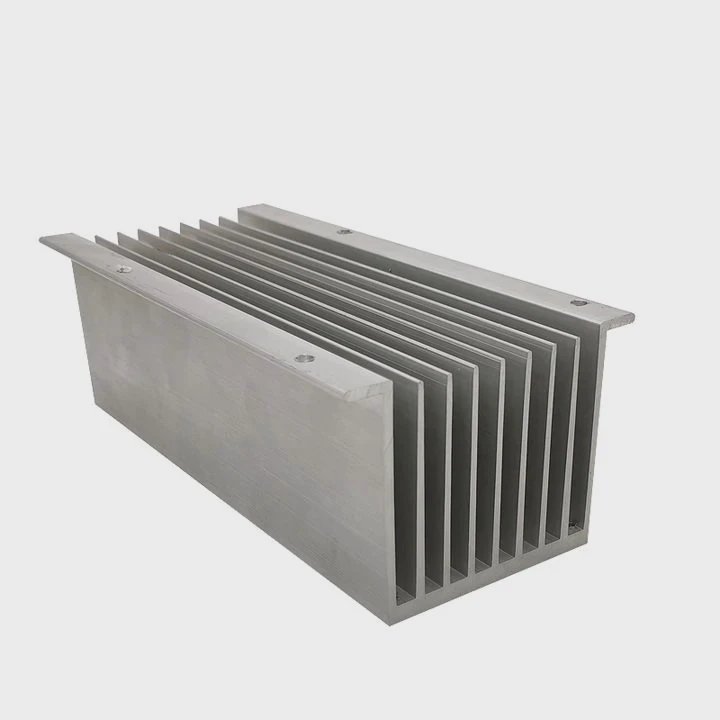
I remember the first time I tried to power a system without a heatsink. I felt nervous, and I watched the screen closely because I knew the CPU could heat up fast.
A computer can turn on without a heatsink, but the CPU heats up almost instantly and becomes unsafe within seconds, so the system shuts down or risks damage.
I want to show you the ideas that help me understand why this happens and how to avoid danger.
Why CPUs overheat instantly?
I once touched a CPU after a fast test, and I could feel the heat rising in only a moment. That experience taught me how fast these chips generate heat.
CPUs overheat instantly because they produce high thermal energy even at idle, and without a heatsink, the heat has no path to move away from the metal surface.
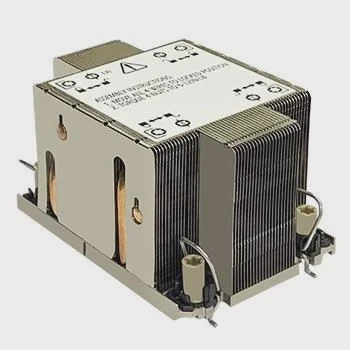
When I look at a modern CPU, I see a small metal lid on top of a tiny piece of silicon. That silicon carries billions of transistors. These transistors switch on and off many times each second. This switching makes heat. Without a heatsink, the heat does not spread into a cooler surface. It stays trapped in the chip. The temperature rises in seconds. I have seen CPUs reach unsafe levels before the computer even finishes posting.
Why the temperature rises so fast
Here is a simple table that helps me explain it:
| CPU State | Heat Change |
|---|---|
| Idle | Fast heat rise |
| BIOS load | Faster rise |
| OS boot | Very fast rise |
The CPU surface area is small. The thermal energy builds up. Even a basic air heatsink spreads heat through many fins. Without it, the chip behaves like a small stove.
How the CPU structure affects heat
Small die area
The chip is tiny, so heat stays local.
High switching rate
Even idle tasks fire many transistors.
No thermal path
Without a heatsink, heat has nowhere to travel.
When I watch a temperature sensor, I see the rise almost instantly. This is why powering on without a heatsink feels risky. I do not want others to repeat the mistakes I made when I learned this lesson the hard way.
What I do when I need to check a CPU briefly
When I must test something fast, I place a heatsink on the CPU even if I do not screw it down. I want at least some contact. Even this small step slows the heat rise. I stay calm because I know the metal can spread the heat a little. This saves the CPU from sudden damage.
Can protection shut system down?
The first time I saw a system turn off by itself, I thought something broke. Later, I learned it was CPU protection saving the chip from heat.
Protection can shut the system down because modern CPUs include thermal sensors that trigger emergency throttling and automatic power-off when temperatures reach unsafe levels.
Most CPUs I test today have built-in safety controls. These controls run all the time. When the temperature gets too high, the CPU slows down. If the temperature continues to rise, the system shuts off. This protects the chip. I see this behavior in Intel, AMD, and even older processors. It feels like a guardian that steps in when things get dangerous.
How CPU protection works
Here is a table that explains the basic steps:
| Protection Step | What Happens |
|---|---|
| Throttle | CPU slows to reduce heat |
| Emergency throttle | CPU drops to minimum speed |
| Shutdown | System powers off |
These steps happen fast. I have seen a CPU reach shutdown temperatures in less than two seconds with no heatsink. That shows how effective, but also how necessary, this protection is.
Why protection does not make it safe
Some people think the system will always protect the CPU. I do not trust this idea fully. The chip can reach the limit before the safety step reacts. The heat spike can be higher than the sensor reading. The motherboard may not react in time during sudden heat jumps. This is why I treat protection as the last safety net, not the main plan.
Real examples I have seen
I once tested an older CPU that did not have fast protection logic. It locked up before the system shut down. The high temperature caused damage. I learned not to rely only on protection. I use proper cooling and only run very short tests if needed.
Protection is helpful, but it does not remove risk. It keeps the CPU from immediate failure most of the time, but it is not perfect. I want readers to understand that safety features help, but they cannot replace a heatsink.
Does low power boot help?
I used to believe that low power boot would help keep the CPU cool. I later learned that it helps only a little, and not enough to make it safe.
Low power boot helps only slightly because even minimal CPU activity can create heat spikes that exceed safe limits without proper cooling.
When the system starts, the CPU does some light tasks. But these tasks still create heat. Even a low-power boot uses the memory controller, basic cores, and firmware routines. I watch the temperature rise even at these low loads. The heat still has no place to go. This makes the chip unsafe.
Why low power does not save the CPU
Low power still means some movement inside the chip. The small die space cannot spread heat far. The thermal density stays high. This means the temperature climbs no matter how light the load is.
Early boot work
The CPU still reads BIOS code.
Power regulation
Voltage circuits still feed the chip.
Heat density
Tiny areas still build heat fast.
These points show why low power cannot solve the problem.
When low power boot helps a little
There is one thing low power helps with. It slows the heat rise slightly. This may give me one extra second. But it does not give safety. If I remove the heatsink, I still watch the heat spike. I still see a shutdown. I still avoid doing it unless I have a strong reason.
My personal test rule
When I must test CPU pins, VRM signals, or power cycling, I follow a simple rule:
- I place a heatsink loosely on the CPU.
- I do not run the system for more than a few seconds.
- I shut down as soon as I confirm the signal or basic POST.
This keeps my stress low. It keeps the CPU safe enough to continue working.
Low power boot does not replace a heatsink. It delays the danger by only a moment.
Should testing be extremely brief?
I learned early that the only safe way to test without a heatsink is to keep it extremely short. This rule has saved me more than once.
Testing should be extremely brief because the CPU can reach unsafe temperatures within one to three seconds, even during idle tasks, without any cooling surface attached.
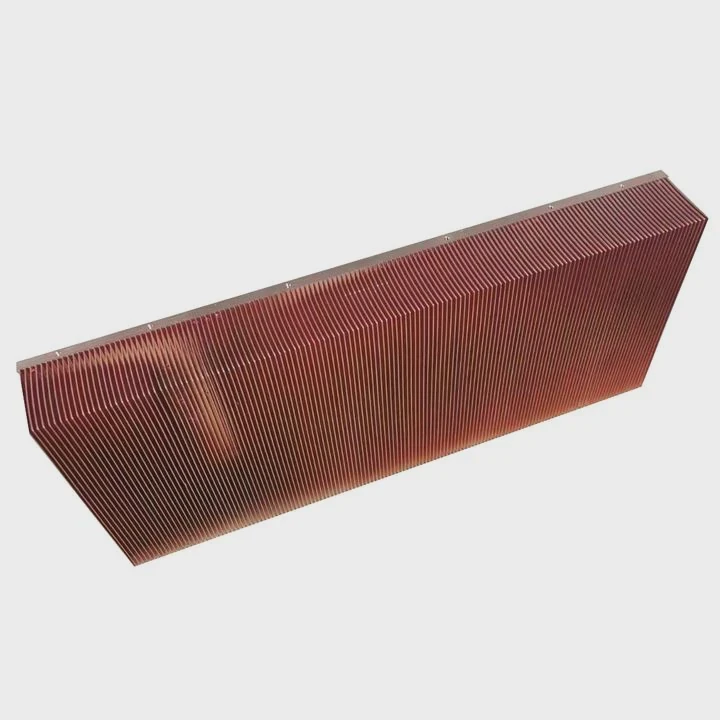
I feel more calm now because I understand how fast this heat builds. When I do a quick test, I plan it ahead. I prepare everything before I power the system. I keep my hand near the power switch. I watch the screen closely for signs of POST. I shut the system down fast.
Why brief testing is the only safe approach
The CPU is not designed to run bare. It expects contact with a cooler. Even a small block of metal helps. Without that, the heat jumps. Brief tests keep the chip below the danger level. Long tests push it far above.
How I plan a very short test
I break the process down:
Step 1
I seat the CPU and plug in needed cables.
Step 2
I get a clear view of the debug LED or speaker.
Step 3
I power on for one second only.
Step 4
I shut down as soon as I see any signal.
These steps keep the test very short. This keeps the CPU from reaching dangerous heat.
Practical safe testing method
I also follow a simple workflow:
- I prepare a heatsink nearby.
- I power on for one second.
- I confirm the board turns on.
- I power off fast.
- I attach the heatsink before doing anything else.
This routine saves hardware. It helps me stay calm. I know I have only a small window before the chip overheats.
Why longer tests become risky fast
Even if the system looks stable for two seconds, the internal heat may already be rising beyond safe levels. Some sensors lag. They do not show the peak temperature right away. This delay can lead to damage if the test lasts too long. I learned this after seeing a chip fail during a longer test. It reminded me to keep every no-heatsink test extremely brief.
Conclusion
A computer can turn on without a heatsink, but the CPU heats up in seconds. Safety features help, but they are not perfect. Low power boot does not prevent heat spikes. Only very brief tests are safe, and even those should be done with care.
TAGS
Latest Articles

Volume discount levels for heat sink orders?
Buyers often ask when heat sink prices start to drop with volume. Many worry they’re overpaying for small orders. This guide explains how B2B volume pricing works for thermal components. Heat sink
21 Dec,2025
Heat sink long-term supply contract options?
Many buyers want stable pricing and reliable delivery for heat sinks. But without a clear contract, risks grow over time. This article explores how to secure better long-term supply deals. Long-term
21 Dec,2025
Tooling cost for new heat sink profiles?
Many engineers struggle to understand why tooling for custom heat sinks costs so much. They worry about budgeting and production timelines. This article breaks down the cost drivers behind tooling.
21 Dec,2025
Heat sink custom sample process steps?
Sometimes, starting a custom heat sink project feels overwhelming—too many steps, too many unknowns, and too many risks. You want a sample, but not endless delays. The process for requesting and
20 Dec,2025
Standard B2B terms for heat sink payments?
When buyers and sellers in B2B heat sink markets talk about payment, many don’t fully understand what’s standard. This can lead to delayed orders, miscommunication, and even lost business
20 Dec,2025
Heat sink pricing factors for large orders?
Heat sinks are vital for many systems. When prices rise, projects stall and budgets break. This problem can hit teams hard without warning. Large order heat sink pricing depends on many factors. You
20 Dec,2025Related Articles
- how to mount heatsink?
- can you buy wd black sn750 heatsink cover?
- How to remove fan from AMD heatsink?
- are heatsinks on ssd necessary?
- do you apply thermal paste to cpu and heatsink?
- how to screw heatsink?
- do m2 ssds need heatsinks?
- do heatsinks help vnme ssd?
- Does i3 8100 come with heatsink?
- how to tighten heatsink?
- will adding aluminum heatsinks to xbox 360 help it reddit?
- what size are intel cpu heatsink screws?
Author
Dr. Emily Chen
Chief AI Researcher
Leading expert in thermal dynamics and AI optimization with over 15 years of experience in data center efficiency research.
Categories
Latest Products

M.2 Heatpipe Heatsink With Dual Fans For Pc Case
19 Mar,2026

Heavy-Duty Aluminum Heat Sink Custom
19 Mar,2026

Oem Skived Fin Heatsink Aluminum Radiator For Plants
19 Mar,2026

Water Cooled Cnc Aluminum Heat Sink For Medical
19 Mar,2026

High Density 6000 Series Aluminum Heat Sink Profile
19 Mar,2026

High-Density Extruded Aluminum & Bonded-Fin Heat Sink Profile
19 Mar,2026
Recommend Categories
- Liquid cooling plate Manufacturer
- Industrial Heat Sink Manufacturer
- Standard Heat Sink Manufacturer
- Aluminum Heat Sink Manufacturer
- Copper Heat Sink Manufacturer
- Anodized Heatsink Manufacturer
- Stamping heat sink Manufacturer
- Die Casting Heatsink Manufacturer
- Soldering heat sink Manufacturer
- CNC Parts Manufacturer
Latest Products
- M.2 Heatpipe Heatsink With Dual Fans For Pc Case
- Heavy-Duty Aluminum Heat Sink Custom
- Oem Skived Fin Heatsink Aluminum Radiator For Plants
- Water Cooled Cnc Aluminum Heat Sink For Medical
- High Density 6000 Series Aluminum Heat Sink Profile
- High-Density Extruded Aluminum & Bonded-Fin Heat Sink Profile
- Dongguan Cnc Aluminum Heat Sink For Led & Brass Parts
- Wholesale Cnc Aluminum Heat Sink - Custom Extruded
- Led Cnc Round Heat Sink With Screw Holes
- Copper Pin-Fin Heat-Sink Large-Area For Photoled Cooling
- Telecom Heatsink Zipper Fin Wcopper Tubes Oem
Contact Expert
Have questions about this article? Reach out to our experts directly.