How to remove fan from AMD heatsink?
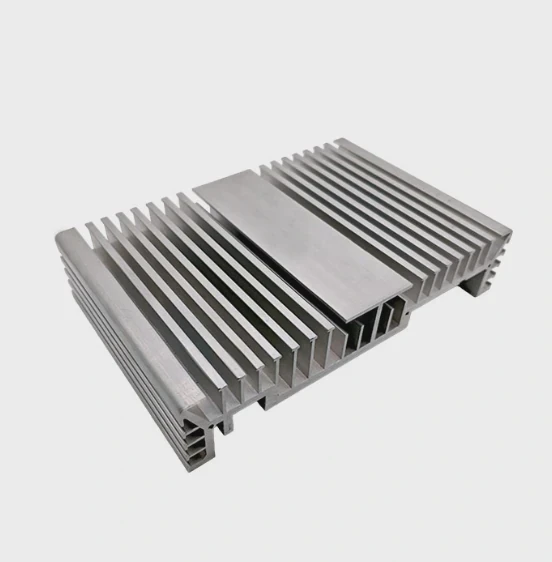
I know the worry that comes when the fan refuses to lift off the AMD heatsink and the clip feels like it will snap.
You can remove the fan from an AMD heatsink by releasing the side clips, easing the tension on the shroud, and lifting the fan straight up with steady force. Most clips hold tightly to stop vibration.
I want to walk you through what I learned after working on many builds, so you can remove your fan without fear.
Why AMD clips hold tightly?
I remember the first time I tried to take off an AMD fan. The clip felt stuck, and I thought I might break it.
AMD clips hold tightly because they keep the fan stable, prevent noise from movement, and maintain pressure between the fan and the heatsink body.
Why strong clips matter
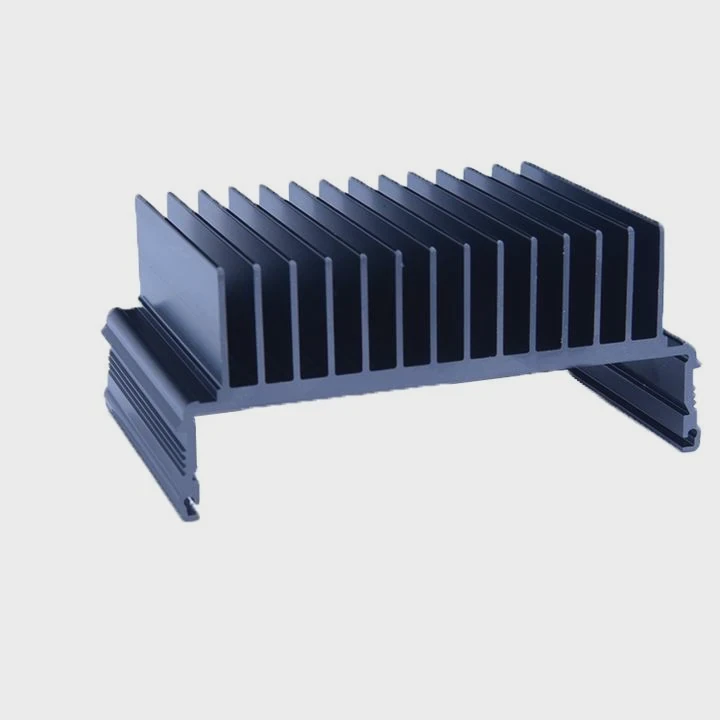
I worked on many AMD coolers, and almost all of them use solid side clips. These clips stop the fan from shaking during load. When I touched an old build, I felt how much vibration the fan made after years of use. A loose clip would let the fan shift, and this can create noise or even hit the fin stack. A strong clip also keeps the fan at the correct angle, so airflow passes straight through the fins. If the angle changes even a little, the cooling gets worse.
How the clip design works
Here is a simple table that shows what I see in common AMD cooler clips:
| Clip Type | Grip Strength | Notes |
|---|---|---|
| Plastic latch clips | Medium | Found on entry coolers |
| Metal tension clips | High | Common on mid-range coolers |
| Hybrid latch + guard clips | Very high | Used on newer RGB models |
Why the clips sometimes feel “too strong”
When I worked on a cooler that came out of a dusty old system, the clip felt almost locked. Dust stuck to the rails. Heat also changed the plastic shape a little. This made the clip feel stiffer. I learned to press the clip toward the fan first before lifting. This releases the tension. Many people pull up too early. When I show them the push-then-lift method, they usually succeed on the first try. The clips may feel scary, but they are designed to handle this force. I have removed many fans, and I never snapped a clip by using slow, steady force.
What tools ease fan removal?
I like using tools that make the process calm and safe. My hands used to slip on tight clips, so tools made everything easier.
Small flat screwdrivers, plastic prying sticks, and long tweezers can help release AMD fan clips without bending the frame or scraping the fins.
Why tools make a difference
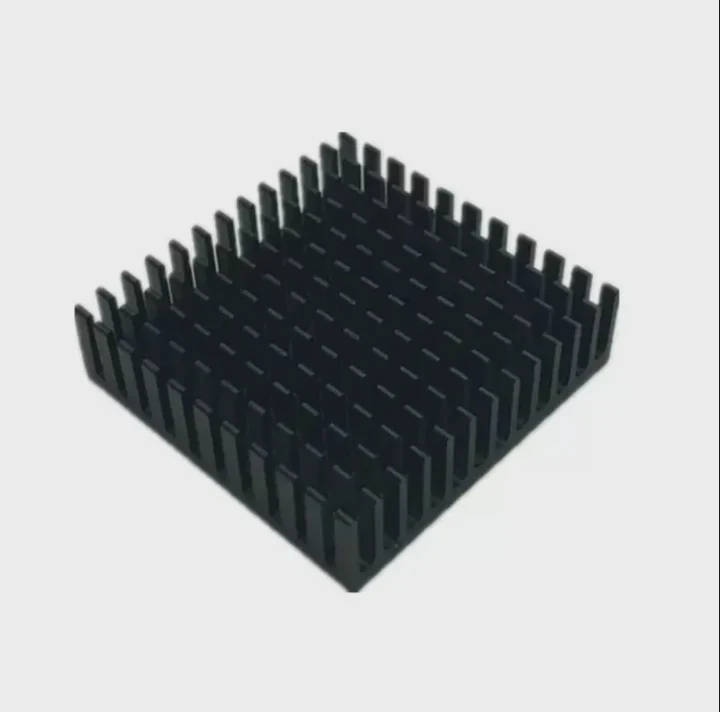
I learned that a simple flat screwdriver helps guide the clip out of its rail. I place the screwdriver under the edge of the clip and push it outward. The metal gives me stable control. A plastic tool can work too if you worry about scratches. When I help beginners, I often give them a plastic prying stick because it feels safer. Tweezers also help when your fingers cannot reach the small gap near the fan’s edge.
Tool use and handling tips
Here is a useful table based on what I use often:
| Tool | Best Use | Safety |
|---|---|---|
| Flat screwdriver | Release metal clips | Keep angle shallow |
| Plastic pry stick | Lift plastic tabs | No risk of scratches |
| Tweezers | Pull small tabs | Avoid pulling too hard |
How to use tools without damage
When I place the screwdriver under a clip, I move it slow and straight. I do not twist the tool because twisting can bend the clip or scar the frame. When I use a plastic stick, I slip it under the tab, push it gently, and then lift the fan a little with my other hand. This reduces tension. I work my way along the edge until the fan becomes loose enough to lift. I always remind myself to keep contact soft near the fins. The fins bend very easily. Once, I touched a fin with too much force and left a small bend. It did not affect performance, but it taught me to be careful near the metal edges. With the right tools, the whole job becomes easy and controlled.
Can dust clog mounting rails?
When I opened an old PC one time, a thick layer of dust sat inside the rails, and the clip felt glued in place.
Yes, dust can clog the fan mounting rails on an AMD heatsink. Dust builds layers that restrict clip movement and can make fan removal feel locked or stuck.
How dust blocks movement
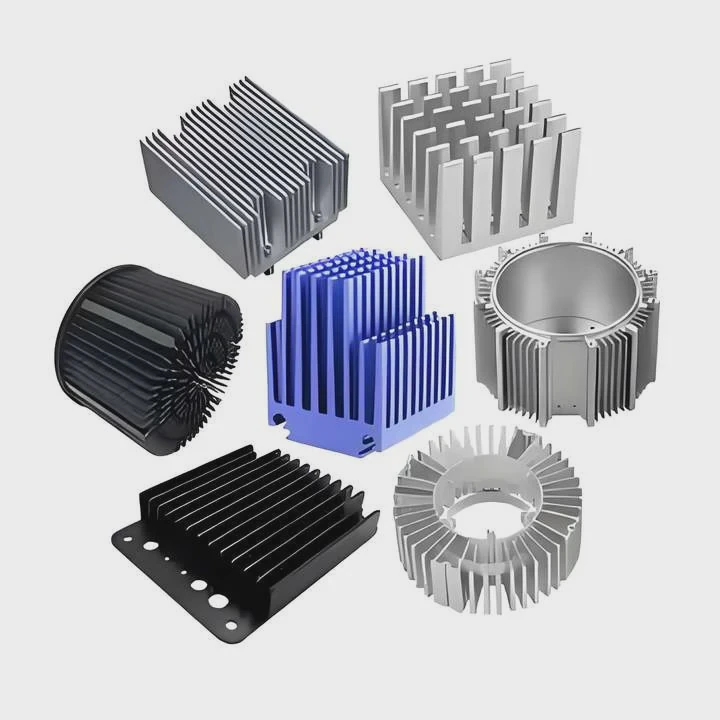
I see dust settle into small corners on almost every PC that runs for long hours. The mounting rail on an AMD cooler has a narrow path. Dust gathers inside and forms a pack that hardens over time. When the clip tries to slide, the dust blocks it. This makes the clip feel tight even if the material is fine. I once brushed away a thick ring of dust before touching the clip. After cleaning, the clip moved like new. The dust was the real blocker.
Why cleaning changes everything
I always blow compressed air across the rails before I attempt to remove the fan. Sometimes I use a soft brush if the dust looks sticky. I Learned that brushing helps break big chunks that cling to the plastic. After cleaning, the rail becomes smooth. The clip then slides without fighting the dust. The fan lifts off easier. This small step saves a lot of trouble.
What to do when dust turns sticky
Sometimes dust mixes with oil from the fan bearing or humidity from the case. This makes it sticky. In these cases, I wipe gently with a cotton swab. I press very soft so I do not bend the fins. A small amount of isopropyl alcohol helps. I wait for the surface to dry fully before releasing the clip. When I face sticky dust, I clean both the rails and the fan frame. This stops the same problem from returning. Dust may seem harmless, but it can make a simple fan removal feel harder than it should.
Should cables be unplugged first?
When I started building PCs, I sometimes forgot to unplug the fan cable. The cable tugged tight, and it scared me.
You should unplug the cable before removing the fan from the AMD heatsink. This prevents stretching, pin damage, and accidental pulls on the motherboard header.
Why unplugging avoids damage
I learned this lesson when a friend tried to remove a fan without unplugging it. The clip released, the fan jumped a little, and the cable pulled tight. The header bent slightly. After that, I always unplug the cable first. It gives the fan freedom to move. It also gives me room to rotate the fan if the clip angle feels awkward. With the cable free, nothing pulls back on the fan.
How to unplug safely
I hold the cable near the connector, never by the wires. I pull straight. I do not wiggle the cable because this can loosen the pins. Some connectors sit tight, so I place my nails on both sides and pinch the plastic. I pull slow. Once the cable is free, the fan becomes much easier to handle. It can tilt, turn, and move without tension. This freedom helps a lot when the clip is stubborn.
What happens if you unplug too late
I saw what can happen when the cable stays plugged in. The fan rotates as you lift it, and the wires twist. If the twist becomes tight, it can pull the connector sideways. This may expand the port on the motherboard. It may also break the small latch on the connector. When this latch breaks, the cable becomes loose in future builds. This creates random fan speed drops. I always unplug the cable at the start so I never face this problem again.
Conclusion
You can remove the fan from an AMD heatsink safely by cleaning dust, using simple tools, unplugging the cable early, and releasing the clips with steady force. Once you know the steps, the process becomes easy and predictable.
TAGS
Latest Articles

Volume discount levels for heat sink orders?
Buyers often ask when heat sink prices start to drop with volume. Many worry they’re overpaying for small orders. This guide explains how B2B volume pricing works for thermal components. Heat sink
21 Dec,2025
Heat sink long-term supply contract options?
Many buyers want stable pricing and reliable delivery for heat sinks. But without a clear contract, risks grow over time. This article explores how to secure better long-term supply deals. Long-term
21 Dec,2025
Tooling cost for new heat sink profiles?
Many engineers struggle to understand why tooling for custom heat sinks costs so much. They worry about budgeting and production timelines. This article breaks down the cost drivers behind tooling.
21 Dec,2025
Heat sink custom sample process steps?
Sometimes, starting a custom heat sink project feels overwhelming—too many steps, too many unknowns, and too many risks. You want a sample, but not endless delays. The process for requesting and
20 Dec,2025
Standard B2B terms for heat sink payments?
When buyers and sellers in B2B heat sink markets talk about payment, many don’t fully understand what’s standard. This can lead to delayed orders, miscommunication, and even lost business
20 Dec,2025
Heat sink pricing factors for large orders?
Heat sinks are vital for many systems. When prices rise, projects stall and budgets break. This problem can hit teams hard without warning. Large order heat sink pricing depends on many factors. You
20 Dec,2025Related Articles
- are heatsinks on ssd necessary?
- do you apply thermal paste to cpu and heatsink?
- how to screw heatsink?
- How to use old heatsink?
- can heatsinks be used on dell xps 13?
- can the fan of a cpu heatsink be replaced?
- can you buy wd black sn750 heatsink cover?
- how to mount heatsink?
- can computer turn on without heatsink?
- do m2 ssds need heatsinks?
- do heatsinks help vnme ssd?
- Does i3 8100 come with heatsink?
Author
Dr. Emily Chen
Chief AI Researcher
Leading expert in thermal dynamics and AI optimization with over 15 years of experience in data center efficiency research.
Categories
Latest Products

M.2 Heatpipe Heatsink With Dual Fans For Pc Case
19 Mar,2026

Heavy-Duty Aluminum Heat Sink Custom
19 Mar,2026

Oem Skived Fin Heatsink Aluminum Radiator For Plants
19 Mar,2026

Water Cooled Cnc Aluminum Heat Sink For Medical
19 Mar,2026

High Density 6000 Series Aluminum Heat Sink Profile
19 Mar,2026

High-Density Extruded Aluminum & Bonded-Fin Heat Sink Profile
19 Mar,2026
Recommend Categories
- Liquid cooling plate Manufacturer
- Industrial Heat Sink Manufacturer
- Standard Heat Sink Manufacturer
- Aluminum Heat Sink Manufacturer
- Copper Heat Sink Manufacturer
- Anodized Heatsink Manufacturer
- Stamping heat sink Manufacturer
- Die Casting Heatsink Manufacturer
- Soldering heat sink Manufacturer
- CNC Parts Manufacturer
Latest Products
- M.2 Heatpipe Heatsink With Dual Fans For Pc Case
- Heavy-Duty Aluminum Heat Sink Custom
- Oem Skived Fin Heatsink Aluminum Radiator For Plants
- Water Cooled Cnc Aluminum Heat Sink For Medical
- High Density 6000 Series Aluminum Heat Sink Profile
- High-Density Extruded Aluminum & Bonded-Fin Heat Sink Profile
- Dongguan Cnc Aluminum Heat Sink For Led & Brass Parts
- Wholesale Cnc Aluminum Heat Sink - Custom Extruded
- Led Cnc Round Heat Sink With Screw Holes
- Copper Pin-Fin Heat-Sink Large-Area For Photoled Cooling
- Telecom Heatsink Zipper Fin Wcopper Tubes Oem
Contact Expert
Have questions about this article? Reach out to our experts directly.