do you need heatsink for liquid cooled cpu?
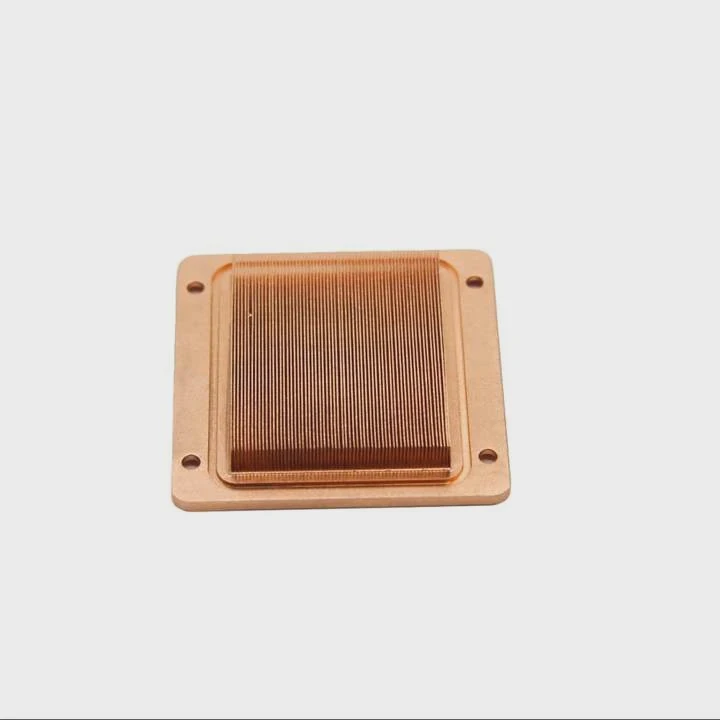
Many people switch to liquid cooling and assume all heat problems disappear. This creates confusion when other parts of the system still run warm.
A liquid-cooled CPU may not need a traditional heatsink, but the system still needs airflow for VRMs, stable loop performance, and proper pump function to remove heat from the radiator.
Most users think liquid cooling replaces every cooling task, but other components still rely on airflow.
Why VRMs still need cooling?
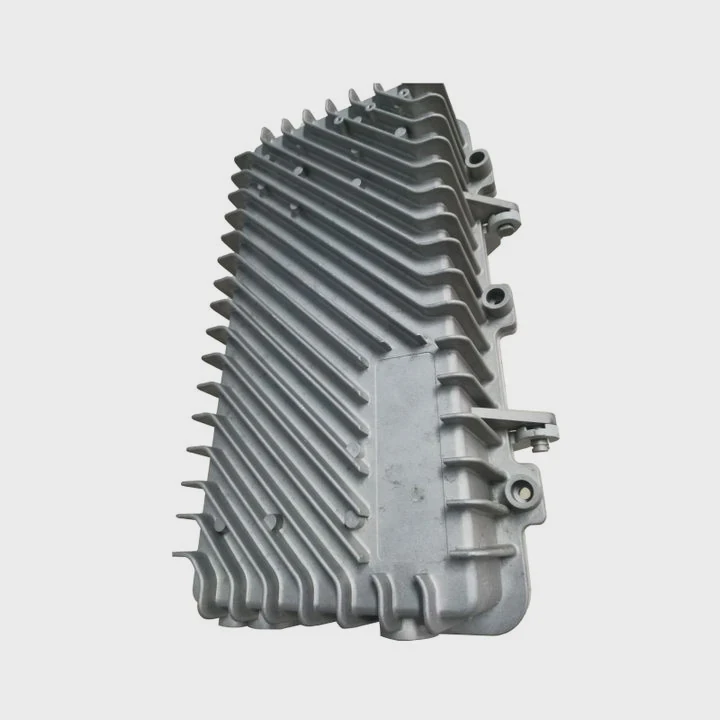
Many users focus only on the CPU and forget the parts around it. VRMs sit close to the socket and feed power to the processor. These parts heat quickly under load.
VRMs still need cooling because they convert power for the CPU and create heat during high load, and without airflow they may overheat even if the CPU itself is liquid-cooled.
When I built my first liquid setup, I noticed VRM temps climb during long runs. The radiator kept the CPU cold, but the VRMs warmed because there was no fan above them.
How VRMs create heat
VRMs regulate voltage. They switch fast and pass high current. This switching makes heat. The more the CPU loads, the more current the VRMs deliver. This creates a heat zone near the socket.
Why liquid cooling changes airflow
Air coolers blow air down across the board. This cool airflow reaches the VRMs. Liquid coolers remove the CPU heatsink and replace it with a pump block. The pump has no fan. Without airflow, VRMs lose cooling support.
VRM cooling table
| Cooling Source | VRM Cooling | Result |
|---|---|---|
| Air cooler | Direct airflow | Good temps |
| Liquid cooler | No airflow | Higher temps |
| Case fans | Side airflow | Balanced temps |
Why VRMs need airflow even at low load
VRMs heat up fast when the CPU boosts. Even at medium load, they gain heat. Without airflow, this heat stays near the board. Airflow keeps the zone stable.
Why proper VRM cooling matters
Stable VRM temps improve CPU stability. They lower electrical noise and reduce stress on the board. With basic airflow, your board lasts longer.
Which loops improve CPU temps?
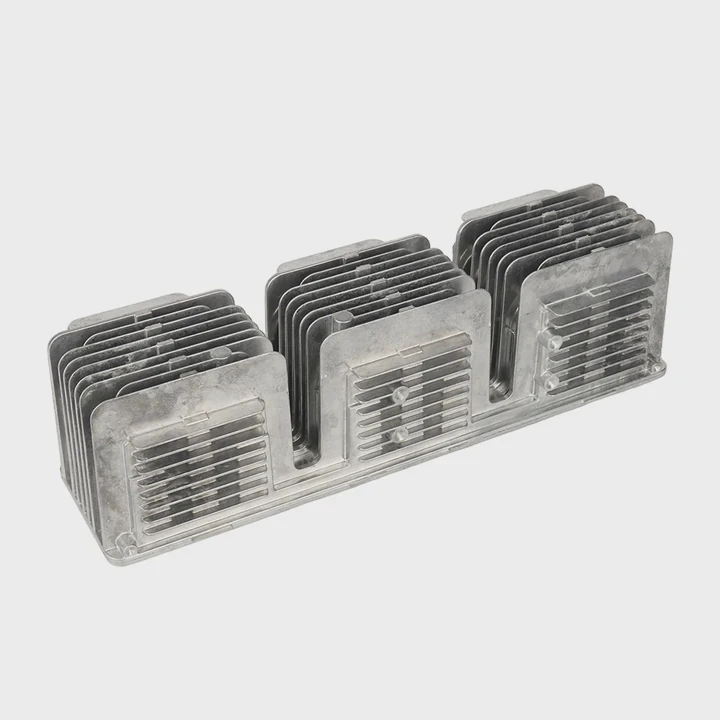
Many users think all liquid coolers work the same. But loops differ in size, pump strength, radiator size, and coolant flow.
Loops that improve CPU temps include AIO systems with large radiators, custom loops with strong pumps, and setups that use thick radiators with high-fin airflow designs.
I tested a small AIO once and found temps good but not great. When I switched to a larger radiator loop, the temps dropped and stayed stable.
Why radiator size matters
A larger radiator holds more coolant and has more fin area. More fin area means more heat removed per second. A 360mm radiator performs better than a 120mm one. Thick radiators handle more heat too.
Loop performance table
| Loop Type | Cooling Strength |
|---|---|
| 120mm AIO | Basic |
| 240mm AIO | Good |
| 360mm AIO | Strong |
| Custom loop | Very strong |
Why pump strength changes cooling
Strong pumps move coolant quickly. Fast movement keeps heat from sitting in the block. It also spreads heat across the radiator. Weak pumps slow coolant. Slow coolant holds heat longer.
Why tube routing affects temps
Long routes slow the flow and warm up coolant. Short and clean routes help the pump move coolant easily. This keeps block temps low.
Why radiator fans matter
Even liquid loops rely on airflow. Radiator fans push air across the fins. Without these fans, the radiator cannot cool the liquid. This shows why airflow still matters even in liquid setups.
Can airflow remain necessary?
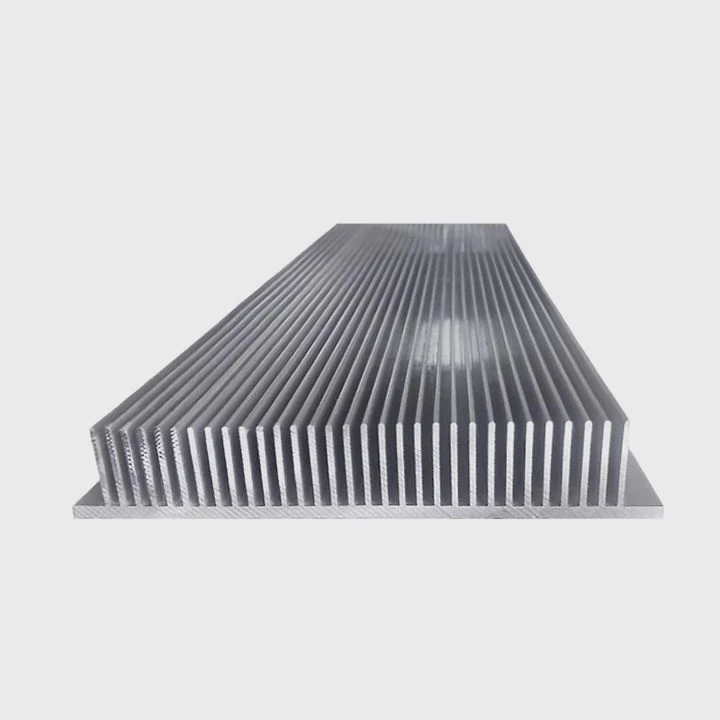
Some users think liquid cooling removes the need for any airflow. They expect silent builds with no case fans. But this leads to warm zones around key parts.
Yes, airflow remains necessary because the motherboard, VRMs, SSDs, RAM, and even the GPU still rely on moving air to release heat into the case.
When I built a quiet system with slow fans, temps stayed higher than expected. Once I added a gentle intake fan, everything cooled down.
Why airflow supports every part
A PC has many heat sources. Even if the CPU is liquid-cooled, the radiator dumps heat into the case. Case fans push hot air out and bring cool air in. Without these fans, heat stays inside.
Airflow support table
| Component | Needs Airflow? | Reason |
|---|---|---|
| VRMs | Yes | High power draw |
| SSDs | Yes | Controller heat |
| RAM | Yes | Low but constant heat |
| GPU | Yes | Large heat load |
Why airflow helps the radiator
A radiator is only useful if air moves through it. Airflow removes heat from the fins. Without airflow, the radiator becomes warm metal with nowhere for heat to go.
Why slow fans work well
You do not need strong airflow. Even slow fans move enough air to keep temps low. Many setups use two or three quiet fans to keep the entire system stable.
Why no-airflow builds fail
Without airflow, heat builds layer by layer. Case temps rise. The radiator releases heat into the same warm air. The loop becomes less effective. Air must move for full performance.
Do pumps affect heat removal?
Many users think pumps simply move liquid around. But pump performance changes the whole cooling path, especially at high load.
Pumps affect heat removal because coolant flow rate controls how fast heat leaves the block, how quickly it spreads across the radiator, and how evenly the loop manages temperature spikes.
I once used a weak pump in a custom loop. Temps rose fast during gaming. After upgrading to a stronger pump, coolant moved better and the CPU stayed cooler.
Why flow rate matters
Flow rate moves heat away from the CPU block. If flow is slow, the block warms up. If flow is fast, heat moves to the radiator quickly. Balanced flow keeps temps steady.
Pump performance table
| Pump Type | Flow | Cooling |
|---|---|---|
| Small AIO pump | Moderate | Good |
| Large AIO pump | Strong | Better |
| Custom D5 pump | Very strong | Best |
Why pump speed affects stability
Higher pump speed helps during sudden load changes. When the CPU boosts, heat spikes. Fast coolant removes these spikes. Slow coolant cannot match the heat rate.
Why pumps and fans work together
The pump moves coolant. Fans cool the radiator. Both must perform well. If either weakens, the loop loses efficiency.
Why pump health matters in long-term use
Pumps run every second the PC is on. Dust, heat, and wear affect them. A weak pump lowers cooling. Regular checks keep the loop running well.
Conclusion
A liquid-cooled CPU does not need a standard heatsink, but the system still needs airflow for VRMs, strong pumps for heat transfer, and a good loop design to keep temperatures stable and safe.
TAGS
Latest Articles

Volume discount levels for heat sink orders?
Buyers often ask when heat sink prices start to drop with volume. Many worry they’re overpaying for small orders. This guide explains how B2B volume pricing works for thermal components. Heat sink
21 Dec,2025
Heat sink long-term supply contract options?
Many buyers want stable pricing and reliable delivery for heat sinks. But without a clear contract, risks grow over time. This article explores how to secure better long-term supply deals. Long-term
21 Dec,2025
Tooling cost for new heat sink profiles?
Many engineers struggle to understand why tooling for custom heat sinks costs so much. They worry about budgeting and production timelines. This article breaks down the cost drivers behind tooling.
21 Dec,2025
Heat sink custom sample process steps?
Sometimes, starting a custom heat sink project feels overwhelming—too many steps, too many unknowns, and too many risks. You want a sample, but not endless delays. The process for requesting and
20 Dec,2025
Standard B2B terms for heat sink payments?
When buyers and sellers in B2B heat sink markets talk about payment, many don’t fully understand what’s standard. This can lead to delayed orders, miscommunication, and even lost business
20 Dec,2025
Heat sink pricing factors for large orders?
Heat sinks are vital for many systems. When prices rise, projects stall and budgets break. This problem can hit teams hard without warning. Large order heat sink pricing depends on many factors. You
20 Dec,2025Related Articles
- does an m2 ssd need a heatsink?
- how to clean cpu cooler heatsink?
- how to separate processor from heatsink?
- how to clean a heatsink of insperion n1770?
- what is a bga heatsink?
- is nvme heatsink necessary?
- do nvmes need heatsinks?
- how do you clean a heatsink?
- what has a heatsink in them?
- how to clean cpu heatsink and fan?
- how to remove a heatsink from a cpu?
- what is the difference between dialectric grease and heatsink compound?
Author
Dr. Emily Chen
Chief AI Researcher
Leading expert in thermal dynamics and AI optimization with over 15 years of experience in data center efficiency research.
Categories
Latest Products

M.2 Heatpipe Heatsink With Dual Fans For Pc Case
19 Mar,2026

Heavy-Duty Aluminum Heat Sink Custom
19 Mar,2026

Oem Skived Fin Heatsink Aluminum Radiator For Plants
19 Mar,2026

Water Cooled Cnc Aluminum Heat Sink For Medical
19 Mar,2026

High Density 6000 Series Aluminum Heat Sink Profile
19 Mar,2026

High-Density Extruded Aluminum & Bonded-Fin Heat Sink Profile
19 Mar,2026
Recommend Categories
- Liquid cooling plate Manufacturer
- Industrial Heat Sink Manufacturer
- Standard Heat Sink Manufacturer
- Aluminum Heat Sink Manufacturer
- Copper Heat Sink Manufacturer
- Anodized Heatsink Manufacturer
- Stamping heat sink Manufacturer
- Die Casting Heatsink Manufacturer
- Soldering heat sink Manufacturer
- CNC Parts Manufacturer
Latest Products
- M.2 Heatpipe Heatsink With Dual Fans For Pc Case
- Heavy-Duty Aluminum Heat Sink Custom
- Oem Skived Fin Heatsink Aluminum Radiator For Plants
- Water Cooled Cnc Aluminum Heat Sink For Medical
- High Density 6000 Series Aluminum Heat Sink Profile
- High-Density Extruded Aluminum & Bonded-Fin Heat Sink Profile
- Dongguan Cnc Aluminum Heat Sink For Led & Brass Parts
- Wholesale Cnc Aluminum Heat Sink - Custom Extruded
- Led Cnc Round Heat Sink With Screw Holes
- Copper Pin-Fin Heat-Sink Large-Area For Photoled Cooling
- Telecom Heatsink Zipper Fin Wcopper Tubes Oem
Contact Expert
Have questions about this article? Reach out to our experts directly.