how do you clean a heatsink?
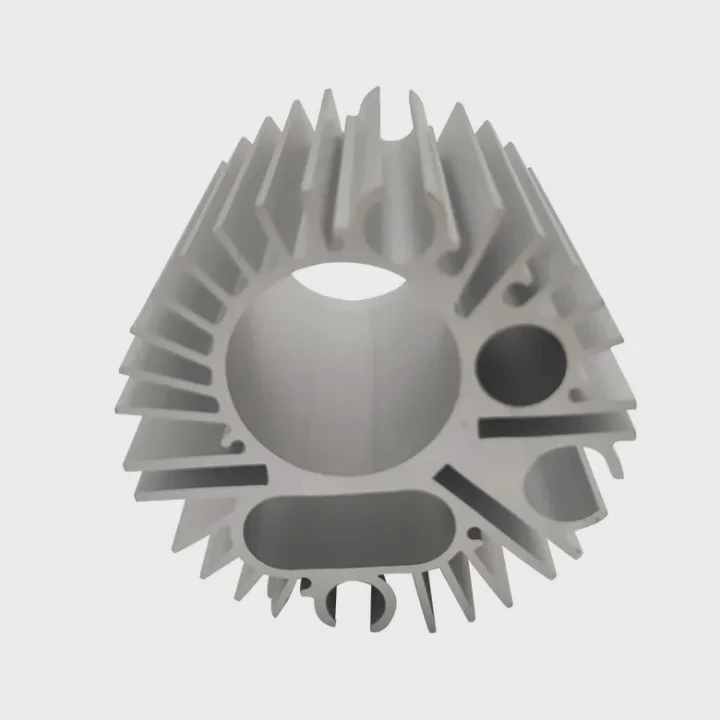
Many people hear their system getting louder and think the cooler is failing. This causes stress because heat issues appear even during light work.
You can clean a heatsink by removing dust from the fins, using soft brushes for narrow gaps, avoiding washing that harms coatings, and replacing thermal paste after lifting the cooler.
Most users think cleaning is risky, but with simple steps the process becomes safe and effective.
Why dust reduces cooling?
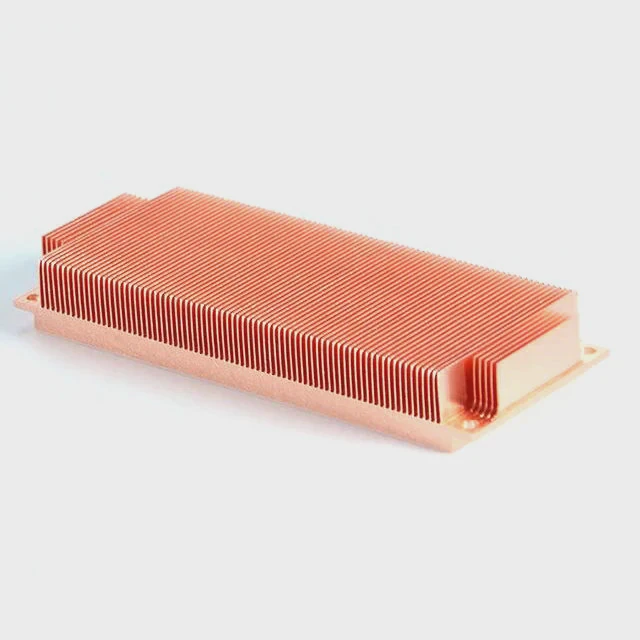
Heatsinks look simple, but even a thin layer of dust can change temperatures. Many users ignore dust until the fan gets loud.
Dust reduces cooling because it blocks airflow through the fins, traps heat inside the channels, and prevents the heatsink from releasing warmth into the air.
I once cleaned a tower cooler that had not been opened in years. A thick dust mat was sitting on the front fins. After cleaning, system noise dropped and temps returned to normal.
How dust blocks airflow
Dust collects between metal fins. These fins form narrow passages where air must pass. When these passages fill with dust, air cannot reach the warm metal. Without fresh air, the heatsink stops removing heat.
Why heat gets trapped
Heat rises from the CPU or GPU into the heatsink. The heatsink expects air to pull heat away from the fins. If dust stops airflow, heat remains inside. This warms the entire cooler and raises temperatures quickly.
Table: Dust stages and effects
| Dust Level | Cooling Ability | Fan Noise |
|---|---|---|
| Light | Slight drop | Quiet |
| Medium | Noticeable rise | Louder |
| Heavy | Major loss | Very loud |
Why dust forms faster in small cases
Small cases have fewer vents. Fans move more air in less space. This airflow pulls dust faster. When dust collects at the heatsink, the system warms even with clean filters.
Why removing dust improves stability
After removing dust, airflow returns. The heatsink moves heat properly. Fans spin less, temps drop, and the system stays stable during work or games.
Which brushes reach tight fins?
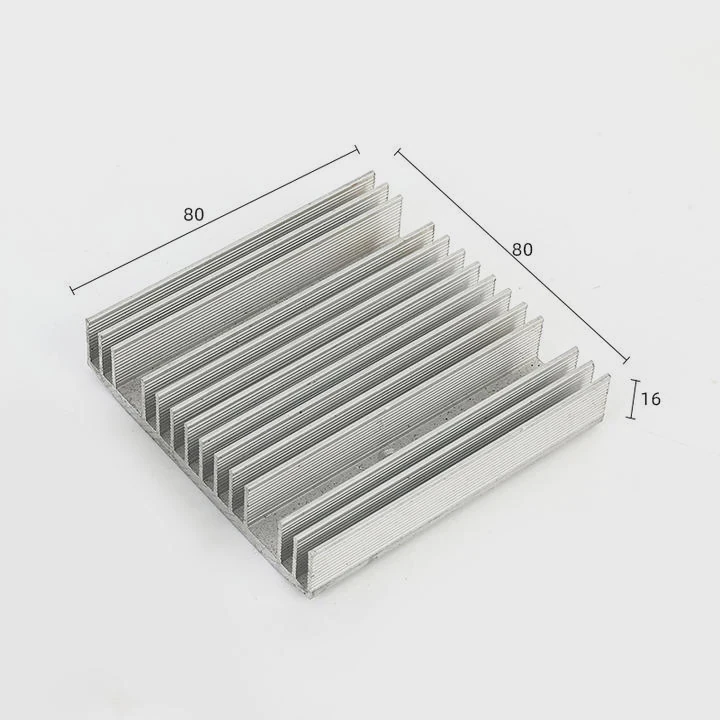
Many users try large or stiff brushes. These tools cannot reach deep channels and may bend the fins.
Soft tools such as small detailing brushes, makeup brushes, and anti-static brushes reach tight fins without bending the metal or scratching the surface.
I once compared several brushes. A soft makeup brush worked the best because it slipped between the fins and lifted dust smoothly.
Why soft brushes work well
Soft fibers slide between narrow gaps. They loosen dust gently. They do not damage the thin metal. This protects the structure of the heatsink and keeps airflow strong.
Brush comparison table
| Brush Type | Reach | Safety |
|---|---|---|
| Makeup brush | Deep | High |
| Detailing brush | Very deep | High |
| Anti-static brush | Good | High |
| Stiff brush | Poor | Low |
Why stiff brushes are risky
Stiff bristles push dust deeper and bend fins. Bent fins restrict airflow. Once bent, they rarely return to their original shape. Soft tools avoid this issue entirely.
Why small brushes are better
Small brushes reach tight fins where dust hides. Large brushes only touch outer surfaces. Most heat problems come from dust trapped deeper inside the heatsink.
Why brushing must be gentle
Fast or rough brushing forces dust into hidden corners. Slow strokes allow dust to lift upward. This makes air cleaning more effective later.
Can washing damage coatings?
Some users wash the heatsink under a tap because it seems quick. But water can harm surface treatments.
Yes, washing can damage coatings because some heatsinks use anodized layers, painted surfaces, or anti-corrosion treatments that react to water or detergents.
I saw a cooler lose its dark anodized finish after a user washed it with soap. The coating faded and the surface became dull.
Why coatings matter
Many heatsinks come with protective coatings that resist oxidation. These coatings also improve durability. Water can seep into micro gaps and cause discoloration or long-term corrosion.
How washing goes wrong
Water gets trapped between fins and remains there for hours. If the heatsink is reinstalled before drying fully, it may corrode or stain. Strong detergents remove coatings altogether.
Washing risk table
| Action | Result |
|---|---|
| Rinsing under tap | Coating fade |
| Using soap or cleaner | Surface damage |
| Scrubbing hard | Scratches |
| Not drying fully | Rust or marks |
When washing is safe
If the heatsink is bare aluminum with no coating, washing may work. Fans must never be washed. The heatsink must dry for many hours. Every drop must evaporate before reuse.
Why dry cleaning is better
Dry brushing avoids damage. Air bursts remove loose dust without chemicals. This method keeps coatings safe and lets you reinstall the cooler quickly.
Should paste be replaced after cleaning?
Removing the heatsink breaks the thermal paste layer. Many users forget this step and reinstall the cooler with the old paste.
Yes, thermal paste should be replaced after cleaning because lifting the cooler breaks the old layer and leaves air pockets that reduce heat transfer.
I noticed this when a system ran warm after a clean. The old paste had torn in several places. Adding fresh paste fixed the issue.
Why paste cannot be reused
Thermal paste forms a seal between the chip and the heatsink. When the cooler lifts, the seal tears. Even if the paste looks soft, it no longer creates a full-contact surface.
How new paste improves heat flow
New paste fills tiny gaps on both surfaces. It spreads into a thin layer. This thin layer moves heat quickly from the chip into the cooler. CPUs and GPUs stay cooler with fresh paste.
Table: Paste condition and effect
| Condition | Cooling Result |
|---|---|
| Fresh | Good |
| Dry | Weak |
| Cracked | Poor |
Why paste dries over time
Heat cycles harden paste. It becomes thick and chalky. Chalky paste holds heat. New paste restores proper heat transfer and lowers temperatures immediately.
Why paste + clean cooling gives best results
A clean heatsink alone cannot solve heat issues if paste is bad. Fresh paste and clean fins work together. This combination makes the system cooler, quieter, and more stable.
Conclusion
Cleaning a heatsink involves clearing dust, choosing the right brushes, avoiding water damage, and replacing thermal paste after removal. These simple steps keep your system cool, quiet, and reliable.
TAGS
Latest Articles

Volume discount levels for heat sink orders?
Buyers often ask when heat sink prices start to drop with volume. Many worry they’re overpaying for small orders. This guide explains how B2B volume pricing works for thermal components. Heat sink
21 Dec,2025
Heat sink long-term supply contract options?
Many buyers want stable pricing and reliable delivery for heat sinks. But without a clear contract, risks grow over time. This article explores how to secure better long-term supply deals. Long-term
21 Dec,2025
Tooling cost for new heat sink profiles?
Many engineers struggle to understand why tooling for custom heat sinks costs so much. They worry about budgeting and production timelines. This article breaks down the cost drivers behind tooling.
21 Dec,2025
Heat sink custom sample process steps?
Sometimes, starting a custom heat sink project feels overwhelming—too many steps, too many unknowns, and too many risks. You want a sample, but not endless delays. The process for requesting and
20 Dec,2025
Standard B2B terms for heat sink payments?
When buyers and sellers in B2B heat sink markets talk about payment, many don’t fully understand what’s standard. This can lead to delayed orders, miscommunication, and even lost business
20 Dec,2025
Heat sink pricing factors for large orders?
Heat sinks are vital for many systems. When prices rise, projects stall and budgets break. This problem can hit teams hard without warning. Large order heat sink pricing depends on many factors. You
20 Dec,2025Related Articles
- do nvmes need heatsinks?
- do you need heatsink for liquid cooled cpu?
- does an m2 ssd need a heatsink?
- how to clean cpu cooler heatsink?
- how to separate processor from heatsink?
- how to clean a heatsink of insperion n1770?
- what has a heatsink in them?
- how to clean cpu heatsink and fan?
- how to remove a heatsink from a cpu?
- what is the difference between dialectric grease and heatsink compound?
- how to put a heatsink on motherboard 1366?
- can you put ssd with heatsink in laptop?
Author
Dr. Emily Chen
Chief AI Researcher
Leading expert in thermal dynamics and AI optimization with over 15 years of experience in data center efficiency research.
Categories
Latest Products

M.2 Heatpipe Heatsink With Dual Fans For Pc Case
19 Mar,2026

Heavy-Duty Aluminum Heat Sink Custom
19 Mar,2026

Oem Skived Fin Heatsink Aluminum Radiator For Plants
19 Mar,2026

Water Cooled Cnc Aluminum Heat Sink For Medical
19 Mar,2026

High Density 6000 Series Aluminum Heat Sink Profile
19 Mar,2026

High-Density Extruded Aluminum & Bonded-Fin Heat Sink Profile
19 Mar,2026
Recommend Categories
- Liquid cooling plate Manufacturer
- Industrial Heat Sink Manufacturer
- Standard Heat Sink Manufacturer
- Aluminum Heat Sink Manufacturer
- Copper Heat Sink Manufacturer
- Anodized Heatsink Manufacturer
- Stamping heat sink Manufacturer
- Die Casting Heatsink Manufacturer
- Soldering heat sink Manufacturer
- CNC Parts Manufacturer
Latest Products
- M.2 Heatpipe Heatsink With Dual Fans For Pc Case
- Heavy-Duty Aluminum Heat Sink Custom
- Oem Skived Fin Heatsink Aluminum Radiator For Plants
- Water Cooled Cnc Aluminum Heat Sink For Medical
- High Density 6000 Series Aluminum Heat Sink Profile
- High-Density Extruded Aluminum & Bonded-Fin Heat Sink Profile
- Dongguan Cnc Aluminum Heat Sink For Led & Brass Parts
- Wholesale Cnc Aluminum Heat Sink - Custom Extruded
- Led Cnc Round Heat Sink With Screw Holes
- Copper Pin-Fin Heat-Sink Large-Area For Photoled Cooling
- Telecom Heatsink Zipper Fin Wcopper Tubes Oem
Contact Expert
Have questions about this article? Reach out to our experts directly.