does an m2 ssd need a heatsink?
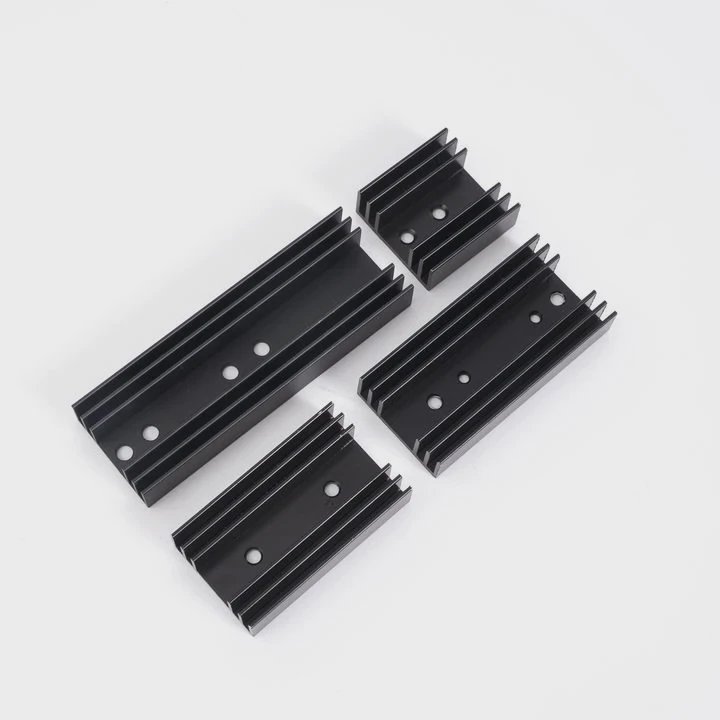
Many people install an M.2 SSD and feel worried when they see high temps during long tasks. This makes the drive seem fragile even though it is fast and small.
An M.2 SSD may need a heatsink because slim drives heat up under heavy workloads, some motherboard slots run hotter than others, and passive sinks help prevent throttling during long operations.
Most users think an M.2 SSD stays cool because it has no moving parts. But heat builds quickly, and cooling choices matter.
Why slim drives heat under load?
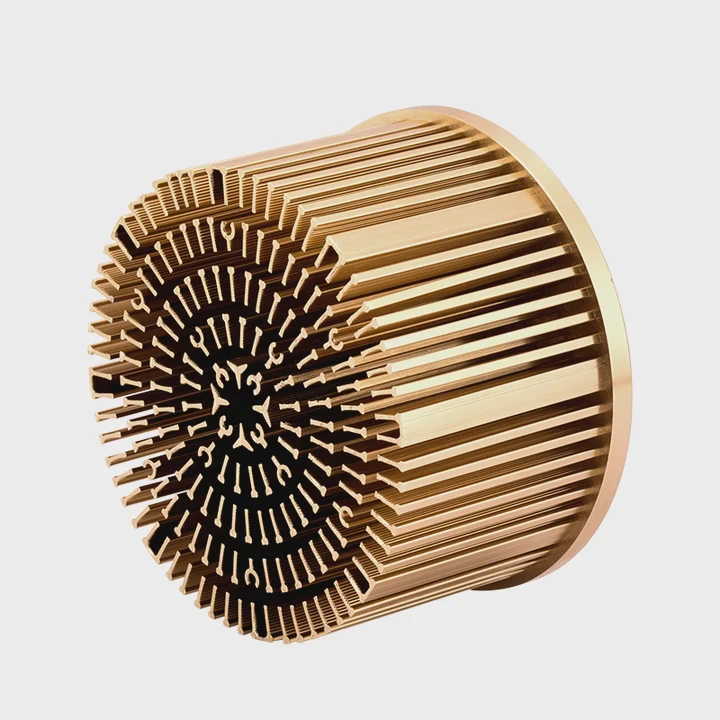
M.2 SSDs look tiny, so many users believe they run cool. But the small body hides a powerful controller that works fast.
Slim drives heat under load because the controller and NAND operate at high speeds in a compact space with little room to spread heat, causing quick temperature climbs.
When I tested a high-speed PCIe 4.0 M.2 SSD, I saw temps rise in seconds during a long file copy. The small size could not release heat fast enough until I added a basic heatsink.
How the controller makes heat
The controller does all major tasks—read queues, write placement, error correction, and data checks. These steps run nonstop during heavy use. The controller becomes the hottest part of the drive, often reaching high temps in a short time.
Why the compact size limits cooling
An M.2 SSD has no large metal body. It sits thin on the board with tiny chips. There is little surface area for heat to escape. Heat stays close to the controller unless a heatsink helps spread it.
Table: Heat behavior on slim SSDs
| Drive Type | Heat Pattern |
|---|---|
| PCIe 3.0 M.2 | Warm on long tasks |
| PCIe 4.0 M.2 | Hot quickly |
| PCIe 5.0 M.2 | Very hot, needs strong cooling |
Why airflow does not solve everything
Airflow often misses the SSD because it sits flat on the motherboard. Air passes above it or around it. Without a heatsink, the air has little to grab.
Why slim drives need heat support
Small drives heat quickly under load. Even small heatsinks help spread the heat. This lowers spikes and prevents speed drops.
Which slots run hottest?
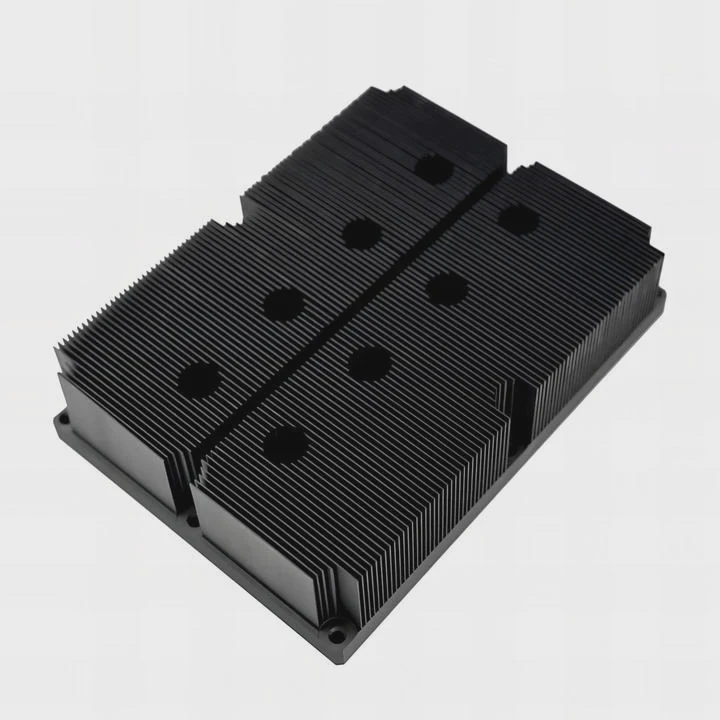
Many users install the SSD in the first slot without thinking about heat. But slot placement matters more than many realize.
The hottest-running M.2 slots are often the ones closest to the GPU or CPU because these areas gather warm air and reduce airflow across the SSD.
I once placed a fast SSD under a large GPU. The GPU blew warm air onto the SSD. The temps stayed higher until I moved the drive to a cooler slot.
Why the GPU area is hot
A GPU makes a lot of heat. Warm air rises around the card and warms nearby components. If the M.2 slot sits under or near the GPU, the SSD receives warm air instead of cool air.
Why the top slot can run warm
Some motherboards place an M.2 slot near the CPU socket. The CPU cooler spreads heat through the board. This makes the top area warm, which raises SSD temps under load.
Slot heat table
| Slot Location | Heat Level |
|---|---|
| Under GPU | High |
| Near CPU socket | Medium |
| Bottom slot | Low |
| Rear-mounted slot | Varies |
Why bottom slots stay cooler
Bottom slots sit away from the GPU and CPU. Airflow reaches them better. The air is cooler. This helps reduce heat buildup.
Why board layouts differ
Every motherboard has a different layout. Some place heatsinks on M.2 slots. Some place the slots in hot zones. Choosing the right slot helps lower temps before adding extra cooling.
Can passive sinks prevent throttling?
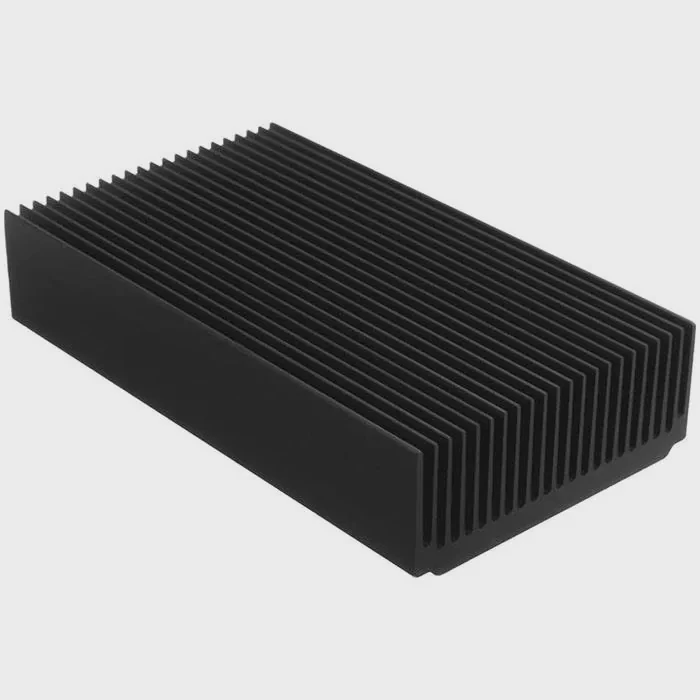
Some users think only large active coolers can prevent throttling. But a simple block of metal can make a big difference.
Yes, passive sinks can prevent throttling because they spread heat across a larger surface, allow air to remove warmth more easily, and keep the controller below throttle limits during long tasks.
I tested a drive with and without a passive sink. Without the sink, the drive throttled halfway through a long copy. With the sink, the temp stayed stable and no slowdown happened.
How passive sinks work
A passive sink touches the controller through a thermal pad. It pulls heat across the fins or metal plate. Once spread, the heat is easier for surrounding air to remove, even without a fan.
Why passive sinks help the controller
The controller hits throttle points quickly. A passive sink lowers peak temps. This gives the controller more room to work before hitting its limit.
Table: Sink effectiveness
| Sink Type | Cooling Strength |
|---|---|
| Thin board heatsink | Basic |
| Tall fin sink | Strong |
| Thick block + pad | Stronger |
Why even small sinks help
Even a simple thin aluminum strip reduces temps. The heat has more area to move. This slows down temperature jumps and delays throttling.
Why passive sinks are safe
Passive sinks need no power. They fit in small spaces. They do not add noise. This makes them ideal for small cases where airflow is limited.
Do workloads change cooling needs?
Many users see normal temps during daily use and think their SSD never needs extra cooling. But workloads differ.
Workloads change cooling needs because heavy writes, long transfers, game installs, backups, and large edits push the SSD harder than normal tasks like browsing or launching apps.
I once thought my SSD stayed cool because daily temps were low. But when I edited 4K video, the temps rose fast. Cooling needs change with the task.
Why light tasks stay cool
Light tasks use short bursts. The controller rests often. The SSD cools between bursts. Temps stay low.
Why heavy tasks heat the SSD
Heavy tasks keep the controller active. It never rests. Heat builds fast. Without a sink, the drive hits throttle points sooner.
Workload heat table
| Workload Type | Heat Level | Throttle Risk |
|---|---|---|
| Browsing | Low | Low |
| Small file load | Low | Low |
| Game installs | Medium | Medium |
| Backups | High | High |
| 4K editing | Very high | High |
Why speed matters
Faster SSDs heat more. PCIe 4.0 and 5.0 drives process more data in the same time. This extra speed makes more heat. Cooling must match this increase.
Why consistent cooling helps performance
Stable cooling keeps speeds steady. The SSD does not slow down. Large tasks finish faster. Even a small sink helps keep the drive in the optimal range.
Conclusion
An M.2 SSD may need a heatsink depending on drive speed, slot placement, airflow, and workload. With the right cooling, your SSD stays fast, stable, and free from throttling during heavy tasks.
TAGS
Latest Articles

Volume discount levels for heat sink orders?
Buyers often ask when heat sink prices start to drop with volume. Many worry they’re overpaying for small orders. This guide explains how B2B volume pricing works for thermal components. Heat sink
21 Dec,2025
Heat sink long-term supply contract options?
Many buyers want stable pricing and reliable delivery for heat sinks. But without a clear contract, risks grow over time. This article explores how to secure better long-term supply deals. Long-term
21 Dec,2025
Tooling cost for new heat sink profiles?
Many engineers struggle to understand why tooling for custom heat sinks costs so much. They worry about budgeting and production timelines. This article breaks down the cost drivers behind tooling.
21 Dec,2025
Heat sink custom sample process steps?
Sometimes, starting a custom heat sink project feels overwhelming—too many steps, too many unknowns, and too many risks. You want a sample, but not endless delays. The process for requesting and
20 Dec,2025
Standard B2B terms for heat sink payments?
When buyers and sellers in B2B heat sink markets talk about payment, many don’t fully understand what’s standard. This can lead to delayed orders, miscommunication, and even lost business
20 Dec,2025
Heat sink pricing factors for large orders?
Heat sinks are vital for many systems. When prices rise, projects stall and budgets break. This problem can hit teams hard without warning. Large order heat sink pricing depends on many factors. You
20 Dec,2025Related Articles
- how to clean cpu cooler heatsink?
- how to separate processor from heatsink?
- how to clean a heatsink of insperion n1770?
- what is a bga heatsink?
- is nvme heatsink necessary?
- do i need a heatsink fan with new cpu?
- do you need heatsink for liquid cooled cpu?
- do nvmes need heatsinks?
- how do you clean a heatsink?
- what has a heatsink in them?
- how to clean cpu heatsink and fan?
- how to remove a heatsink from a cpu?
Author
Dr. Emily Chen
Chief AI Researcher
Leading expert in thermal dynamics and AI optimization with over 15 years of experience in data center efficiency research.
Categories
Latest Products

M.2 Heatpipe Heatsink With Dual Fans For Pc Case
19 Mar,2026

Heavy-Duty Aluminum Heat Sink Custom
19 Mar,2026

Oem Skived Fin Heatsink Aluminum Radiator For Plants
19 Mar,2026

Water Cooled Cnc Aluminum Heat Sink For Medical
19 Mar,2026

High Density 6000 Series Aluminum Heat Sink Profile
19 Mar,2026

High-Density Extruded Aluminum & Bonded-Fin Heat Sink Profile
19 Mar,2026
Recommend Categories
- Liquid cooling plate Manufacturer
- Industrial Heat Sink Manufacturer
- Standard Heat Sink Manufacturer
- Aluminum Heat Sink Manufacturer
- Copper Heat Sink Manufacturer
- Anodized Heatsink Manufacturer
- Stamping heat sink Manufacturer
- Die Casting Heatsink Manufacturer
- Soldering heat sink Manufacturer
- CNC Parts Manufacturer
Latest Products
- M.2 Heatpipe Heatsink With Dual Fans For Pc Case
- Heavy-Duty Aluminum Heat Sink Custom
- Oem Skived Fin Heatsink Aluminum Radiator For Plants
- Water Cooled Cnc Aluminum Heat Sink For Medical
- High Density 6000 Series Aluminum Heat Sink Profile
- High-Density Extruded Aluminum & Bonded-Fin Heat Sink Profile
- Dongguan Cnc Aluminum Heat Sink For Led & Brass Parts
- Wholesale Cnc Aluminum Heat Sink - Custom Extruded
- Led Cnc Round Heat Sink With Screw Holes
- Copper Pin-Fin Heat-Sink Large-Area For Photoled Cooling
- Telecom Heatsink Zipper Fin Wcopper Tubes Oem
Contact Expert
Have questions about this article? Reach out to our experts directly.