how to remove a heatsink from a cpu?
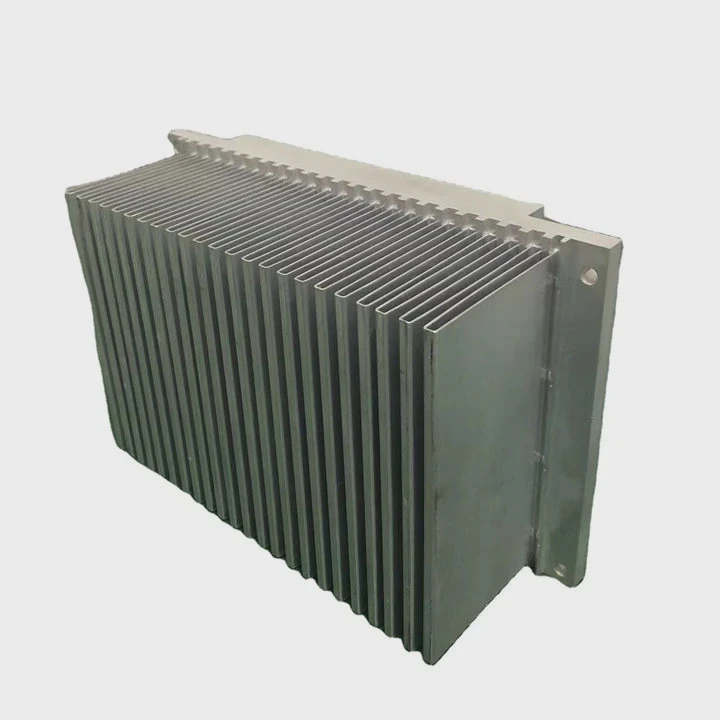
Many people try to take off a CPU cooler and feel a sudden pull as if the parts are glued together. This creates stress because a wrong move can damage the chip or socket.
You can remove a heatsink from a CPU by softening dried paste, using gentle motions to reduce strain, warming the cooler to weaken the bond, and lifting the CPU straight up only after the paste fully releases.
Most users think force helps, but careful control keeps both the CPU and socket safe.
Why dried paste resists removal?
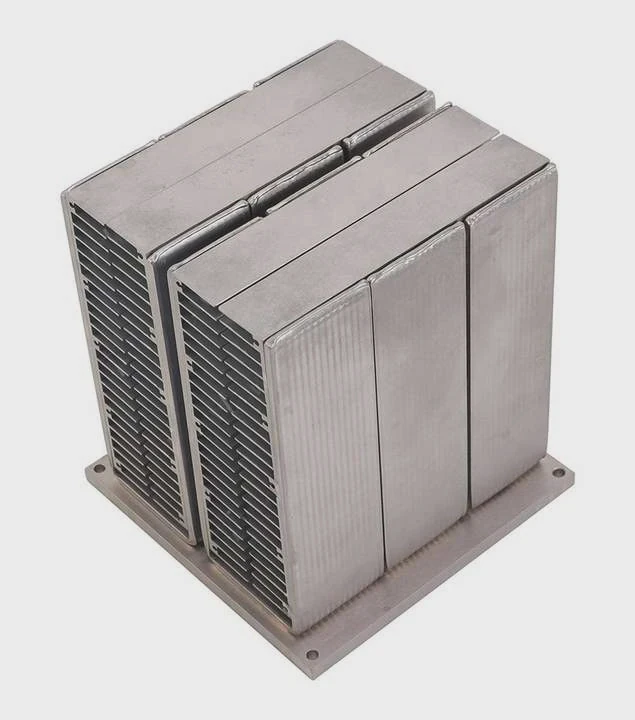
New thermal paste spreads smoothly and stays soft. But after many heat cycles, it becomes thick, dry, and sticky.
Dried paste resists removal because it hardens into a firm layer that grips both the CPU lid and the heatsink, acting like a weak adhesive that must be loosened before separation.
I once removed a cooler from a system that had run for years. The paste was like glue. The CPU would not release until I warmed the cooler gently.
How thermal paste ages
Thermal paste contains oils that evaporate slowly during heat cycles. The paste becomes thicker and more solid. As it dries, it clings tighter. This makes the heatsink feel fused to the CPU.
Why the bond becomes strong
Dried paste fills microscopic gaps. When it hardens, it forms a wide contact surface. This wide bond needs gentle force to break. Sharp or sudden force may lift the CPU out of the socket.
Paste behavior table
| Condition | Texture | Bond Strength |
|---|---|---|
| Fresh | Soft | Low |
| Aging | Thick | Medium |
| Old | Dry | High |
Why force is unsafe
If you pull upward too hard, the CPU may come out of the socket while still locked. This can bend pins or damage pads. This is why the paste must be softened first.
Why knowing paste behavior helps
When users understand why the cooler sticks, they stop using force and start using controlled steps. This protects the CPU and socket from harm.
Which motions reduce strain?
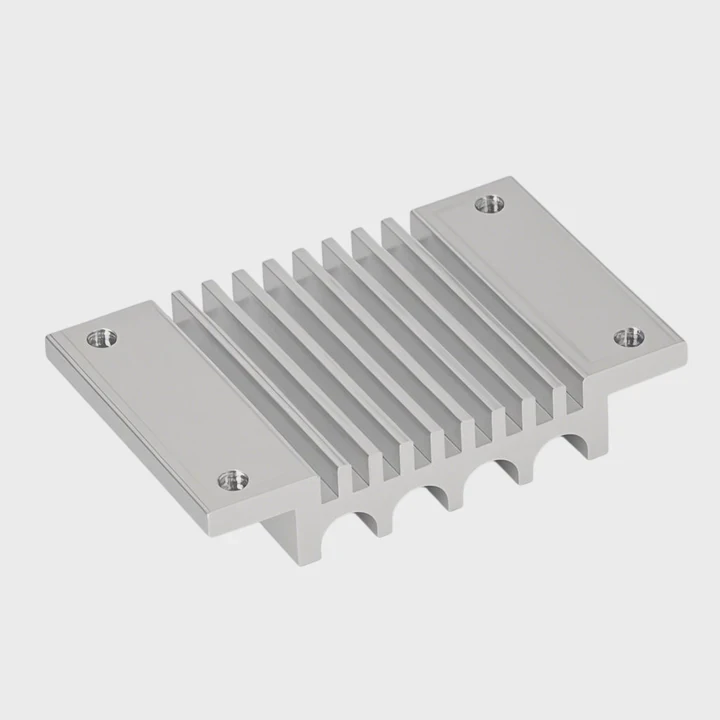
Some users try to pull the cooler straight up while the paste is still stiff. This puts full strain on the socket and may cause the CPU to lift with the cooler.
The best motions to reduce strain include gentle twisting, small side-to-side shifts, and slow rotational moves that break the dried paste layer without stressing the socket.
I once removed a cooler using a slow twist. The bond broke easily, and the CPU stayed in place with no stress.
Why twisting works best
Twisting spreads force evenly. It breaks the paste at the edges first. Once the edges crack, the center weakens. This reduces total force needed.
Why wobble motions help
A tiny left-right wobble shifts the cooler without lifting the CPU. These tiny motions loosen stubborn spots. They must be slow and light to avoid damage.
Motion comparison table
| Motion | Safety Level | Effectiveness |
|---|---|---|
| Gentle twist | High | Strong |
| Small wobble | High | Good |
| Hard pull | Low | Risky |
| Fast jerk | Very low | Unsafe |
Why controlled motion protects pins
Pins or pads align closely with the CPU. Sudden upward force may tilt the CPU. Controlled motion keeps the cooler flat and protects alignment.
Why motions must be slow
Slow movements give dried paste time to crack at weak points. Fast moves shock the bond and risk socket damage.
Can warming loosen adhesive?
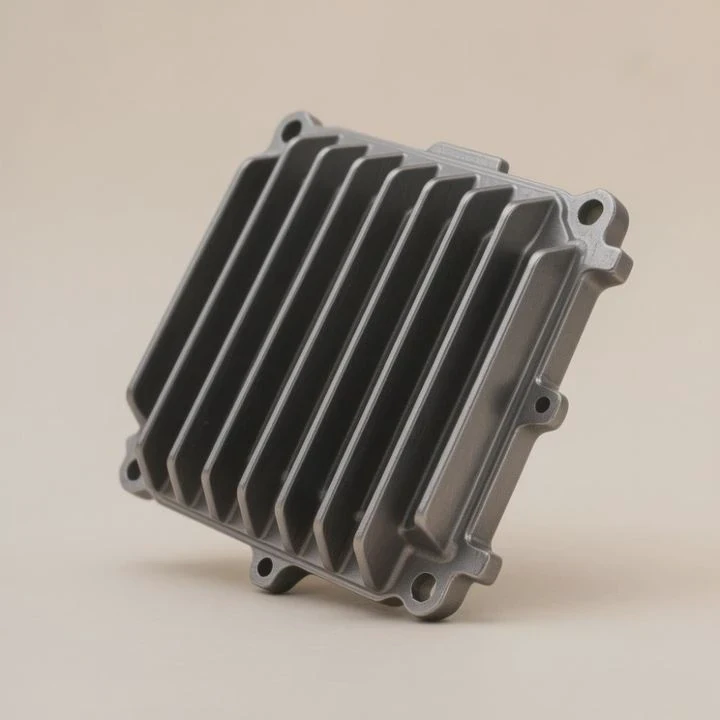
Cold paste stays stiff. Many users try to remove the cooler at room temperature and struggle. Warmth softens the paste and makes removal easy.
Yes, warming can loosen the adhesive effect of dried paste because mild heat softens the layer, weakens the grip, and allows the heatsink to slide without force.
I once used a low-heat hair dryer for a few seconds across the heatsink. The paste softened, and the cooler twisted off smoothly.
Safe warming methods
Warm air on low setting works well. Running the system for one minute before shutdown warms the paste gently. Leaving the cooler in warm room air for a short time also helps.
Warming method table
| Method | Heat Level | Safe? |
|---|---|---|
| Low hair dryer | Mild | Yes |
| System warm-up | Mild | Yes |
| Heat gun | High | No |
Why mild heat is enough
Thermal paste responds to warm, not hot, temperatures. If the heatsink feels warm like warm tap water, the paste is soft enough.
Why high heat must be avoided
Strong heat harms the fan, frame, or socket area. Too much heat may warp plastic parts. Mild heat gives all the benefit with none of the risk.
Why warming reduces stress
Soft paste breaks gently. The cooler releases without pulling the CPU. This keeps the removal process smooth and safe.
Should CPU be lifted vertically?
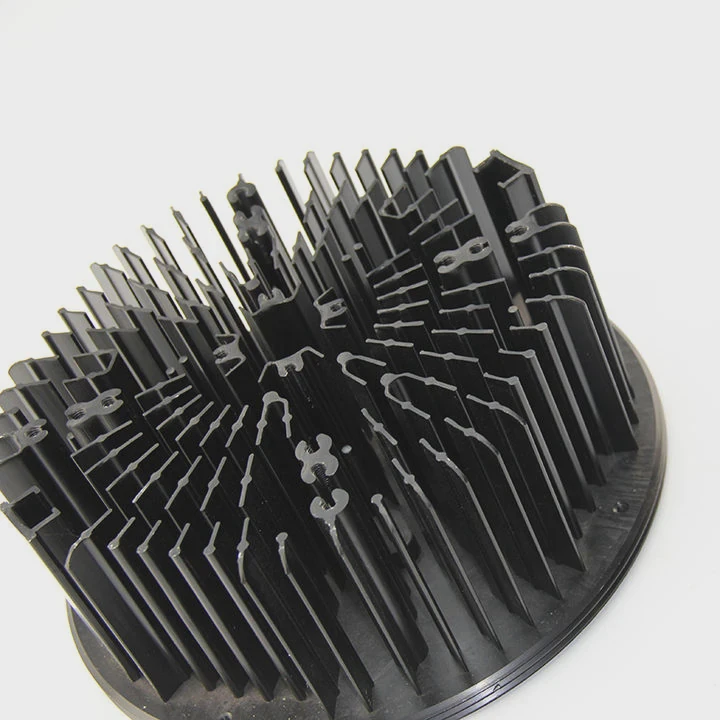
Once the cooler is loose, many users lift the CPU at an angle. This is dangerous because even a small tilt can scrape pins or pads.
Yes, the CPU should be lifted vertically because lifting at an angle risks dragging contact points across the socket surface and may cause pin or pad damage.
I once lifted a CPU at a slight angle by mistake. It scraped one corner but still worked. Since then, I only lift straight up.
Why a vertical lift matters
When the paste breaks, the CPU may still cling slightly. A vertical lift keeps the chip aligned. An angled lift drags one edge first, creating unnecessary stress.
Safe lifting table
| Method | Safety | Notes |
|---|---|---|
| Vertical lift | High | Best practice |
| Side lift | Medium | Risky |
| Tilt lift | Low | Unsafe |
Why CPUs are sensitive to angle
Pins or pads are tiny. Any sideways pull may bend them. A bent pin may break or misalign the connection. A straight lift avoids this.
How to lift properly
Place a finger on each side of the CPU. Raise it slowly. If it sticks, lower it again and twist the cooler more. Do not force the chip.
Why vertical lifting completes the process safely
After softening, twisting, and loosening the bond, a vertical lift ensures no harm happens in the final moment. This protects the CPU for reuse.
Conclusion
Removing a heatsink from a CPU requires softening dried paste, using gentle motions, warming the cooler safely, and lifting the CPU straight up only after it fully releases. With these steps, both the CPU and socket stay safe during removal.
TAGS
Latest Articles

Volume discount levels for heat sink orders?
Buyers often ask when heat sink prices start to drop with volume. Many worry they’re overpaying for small orders. This guide explains how B2B volume pricing works for thermal components. Heat sink
21 Dec,2025
Heat sink long-term supply contract options?
Many buyers want stable pricing and reliable delivery for heat sinks. But without a clear contract, risks grow over time. This article explores how to secure better long-term supply deals. Long-term
21 Dec,2025
Tooling cost for new heat sink profiles?
Many engineers struggle to understand why tooling for custom heat sinks costs so much. They worry about budgeting and production timelines. This article breaks down the cost drivers behind tooling.
21 Dec,2025
Heat sink custom sample process steps?
Sometimes, starting a custom heat sink project feels overwhelming—too many steps, too many unknowns, and too many risks. You want a sample, but not endless delays. The process for requesting and
20 Dec,2025
Standard B2B terms for heat sink payments?
When buyers and sellers in B2B heat sink markets talk about payment, many don’t fully understand what’s standard. This can lead to delayed orders, miscommunication, and even lost business
20 Dec,2025
Heat sink pricing factors for large orders?
Heat sinks are vital for many systems. When prices rise, projects stall and budgets break. This problem can hit teams hard without warning. Large order heat sink pricing depends on many factors. You
20 Dec,2025Related Articles
- how to clean cpu heatsink and fan?
- what has a heatsink in them?
- how do you clean a heatsink?
- do nvmes need heatsinks?
- do you need heatsink for liquid cooled cpu?
- does an m2 ssd need a heatsink?
- what is the difference between dialectric grease and heatsink compound?
- how to put a heatsink on motherboard 1366?
- can you put ssd with heatsink in laptop?
- do you put thermal paste on the cpu and heatsink?
- how to choose a heatsink for cpu?
- is it better to get ssd with heatsink?
Author
Dr. Emily Chen
Chief AI Researcher
Leading expert in thermal dynamics and AI optimization with over 15 years of experience in data center efficiency research.
Categories
Latest Products

M.2 Heatpipe Heatsink With Dual Fans For Pc Case
19 Mar,2026

Heavy-Duty Aluminum Heat Sink Custom
19 Mar,2026

Oem Skived Fin Heatsink Aluminum Radiator For Plants
19 Mar,2026

Water Cooled Cnc Aluminum Heat Sink For Medical
19 Mar,2026

High Density 6000 Series Aluminum Heat Sink Profile
19 Mar,2026

High-Density Extruded Aluminum & Bonded-Fin Heat Sink Profile
19 Mar,2026
Recommend Categories
- Liquid cooling plate Manufacturer
- Industrial Heat Sink Manufacturer
- Standard Heat Sink Manufacturer
- Aluminum Heat Sink Manufacturer
- Copper Heat Sink Manufacturer
- Anodized Heatsink Manufacturer
- Stamping heat sink Manufacturer
- Die Casting Heatsink Manufacturer
- Soldering heat sink Manufacturer
- CNC Parts Manufacturer
Latest Products
- M.2 Heatpipe Heatsink With Dual Fans For Pc Case
- Heavy-Duty Aluminum Heat Sink Custom
- Oem Skived Fin Heatsink Aluminum Radiator For Plants
- Water Cooled Cnc Aluminum Heat Sink For Medical
- High Density 6000 Series Aluminum Heat Sink Profile
- High-Density Extruded Aluminum & Bonded-Fin Heat Sink Profile
- Dongguan Cnc Aluminum Heat Sink For Led & Brass Parts
- Wholesale Cnc Aluminum Heat Sink - Custom Extruded
- Led Cnc Round Heat Sink With Screw Holes
- Copper Pin-Fin Heat-Sink Large-Area For Photoled Cooling
- Telecom Heatsink Zipper Fin Wcopper Tubes Oem
Contact Expert
Have questions about this article? Reach out to our experts directly.