how to clean a heatsink of insperion n1770?
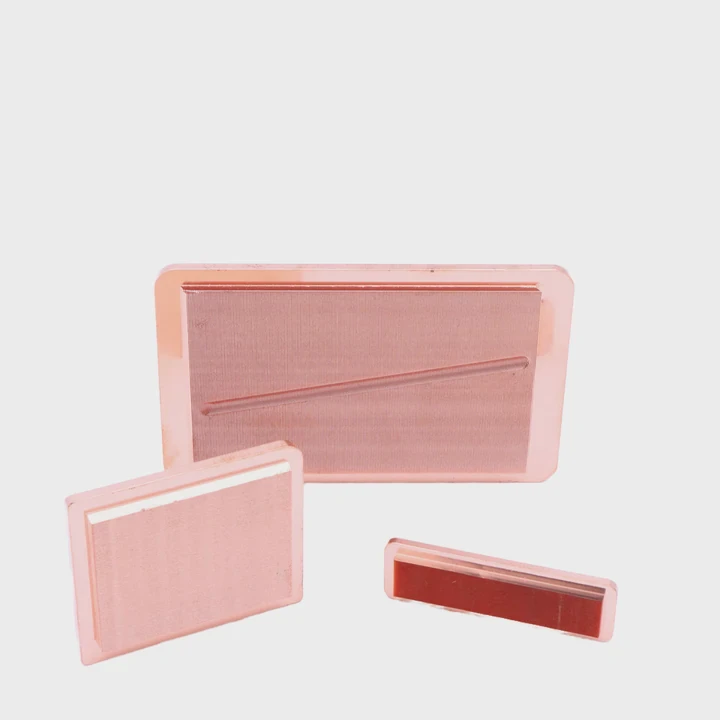
Many people hear loud fan noise from the Inspiron N1770 and worry that the laptop may fail soon. This fear grows when the system feels warm during simple tasks.
You can clean the heatsink of an Inspiron N1770 by removing the bottom cover, clearing dust from the fins, using the right tools for deep channels, and refreshing thermal paste during a full teardown.
Most users think laptop cleaning is complex. But with clear steps, the process becomes simple and safe.
Why remove bottom cover first?
Many users try to clean through the vents. They hope dust will fall out, but nothing changes, and the fan noise stays loud. This creates doubt.
You must remove the bottom cover first because the cooling fins, fan blades, and main airflow channels are blocked from the outside and cannot be cleaned through exterior vents alone.
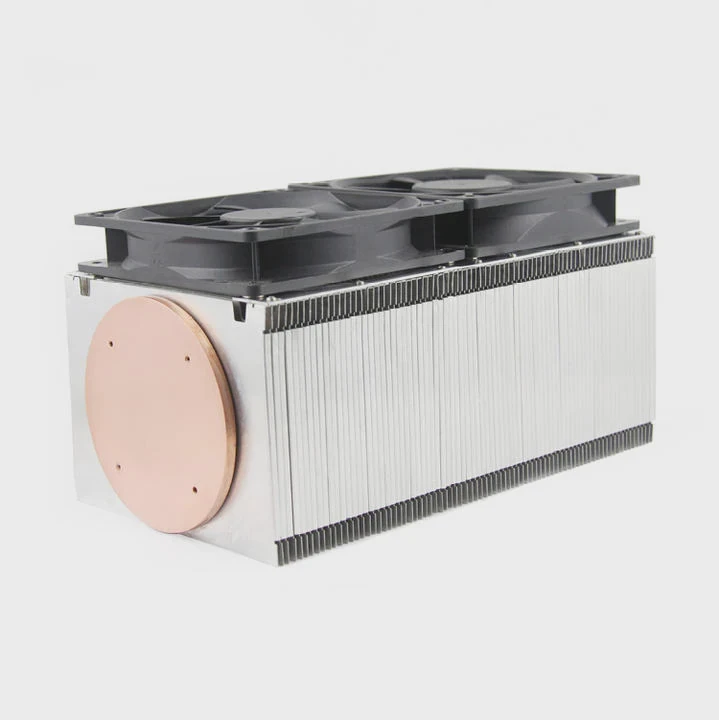
When I cleaned my Inspiron the first time, I tried to blow air through the vents. The dust did not leave. After removing the bottom cover, I saw a thick layer of dust inside the fins. Removing the cover gave me full access.
How the bottom cover blocks cleaning
The cover seals the internal parts. It protects the motherboard and the fan. But this also blocks direct access to dust buildup. Dust hides behind the fan and inside the heatsink channels. Air from outside cannot reach these areas.
Why internal access matters
Internal access lets you reach all heat paths. You can see dust pockets. You can clear the fan. You can check if the fins are clogged. You can wipe the fan frame and the board.
Table: Access differences
| Method | Access Level | Result |
|---|---|---|
| External blowing | Very low | Dust stays inside |
| Vent brushing | Low | Surface dust only |
| Bottom cover removal | Full | Deep cleaning |
Why laptops trap dust faster
Laptops pull air from small vents. These vents trap lint. The lint sticks to the heatsink fins. When enough lint builds up, airflow stops. Removing the cover reveals this buildup.
Why this step protects performance
Once the cover is off, you restore full airflow. The fan no longer struggles. The laptop runs quiet and cool. This protects speed and stability.
Which tools access cooling fins?
Many users use sharp metal tools, thinking they can reach tight gaps faster. But these tools scratch the fins or damage the fan. This creates risk.
The best tools for accessing cooling fins are soft brushes, plastic opening tools, compressed air cans, and cotton swabs for close areas around the fan frame.
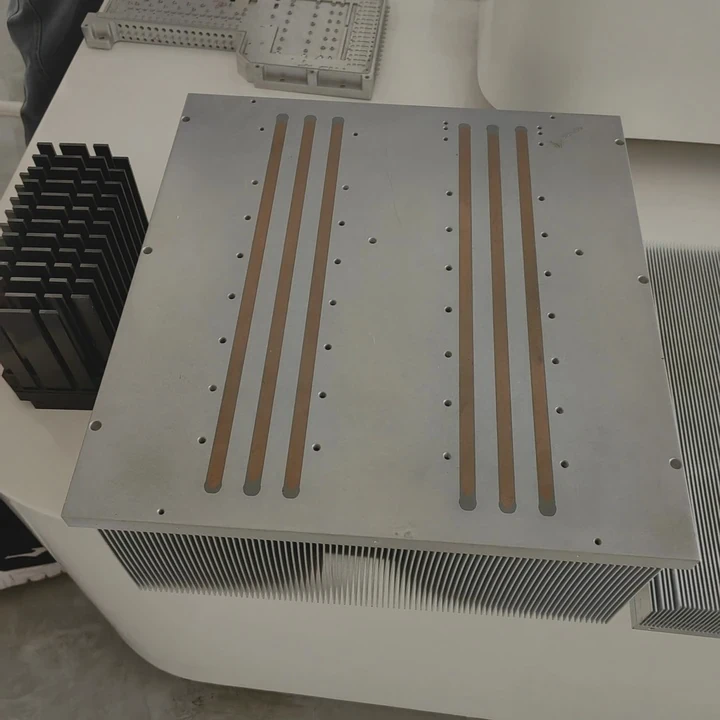
When I cleaned my laptop, I used a small soft brush to loosen the dust. Then I used air to push the dust out. This kept the fins clean without bending them.
Useful tools for safe cleaning
Soft brushes reach between tight fins. Plastic pry tools lift covers safely. Air cans remove loose dust. Cotton swabs clean corners. Each tool keeps the system safe.
A table of cleaning tools
| Tool | Use | Safety Level |
|---|---|---|
| Soft brush | Clean fins | High |
| Air can | Dust removal | High |
| Cotton swab | Fan frame | Medium |
| Metal pick | Avoid | Low |
Why soft brushes work best
Brush bristles move dust gently. They do not bend the fins. Fins are thin metal. If bent, they reduce airflow. Soft brushes keep fins straight.
Why air must be used with care
Air removes dust fast, but the can must stay upright. If you tilt the can, liquid may spray out. This is unsafe. Short bursts clean the fins without damage.
Why plastic tools protect the frame
Plastic does not scratch. Metal tools slip easily. A slip at the wrong moment may cut a trace or damage a connector. Plastic tools remove this risk.
Why combining tools gives the best result
Brush first, then air. This sequence loosens dust and clears it out. It gives a deep clean without stress.
Can dust clog deep channels?
Some users think dust only stays on the surface. They clean the fan and move on. But laptops have long channels under the heatsink. These channels hold more dust than expected.
Yes, dust can clog deep channels inside the heatsink because the airflow path is narrow, and lint builds layer by layer until it forms a dense wall.
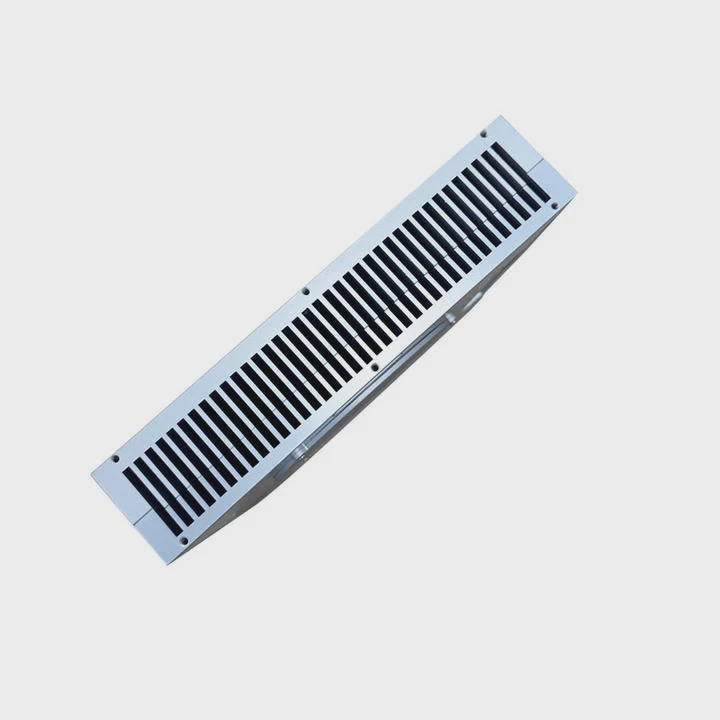
I once saw a laptop freeze under load. The fan was clean, but the deeper channels were blocked. Once I cleaned those channels, the system ran cool again.
How deep channels form clogs
Air moves through thin fins. Dust sticks to the first few fins. More dust layers form. Soon the channel becomes blocked. Air cannot pass.
A table of clog stages
| Stage | Cooling Impact |
|---|---|
| Early dust | Slight heat rise |
| Medium clog | High fan noise |
| Full block | Overheating |
Why users miss deep clogs
Deep channels do not show dust from the outside. The laptop may look clean. Only when the cover is off can you see the thick dust mat.
Why clogs slow the system
Blocked channels trap heat. The fan spins louder. The CPU and GPU reach high temps. The system becomes slow. Some laptops throttle to protect the chip. Cleaning deep channels restores airflow.
Why regular cleaning prevents clogs
A quick clean once or twice a year stops dust from building layers. This keeps channels open. The fan stays quiet. The laptop stays cool.
Should paste be replaced after teardown?
Many users clean the fan but skip the thermal paste. They fear the process or do not know why paste matters. But old paste can cause heat spikes even in a clean system.
Yes, the paste should be replaced after a full teardown because old paste dries out, loses contact, and blocks heat transfer between the CPU, GPU, and heatsink.
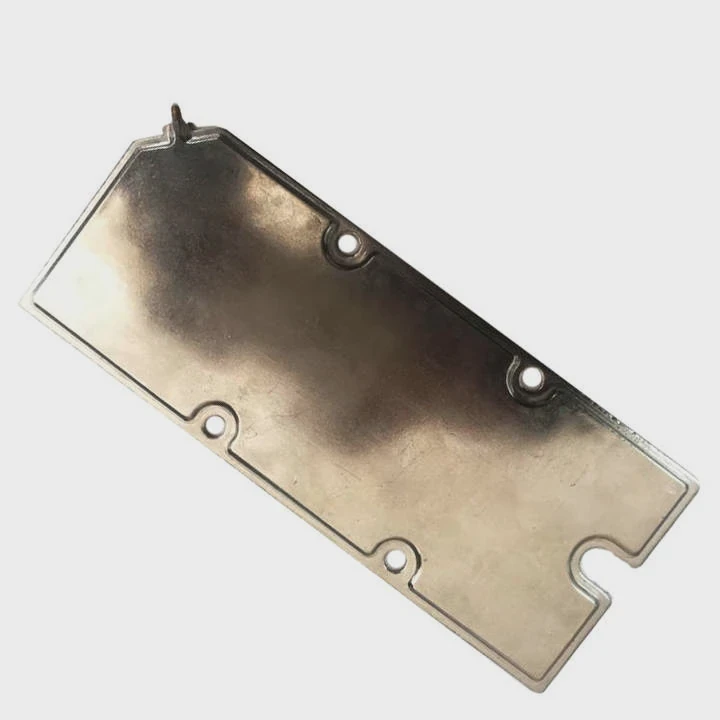
I saw old paste crumble like chalk on an older laptop. The CPU ran hot even with clean fins. Fresh paste lowered the temp and kept the laptop quiet.
Why paste dries over time
Paste faces heat cycles. Each cycle expands and shrinks the paste. After years, the paste becomes dry. Dry paste cannot fill tiny surface gaps. These gaps trap heat.
How new paste restores cooling
New paste spreads thin. It fills gaps between the chip and heatsink. This gives heat a clear path. When heat moves out, the fan does not need to spin hard.
A paste condition table
| Paste Type | Condition | Effect |
|---|---|---|
| Fresh | Smooth | Good cooling |
| Old | Dry | Weak cooling |
| Cracked | Broken | Heat spikes |
Why reapplying paste helps after full teardown
A full teardown already opens the heatsink. This is the best time to add fresh paste. It improves heat flow and protects long-term stability.
Why skipping paste lowers performance
Even with clean fins, old paste holds heat. The system runs warm. Boost speeds drop. Fans stay loud. Fresh paste fixes these issues fast.
Why paste and dust cleaning work together
Dust affects airflow. Paste affects heat transfer. Both must work well. Clean fins and fresh paste restore full cooling power.
Conclusion
Cleaning the heatsink of an Inspiron N1770 requires bottom cover removal, safe tools, deep channel cleaning, and fresh paste. With these steps, the laptop stays cool, quiet, and stable for daily use.
TAGS
Latest Articles

Volume discount levels for heat sink orders?
Buyers often ask when heat sink prices start to drop with volume. Many worry they’re overpaying for small orders. This guide explains how B2B volume pricing works for thermal components. Heat sink
21 Dec,2025
Heat sink long-term supply contract options?
Many buyers want stable pricing and reliable delivery for heat sinks. But without a clear contract, risks grow over time. This article explores how to secure better long-term supply deals. Long-term
21 Dec,2025
Tooling cost for new heat sink profiles?
Many engineers struggle to understand why tooling for custom heat sinks costs so much. They worry about budgeting and production timelines. This article breaks down the cost drivers behind tooling.
21 Dec,2025
Heat sink custom sample process steps?
Sometimes, starting a custom heat sink project feels overwhelming—too many steps, too many unknowns, and too many risks. You want a sample, but not endless delays. The process for requesting and
20 Dec,2025
Standard B2B terms for heat sink payments?
When buyers and sellers in B2B heat sink markets talk about payment, many don’t fully understand what’s standard. This can lead to delayed orders, miscommunication, and even lost business
20 Dec,2025
Heat sink pricing factors for large orders?
Heat sinks are vital for many systems. When prices rise, projects stall and budgets break. This problem can hit teams hard without warning. Large order heat sink pricing depends on many factors. You
20 Dec,2025Related Articles
- what is a bga heatsink?
- is nvme heatsink necessary?
- do i need a heatsink fan with new cpu?
- what happens when you remove a cpu heatsink?
- how to clean heatsink on ps4?
- how to remove g skill trident z ddr heatsink?
- how to separate processor from heatsink?
- how to clean cpu cooler heatsink?
- does an m2 ssd need a heatsink?
- do you need heatsink for liquid cooled cpu?
- do nvmes need heatsinks?
- how do you clean a heatsink?
Author
Dr. Emily Chen
Chief AI Researcher
Leading expert in thermal dynamics and AI optimization with over 15 years of experience in data center efficiency research.
Categories
Latest Products

M.2 Heatpipe Heatsink With Dual Fans For Pc Case
19 Mar,2026

Heavy-Duty Aluminum Heat Sink Custom
19 Mar,2026

Oem Skived Fin Heatsink Aluminum Radiator For Plants
19 Mar,2026

Water Cooled Cnc Aluminum Heat Sink For Medical
19 Mar,2026

High Density 6000 Series Aluminum Heat Sink Profile
19 Mar,2026

High-Density Extruded Aluminum & Bonded-Fin Heat Sink Profile
19 Mar,2026
Recommend Categories
- Liquid cooling plate Manufacturer
- Industrial Heat Sink Manufacturer
- Standard Heat Sink Manufacturer
- Aluminum Heat Sink Manufacturer
- Copper Heat Sink Manufacturer
- Anodized Heatsink Manufacturer
- Stamping heat sink Manufacturer
- Die Casting Heatsink Manufacturer
- Soldering heat sink Manufacturer
- CNC Parts Manufacturer
Latest Products
- M.2 Heatpipe Heatsink With Dual Fans For Pc Case
- Heavy-Duty Aluminum Heat Sink Custom
- Oem Skived Fin Heatsink Aluminum Radiator For Plants
- Water Cooled Cnc Aluminum Heat Sink For Medical
- High Density 6000 Series Aluminum Heat Sink Profile
- High-Density Extruded Aluminum & Bonded-Fin Heat Sink Profile
- Dongguan Cnc Aluminum Heat Sink For Led & Brass Parts
- Wholesale Cnc Aluminum Heat Sink - Custom Extruded
- Led Cnc Round Heat Sink With Screw Holes
- Copper Pin-Fin Heat-Sink Large-Area For Photoled Cooling
- Telecom Heatsink Zipper Fin Wcopper Tubes Oem
Contact Expert
Have questions about this article? Reach out to our experts directly.