do i need a heatsink fan with new cpu?
Many people install a new CPU and feel unsure about cooling. The box may look simple, but the heat needs are not always clear, and this creates stress.
You may need a heatsink fan with a new CPU because heat output depends on TDP, load level, and cooling design. Some chips ship with stock coolers, while others require separate active cooling.
Most users think a new CPU can run with any cooler. When they learn how heat works, the choice becomes easy.
Why TDP determines cooling needs?
Many users hear the word TDP but do not know what it means. They guess the number is only marketing, but TDP matters a lot for cooling.
TDP determines cooling needs because it shows how much heat the CPU can make under normal load, and the cooler must move this heat away to keep the chip safe.
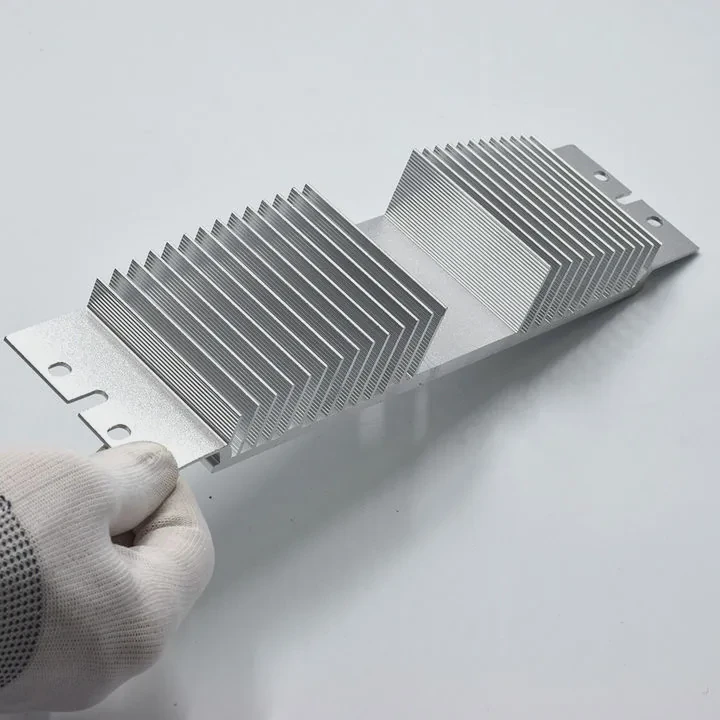
I once installed a mid-range chip with a low-grade cooler. The system ran fine at idle, but the temps climbed fast with games. The cooler could not handle the heat. After I switched to a cooler matched with the TDP, the CPU stayed stable.
What TDP really means
TDP stands for “thermal design power.” It is not exact heat output. It is a guide for cooler design. A cooler with a TDP rating equal or higher than the CPU’s TDP can handle most load cases. If the cooler’s rating is too low, the system may throttle.
Why TDP helps pick the right cooler
The TDP number gives a simple target. A 65W chip needs a cooler that can move at least 65W of heat. A 125W chip needs a stronger cooler. This simple rule helps users avoid overheating.
TDP examples table
| CPU TDP | Cooling Need |
|---|---|
| 35W | Small air cooler |
| 65W | Mid-range air cooler |
| 105W+ | Strong air or liquid |
Why high TDP chips heat faster
High-TDP CPUs have more cores or higher clocks. They make more heat in less time. Without a proper cooler, the temp rises fast. This makes the CPU slow down to protect itself. Good cooling keeps the speed stable.
Why checking TDP avoids stress
When users match cooler rating to TDP, the CPU runs cool. Fans stay quiet. The system feels fast. This simple step removes risk and confusion.
Which CPUs include stock coolers?
Many users open a CPU box and feel confused when they see no cooler. Some brands include coolers with some chips but not all.
Some CPUs include stock coolers, but high-end models from Intel and AMD often ship without one, because they expect users to buy stronger aftermarket coolers.
I learned this when I bought my first high-end chip. I opened the box and found no cooler. At first, I thought the box was missing parts. Later I learned the model never came with a stock cooler.
Which Intel CPUs include coolers
Most Intel non-K models include a basic stock cooler. These coolers work for office and light loads. Intel K-series and high-end chips usually ship without a cooler.
Which AMD CPUs include coolers
Many AMD Ryzen chips include Wraith series coolers, but AMD does not include coolers with some higher-power models.
Cooler inclusion table
| Brand | Includes Cooler | Notes |
|---|---|---|
| Intel non-K | Yes | Basic cooler |
| Intel K | No | Needs aftermarket |
| AMD Ryzen 5 | Yes | Wraith cooler |
| AMD high-end | No | Needs strong cooler |
Why not all CPUs include coolers
A stock cooler cannot handle the heat from high-performance chips. These chips need a better cooler to stay stable. The brands skip the cooler to keep the cost down and let users choose the right option.
Why stock coolers work for many users
Stock coolers are fine for light work. They keep temps stable at low loads. They are simple, safe, and easy to mount. For gaming or heavy tasks, users often upgrade later.
Can passive cooling work on low TDP chips?
Some users want silent systems. They hope to run a CPU without fans. They think passive cooling looks clean and simple.
Passive cooling can work on low-TDP CPUs, but only if the heatsink is large enough and the workload stays light.
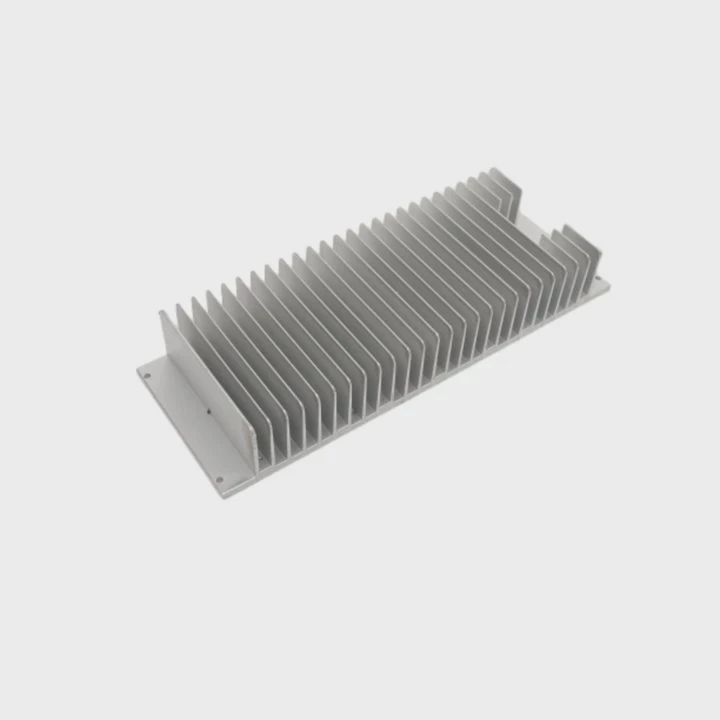
I once built a small system with a low-power chip. I used a large passive cooler. It worked well for day-to-day work. But when I tried heavier tasks, the temp rose fast.
How passive cooling works
Passive cooling uses a large metal block with many fins. The fins spread heat into the air. Air moves by natural flow. There is no fan. This makes the system quiet. But heat moves slower without airflow.
When passive cooling is safe
Passive cooling is safe when the CPU TDP is very low. Chips with 15W to 35W TDP can work well. The load must stay light. Heavy tasks break the balance.
Passive cooling table
| TDP Range | Passive Option |
|---|---|
| 15–25W | Safe |
| 35W | Possible with huge heatsink |
| 65W+ | Not safe |
Why passive cooling fails on high load
When the CPU works hard, heat builds fast. The air around the fins becomes warm. Without a fan, the hot air stays there. The cooler cannot move heat fast enough. The CPU then throttles.
Why passive builds need planning
A passive setup needs a case with good natural airflow. Warm air must rise and leave the case. Without this, even low-power chips overheat. A small layout change makes a big difference.
Do high loads require active airflow?
Some users think a big heatsink is enough for heavy work. They think more metal solves the heat problem. But metal alone cannot move heat without air.
High loads require active airflow because the CPU makes heat faster than passive cooling can remove it, and a fan pushes fresh air across the fins to carry heat away.
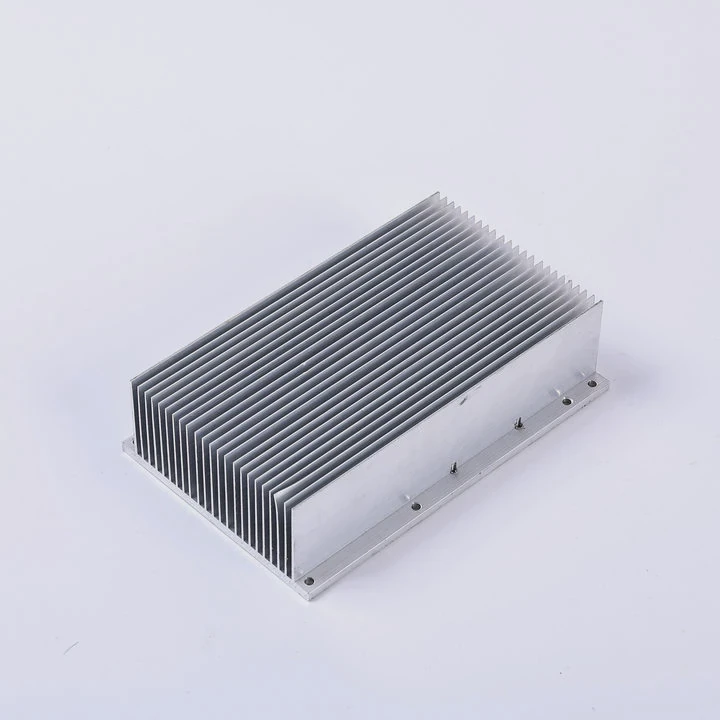
I saw this during a heavy render task. The temps rose even with a large cooler. After I increased the fan speed, the temps dropped at once. Airflow made the difference.
Why fans matter
Fans move cold air through the fins. This air takes heat away. Without fans, the fins become warm and stop cooling. Air must move or the cooler cannot work.
How high loads stress the cooler
High loads push every core. The heat doubles or triples. The cooler must work at full power. Even a strong cooler needs airflow when heat spikes.
Active airflow table
| Load | Cooling Need |
|---|---|
| Light | Passive or low fan |
| Medium | Steady fan |
| Heavy | High fan or liquid |
Why airflow keeps the CPU stable
Airflow keeps temps in the safe zone. The CPU keeps full speed. The system stays smooth. Without airflow, the chip will slow down to protect itself. This lowers performance.
Why active cooling is essential for modern CPUs
Modern CPUs boost clocks when temps are low. Better cooling gives higher speeds. Fans open the headroom. This is why users see big speed gains when they upgrade the cooler.
Conclusion
Cooling depends on TDP, cooler type, airflow, and workload. With the right heatsink fan, the CPU stays fast, cool, and safe for daily use.
TAGS
Latest Articles

Volume discount levels for heat sink orders?
Buyers often ask when heat sink prices start to drop with volume. Many worry they’re overpaying for small orders. This guide explains how B2B volume pricing works for thermal components. Heat sink
21 Dec,2025
Heat sink long-term supply contract options?
Many buyers want stable pricing and reliable delivery for heat sinks. But without a clear contract, risks grow over time. This article explores how to secure better long-term supply deals. Long-term
21 Dec,2025
Tooling cost for new heat sink profiles?
Many engineers struggle to understand why tooling for custom heat sinks costs so much. They worry about budgeting and production timelines. This article breaks down the cost drivers behind tooling.
21 Dec,2025
Heat sink custom sample process steps?
Sometimes, starting a custom heat sink project feels overwhelming—too many steps, too many unknowns, and too many risks. You want a sample, but not endless delays. The process for requesting and
20 Dec,2025
Standard B2B terms for heat sink payments?
When buyers and sellers in B2B heat sink markets talk about payment, many don’t fully understand what’s standard. This can lead to delayed orders, miscommunication, and even lost business
20 Dec,2025
Heat sink pricing factors for large orders?
Heat sinks are vital for many systems. When prices rise, projects stall and budgets break. This problem can hit teams hard without warning. Large order heat sink pricing depends on many factors. You
20 Dec,2025Related Articles
- what happens when you remove a cpu heatsink?
- how to clean heatsink on ps4?
- how to remove g skill trident z ddr heatsink?
- how to apply heatsink to ssd?
- does lg g2 have heatsink?
- how to remove heatsink from ssd?
- is nvme heatsink necessary?
- what is a bga heatsink?
- how to clean a heatsink of insperion n1770?
- how to separate processor from heatsink?
- how to clean cpu cooler heatsink?
- does an m2 ssd need a heatsink?
Author
Dr. Emily Chen
Chief AI Researcher
Leading expert in thermal dynamics and AI optimization with over 15 years of experience in data center efficiency research.
Categories
Latest Products

M.2 Heatpipe Heatsink With Dual Fans For Pc Case
19 Mar,2026

Heavy-Duty Aluminum Heat Sink Custom
19 Mar,2026

Oem Skived Fin Heatsink Aluminum Radiator For Plants
19 Mar,2026

Water Cooled Cnc Aluminum Heat Sink For Medical
19 Mar,2026

High Density 6000 Series Aluminum Heat Sink Profile
19 Mar,2026

High-Density Extruded Aluminum & Bonded-Fin Heat Sink Profile
19 Mar,2026
Recommend Categories
- Liquid cooling plate Manufacturer
- Industrial Heat Sink Manufacturer
- Standard Heat Sink Manufacturer
- Aluminum Heat Sink Manufacturer
- Copper Heat Sink Manufacturer
- Anodized Heatsink Manufacturer
- Stamping heat sink Manufacturer
- Die Casting Heatsink Manufacturer
- Soldering heat sink Manufacturer
- CNC Parts Manufacturer
Latest Products
- M.2 Heatpipe Heatsink With Dual Fans For Pc Case
- Heavy-Duty Aluminum Heat Sink Custom
- Oem Skived Fin Heatsink Aluminum Radiator For Plants
- Water Cooled Cnc Aluminum Heat Sink For Medical
- High Density 6000 Series Aluminum Heat Sink Profile
- High-Density Extruded Aluminum & Bonded-Fin Heat Sink Profile
- Dongguan Cnc Aluminum Heat Sink For Led & Brass Parts
- Wholesale Cnc Aluminum Heat Sink - Custom Extruded
- Led Cnc Round Heat Sink With Screw Holes
- Copper Pin-Fin Heat-Sink Large-Area For Photoled Cooling
- Telecom Heatsink Zipper Fin Wcopper Tubes Oem
Contact Expert
Have questions about this article? Reach out to our experts directly.