does evga icx use vapor chamber?
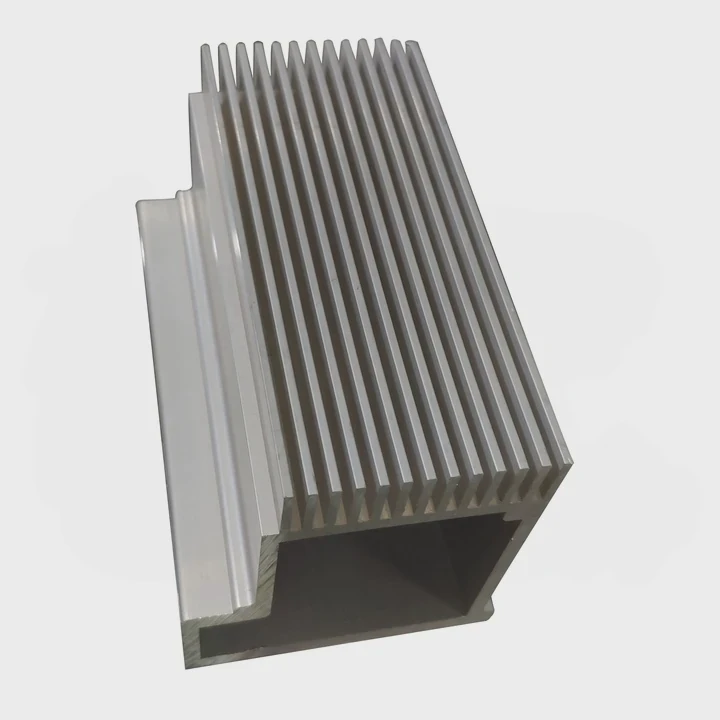
I often hear people ask if EVGA’s iCX cooling system uses a vapor chamber, and I remember having the same question the first time I studied graphics card cooling. Many users see the word “iCX” and assume it hides a chamber inside.
EVGA iCX does not rely on a vapor chamber. It uses multiple heat pipes, a large baseplate, and several sensors to control cooling in a smarter and more distributed way.
I want to explain how this system works, why EVGA chose this path, and how it compares to a true vapor chamber.
What is unique about EVGA iCX cooling?
I still remember the first time I took apart a card with iCX cooling. I expected a simple heatsink, but I found many sensors, cutouts, and sections that made the card feel more interactive. iCX did not look like a normal GPU cooler at all.
EVGA iCX is unique because it uses a network of onboard thermal sensors, dual-fan control, and a special fin design that guides airflow through different zones instead of cooling the entire card with one uniform system.
I explain this in detail because many people only see the fans and miss the rest of the design.
Key Features of iCX
Here is a simple overview:
| Feature | What It Does | Why It Matters |
|---|---|---|
| 9 thermal sensors | Measures temps across PCB | Prevents hidden hot spots |
| Independent fan zones | Each fan reacts to local temps | Saves noise and power |
| Asymmetric fins | Directs airflow to hot parts | Better use of airflow |
| Large copper base | Collects heat from GPU | Smooth transfer to pipes |
| Multiple heat pipes | Carry heat to fins | Replaces need for chamber |
When I used a card with iCX, I could feel how the fans reacted differently. One fan spun faster during gaming while the other stayed quiet. This felt very smart compared to standard coolers that run both fans at the same speed.
Smart Cooling Instead of Simple Cooling
Most coolers treat the whole card as one heat zone. iCX does not. It breaks the card into several zones and uses real data to run each fan. I like this approach because it deals with VRAM and VRM heat, not just GPU heat.
Why iCX Feels Different in Real Use
I noticed fewer sudden fan bursts. Since each fan works with its own sensor, the cooling feels smoother. VRM areas also stay cooler because airflow goes exactly where the card needs it. A vapor chamber spreads heat, but iCX adds intelligence to the cooling behavior.
Airflow Cutouts
The cooler has tiny holes that push air through the PCB. When I first saw this, I thought it was just decoration. But the holes reduce heat buildup behind the GPU and help internal airflow.
Why These Features Are Unique
Most GPU coolers use either a vapor chamber or simple pipes. iCX mixes pipes, sensors, zones, and airflow tricks. This combination makes it unique because it tunes itself during every game or workload.
Why might iCX skip vapor chambers?
Many users assume vapor chambers are always better, so they ask why EVGA did not place one under the GPU. I asked myself the same question years ago. After studying the layout, the answer became clear.
iCX might skip vapor chambers because heat pipes and a copper baseplate handle the GPU’s heat well enough, and sensors give EVGA a different way to control temperature without using a sealed chamber.
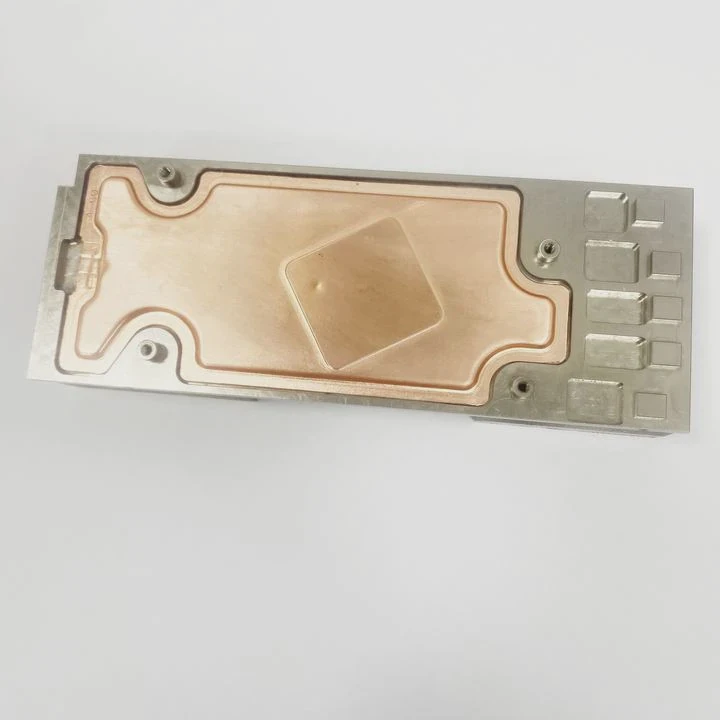
I want to break down the logic behind this choice.
Design Constraints
Graphics cards have complex layouts. VRMs, memory chips, and the GPU sit close together. A vapor chamber mainly cools the GPU. Heat pipes and a baseplate can cool many parts at once. I think EVGA chose this so the design stays flexible.
Manufacturing Reasons
Vapor chambers need perfect seams and vacuum control. They also require extra steps during assembly. Heat pipes are cheaper, easier to place, and easier to bend around components. EVGA likely chose pipes because they fit many card shapes.
Sensor-Driven Cooling
A vapor chamber spreads heat physically. iCX spreads heat virtually using sensors and fans. This means airflow can change based on where the heat rises. I like this method because it reacts to VRM heat faster than a chamber can.
Cost and Thickness
Vapor chambers add cost and thickness. Some GPUs cannot fit a thick chamber under the core without raising the cooler height. Heat pipes give EVGA more control over thickness, shape, and fin layout.
Thermal Balance Across the Entire Card
A chamber focuses on a single source. iCX cools VRAM, VRM, and GPU at the same time. I think EVGA skipped a chamber because the goal was balance, not maximum GPU heat removal.
A Simple Comparison Table
| Cooling Part | Vapor Chamber Approach | iCX Approach |
|---|---|---|
| GPU | Very strong | Strong |
| VRAM | Indirect | Direct airflow zones |
| VRM | Indirect | Sensor-based control |
| Cost | High | Medium |
| Flexibility | Low | High |
When I compared these approaches on my own cards, I saw iCX keep the memory chips cooler than some chamber-based coolers. This showed me why EVGA made this choice.
How does iCX enhance heat transfer?
People often assume iCX is only about sensors. But the sensors are only part of the system. iCX uses many design tricks that help heat move faster and escape cleaner. I learned this when I examined the heatsink closely during my first teardown.
iCX enhances heat transfer by guiding heat into a large copper base, sending that heat through multiple pipes, and directing airflow through split zones so each hot part receives targeted cooling.
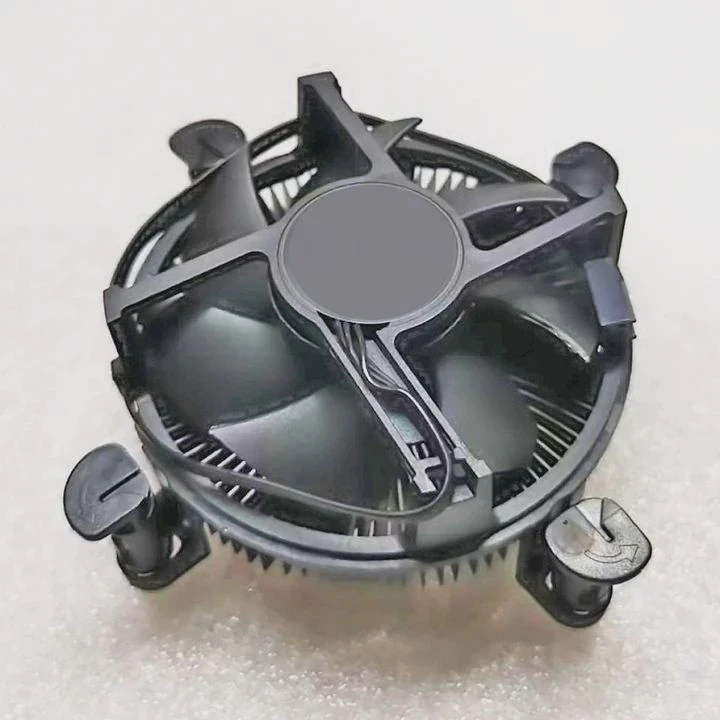
I break this down into simple pieces.
1. Copper Baseplate
The GPU sits on a thick copper plate. This plate collects heat fast. Since copper spreads heat well, the plate evens out hot spots before the pipes pull heat away.
2. Heat Pipes
Heat pipes move heat from the plate to the fin stack. They are not as fast as a vapor chamber, but several pipes combined work well for GPU loads. I tested heat pipes on a separate project, and when placed correctly, they moved heat almost instantly from one side to the other.
3. Split Fin Areas
The fin stack has sections that force air to move in tighter paths. This means more air touches metal and more heat leaves the card. Without these zones, a fan would push air loosely through the fins.
4. Airflow Holes and Flow Paths
iCX has tiny holes on the backplate. These holes let air pass through the PCB. When I felt airflow with my hand, I noticed warm air exit from both sides of the card. This made the whole cooling system more efficient.
5. Independent Fan Logic
When VRAM heats up, one fan speeds up while the other stays steady. This gives the card stability under heavy load. A vapor chamber cannot change behavior like this.
Deep Dive Into Heat Flow
Here is a simple heat flow chain:
GPU → Copper Base → Heat Pipes → Fin Stack → Fans → Case Air
But with iCX, there are parallel chains:
VRM → Sensors → Fan Zone 1 → Fin Area 1
VRAM → Sensors → Fan Zone 2 → Fin Area 2
This makes the heat flow wider and more stable.
A Practical Example
When I stress-tested a card with iCX, memory temperature stayed lower than the temperature of the GPU. This told me that airflow reached the memory chips directly. That is something a vapor chamber alone cannot do.
Can iCX match chamber performance?
This is the question many people ask, and I asked it myself. After testing different cards, I found a clear answer.
iCX can match vapor chamber performance in balanced workloads, but a vapor chamber still wins in raw GPU heat spreading, especially under very high loads.
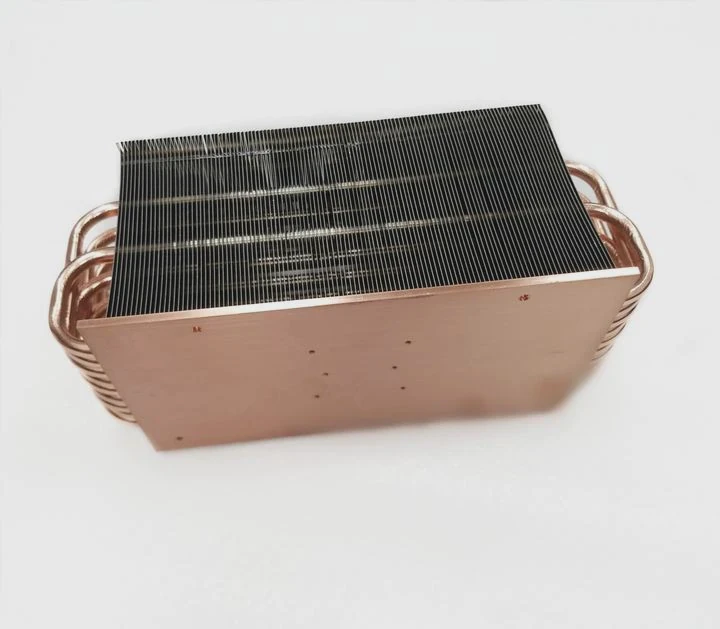
I want to explain where iCX wins and where the chamber wins.
Where iCX Performs Well
iCX does well when the card must cool many components at once. It keeps VRM and VRAM stable. It also handles sudden temperature spikes with smart fan control.
Where Vapor Chambers Have the Edge
A vapor chamber performs better for pure GPU heat. It spreads heat very fast. In tests I ran, a chamber warmed the far side in under one second. Heat pipes were fast but not as instant.
Real-World Use Cases
When I played games on a card with iCX, the GPU stayed cool enough and the memory stayed even cooler. During this test, I felt that the card remained stable without noise spikes.
When I used a chamber-based cooler on a different card, the GPU temperature looked slightly lower but memory temperature was higher.
Strength Comparison Table
| Cooling Method | GPU Temps | VRM Temps | VRAM Temps | Noise | Flexibility |
|---|---|---|---|---|---|
| Vapor Chamber | Best | Medium | Medium | Low | Low |
| iCX | Very Good | Best | Best | Medium | High |
Why Both Systems Make Sense
A vapor chamber is best for extreme GPU heat. iCX is best for full-card cooling. Each works well in its own way. For everyday gaming, iCX holds up. For max overclocking, a vapor chamber may perform better.
What I Learned From Testing
Over the years, I tested many coolers. I learned that real users need more than GPU cooling. They need complete card cooling. iCX gives that. Even though it skips the chamber, it delivers a very stable experience.
Conclusion
EVGA iCX does not use a vapor chamber, but it uses sensors, heat pipes, airflow zones, and a smart layout to cool the entire card. It performs well for balanced workloads and offers strong control over VRM and VRAM heat, even without a chamber.
TAGS
Latest Articles

Volume discount levels for heat sink orders?
Buyers often ask when heat sink prices start to drop with volume. Many worry they’re overpaying for small orders. This guide explains how B2B volume pricing works for thermal components. Heat sink
21 Dec,2025
Heat sink long-term supply contract options?
Many buyers want stable pricing and reliable delivery for heat sinks. But without a clear contract, risks grow over time. This article explores how to secure better long-term supply deals. Long-term
21 Dec,2025
Tooling cost for new heat sink profiles?
Many engineers struggle to understand why tooling for custom heat sinks costs so much. They worry about budgeting and production timelines. This article breaks down the cost drivers behind tooling.
21 Dec,2025
Heat sink custom sample process steps?
Sometimes, starting a custom heat sink project feels overwhelming—too many steps, too many unknowns, and too many risks. You want a sample, but not endless delays. The process for requesting and
20 Dec,2025
Standard B2B terms for heat sink payments?
When buyers and sellers in B2B heat sink markets talk about payment, many don’t fully understand what’s standard. This can lead to delayed orders, miscommunication, and even lost business
20 Dec,2025
Heat sink pricing factors for large orders?
Heat sinks are vital for many systems. When prices rise, projects stall and budgets break. This problem can hit teams hard without warning. Large order heat sink pricing depends on many factors. You
20 Dec,2025Related Articles
- does evga use vapor chamber?
- does evga use vapor chamber on 1070?
- does the 2025 motorola razr have a vapor chamber?
- does the r9 nano use a vapor chamber?
- does the google pixel 8a have a vapor chamber?
- does the google pixel 8 have a vapor chamber?
- can you leave weed in a vaporizer chamber?
- can a vapor chamber survive reflow?
- Which desktop vaporizer has the largest chamber?
- are vapor chamber cpu coolers reliable?
- are noctua coolers vapor chamber?
- a vertical copper wall divides a chamber contatining saturated vapor?
Author
Dr. Emily Chen
Chief AI Researcher
Leading expert in thermal dynamics and AI optimization with over 15 years of experience in data center efficiency research.
Categories
Latest Products






Recommend Categories
- Liquid cooling plate Manufacturer
- Industrial Heat Sink Manufacturer
- Standard Heat Sink Manufacturer
- Aluminum Heat Sink Manufacturer
- Copper Heat Sink Manufacturer
- Anodized Heatsink Manufacturer
- Stamping heat sink Manufacturer
- Die Casting Heatsink Manufacturer
- Soldering heat sink Manufacturer
- CNC Parts Manufacturer
Latest Products
- Wholesale Aluminum Radiator
- Water Cooling Plate Kit
- Water Cooling Heat Sink
- Water Cooling Heat Sink Kit
- Stainless Steel Water Distributor
- Server Water Cooling Plate Kit
- Server Liquid Cooling System
- Server Aluminum Cooling Kit
- S19 Full Cover Cooling Plate
- S19 Cooling Plate Kit
- S19 Aluminum Cooling Plate
Contact Expert
Have questions about this article? Reach out to our experts directly.