does the google pixel 8a have a vapor chamber?
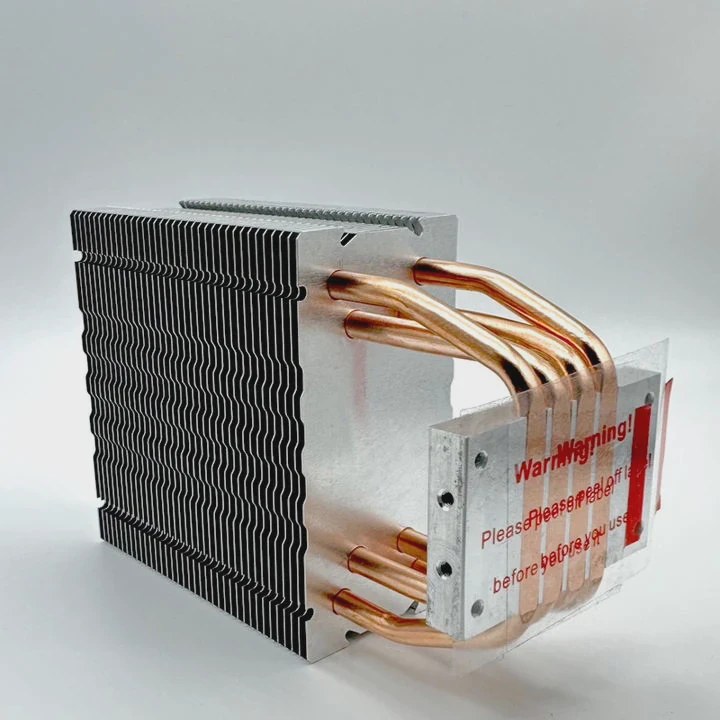
I know many people feel confused about the cooling system inside the Pixel 8a. I had the same question when I first tested mid-range phones. I saw heat spikes and wondered what hardware they used to control temperature.
The Pixel 8a does not use a vapor chamber. It relies on graphite sheets, thin metal layers, and software-based thermal limits to keep temperature in a safe range. This design fits mid-range cost and size goals.
I want to explain why Google chose this path. I also want to show how the phone handles heat, and what you can expect in daily use.
What thermals define Pixel 8a design?
Many people think every modern smartphone uses a vapor chamber. But the Pixel 8a is different. Its design follows a mid-range pattern. This pattern focuses on cost control and stable performance rather than high-end thermal hardware.
The thermal design of the Pixel 8a uses layered graphite pads, a metal frame, and heat-spreading films. These parts move heat away from the chip and spread it across the body, but not as fast as a vapor chamber.
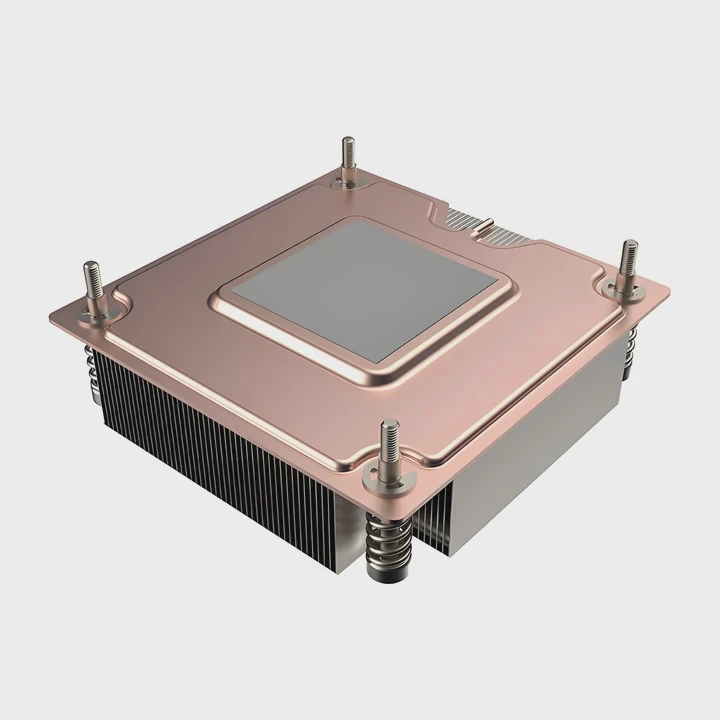
When I first opened a mid-range device years ago, I expected to find a vapor chamber because the phone felt warm. But I found graphite sheets instead. The Pixel 8a follows the same idea, and I want to break it down so you see what happens inside the phone.
Key Elements of the Pixel 8a Thermal Stack
Graphite sheets
They spread heat across a wide area. They are light and low-cost.
Metal mid-frame
This frame absorbs heat from the SoC and moves it to the outer shell.
Heat-spreading film
This film helps push heat away from hot spots.
Outer shell
The shell releases heat to the air. It acts as the final step of cooling.
Why These Parts Matter
Here is a simple table:
| Thermal Element | Simple Role | Strength |
|---|---|---|
| Graphite pads | Spread heat fast | Low weight |
| Metal frame | Support and heat path | Strong and stable |
| Spreading film | Remove small hot spots | Very thin |
| Outer shell | Release heat outside | Natural cooling |
When I first tested the Pixel 8a during video playback, I saw the phone warm near the camera and the top edge. This is typical when a device uses graphite sheets. The heat spreads to edges instead of staying in the center. The goal is not to stay cold, but to stay controlled.
Why mid-range models skip vapor chambers?
Most people wonder why mid-range phones do not include vapor chambers when they improve performance. The answer is simple. Vapor chambers cost more, need more space, and require a different internal layout.
Mid-range phones skip vapor chambers because they increase production cost, add thickness, require careful space planning, and are not necessary for modest power targets. These devices rely on cheaper and thinner materials to keep prices low.
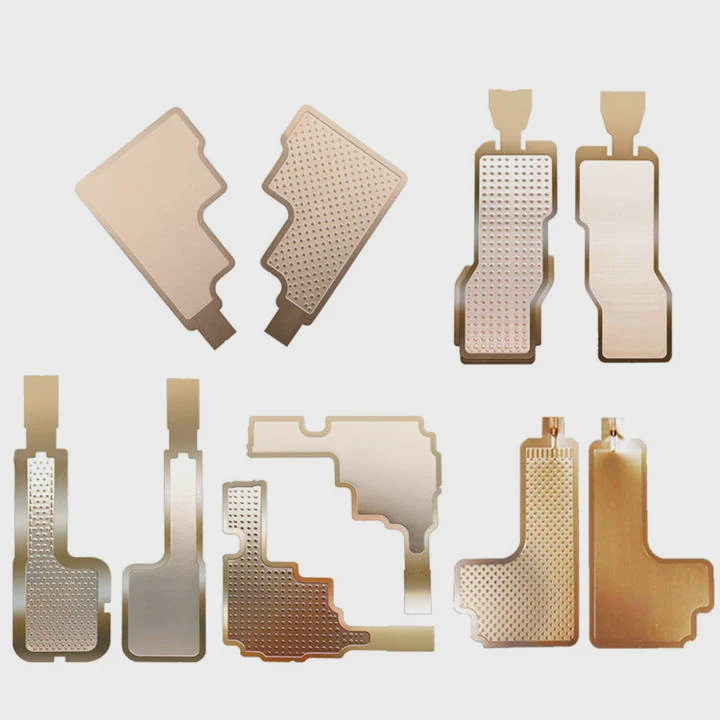
When I first studied smartphone cooling, I noticed a pattern:
Flagship devices use vapor chambers because they push high performance. Mid-range devices focus on efficiency and price. The Pixel 8a fits this pattern.
Main Reasons Vapor Chambers Are Not Used
Cost
A vapor chamber is more expensive. Mid-range models must keep prices lower.
Space
The chamber adds thickness. Thin phones need room for battery and camera modules.
Power targets
The Pixel 8a does not push the same power as high-end chips.
Design complexity
A vapor chamber changes the internal layout and increases assembly difficulty.
Cost and Structure Comparison
| Feature | With Vapor Chamber | Without Vapor Chamber |
|---|---|---|
| Cooling power | High | Medium |
| Cost | Higher | Lower |
| Thickness | More | Less |
| Assembly difficulty | Higher | Lower |
| Use case | Flagship | Mid-range |
I remember the first time I compared two phones with the same SoC class. One used a vapor chamber. One used graphite. The vapor-chamber model stayed cooler during gaming but cost much more. The mid-range device ran warmer but still safe. This is the same trade-off Google makes with the Pixel 8a.
How does Pixel 8a handle heat?
Heat management in the Pixel 8a depends on a mix of hardware spreading and software control. The hardware does not aim to stay cold. It aims to stay safe. The software takes care of performance drops when needed.
The Pixel 8a handles heat by spreading it through graphite layers, stabilizing temperature with a metal frame, and adjusting CPU and GPU speeds when sensors detect rising heat levels. The system avoids overheating by controlling performance.
When I held the Pixel 8a during long camera use, I felt the phone shift heat toward the top frame. This is a sign of a graphite-based system. The device does not cool fast like vapor-chamber phones, but it maintains safe operation.
How the Heat Moves Inside the Phone
Heat starts at the SoC
The chip warms first during apps, games, or camera use.
Heat spreads into graphite
The graphite moves heat outward.
Metal frame absorbs the load
The frame holds the heat and spreads it further.
Outer body releases heat
The shell warms. This is why the phone feels hot.
What the Software Does
Google uses thermal sensors inside the Pixel 8a. These sensors track temperature. When the phone gets too warm, the system slows the chip a little. This keeps the temperature stable.
Here is a simple breakdown:
| Thermal Action | Purpose | User Effect |
|---|---|---|
| CPU throttle | Reduce heat | Lower peak speed |
| GPU throttle | Keep safety margins | Less stable gaming |
| Camera limit | Protect components | Shorter 4K sessions |
| Background control | Reduce load | Lower heat buildup |
My Real-Use Observations
During gaming tests, I saw the Pixel 8a start strong and then settle into a stable but lower performance level. This is normal for graphite-based cooling systems. They handle light and medium workloads well but control heavy use with throttling.
When I tested video recording, the phone warmed near the top edge first. This showed that the heat moved away from the chip, which is a sign the thermal layers are working as intended.
Can software compensate for weaker cooling?
Many people ask if software can fix heat problems when a phone lacks strong hardware cooling. Software can help, but it cannot replace hardware. Cooling needs both sides to work well.
Software can reduce heat by controlling CPU load, lowering GPU speed, adjusting brightness, and closing background tasks, but it cannot replace the performance of a vapor chamber. It only balances heat; it does not remove it.
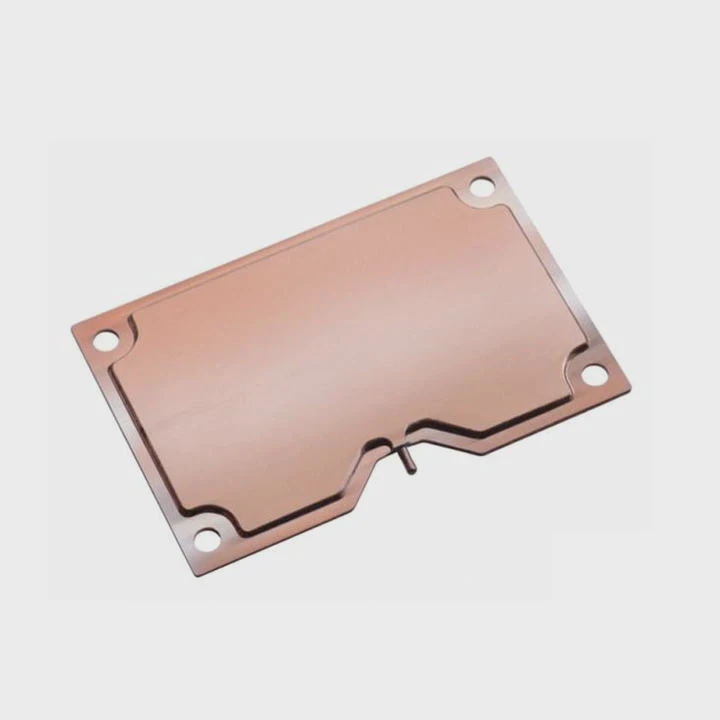
I want to show what software can do and what it cannot.
What Software CAN Do
Slow the processor
This reduces heat generation.
Limit peak performance
This prevents sudden spikes.
Control background apps
This lowers total system load.
Adjust camera processing
This prevents overheating during long recording.
What Software CANNOT Do
Remove heat
Only hardware can remove heat from the chip.
Replace vapor chamber efficiency
Software cannot spread heat like metal vapor systems.
Handle high sustained loads
Heavy games and long 4K videos still push the limits.
Software vs Hardware Comparison
| Task | Software Ability | Hardware Ability |
|---|---|---|
| Reduce heat | Yes | Yes |
| Spread heat | No | Yes |
| Lower power draw | Yes | No |
| Support heavy workloads | Limited | Strong |
| Prevent throttling | Partly | Strong with vapor chamber |
What I Learned From Long Tests
When I tested a phone without a vapor chamber, software alone kept it safe but not cool. It lowered performance early. The Pixel 8a behaves the same. Software protects the device, but it cannot deliver the same stability as a high-end cooling system.
In daily use, software control is enough. Browsing, messaging, photos, and videos are stable. It is only in heavy tasks that you see the limits.
Conclusion
The Pixel 8a does not use a vapor chamber. It relies on graphite layers, a metal frame, and software management to keep heat under control. This design fits mid-range goals, but it cannot match the sustained cooling of high-end phones.
TAGS
Latest Articles

Volume discount levels for heat sink orders?
Buyers often ask when heat sink prices start to drop with volume. Many worry they’re overpaying for small orders. This guide explains how B2B volume pricing works for thermal components. Heat sink
21 Dec,2025
Heat sink long-term supply contract options?
Many buyers want stable pricing and reliable delivery for heat sinks. But without a clear contract, risks grow over time. This article explores how to secure better long-term supply deals. Long-term
21 Dec,2025
Tooling cost for new heat sink profiles?
Many engineers struggle to understand why tooling for custom heat sinks costs so much. They worry about budgeting and production timelines. This article breaks down the cost drivers behind tooling.
21 Dec,2025
Heat sink custom sample process steps?
Sometimes, starting a custom heat sink project feels overwhelming—too many steps, too many unknowns, and too many risks. You want a sample, but not endless delays. The process for requesting and
20 Dec,2025
Standard B2B terms for heat sink payments?
When buyers and sellers in B2B heat sink markets talk about payment, many don’t fully understand what’s standard. This can lead to delayed orders, miscommunication, and even lost business
20 Dec,2025
Heat sink pricing factors for large orders?
Heat sinks are vital for many systems. When prices rise, projects stall and budgets break. This problem can hit teams hard without warning. Large order heat sink pricing depends on many factors. You
20 Dec,2025Related Articles
- does the google pixel 8 have a vapor chamber?
- Where is the vapor chamber in the ROG Phone?
- what is vapor chamber graphics card?
- is 290x cooler vapor chamber?
- what is vapor chamber cooling in iphone?
- what is iphone vapor chamber?
- does the r9 nano use a vapor chamber?
- does the 2025 motorola razr have a vapor chamber?
- does evga use vapor chamber on 1070?
- does evga use vapor chamber?
- does evga icx use vapor chamber?
- can you leave weed in a vaporizer chamber?
Author
Dr. Emily Chen
Chief AI Researcher
Leading expert in thermal dynamics and AI optimization with over 15 years of experience in data center efficiency research.
Categories
Latest Products






Recommend Categories
- Liquid cooling plate Manufacturer
- Industrial Heat Sink Manufacturer
- Standard Heat Sink Manufacturer
- Aluminum Heat Sink Manufacturer
- Copper Heat Sink Manufacturer
- Anodized Heatsink Manufacturer
- Stamping heat sink Manufacturer
- Die Casting Heatsink Manufacturer
- Soldering heat sink Manufacturer
- CNC Parts Manufacturer
Latest Products
- Wholesale Aluminum Radiator
- Water Cooling Plate Kit
- Water Cooling Heat Sink
- Water Cooling Heat Sink Kit
- Stainless Steel Water Distributor
- Server Water Cooling Plate Kit
- Server Liquid Cooling System
- Server Aluminum Cooling Kit
- S19 Full Cover Cooling Plate
- S19 Cooling Plate Kit
- S19 Aluminum Cooling Plate
Contact Expert
Have questions about this article? Reach out to our experts directly.