How does liquid cooling CPU work?
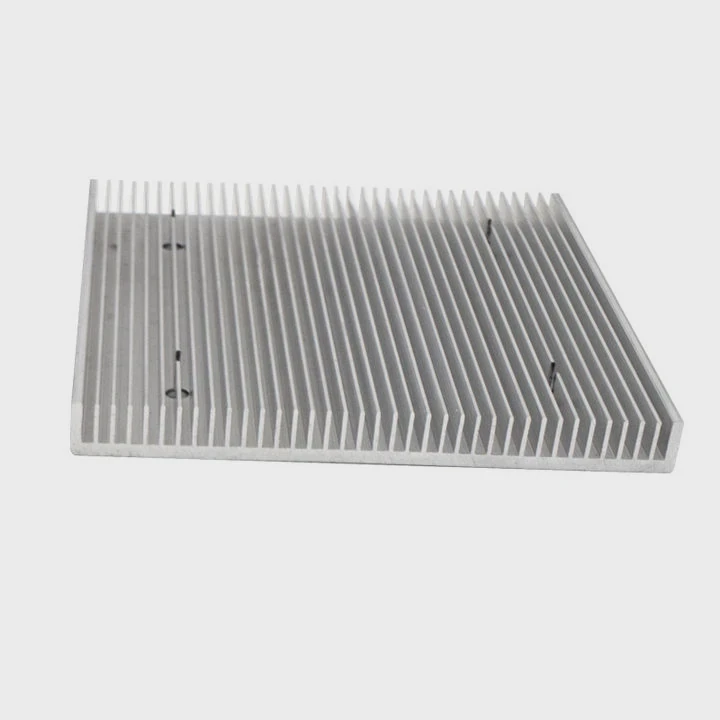
When your CPU runs heavy tasks like gaming, 3D rendering, or AI computation, it generates massive heat. That heat slows performance and increases noise. Traditional air cooling can only go so far.
CPU liquid cooling removes heat using a liquid coolant that circulates through a closed system, keeping your processor cooler and quieter.
If you want better thermal performance, quieter operation, and higher overclocking potential, liquid cooling might be the smartest upgrade for your system.
What is CPU liquid cooling?
Your CPU is the brain of your computer, and it gets hot when it works hard. Air coolers rely on metal fins and fans to move heat away, but they often reach their limit under load.
CPU liquid cooling uses a pump to move coolant through a water block that sits on the CPU, transferring heat to a radiator where fans disperse it.
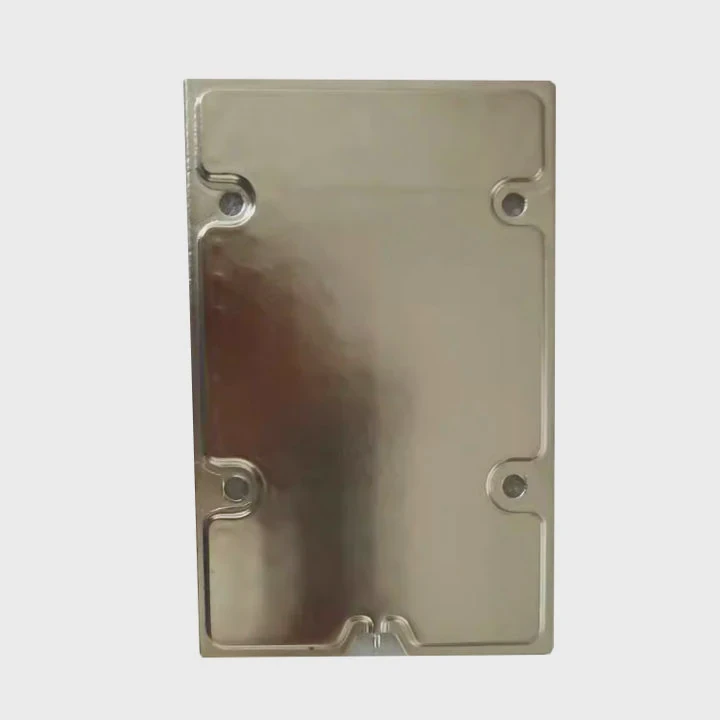
This setup is known as a closed-loop (AIO) or custom-loop system. In both cases, the principle is the same — liquid absorbs heat from the CPU and releases it through the radiator.
Key Components of a CPU Liquid Cooling System
| Component | Function |
|---|---|
| Water Block | Absorbs heat directly from the CPU surface |
| Pump | Circulates coolant through the system |
| Radiator | Transfers heat from coolant to the air |
| Fans | Help move air through the radiator |
| Tubing | Connects all the cooling parts |
Unlike air cooling, which depends on airflow and space around the CPU, liquid cooling can handle much higher heat loads. That’s why it’s popular among enthusiasts, gamers, and professionals who push their systems hard.
What are its performance advantages?
The main purpose of cooling is simple — keep the CPU from overheating. But liquid cooling offers far more than just temperature control.
Liquid cooling improves CPU performance, stability, and lifespan by reducing thermal throttling and lowering operating temperatures.
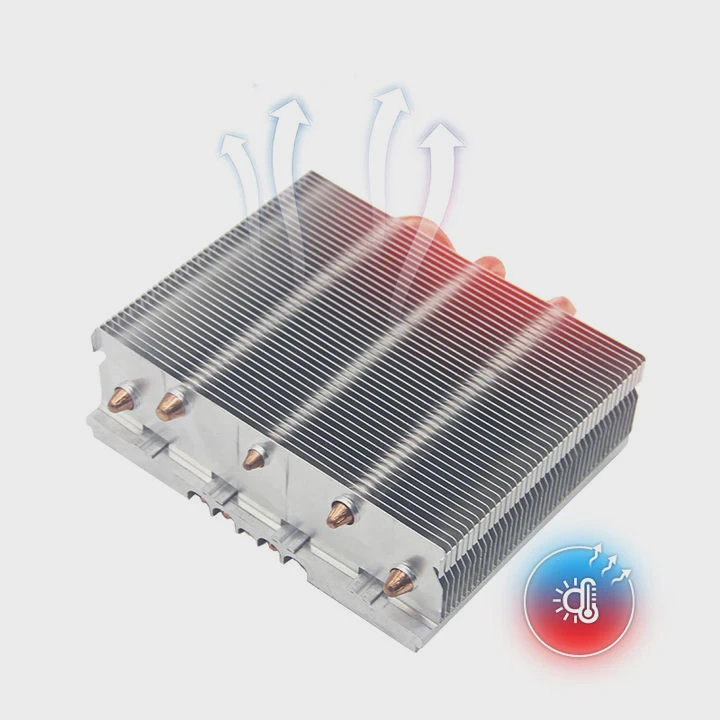
Top Advantages
1. Better Temperature Control
Liquid has a higher heat capacity than air. It absorbs and moves heat faster, keeping the CPU in a safe range, even during long sessions.
2. Higher Overclocking Potential
When your CPU stays cool, it can maintain higher clock speeds without throttling. Many users see up to 15–25% more performance under liquid cooling.
3. Quieter Operation
Fans on air coolers often spin loudly under load. With liquid cooling, the radiator fans work efficiently at lower speeds, reducing system noise.
4. Longer Hardware Life
Heat is the enemy of electronics. Stable low temperatures help prevent wear, voltage instability, and early degradation of CPU components.
Comparison Table
| Feature | Air Cooling | Liquid Cooling |
|---|---|---|
| Temperature Range | 70–85°C | 50–65°C |
| Noise Level | 40–50 dB | 25–35 dB |
| Overclocking Support | Moderate | Excellent |
| Maintenance | Low | Moderate |
These benefits make liquid cooling ideal for users who demand reliability and performance, whether for gaming rigs or professional workstations.
How to maintain and optimize it?
Even the best cooling system needs care to perform at its peak. Neglect can cause leaks, blockages, or pump failure over time.
To maintain and optimize CPU liquid cooling, regularly clean the radiator, replace coolant, and monitor pump performance.
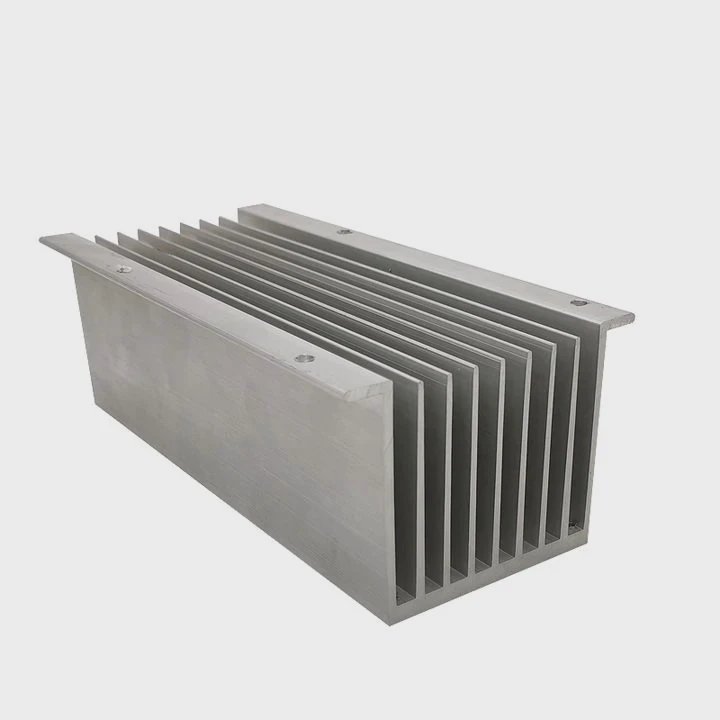
Maintenance Steps
1. Check Coolant Levels
If you use a custom loop, inspect the reservoir monthly. Low coolant can lead to air bubbles and reduced cooling efficiency.
2. Clean Radiator and Fans
Dust build-up blocks airflow. Use compressed air or a soft brush to clean radiator fins every few months.
3. Monitor Pump and Temperatures
Use software like Corsair iCUE, MSI Center, or HWMonitor to track pump speed and CPU temps. Sudden changes may indicate an issue.
4. Replace Coolant Periodically
Coolant can degrade and lose performance. Replace it every 6–12 months in custom loops or every 2 years for AIO units.
5. Check Fittings and Tubes
Inspect all fittings for leaks. If you see any moisture, turn off your system immediately and dry the affected parts.
Optimization Tips
- Position your radiator for maximum airflow (top or front of the case).
- Use high-static-pressure fans for better cooling efficiency.
- Apply the right amount of thermal paste—too much or too little reduces heat transfer.
- Avoid mixing metals (like copper and aluminum) to prevent corrosion.
Taking care of your system helps it run smoother and last longer. Maintenance is not hard—it just needs consistency.
What are the technological trends in CPU cooling?
CPU cooling technology is evolving fast. As processors become more powerful, new cooling methods aim to balance efficiency, design, and sustainability.
In 2025, CPU cooling trends focus on AI-controlled systems, hybrid cooling methods, and eco-friendly materials.
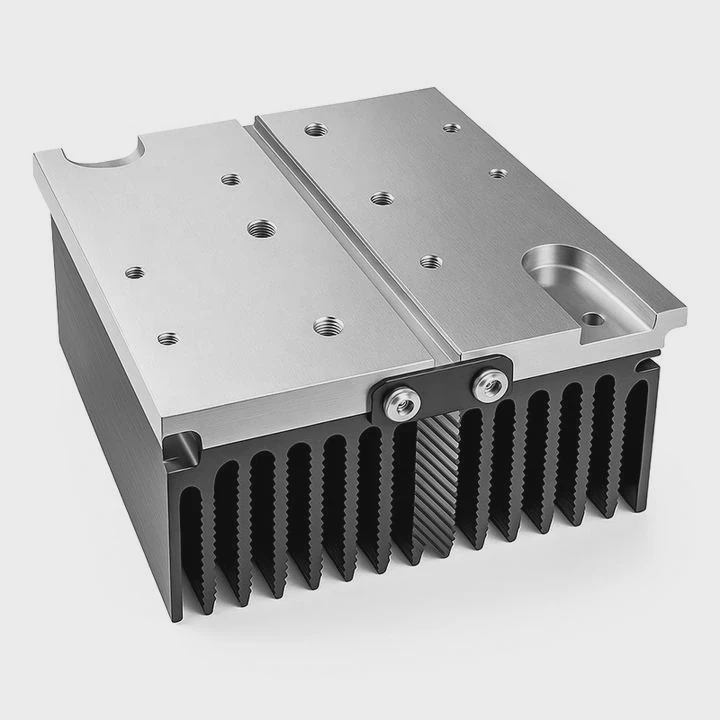
Major Trends in 2025
1. Smart Cooling with AI
AI-based systems can predict heat loads and adjust fan and pump speeds in real time. This minimizes noise while maximizing performance.
2. Hybrid Cooling Systems
Manufacturers are combining air and liquid cooling for the best of both worlds—easy installation and strong performance.
3. Modular Cooling Loops
Users can now expand their liquid loops without rebuilding them. This makes upgrades simpler and reduces long-term cost.
4. Compact and Integrated AIO Designs
Smaller, more efficient AIO coolers fit into tight cases while still providing excellent cooling. These are ideal for mini-PCs and compact builds.
5. Sustainable Materials and Coolants
New biodegradable coolants are replacing older glycol-based types. Companies also explore recycled metals and low-power pumps to reduce environmental impact.
Future Outlook
These innovations make CPU liquid cooling smarter, quieter, and more accessible. Users no longer need to choose between power and simplicity. Cooling is becoming a key part of system design, not just an afterthought.
Conclusion
CPU liquid cooling works by moving heat away more efficiently than air cooling, giving your system higher performance, lower noise, and longer life. As new technologies emerge in 2025, it’s clear that smarter, greener, and more adaptable cooling systems will shape the future of computing.
TAGS
Latest Articles

Volume discount levels for heat sink orders?
Buyers often ask when heat sink prices start to drop with volume. Many worry they’re overpaying for small orders. This guide explains how B2B volume pricing works for thermal components. Heat sink
21 Dec,2025
Heat sink long-term supply contract options?
Many buyers want stable pricing and reliable delivery for heat sinks. But without a clear contract, risks grow over time. This article explores how to secure better long-term supply deals. Long-term
21 Dec,2025
Tooling cost for new heat sink profiles?
Many engineers struggle to understand why tooling for custom heat sinks costs so much. They worry about budgeting and production timelines. This article breaks down the cost drivers behind tooling.
21 Dec,2025
Heat sink custom sample process steps?
Sometimes, starting a custom heat sink project feels overwhelming—too many steps, too many unknowns, and too many risks. You want a sample, but not endless delays. The process for requesting and
20 Dec,2025
Standard B2B terms for heat sink payments?
When buyers and sellers in B2B heat sink markets talk about payment, many don’t fully understand what’s standard. This can lead to delayed orders, miscommunication, and even lost business
20 Dec,2025
Heat sink pricing factors for large orders?
Heat sinks are vital for many systems. When prices rise, projects stall and budgets break. This problem can hit teams hard without warning. Large order heat sink pricing depends on many factors. You
20 Dec,2025Related Articles
- How to make an air-cooled engine liquid-cooled?
- Where to buy liquid cooling parts?
- How to set up a liquid cooling system?
- Is Liquid Cooling Worth It for PC?
- How much better is liquid cooling vs air cooling?
- Do You Need Liquid Cooling to Overclock?
- Do AIO coolers ever run out of liquid?
- Why does evaporation lead to cooling of the liquid?
- Does 9800X3D need liquid cooling?
- Heat Sink Manufacturers in Singapore
- Heat Sink Manufacturers in Hong Kong
- Heat Sink Manufacturers in Colombia
Author
Dr. Emily Chen
Chief AI Researcher
Leading expert in thermal dynamics and AI optimization with over 15 years of experience in data center efficiency research.
Categories
Latest Products






Recommend Categories
- Liquid cooling plate Manufacturer
- Industrial Heat Sink Manufacturer
- Standard Heat Sink Manufacturer
- Aluminum Heat Sink Manufacturer
- Copper Heat Sink Manufacturer
- Anodized Heatsink Manufacturer
- Stamping heat sink Manufacturer
- Die Casting Heatsink Manufacturer
- Soldering heat sink Manufacturer
- CNC Parts Manufacturer
Latest Products
- Wholesale Aluminum Radiator
- Water Cooling Plate Kit
- Water Cooling Heat Sink
- Water Cooling Heat Sink Kit
- Stainless Steel Water Distributor
- Server Water Cooling Plate Kit
- Server Liquid Cooling System
- Server Aluminum Cooling Kit
- S19 Full Cover Cooling Plate
- S19 Cooling Plate Kit
- S19 Aluminum Cooling Plate
Contact Expert
Have questions about this article? Reach out to our experts directly.