How to change liquid in an AIO cooler?
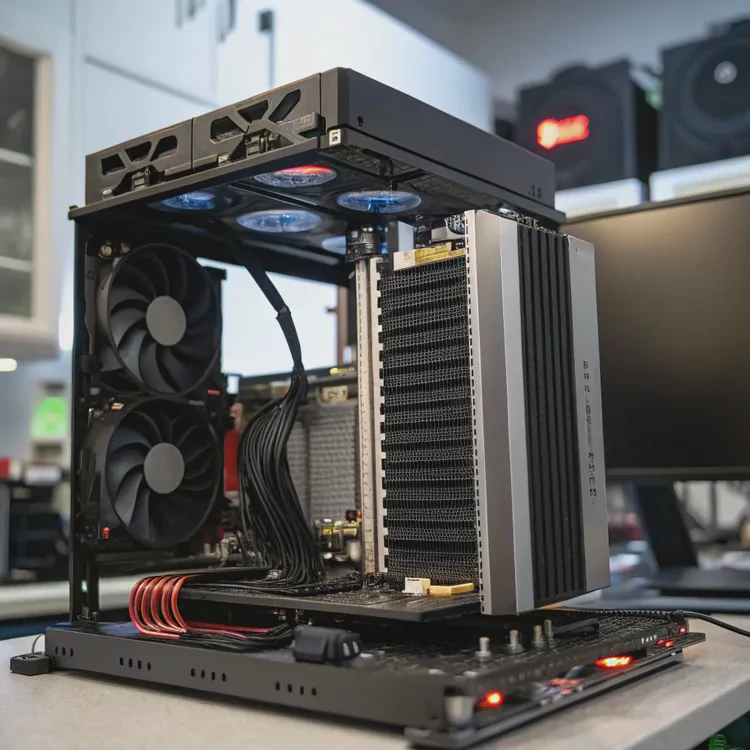
All-in-one (AIO) liquid coolers are designed to be sealed and maintenance-free. However, after years of use, some users notice temperature rises or pump noise. This raises one question — can you change the liquid in an AIO cooler?
You can change the liquid in an AIO cooler, but it requires care, proper tools, and a full understanding of the system since most AIOs are factory-sealed and not designed for refilling.
Changing the liquid is not a beginner task, but it’s possible for enthusiasts who understand cooling loops. Let’s explore how to do it, what tools you need, and why liquid replacement matters for system health.
What tools are needed to replace AIO liquid?
Working on an AIO system requires precision. Using the right tools helps prevent leaks and keeps your hardware safe.
To replace AIO liquid, you need screwdrivers, clamps, tubing, non-conductive coolant, a syringe or funnel, gloves, and paper towels for cleanup.
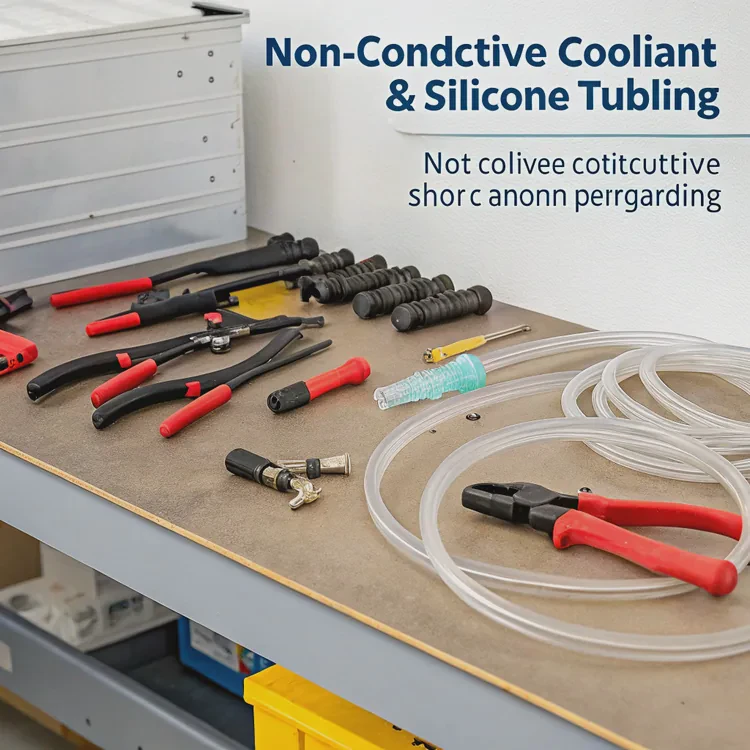
Essential Tools List
| Tool | Purpose |
|---|---|
| Phillips Screwdriver | To remove the cooler from the CPU and radiator housing |
| Small Funnel or Syringe | For refilling coolant accurately |
| Non-Conductive Coolant | To prevent short circuits in case of leaks |
| Silicone Tubing (Optional) | To replace damaged or brittle lines |
| Clamps or Zip Ties | To secure hoses after refilling |
| Microfiber Cloth & Paper Towels | For cleaning and leak checking |
| Gloves | To protect your hands from coolant or sharp edges |
Most AIOs don’t have service ports, so you’ll often have to locate and open the small fill plug near the pump or radiator. This must be done gently to avoid damaging seals. If your AIO lacks one, refilling becomes complex and risky — in such cases, replacement may be the safer choice.
Why should AIO liquid be changed periodically?
You might wonder why the coolant in an AIO system would ever need changing if it’s sealed. Over time, even sealed systems can degrade.
AIO liquid should be changed every 2–3 years because coolant slowly evaporates, grows microbubbles, or collects sediment, reducing cooling efficiency and increasing temperatures.
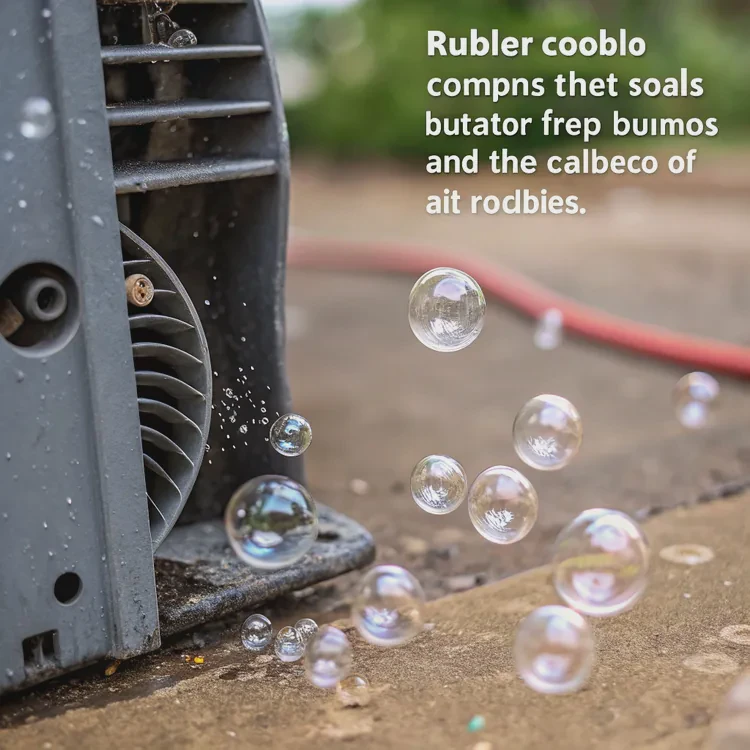
Understanding Coolant Degradation
Coolant serves several purposes — it absorbs heat, lubricates the pump, and prevents corrosion. Over time, its chemical stability declines. The pump’s constant operation can cause minor evaporation through rubber seals, allowing small air pockets to form. These bubbles reduce heat transfer and make the pump noisy.
Typical issues from old coolant include:
- Higher CPU/GPU temperatures
- Gurgling or bubbling noise
- Corrosion inside metal parts
- Pump wear due to air exposure
A simple test: if your CPU temps rise 10–15°C above normal and your fans run louder even under light loads, the coolant may be losing effectiveness.
Replacing or topping off the liquid restores heat transfer capability and helps the AIO operate like new again.
How to safely drain and refill an AIO system?
This process must be handled carefully to avoid leaks and damage. The key is patience and cleanliness.
To safely drain and refill an AIO, remove the cooler, locate the fill port, drain the old liquid completely, refill with new coolant slowly, then test for leaks before reinstalling.
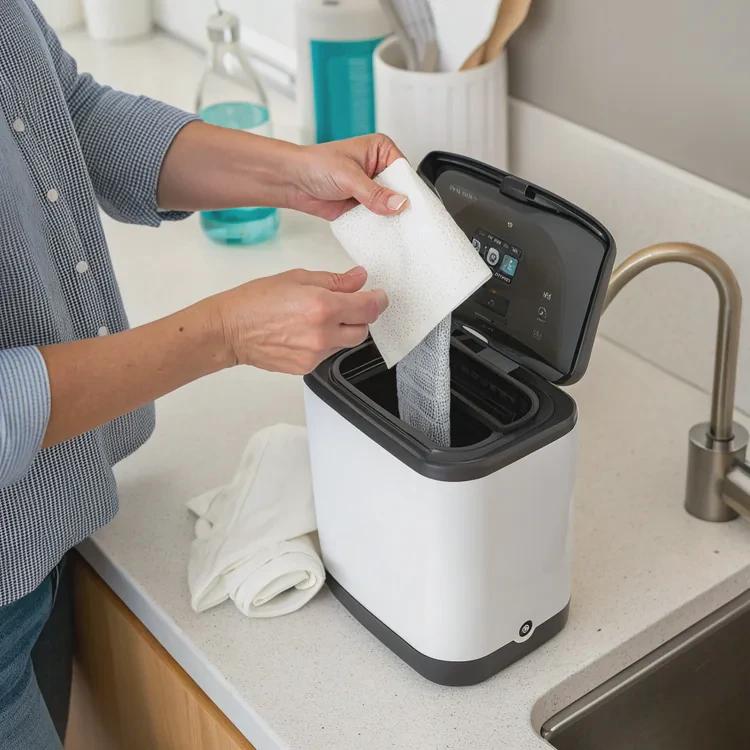
Step-by-Step Guide
Unplug and remove the cooler.
Disconnect power, then unscrew the radiator and pump block. Make sure the system is completely cool.Find the fill port.
It’s usually a small rubber or metal plug on the pump housing or radiator. Gently pry it open.Drain old liquid.
Hold the AIO over a container and tilt slowly until all liquid drains out. Use paper towels to catch any spills.Clean internal parts.
Use distilled water to rinse, then let the unit dry fully before refilling.Refill with new coolant.
Use a funnel or syringe to pour in non-conductive coolant. Avoid overfilling — leave a small air gap for expansion.Seal and leak test.
Reinsert the fill plug securely, then run the pump outside the PC for 10–15 minutes. Check for leaks at all joints.Reinstall and monitor.
Once leak-free, reattach the cooler and monitor temperatures closely for the next few hours of use.
If your AIO has no refill port or shows signs of internal corrosion, replacing the unit might be more practical. For modern pre-filled AIOs, the refill process can sometimes void the warranty, so always check manufacturer guidelines first.
What are the future designs for maintenance-free AIOs?
Cooling technology keeps advancing, and manufacturers are developing smarter, longer-lasting systems that require no manual maintenance.
Future AIO designs use sealed metallic tubing, vapor-based fluids, self-lubricating pumps, and nanofluid coolants that prevent evaporation and corrosion.
Key Innovations Shaping Next-Gen AIOs
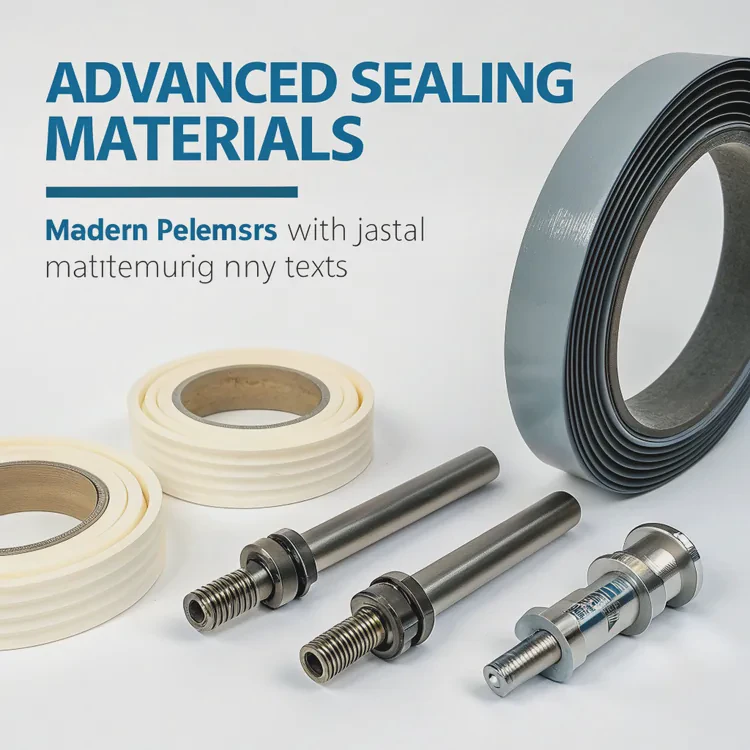
Advanced Sealing Materials:
Modern polymers and metal joints minimize micro-evaporation, extending coolant life beyond five years.Vapor-Loop Systems:
These use phase-change technology — the liquid evaporates at the heat source and condenses back in the radiator, eliminating the need for refilling.Nanofluid Coolants:
Mixed with nanoparticles, these fluids transfer heat faster and resist breakdown under constant use.Magnetic Bearing Pumps:
Self-lubricating, low-friction pumps that reduce wear and noise over time.Smart Temperature Control:
Integrated sensors and microcontrollers automatically adjust pump and fan speeds for ideal performance.
These improvements make future AIOs more reliable and maintenance-free. The goal is to create systems that last as long as the components they cool — efficient, silent, and completely self-contained.
Conclusion
You can change the liquid in an AIO cooler, but it requires skill, patience, and proper tools. Most users are better off replacing the cooler if it’s old or sealed. As technology evolves, next-generation AIOs will deliver long-lasting, maintenance-free cooling with smarter and more efficient designs.
TAGS
Latest Articles

Volume discount levels for heat sink orders?
Buyers often ask when heat sink prices start to drop with volume. Many worry they’re overpaying for small orders. This guide explains how B2B volume pricing works for thermal components. Heat sink
21 Dec,2025
Heat sink long-term supply contract options?
Many buyers want stable pricing and reliable delivery for heat sinks. But without a clear contract, risks grow over time. This article explores how to secure better long-term supply deals. Long-term
21 Dec,2025
Tooling cost for new heat sink profiles?
Many engineers struggle to understand why tooling for custom heat sinks costs so much. They worry about budgeting and production timelines. This article breaks down the cost drivers behind tooling.
21 Dec,2025
Heat sink custom sample process steps?
Sometimes, starting a custom heat sink project feels overwhelming—too many steps, too many unknowns, and too many risks. You want a sample, but not endless delays. The process for requesting and
20 Dec,2025
Standard B2B terms for heat sink payments?
When buyers and sellers in B2B heat sink markets talk about payment, many don’t fully understand what’s standard. This can lead to delayed orders, miscommunication, and even lost business
20 Dec,2025
Heat sink pricing factors for large orders?
Heat sinks are vital for many systems. When prices rise, projects stall and budgets break. This problem can hit teams hard without warning. Large order heat sink pricing depends on many factors. You
20 Dec,2025Related Articles
- Which is better, liquid cooled or air cooled?
- Does liquid cooling improve performance?
- Is Interceptor 650 liquid cooled?
- Does the i7-13700K need liquid cooling?
- Is liquid cooling more efficient?
- Is Custom Liquid Cooling Worth It?
- Does the i9-9900K need liquid cooling?
- Why does evaporation cool a liquid?
- Does the Ryzen 5 5600X need liquid cooling?
- Heat Sink Manufacturers in the USA
- Heat Sink Manufacturer in China
- Heat Sink Manufacturer in Germany
Author
Dr. Emily Chen
Chief AI Researcher
Leading expert in thermal dynamics and AI optimization with over 15 years of experience in data center efficiency research.
Categories
Latest Products






Recommend Categories
- Liquid cooling plate Manufacturer
- Industrial Heat Sink Manufacturer
- Standard Heat Sink Manufacturer
- Aluminum Heat Sink Manufacturer
- Copper Heat Sink Manufacturer
- Anodized Heatsink Manufacturer
- Stamping heat sink Manufacturer
- Die Casting Heatsink Manufacturer
- Soldering heat sink Manufacturer
- CNC Parts Manufacturer
Latest Products
- Wholesale Aluminum Radiator
- Water Cooling Plate Kit
- Water Cooling Heat Sink
- Water Cooling Heat Sink Kit
- Stainless Steel Water Distributor
- Server Water Cooling Plate Kit
- Server Liquid Cooling System
- Server Aluminum Cooling Kit
- S19 Full Cover Cooling Plate
- S19 Cooling Plate Kit
- S19 Aluminum Cooling Plate
Contact Expert
Have questions about this article? Reach out to our experts directly.