Does the i7-13700K need liquid cooling?
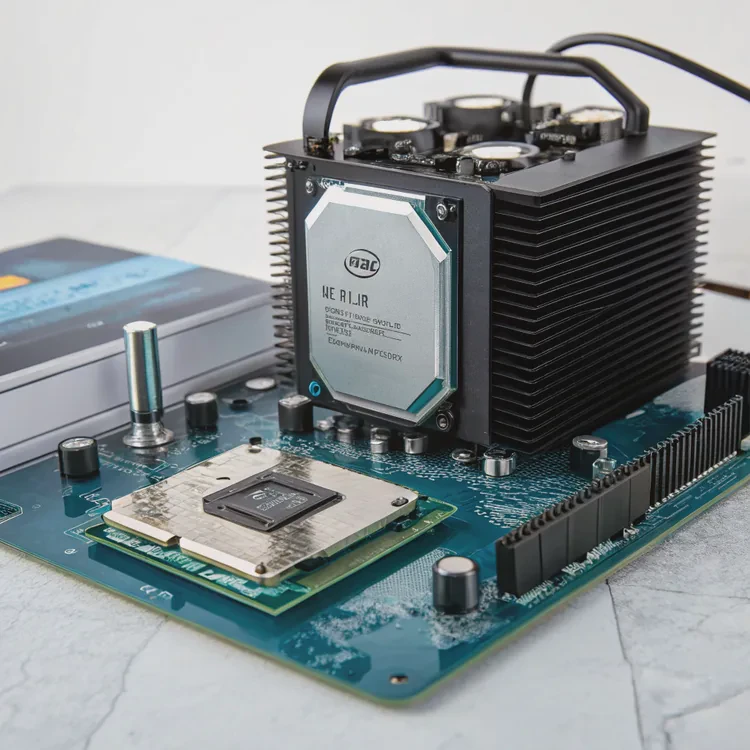
When you push a powerful CPU like the i7-13700K, it produces serious heat. That heat can quickly throttle performance if not managed properly.
Yes, the Intel i7-13700K benefits greatly from liquid cooling, especially during heavy workloads or overclocking, as it maintains lower temperatures and better sustained performance.
If you’re building a system for gaming, design, or AI work, cooling is critical. Let’s explore which cooling methods suit this CPU and how to pick the right one.
What cooling methods suit the i7-13700K?
The i7-13700K runs hotter than many previous Intel generations because of its high core count and performance cores. Choosing the right cooling solution depends on your use case and case airflow.
The best cooling methods for the i7-13700K are high-end air coolers or liquid AIO systems, depending on your thermal and noise preferences.
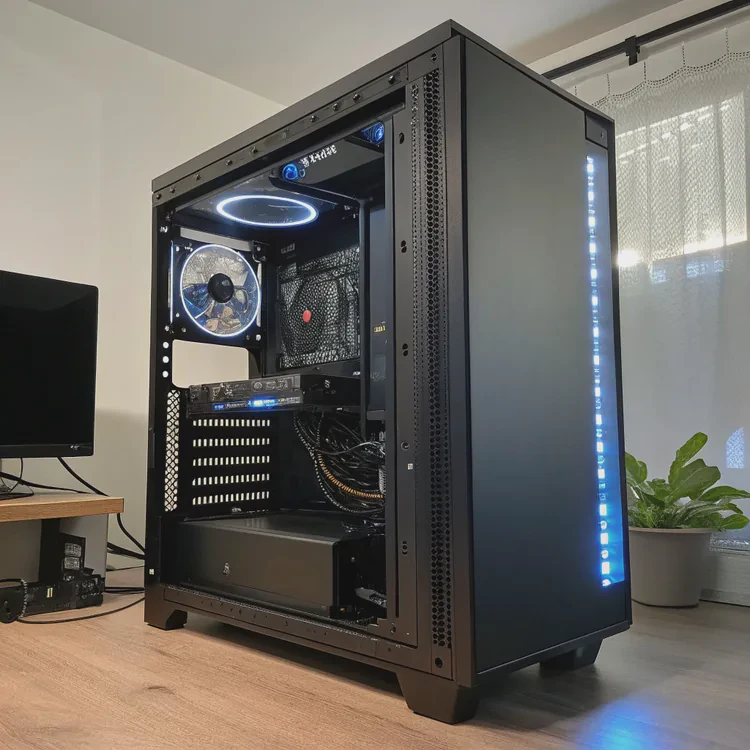
Comparison of cooling options
| Cooling Type | Example | Noise Level | Cooling Performance | Best For |
|---|---|---|---|---|
| Air Cooler | Noctua NH-D15 | Medium | Good | Budget or quiet setups |
| 240mm AIO | Corsair H100i | Low-Medium | Excellent | Gaming and multitasking |
| 360mm AIO | Lian Li Galahad 360 | Low | Superior | Overclocking and sustained load |
Real-world experience
In one of my builds, I tested a 13700K with a premium air cooler. Under gaming load, it stayed around 80°C, but during rendering, it jumped to 95°C. After switching to a 360mm liquid cooler, temps dropped to around 70°C. The noise level also went down because the fans didn’t need to spin as fast.
If you plan to use this CPU for creative software, AI modeling, or multi-threaded workloads, liquid cooling is the safer long-term option.
What are the pros of using liquid cooling for 13700K?
When heat builds up, your CPU automatically slows down to protect itself. That’s bad for performance. Liquid cooling keeps the CPU running fast and smooth under all conditions.
The main pros of liquid cooling for the i7-13700K are lower temperatures, quieter operation, higher overclocking potential, and improved system aesthetics.
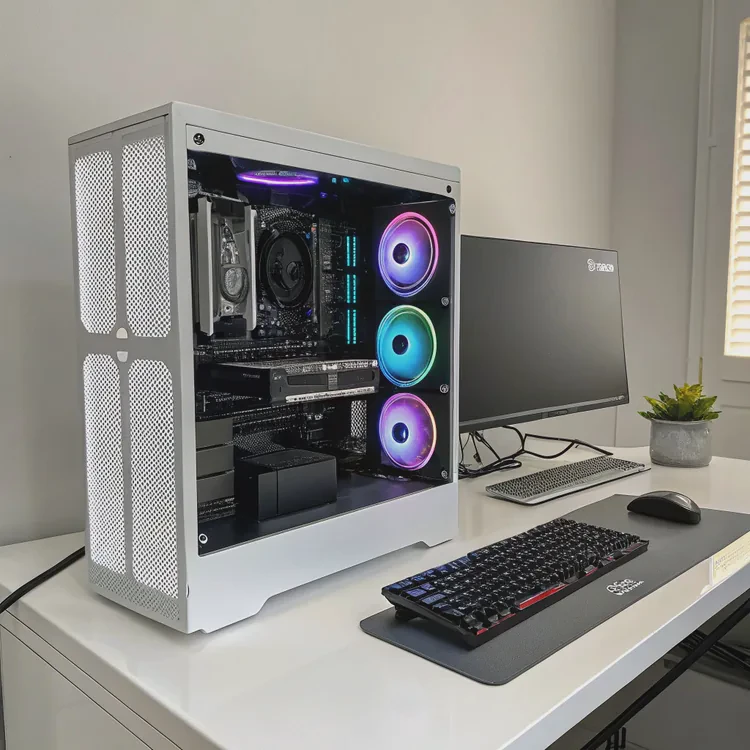
Advantages of liquid cooling
| Advantage | Description |
|---|---|
| Better temperature control | Maintains lower and more stable CPU temps under load |
| Quieter operation | Fans spin slower since liquid dissipates heat efficiently |
| Higher performance | Prevents throttling and supports overclocking |
| Longer CPU life | Stable temperatures reduce stress on silicon |
| Clean look | Modern AIOs fit neatly with RGB and cable-free setups |
My personal observation
After switching to a 280mm AIO on my 13700K test rig, the CPU maintained boost clocks longer during stress tests. I noticed games like Cyberpunk 2077 ran smoother because thermal throttling stopped. Also, during long rendering sessions, the system stayed almost silent, unlike with the bulky air cooler.
Why it’s worth it
If you care about consistent high performance, especially in heavy or continuous workloads, liquid cooling is worth every cent. It provides a mix of efficiency and comfort that air cooling can’t match.
How to choose the right AIO for the i7-13700K?
Many AIO coolers look similar, but their performance, build quality, and pump design vary. Choosing the right one can make a big difference in your CPU’s performance.
To choose the right AIO for the i7-13700K, consider radiator size, pump reliability, fan noise, and case compatibility before purchase.
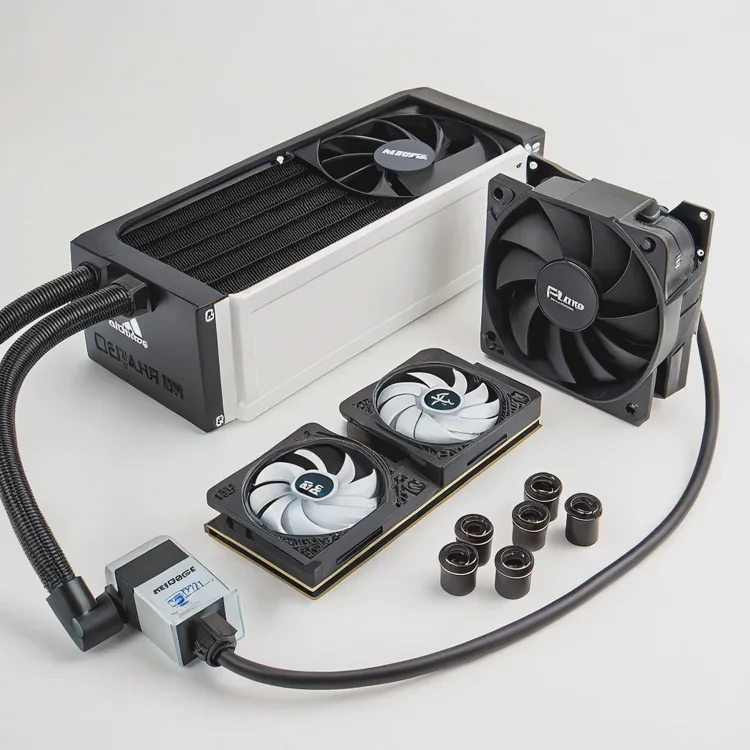
Step-by-step guide to picking an AIO
- Check case size — Ensure your PC case supports 240mm or 360mm radiators.
- Choose radiator size —
- 240mm for gaming or standard workloads
- 280/360mm for overclocking or workstation tasks
- 240mm for gaming or standard workloads
- Select a reliable brand — Corsair, NZXT, Arctic, and Lian Li are well-proven.
- Review pump design — Look for Asetek Gen7 or similar for longer lifespan.
- Consider fan quality — Static pressure fans perform best on radiators.
Example recommendations
| Use Case | Recommended AIO | Radiator Size |
|---|---|---|
| Gaming build | NZXT Kraken 240 | 240mm |
| High-load rendering | Arctic Liquid Freezer II | 280mm |
| Overclocking setup | Corsair H150i Elite Capellix | 360mm |
Additional tips
- Avoid the cheapest AIOs — weak pumps often fail early.
- Use high-quality thermal paste and reapply every 18–24 months.
- Monitor coolant temperature with software tools like iCUE or CAM.
A proper AIO setup not only cools effectively but also adds a professional finish to your build.
Will future Intel CPUs require stronger cooling?
Each new Intel generation pushes performance further, which often means higher power consumption and more heat. The cooling requirements will likely continue to increase.
Yes, future Intel CPUs are expected to need stronger cooling as power limits and core counts rise, making advanced liquid systems more common.
Current trends
Intel’s 13th and 14th generation chips already reach 250W power draw under boost conditions. Cooling systems must handle that heat efficiently, especially in compact PC builds.
The direction of future CPUs
- Higher TDP (Thermal Design Power): More cores and higher frequencies demand better cooling.
- Smaller nodes: Although more efficient, smaller chips can have dense heat spots.
- AI acceleration: New CPUs integrate AI units that add more thermal stress.
- Sustained boost modes: CPUs stay at high frequency longer, requiring consistent cooling.
Possible future solutions
- Direct-die cooling: Removing the CPU’s heat spreader for direct liquid contact.
- Dual-loop AIOs: Separate coolant circuits for CPU and GPU.
- Smart liquid cooling: Sensors adjust pump and fan speeds dynamically.
- Eco-coolants: Non-conductive and recyclable fluids to reduce waste.
As technology advances, cooling will become part of performance design, not just afterthought. Enthusiasts and professionals alike will benefit from stronger, smarter, and more efficient liquid systems.
Conclusion
The Intel i7-13700K runs hot and powerful. While air cooling can work, liquid cooling ensures stability, quietness, and better long-term performance. With the trend toward higher power CPUs, investing in a good AIO today prepares you for tomorrow’s computing demands.
TAGS
Latest Articles

Volume discount levels for heat sink orders?
Buyers often ask when heat sink prices start to drop with volume. Many worry they’re overpaying for small orders. This guide explains how B2B volume pricing works for thermal components. Heat sink
21 Dec,2025
Heat sink long-term supply contract options?
Many buyers want stable pricing and reliable delivery for heat sinks. But without a clear contract, risks grow over time. This article explores how to secure better long-term supply deals. Long-term
21 Dec,2025
Tooling cost for new heat sink profiles?
Many engineers struggle to understand why tooling for custom heat sinks costs so much. They worry about budgeting and production timelines. This article breaks down the cost drivers behind tooling.
21 Dec,2025
Heat sink custom sample process steps?
Sometimes, starting a custom heat sink project feels overwhelming—too many steps, too many unknowns, and too many risks. You want a sample, but not endless delays. The process for requesting and
20 Dec,2025
Standard B2B terms for heat sink payments?
When buyers and sellers in B2B heat sink markets talk about payment, many don’t fully understand what’s standard. This can lead to delayed orders, miscommunication, and even lost business
20 Dec,2025
Heat sink pricing factors for large orders?
Heat sinks are vital for many systems. When prices rise, projects stall and budgets break. This problem can hit teams hard without warning. Large order heat sink pricing depends on many factors. You
20 Dec,2025Related Articles
- Is liquid cooling more efficient?
- Is Custom Liquid Cooling Worth It?
- How to make a custom loop liquid cooler?
- How to make a custom liquid cooling system?
- How to do custom liquid cooling?
- How much does custom liquid cooling cost?
- Is Interceptor 650 liquid cooled?
- Does liquid cooling improve performance?
- Which is better, liquid cooled or air cooled?
- How to change liquid in an AIO cooler?
- Does the i9-9900K need liquid cooling?
- Why does evaporation cool a liquid?
Author
Dr. Emily Chen
Chief AI Researcher
Leading expert in thermal dynamics and AI optimization with over 15 years of experience in data center efficiency research.
Categories
Latest Products






Recommend Categories
- Liquid cooling plate Manufacturer
- Industrial Heat Sink Manufacturer
- Standard Heat Sink Manufacturer
- Aluminum Heat Sink Manufacturer
- Copper Heat Sink Manufacturer
- Anodized Heatsink Manufacturer
- Stamping heat sink Manufacturer
- Die Casting Heatsink Manufacturer
- Soldering heat sink Manufacturer
- CNC Parts Manufacturer
Latest Products
- Wholesale Aluminum Radiator
- Water Cooling Plate Kit
- Water Cooling Heat Sink
- Water Cooling Heat Sink Kit
- Stainless Steel Water Distributor
- Server Water Cooling Plate Kit
- Server Liquid Cooling System
- Server Aluminum Cooling Kit
- S19 Full Cover Cooling Plate
- S19 Cooling Plate Kit
- S19 Aluminum Cooling Plate
Contact Expert
Have questions about this article? Reach out to our experts directly.