Does liquid cooling improve performance?
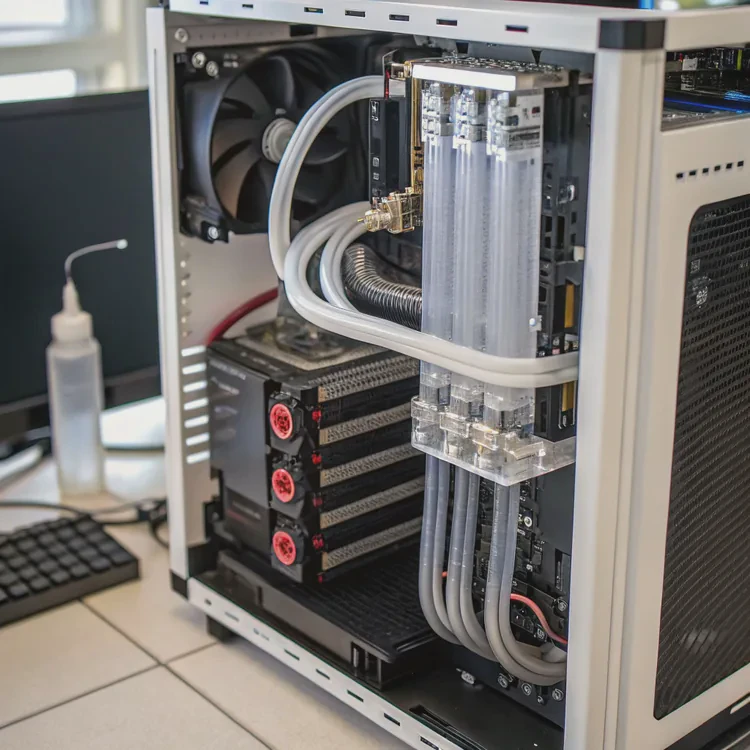
When it comes to performance, heat is the silent enemy. Overheating limits speed, efficiency, and lifespan in both computers and machines. So, does liquid cooling really improve performance?
Yes, liquid cooling improves performance by maintaining lower and more stable operating temperatures, which allows components to run faster, last longer, and stay more efficient under load.
That simple principle drives both gaming enthusiasts and industrial engineers to adopt liquid cooling. But let’s go deeper and understand exactly how it enhances hardware efficiency and what benefits it delivers.
How does liquid cooling enhance hardware efficiency?
Many people assume that cooling only prevents overheating. In truth, efficient cooling changes how the hardware behaves entirely.
Liquid cooling enhances hardware efficiency by removing heat faster than air cooling, reducing thermal throttling, and allowing components to operate closer to their maximum performance range.
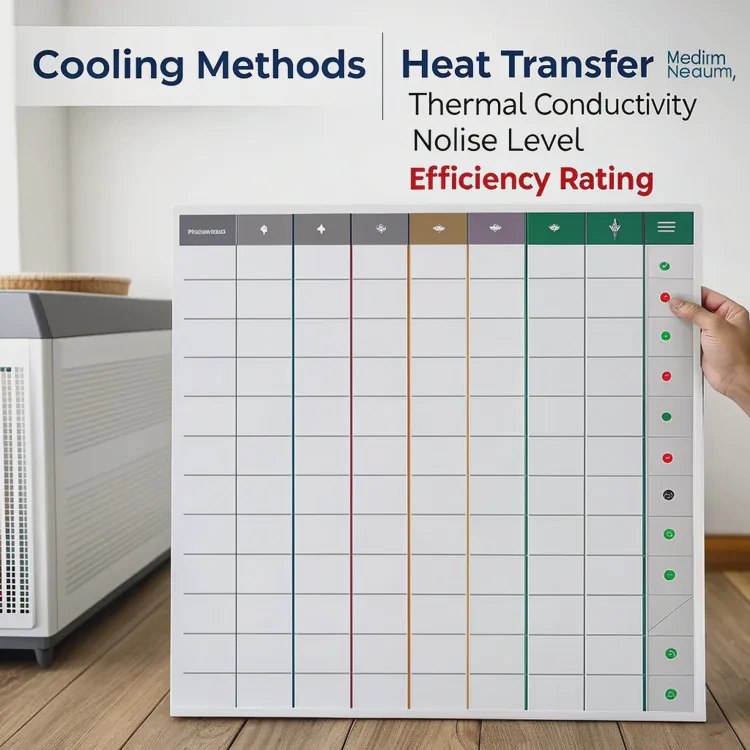
Why Liquid Is Better Than Air
Liquid can absorb and transfer heat much more effectively than air. This is because of its higher thermal conductivity and specific heat capacity. It can carry more heat away in less time. In a computer or industrial system, this means the processor, GPU, or power modules can sustain higher speeds for longer without throttling.
Here’s a simple comparison of cooling efficiency:
| Cooling Method | Heat Transfer Medium | Thermal Conductivity | Noise Level | Efficiency Rating |
|---|---|---|---|---|
| Air Cooling | Air | Low | Moderate to High | Medium |
| Liquid Cooling | Coolant (Water/Glycol Mix) | High | Low | High |
Liquid cooling systems use water blocks, pumps, tubes, and radiators to circulate coolant. The radiator then releases the heat into the air through fans. This method keeps temperature fluctuations small, so the system doesn’t have to slow down or waste power compensating for heat changes.
What performance gains can liquid cooling deliver?
Every user wants to know — does liquid cooling actually make a difference you can feel?
Liquid cooling can improve performance by up to 20–30% in high-load conditions by preventing thermal throttling and enabling stable overclocking.
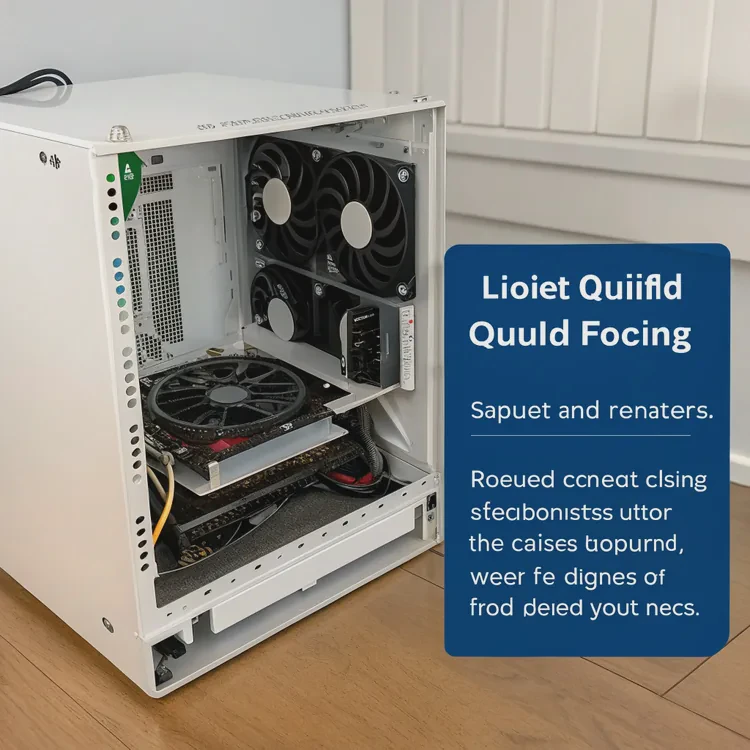
The Real Performance Benefits
Higher Sustained Speeds
When processors get hot, they automatically lower speed to avoid damage. With liquid cooling, the processor can stay cool and maintain its boost frequency longer.Overclocking Potential
Enthusiasts often push CPUs or GPUs beyond factory limits. Liquid cooling makes this possible without hitting unsafe temperature levels.Lower Noise
Because liquid is more efficient at transferring heat, fewer or slower fans are needed, making the system much quieter.Extended Lifespan
Lower temperatures reduce stress on components, capacitors, and solder joints, meaning the hardware can last significantly longer.
Example: Gaming or Workstation Systems
In a gaming PC running heavy graphics or rendering software, liquid cooling keeps both CPU and GPU below critical temperature thresholds. This results in smoother frame rates, fewer crashes, and higher stability.
| System Type | Air-Cooled Temp (°C) | Liquid-Cooled Temp (°C) | Performance Gain |
|---|---|---|---|
| Gaming PC | 85–90 | 60–65 | +20% |
| Workstation | 80–85 | 55–60 | +25% |
| Data Server | 75–80 | 50–55 | +30% |
These numbers may vary, but the pattern is consistent — cooler systems perform better.
How to optimize your system for liquid cooling?
Installing liquid cooling is not enough. Optimization ensures that the system works safely, efficiently, and delivers full performance.
To optimize liquid cooling, plan proper radiator placement, maintain coolant quality, balance fan speeds, and monitor temperature sensors regularly.
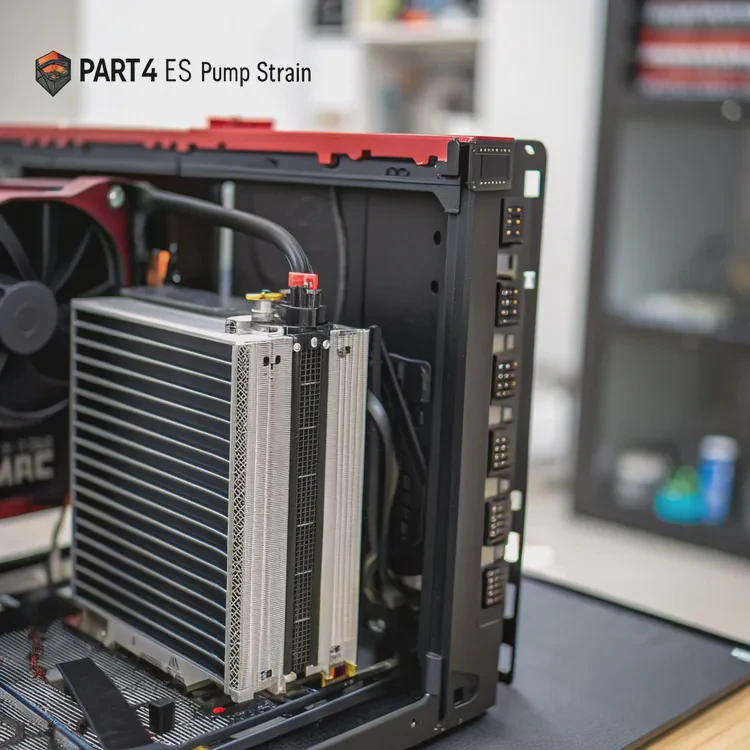
Practical Optimization Steps
Plan Your Loop Layout
Keep tubing short and avoid sharp bends. This improves coolant flow and reduces pump strain.Choose the Right Radiator Size
A good rule is 120mm of radiator per major heat source (CPU or GPU). Larger radiators improve thermal headroom.Use Quality Coolant
Always use non-conductive, anti-corrosive coolant. Replace it every 6–12 months to avoid buildup or contamination.Balance Pump and Fan Speed
Use fan control software or BIOS settings to keep noise low while maintaining stable temperatures.Monitor and Maintain
Install sensors to track temperatures at multiple points in the loop. Clean dust from radiators and check fittings for leaks.Avoid Overfilling or Air Bubbles
Air pockets reduce efficiency. Make sure the loop is fully bled after setup.
Proper setup turns a liquid cooling system into a long-term performance advantage. Neglecting it can lead to leaks, overheating, or uneven temperatures.
What innovations are shaping cooling performance today?
As performance demands rise, so does the need for smarter cooling systems. The latest innovations go beyond traditional water loops.
New cooling innovations include direct-die cooling, phase-change materials, immersion systems, and AI-driven thermal control for adaptive performance management.
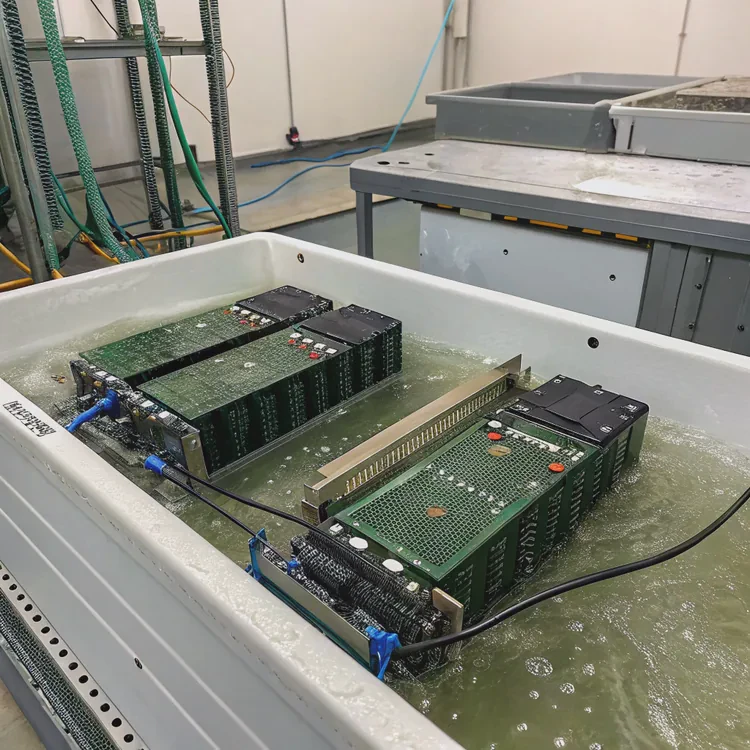
Emerging Trends in Cooling Technology
Direct-Die Cooling:
Coolant makes direct contact with the processor’s surface instead of a heat spreader, allowing near-instant heat transfer.Immersion Cooling:
Entire servers or boards are submerged in a non-conductive cooling liquid. This method is already common in data centers.Phase-Change Cooling:
Uses special fluids that evaporate and condense in a sealed loop, similar to refrigeration but far more efficient.AI-Controlled Systems:
Software uses machine learning to predict heat buildup and adjust pump or fan speed before temperatures rise.Graphene and Nanofluid Coolants:
Experimental fluids enhanced with nanoparticles improve heat transfer rates by up to 40% compared to standard coolant.
The Future of Liquid Cooling
In the coming years, we’ll see hybrid systems that blend liquid and thermoelectric cooling for compact yet powerful devices. Smart monitoring systems will predict wear and maintain performance automatically. Even consumer products like laptops and VR hardware will benefit from micro liquid cooling systems.
Liquid cooling is no longer just for enthusiasts. It’s becoming the foundation of high-performance, energy-efficient hardware across industries.
Conclusion
Liquid cooling improves performance by controlling heat more efficiently than air systems. It prevents throttling, supports higher speeds, and extends lifespan — all while staying quieter and more consistent. The future of cooling lies in smarter, hybrid, and adaptive designs that make peak performance sustainable.
TAGS
Latest Articles

Volume discount levels for heat sink orders?
Buyers often ask when heat sink prices start to drop with volume. Many worry they’re overpaying for small orders. This guide explains how B2B volume pricing works for thermal components. Heat sink
21 Dec,2025
Heat sink long-term supply contract options?
Many buyers want stable pricing and reliable delivery for heat sinks. But without a clear contract, risks grow over time. This article explores how to secure better long-term supply deals. Long-term
21 Dec,2025
Tooling cost for new heat sink profiles?
Many engineers struggle to understand why tooling for custom heat sinks costs so much. They worry about budgeting and production timelines. This article breaks down the cost drivers behind tooling.
21 Dec,2025
Heat sink custom sample process steps?
Sometimes, starting a custom heat sink project feels overwhelming—too many steps, too many unknowns, and too many risks. You want a sample, but not endless delays. The process for requesting and
20 Dec,2025
Standard B2B terms for heat sink payments?
When buyers and sellers in B2B heat sink markets talk about payment, many don’t fully understand what’s standard. This can lead to delayed orders, miscommunication, and even lost business
20 Dec,2025
Heat sink pricing factors for large orders?
Heat sinks are vital for many systems. When prices rise, projects stall and budgets break. This problem can hit teams hard without warning. Large order heat sink pricing depends on many factors. You
20 Dec,2025Related Articles
- Is Interceptor 650 liquid cooled?
- Does the i7-13700K need liquid cooling?
- Is liquid cooling more efficient?
- Is Custom Liquid Cooling Worth It?
- How to make a custom loop liquid cooler?
- How to make a custom liquid cooling system?
- Which is better, liquid cooled or air cooled?
- How to change liquid in an AIO cooler?
- Does the i9-9900K need liquid cooling?
- Why does evaporation cool a liquid?
- Does the Ryzen 5 5600X need liquid cooling?
- Heat Sink Manufacturers in the USA
Author
Dr. Emily Chen
Chief AI Researcher
Leading expert in thermal dynamics and AI optimization with over 15 years of experience in data center efficiency research.
Categories
Latest Products






Recommend Categories
- Liquid cooling plate Manufacturer
- Industrial Heat Sink Manufacturer
- Standard Heat Sink Manufacturer
- Aluminum Heat Sink Manufacturer
- Copper Heat Sink Manufacturer
- Anodized Heatsink Manufacturer
- Stamping heat sink Manufacturer
- Die Casting Heatsink Manufacturer
- Soldering heat sink Manufacturer
- CNC Parts Manufacturer
Latest Products
- Wholesale Aluminum Radiator
- Water Cooling Plate Kit
- Water Cooling Heat Sink
- Water Cooling Heat Sink Kit
- Stainless Steel Water Distributor
- Server Water Cooling Plate Kit
- Server Liquid Cooling System
- Server Aluminum Cooling Kit
- S19 Full Cover Cooling Plate
- S19 Cooling Plate Kit
- S19 Aluminum Cooling Plate
Contact Expert
Have questions about this article? Reach out to our experts directly.