How to connect a liquid CPU cooler?
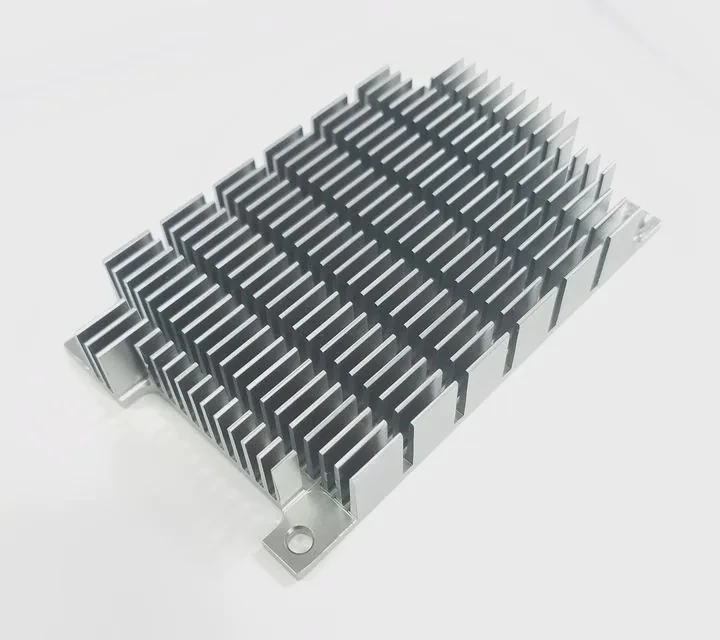
Building a computer can be exciting until you reach the cooling step. Cables, tubes, and radiators can look confusing at first glance. But with the right steps, connecting a liquid CPU cooler is simple and safe.
To connect a liquid CPU cooler, mount the radiator and fans, install the pump onto the CPU, and plug in the power and fan cables into their correct motherboard headers.
Once everything is positioned correctly, your system will stay cool, quiet, and stable even during heavy workloads.
What are the components of a CPU cooler?
Before connecting anything, it’s important to understand what each part does. Every component plays a unique role in keeping your CPU cool.
A liquid CPU cooler typically includes a radiator, pump, water block, tubes, and fans—all working together to transfer heat away from the processor.
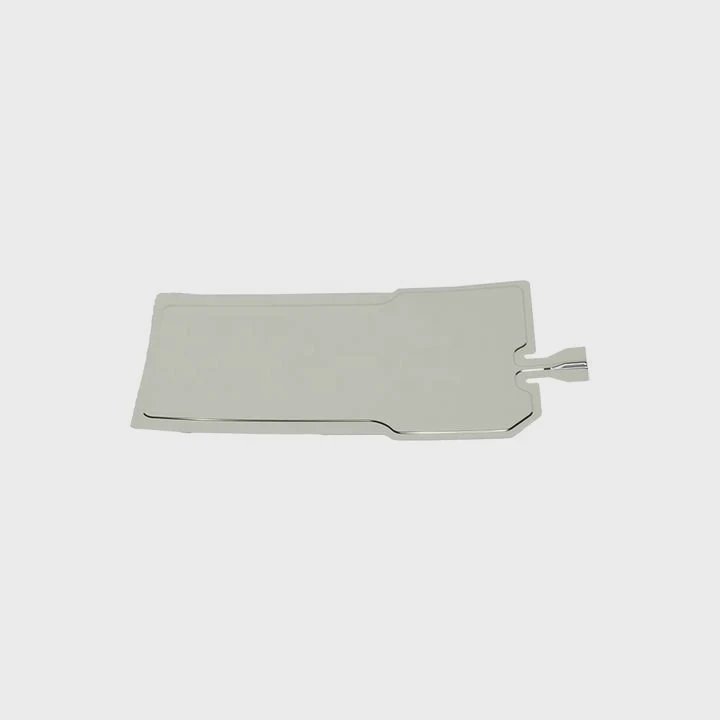
Main parts and their functions
| Component | Function |
|---|---|
| Water Block | Contacts the CPU surface to absorb heat. |
| Pump | Circulates coolant through the loop. |
| Radiator | Releases heat from the coolant to the air. |
| Fans | Move air through the radiator fins to cool it. |
| Tubes | Carry coolant between the water block and radiator. |
| Cables | Provide power and control signals to pump and fans. |
How they work together
The pump draws coolant from the radiator, pushes it through the CPU block, absorbs heat, and returns it to the radiator for cooling. This closed-loop process happens continuously while your PC runs.
Understanding the role of each component helps prevent mistakes during installation and ensures maximum performance.
What are the benefits of correct installation?
Installing a liquid cooler the right way is not just about aesthetics—it affects the entire system’s performance and lifespan.
Correct installation ensures efficient heat transfer, lower noise levels, and longer hardware life by maintaining steady coolant flow and optimal contact pressure.
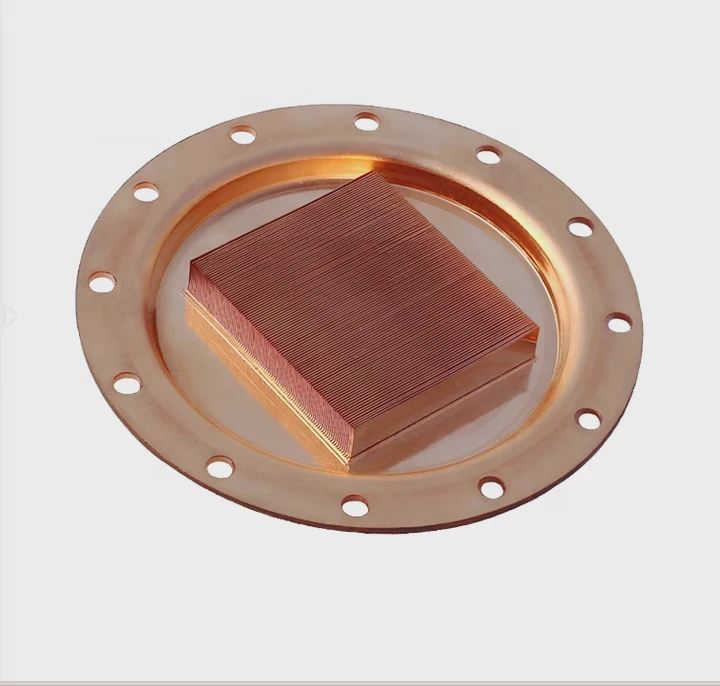
Main benefits explained
- Efficient cooling – Proper alignment between the CPU and cold plate improves thermal conductivity.
- Quiet operation – Correctly placed fans and balanced airflow reduce unnecessary noise.
- Stable system performance – Lower CPU temperatures allow higher boost frequencies and prevent thermal throttling.
- Improved component longevity – Consistent cooling prevents temperature cycling and stress on electronics.
- Clean appearance and better cable management – Proper routing enhances both airflow and aesthetics.
Example results
When a liquid cooler is installed correctly, average CPU temperatures can drop by 10–15°C compared to improper setups. It also reduces fan noise by up to 30%, creating a more enjoyable computing environment.
How to connect cables and pump properly?
This step is where many builders get confused, especially when identifying which cable connects where. A few simple rules can prevent any installation issues.
To connect a liquid cooler properly, plug the pump power cable into the CPU_FAN or AIO_PUMP header, connect radiator fans to CPU_FAN or SYS_FAN headers, and ensure power delivery is stable through the motherboard or controller.
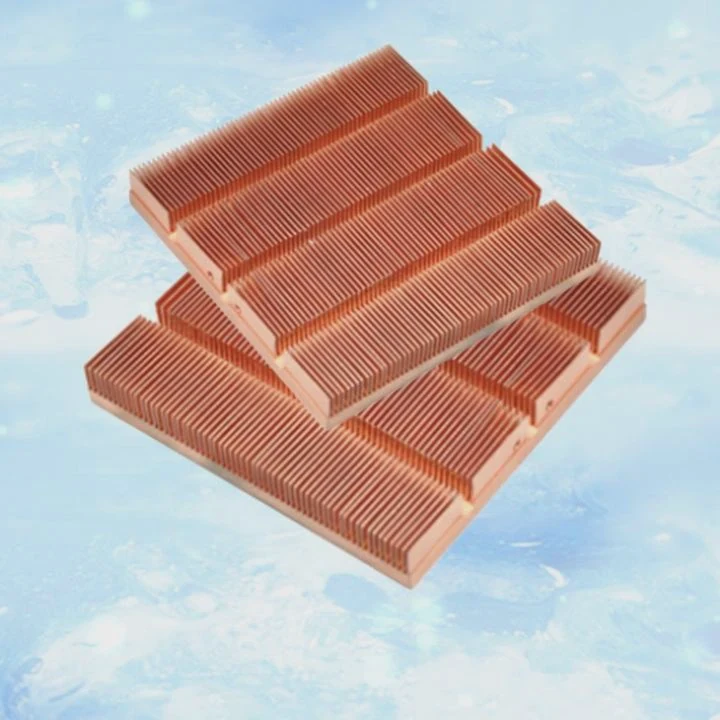
Step-by-step installation guide
1. Mount the radiator and fans
- Choose a position—top, front, or bottom—depending on case airflow.
- Ensure fans push or pull air through the radiator consistently.
- Secure them firmly using provided screws.
2. Install the pump and cold plate
- Clean the CPU surface and apply thermal paste if not pre-applied.
- Align the pump evenly over the CPU and secure it in a cross pattern for even pressure.
3. Connect the cables
| Cable Type | Connect To | Function |
|---|---|---|
| Pump cable | AIO_PUMP or CPU_FAN header | Powers the pump |
| Radiator fan cables | CPU_FAN or SYS_FAN headers | Controls radiator airflow |
| RGB lighting cable (optional) | ARGB header or controller | Controls lighting effects |
| SATA power cable (if included) | PSU SATA power line | Supplies constant power to pump or hub |
4. Manage cable routing
- Route cables behind the motherboard tray for a clean look.
- Avoid tight bends or stress on the tubes.
- Use zip ties or Velcro straps to secure cables neatly.
5. Power on and test
- Enter BIOS and ensure the pump and fans are detected.
- Set the pump to run at full speed (100%) and configure fan curves for desired noise and temperature balance.
- Monitor temperatures under load for at least 10–15 minutes.
Common mistakes to avoid
- Forgetting to connect the pump power cable.
- Installing radiator tubes at the top of the pump, which can trap air bubbles.
- Using mismatched fan directions, causing airflow imbalance.
- Not tightening the cooler evenly, leading to poor CPU contact.
When done correctly, your liquid cooler runs silently and keeps your CPU within safe temperature ranges under any workload.
What are the setup trends in cooling hardware?
Cooling hardware has become smarter, more efficient, and easier to install than ever before. Manufacturers continue to simplify setup while improving performance and aesthetics.
The latest trends in liquid cooler setups include modular designs, smart controllers, daisy-chained fans, and customizable digital displays for real-time monitoring.
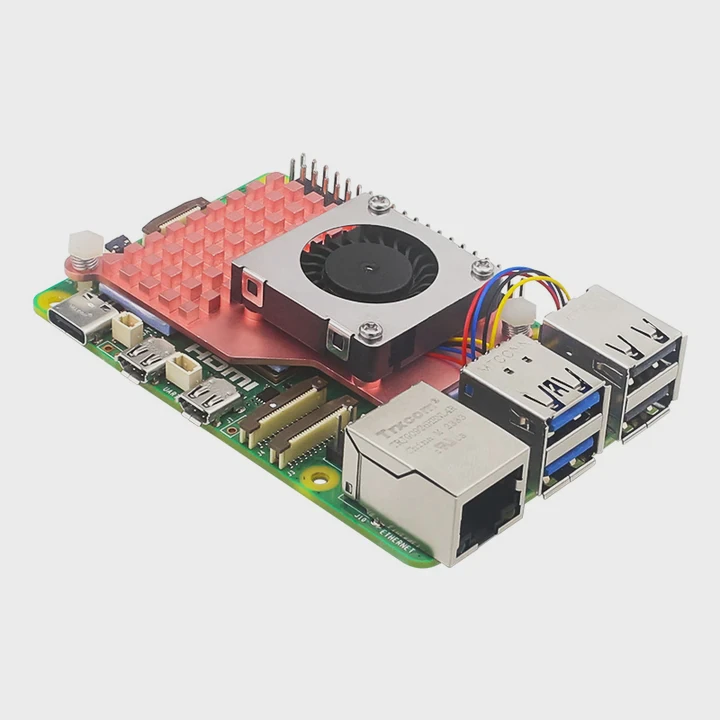
Key trends shaping modern installations
1. Modular pump and radiator designs
Some brands now separate the pump and radiator to make installation easier in compact cases. This modular approach improves flexibility and reduces tubing clutter.
2. Daisy-chained fans
Fans now come with interlocking connectors that allow multiple fans to be powered and controlled using one cable. This reduces wiring complexity and improves cable management.
3. Integrated fan and pump hubs
Many new AIOs include control hubs that manage both pump speed and RGB lighting from one interface. This helps synchronize lighting and reduces the number of motherboard connections.
4. LCD and digital pump displays
High-end coolers now feature screens that show CPU temperature, fan speed, and even custom logos or GIFs. They turn cooling into both a technical and aesthetic element.
5. Improved tube routing and aesthetics
Manufacturers now offer braided or low-permeability tubing for durability and a premium look. Compact elbows and fittings also make installation cleaner and safer.
Comparison of modern features
| Trend | Benefit | Common Brands |
|---|---|---|
| Modular design | Easier fit in small cases | EKWB, ASUS ROG |
| Daisy-chained fans | Fewer cables | Lian Li, Corsair |
| Smart control hubs | Unified management | NZXT, Cooler Master |
| LCD displays | Real-time monitoring | MSI, DeepCool |
| Braided tubing | Durability & style | Arctic, Corsair |
Looking ahead
Future cooling setups will likely use wireless communication and AI fan tuning to further simplify installation. Some upcoming systems will feature self-filling loops and maintenance-free hybrid coolants for extended lifespan.
Conclusion
Connecting a liquid CPU cooler is straightforward when you understand its parts and follow the correct installation sequence. Properly connecting the pump, fans, and power cables ensures stable cooling, lower noise, and a clean, professional look for any PC build.
TAGS
Latest Articles

Volume discount levels for heat sink orders?
Buyers often ask when heat sink prices start to drop with volume. Many worry they’re overpaying for small orders. This guide explains how B2B volume pricing works for thermal components. Heat sink
21 Dec,2025
Heat sink long-term supply contract options?
Many buyers want stable pricing and reliable delivery for heat sinks. But without a clear contract, risks grow over time. This article explores how to secure better long-term supply deals. Long-term
21 Dec,2025
Tooling cost for new heat sink profiles?
Many engineers struggle to understand why tooling for custom heat sinks costs so much. They worry about budgeting and production timelines. This article breaks down the cost drivers behind tooling.
21 Dec,2025
Heat sink custom sample process steps?
Sometimes, starting a custom heat sink project feels overwhelming—too many steps, too many unknowns, and too many risks. You want a sample, but not endless delays. The process for requesting and
20 Dec,2025
Standard B2B terms for heat sink payments?
When buyers and sellers in B2B heat sink markets talk about payment, many don’t fully understand what’s standard. This can lead to delayed orders, miscommunication, and even lost business
20 Dec,2025
Heat sink pricing factors for large orders?
Heat sinks are vital for many systems. When prices rise, projects stall and budgets break. This problem can hit teams hard without warning. Large order heat sink pricing depends on many factors. You
20 Dec,2025Related Articles
- How safe is liquid cooling?
- Does Ryzen 5 5600X need liquid cooling?
- Why does a liquid cool when it evaporates?
- Which is better, air-cooled or liquid-cooled generators?
- What is the liquid in water cooling?
- Is liquid-cooled CPU worth it?
- What is liquid cooling in data center?
- Does Ryzen 9 5900X need liquid cooling?
- How to know if my liquid cooler is working?
- What Is All-in-One Liquid Cooling?
- Is liquid cooling quieter?
- What is liquid cooling for computers?
Author
Dr. Emily Chen
Chief AI Researcher
Leading expert in thermal dynamics and AI optimization with over 15 years of experience in data center efficiency research.
Categories
Latest Products






Recommend Categories
- Liquid cooling plate Manufacturer
- Industrial Heat Sink Manufacturer
- Standard Heat Sink Manufacturer
- Aluminum Heat Sink Manufacturer
- Copper Heat Sink Manufacturer
- Anodized Heatsink Manufacturer
- Stamping heat sink Manufacturer
- Die Casting Heatsink Manufacturer
- Soldering heat sink Manufacturer
- CNC Parts Manufacturer
Latest Products
- Wholesale Aluminum Radiator
- Water Cooling Plate Kit
- Water Cooling Heat Sink
- Water Cooling Heat Sink Kit
- Stainless Steel Water Distributor
- Server Water Cooling Plate Kit
- Server Liquid Cooling System
- Server Aluminum Cooling Kit
- S19 Full Cover Cooling Plate
- S19 Cooling Plate Kit
- S19 Aluminum Cooling Plate
Contact Expert
Have questions about this article? Reach out to our experts directly.