How to know if my liquid cooler is working?
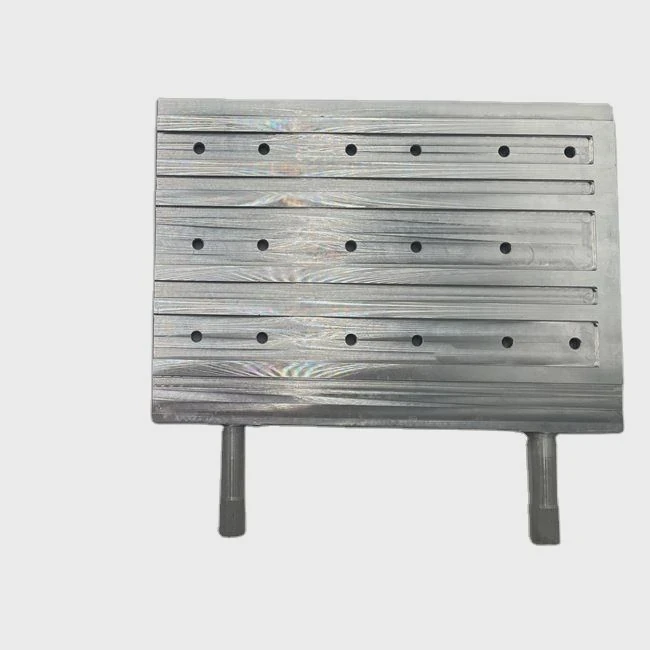
Sometimes, your PC runs hotter or louder than usual, and you start to wonder: is my liquid cooler still doing its job? Cooling failures can cause slowdowns, crashes, or even permanent damage.
You can tell if your liquid cooler is working by checking pump noise, coolant flow, radiator temperature, and CPU heat levels under load.
In this article, I’ll explain how to identify the signs of a healthy liquid cooler, what happens when it fails, how to test it properly, and what new diagnostic tools are emerging in cooling technology.
What are the signs of a functioning liquid cooler?
When your liquid cooler works as intended, your system runs quietly, temperatures stay stable, and the radiator feels slightly warm to the touch.
A functioning liquid cooler will have an active pump, stable CPU temperatures (below 70°C under load), and a warm radiator surface with cool tubing.
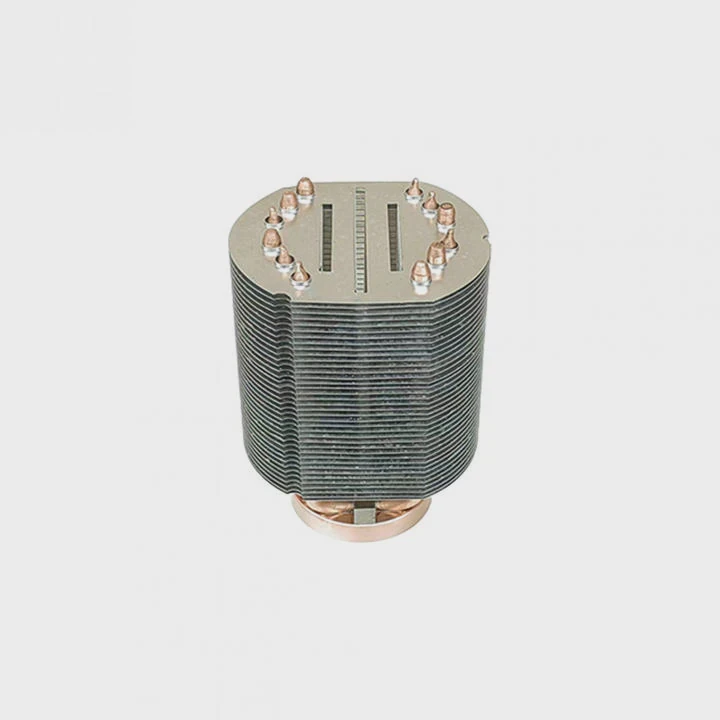
1. Audible pump operation
Most liquid coolers have a small pump that moves coolant through the system. A soft humming sound means the pump is running. It should be consistent, not rattling or grinding. If the pump is silent, check if it’s powered through the CPU_FAN or AIO_PUMP header.
2. Steady coolant circulation
Touch the tubes while the PC is running. You should feel a slight vibration or warmth difference between the inlet and outlet tubes. The tube going from CPU to radiator should be warmer.
3. Radiator warmth
When your CPU heats up, the radiator should also warm slightly as it releases heat to the air. Cold radiator fins during heavy CPU use can mean coolant is not circulating properly.
4. Stable CPU temperatures
A healthy liquid cooler keeps your CPU below 70–75°C under full load. Spikes above 85°C or rapid jumps in temperature could signal pump failure or poor contact.
| Checkpoint | Normal Behavior | Warning Sign |
|---|---|---|
| Pump Sound | Smooth low hum | Clicking or silence |
| Radiator | Warm under load | Cold during load |
| CPU Temperature | 35–70°C | Over 85°C |
| Tubing | Mild vibration | No movement / air bubble sound |
5. Noise levels
If you suddenly hear gurgling or bubbling sounds, it may indicate trapped air inside the loop. This can happen when coolant levels drop or air gets inside the radiator.
6. Visual inspection
Look for signs of leakage or corrosion around fittings. Even a small residue of dried coolant can point to micro leaks.
7. Fan operation
Fans on the radiator should spin up as the CPU temperature increases. If they stay idle while the system heats up, fan control software or sensor connection may be at fault.
What are the risks of cooler failure?
Liquid coolers rarely fail suddenly, but when they do, the impact can be serious. Heat can build up fast, leading to damage or instability.
Cooler failure can cause overheating, automatic shutdowns, performance throttling, and in rare cases, hardware damage from leaks or excessive temperature.
1. Overheating and throttling
When the cooler stops working, CPU temperatures climb quickly. Modern CPUs include thermal protection, which reduces performance to prevent permanent damage. You’ll notice sudden frame drops or slow processing speeds.
2. System shutdowns
If temperatures reach extreme levels (above 95°C), the motherboard may trigger an emergency shutdown. Frequent shutdowns during heavy use are a clear warning sign.
3. Long-term degradation
Consistent overheating shortens the lifespan of the CPU, VRMs, and surrounding components. Even if the cooler starts working again, the thermal stress can cause micro damage inside the chip.
4. Leakage and short circuit
Liquid coolers are sealed systems, but manufacturing defects or age can lead to leaks. Coolant on the motherboard can cause corrosion or electrical shorts. Always check for visible residue or staining.
| Risk Type | Cause | Result |
|---|---|---|
| Pump Failure | Mechanical wear or cable disconnect | High CPU temps |
| Coolant Evaporation | Aging or micro leaks | Reduced cooling efficiency |
| Air Traps | Poor orientation or low fluid | Bubbling noise, heat spikes |
| Radiator Clogging | Dust or sediment buildup | Slow heat dissipation |
5. Corrosion and debris
Old or poor-quality coolants may corrode the metal inside the block or radiator. This leads to reduced flow and potential blockages. Always use recommended fluids from your cooler manufacturer.
6. Silent failure
Sometimes, the cooler seems to work, but the pump speed drops gradually without clear symptoms. This slow failure is dangerous because it may go unnoticed until system performance degrades over time.
7. Software misreadings
Some users rely only on temperature monitoring software. But if the pump sensor disconnects, the readings may appear normal while the actual flow has stopped. Physical checks are always necessary.
How to test liquid cooler performance?
Testing your cooler regularly ensures it performs as expected. It also helps detect early issues before they cause damage.
You can test your liquid cooler by monitoring CPU temperature under stress, feeling radiator warmth, and checking pump RPM in your BIOS or control software.
1. Step-by-step testing guide
Step 1: Monitor idle temperature
Start your system and open a temperature monitor like HWMonitor or HWiNFO. At idle, CPU temperatures should be between 30–45°C depending on room temperature.
Step 2: Run a stress test
Use software like Cinebench R23 or AIDA64 to put your CPU under load for 10–15 minutes. Watch temperature behavior carefully. Stable readings below 75°C indicate good cooling.
Step 3: Check pump RPM
Go into BIOS or use software from your motherboard brand (such as ASUS Armoury Crate or MSI Center). Look for the AIO_PUMP reading. Most pumps run between 2000–3000 RPM.
Step 4: Observe radiator and fan behavior
Fans should spin faster as CPU temperature rises. The radiator should feel warm to the touch, with a slight temperature difference between inlet and outlet tubes.
| Test Type | Normal Result | Warning Sign |
|---|---|---|
| Idle Temperature | 30–45°C | Above 50°C |
| Stress Temperature | 60–75°C | Over 85°C |
| Pump RPM | 2000–3000 | 0 or fluctuating |
| Fan Speed | Scales with load | Constant / non-responsive |
2. Advanced diagnostic tools
Some modern AIOs include software like Corsair iCUE, NZXT CAM, or Arctic’s control panel. These let you view pump speed, coolant temperature, and fan curves in real time. Compare readings to your system performance during normal and stress conditions.
3. Thermal imaging
If you have access to a thermal camera or smartphone attachment, you can visualize heat distribution across the radiator. Uneven heating might point to air bubbles or partial blockage.
4. Ambient factors
Keep in mind that room temperature directly affects results. A system tested in a 25°C room will naturally show higher readings than one in a 20°C room. Always compare relative, not absolute, numbers.
5. Cleaning and retesting
Dust buildup can reduce cooling efficiency. If your CPU temps rise over time, remove and clean the radiator with compressed air before assuming pump failure.
6. Testing under real-world conditions
Synthetic tests are helpful, but also observe your cooler during normal usage — gaming, rendering, or streaming. If temps spike faster than usual, the pump may be weakening.
What are the trends in cooling diagnostics?
Cooling diagnostics is becoming more intelligent, with sensors, software, and AI-driven monitoring taking over manual inspection.
Modern cooling systems now feature smart sensors, cloud monitoring, and predictive diagnostics that detect pump issues or thermal anomalies before they cause damage.
1. Integrated sensors in coolers
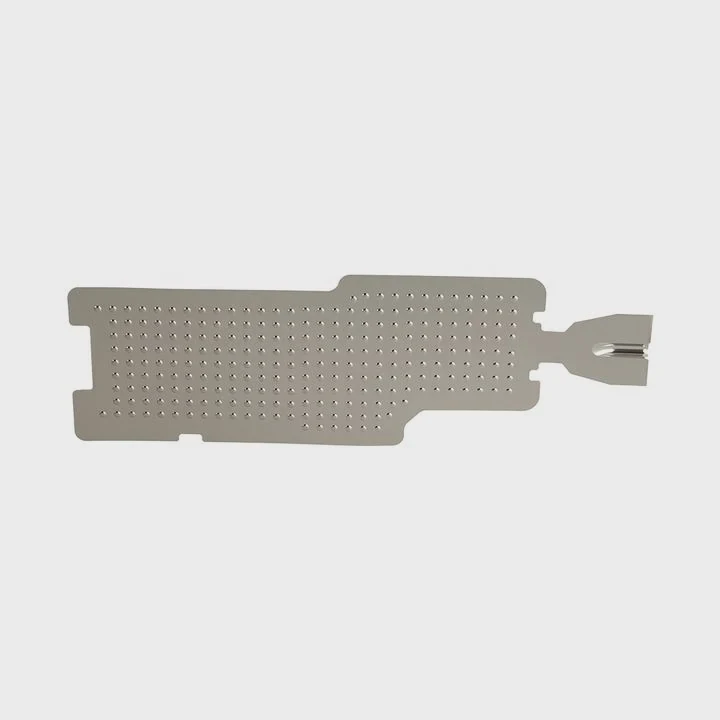
Many new AIOs now come with built-in temperature and flow sensors. These sensors send data directly to software dashboards, showing coolant temperature, pump speed, and system status in real time.
2. AI-driven thermal prediction
Artificial intelligence algorithms analyze user patterns and workloads to predict when a cooler may need maintenance. By tracking long-term data, they detect gradual degradation that humans might miss.
3. Smart fan and pump controllers
Next-generation controllers can adjust fan and pump curves automatically based on predictive models instead of fixed temperature thresholds. This keeps systems quieter and more efficient.
4. Cloud-based monitoring
Some enterprise and workstation systems use cloud diagnostics. They upload sensor data to a remote platform, allowing IT teams to monitor multiple systems for cooling efficiency.
5. Vibration analysis
Advanced systems include vibration sensors on the pump housing to detect mechanical wear or imbalance early. This helps avoid unexpected pump failure.
6. Non-invasive acoustic testing
Researchers are developing acoustic methods that “listen” to pump activity using AI. These systems detect unusual sound patterns that may signal trapped air or failing bearings.
7. Modular diagnostic add-ons
Some manufacturers are releasing plug-in modules that sit between the pump and motherboard to monitor flow rate, coolant temperature, and RPM more precisely.
8. Toward self-diagnosing cooling loops
Future cooling systems will likely include built-in diagnostics that can notify users through software or BIOS when coolant needs replacement or when pump pressure drops.
| Innovation | Function | Benefit |
|---|---|---|
| Smart Sensors | Real-time data collection | Early fault detection |
| AI Prediction | Analyze temperature trends | Prevent failures |
| Cloud Monitoring | Remote status access | Multi-system control |
| Acoustic Testing | Detect air bubbles / wear | Non-invasive diagnostics |
9. Visual diagnostic lighting
Some new coolers include LED indicators on the pump housing that change color based on operating condition — green for normal, yellow for warning, red for critical.
10. Maintenance-free future
As these smart systems advance, users will no longer need to manually inspect or guess whether their cooler is failing. Predictive diagnostics will take over, ensuring consistent cooling and peace of mind.
Conclusion
You can tell if your liquid cooler is working by checking pump sound, tube warmth, and CPU temperature under load. Regular testing helps prevent overheating or silent failures. With new diagnostic tools, sensors, and AI-driven monitoring, liquid coolers are becoming smarter and more reliable than ever before.
TAGS
Latest Articles

Volume discount levels for heat sink orders?
Buyers often ask when heat sink prices start to drop with volume. Many worry they’re overpaying for small orders. This guide explains how B2B volume pricing works for thermal components. Heat sink
21 Dec,2025
Heat sink long-term supply contract options?
Many buyers want stable pricing and reliable delivery for heat sinks. But without a clear contract, risks grow over time. This article explores how to secure better long-term supply deals. Long-term
21 Dec,2025
Tooling cost for new heat sink profiles?
Many engineers struggle to understand why tooling for custom heat sinks costs so much. They worry about budgeting and production timelines. This article breaks down the cost drivers behind tooling.
21 Dec,2025
Heat sink custom sample process steps?
Sometimes, starting a custom heat sink project feels overwhelming—too many steps, too many unknowns, and too many risks. You want a sample, but not endless delays. The process for requesting and
20 Dec,2025
Standard B2B terms for heat sink payments?
When buyers and sellers in B2B heat sink markets talk about payment, many don’t fully understand what’s standard. This can lead to delayed orders, miscommunication, and even lost business
20 Dec,2025
Heat sink pricing factors for large orders?
Heat sinks are vital for many systems. When prices rise, projects stall and budgets break. This problem can hit teams hard without warning. Large order heat sink pricing depends on many factors. You
20 Dec,2025Related Articles
- Does Ryzen 9 5900X need liquid cooling?
- What is liquid cooling in data center?
- How to connect a liquid CPU cooler?
- How safe is liquid cooling?
- Does Ryzen 5 5600X need liquid cooling?
- Why does a liquid cool when it evaporates?
- What Is All-in-One Liquid Cooling?
- Is liquid cooling quieter?
- What is liquid cooling for computers?
- Does liquid cooling increase performance?
- Where to install a liquid CPU cooler?
- How Hard Is It to Install Liquid Cooling?
Author
Dr. Emily Chen
Chief AI Researcher
Leading expert in thermal dynamics and AI optimization with over 15 years of experience in data center efficiency research.
Categories
Latest Products






Recommend Categories
- Liquid cooling plate Manufacturer
- Industrial Heat Sink Manufacturer
- Standard Heat Sink Manufacturer
- Aluminum Heat Sink Manufacturer
- Copper Heat Sink Manufacturer
- Anodized Heatsink Manufacturer
- Stamping heat sink Manufacturer
- Die Casting Heatsink Manufacturer
- Soldering heat sink Manufacturer
- CNC Parts Manufacturer
Latest Products
- Wholesale Aluminum Radiator
- Water Cooling Plate Kit
- Water Cooling Heat Sink
- Water Cooling Heat Sink Kit
- Stainless Steel Water Distributor
- Server Water Cooling Plate Kit
- Server Liquid Cooling System
- Server Aluminum Cooling Kit
- S19 Full Cover Cooling Plate
- S19 Cooling Plate Kit
- S19 Aluminum Cooling Plate
Contact Expert
Have questions about this article? Reach out to our experts directly.